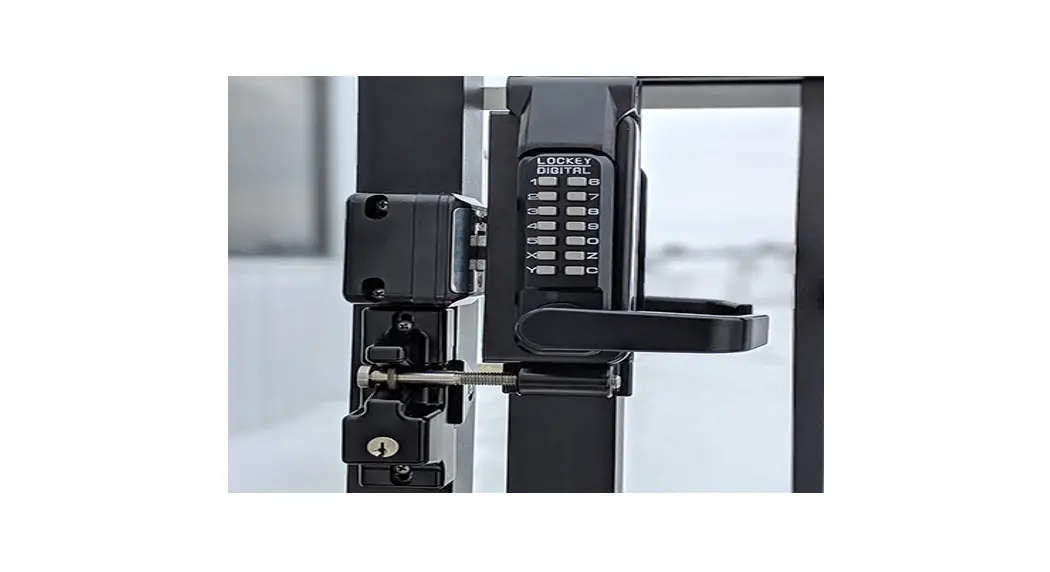

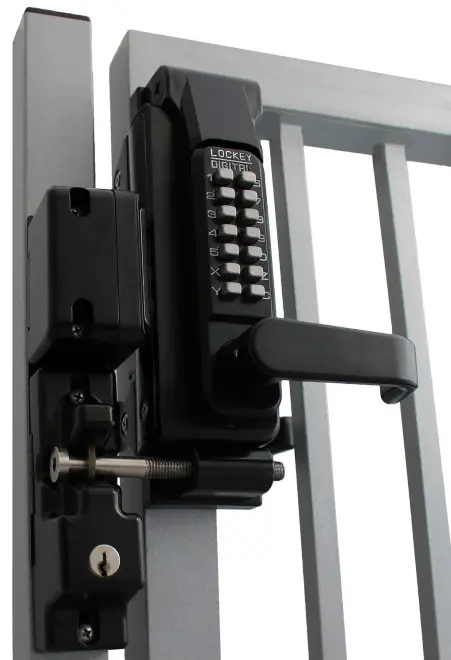
IMPORTANT INFORMATION ABOUT YOUR LOCK
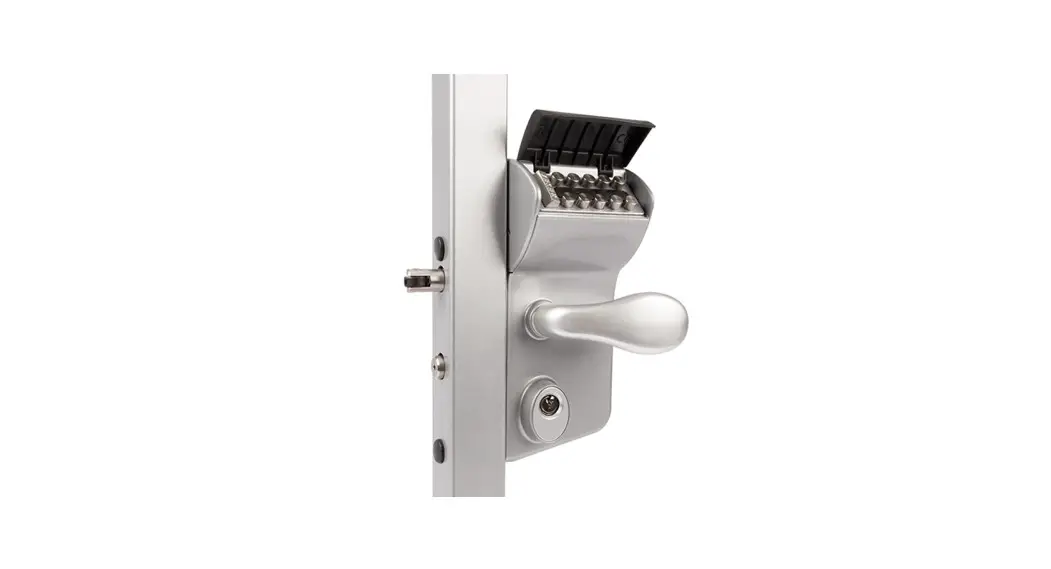
- When the door is closed, the system locks automatically.
- From the inside, unlock using the lever handle.
- From the outside, unlock by pressing ‘C’ (CLEAR), followed by your User Code.
- Your lock is equipped with a PASSAGE FUNCTION, allowing you to leave the door unlocked.
**USING THE PASSAGE FUNCTION WILL COMPROMISE THE SECURITY OF THIS LOCK**
How to Change User Code/Combination
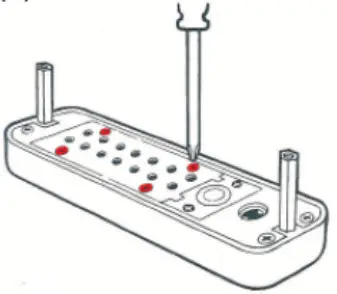
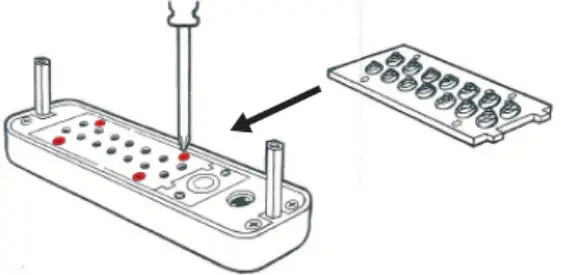
- Using a #2 screwdriver, remove the four (4) Red Screws.
- Carefully remove the cover plate. l ”
WARNING: Springs are attached to the plate.
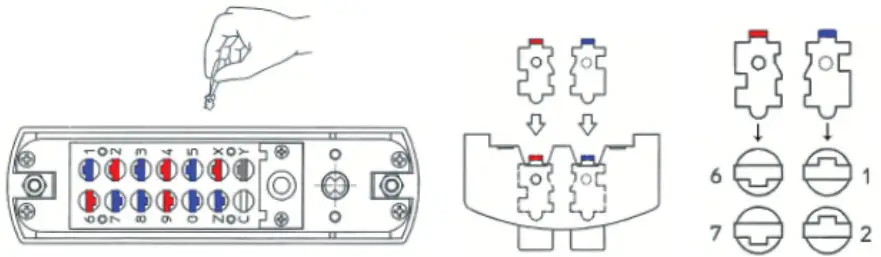
‘C’ = CLEAR (DO NOT REMOVE) — ‘Y’ = PASSAGE re Tumbler may be removed to disable PASSAGE FUNCTION) - PRESS & HOLD ‘C’ BUTTON to release tumblers. IMPORTANT: ‘C’ button MUST be pressed and held down when removing and inserting tumblers. Failure to do so will damage the lock and void the warranty.
WARNING: Do NOT force tumblers into Position! - While holding the ‘C’ BUTTON, remove/add CODE (Red) and NONCODE (Blue) tumblers to create your desired code. Ex: 3 Red = 3-Digit Code / 6 Red = 6-Digit Code
- After changing your code, release the ‘C’ BUTTON to secure the tumblers in place.

- Replace the cover plate and secure with four (4) Red Screws, using a #2 screwdriver.
- TEST CODE before installing/re-installing the lock.
 To enable the passage function:
Press ‘C’ (CLEAR), then ‘Y’ (PASSAGE), then enter User Code.
To disable the passage function:
Press ‘Y’ (PASSAGE), followed by ‘C’ (CLEAR).
To disable the passage function PERMANENTLY:
Remove the ‘Y’ (PASSAGE) tumbler, leaving that slot empty.
IMPORTANT:
Always press and hold the ‘C’ Button when removing and inserting Tumblers.
Refer to the ‘How to Change Code’ instructions above.
For more helpful tips and installation instructions, visit www.LOCKEYUSA.com
 To enable the passage function: