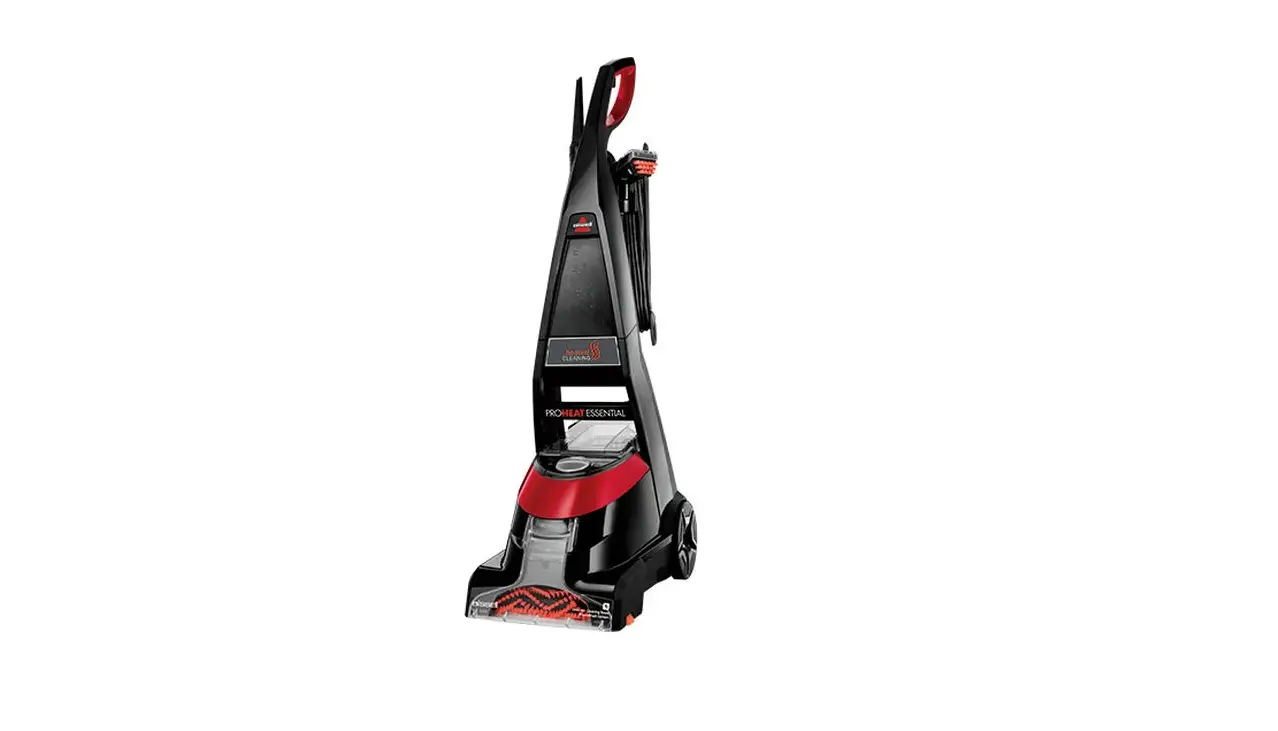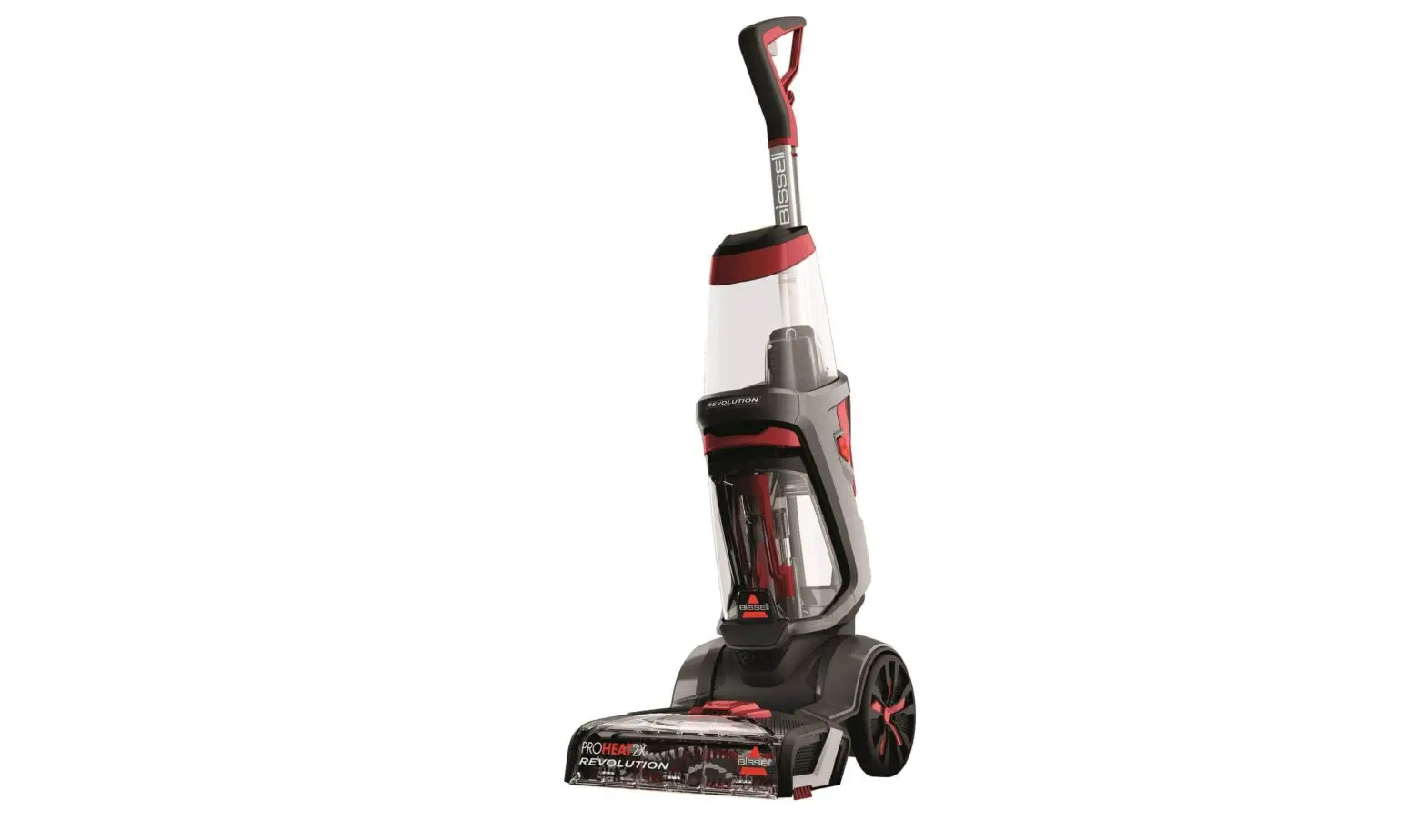
If you are experiencing No/Low Suction, follow these steps to resolve:
- Turn machine off
- Set the suction diverter knob to tools and remove the brush or tool from the hose
- Check for suction from the end of the hose
- Is there suction?
- Yes > Great! Continue Troubleshooting
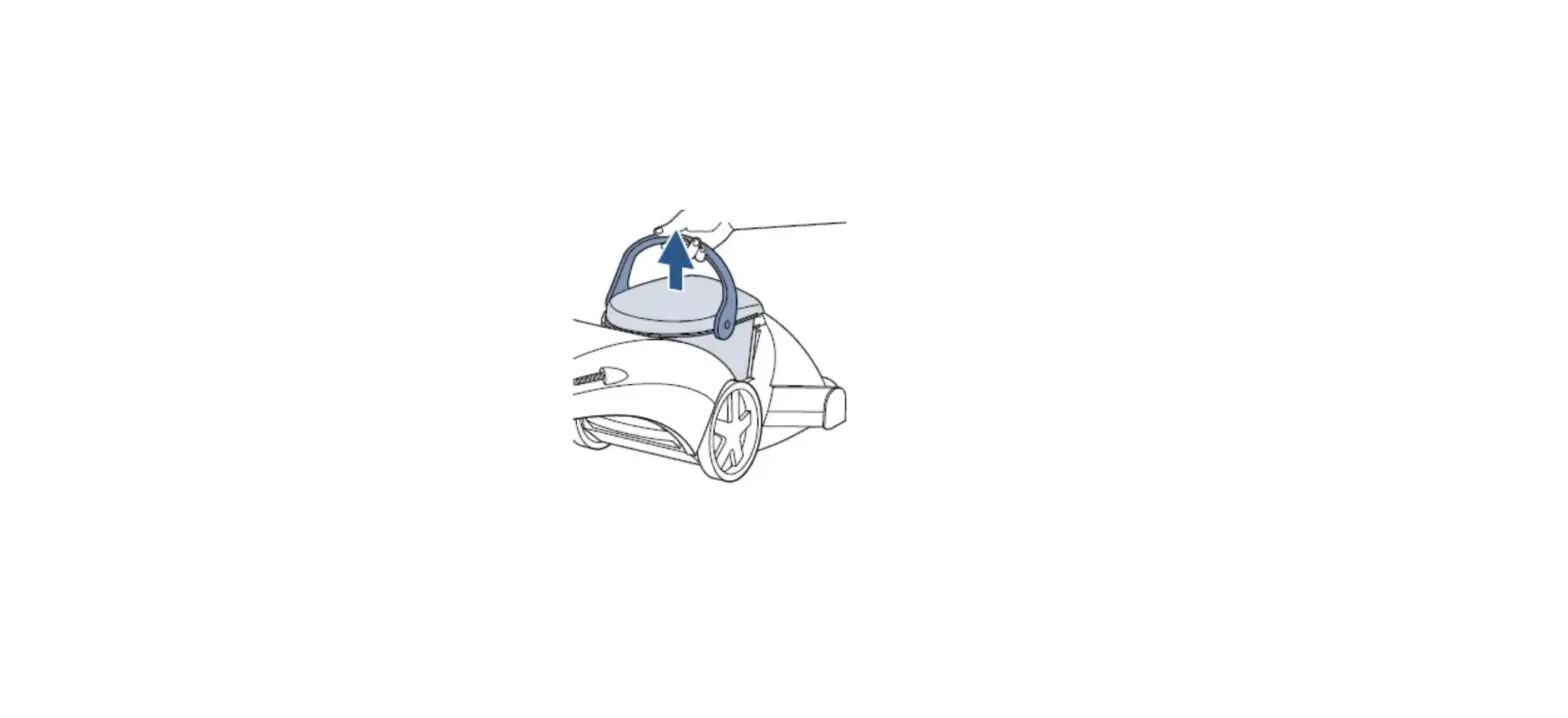
- No > Remove water tank > Check for suction at the motor duct
- Is there suction?
- Yes > Continue Troubleshooting
- No > Visit a BISSELL Authorized Service Center or Contact Us
- Is there suction?
- Is there suction?
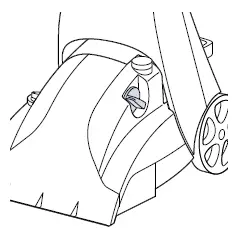
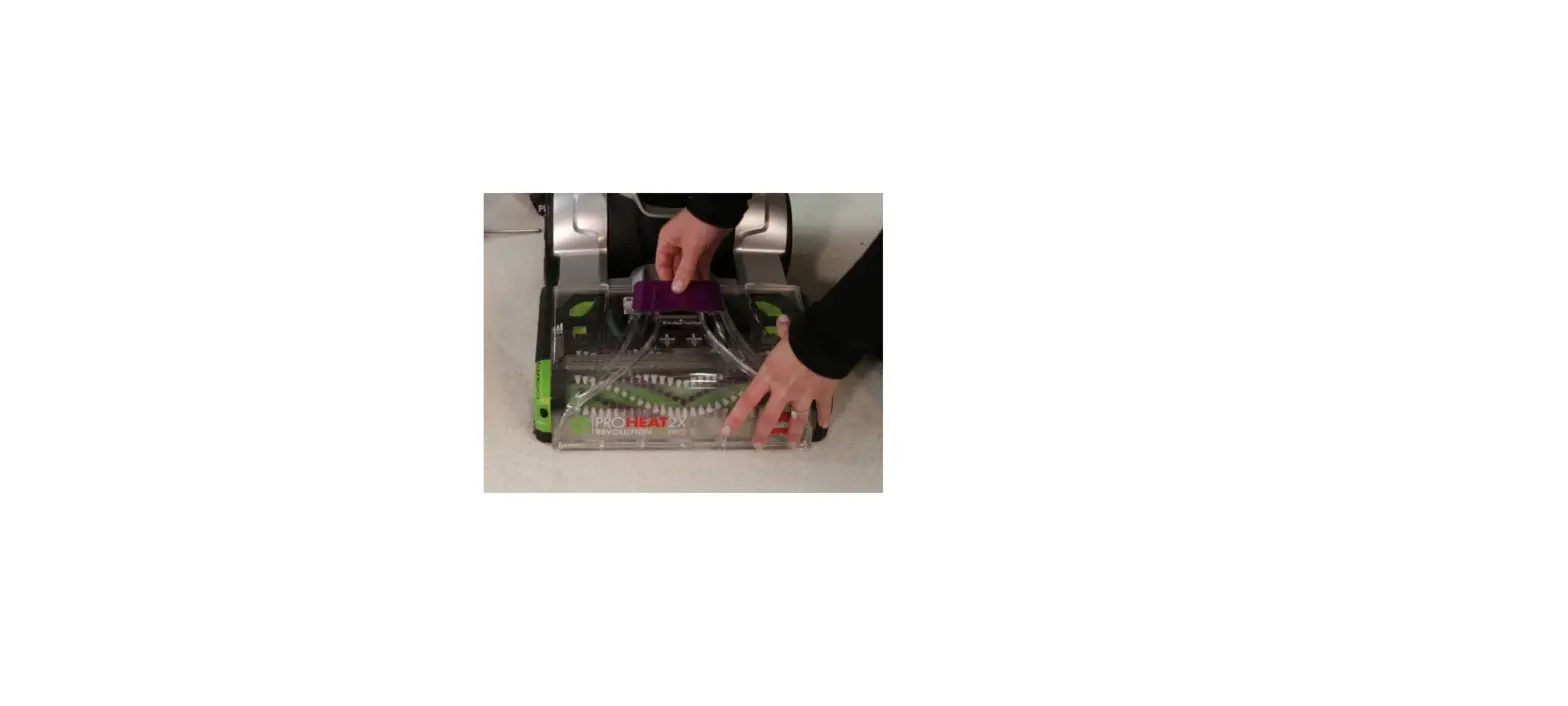
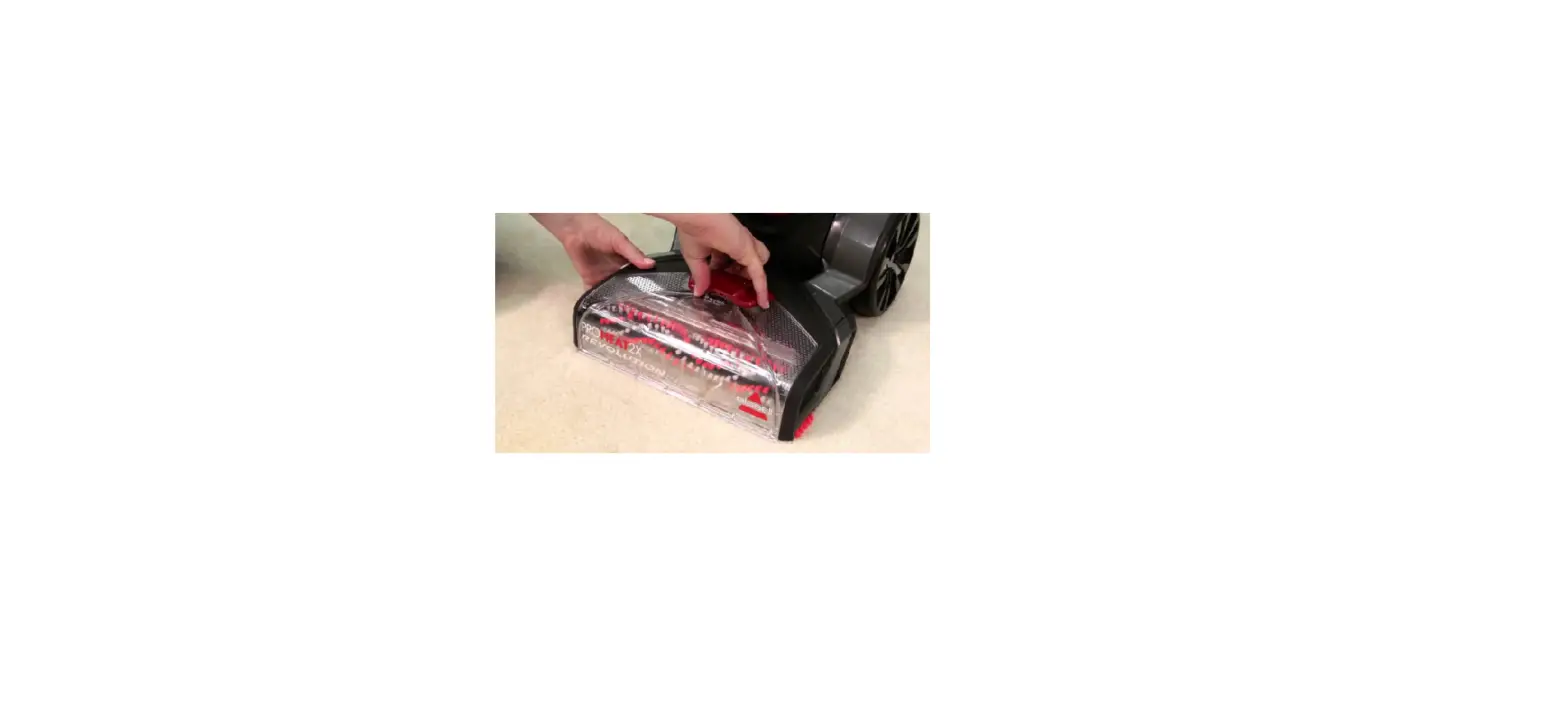
- Verify the floor nozzle gasket is in place and the tabs are locked into the cleaner
- Twist the suction diverter knob to ensure the diverter door under the front nozzle closes on floor and opens on tools
- Does diverter door move?
- Yes > Continue Troubleshooting > Skip down to remove the floor nozzle
- No > Does it appear broken?
- Yes > Visit a BISSELL Authorized Service Center or Contact Us
- No > Continue troubleshooting
- Does diverter door move?
- Take out screws from front floor nozzle and remove
- Open the diverter door manually, keeping the flat side of the door against the machine
- Set the suction diverter knob on the tools setting
- Manually close diverter door until there’s resistance, hold it in place while turning the suction diverter knob towards the floor setting to lock it back in place
- Reinstall the floor nozzle
- Did the diverter door lock back in place?
- Yes > Test for suction
- Is there suction?
- Yes> Great! Glad we could get you back to cleaning!
- No > Go to No Suction Foot & Tank
- Is there suction?
- No > Visit a BISSELL Authorized Service Center or Contact Us
- Yes > Test for suction