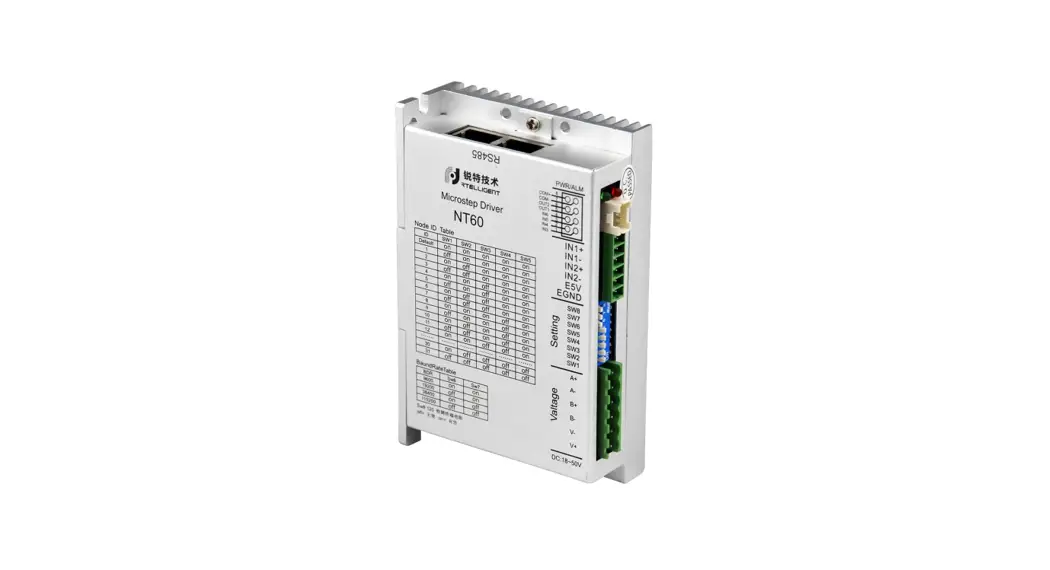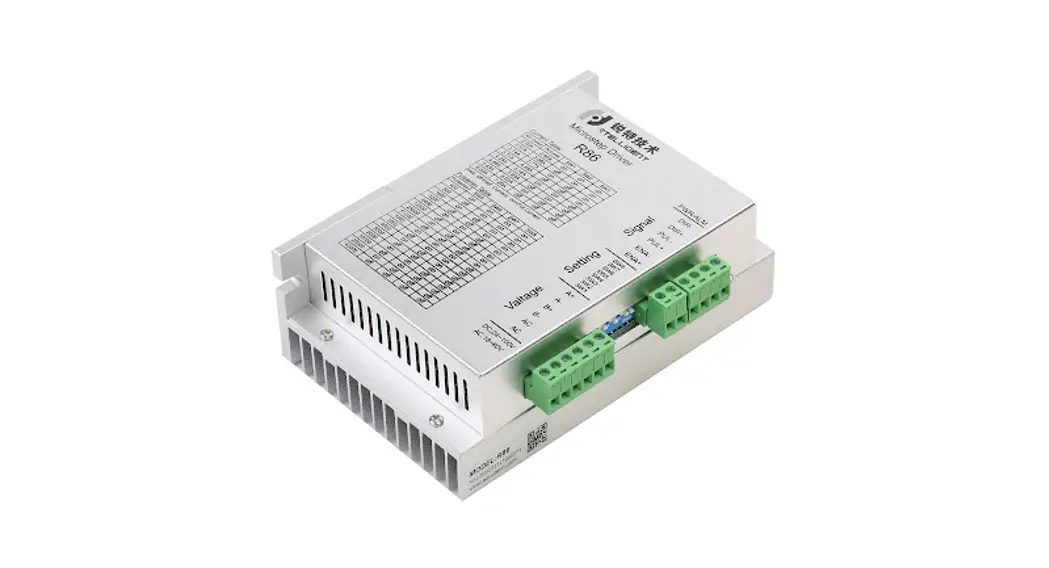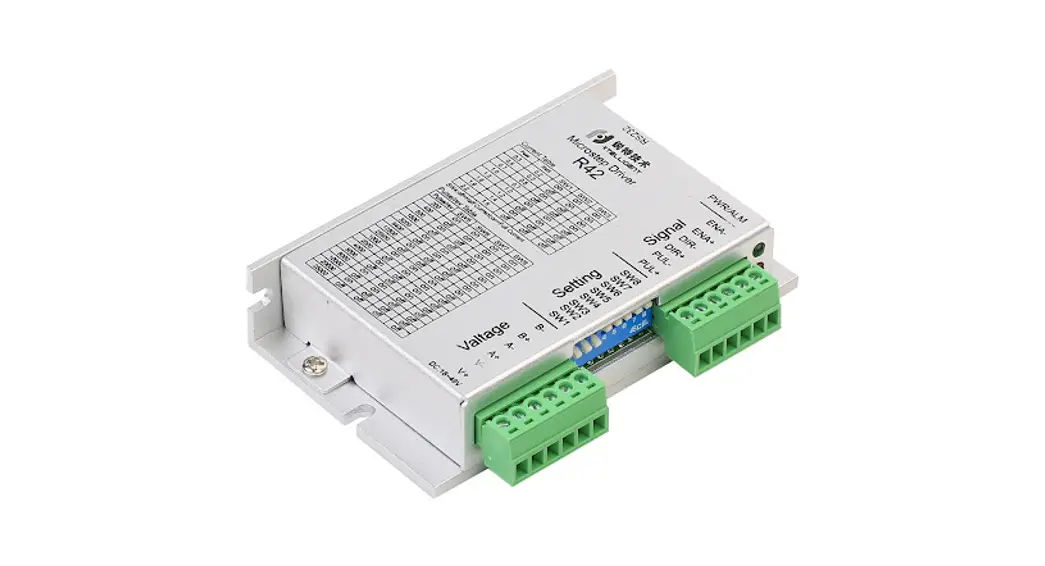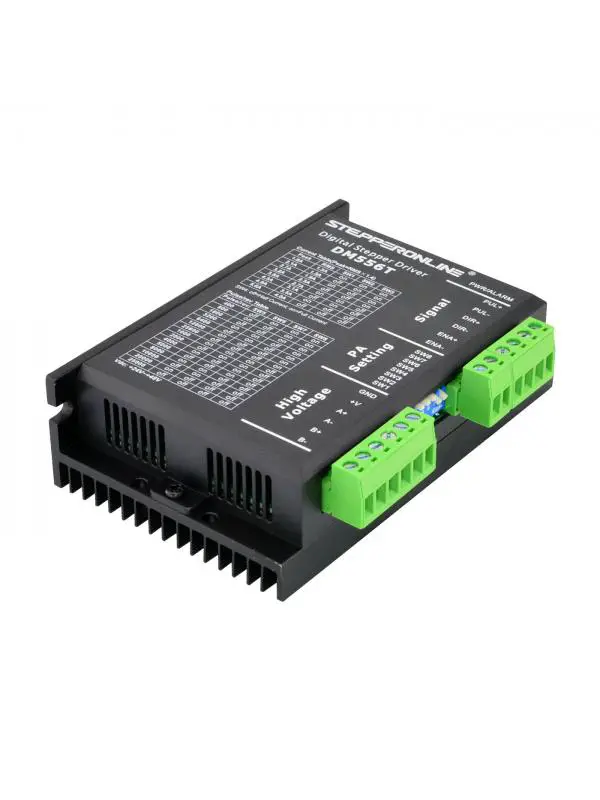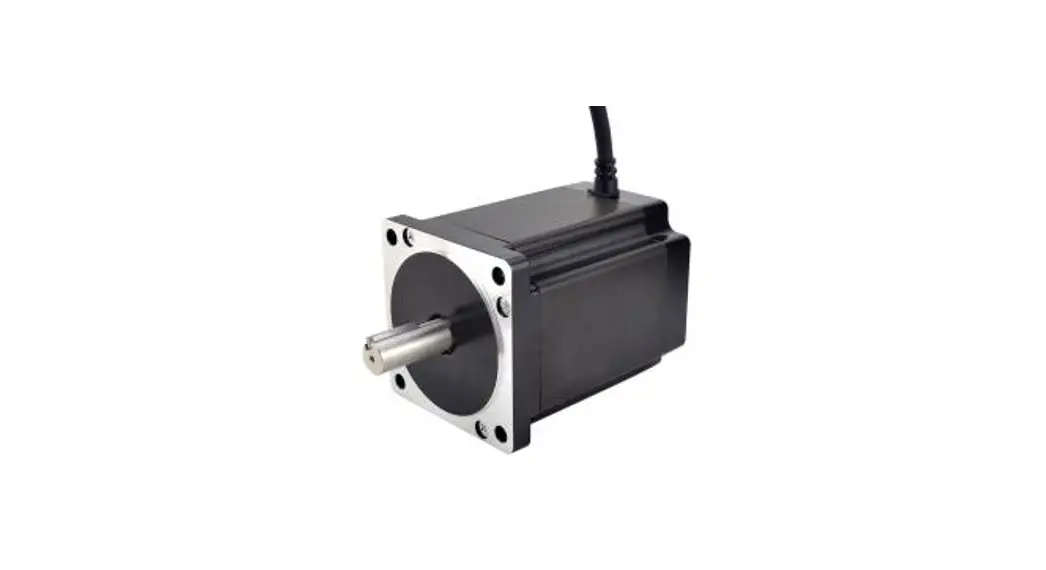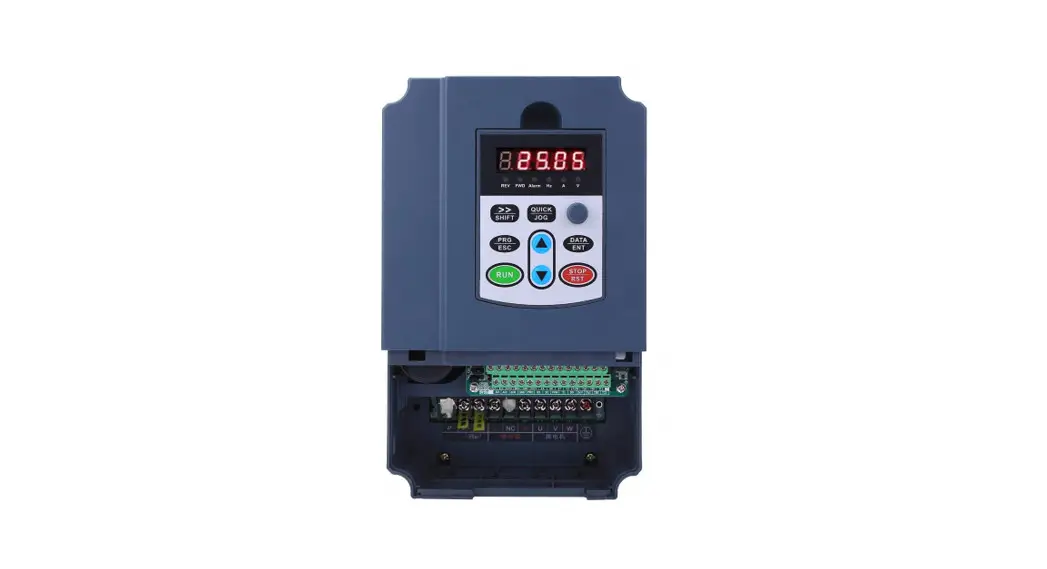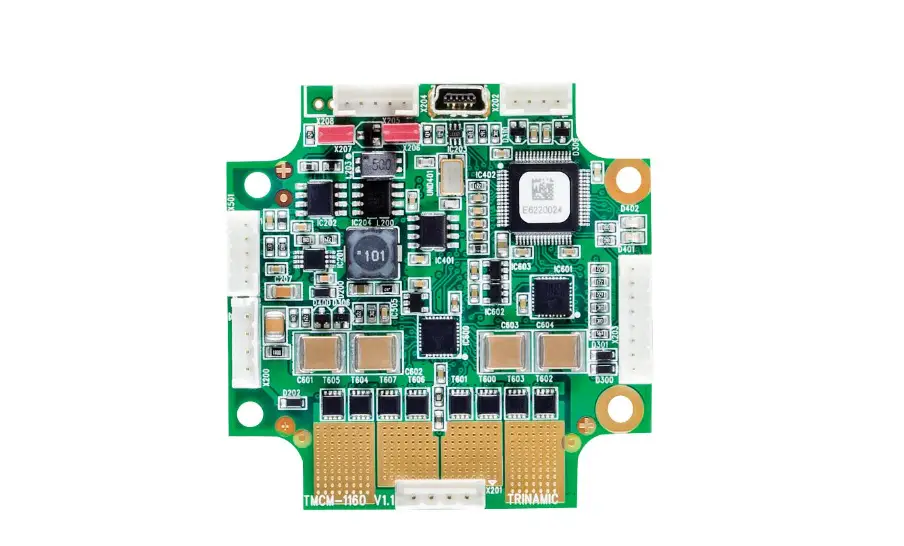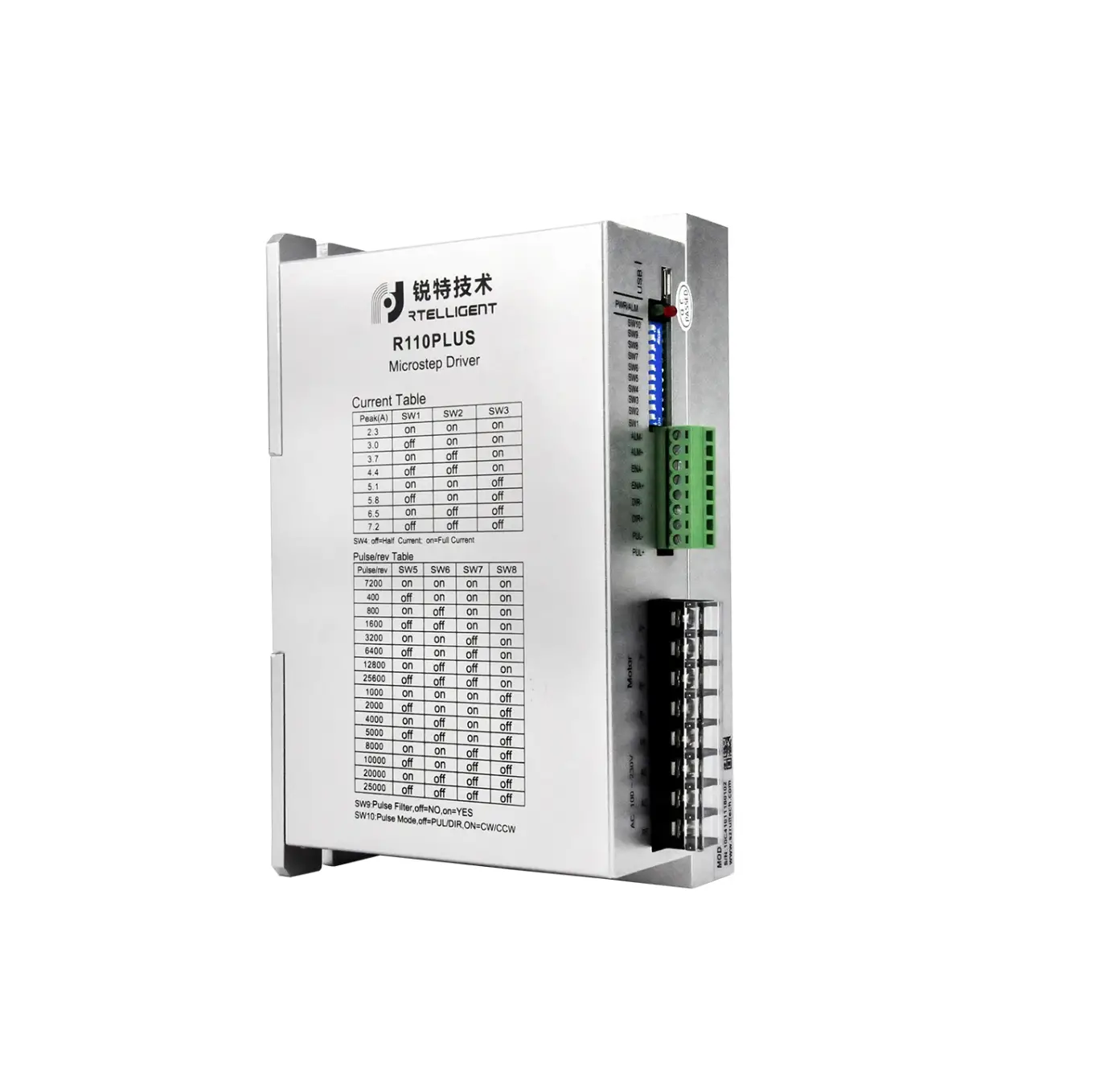
RTELLIGENT R110PLUS V3.0 Nema 42 Stepper Motor Driver High Voltage 220VAC 2.3-7.2A Digital AC Stepper Driver
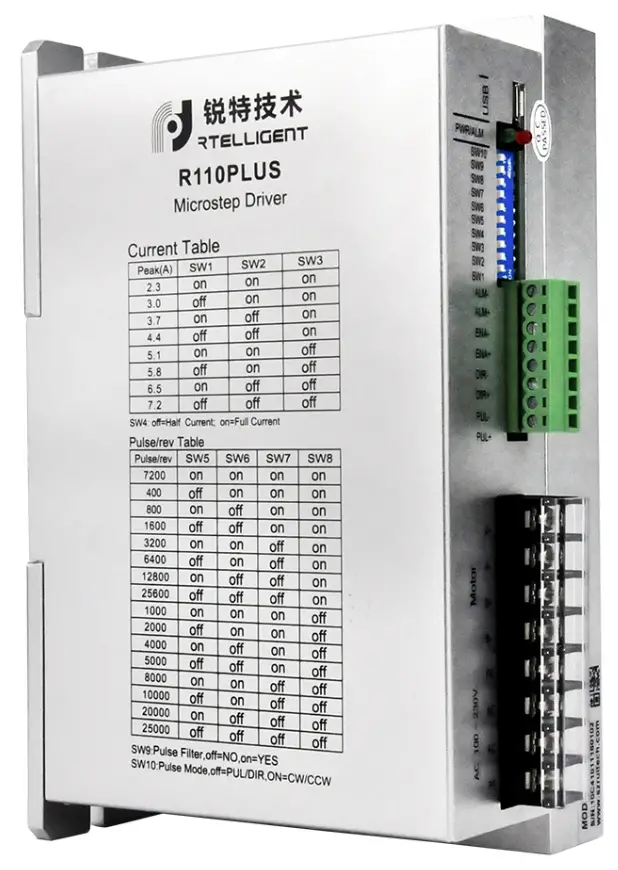
Product Overview
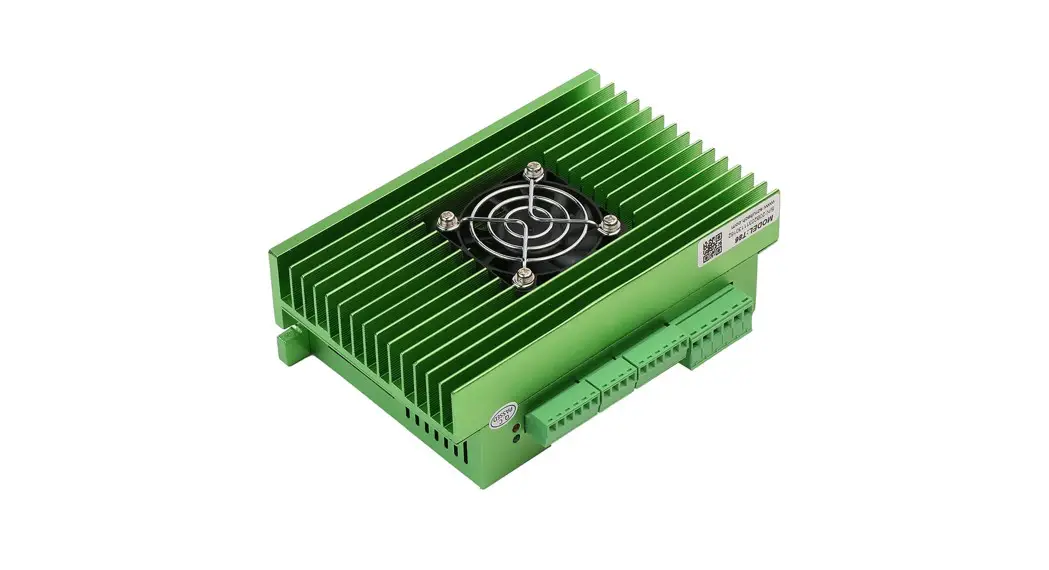
R110PLUS V3.0 is a high-voltage digital two-phase stepper motor driver with integrated intelligent motion controller functions and built-in S-shaped acceleration and deceleration commands. Through the TTL port, it is convenient to configure the driver and expand the application of the driver.
Characteristic
- Working voltage:110~220VAC
- Communication:TTL
- Maximum phase current output: 7.2A/Phase (Sinusoidal Peak)
- PUL+DIR/CW+CCW pulse mode optional
- Phase loss alarm function
- Half-flow function
- Digital IO port:
- 3 photoelectric isolation digital signal input, high level can directly receive 24V DClevel;
- 1 photoelectric isolation digital signal output, maximum withstand voltage 30V, maximuminput orpull-out current 50mA
- 8 gears can be customized by users
- 16 gears can be subdivided by user-defined subdivision, supporting arbitrary resolutionintherangeof 200-65535
- IO control mode, support 16 speed customization
- Programmable input port and output port
Application Environment and Installation
Environmental Requirement
| Item | R110PLUS V3.0 |
| Installation environment | Avoid dust, oil and corrosive environment |
| Vibration | 0.5G(4.9m/s2) Max |
| Operating temperature/humidity | 0℃ ~ 45℃ / 90% RH or less (no condensation) |
| Storage and transportation temperature: | -10℃ ~ 70℃ |
| Cooling | Natural cooling / away from the heat source |
| Waterproof grade | IP54 |
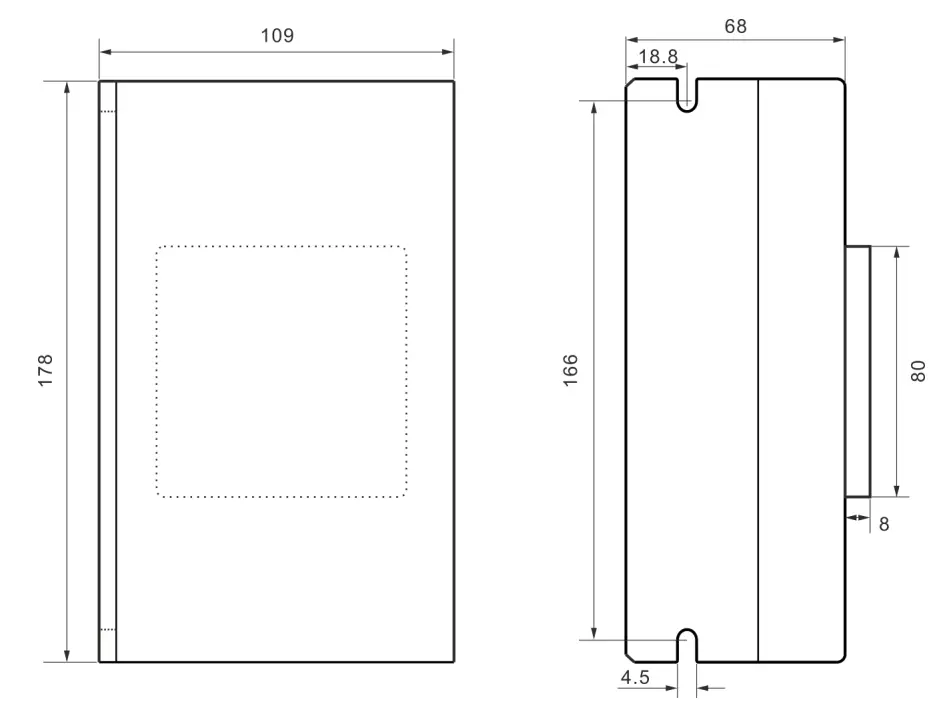
Driver Installation Dimensions
Driver Port and Connection
Power and Motor Port Function Description
| Function | Grade | Definition | Remarks |
| Power supply | PE | Single-phase 220VAC power input | |
| AC | |||
| AC | |||
| Motor | PE | ||
| B- | connect two terminals of motor’s phase-B winding | ||
| B+ | |||
| A- | connect two terminals of motor’s phase-A winding | Reversing A+, A- or B+, B- can make the motor run in the opposite direction Reversing A+, A- or B+, B- can make the motor run in the opposite direction |
Control Signal Connection
| Function | Identification | Description |
| Pulse / IN1 | PUL+ | The control signal is 5~24V compatible. No additional current limiting resistor is required. |
| PUL- | ||
| Direction / IN2 | DIR+ | |
| DIR- | ||
| Enable /IN3 | ENA+ | |
| ENA- | ||
| Alarm /OUT1 | ALM+ | Optocoupler isolation, open collector output |
| ALM- |
PUL、DIR (IN1,IN2) Ports
By default, when operating in external pulse command mode, the R110PLUS V3.0 can receive two pulse command signals: PUL+DIR, CW+CCW.
| Pulse & Direction (PUL + DIR) | 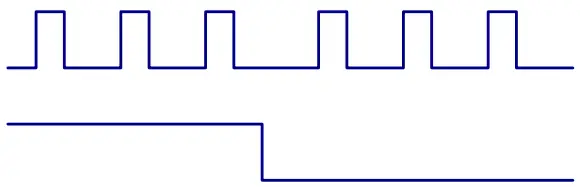 |
| Double pulse (CW + CCW) | 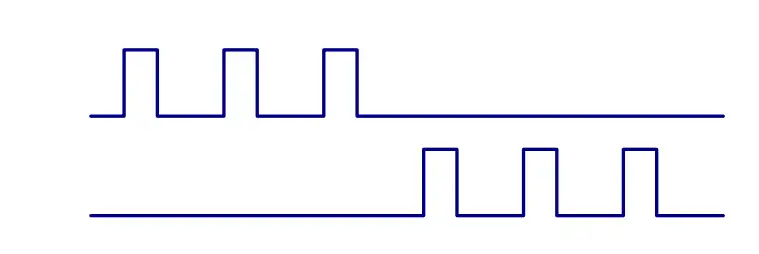 |
The command form of the external pulse is set by the debugging software.
ENA (IN3) Port
The default ENA port is the driver offline (enable) function:
When the internal optocoupler is off, the driver outputs current to the motor;
When the internal optocoupler is on, the driver will cut off the current of each phase of the motor to make the motor free, and the step pulse will not be responded.
When the motor is in an error state, it is automatically turned off. The level logic of the enable signal can be set to the opposite.
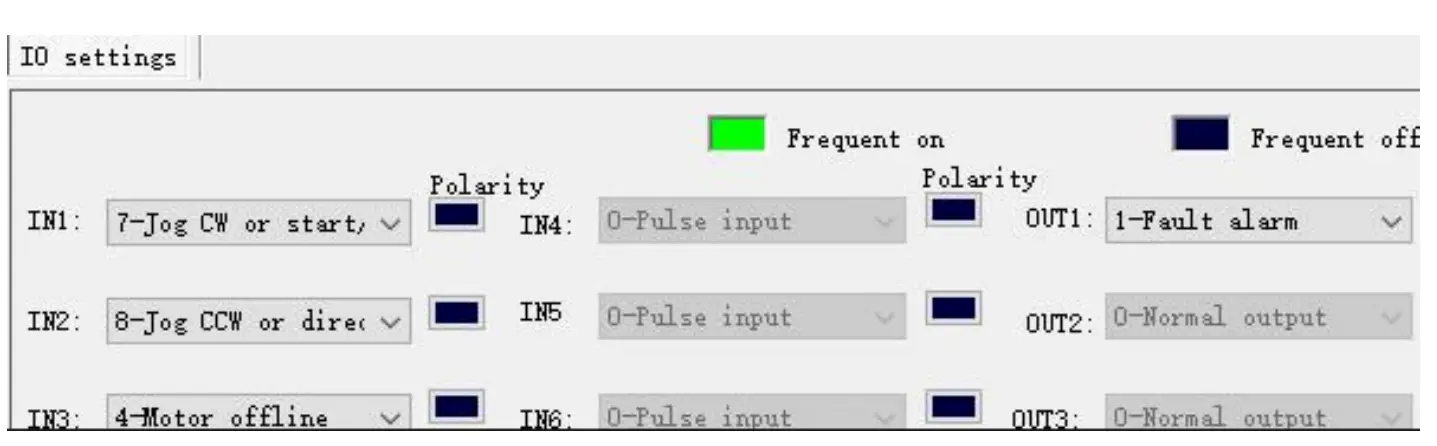
At the same time, this port can be reused as other functions like IN1 and IN2.
ALM (OUT1) Port
The driver includes an optically isolated output port ALM. By default, the ALM port is an alarm output port. When the driver is in an error state and normal operation, the ALM port outputs different optocoupler levels.
It can also be reused for other functions, as shown below
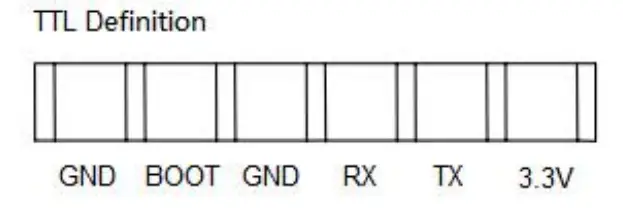
TTL Port
This port is used to connect to a computer for debugging.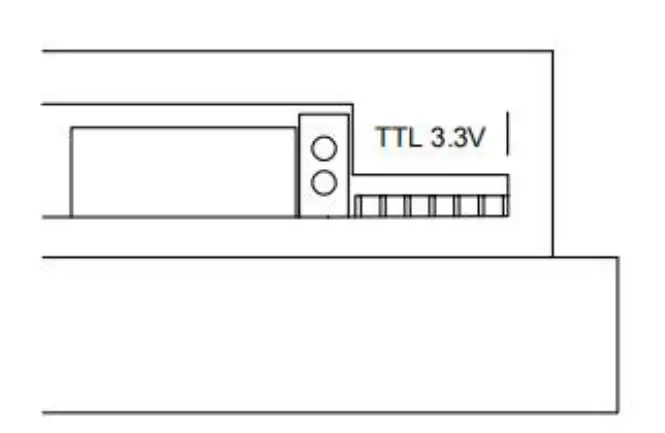
The setting of DIP switches and operating parameter

Current Settings
| Sine peak A | SW1 | SW2 | SW3 | Remarks |
| 2.3 | on | on | on | Users can set up 8 level currents through debugging software. |
| 3.0 | off | on | on | |
| 3.7 | on | off | on | |
| 4.4 | off | off | on | |
| 5.1 | on | on | off | |
| 5.8 | off | on | off | |
| 6.5 | on | off | off | |
| 7.2 | off | off | off |
Standby current
SW4 is used to set the percentage of current when the driver is in standby.
SW4 = ON, the current is kept at the set current as long as the driver is enabled.
SW4 = OFF, the driver stops receiving pulses for a certain period of time, enters the standby state, and the current drops to a certain percentage of the set current.
The default setting is: After stopping the receiving pulse for 1 second, the motor winding current will be 50%.
The setting of pulse per revolution
Set the pulse per revolution required by the motor. Due to digital control, the number of subdivisions can be set to any number between 200 and 65535.
| Steps / revolution | SW5 | SW6 | SW7 | SW8 | Remarks |
| 7200 | on | on | on | on | Users can set up 16 level subdivision through debugging software. |
| 400 | off | on | on | on | |
| 800 | on | off | on | on | |
| 1600 | off | off | on | on | |
| 3200 | on | on | off | on | |
| 6400 | off | on | off | on | |
| 12800 | on | off | off | on | |
| 25600 | off | off | off | on | |
| 1000 | on | on | on | off | |
| 2000 | off | on | on | off | |
| 4000 | on | off | on | off | |
| 5000 | off | off | on | off | |
| 8000 | on | on | off | off | |
| 10000 | off | on | off | off | |
| 20000 | on | off | off | off | |
| 25000 | off | off | off | off |
Pulse command filtering
The driver has a built-in pulse command smoothing function, which can make the motor start more stable.
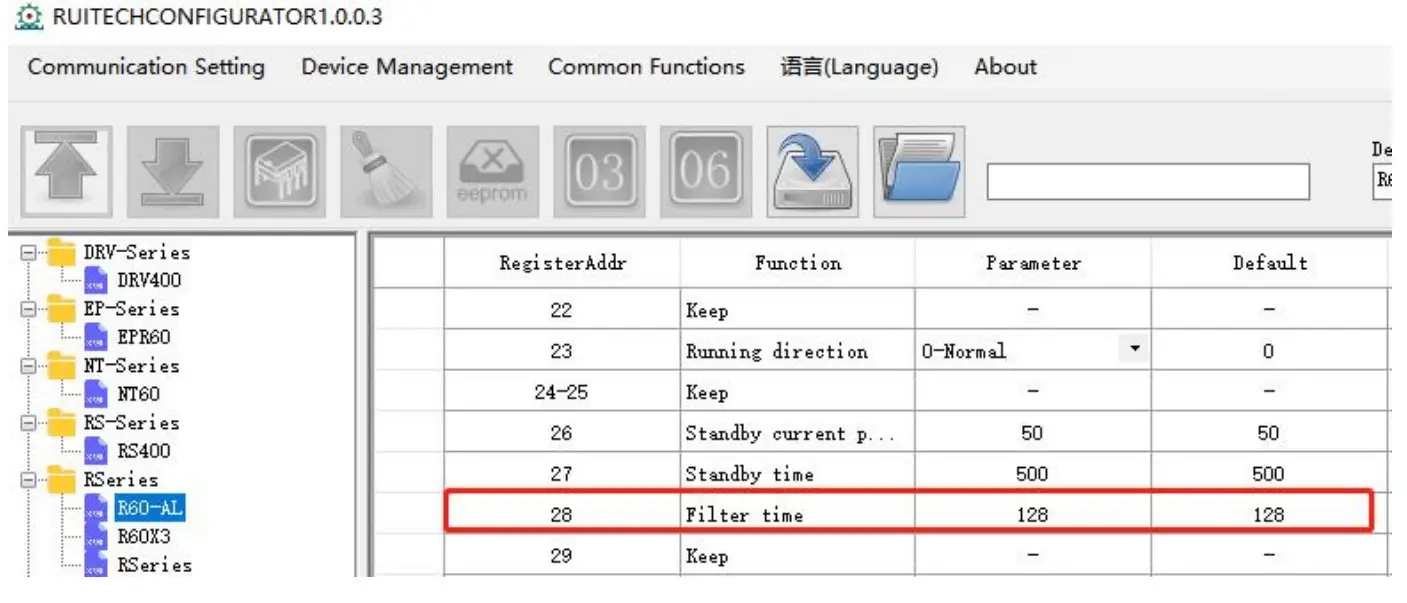
The default command filter time is 512*61us=31ms
Command filtering can smooth the motor movement, but also introduces lag. The user needs to choose whether to enable this function according to the actual situation.The filter time can be set by the debugging software:
Motor Parameter Switching
In order to simplify the model and increase product adaptability, add DIP switch matching motor parameters
| Motor model | SW9 | SW10 |
| 86 | ON | ON |
| 86H | OFF | ON |
| 110 | ON | OFF |
| 130 | OFF | OFF |
Driver Working Status LED Indication
| LED Status | Driver Status | |
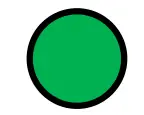 | Green indicator is on for long time | Driver not enabled |
 | Green indicator is flickering | Driver working normally |
 | One green indicator and one red indicator | Driver overcurrent |
 | One green indicator and two red indicators | Driver input power overvoltage |
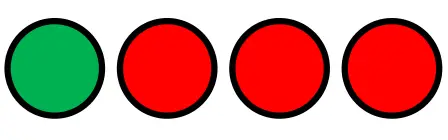 | One green indicator and three red indicators | The internal voltage of the driver is wrong |
 | One green indicator and seven red indicators | Motor phase loss |
Phase Loss Alarm
The driver has a motor phase loss alarm function, which can detect the phase loss state of the motor during stationary and movement. During the operation of the stepper motor, due to mechanical reasons, the winding wire of the motor may be loosened and disconnected. At this time, the driver will output an alarm signal to prevent the device from making an erroneous action.
Since this function relies on the current detection of the motor windings, this function has a false alarm when the motor current is too small (less than 300 mA). At this point, the user can turn off this function. In the parameter management and setting interface of the debugging software, set parameter Pn 188(phase loss detection enable) to 0
Internal motion control function
When operating in the internal pulse command mode, the PUL and DIR ports are used as IO input signals. The IO function needs to be set by the debugging software. As shown below:
Communication Control Mode
In this mode, the user can make the motor run the specified pulse stroke or jog operation by communicating the given operation command.
In internal pulse mode, the motor is controlled by register 18.
Waiting state
The driver receives any control command and will resume the waiting state after the driver processes it. So reading this register always returns 0.
- Fixed length forward rotation
In the relative position mode, the motor runs in the forward direction according to the 70~74 register parameters.
In the absolute position mode, the operation state is determined according to the current position and the absolute position set by 70~74 - Fixed length reverse rotation
In the relative position mode, the motor runs in the reverse direction based on the 70~74 register parameters.
In the absolute position mode, the operation state is determined according to the current positionandthe absolute position set from 70~74. - Speed mode, continuous forward rotation
According to 75 and 76 registers, the motor runs at forward acceleration. - Speed mode, continuous reverse
According to 75 and 76 registers, the motor runs at reverse acceleration. - Emergency stop
According to the 77 register, the motor decelerates and stops. - Slow down and stop
In position mode, the motor decelerates and stops according to the 71 register.
In speed mode, the motor decelerates and stops according to the 76 register. Others: no effect.
Point control mode
The communication controls the function of the motor to run the specified pulse stroke. The specific modes and parameters to be set are as follows (register addresses are not specified or specified as decimal numbers):
- Set the value of register address 20 (preset application selection in internal pulse mode) to0(Communication control, respond to the command of register address 18).
- Set the function of the digital input and output port according to the application requirements and the actual wiring terminals.
- Set the motion parameters:
Address Unit Parameter Description 70 R/S^2 Acceleration of point motion 72 RPM Speed of point motion 73 Command pulse The number of command pulses for point motion is lower than the 16-bit register 74 Command pulse The number of command pulses for point motion is high 16-bit register 78 R/S^2 Emergency stop deceleration 84 – Set position operation mode: 0: incre - Communication given operation command: start the point movement by writing the values“1” (fixed length forward rotation) and “2” (fixed length reverse rotation) to register 18.(For details on this register, please see “Driver Control Mode” Set register 18 in [17~23]”;
- During operation, if need to stop, please write value “6” (deceleration to stop, deceleration is the setting value of register 71) and value “5” (emergency stop, deceleration is the setting value of register 78) to register 18.
Note:
When the motor is in operation, it only responds to the stop command (deceleration stop or emergency stop). If it is necessary to change the running direction of the motor by command, please send the stop command to wait for the motor to stop, and then send the start signal of the other direction. The acceleration (register 70), deceleration (register 71), and speed (register 72) are changed during motor operation, but the driver will not respond to these set values immediately. It will not run at the set values until the motor is stopped and restarted.
It is important to note that the emergency stop deceleration (Register 78) is responded to during the current sport emergency stop, without waiting for the next stop
Jog control mode
R110Plus V3.0 has the function of controlling the jog operation of the motor through communication. The specific modes and parameters to be set are as follows (register addresses are not specified or specified as decimal numbers):
- Set the value of register address 20 (preset application selection in internal pulse mode) to0(Communication control, respond to the command of register address 18).
- Set the function of the digital input and output port according to the application requirements and the actual wiring terminals.
- Set the motion parameters:
Address Unit Parameter Description 75 R/S^2 Acceleration of jog motion 76 R/S^2 Deceleration of jog motion 77 RPM Speed of jog motion 78 R/S^2 Emergency stop deceleration - Communication given operation command: Start jog movement by writing values “3” (continuous forward rotation) and “4” (continuous reverse rotation) to register 18.(For details on this register, please see “Drive Control Mode” Set register 18 in [17~23]”.
- During operation, if need to stop, please write value “6 “(deceleration to stop, deceleration is the setting value of register 76) and value “5” (emergency stop, deceleration is the setting value of
register 78) to register 18
Note:
When the motor is in operation, it only responds to the stop command (deceleration stop or emergency stop). If it is necessary to change the running direction of the motor by command, please send the stop command to wait for the motor to stop, and then send the start signal of the other direction. The acceleration (register 75) and deceleration (register 76) are changed during motor operation, but the driver will not respond to these set values immediately. It will not run at the set values until the motor is stopped and restarted.
It is important to note that the emergency stop deceleration (Register 78) is responded to during the current sport emergency stop, without waiting for the next stop of the emergency stop. The speed (register 77) can be changed during the operation of the motor, and the driver will respond immediately, that is, the motor will run at the set speed value immediately, without stopping and restarting to respond.
IO Control: Start and Stop + Direction
With this mode, two IN terminals are used to control the operation of the motor. One IN terminals is used to control the start/stop of the motor, and the other IN terminal is used to control the running direction of the motor. The specific settings are as follows:
(1) Command mode: 0 – internal pulse mode
(2) Internal application mode: 2–IO speed control: start and stop + direction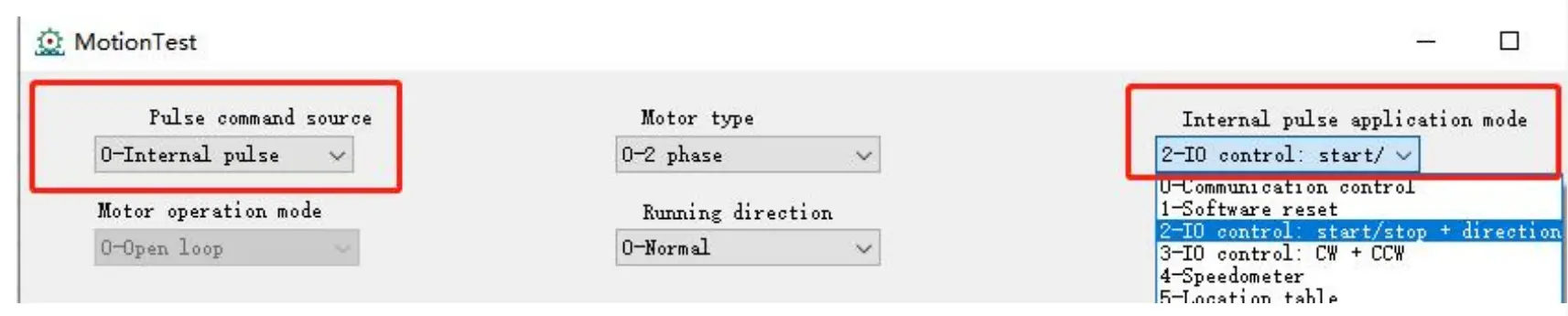
(3) IO settings: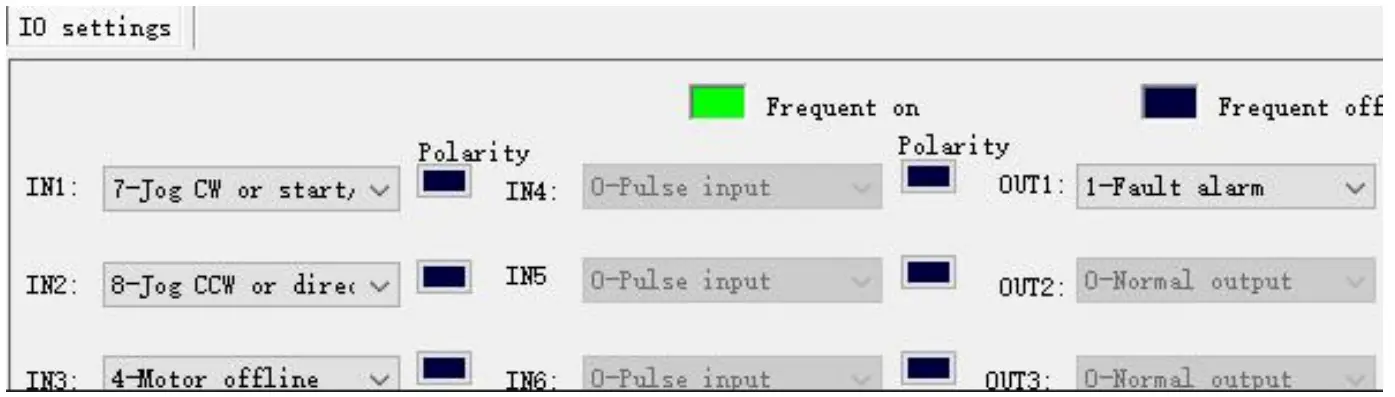
(4) This mode is for the speed defined by the speed table, selected by SW5, 6, 7, 8.
(5) Set the motion parameters, you can modify the acceleration, deceleration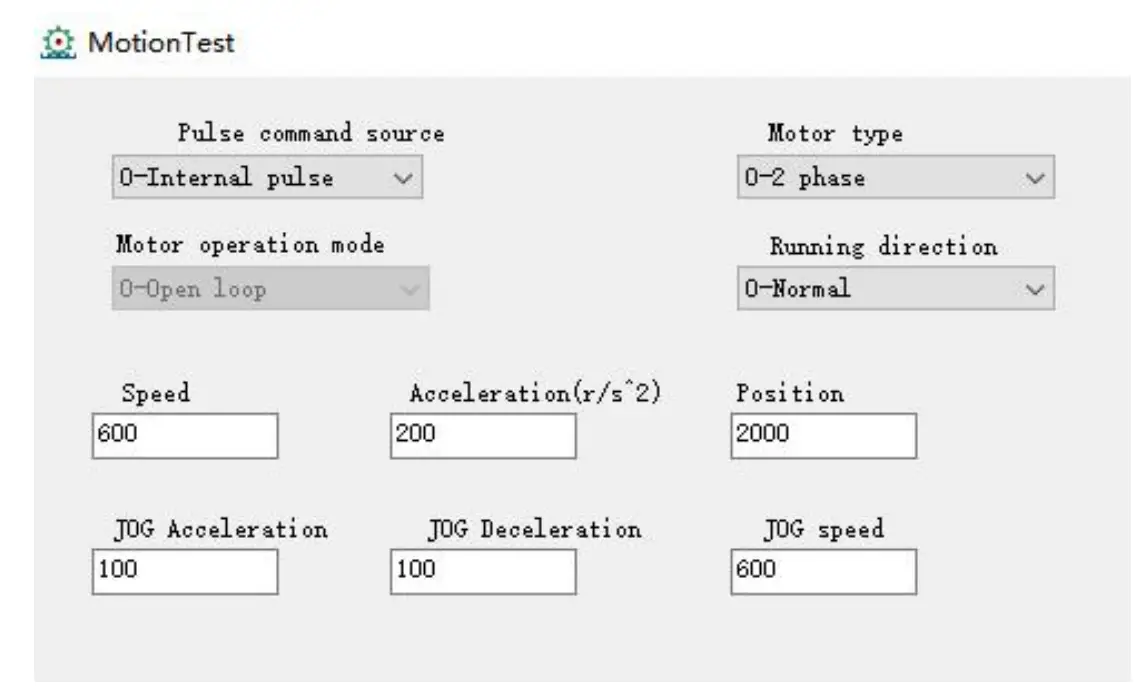
IO Control: Forward + Reverse
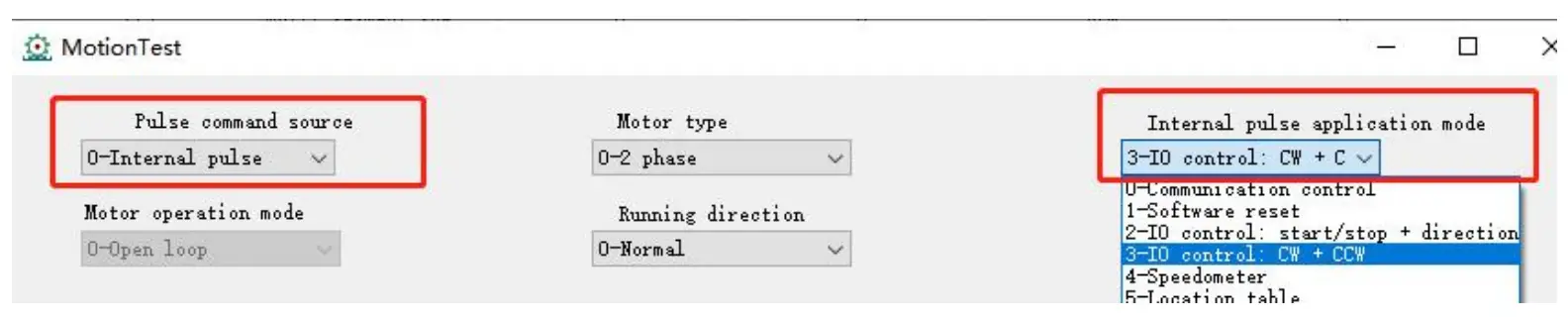
Same as 7.2, only need to change (2) to: 3–IO speed control: forward + reverse
Common faults and troubleshooting
| Phenomenon | Possible situations | Solutions |
| Motor does not work | Power indicator is off | Check the power supply circuit for normal power supply |
| The motor rotor is locked but the motor does not work | Pulse signal is weak; increase the signal current to 7-16mA | |
| The speed is too slow | Select the right micro-stepping | |
| Drive is protected | Solve the alarm and re-power | |
| Enable signal problem | Pull up or disconnect the enable signal | |
| Command pulse is incorrect | Check whether the upper computer has pulse output | |
| The steering of motor is wrong | The rotary direction of motor is reverse | Adjust the DIP SW5 |
| The motor cable is disconnected | Check the connection | |
| The motor has only one direction | Pulse mode error or DIR port damaged | |
| Alarm light on | The motor connection is wrong | Check the motor connection |
| The motor connection and encoder connection are wrong | Check the sequence of encoder connection | |
| The voltage is too high or too low | Check the power supply | |
| The position or speed is wrong | The signal is disturbed | Eliminate interference for reliable grounding |
| The command input is incorrect | Check the upper computer instructions to ensure the output is correct | |
| The setting of Pulse per revolution is wrong | Check the DIP switch status and correctly connect the switches | |
| Encoder signal is abnormal | Replace the motor and contact the manufacturer | |
| The driver terminal burned up | Short circuit between terminals | Check power polarity or external short circuit |
| Internal resistance between terminals is too large | Check whether there is any solder ball due to excessive addition of solder on the wire connections |
Appendix A. Guarantee Clause
A.1 Warranty period: 12 months
We provide quality assurance for one year from the date of delivery and free maintenance service for our products during the warranty period.
A.1 Exclude the following
Improper connection, such as the polarity of the power supply is reversed and insert/pull the motor connection when the power supply is connected.
Beyond electrical and environmental requirements. Change the internal device without permission.
A.1 Maintenance process
For maintenance of products, please follow the procedures shown below:
- Contact our customer service staff to get the rework
- The written document of the drive failure phenomenon is attached to the goods, as well as the contact information and mailing methods of the Mailing address:
Post code:
 Stepper Motor Manufacturer-Stepper Motor Driver-Stepper Servo Motor-Rtelligent Electromechanical