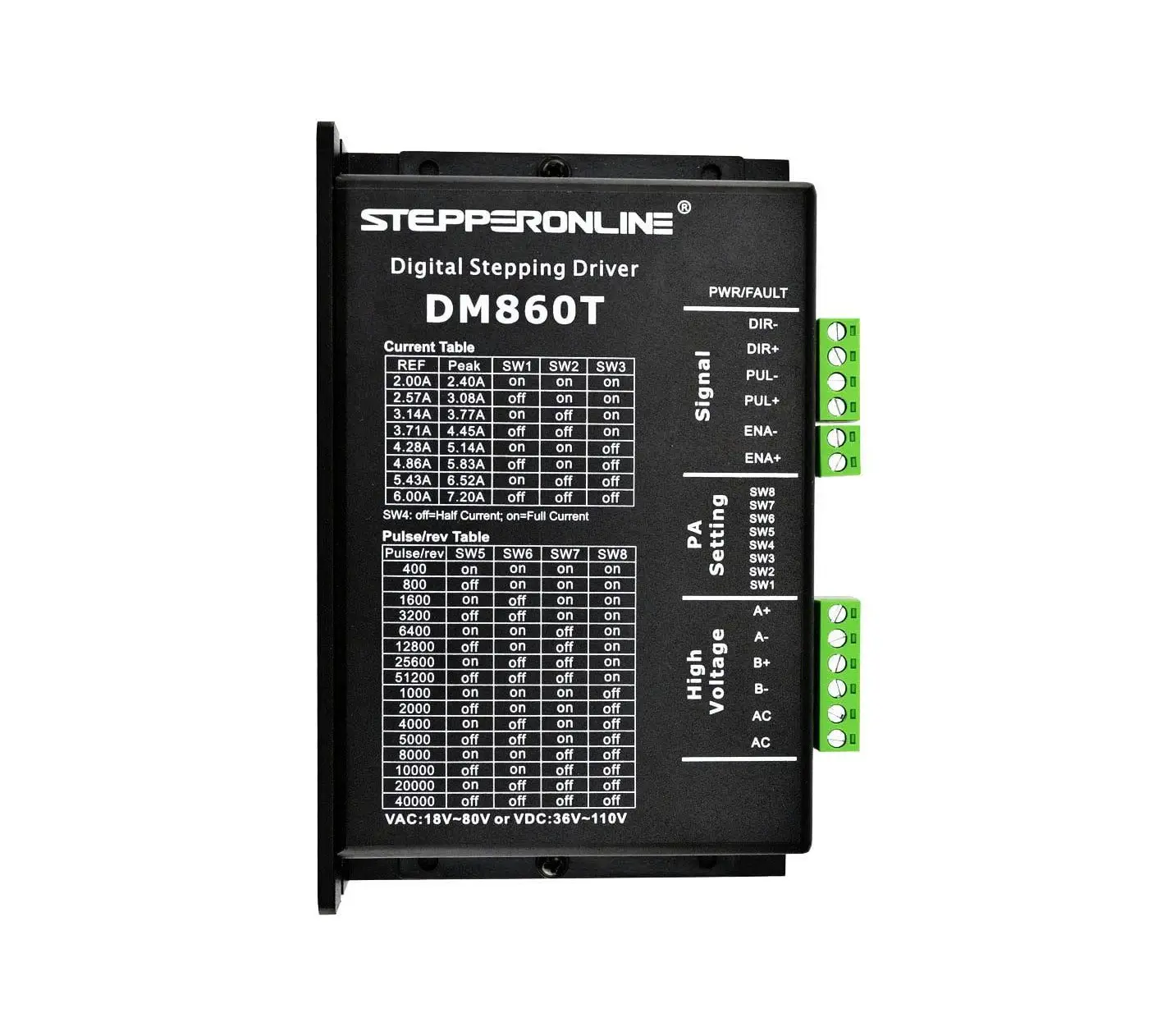
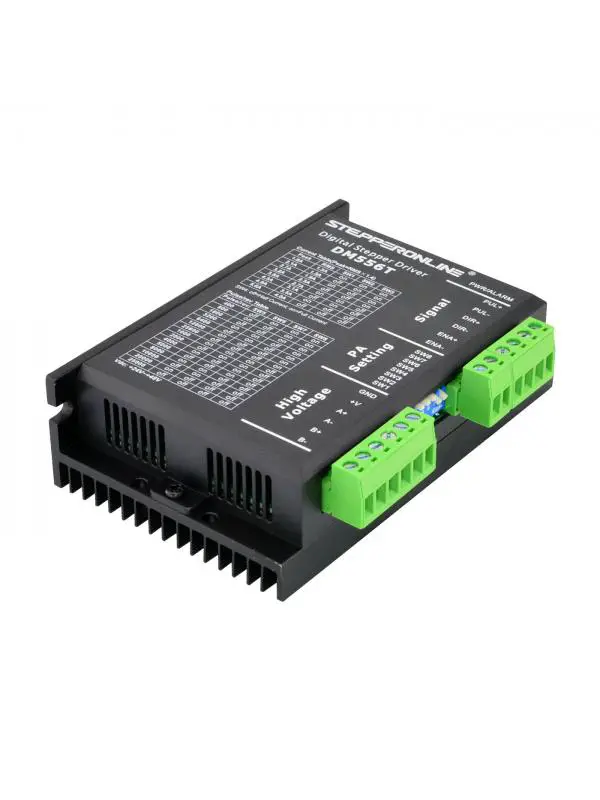
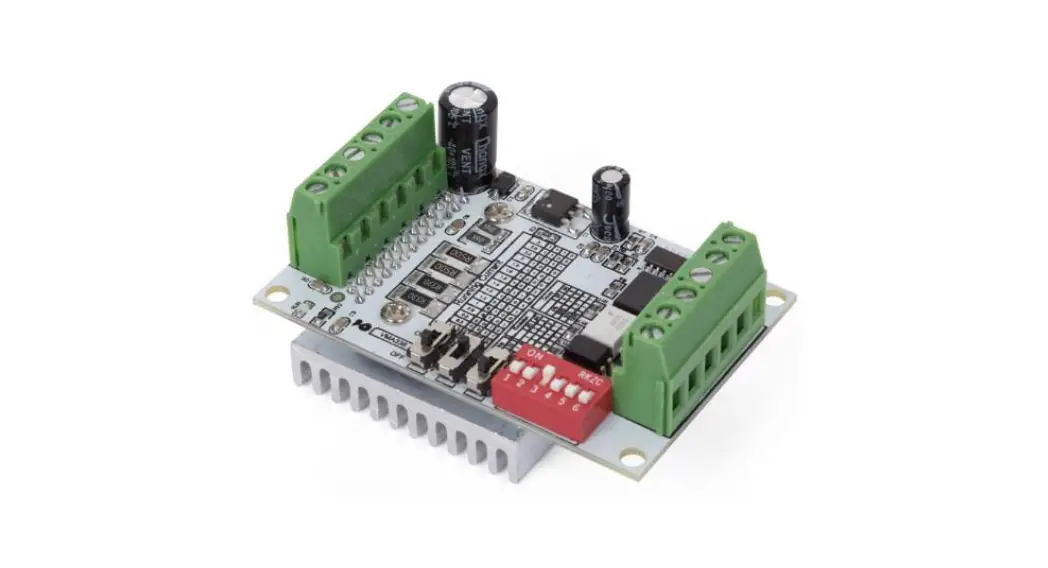
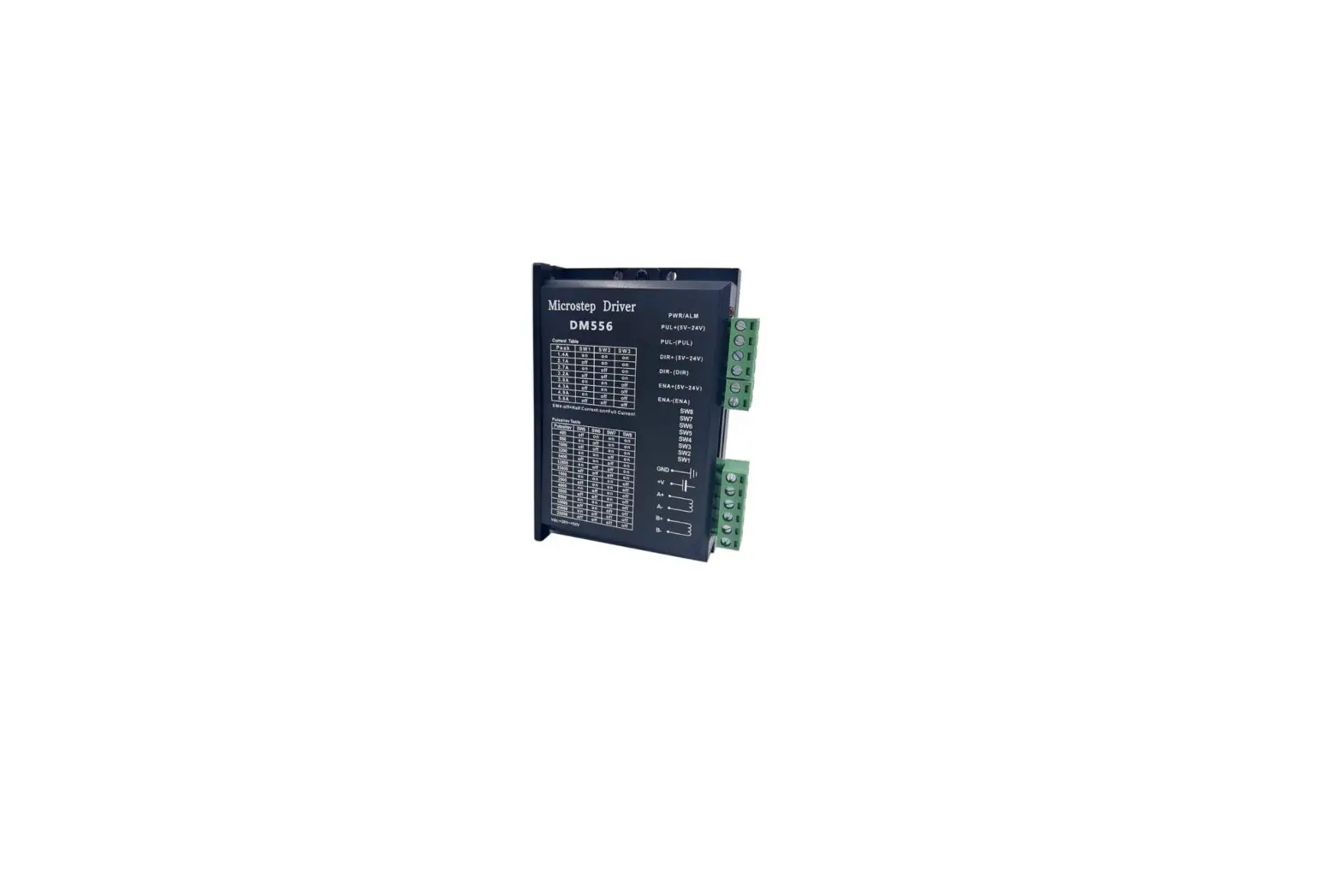
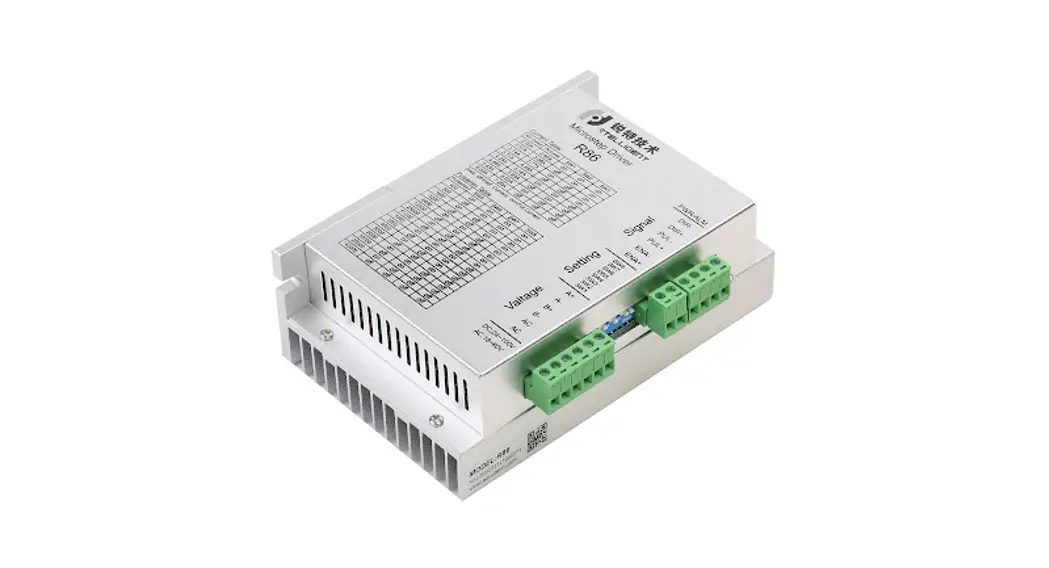
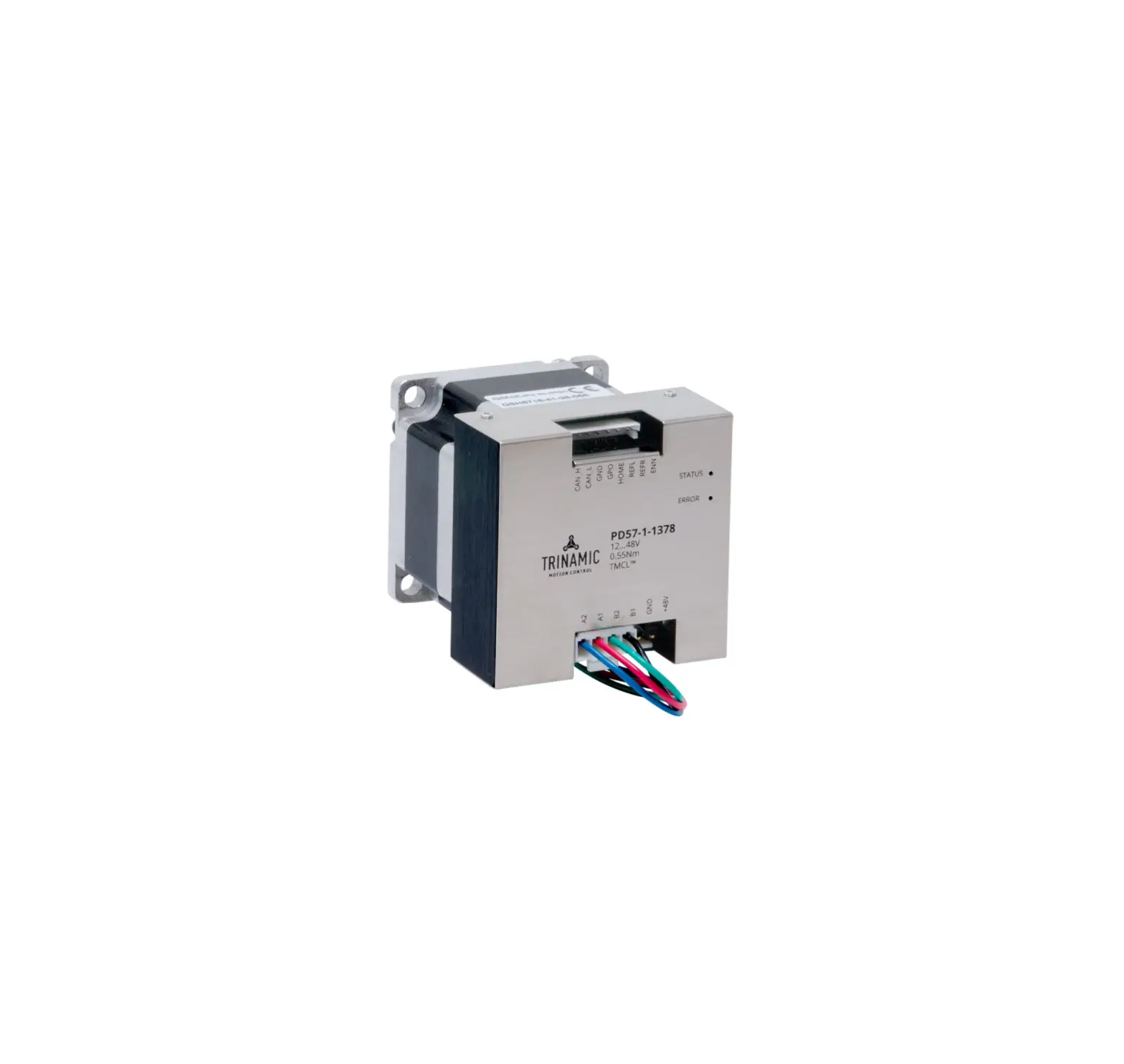
DM556 Digital Stepper Motor Driver
Product Information: MotorDriver DM556
The MotorDriver DM556 is a digital stepper drive that is
designed for easy setup and simple operation. The stepper drive
uses advanced stepper control technology to power 2-phase and
4-phase stepper motors smoothly with optimal torque and low motor
heating & noise. It has an operating voltage of 20-50VDC and
can output up to 5.6A current. The microstep and output electrical
current configuration can be done via DIP switches. This stepper
drive is an ideal choice for applications requiring simple step
& direction control of NEMA 23, 24 and 34 stepper motors.
Features and Specifications:
- Control signals connector
- Pulse (STEP) signal: Pulse inputs active at rising edge; 4-5V
when PUL-HIGH, 0-0.5V when PUL-LOW. Minimal pulse width of 2.5s.
Add a resistor for current-limiting at +12V or +24V input logic
voltage (1K for +12V, 2k for +24V; The same is for DIR and ENA
signals). - DIR (DIRECTION) signal: This signal has low/high voltage levels
to represent two directions of motor rotation.. Minimal direction
setup time of 5s. Also swapping the connection of two wires of a
coil (e.g. A+ and A-) to the drive will reverse motor
direction. - Enable signal: This signal is used for enabling/disabling the
drive. High level +5V for enabling the drive and low level for
disabling the drive. By default it is left UNCONNECTED
(ENABLED).
- Pulse (STEP) signal: Pulse inputs active at rising edge; 4-5V
- DIP switch
- Microstep Resolution Configurations: SW5
- Current Configurations: Peak Current ON/OFF SW1, SW2, SW3
- Motor idle current configurations: SW4
- Protection Functions
- Two LED lights on the driver: GREEN (power indicator) and RED
(protection indicator) - Protection types: Over-current protection, Over-voltage
protection
- Two LED lights on the driver: GREEN (power indicator) and RED
Product Usage Instructions:
To use the MotorDriver DM556, follow these steps:
- Connect the control signals connector to the stepper
motor. - Configure the microstep and output electrical current using the
DIP switches. - Set the motor idle current percentage using SW4.
- Configure the peak current using SW1, SW2, and SW3.
- Apply power to the stepper drive.
- Send pulse (STEP) signals to the stepper drive to rotate the
motor in the desired direction. - If needed, use DIR (DIRECTION) signal to change the direction
of motor rotation. - Use the Enable signal to enable/disable the stepper drive.
- Observe the GREEN power indicator which should be always
on. - Observe the RED protection indicator which will flash 1-2 times
in a 3-second period if protection is enabled. Different number of
flashes indicates different protection type.
MotorDriver DM556
2022/09/20 Rev1.0
Disclaimer
MOTOR DRIVER DM566 IS PROVIDED TO YOU “AS IS,” WITHOUT WARRANTY. THERE IS NO WARRANTY FOR THE MOTOR DRIVER, EITHER EXPRESSED OR IMPLIED, INCLUDING, BUT NOT LIMITED TO, THE IMPLIED WARRANTIES OF MERCHANTABILITY AND FITNESS FOR A PARTICULAR PURPOSE AND NONINFRINGEMENT OF THIRD PARTY RIGHTS. THE ENTIRE RISK AS TO THE QUALITY AND PERFORMANCE OF THE DEVICES IS WITH YOU. SHOULD THE HEIGHT SENSOR OR HEIGHT CONTROLLER PROVE DEFECTIVE, YOU ASSUME THE COST OF ALL NECESSARY SERVICING, REPAIR OR CORRECTION.
IN NO EVENT SHALL THE AUTHOR BE LIABLE TO YOU FOR DAMAGES, INCLUDING ANY GENERAL, SPECIAL, INCIDENTAL OR CONSEQUENTIAL DAMAGES ARISING OUT OF THE USE OR INABILITY TO USE MOTOR DRIVER DM566.
Introduction
Overview
The DM556 is a digital stepper drive with simple design and easy setup. By implementing advanced stepper control technology, this stepper drive is able to power 2-phase and 4 phase stepper motors smoothly with optimal torque and low motor heating & noise.
Its operating voltage is 20-50VDC and it can output up to 5.6A current. Microstep and output electrical current configuration is done via DIP switches.
Therefore, the DM556T are ideal choices for applications requiring simple step & direction control of NEMA 23, 24 and 34 stepper motors.
Features and specifications:
– Anti-Resonance for optimal torque, extra smooth motion, low motor heating and noise – Motor auto-identification and parameter auto-configuration for optimal torque from wide-range motors -Step & direction (PUL/DIR) control -Multi-Stepping for smooth motor movement -TTL compatible and optically isolated inputs -Input voltage 20-50VDC -16 selectable micro-step resolutions of 400-25,600 via DIP switches -8 selectable output current settings of 1.8 5.6A via DIP switches -Soft-start with no “jump” when powered on -Pulse input frequency up to 200 KHz. -Automatic idle-current reduction -Protections for over-voltage and over-current
Control signals connector
· STEP & DIRECTION signal inputs · Enable signal input · All inputs are optically isolated and TTL compatible
Pin function PUL+ PULDIR+ DIRENA+ ENA-
Detailed description
Pulse(STEP) signal: Pulse inputs active at rising edge; 4-5V when PUL-HIGH, 0-0.5V when PUL-LOW. Minimal pulse width of 2.5s. Add a resistor for current-limiting at +12V or +24V input logic voltage (1K for +12V, 2k for +24V; The same is for DIR and ENA signals).
DIR(DIRECTION) signal: This signal has low/high voltage levels to represent two directions of motor rotation.. Minimal direction setup time of 5s. Also swapping the connection of two wires of a coil (e.g. A+ and A-) to the drive will reverse motor direction.
Enable signal: This signal is used for enabling/disabling the drive. High level +5V for enabling the drive and low level for disabling the drive. By default it is left UNCONNECTED (ENABLED).
DIP switch
· Drive uses an 8-bit DIP switch to set micro-step resolution and motor operating current · Microstep resolution is set by SW 5, 6, 7, 8 of the DIP switches · Operating electrical current is set by SW 1, 2, 3 of the DIP switches · Motor idle current percentage is set by SW 4 of the DIP switches
Microstep Resolution Configurations:
Microstep Step/rev(for 1.8° motor)
SW5
2
400
OFF
4
800
ON
8
1600
OFF
16
3200
ON
32
6400
OFF
64
12800
ON
128
25600
OFF
5
1000
ON
10
2000
OFF
20
4000
ON
25
5000
OFF
40
8000
ON
50
10000
OFF
100
20000
ON
125
25000
OFF
SW5 ON OFF OFF ON ON OFF OFF ON ON OFF OFF ON ON OFF OFF
SW7 ON ON ON OFF OFF OFF ON ON ON OFF OFF OFF ON ON ON
SW8 ON ON ON ON ON ON ON OFF OFF OFF OFF OFF OFF OFF OFF
Current Configurations:
Peak Current
1.4A 2.1A 2.7A 3.2A 3.8A 4.4A 4.9A 5.6A
ON OFF ON OFF ON OFF ON OFF
SW1
SW2 ON ON OFF OFF ON ON OFF OFF
SW3 ON ON ON ON OFF OFF OFF OFF
Motor idle current configurations:
SW4 is used to set motor idle current percentage. At OFF position it means the standstill current is set to be 50%of the selected output current.
At ON position it means standstill current is set to be the same as the selected dynamic current. The current automatically reduced to 50% of the selected dynamic current 0.4 second after the last pulse.
Protection Functions
There are two LED lights on the driver.
-The GREEN one is the power indicator which will be always on generally. -The RED one is a protection indicator which will flash 1-2 times in a 3-second period, when protection is enabled.
Different number of flashes indicates different protection type.
Priority Time(s) of blink Sequence wave of red LED
1st
1
Description
Over-current protection activated when peak current exceeds the limit
2st
2
3rd
3
Over-voltage protection activated when drive working voltage is greater than 60VDC
Reserved
Power and motor connector:
Power connector:
Driver is designed to operate within +20 – +50VDC voltage input. When selecting a power supply, besides voltage from the power supply power line voltage fluctuation and back EMF voltage generated during motor deceleration, needs also to be taken into account.
Ideally it is suggested to use a power supply with the output range of +24 – +48 VDC, leaving room for power line voltage fluctuation and back EMF.
Higher supply voltage can increase motor torque at higher speeds, thus helpful for avoiding losing steps. However, higher voltage may cause bigger motor vibration at lower speed, and it may also cause over-voltage protection or even drive damage.
Therefore, it is suggested to choose only sufficiently high supply voltage for intended applications.
Motor Connector:
Driver can drive 2-phase and 4-phase bipolar hybrid stepper motors with 4, 6, or 8 wires.
Pin function GND +V A+,AB+,B-
Power supply ground connection
Detailed description
Power supply positive connection.
Motor Phase A connections. Connect motor A+ wire to A+ Pin; motor A- wire to A-
Motor Phase B connections. Connect motor B+ wire to B+ Pin; motor B- wire to B-
Connection diagrams
Connection of Controller, stepper driver, stepper motor and power supply:
Stepper motor and stepper driver connections:
Motor driver adapter board:
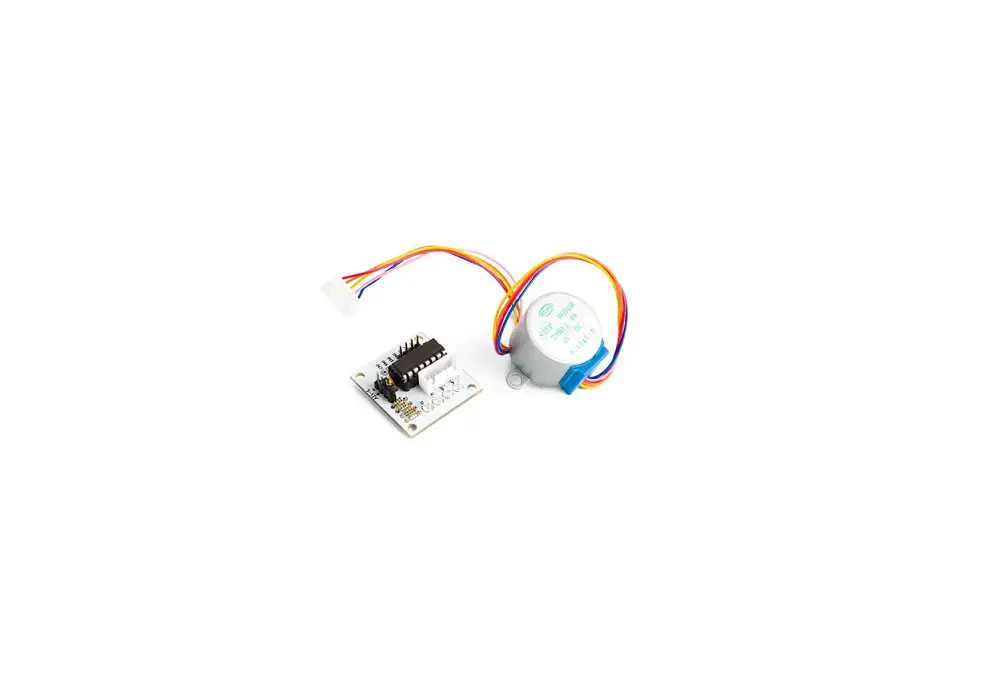
Motor driver DM566 includes also adapter board for easier connection of motion controller’s axis output with the stepper driver’s control signal connector. 10Pin ribbon cable is also included.
Pictures below describe type of usage:
Table of Contents
Introduction…………………………………………………………………………………………………………………….. 3 Overview…………………………………………………………………………………………………………………….. 3
Features and specifications:……………………………………………………………………………………………….4 Control signals connector………………………………………………………………………………………………5 DIP switch…………………………………………………………………………………………………………………… 6 Microstep Resolution Configurations:…………………………………………………………………………..6 Current Configurations:……………………………………………………………………………………………..7 Motor idle current configurations:………………………………………………………………………………..7 Protection Functions………………………………………………………………………………………………….7 Power and motor connector:…………………………………………………………………………………………..8 Power connector:…………………………………………………………………………………………………….. 8 Motor Connector:…………………………………………………………………………………………………….. 8
Connection diagrams……………………………………………………………………………………………………….. 9 Connection of Controller, stepper driver, stepper motor and power supply:……………………………9 Stepper motor and stepper driver connections:……………………………………………………………….10
Motor driver adapter board:……………………………………………………………………………………………… 11