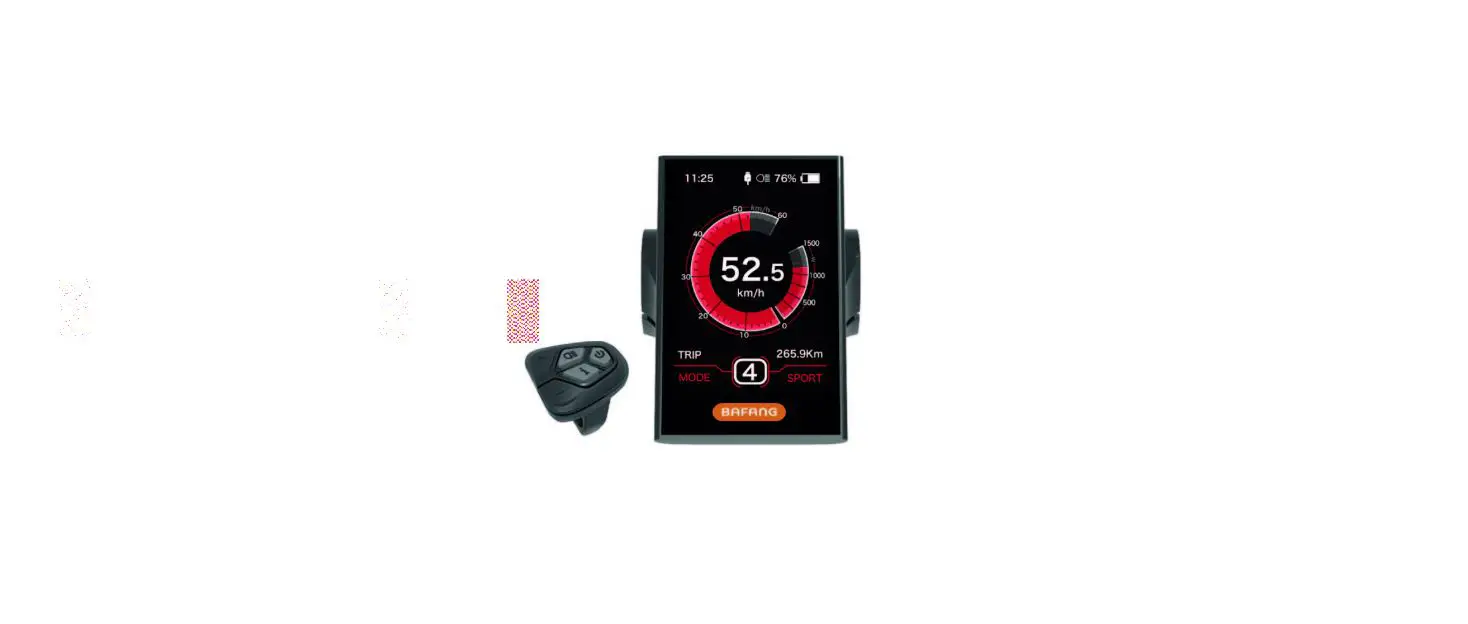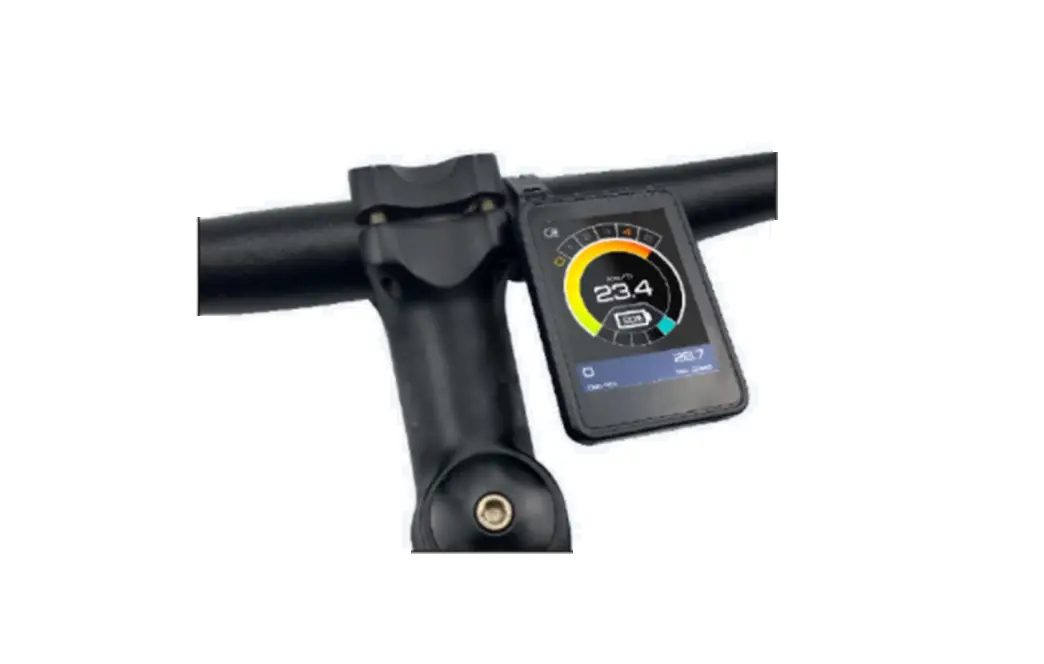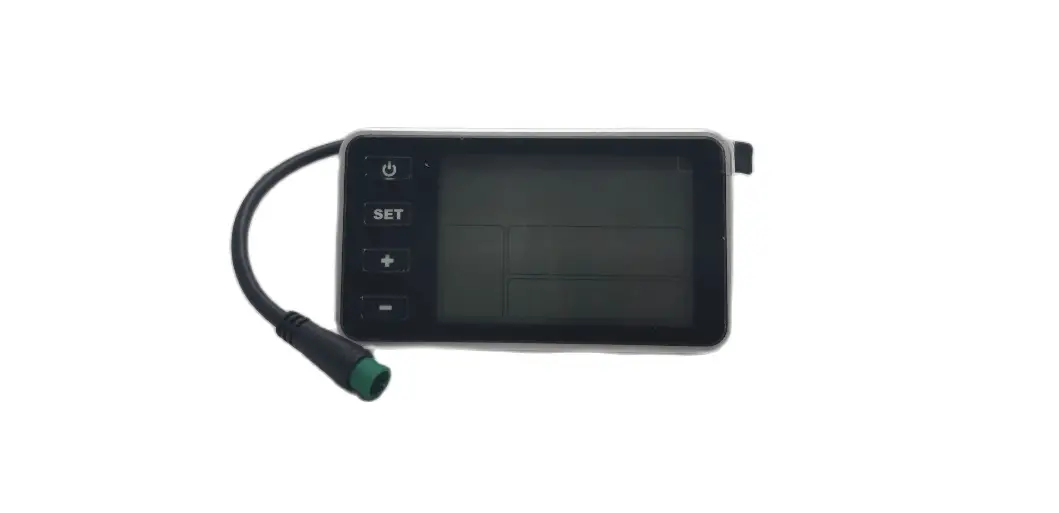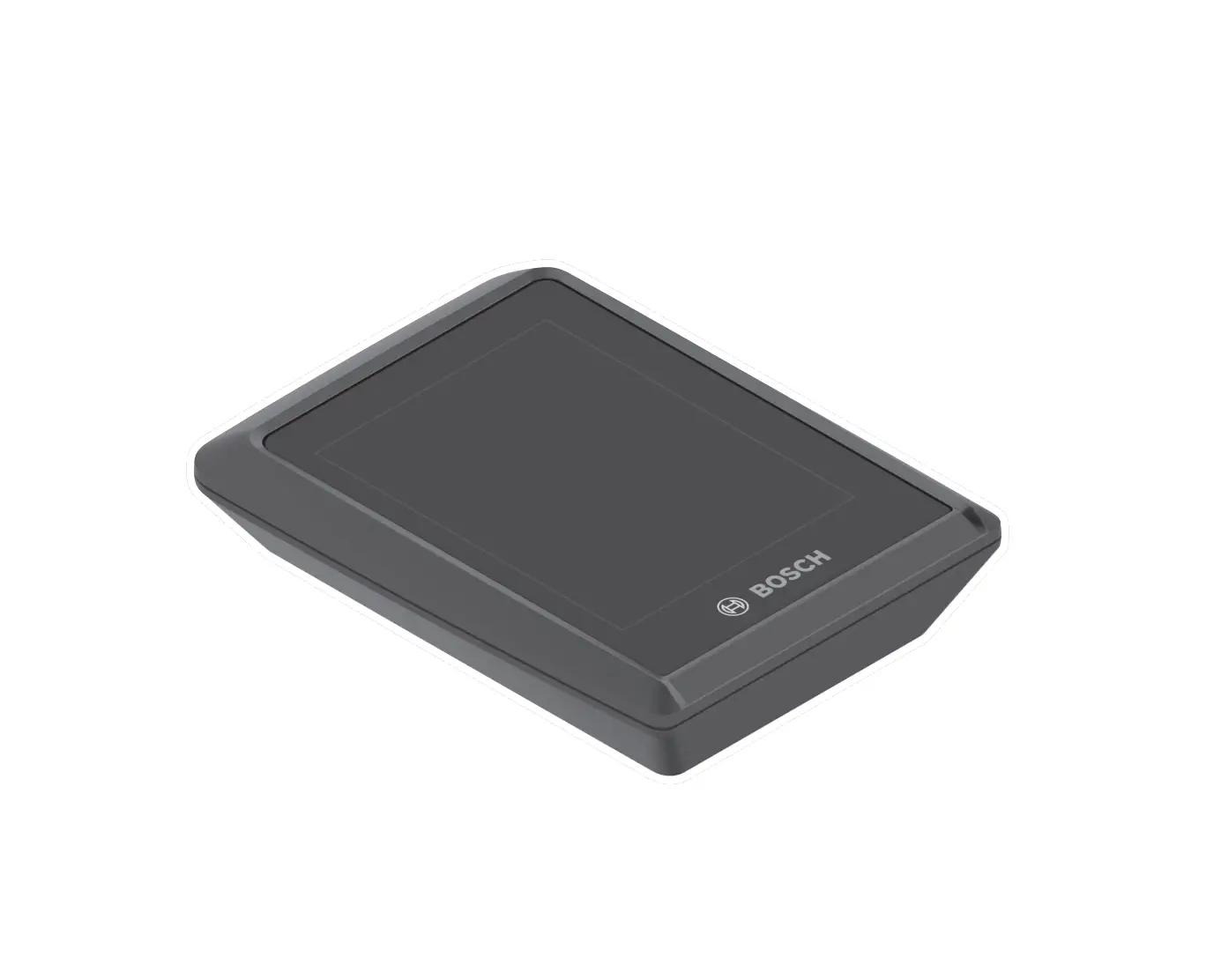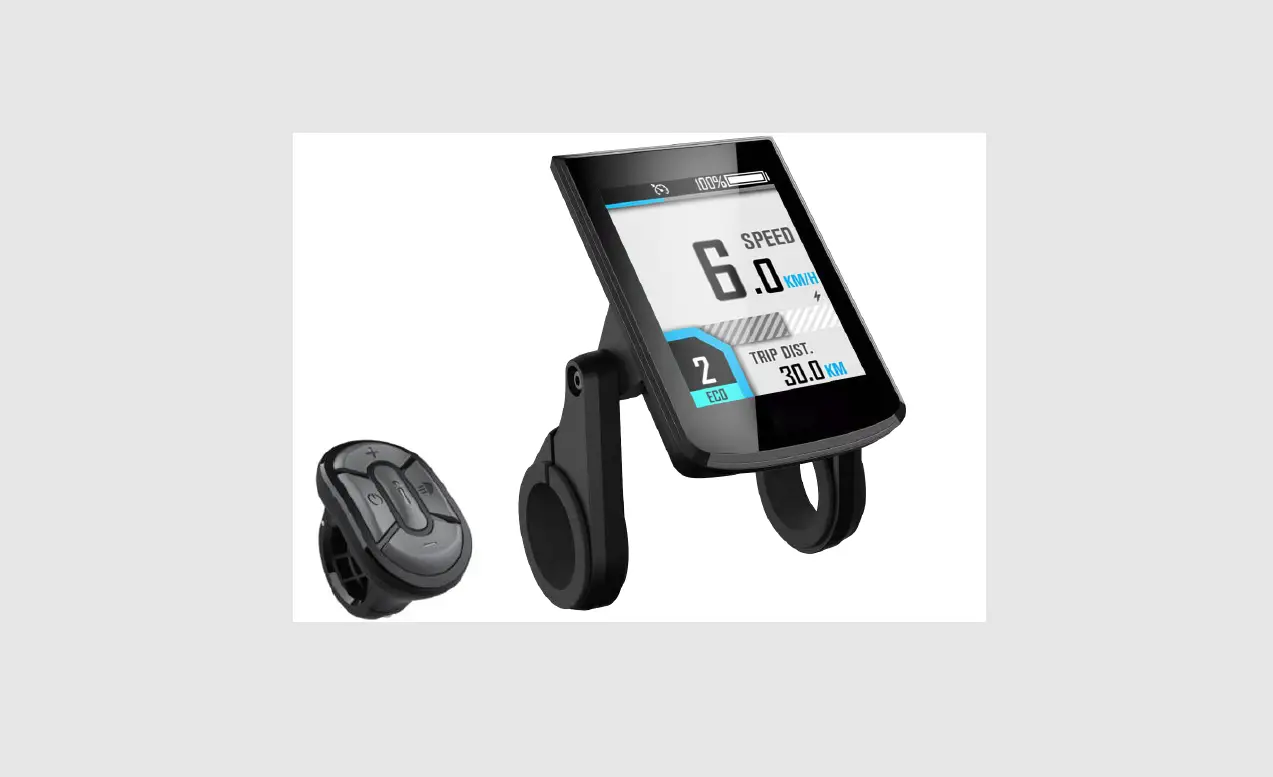
 digitech BC281 Electric Bike Color Display
 digitech BC281 Electric Bike Color Display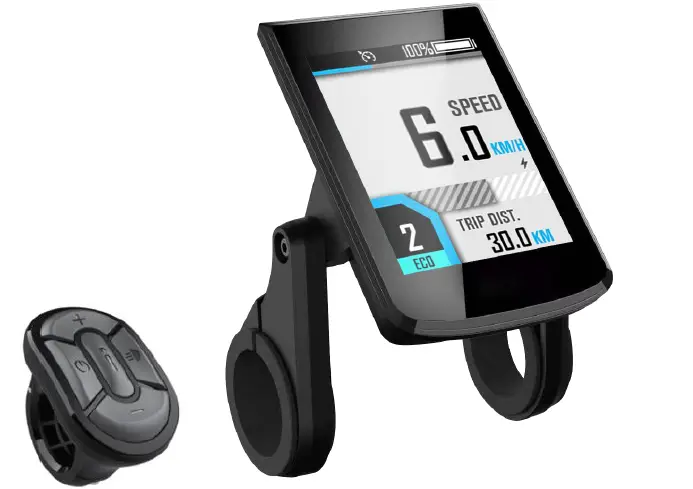
Product Description and Specifications 
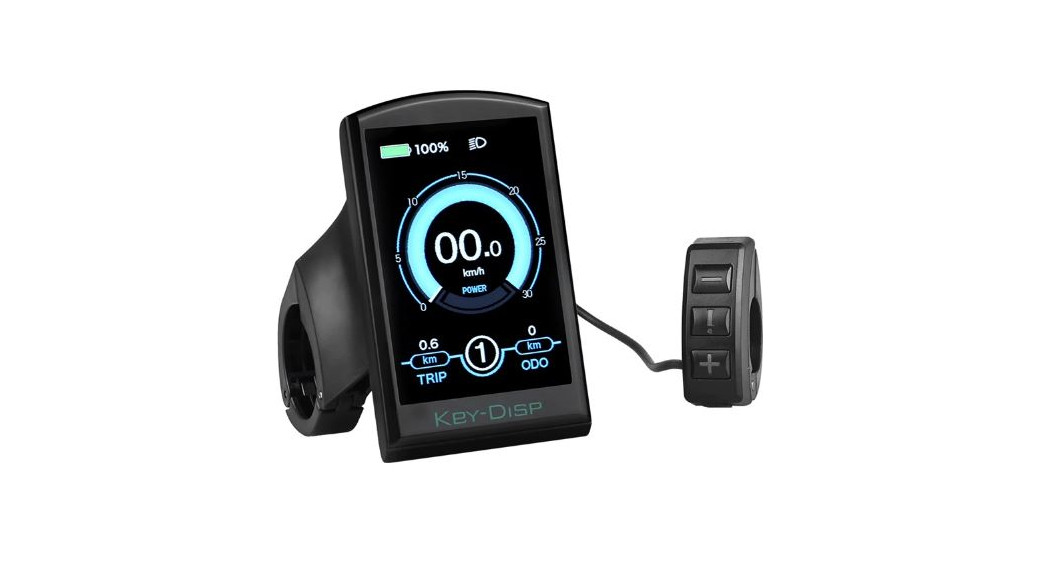
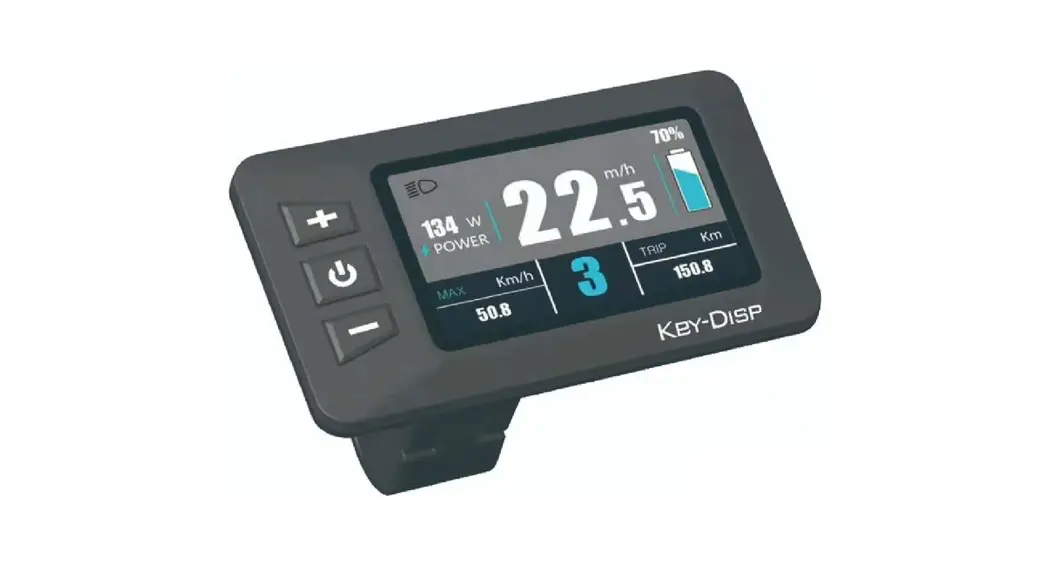
Parts Description
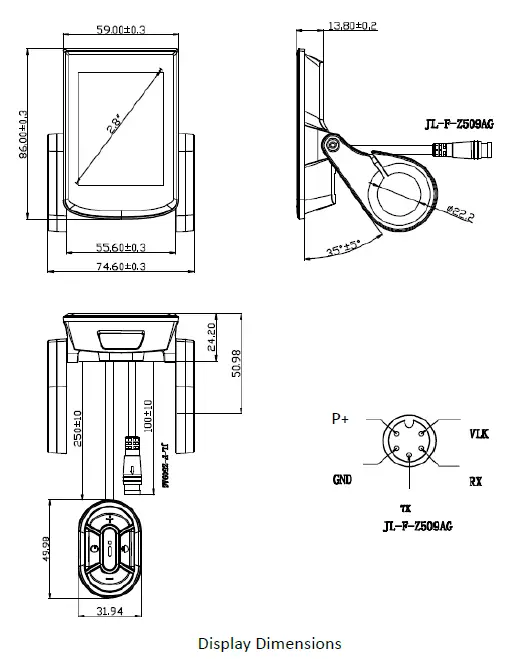
Function introduction
Features
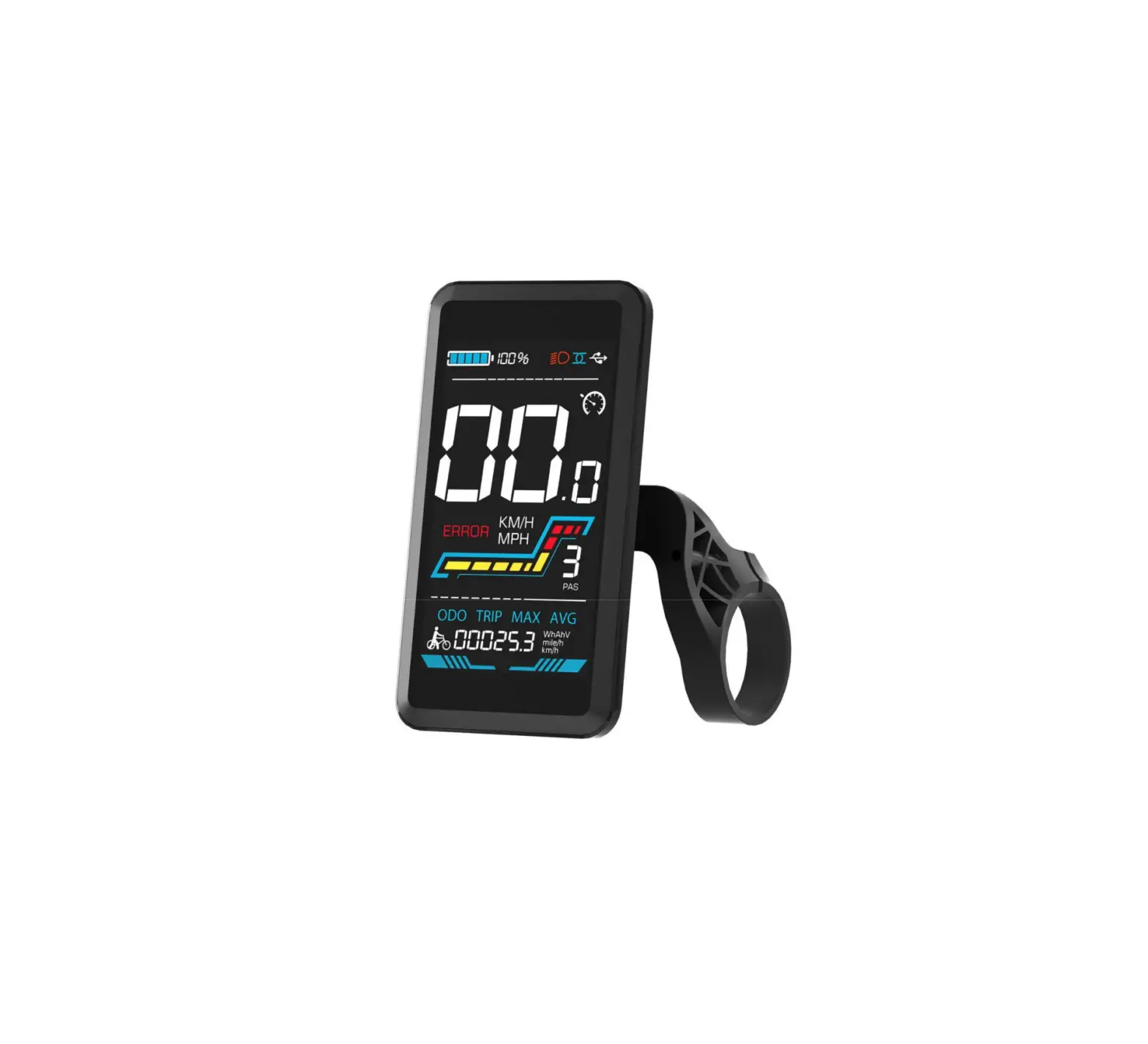
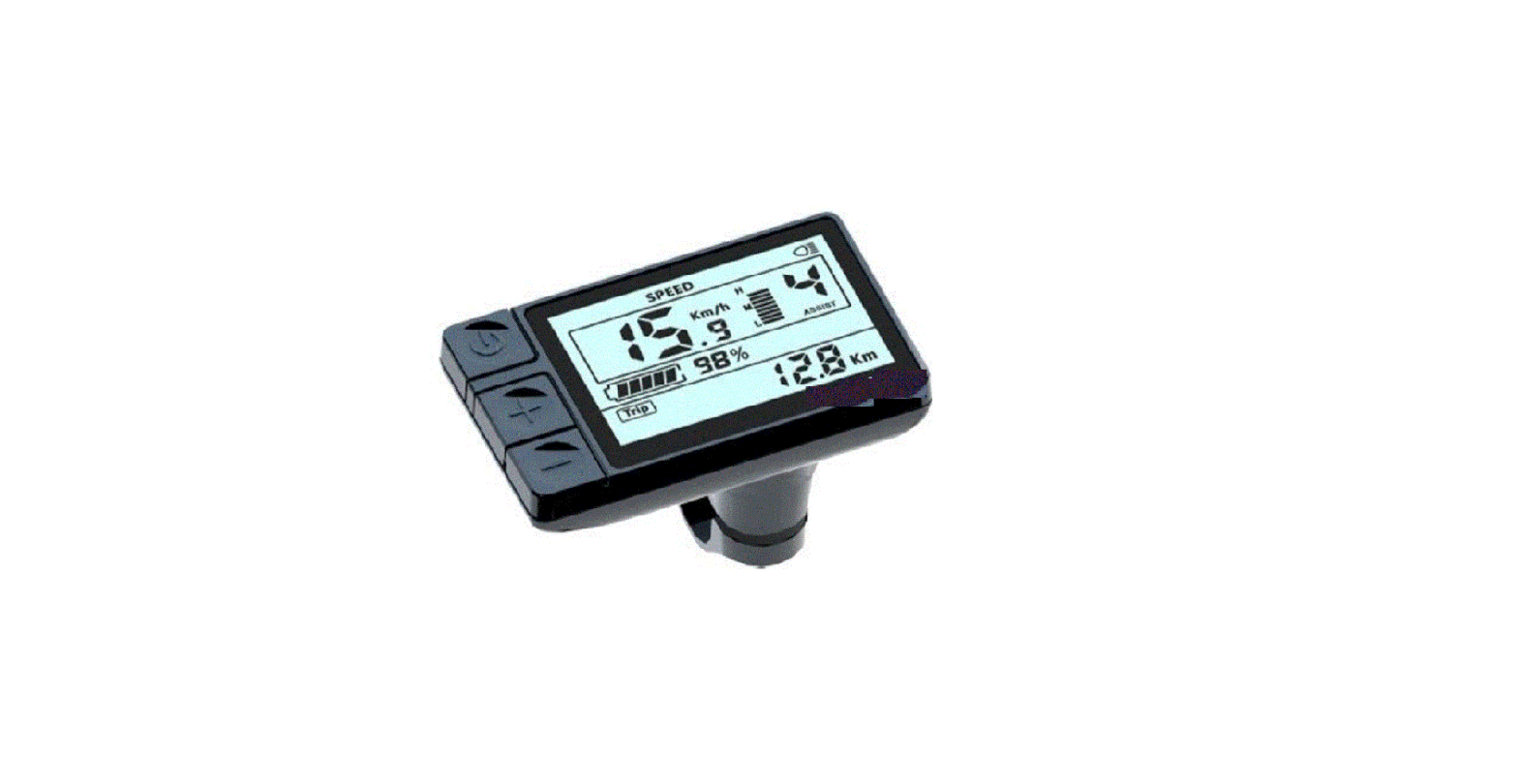
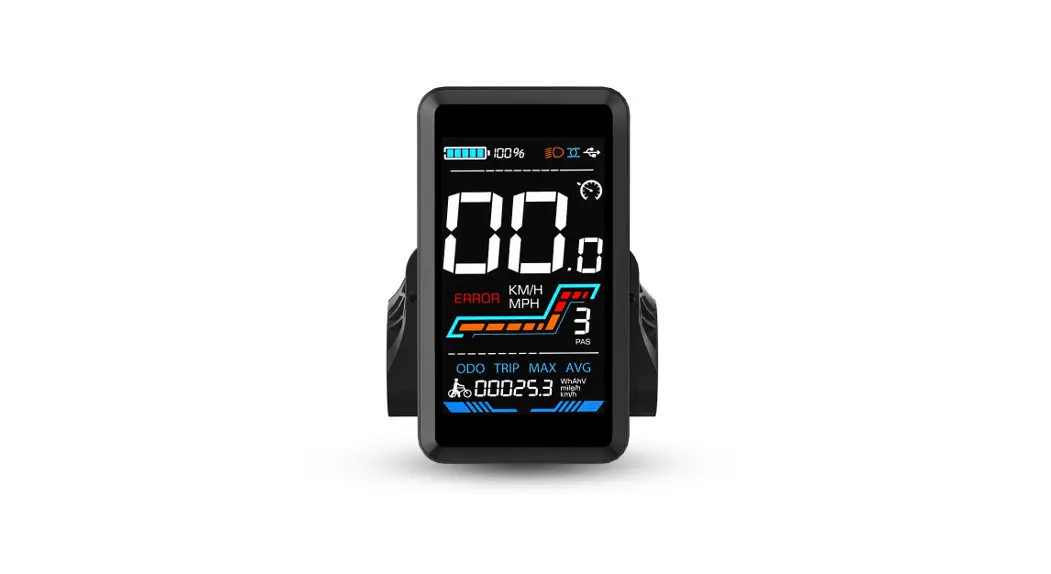
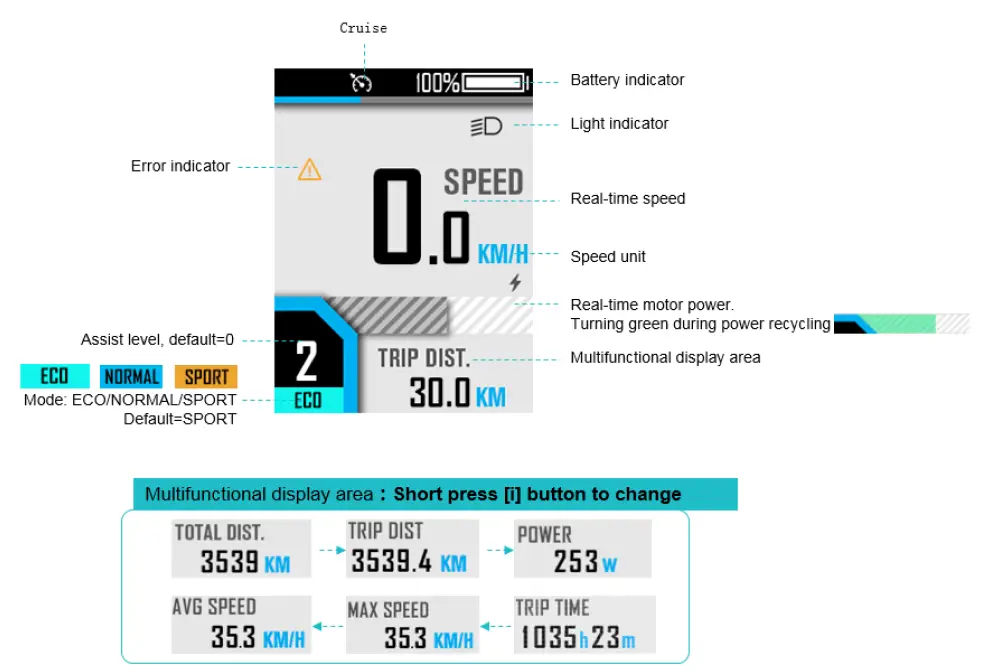
BC281 supports the common riding parameters and statistical results, as well as some useful functions:
- Real-time speed, Max speed, Average speed
- Real-time motor power
- Battery indicator
- Assistant level
- Odometer, trip
- Trip time
- Light indicator
- Metric(km/h)/Imperial(mph) switching
- Error codes indicator
- Auto headlights, Brightness adjustment, automatic backlight
- Auto Power-off
- USB Port(5V/500mA)
Buttons Functions
| Name | Functions |
| [Power] | 1、 Power on/off |
| [+] | 1、 Parameter adjustment 2、 Menu operation 3、 Long pressàCruise on/off |
| [-] | 1、Parameter adjustment 2、Pedestrian mode on/off 3、Menu operation |
| [Light] | 1、 Light on/off |
| [i] | 1、 Parameters confirm 2、 Long pressàChange mode |
Operation
Power on/off
Long press the [Power] button to power on, the boot interface will be shown for about 2s, followed by the riding interface: 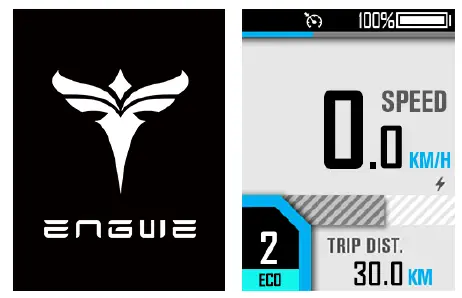
In any interface, long press the [Power] button, the shutdown interface will be shown for about 2s before power off:
Riding interface
Assist level switch
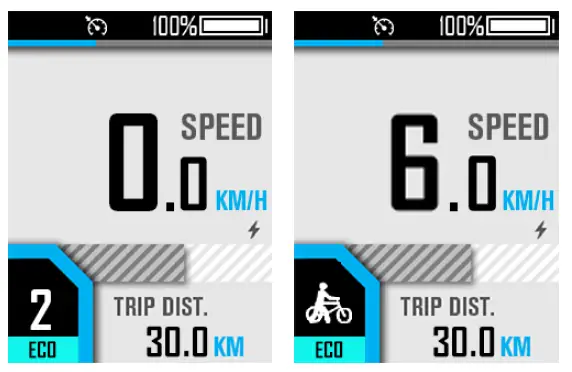
- Click [+] or [-] to switch assist levels;
- Press and hold the [-] button to enter the pedestrian mode, and release to exit.
Turn on/off the light
Short press [light] button to turn on/off the light.
Error Code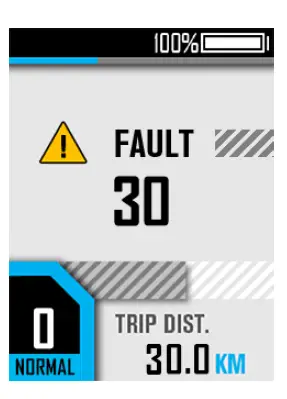 Common error codes are as follows (Only for reference, depending on other electrical parts of the ebike): KM5S protocol Error Code
| Error Code | Meaning |
| 21 | Current or Mos Error |
| 22 | Throttle Error |
| 23 | Motor Phase Error |
| 24 | Motor Hall Error |
| 25 | Brake Error |
| 26 | Low-voltage protection |
| 30 | Communication Error |
User Menu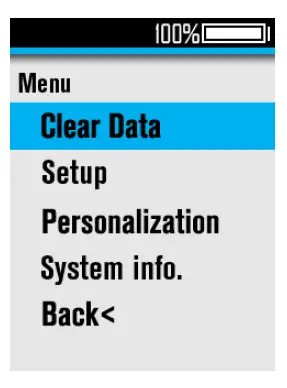
To enter the user menu, please long press the [+] and [-] combination buttons for 1s on the riding interface when static.
This interface will automatically return to the riding interface when there is no operation for more than 60s.
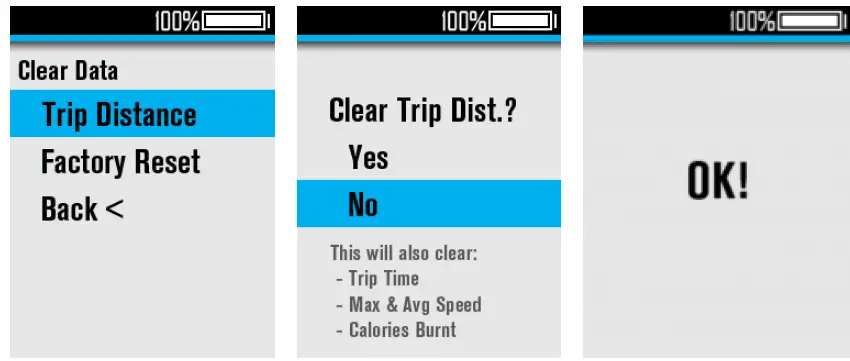
- Clear Datav
In the “Clear Data” menu interface, select the “Trip Distance” menu item, click the [+] / [-] to switch (the default option is “No”), and click [i] to confirm and automatically return to the previous menu interface.
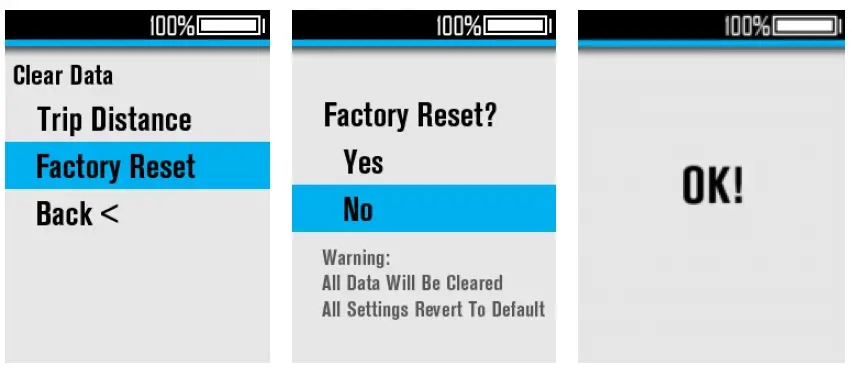
- 2、 Factory Reset
In the “Clear Data” menu interface, select the “Factory Reset” menu item, click the [+] / [-] to switch (the default option is “No”), and click the [i] to confirm and automatically return to the previous menu interface. After “Factory Reset”, some functions need to be restarted to take effect.
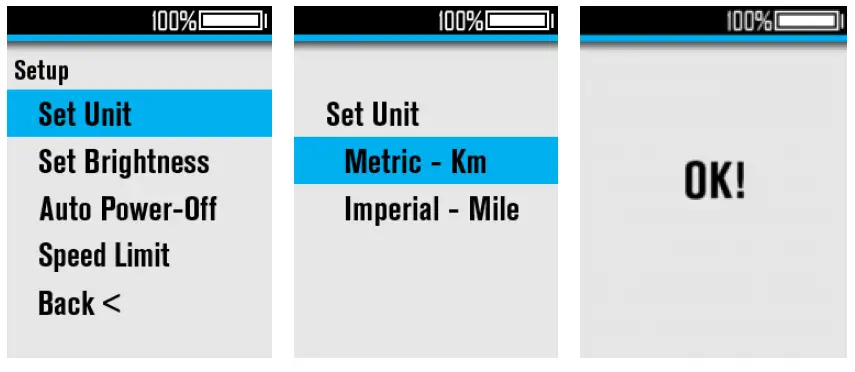
- Set Unit
Select “Set Unit” and click the [i] to enter the submenu, you can select the unit: Select the “Set Unit” menu item, click [i] to enter, and click [+] /[-] to switch the unit. Click [i] to confirm and automatically return to the previous menu interface.
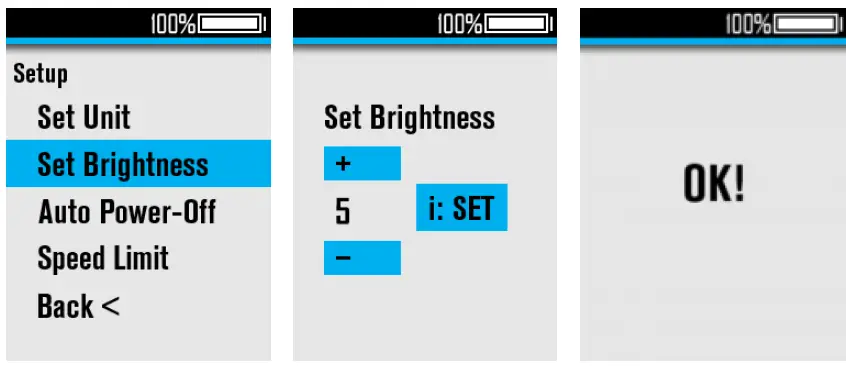
- Set Brightness
Select “Set Brightness” and click [i] to enter the submenu, the adjustment range is Auto, 1-5; Click [i] to confirm and automatically return to the previous menu interface.
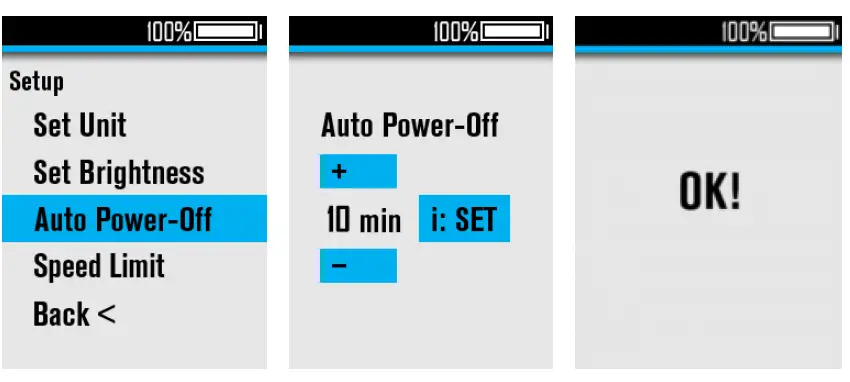
- Auto Power-Off
Select “Auto Power-off” and click [i] to enter the submenu, the adjustment range is 0-99(unit: min), 0=Never auto power-off.
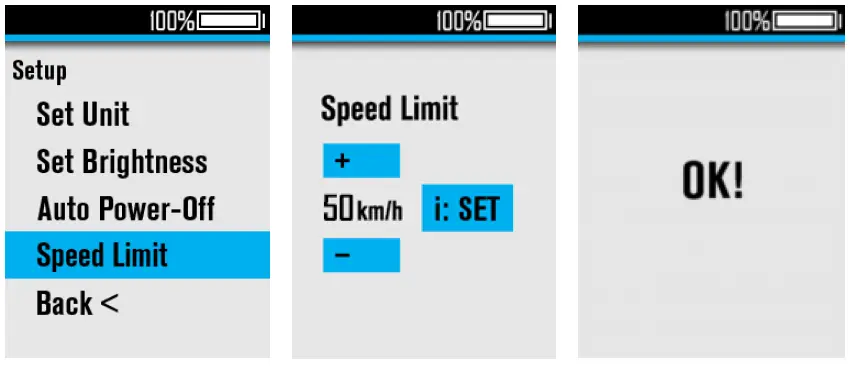
Click [i] to confirm and automatically return to the previous menu interface.  Speed Limit
Select “Speed Limit” and click [i] to enter the submenu, the adjustment range is 22-50km/h Click [i] to confirm and automatically return to the previous menu interface. Personalization
Click [i] to enter the “Personalization” menu interface, you can set cruise control (CRU), reverse charging current (ACF), auto headlight (Auto Headlight), Assist level PWM (Power Set).
- Select “CRU”, press [i] to adjust ON/OFF;
- Select “ACF”, press [i] to adjust ON/OFF;
- Select “Auto Headlight”, press [i] to adjust ON/OFF;
- Select “Power Set”, press [i] to enter, and press [i] again to select “Power Mode”, click [+]/[-] to switch the assist level range, the adjustment range is 0-3/1-3/0-5/1-5/0-7/1-7/0-9/1-9. Click [i] to confirm and exit, click [+]/[-] to change the percentage value of each assist level.
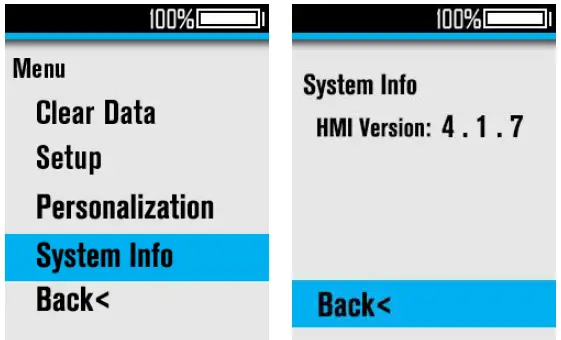
- System Info
Select “System Info” and click [i] to check the version info. Click [i] to return to the previous menu interface.
 Speed Limit
 Personalization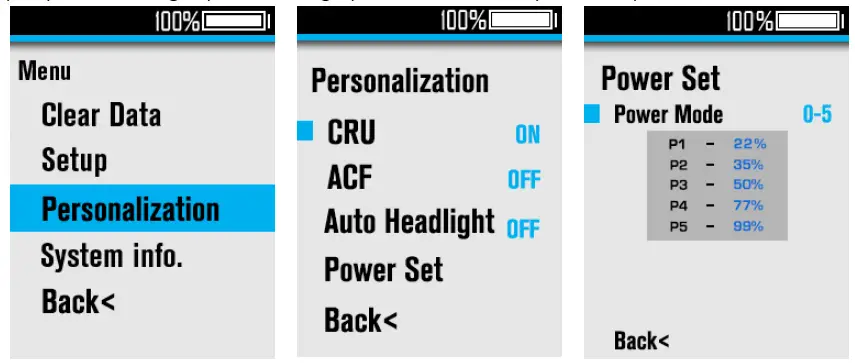
Attentions
- Be sure to power of first before connecting and disconnecting the cable, or the display will be totally damaged;
- When fix the display to the ebike, please ensure that the torque of the screwdriver is about 0.5N.M (DO NOT EXCEED 0.6N.M), or it will cause damages to the handle;
- Do not put the display into water;
- The display can be wiped with wet and soft cloth, but DO NOT use any chemical liquid or spray on the display;
- Please abide by local laws and regulations when scrapping, discard or recycle in an environmentally friendly way, and do not discard the instrument or any accessories as resident waste;
- The damage and failure of the instrument caused by improper installation or use are not covered by the after-sale warranty.
- For more information and support, please contact [email protected].
 evolved.com
 å…¬å¸é¦–页