Italwin CDC11 2.4 Inch Bicycle LCD Color Screen User Manual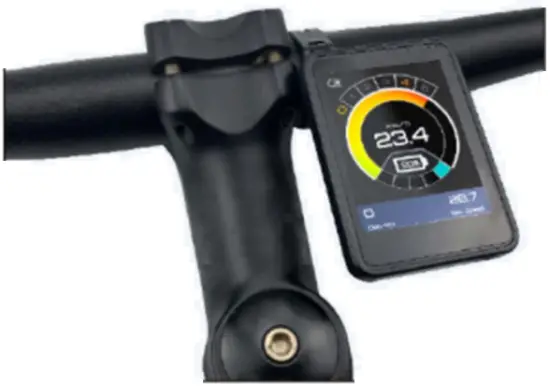
Product Instruction
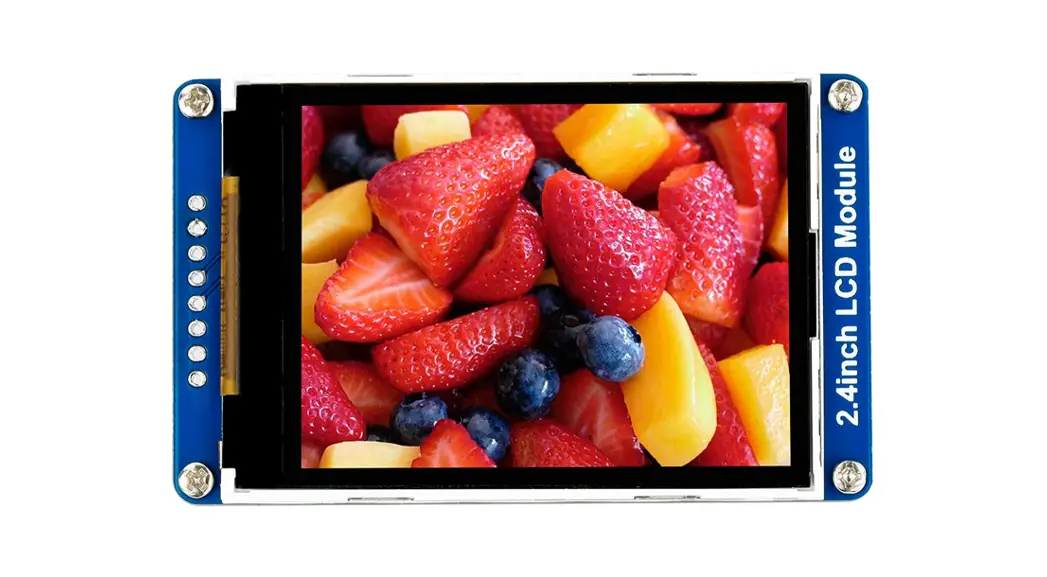
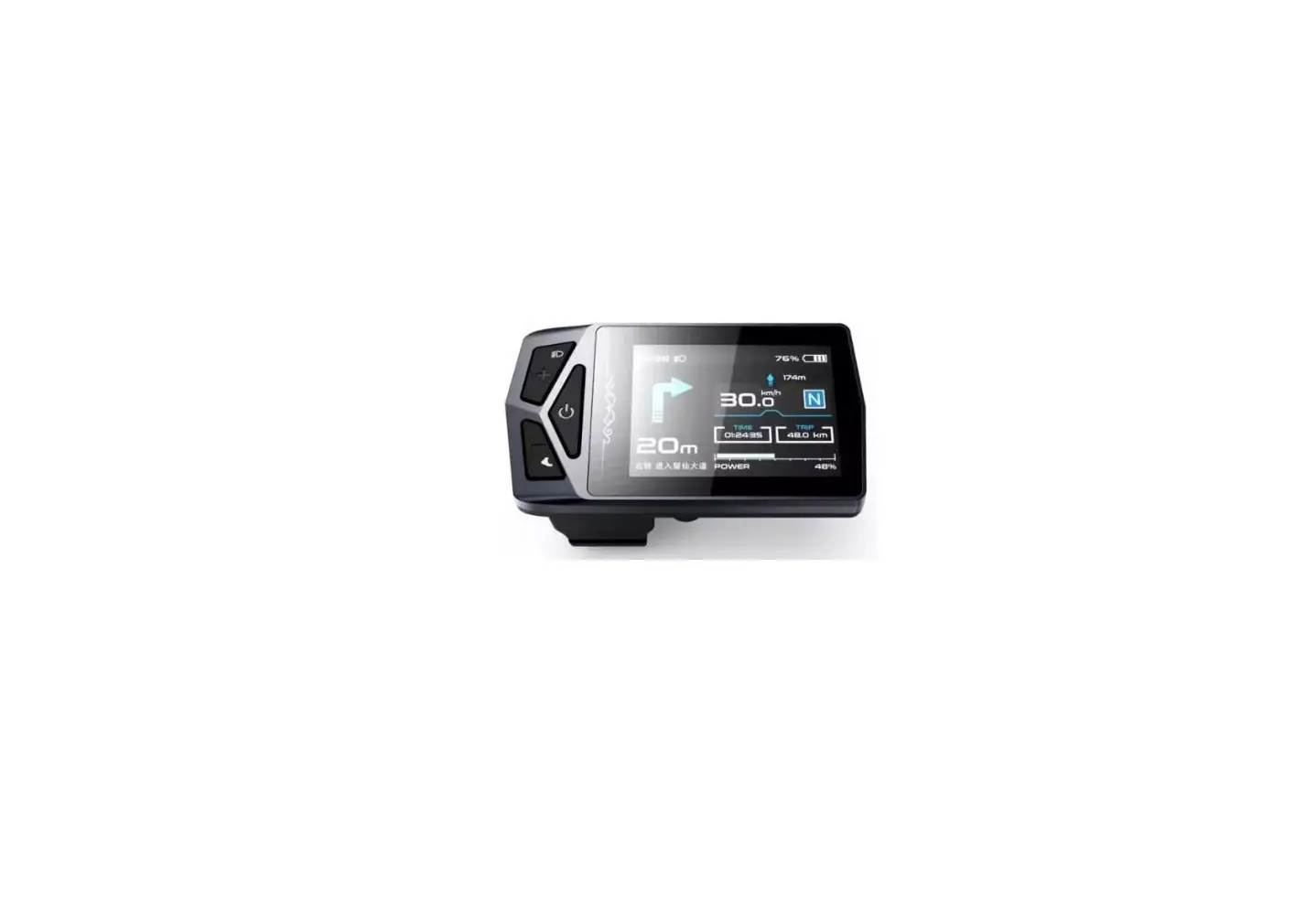
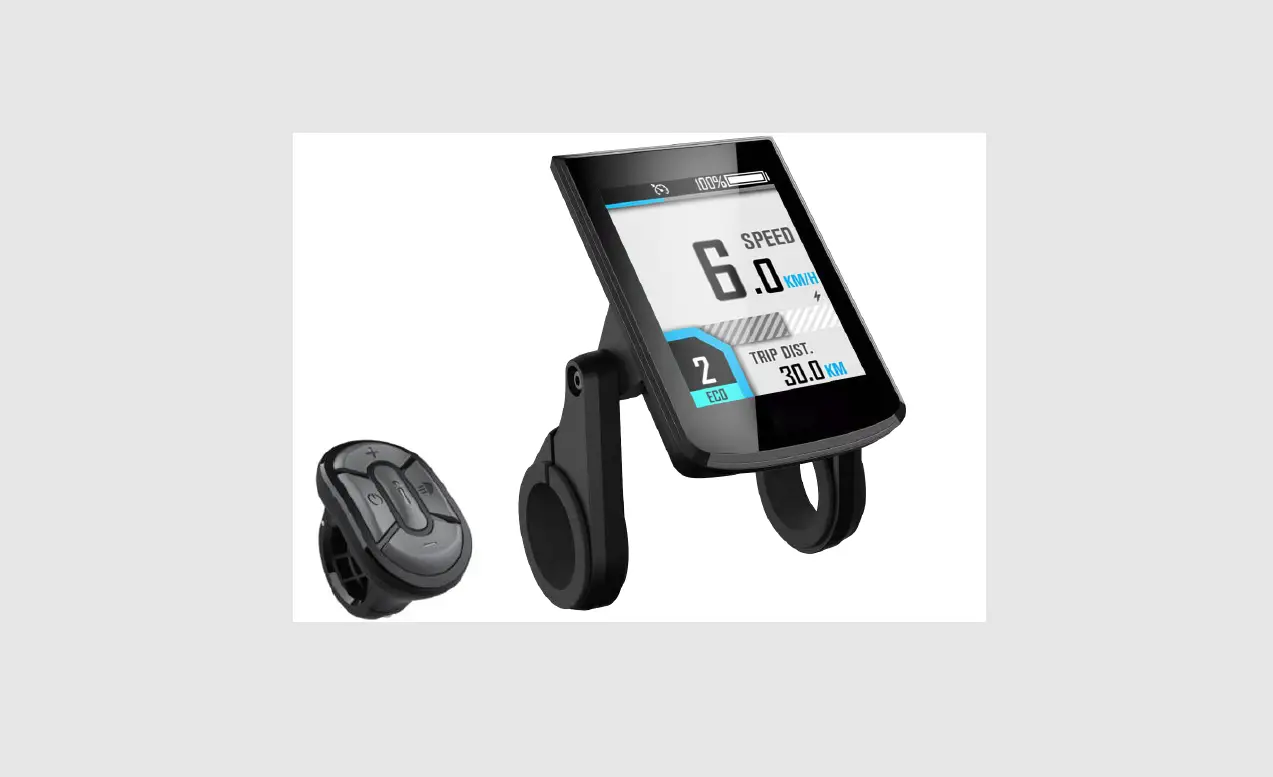
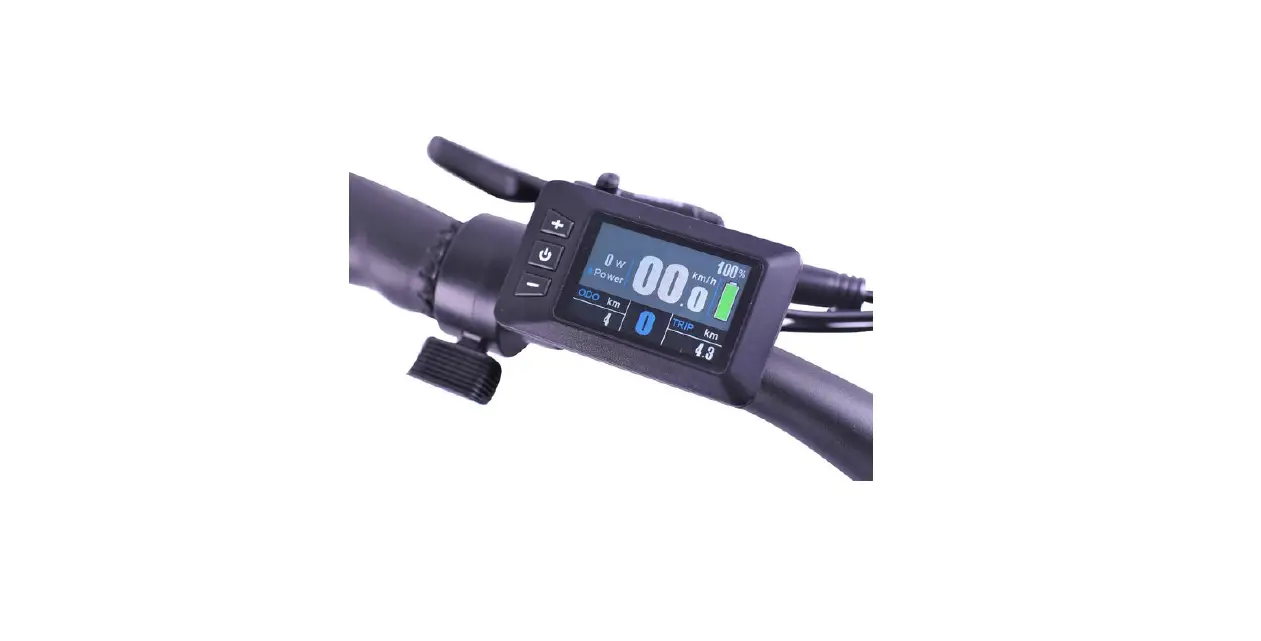
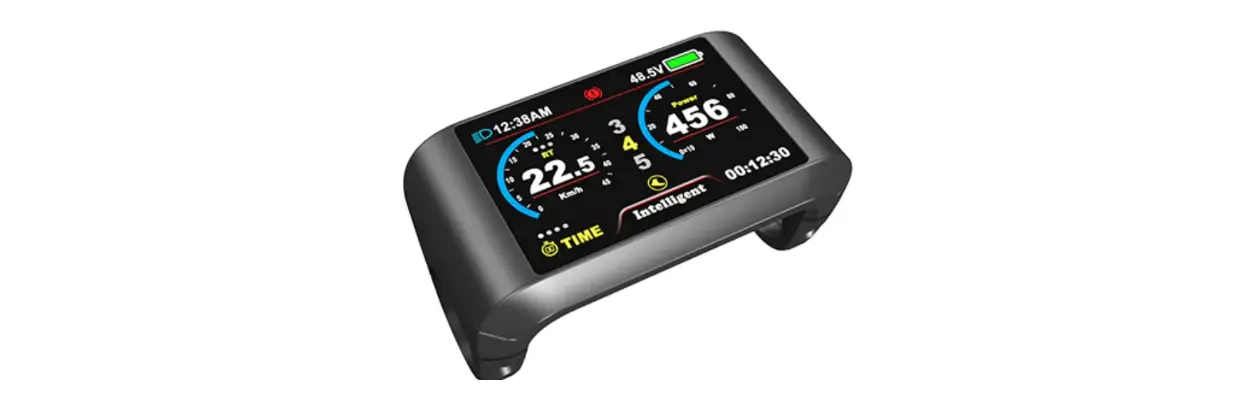
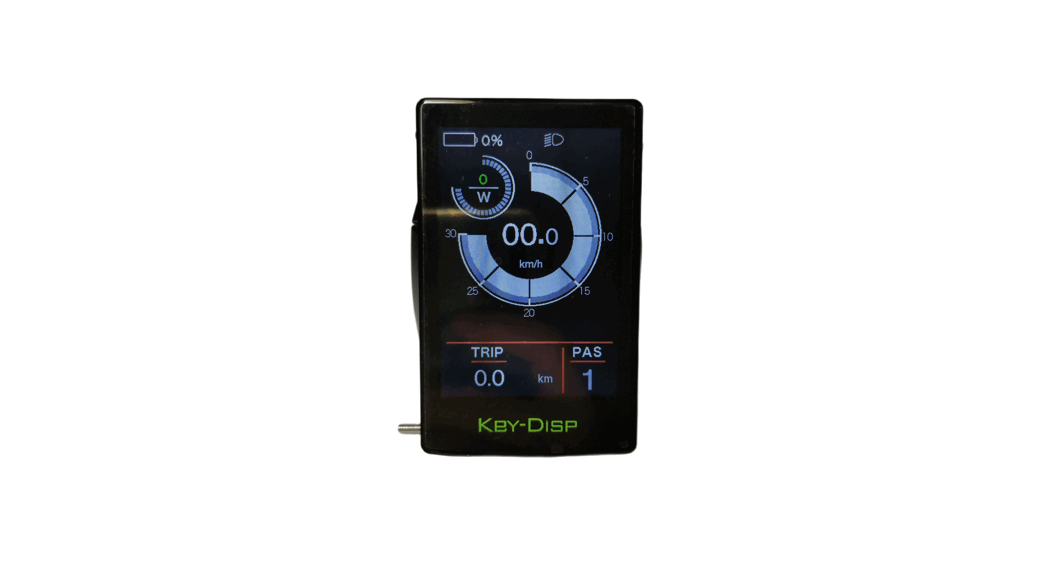
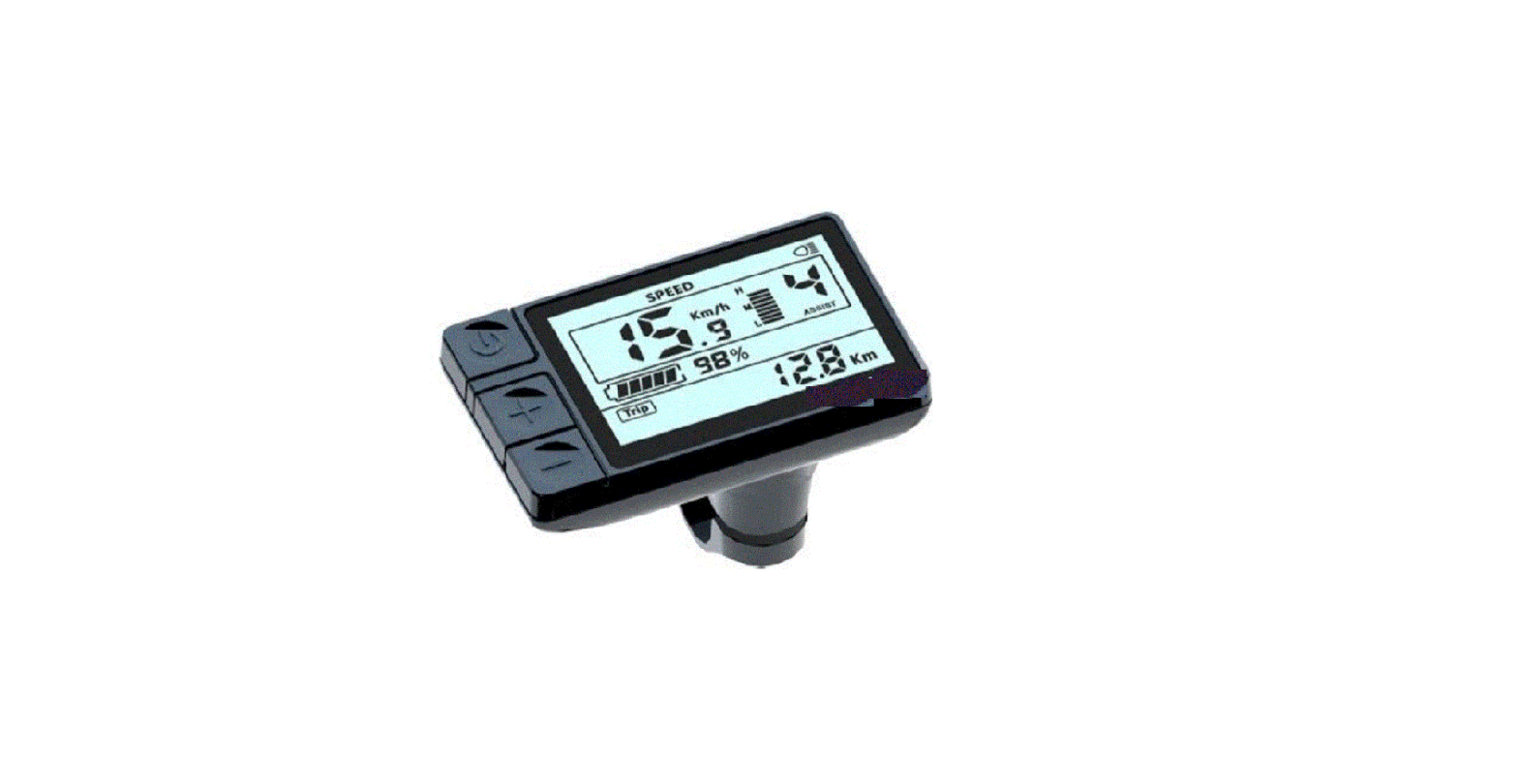
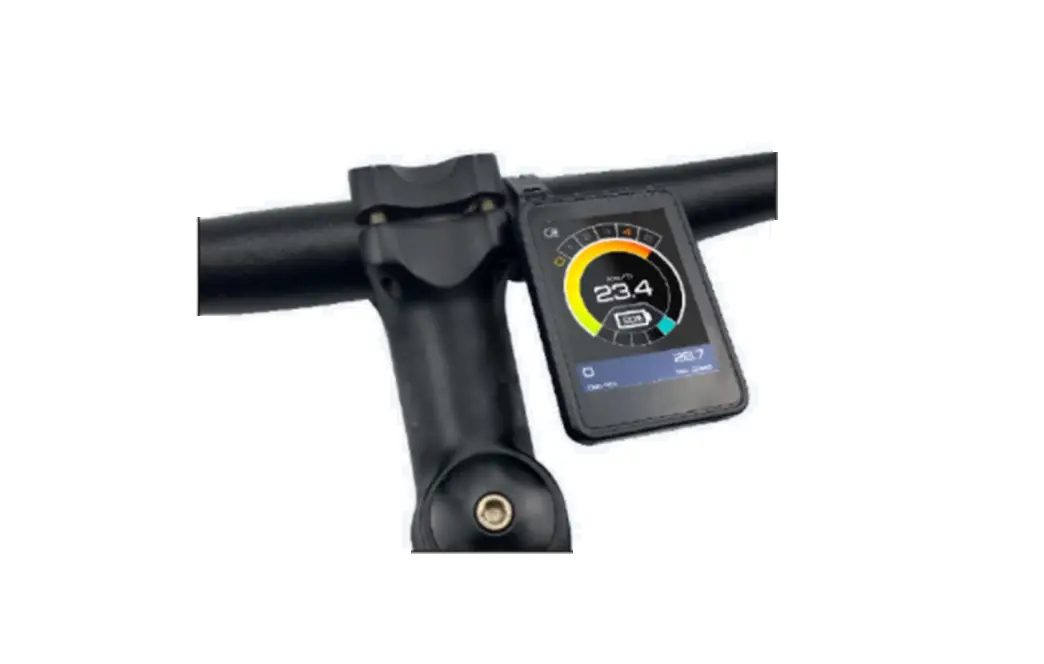
CDC11 display uses the 2.4” LCD color screen features a very clear display interface, with backlight crepuscular sensor.
Double side printed board, nylon buckle and ABS material shell. Good mechanical performance is ensured in a temperature range from -20° to 6°. It also features IP65 protection to water infiltration.
The display can match 24V/36V/48V battery; it integrates front light switch function.
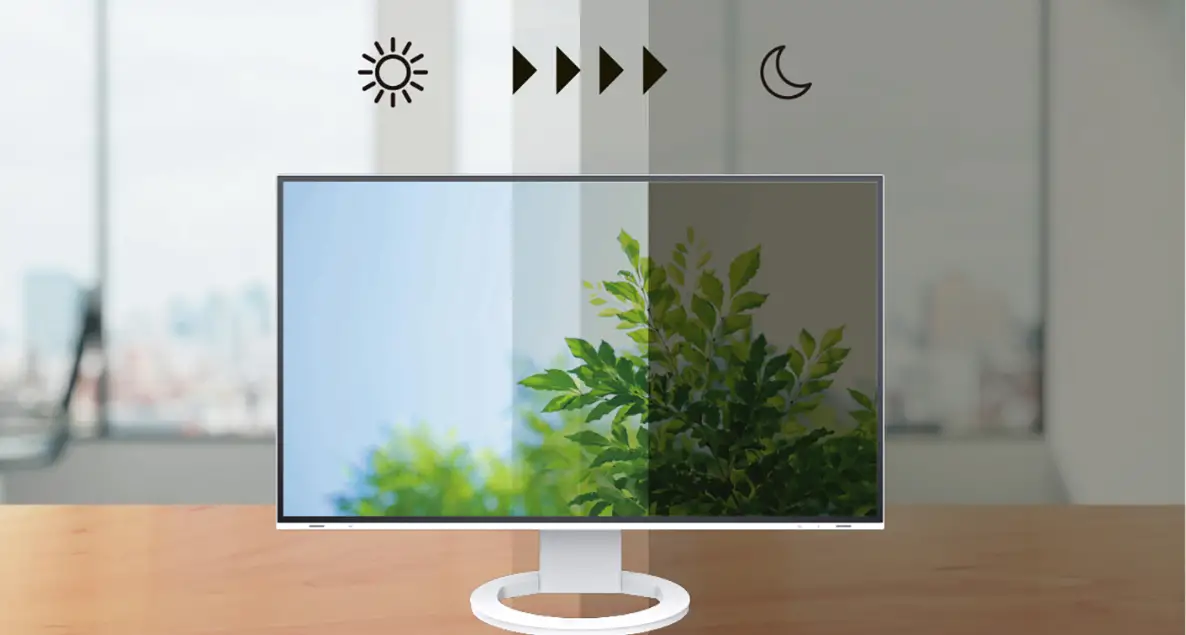
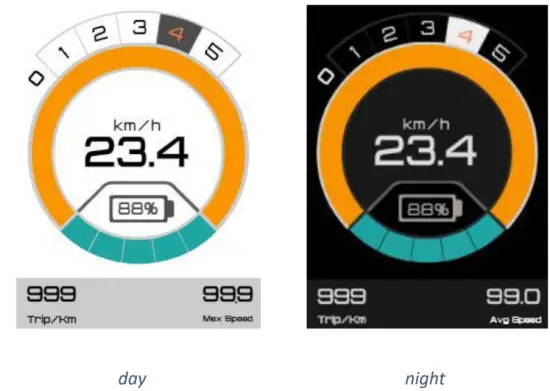
Main interface has two background colors, white or black (day/night), switching automatically between the two themes (thanks to a crepuscular sensor) and always providing a clear visibility for every external light condition.
Functions summary
- Total distance (odometer) / trip distance
- Maximum speed / average speed
- Current speed
- km/miles unit switch
- Integrated lights on/off indicator on display
- PAS (pedal assist system) level selection
- Battery residual capacity
- Error code definition
- USB charging function
- 6Km/h walk assistance function

Technical parameters
- Voltage: 24V / 36V / 48V
- Current: 24V / 35mA, 36V / 27mA, 48V / 24mA
- Ambient temperature limits: -20° / +60°
- Ambient humidity limits: 0-100% RH (relative humidity)
- Ingress Protection: IP65
- Screen viewing angle: 160° Horizontal / 160° Vertical
- Screen brightness: 400~450 lumen (good visibility in sunlight)
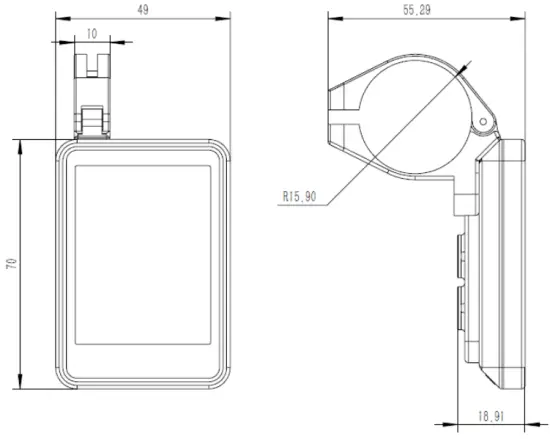
Dimensions
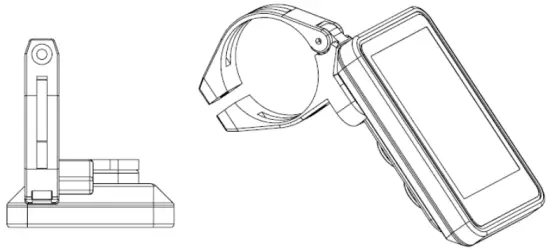
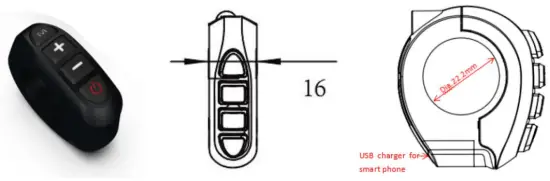
Installation instruction
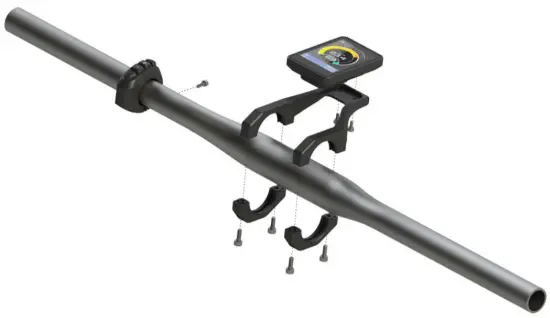
- Fix display and button panel on the handlebar
- Adjust the angle of view in a comfortable visible position
- Tighten the screws to finish the installation
| Button | Operation | Function |
 | hold 3S | Nothing |
| click | (In main interface) -> turn on/off usb charging function (In setting function) -> confirm (In passwords interface) -> switch the passwords digit | |
 | hold 3S | Nothing |
| click | (In main interface) -> Increase the lever (In setting interface) -> Switch the options (In passwords interface) -> Increase the numeric value | |
 | hold 3S | (In main interface) -> 6Km/h walk function |
| click | (In main interface) -> decrease (In setting interface) -> switch options (In passwords interface) -> decrease the numeric value | |
 | hold 3S | -> Power off |
| click | (When off) -> Turn power on (In main interface) -> Turn lamp on/off (In passwords input interface) -> Switch the password digit |
Main interface instructions
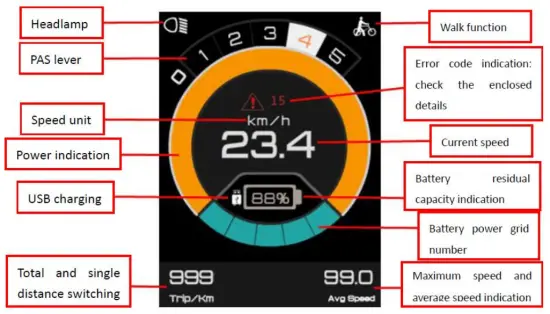
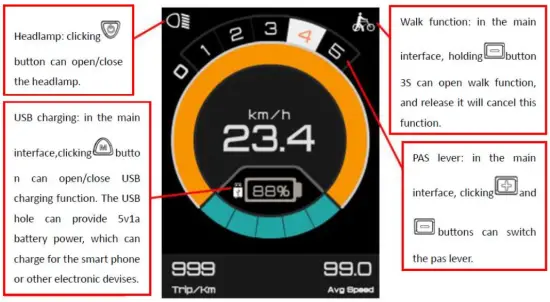
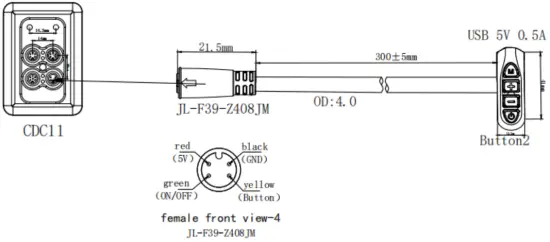
Board terminal cable sequence diagram
Q & A
- Q
Why the display is not able to start up?
A
Check the connector between display and controller. - Q
How to deal with the error code?
A
Ask the customer care at your local dealer.
Error codes
| Error code | Definition |
| 2 | Over current protection (controller) – Check whether the connectors of 3-phase power cable and the hall signal connectors are badly connected. – If the problem is still present after re-connect the connectors, there is something wrong with the controller or motor. |
| 3 | Controller cannot properly drive the motor – Check whether the connectors of 3-phase power cable and the hall signal and the power supply connectors are badly connected. – Check if there’s not enough power to drive the system than 2S, such as climbing, or the wheel is stuck – If the problem is still present after re-connect the connectors, there is something wrong with the controller or motor. |
| 4 | Under voltage protection
|
| 5 | Brake problem
|
| 6 | Hall signal problem
|
| 7 | Throttle problem
|
| 8 | Broken controller |
| A/10 | Display / controller communication problem
|
| D/13 | Controller program is wrong / 5V is wrong
|
WARNING: any manumission of the ebike electronic system will result in warranty decay.
Thank you for your attention
enjoy the ride!