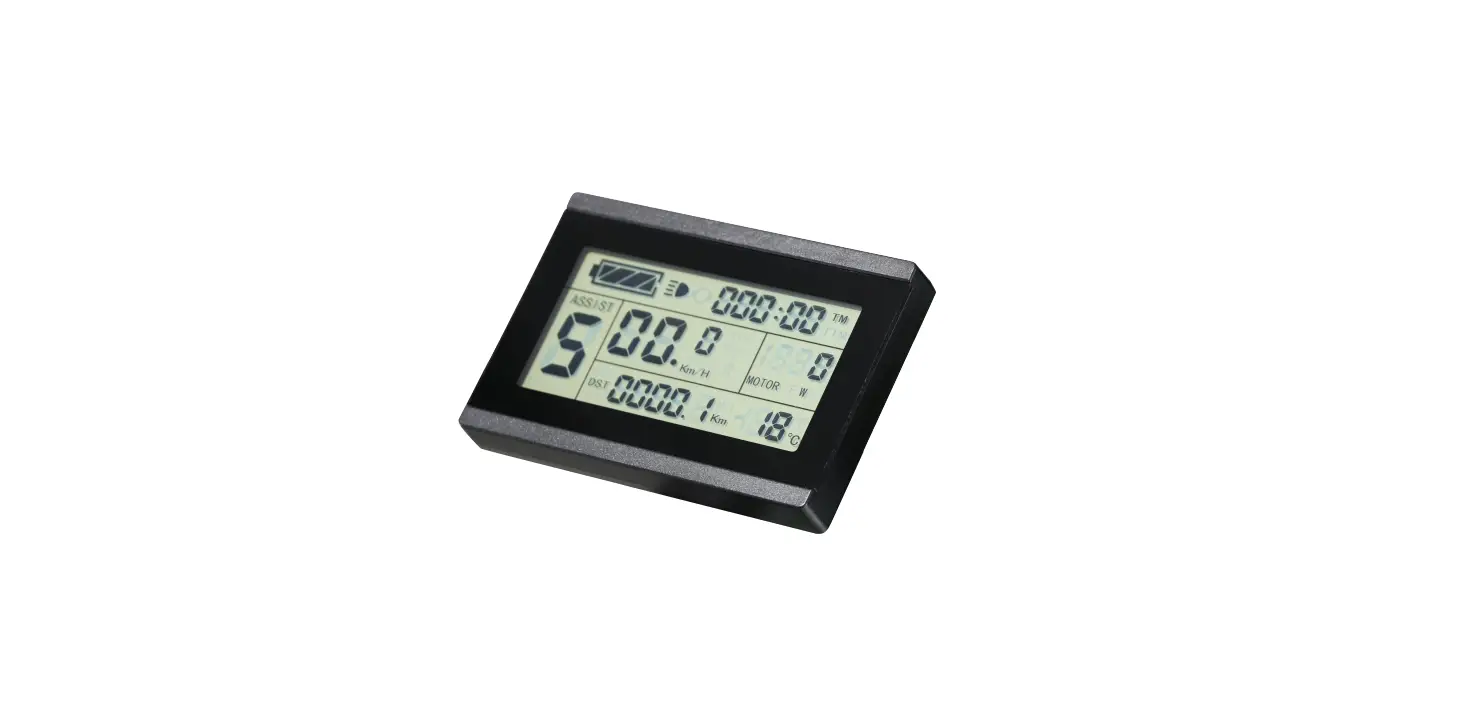
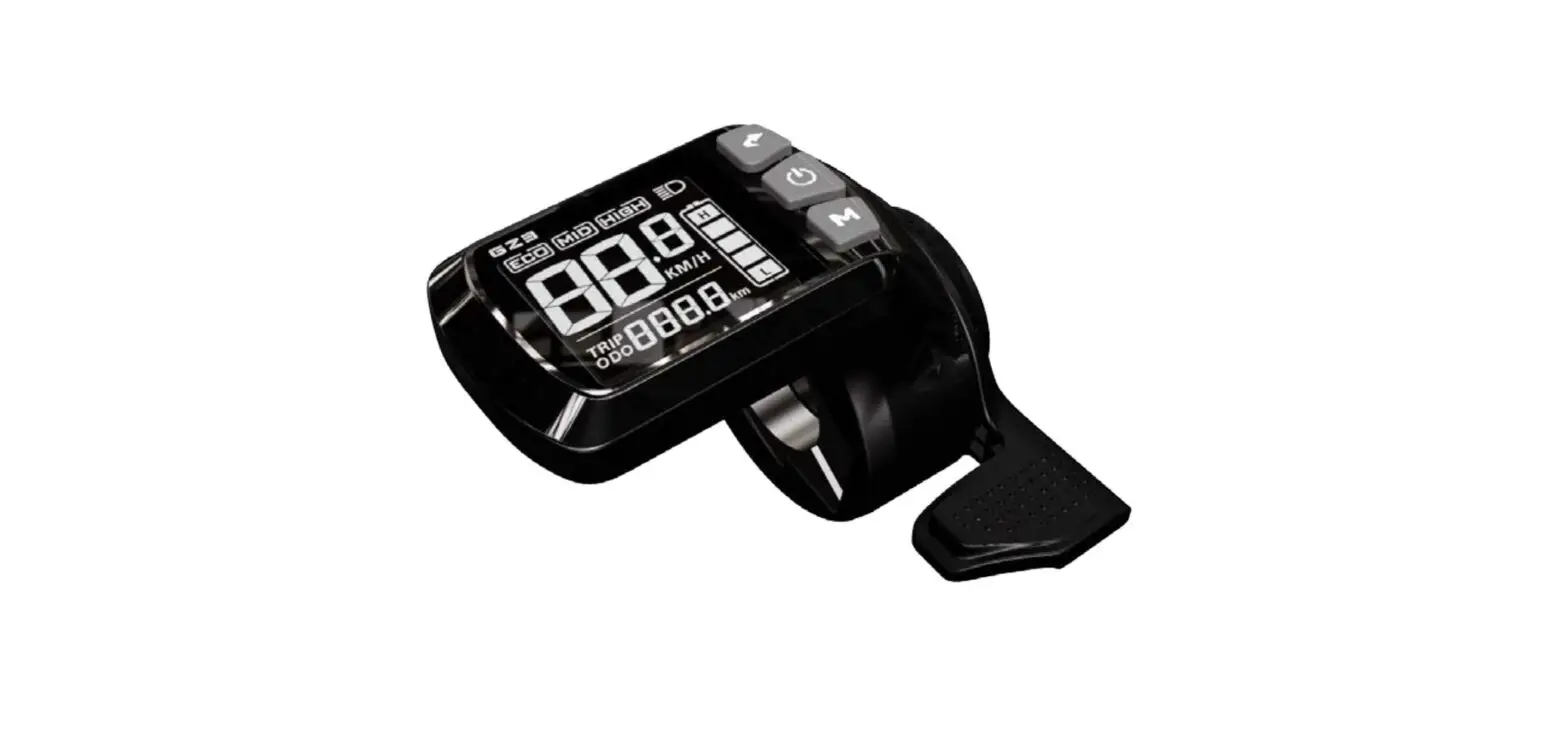
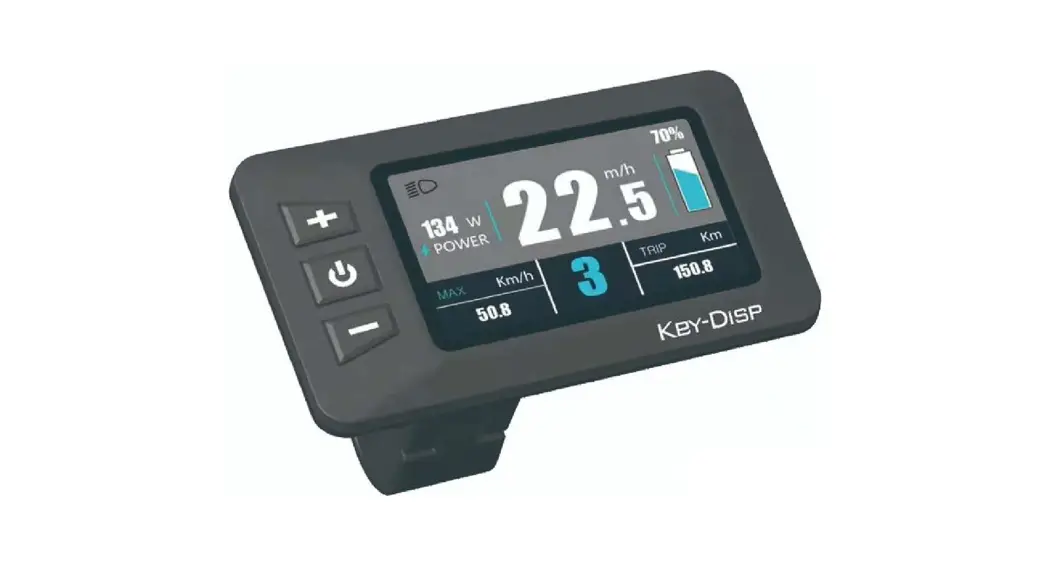
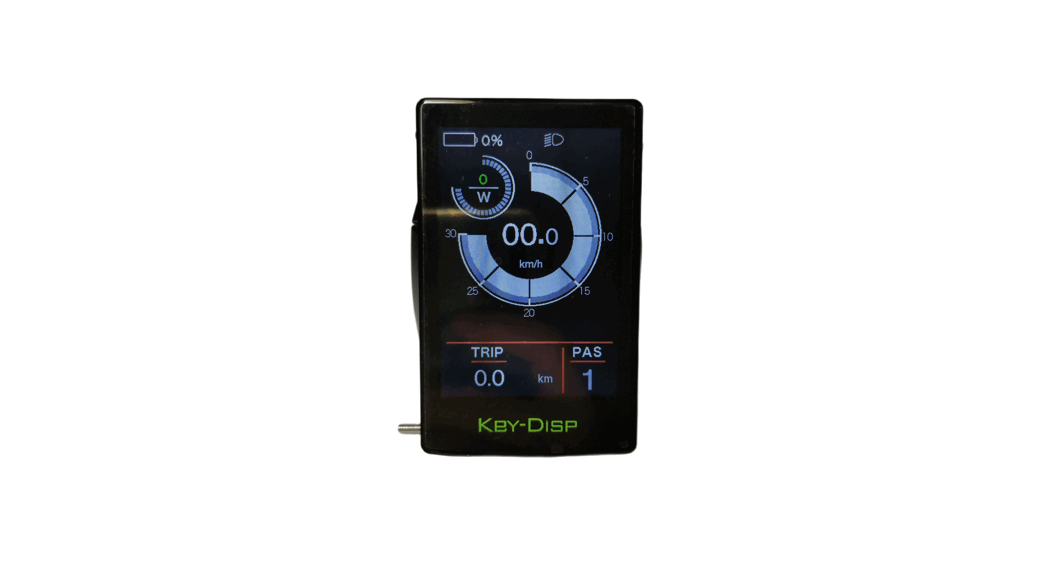
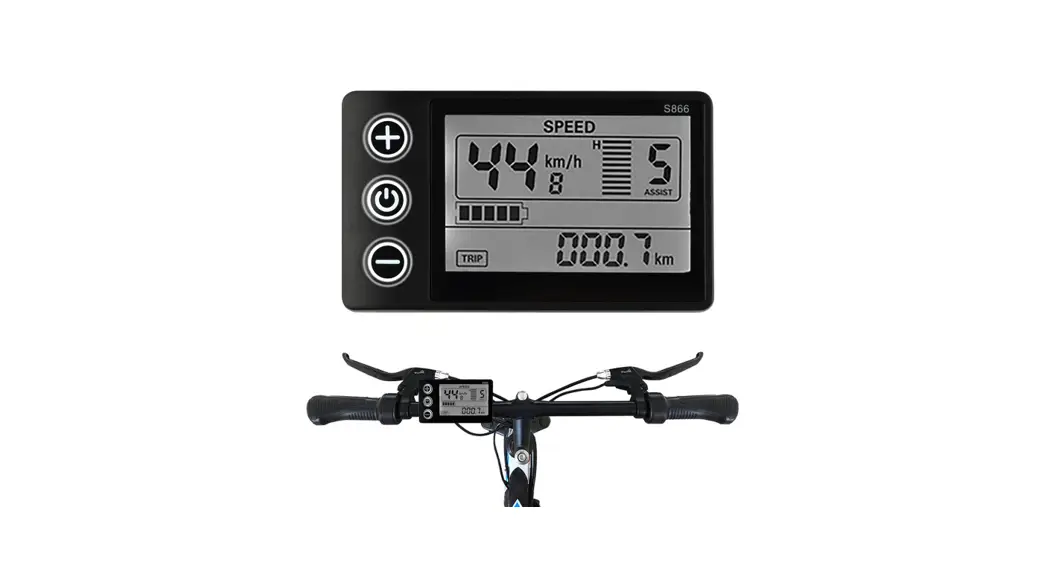
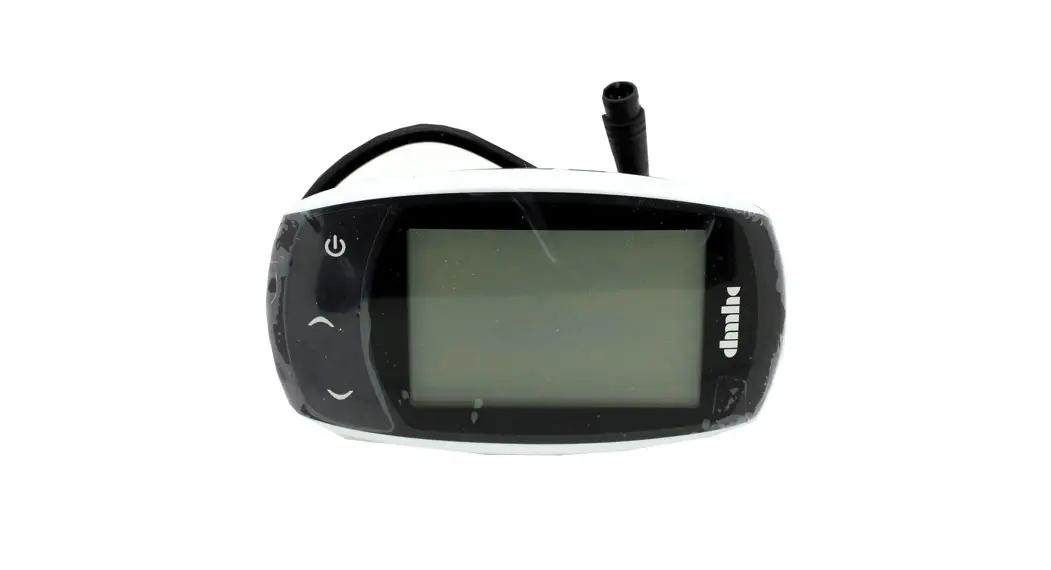
KT-LCD3 eBike Display
KT-LCD3 eBike Display User Manual
Version: V1.0
Thank you for purchasing KT-LCD3 instrument. Please read this
manual carefully before using the instrument. The manual will guide
you on how to use the instrument correctly to control the vehicle
and display vehicle status.
Functions and Display
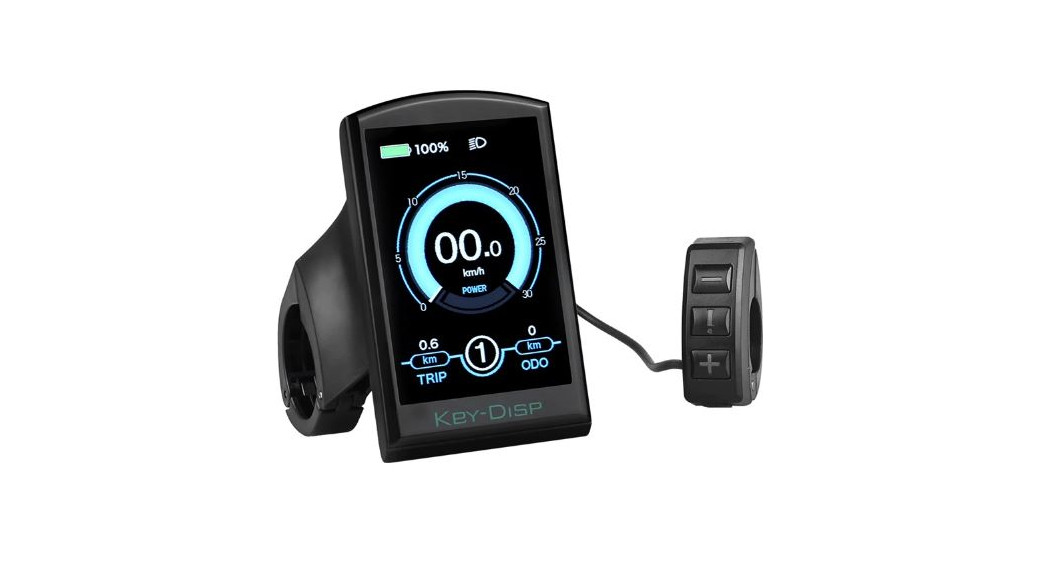
The instrument has a body portion and operation buttons that are
designed separately.
2.1 Turning on Backlight and Headlights
To turn on backlight and headlights, hold the button long.
Repeat the same process to turn off the backlight and headlights.
(Note: The controller should have a headlight drive output
function)
2.2 Assist Ratio Gear (ASSIST) Switch
Press the button shortly to switch 1-5 file gear. Gear 1 is for
minimum power, and gear 5 is for the highest power. Each startup
will restore the last gear shutdown automatically (the user can set
randomly). Gear 0 is without booster function.
2.3 6Km/H Assist Promotion Function
Press the UP Button to start 6Km/H push power assist. Press the
SW Button to switch between metric (Km/H) and imperial (MPH) riding
speed. Press the DOWN Button to decrease the riding speed.
2.4 Cruise Function
To activate cruise function, hold down the button until it
starts flashing. The vehicle will drive at a speed not more than
6Km/h. To disable cruise function, press the button again.
2.5 Display and Delete of Single Data
After power on for 5 seconds, hold down both the button and the
button at the same time. The single trip riding time (TM) and
single trip distance (DST) will flash. Press the button shortly to
clear the content of both. If you fail to hold the button within 5
seconds, it will automatically return to the display interface
after 5 seconds, and the original content will be preserved.
2.6 Battery Capacity Indicator Display
The meter can automatically identify 24V, 36V, 48V battery
capacities when used with the specified controller. When the
battery capacity is over 70%, the four power displays of the meter
are lit. When the battery capacities drop, the four power displays
are turned off in order. When the power capacity is less than 15%,
all four power displays are turned off. When the controller is
powered off due to voltage shortage, the power display frame
flashes, indicating that the vehicle is in voltage shortage and
waiting for shutdown currently.
3. Display 2
Hold down the button shortly in display 1 to enter display 2.
Total trip time (TTM) and total distance (ODO), single average
speed (AVS), motor operating temperature, power display, motor
temperature in Fahrenheit, environment temperature in Celsius,
battery voltage, PAS level, and cruise will be displayed on this
screen.
Operations
1. ON/OFF
To turn on the power, hold down the button long. To turn off the
power, hold down the button long again. When the motor stops
driving, and when the e-bike is not used for a consecutive 5
minutes, it will automatically shut down and turn off the motor
power supply.
KT-LCD3 eBike Display User Manual
V1.0
Dear customer, please read this manual before you use KT-LCD3 instrument. The manual will guide you use the
instrument correctly to achieve a variety of vehicle control and vehicle status display.
Functions and Display
Instruments using the structure form of instrument body portion and the operation buttons are designed separately.
2.1 Turn on backlight and headlights
Hold
long to turn on backlight and headlights (the controller should have
headlight drive output function); hold headlights.
long again to turn off the backlight and
2.2 Assist ratio gear (ASSIST) switch
Hold
or
shortly to switch 1-5 file gear. Gear 1 is for the minimum power,
gear 5 is for the highest power. Each startup will automatically restore the gear shutdown
last time(the user can set randomly). Gear 0 is without booster function.
2.3 6Km/H assist promotion function
1
UP Button
10
6Km/H push power assist
2
SW Button
Km/H
Riding speed(metric)
3
DOWN Button
MPH
Riding speed (imperial)
11
4
Battery capacity indicator
MXS
Single maximum speed
5
Backlight and headlights
AVS
Single average speed
6
The brake display
Km
Distance(metric)
TM 7
TTM
Single trip time Total trip time
Mil
12
DST
Distance (imperial) Trip distance
MOTOR W
8 MOTOR
MOTOR
9
Operation
1. ON/OFF
Power display Motor temperature Motor fahrenheit Environment temperature Environment fahrenheit
ODO
VOL
ASSIST 13
CRUISE
Total distance Battery voltage
Pas level Cruise
Hold
button long to turn on the power, and hold
long for a second time to turn off the power. When the
motor stops driving and when the e-bike is not used for a consecutive 5 minutes, it will automatically shut down and turn off
the motor power supply.
2. Display 1
Hold
button to start up and enter display 1.
2.4 Cruise function
Hold Release
and flashes,the vehicle drives at the speed not more than 6Km /h. button,the function is invalid.
After the cruise function is turned on, the trip riding speed is greater than 7km/ h,
hold 2.5 Display and delete of single Data
long and enter cruise, the CRUISE lit. Brake or hold any button to cancel.
After power on for 5 seconds, hold
and
at the same time, single trip
riding time (TM) and single trip distance (DST) flash, hold
button shortly, the
content of both is cleared. If failed holding the button within 5 seconds, it will
automatically return the display interface after 5 seconds, original content is preserved.
2.6 Battery capacity indicator display
The meter can automatically identify 24V, 36V, 48V battery capacities when it is
supporting use with the specified controller. When the battery capacity is over 70%, the
four power displays of the meter are lit, when the battery capacities drop, the four power
displays are off in order, when the power capacity is less than 15%, the four power
displays are totally turned off. When the controller is power off due to voltage shortage, the power display frame flashes,
indicating the vehicle has been in voltage shortage and waiting for shutdown currently.
3. Display 2
Hold
button shortly in display 1 to enter display 2. Toal trip time (TTM) and
total distance (ODO), single average speed (AVS), motor operating temperature
(MOTOR ) are shown on display 2. In the riding mode after 5 seconds, display 2 automatically returns to display 1, and the originalmotor power (MOTOR W)
display is replaced with motor operating temperature display (MOTOR ) display (the internal motor should be equipped with the temperature sensor and the output of temperature detection signal). 4. Display 3
Hold
button shortly in display 2 to enter display 3. Single maximum speed
(MXS), Real-time Voltage (VOL) are shown on display 3.
In the riding condition, 5 seconds later, a single maximum speed (MXS) display
automatically returns to the real riding speed (Km/H).
5. In display 3, hold
button shortly and the display will re-enter display 1.
6. Hold
button to turn off the display and the power supply of controller.
7. Automatically prompt interface
7.1 Error Code display
Error Code
Definition
01info
Throttle Abnormality
03info
Motor Hall Signal Abnormality
04info
Torque sensor Signal Abnormality
05info Axis speed sensor Abnormality(only applied to torque Sensor)
06info
Motor or controller has short circuit Abnormality
Electronic control system failure will display (flashing) fault code. Once the fault was removed, it automatically exits
from the fault code display interface.
7.2 Motor temperature alarm
When the motor temperature (the internal motor should be equipped with the temperature sensor and the output of
temperature detection signal) is over the warning value, MOTOR () flashes to alarm at any display, meanwhile the
motor controller will offer the appropriate protection to motor.
General Project Setting
1. Set maximum riding speed
2. Wheel diameter setting
After power on for 5 seconds, hold
and
at the same time, maximum
riding speed Km/H and MXS flash, hold
or
shortly to set the maximum riding
speed (default 25Km/H). Hold settings.
button shortly and go to the next parameter
The wheel diameter will be set after finishing setting the maximum riding speed,
wheel diameter specifications flashes. Hold
or
shortly to set the specifications of wheel diameter. Select the
range 6,8,10,12,14,16,18,20,22,24,26,700c and 28 inches. Hold
button shortly and go to the next parameter settings.
3. Set the metric units
The metric units will be set after finishing setting wheel diameter, Km/H and Km flash.
Hold
or
shortly and select the three metric units of speed, mileage, and
ambient temperature in synchronization.
Display Riding speed Total distance Environment temperature
Metric Km/H
Km temperature
Imperial MPH Mil
fahrenheit
4. Km/H and Km stop flash after metric unit setting is completed. Hold
button shortly again to re-enter the
maximum riding speed setting interface; or hold save the setting values, returning to display 1.
button long to exit from setting environment of routine projects and
5. Exit from routine project setting
All three routine project settings can exit from the setting environment and return to the display if hold long after each setting is completed, meanwhile the setting values are saved.
button
Under each setting interface, if the button failed holding for more than 1 minute, it will automatically return to display 1,
and the setting value is invalid.
Outline Drawings and Dimensions
1. Dimensions of main instrument body
2. Mounting dimensions of double brackets
3. Dimensions of button box
4. Wiring diagram
Prepared by Suzhou Kunteng Electronics Co., Ltd.