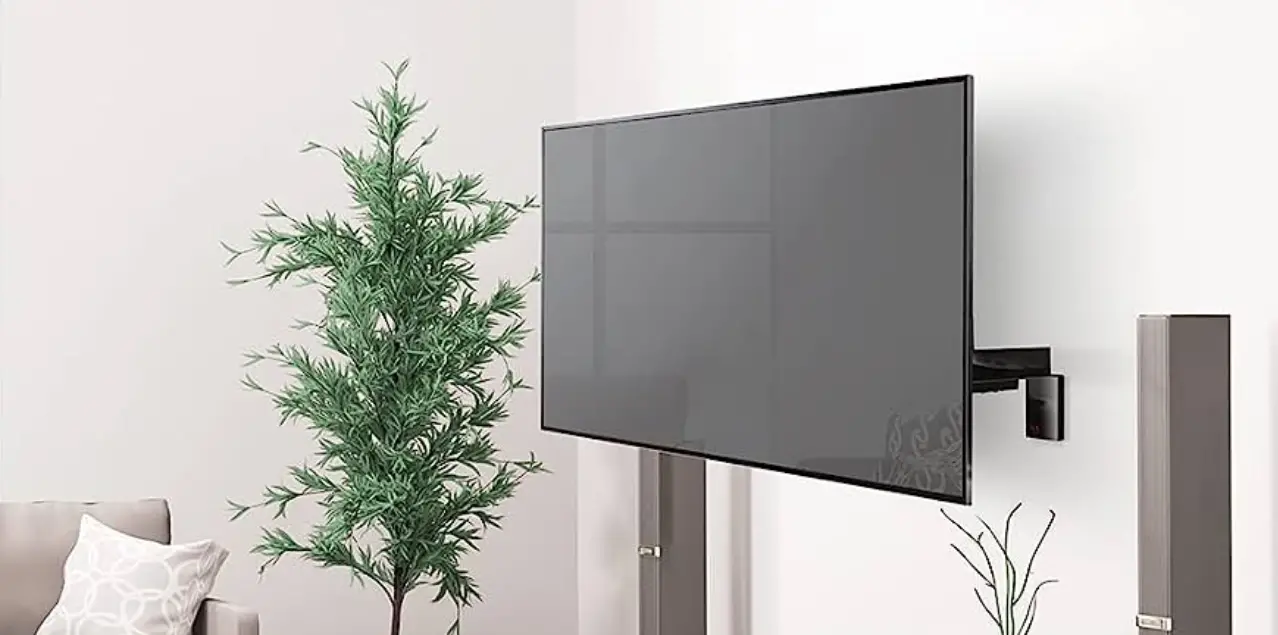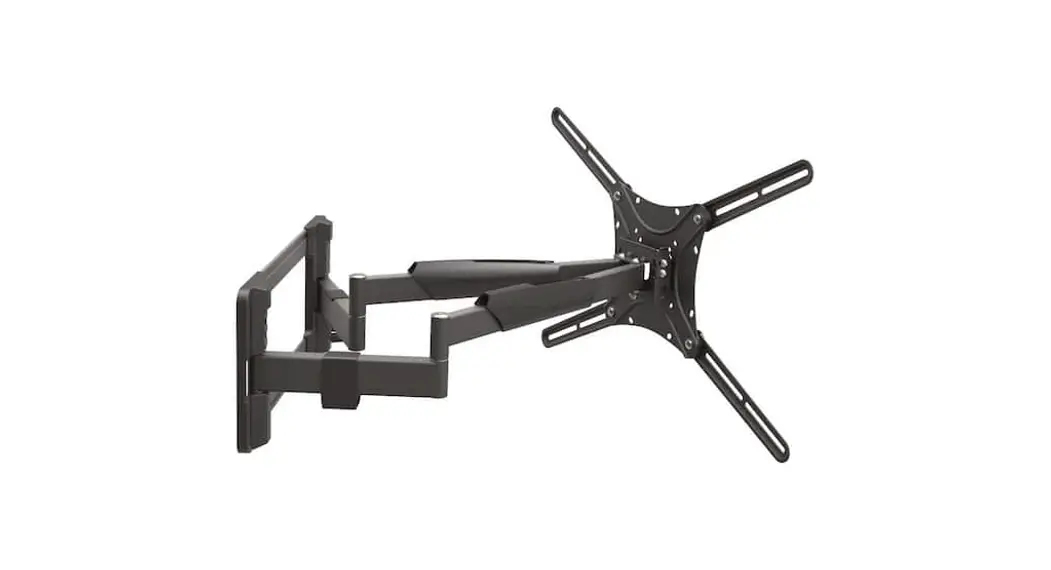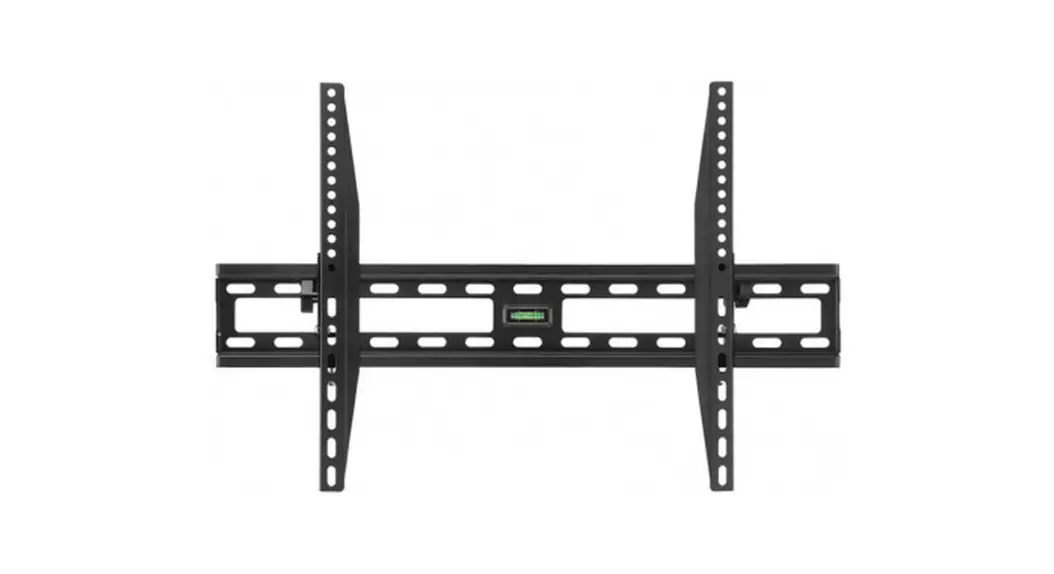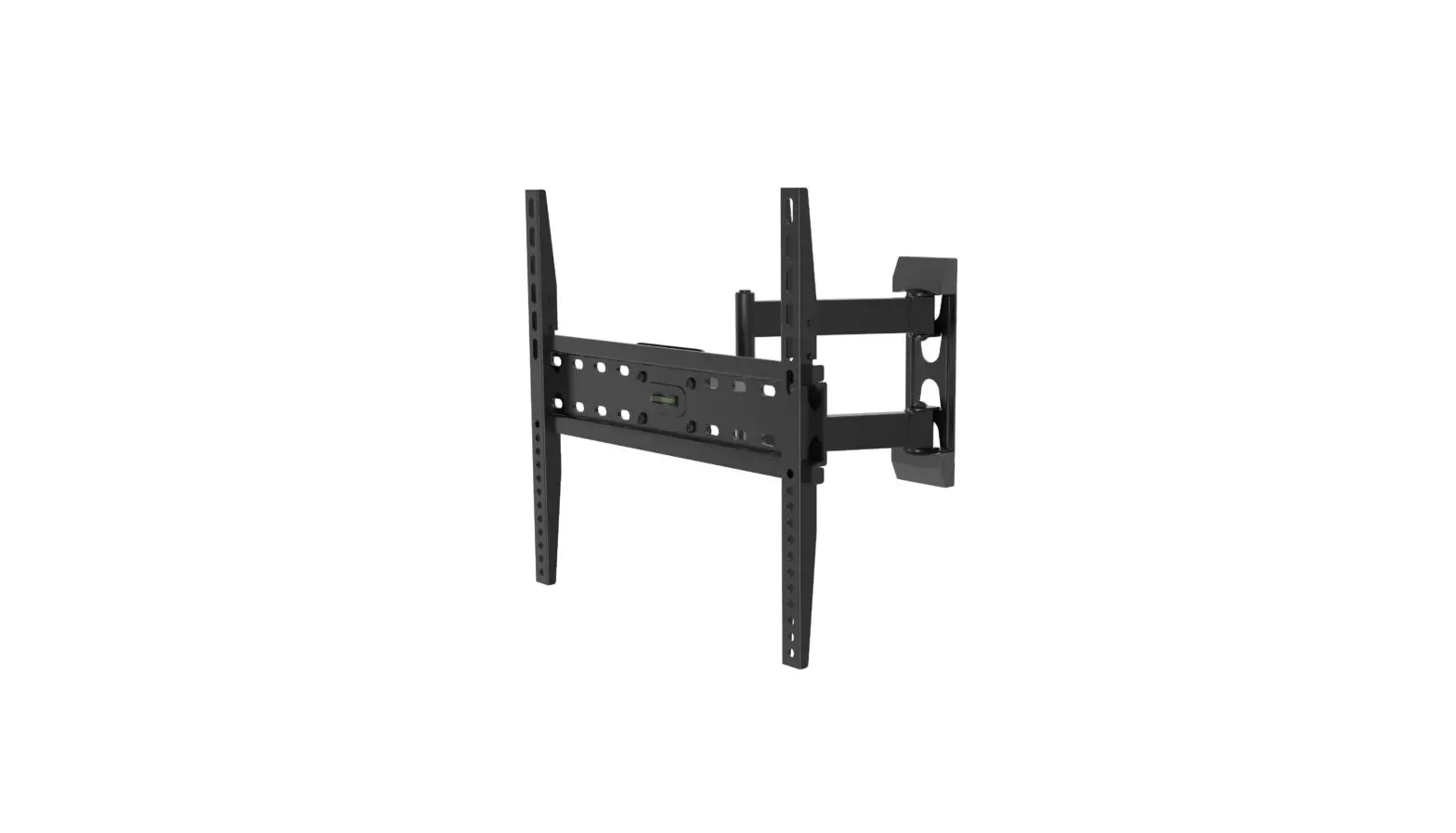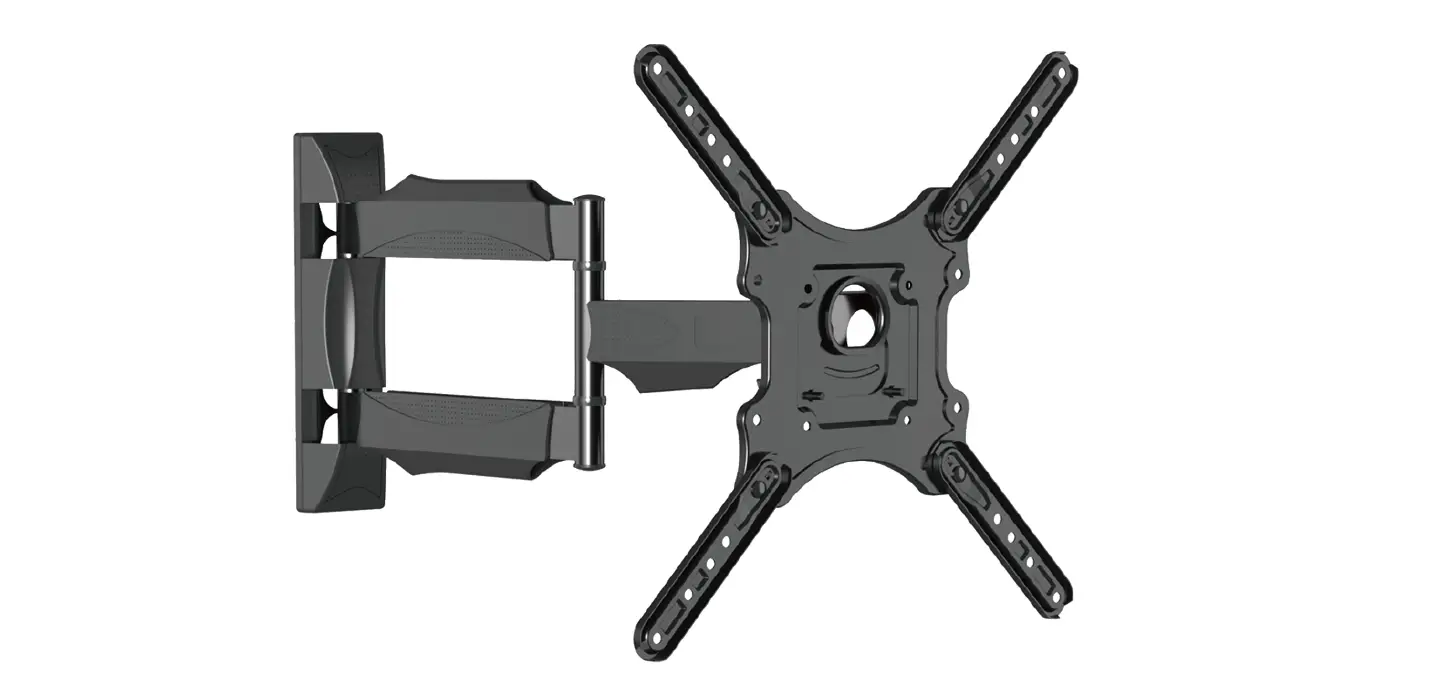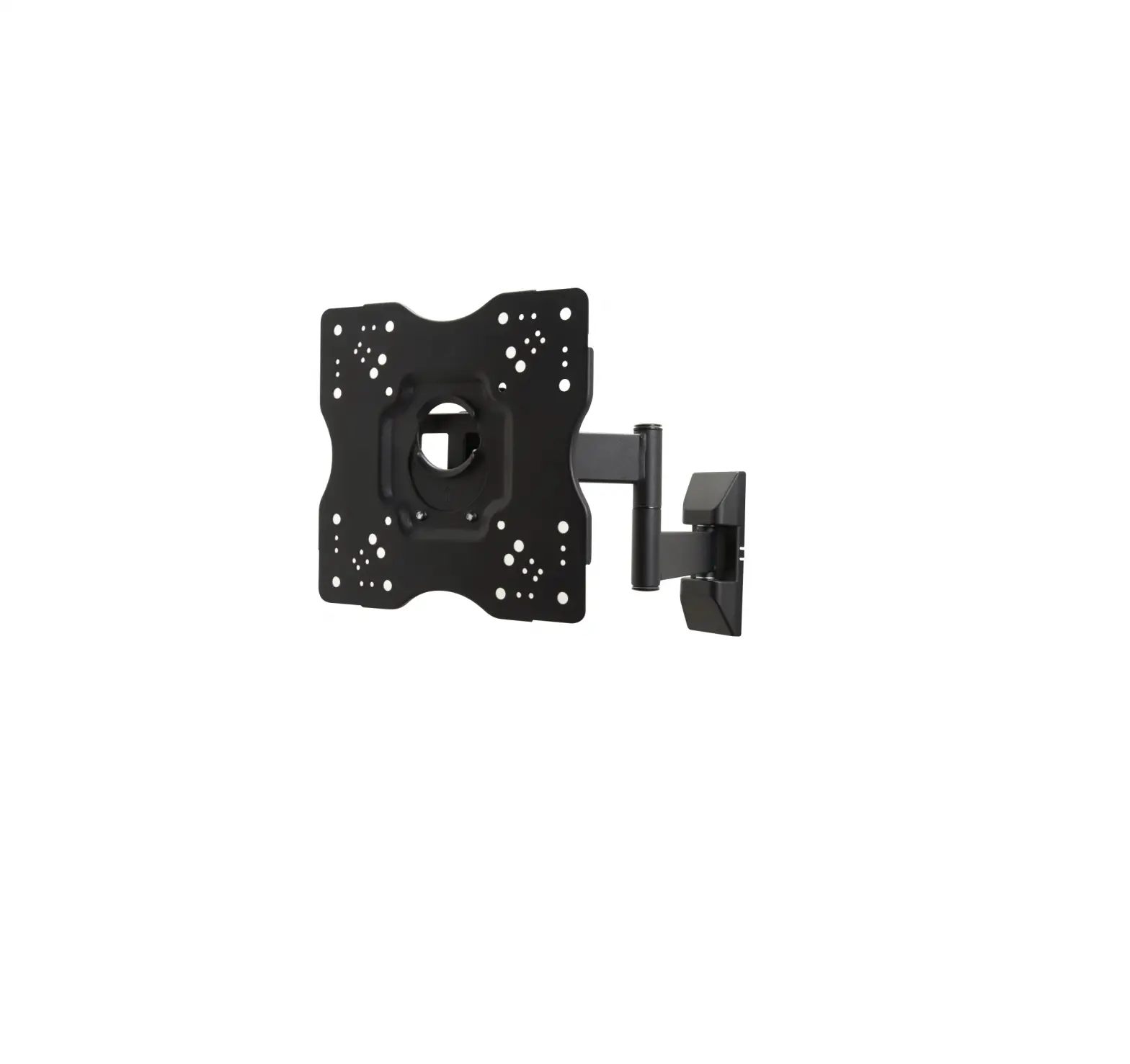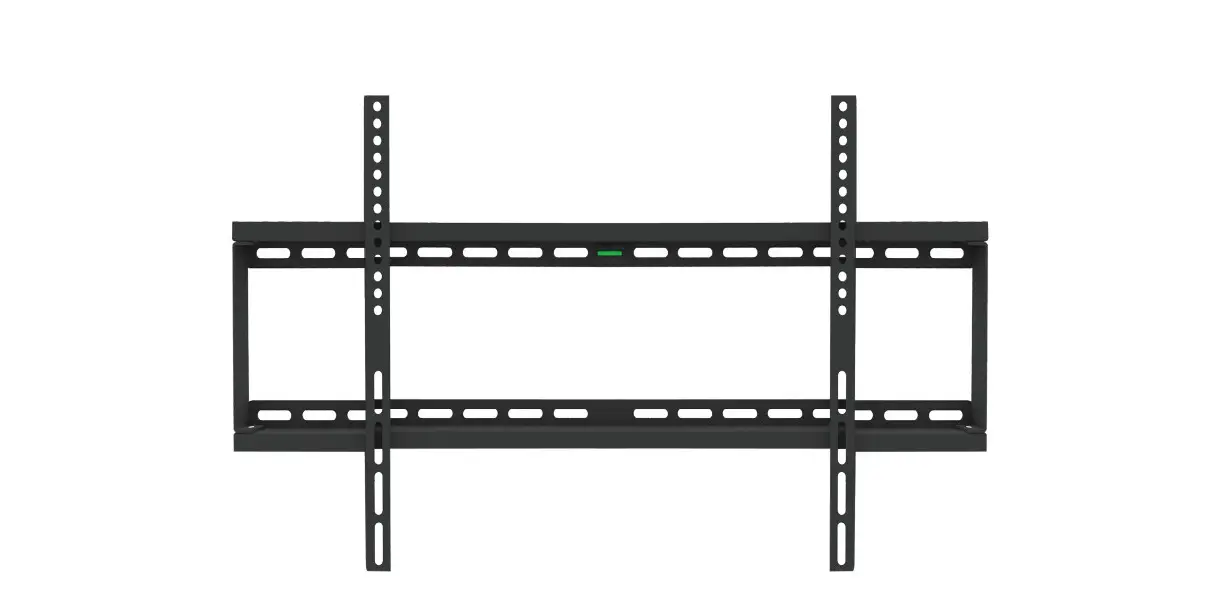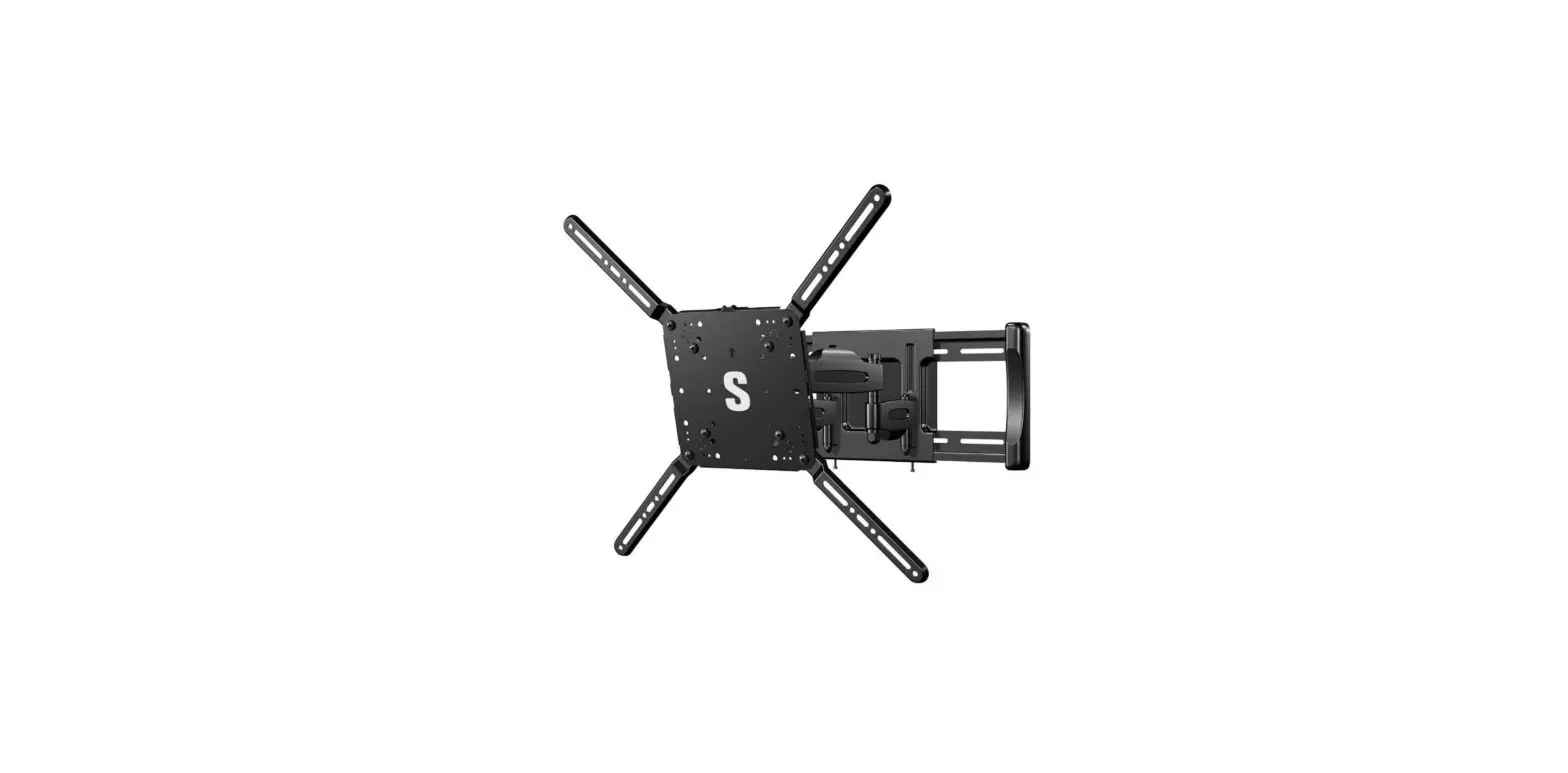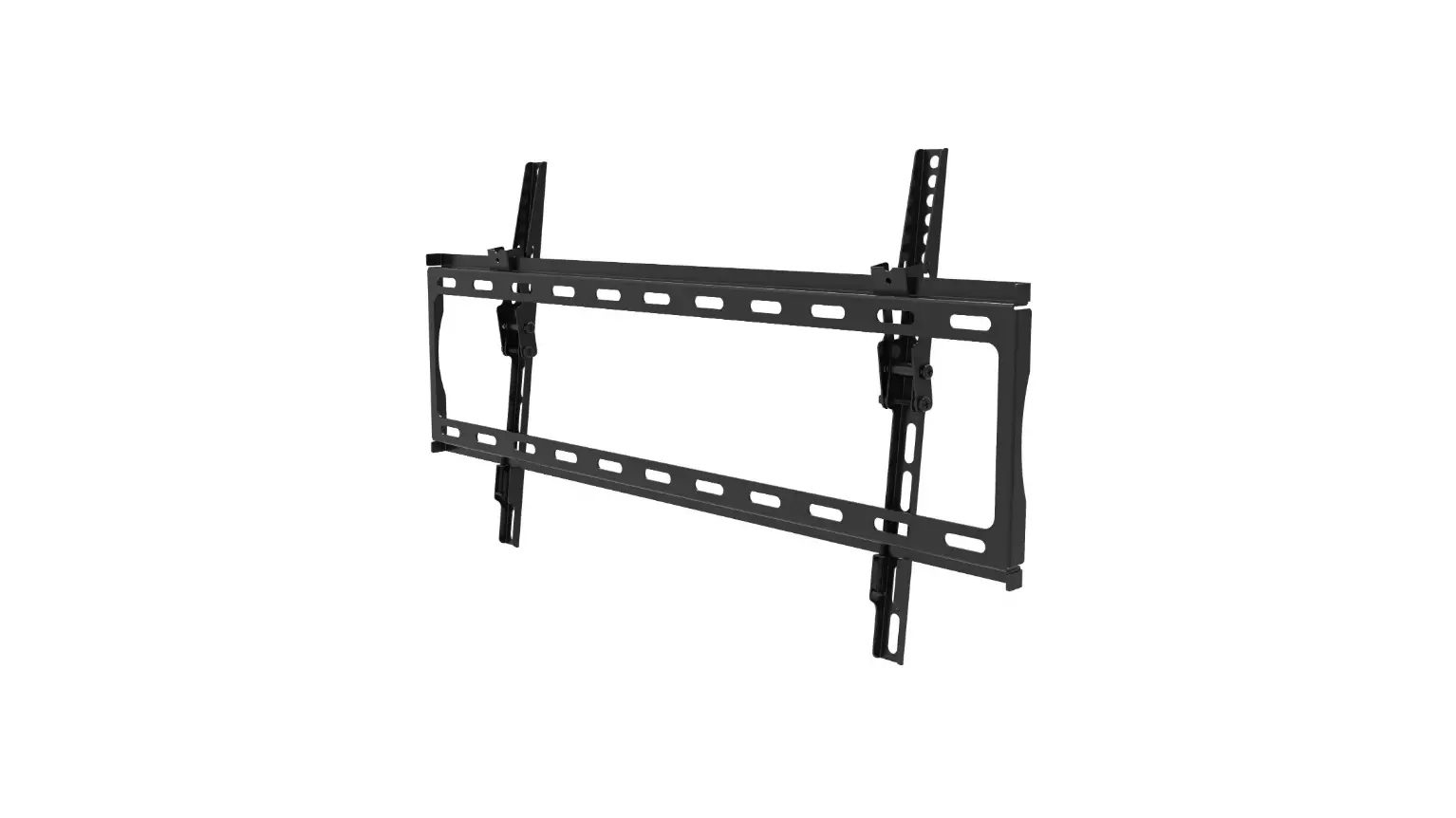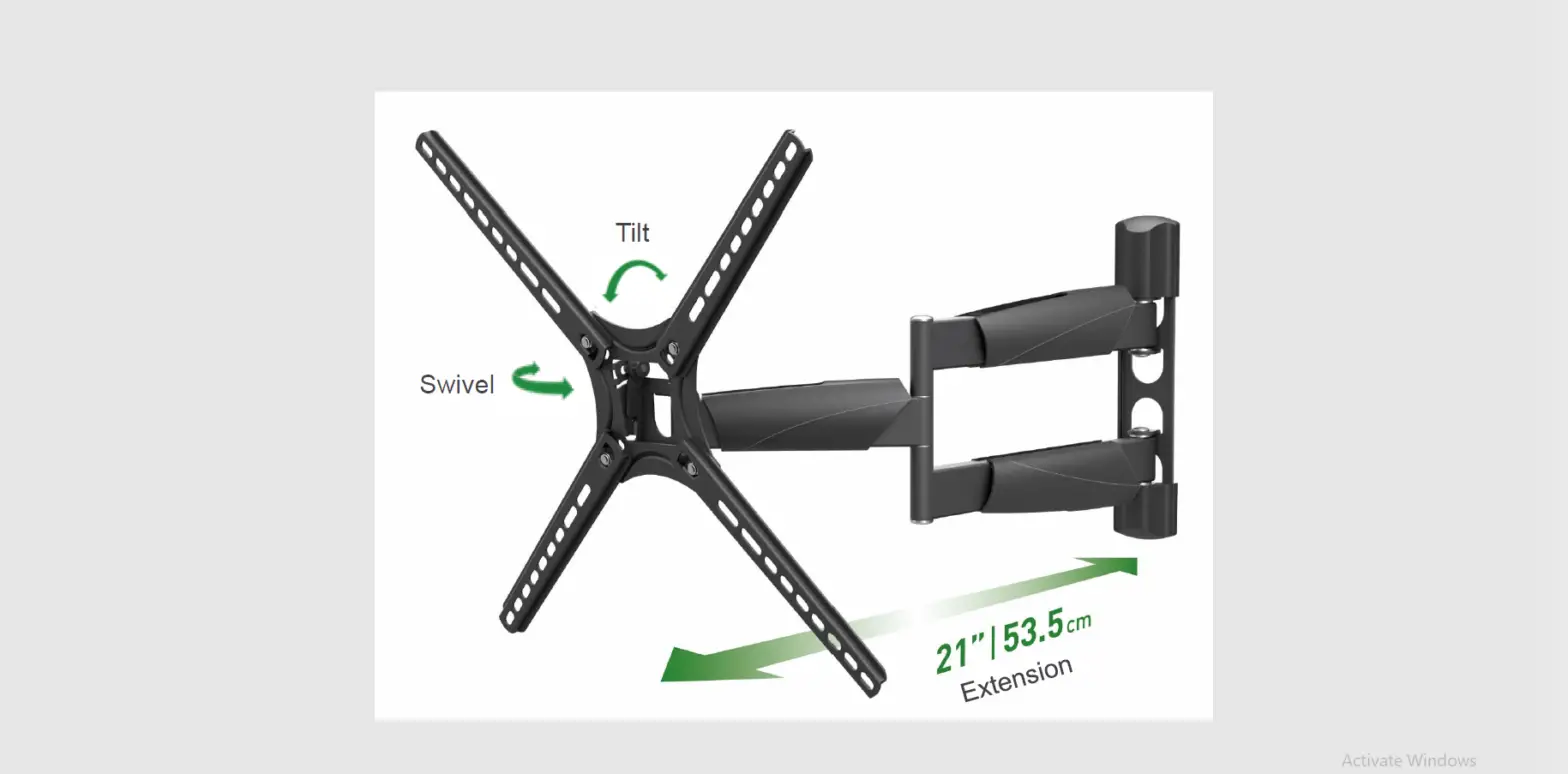
 Barkan 4800.B Long Premium TV Wall Mount
 Barkan 4800.B Long Premium TV Wall Mount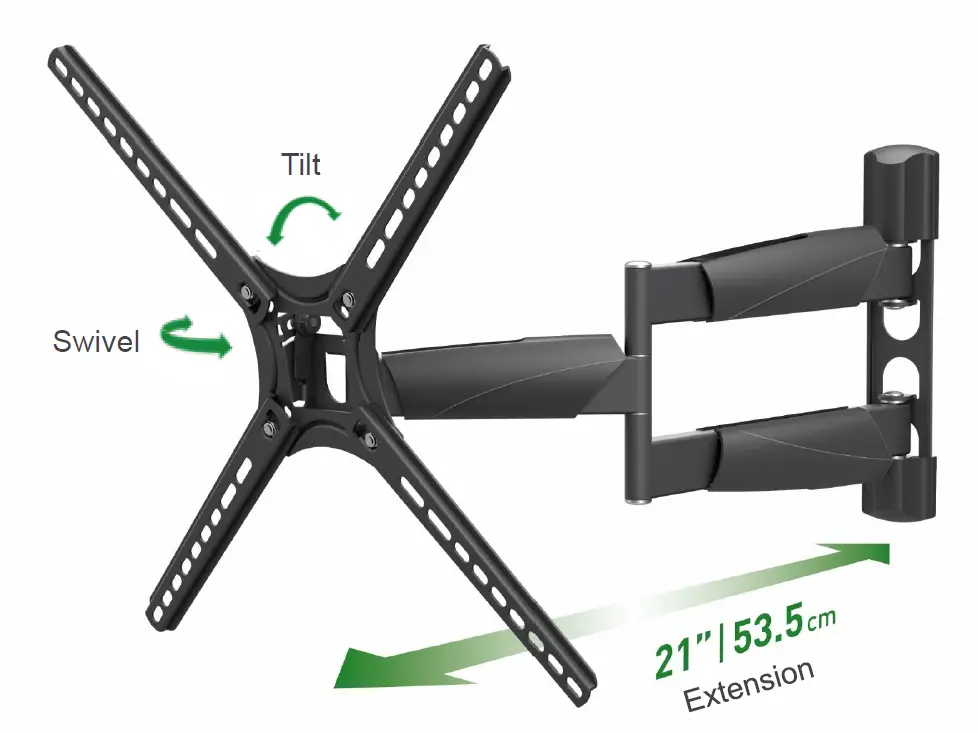
INTRODUCTION
If you are satisfied with the product, please give us a 5 stars rating on the website you bought it from. If you are not satisfied please contact us at https://www.barkanmounts.com/support and we will solve the problem for you.
CAUTION This Mount is intended for use only with the maximum weight indicated.
Using heavier products might cause injury.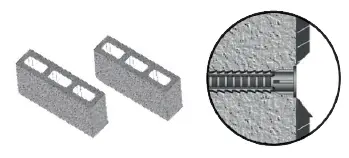
CAUTION!
You are obligated to read the safety and assembly instructions! Disregarding them may lead to injury and to the falling of the electrical appliance.
WARNING! Barkan does not take responsibility for the installation.
Disregarding the safety and assembly instructions may result in the falling of, and/ or damage to your electrical appliance. Opening the package represents your undertaking to closely read and follow the instructions. When the product is installed in public places, the people in charge in those places should make sure it is used according to the instructions.
For Safety Instructions, warranty and further information, go to: www.barkanmounts.com > Support > Safety Instructions & Warranty
This mount is intended for use only with the maximum weight as indicated on the box. Using heavier products might cause injury.
CAUTION!
You are obligated to read the safety and assembly instructions! Disregarding them may lead to injury and to the falling of the electrical appliance.
OVERVIEW
- The anchor must be sunk at least 10 mm (3/8”) into the plaster coating
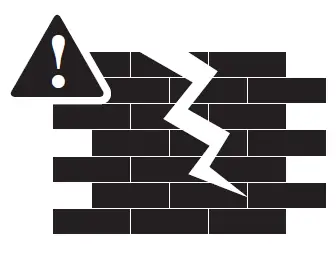
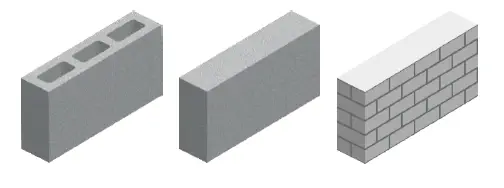
- Please ask your installer to provide a warranty for the installations of the product. Installation of this product is only authorized on non-moving building walls and ceilings. The included hardware is not suitable for installation on walls and ceilings made of: gypsum board, drywall, light processed blocks, silicate boards/bricks, a damp wall, weak or very old blocks or wooden panel!

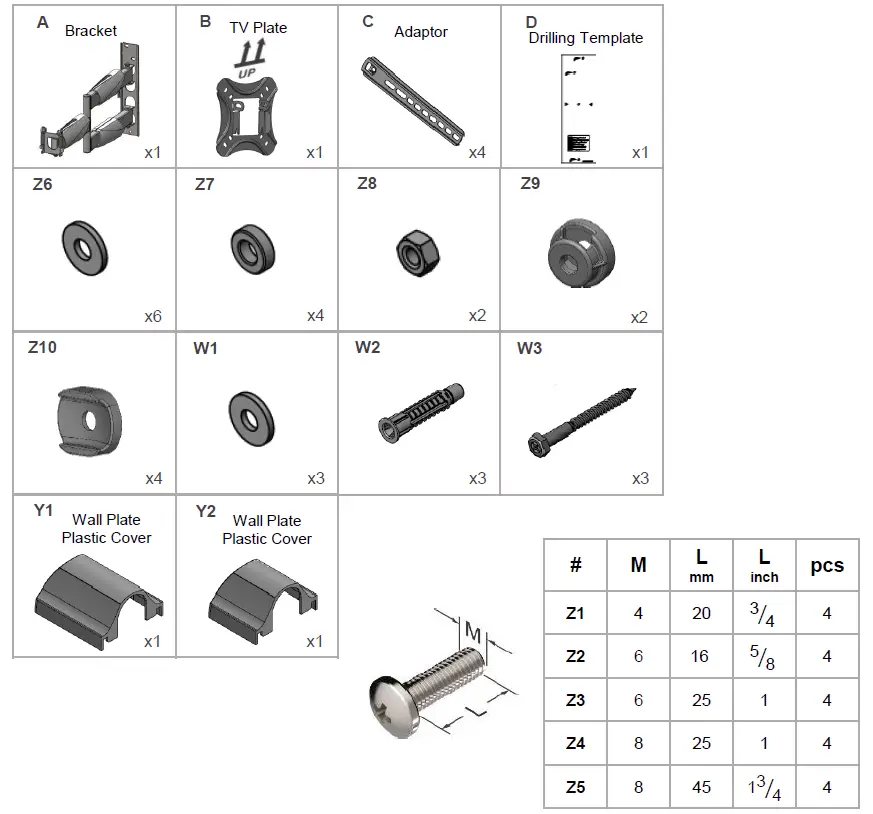
Included Parts not to scale
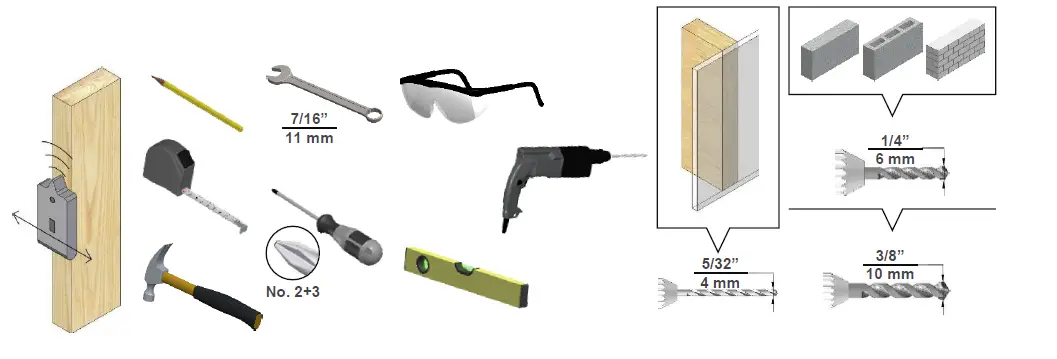
Required Tools
Connect the TV plate to the back of the TV.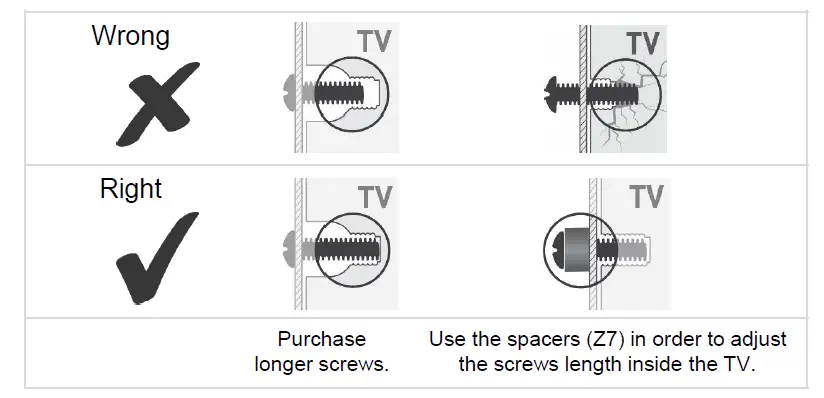
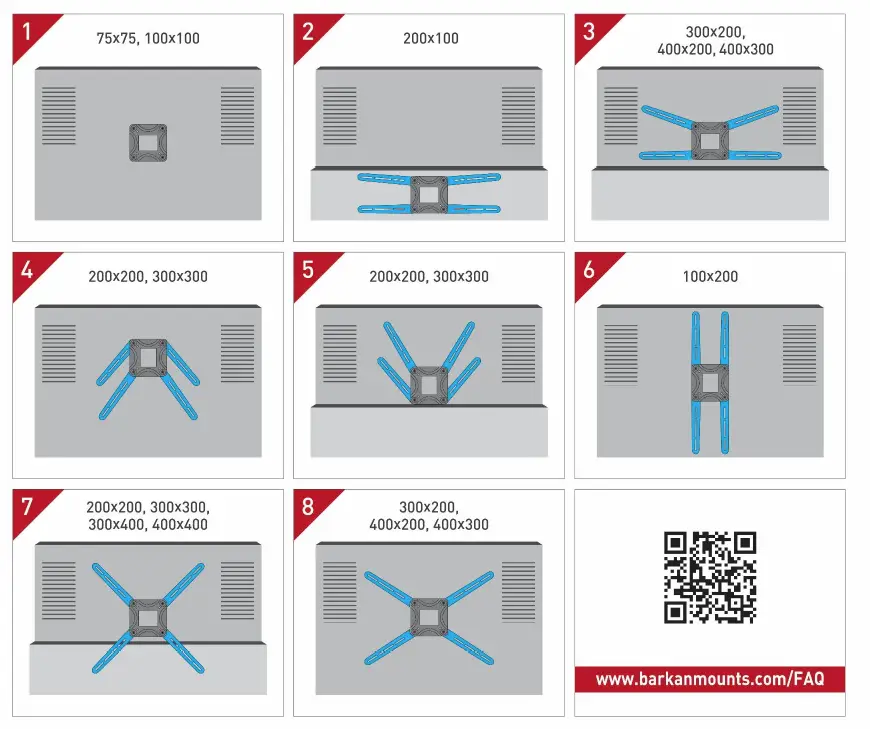
Continue according to your TV mounting hole pattern.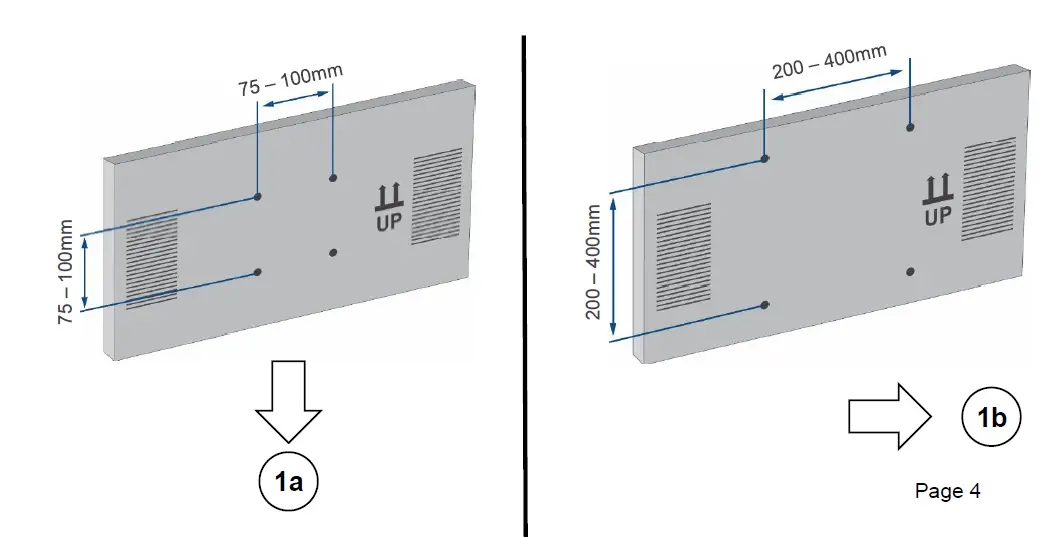
75×75 mm up to 100×100 mm hole pattern.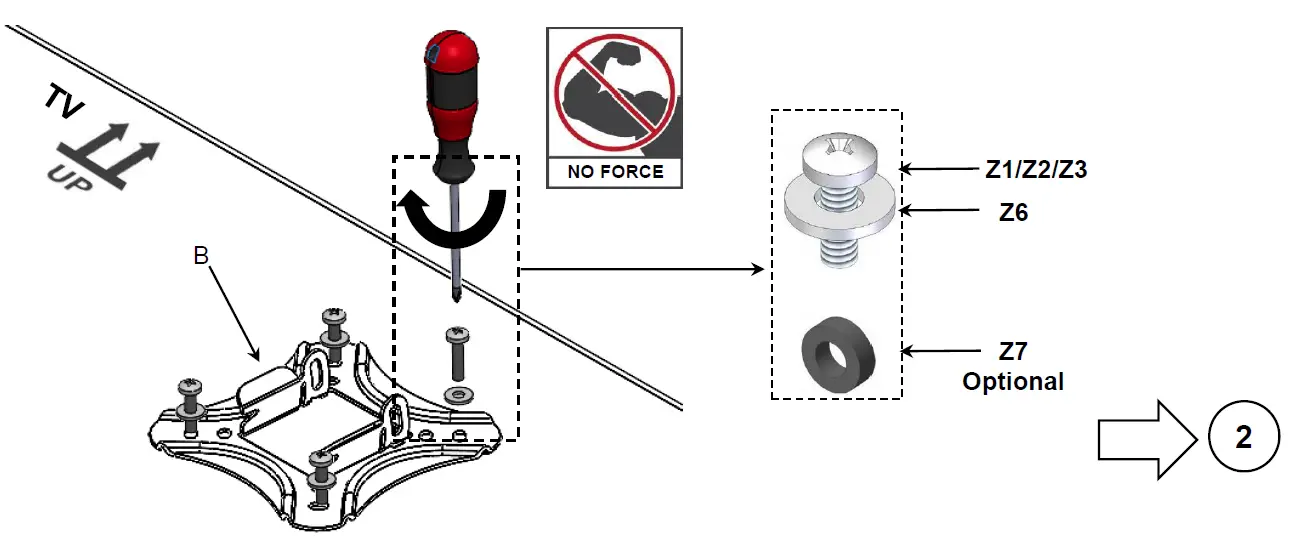
Hole pattern 100×200 mm up to 400×400 mm:
Disassemble the screws, connect the 4 Adaptors to the TV Plate and reassemble the screws.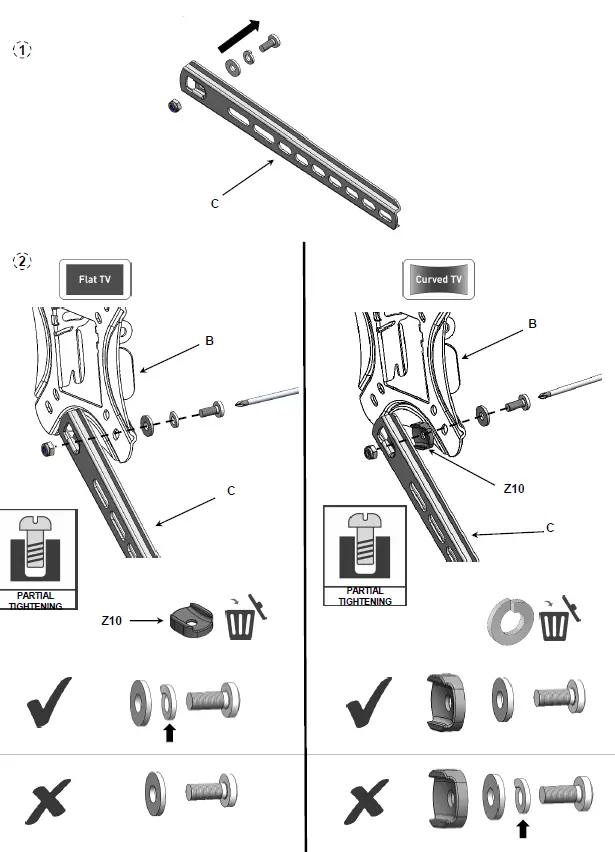
Position the Adaptors according to your TV’s hole pattern.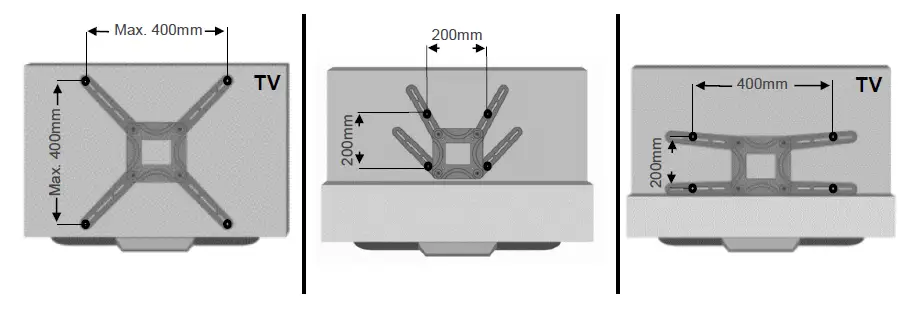
Connect the TV Plate with the Adaptors to the TV in all 4 connection holes.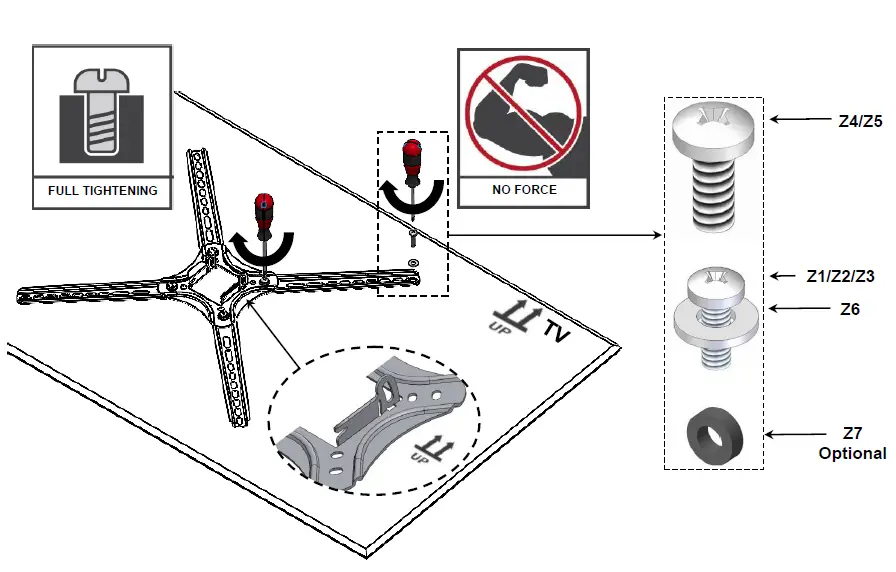
Install the Bracket on the Wall.
Measure the distance between the location of the TV’s mounting holes’ center and the bottom of the TV, in order to set the required height of the TV.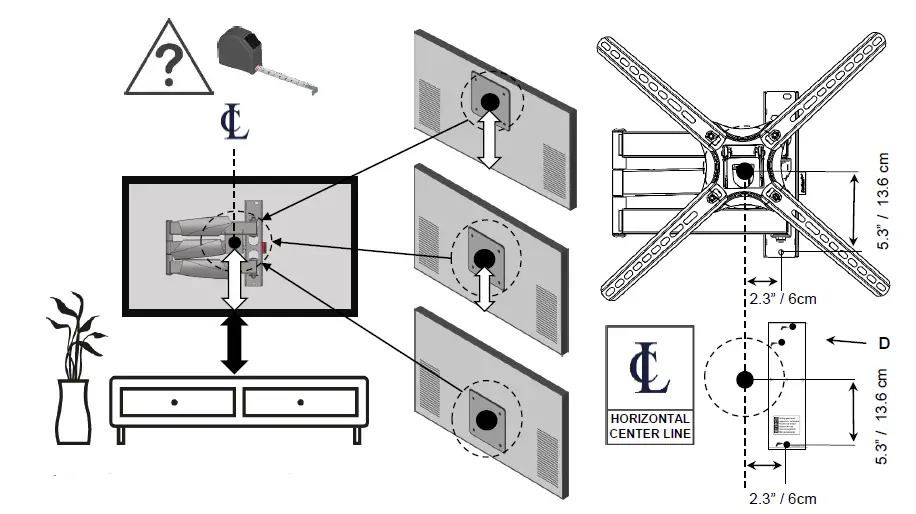
https://www.barkanmounts.com/faq
Follow the steps according to your wall type.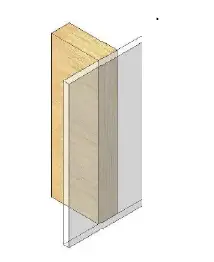
Mark the holes on the wall according to the required height.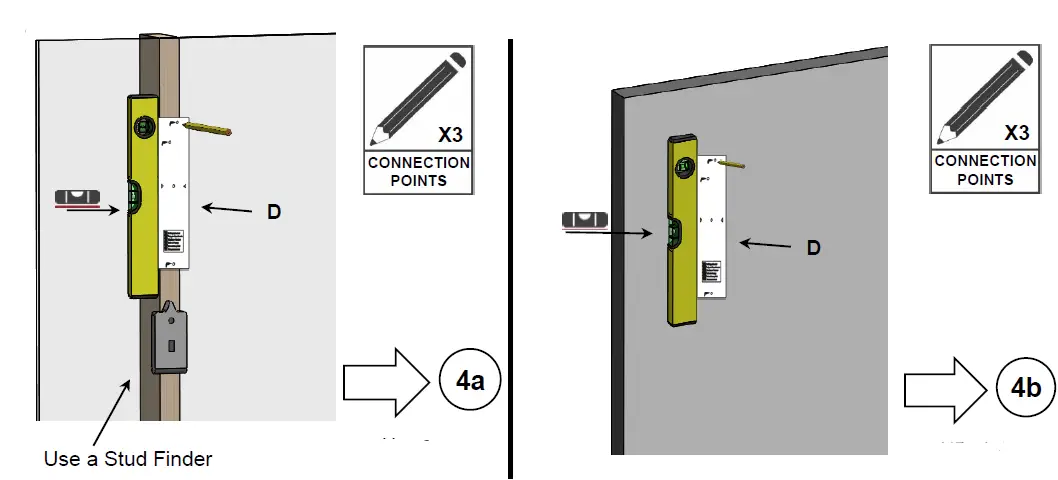
Make sure all holes are drilled inside the studs.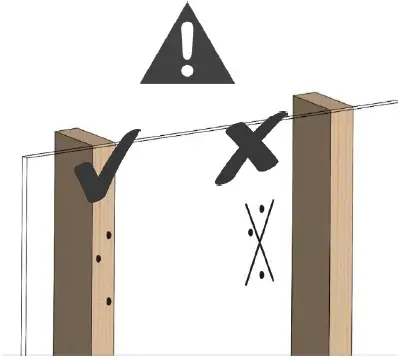

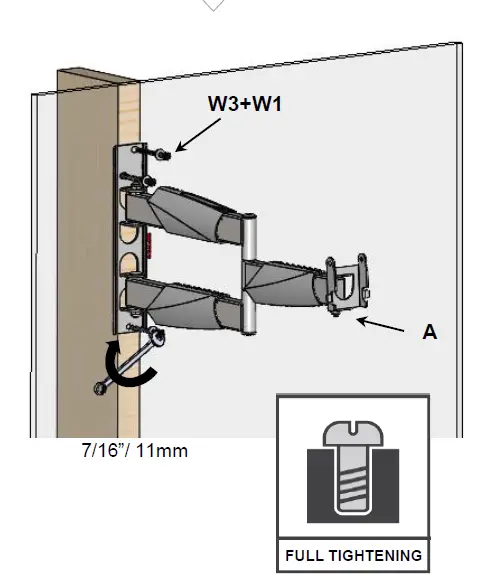
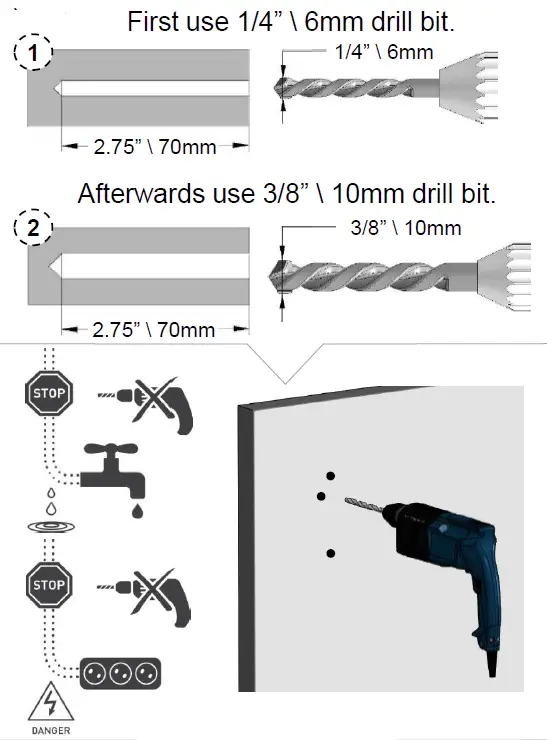
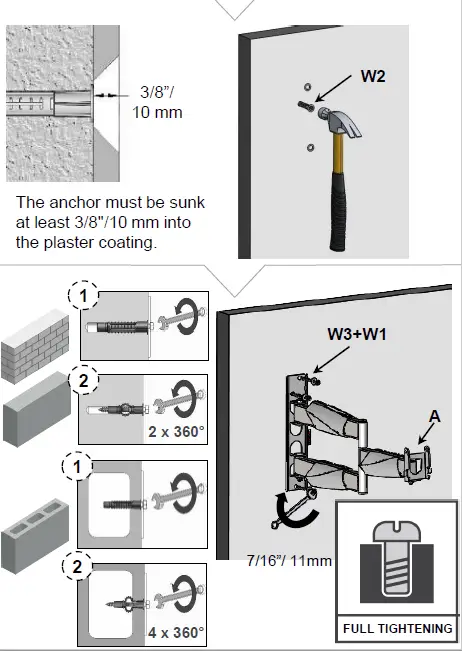
Weight test
Apply force on the upper part of the Bracket and make sure it is well connected.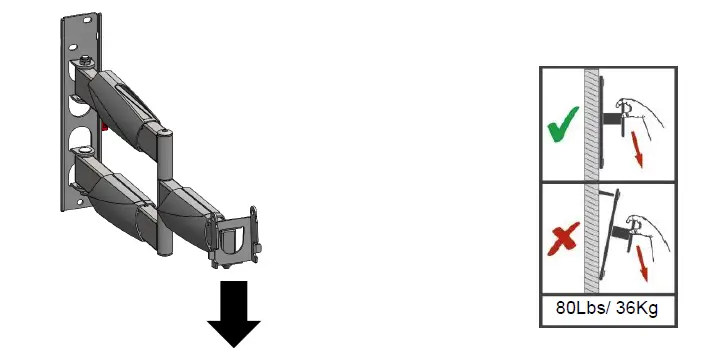
Assemble the Wall Plate Plastic Covers.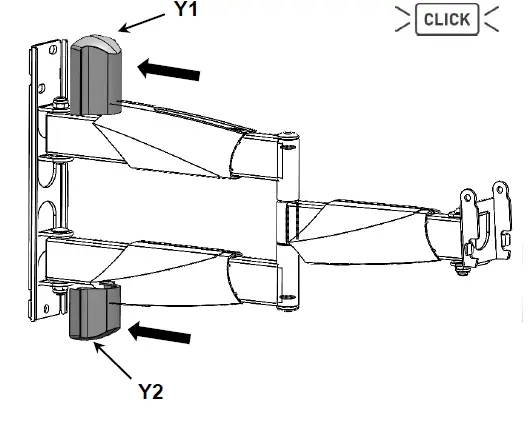
Place the plastic nut-housings (Z9), and then insert the two nuts (Z8).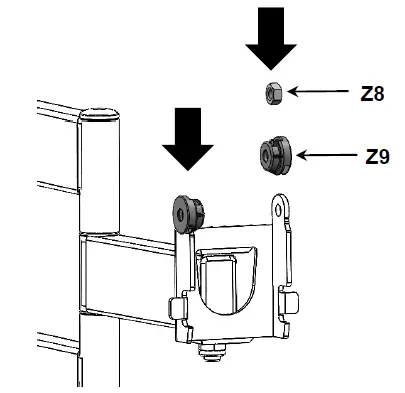
Connect the TV with the TV Plate to the Bracket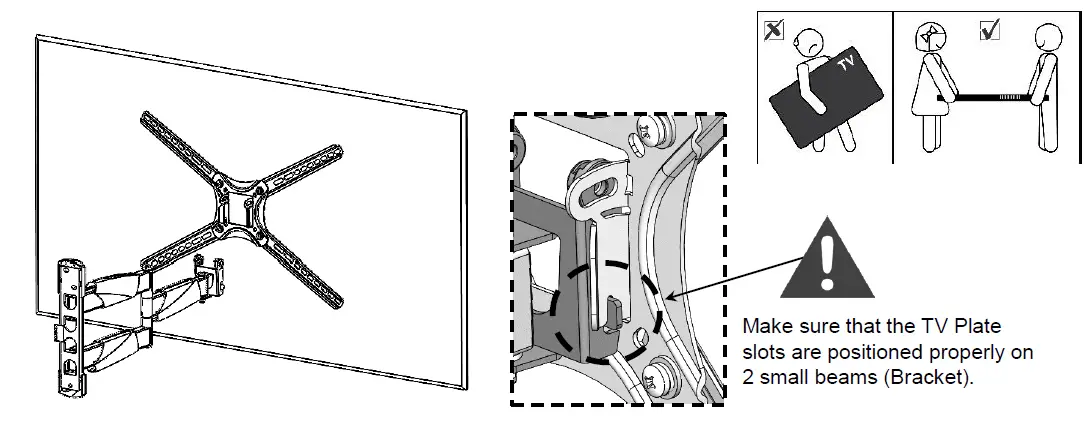
Insert and tighten the screws from both sides to create friction for the tilt mechanism. Adjust the TV tilt angle carefully.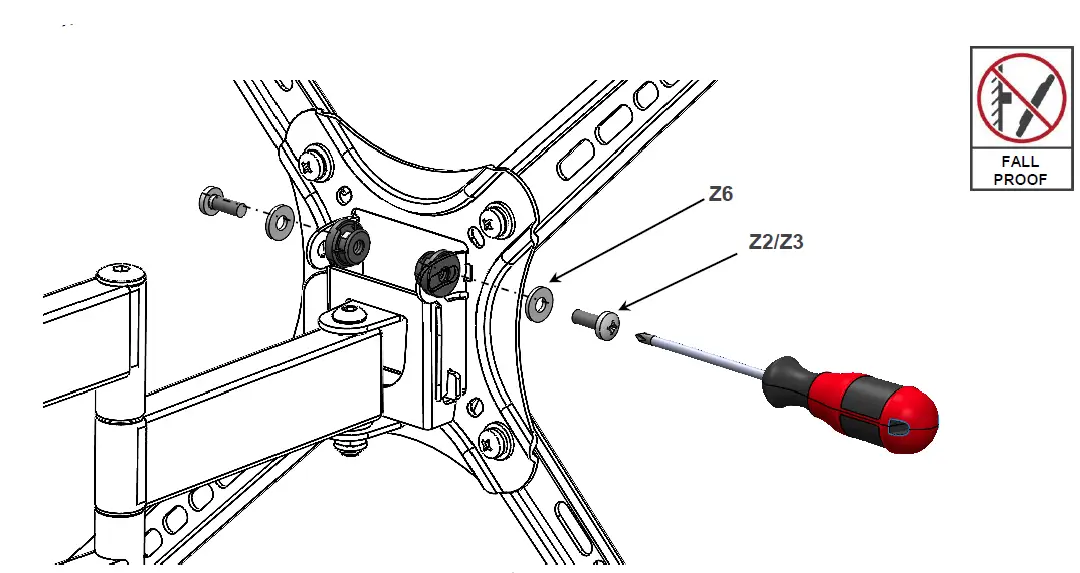
Disconnect the Cable Management.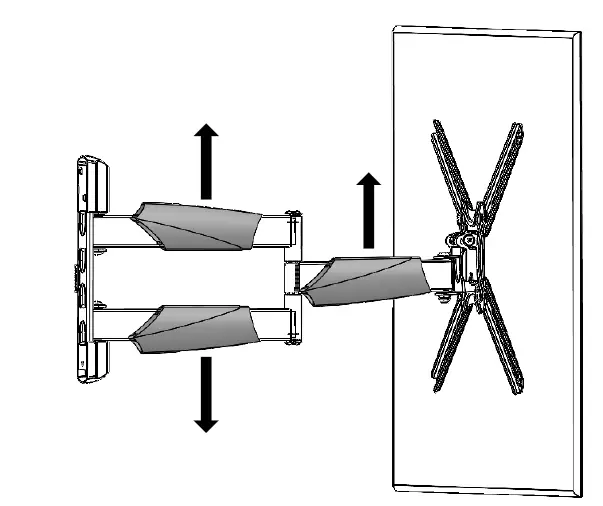
Place the TV cables in the Cable Management covers.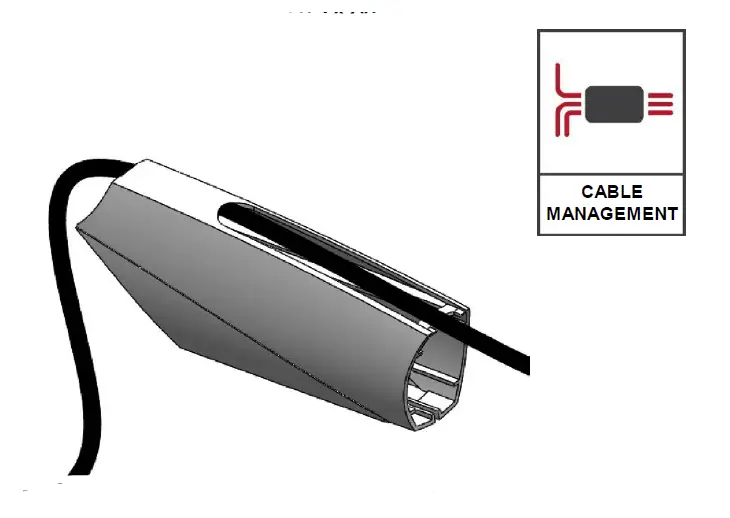
Reconnect the Cable Management covers to the mount.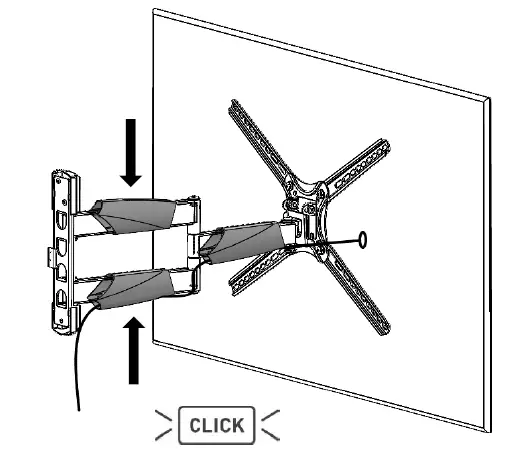
Level the TV.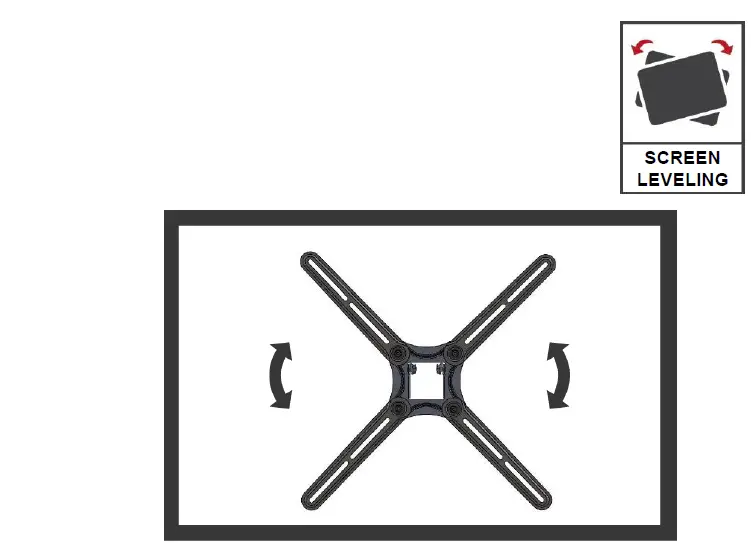
 Barkan Mounts
 Barkan Mounts
 בלוקים, ריצוף לבית, ריצוף חוץ, חומרי בניין | איטונג