BY-CM6 USB Microphone
USB
Microphone
BY-CM6
User Manual
General Introduction
Thanks for choosing BOYA!
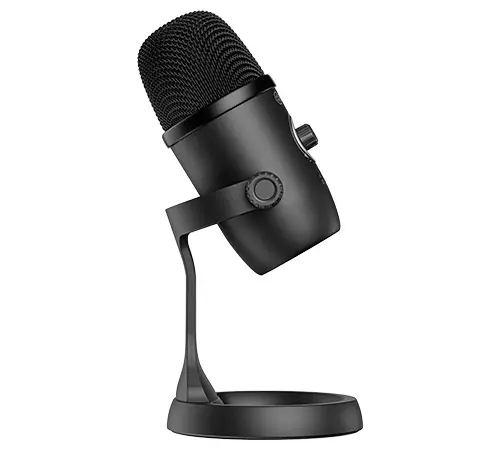
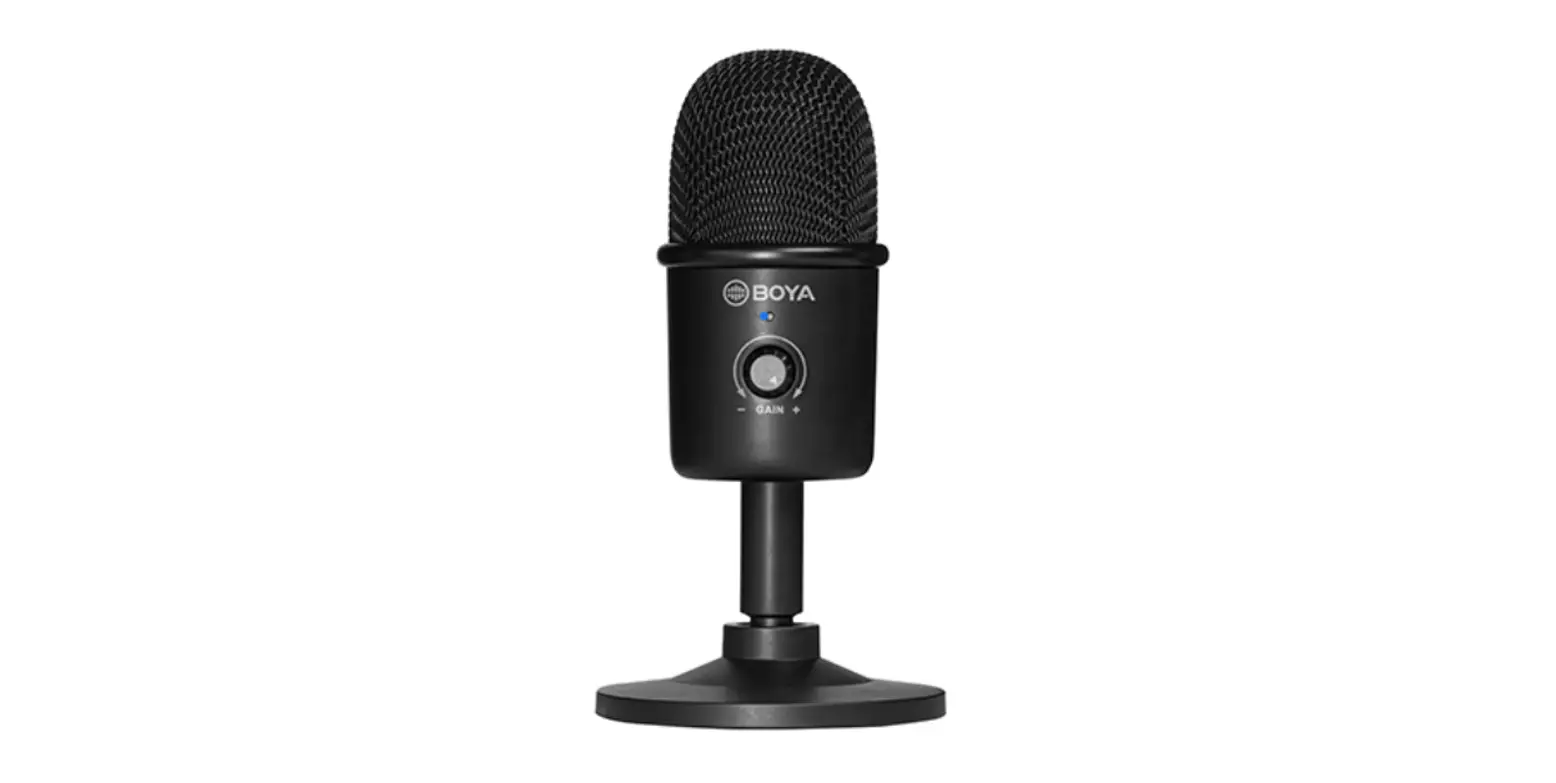
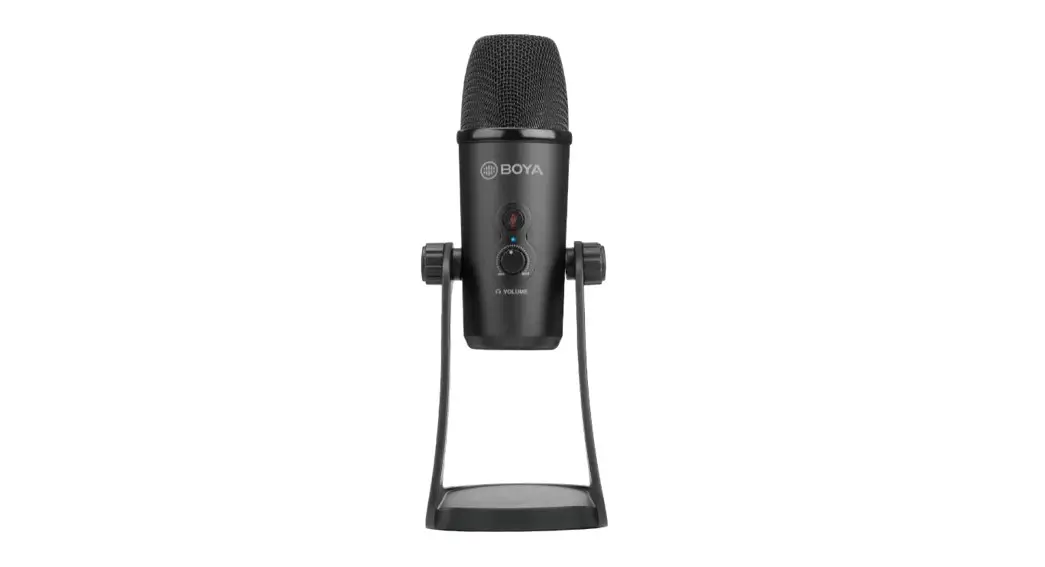
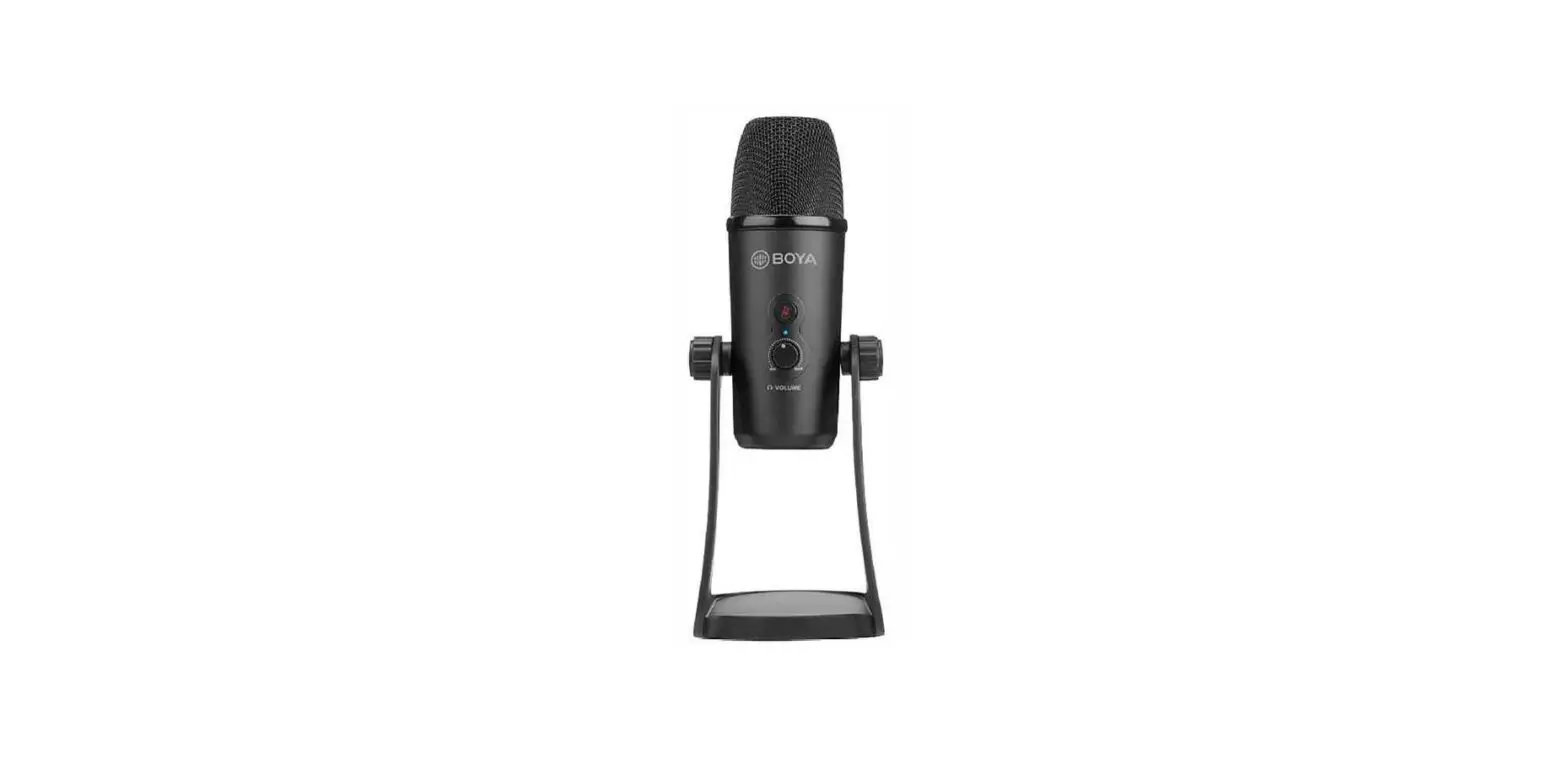
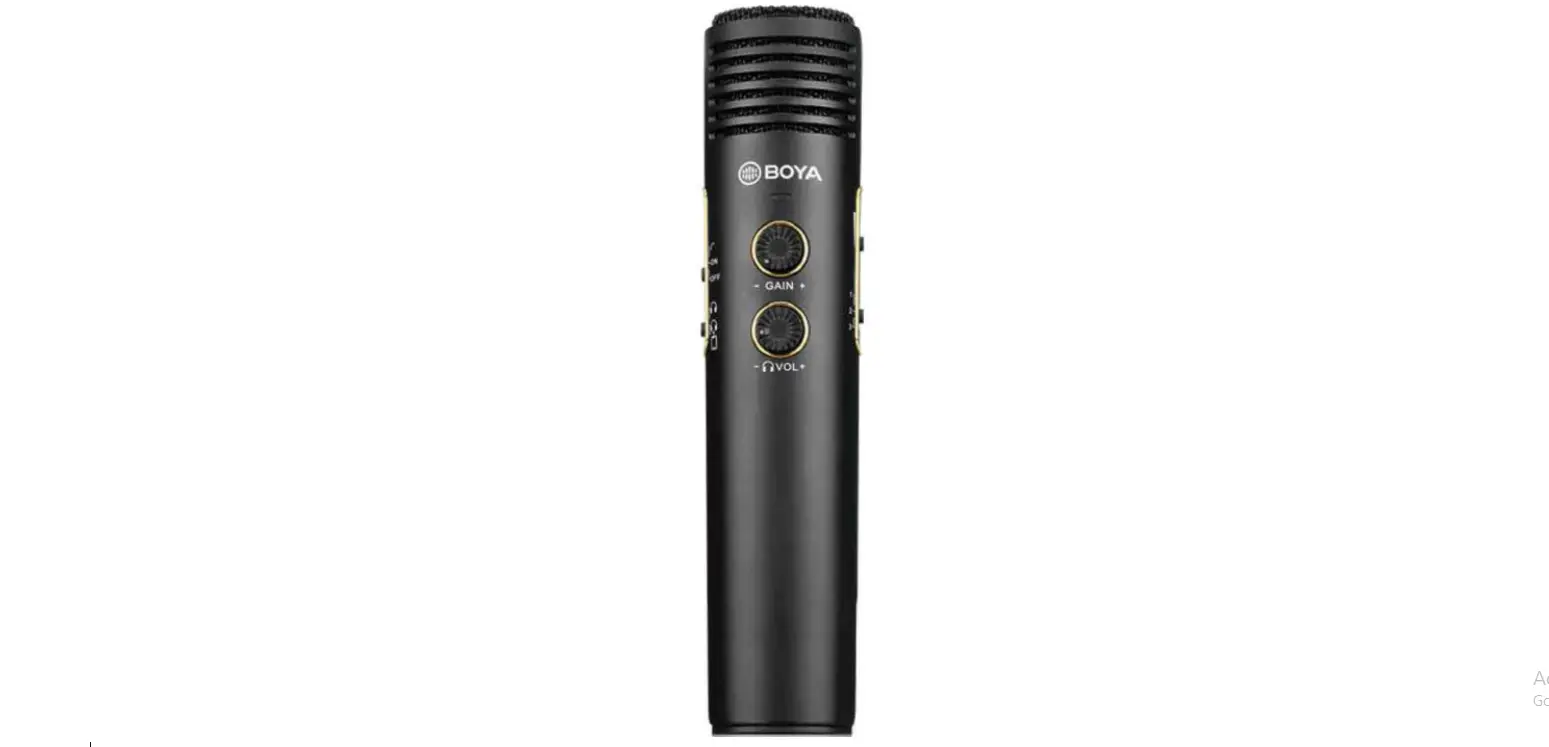
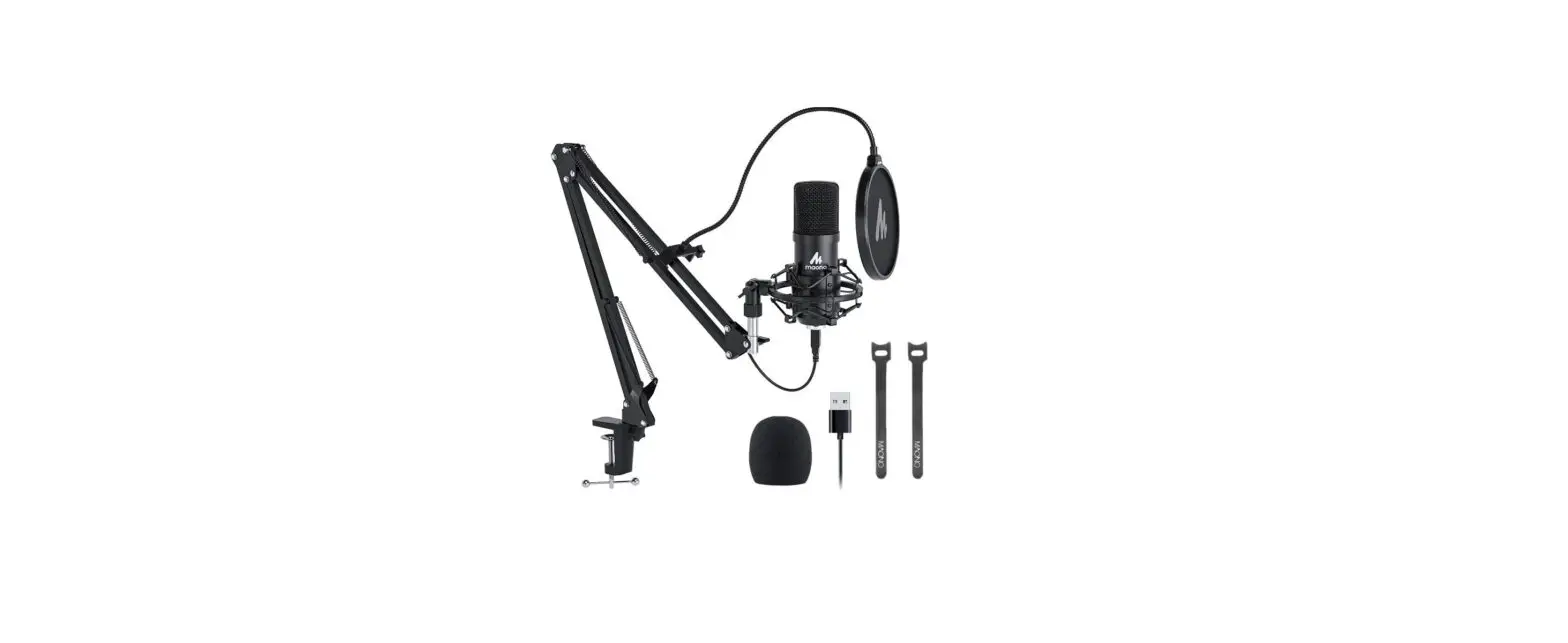
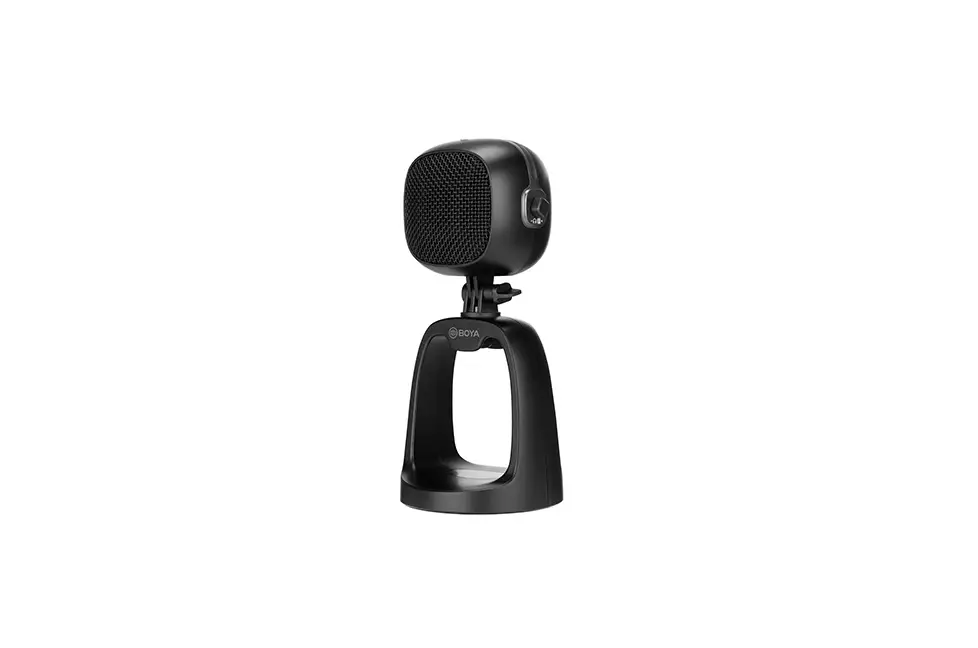
The BOYA BY-CM6 is a USB desktop microphone, compatible with most Android phones and Windows/Mac computers. With a cardioid pickup pattern, the BY-CM6 is designed to capture sound in front of the microphone and effectively reduce unwanted background noise. It is ideal for home-studio recording, podcasting, vocal performance, and more. The BY-CM6 features built-in controls for gain, headphone volume and muting, and the 3.5mm headphone jack enables real-time monitoring. An adjustable desktop stand allows you to place the microphone at the angle that’s right for you.
Cautions
- If you do not intend to use the microphone for a long period of time, please remove the USB cable.
- Do not touch the microphone while recording, as this will cause noise to be recorded.
- Do not let the microphone close to high-voltage equipment or to devices that emit strong electromagnetic fields, otherwise, it may cause the noise to be recorded.
- Do not use or leave the microphone in hot, humid places.
Package Contents
- BY-CM6 Microphone
- USB-A to USB-C Cable (1.2m)
- USB-C to USB-C Cable (1.2m)
Product Structure
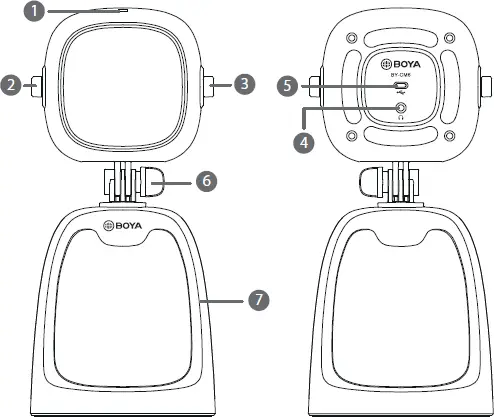
1. Power indicator
| Mode | Indicator |
| Power on | Solid blue light |
| Power off | Light off |
| Mute on | Solid red light |
2. Gain control
Turn the knob to adjust gain for microphone input level.
3. Headphone volume/mute control
Turn the knob to adjust headphone volume. Short press the knob to mute/unmute the microphone.
4. 3.5mm headphone output
5. USB-C audio output
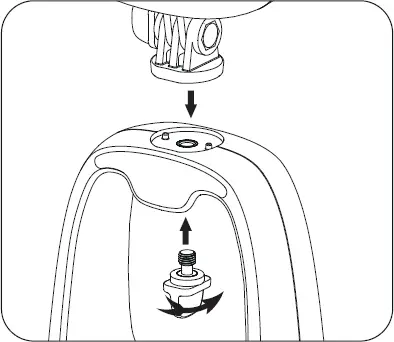
6. Locking knob for angle adjustment
7. Desktop stand
Installation Guide
How to Use
1. Loosen the locking knob, adjust the microphone to the desired angle, then tighten the knob.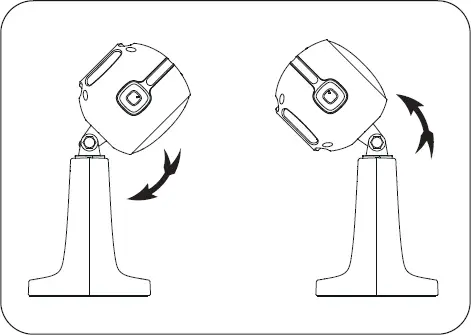
2. Turn the gain control and the volume control knobs halfway to max before recording.
Note: 50% levels are recommended. Please turn up/down according to your needs.
3. Connect the microphone to a computer with the supplied cable.
4. Connect your headphones to the 3.5mm headphone jack for real-time monitoring.
 Setup for Windows 10
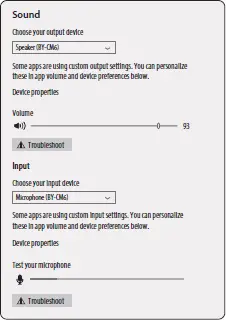 Setup for Windows 10
- Connect the microphone to your computer using the supplied cable.
- Go to “Setting”, choose “Sound”.
- Select “Speaker BY-CM6” as the output device.
- Select “Microphone BY-CM6” as the input device.
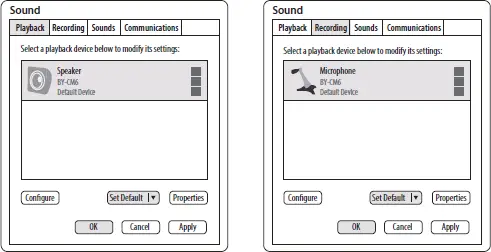
Setup for Windows 7
- Connect the microphone to your computer using the supplied cable.
- Go to “Control Panel”–>”Hardware and Sound”–> “Sound”.
- Select “Speaker BY-CM6” as the default device in “Sound”, under the “Playback” menu.
- Select “Microphone BY-CM6” as the default device in “Sound”, under the “Recording” menu.
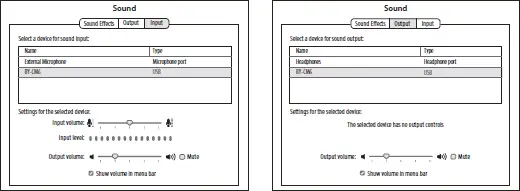
Setup for Mac
- Connect the microphone to your computer using the supplied cable.
- Go to Apple Icon–>System Preferences–>Sound Icon.
- Select “BY-CM6” under the “Input” tab.
- Select “BY-CM6” under the “Output” tab.
Features
– High-quality USB desktop microphone
– Ideal for home-studio recording, podcasting, vocal performance, etc
– Compatible with most Android phones, Windows/Mac computers
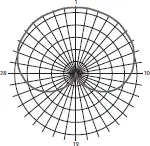
– Cardioid polar pattern
– Gain control, headphone volume control and mute function
– 3.5mm headphone jack for real-time monitoring
– Durable detachable microphone desktop stand
– Plug and play, easy to operate
Specifications
| Microphone Capsule | 14mm capsule |
| Polar Pattern | Cardioid |
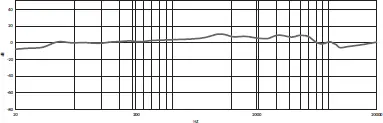
| Frequency Response | 20Hz-20kHz |
| Sensitivity | -37dB±3dB |
| Signal-to-Noise Ratio | 80dB |
| Maximum SPL | 120dB(0dB=1V/Pa/1KHz) |
| Mic Gain | 42dB |
| Sampling Rate | 48kHz |
| Bit Depth | 24bit |
Audio Output Connector | 3.5mm headphone output |
| USB-C | |
| Dimensions | 109×111×245mm |
| Weight | Approx.582g |
Frequency Response
Polar Pattern
www.boya-mic.com
SHENZHEN JIAYZ PHOTO INDUSTRIAL., LTD. The BOYA logo is a trademark which is registered and owned by Shenzhen Jiayz Photo Industrial., Ltd. :A16 TEL: 400 6131096 Email: [email protected] www.boya-mic.com / www.jiayz.com
 Mic
Mic BOYA-Wireless Microphones,Accessories,Recording Equipment
 长丰影像 - 创新音频影像技术引领者