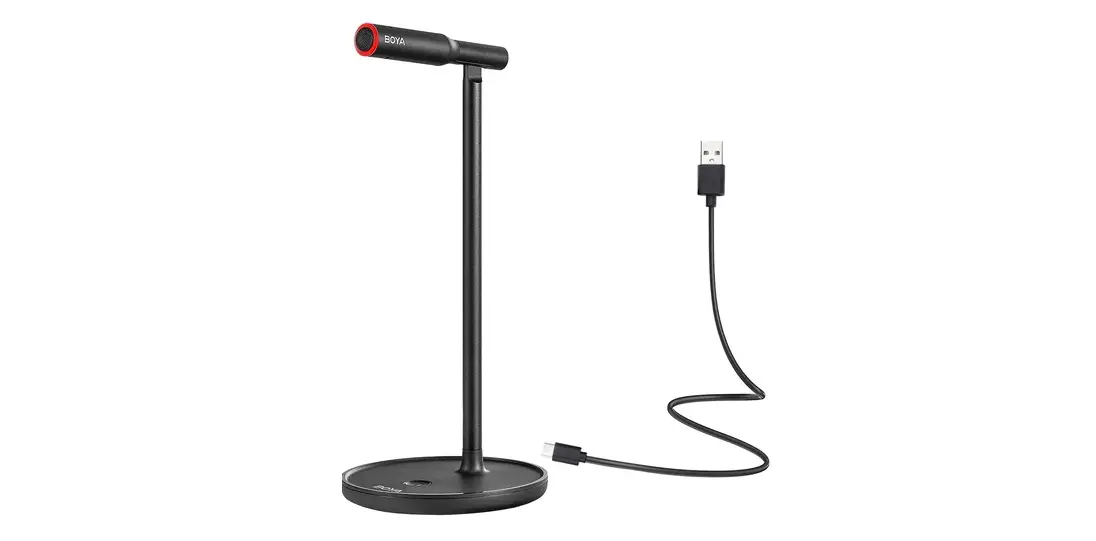

BOYA BY-CM1 Desktop USB Microphone
Introduction
Thanks for choosing BOYA!
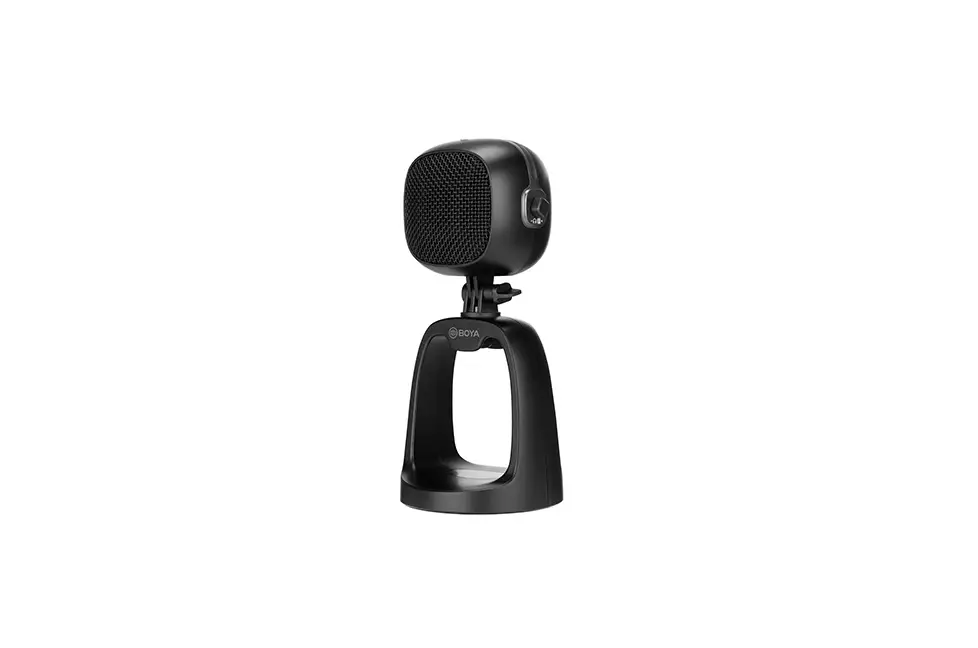
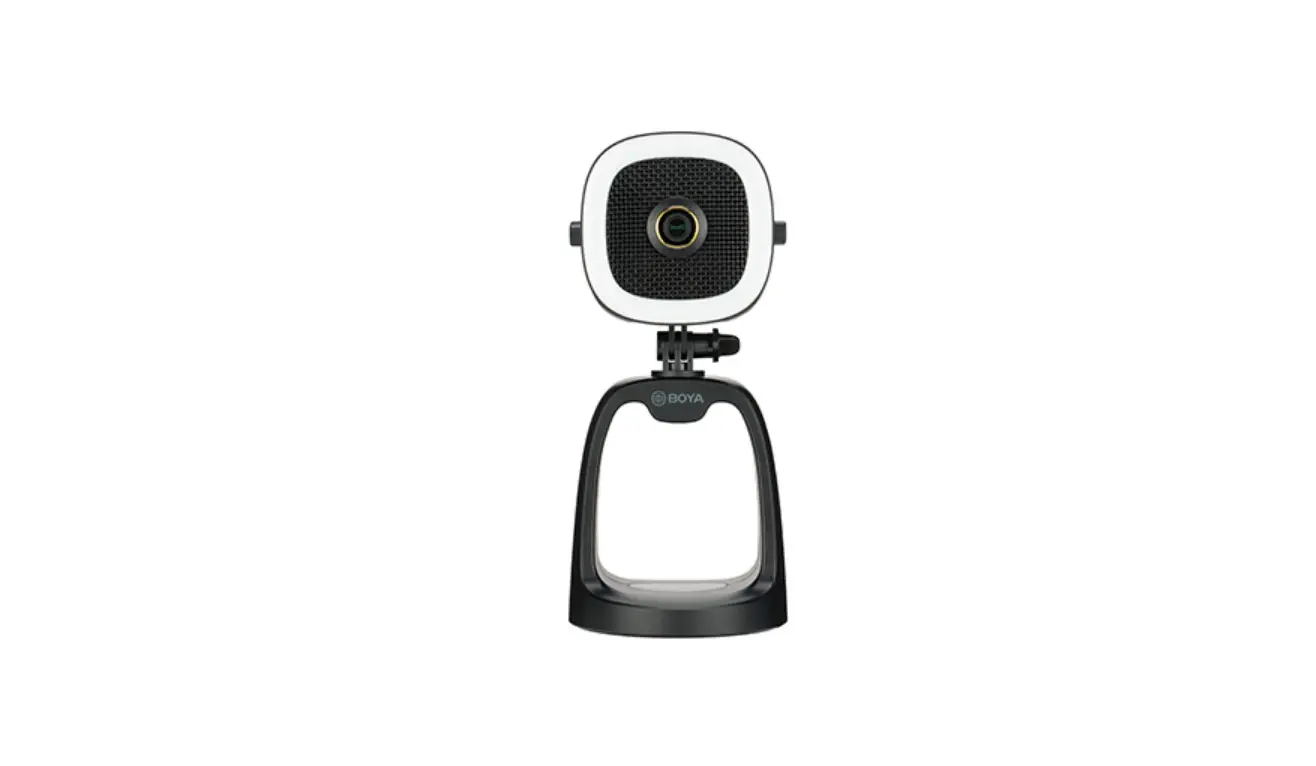
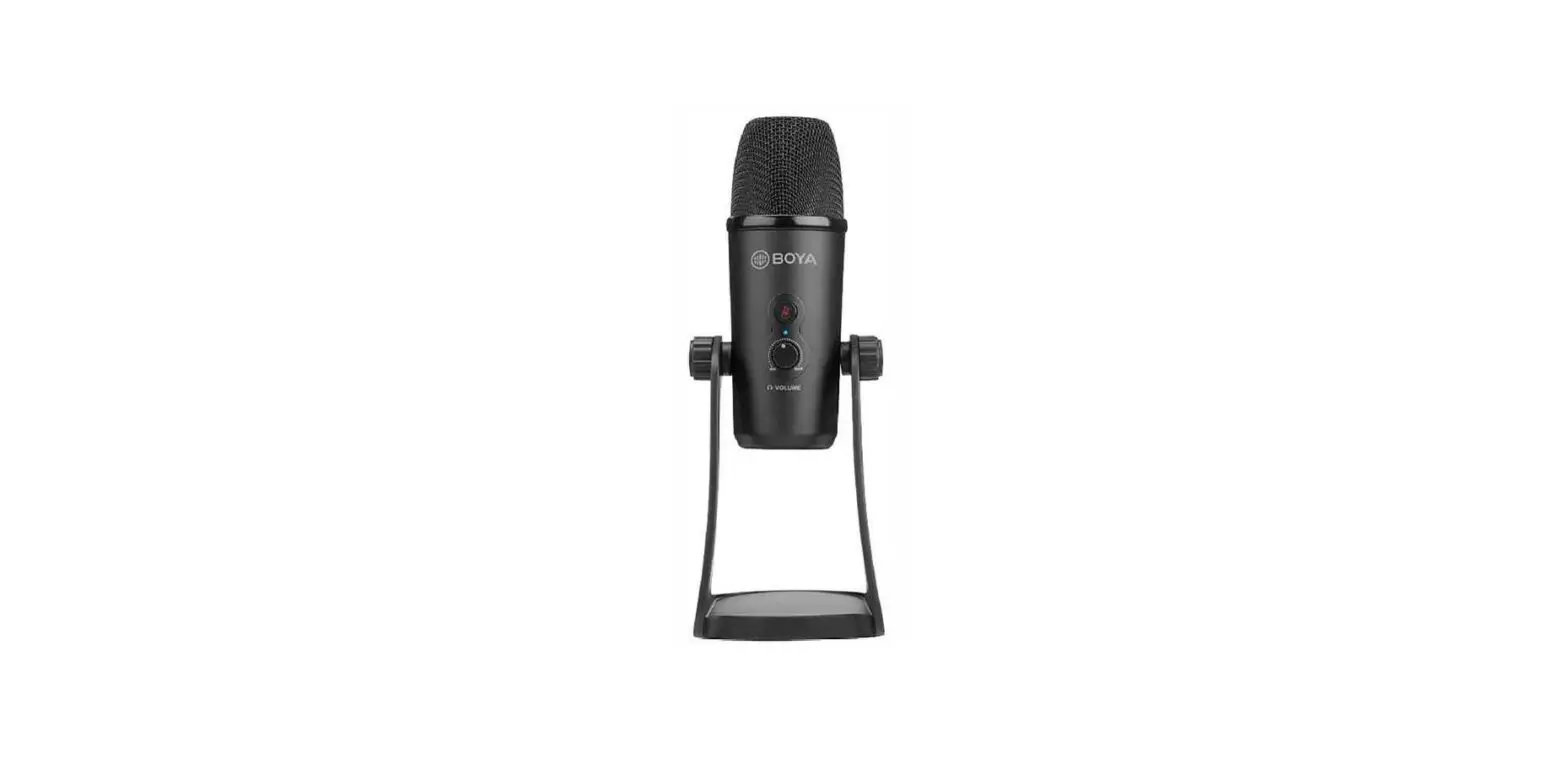
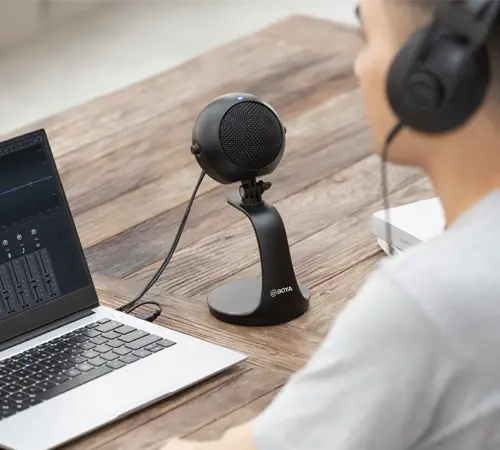
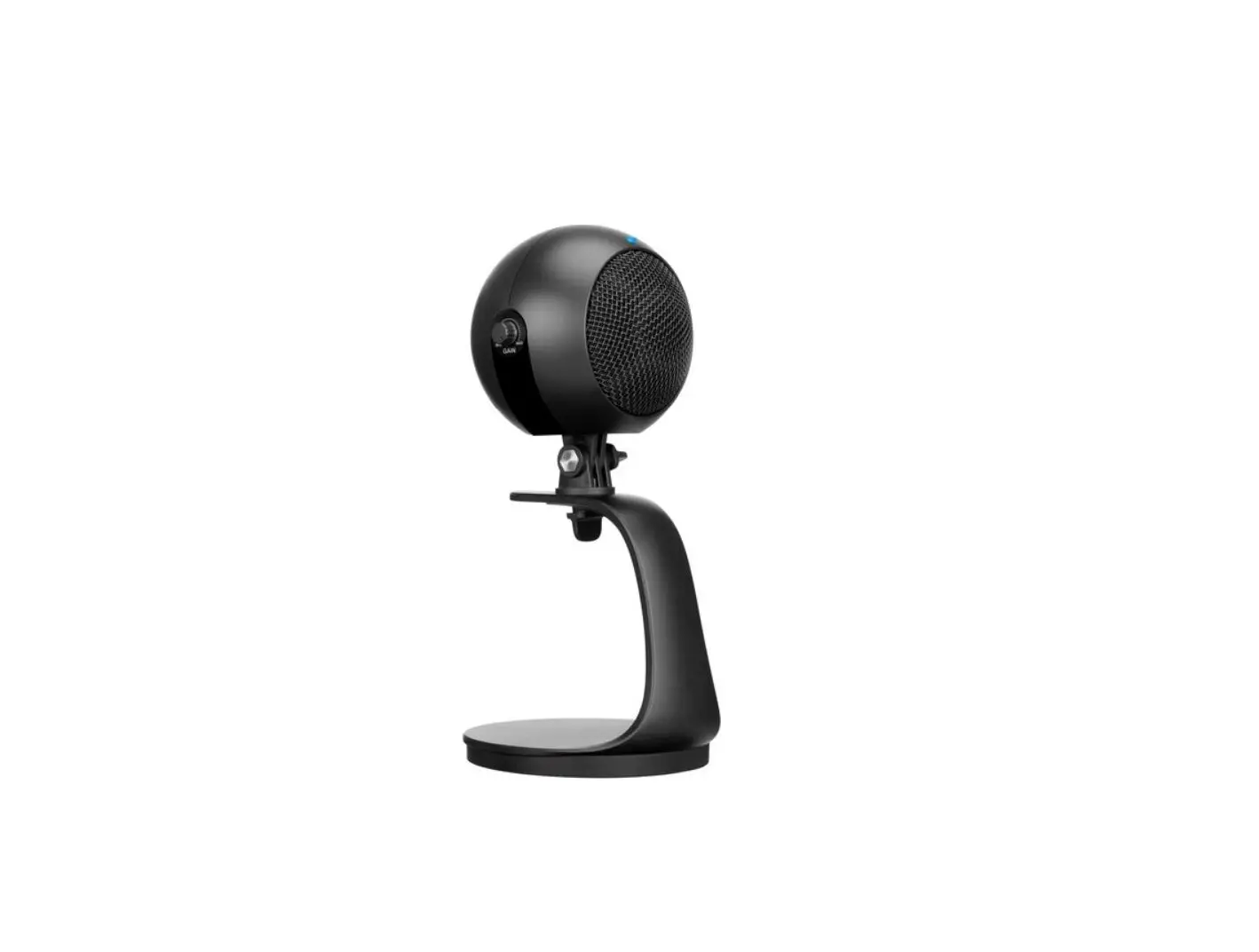
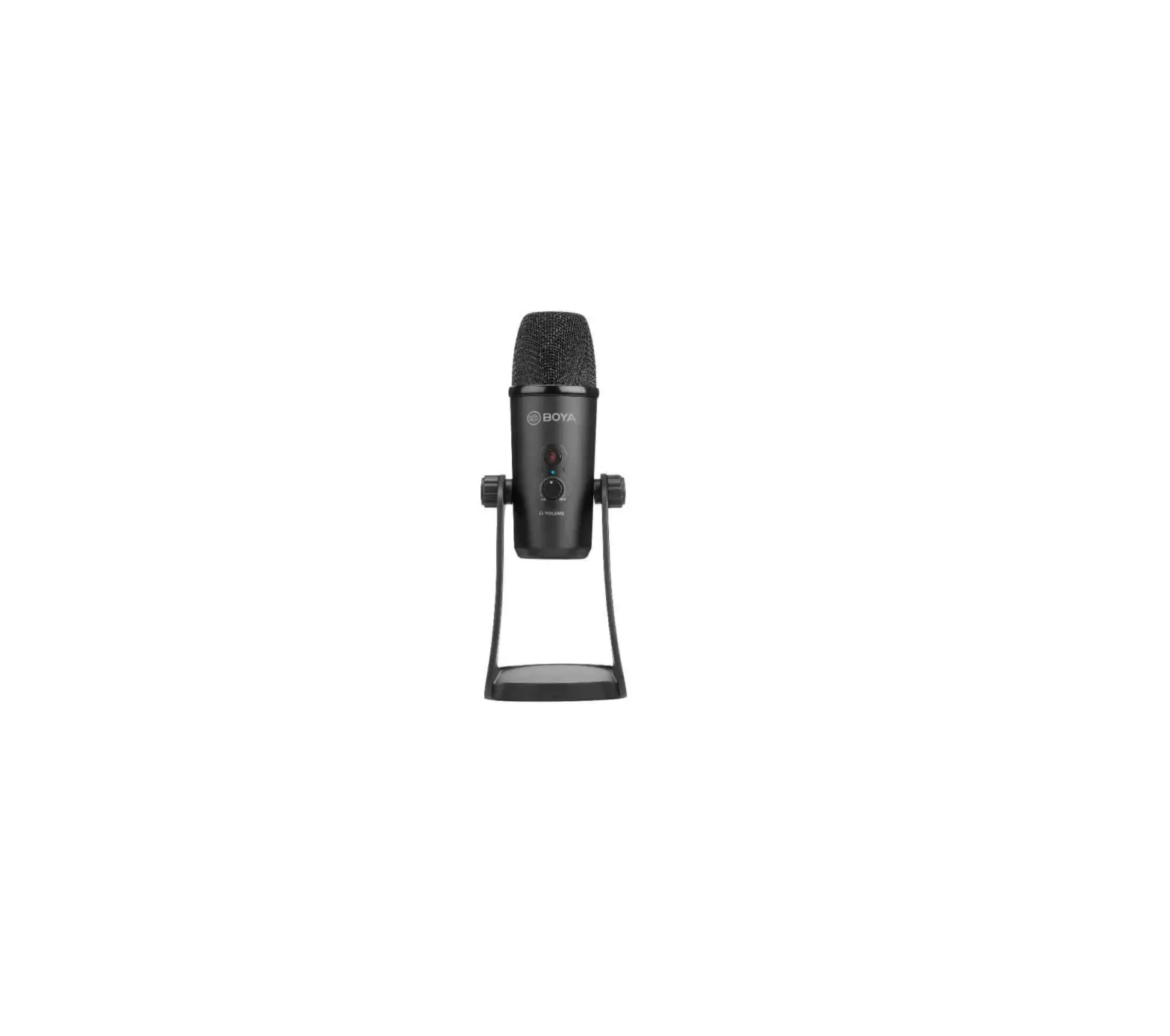
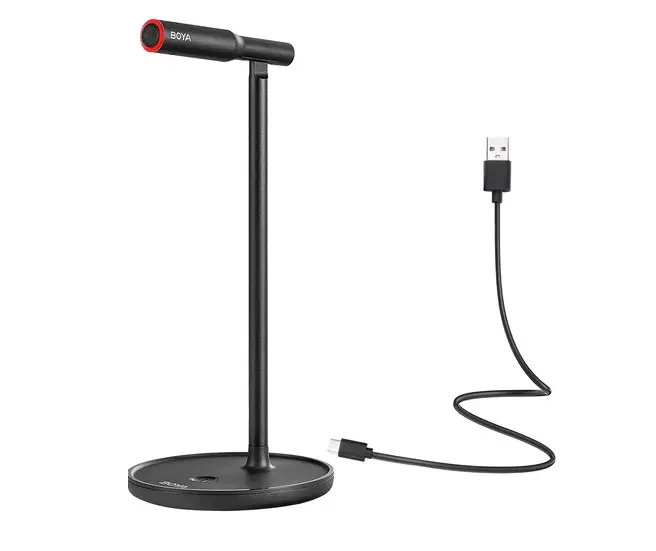
BOYA BY-CM1 is a USB condenser microphone, no battery required, plug and play, compatible with Mac/Windows computers. Thanks to its cardioid polar pattern and the capability of noise cancellation, the BY-CM1 clearly captures speech in front of the mic while effectively reducing unwanted background noise. It can be freely switched between mute and speak, ideal for live streaming, video conference, e-sports game and more.
Cautions
- If you do not intend to use the microphone for a long period of time, please remove the USB cable.
- Please keep it away from heat sources such as heaters or ovens.
- When using and storing, please keep away from the dust and moisture.
- Be careful with violent collisions.
- To avoid acoustical feedback, do not hold the microphone close to the loudspeakers.
- For the best pick-up pattern, do not hold your hand against the microphone capsule cover.
Packing Contents
- BY-CM1 Microphone
- 3.94′ (1.2ml USB-A to Type-C Cable
- User Manual
- Warranty Card
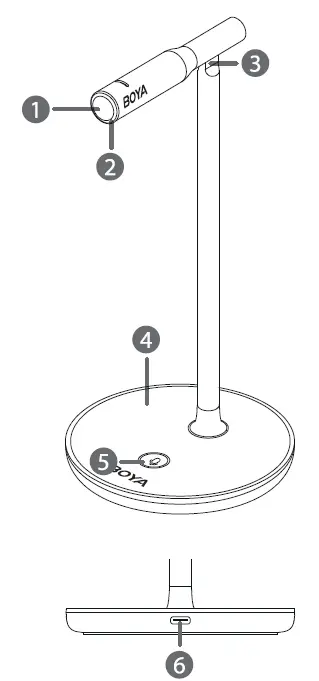
Product Structure
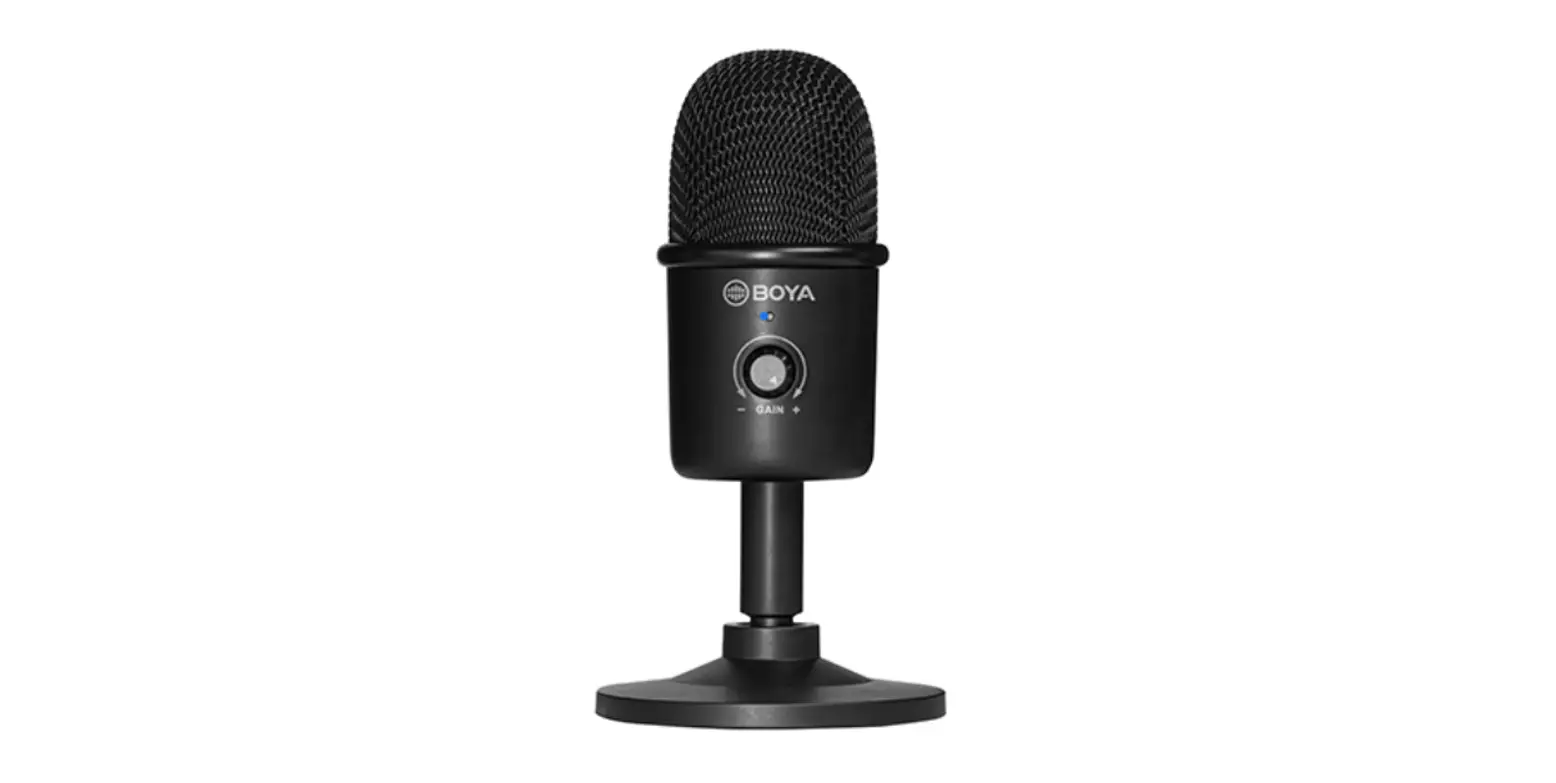
- CD Cardioid microphone capsule
- Status indicator
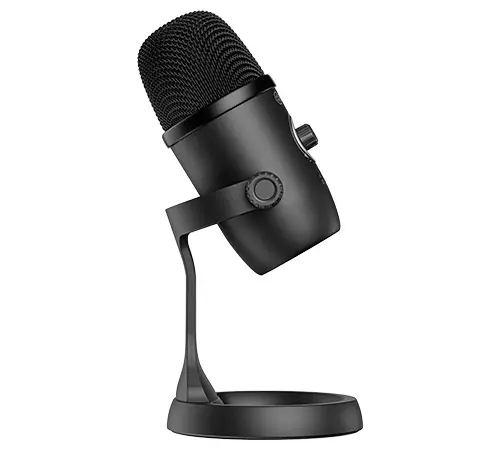
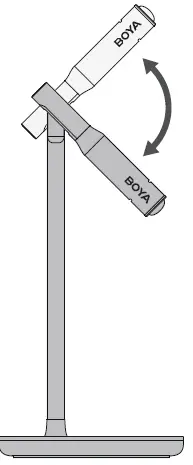
Mode Indicator Status Noise Cancellation ON Blinking red once Noise Cancellation OFF Blinking red twice Mute ON Blinking red Mute OFF Static red - Angle adjusting joint
- Mic desktop stand
- Speak/Mute/ NR button
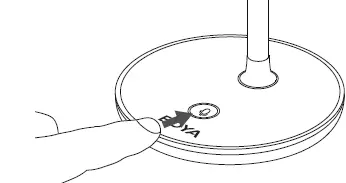
- Press the button to mute or activate the microphone
- Press and hold for 3 seconds to turn on or off the function of noise cancellation.
- Type-C audio output

Operation Guide
- Connect the BY-CMl to your computer with the included USB-A to Type-( to activate the microphone.

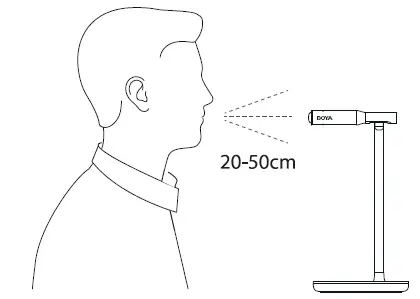
- Adjust the microphone at your desired angle.

- According to your needs, press the ” (Mic) “button to mute the microphone or press and hold the button for 3 seconds to turn on the mode of noise cancellation.

- You are ready to record.


Specifications
| Acoustic Principle | Condenser |
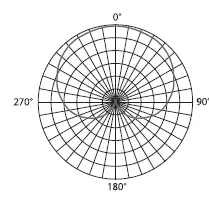
| Polar Pattern | Cardioid |
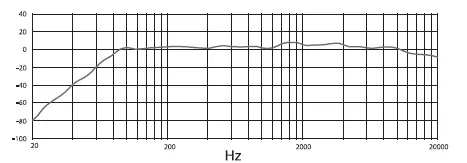
| Frequency Response | 80Hz-16KHz |
| Sensitivity | -47±3dB(OdB=lV/Pa, lKHz) |
| Sampling Rates | 48KHz/44.l KHz |
| Bitrate | 16bit |
| Signal-to-Noise Ratio | >72dB |
| SPL | llOdB |
| Audio Output | Type-C audio port |
| Dimensions | cp4.17×9.06×3.87″ (cpl06x230.l x98.4mm) |
| Weight | Approx. 6.17oz (175g) |
- Frequency Response

- Polar Pattern