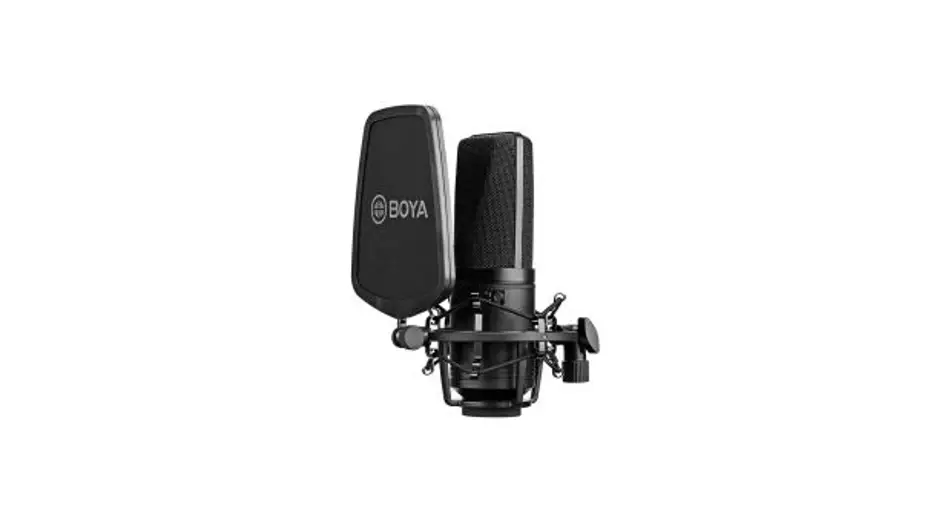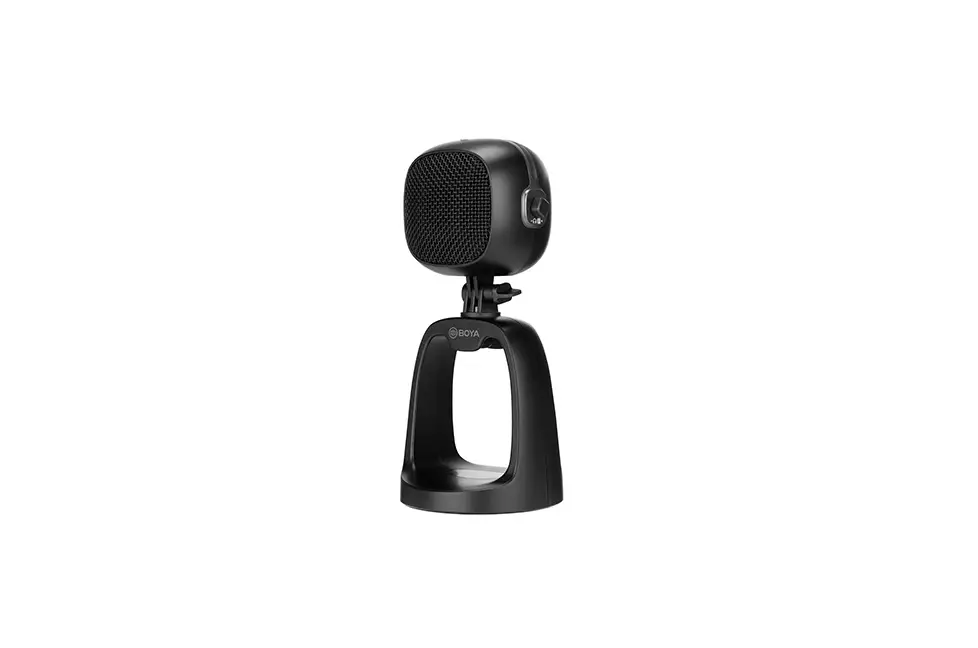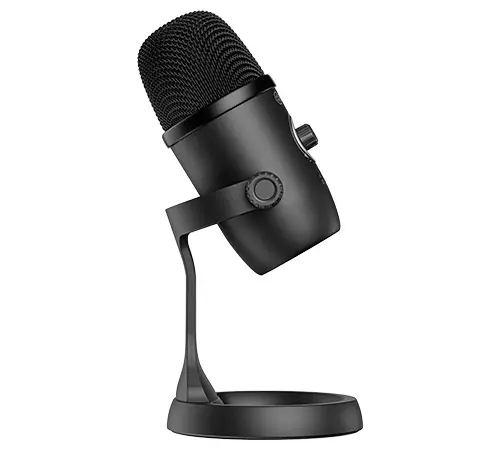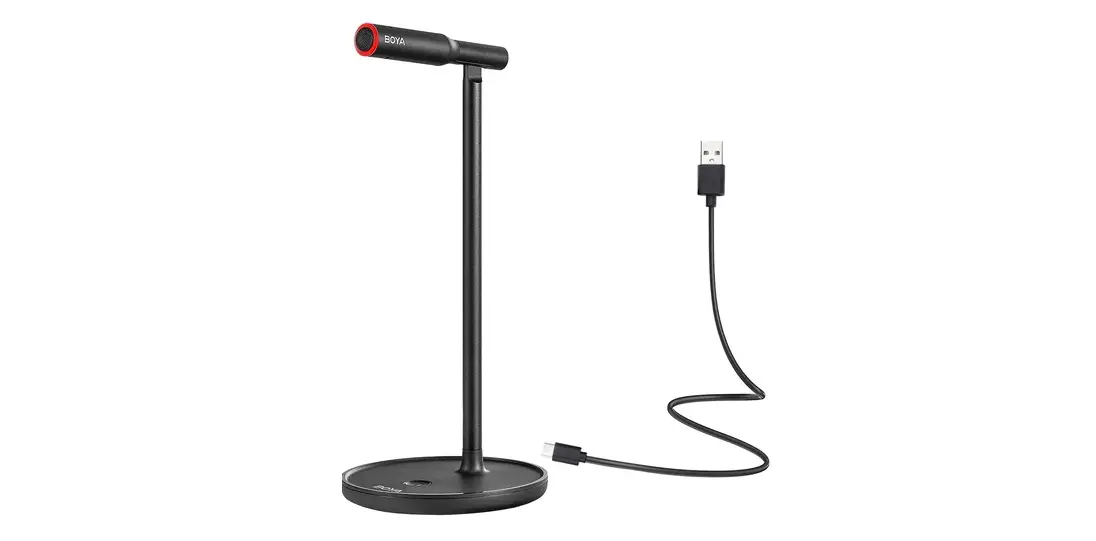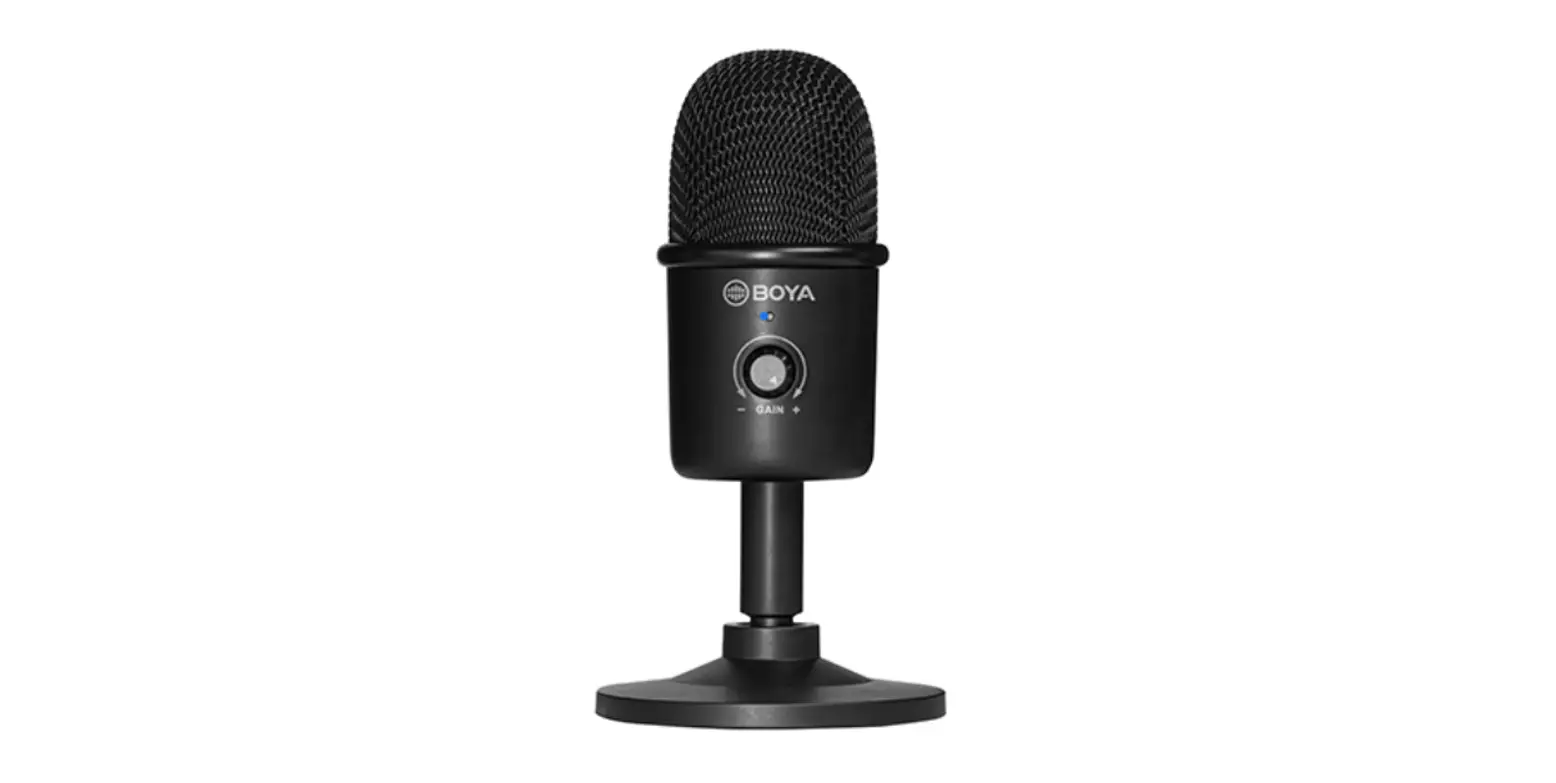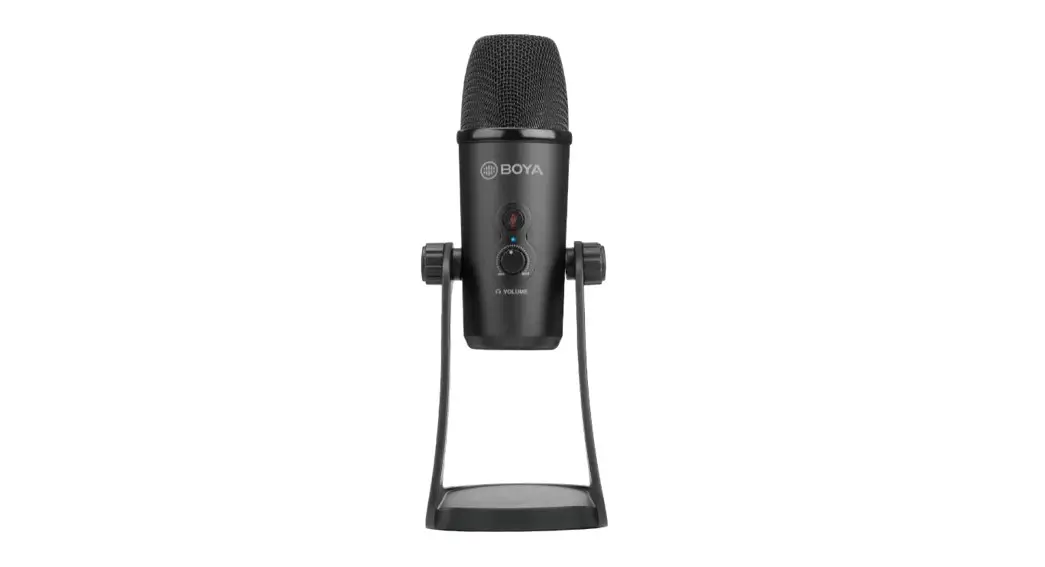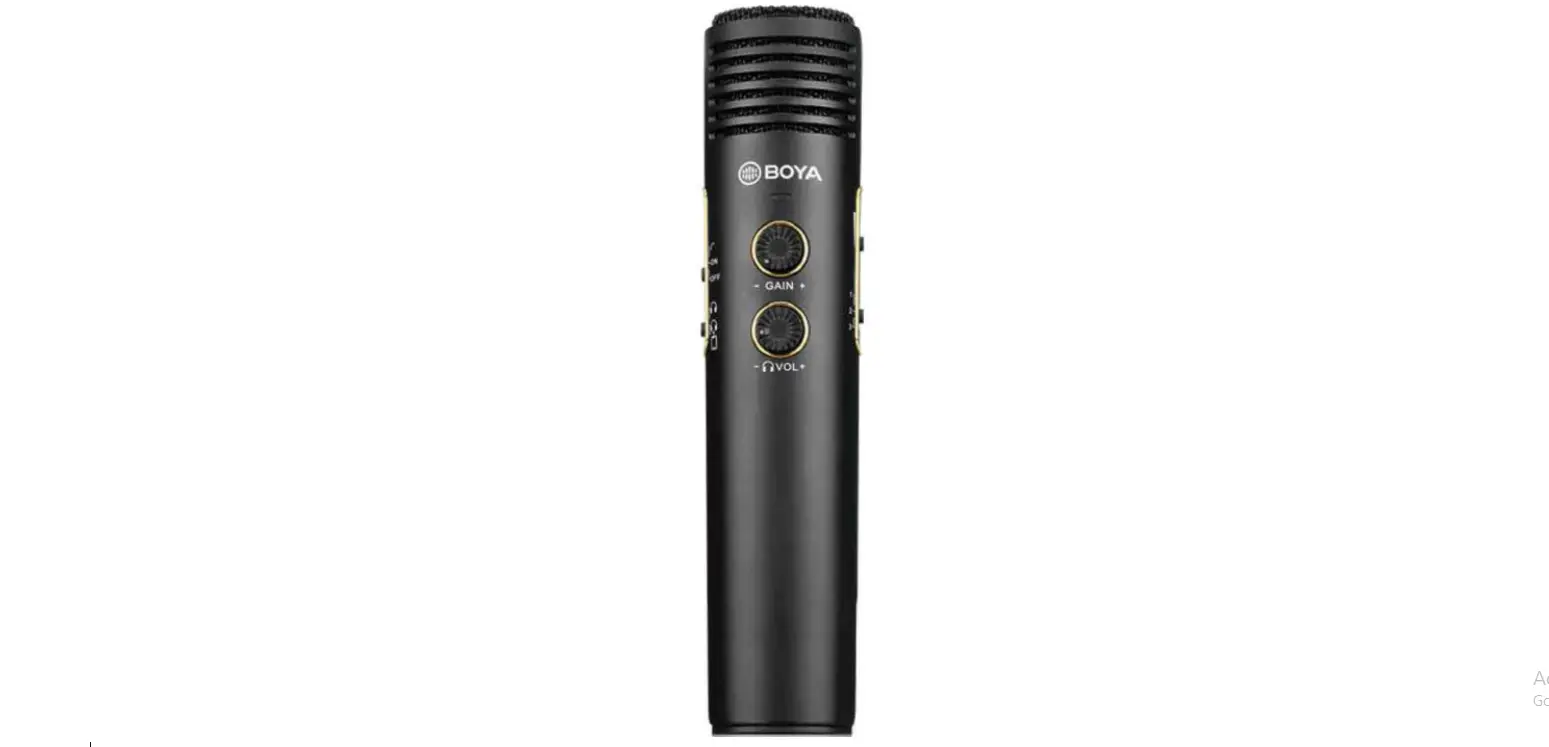
 BOYA BY-EM20 Live Streaming Microphone
 INTRODUCTION

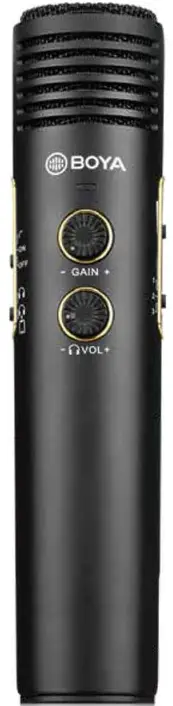
Thank you for purchasing BOYA! The BY-EM20 is a professional live streaming microphone, equipped with a high-definition condenser capsule and 16bit/48kHz resolution, making it easy for you to podcast anytime, anywhere This microphone is compatible with most Android devices, laptops and computers (devices with 3.5mm stereo jack or Type-C connector). Low noise, compact microphones have all-inclusive connectors and controls. Headphones output with dedicated volume control. AUX input and EFX controls in the main section for optimal level adjustment Additionally, the microphone has a digital signal processing (DSP) chip and provides users with a better singing experience. The BY-EM20 is easy to operate and can handle various types of signals, providing you with an economical and practical audio solution.
PACKING LIST
- BY-EM20 Microphone “1
- Mic Holder 1
- Mini-Tripod “1
- Foam Windshield “1
- 1.2m (3.9) USB-A to Type-C Audio Cable”1
- 1.2m (3.9) Type-C to Type-C Audio Cable”1
- 1.2m (3.9) 3.5mm to 3.5mm Audio Cable *2
- Drawstring Bag “1
PRODUCT STRUCTURE


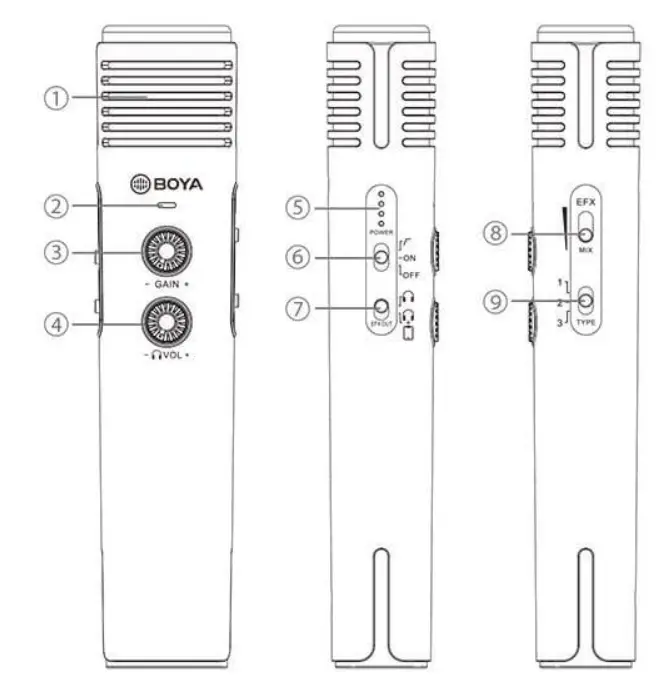
- Condenser microphone
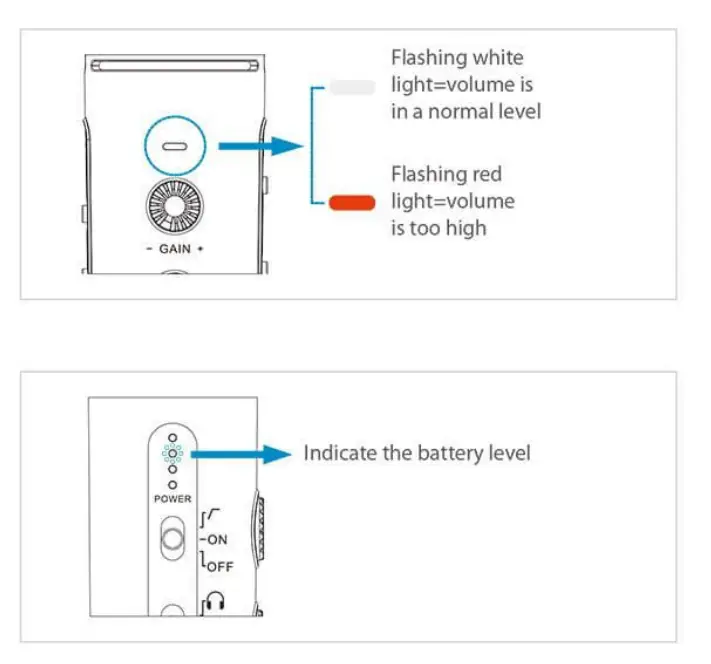
- PEAK indicator
- GAIN control
- Headphone volume control
- Battery indicator
- OFF/ON/LOW CUT
- Switch
- Monitoring reverb effect sound and recording the Original Vocal Sound
- Monitoring and Recording the Original Vocal Sound with Reverb Effect
- Mix control
- Mode switch
- Karaoke
- Streamer
- Microphone Controller
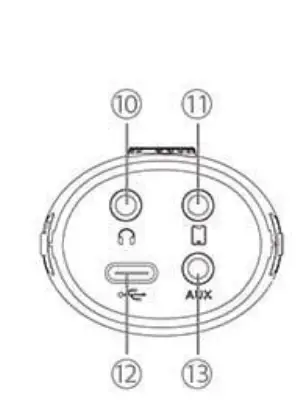
- 3.5mm headphone output/audio output jack
- 3.5mm TRRS jack for smartphone
- Type-C port
- AUX input
- The AUX jack is selectable and can mix the external music via a 3.5mm TRRS cable.
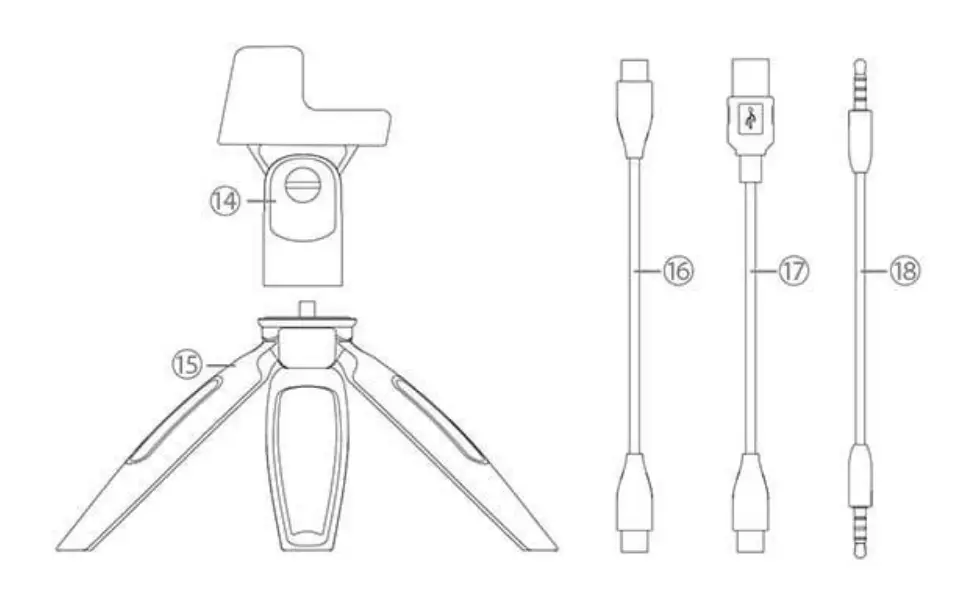
- Microphone holder
- Mini-tripod
- 1.2m (3.9) Type-C to Type-C audio cable
- 1.2m (3.9) USB-A to Type-C audio cable
- 1.2m (3.9) 3.5mm to 3.5mm audio cable
NOTE: To get optimum sound performance, please adjust the microphone’s pick-up angle. For maximum clarity and intelligibility, the microphone should always be facing towards the sound source that you wish to record.
MODE
Karaoke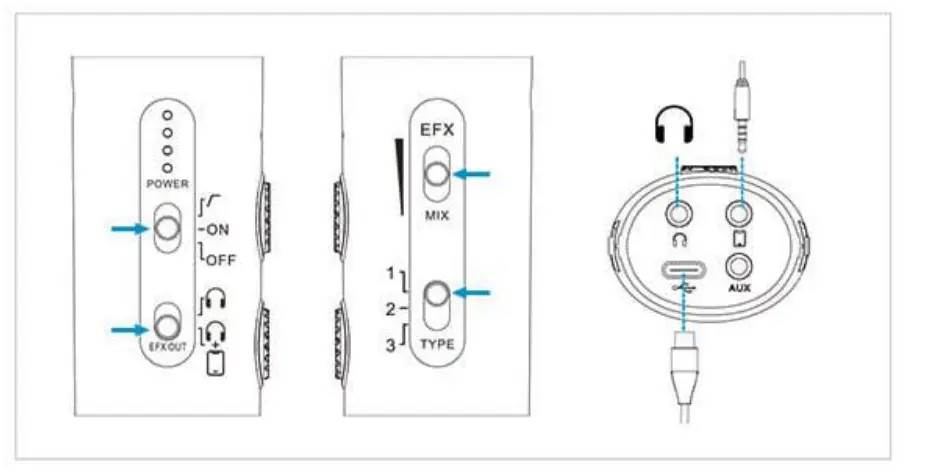
Microphone Controller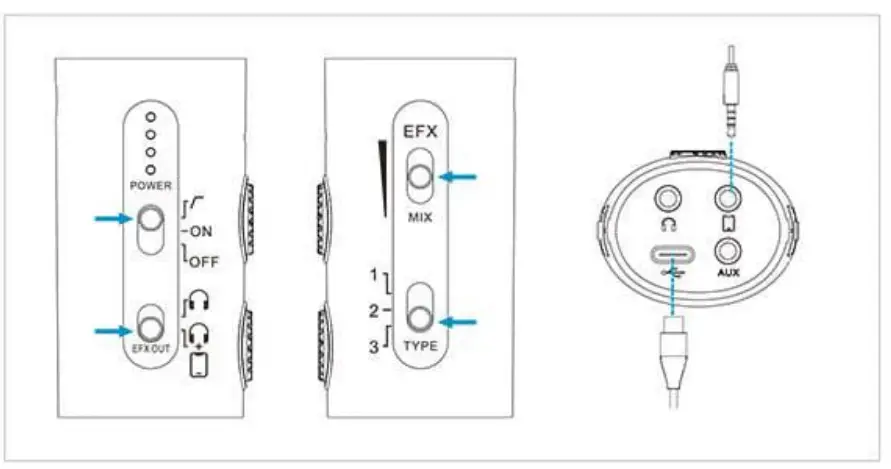
Streamer/ Recording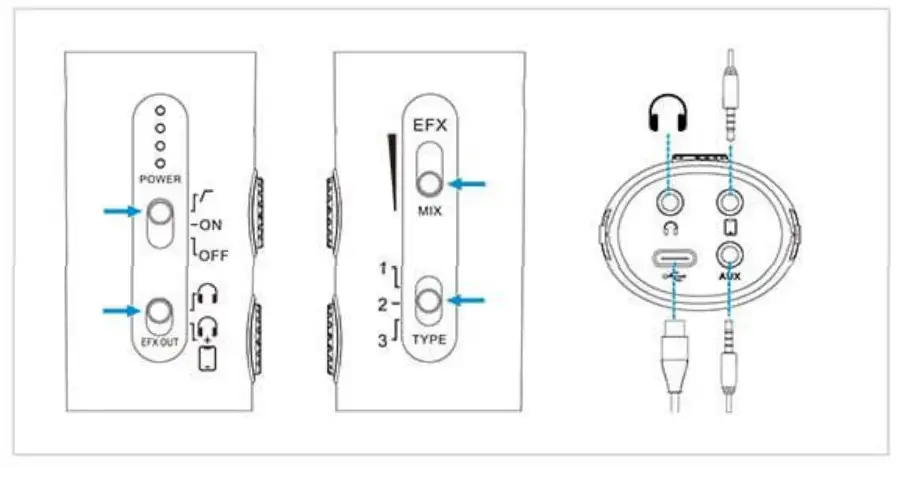
INDICATOR
HOW TO USE?
Digital Signal Connection-Type-C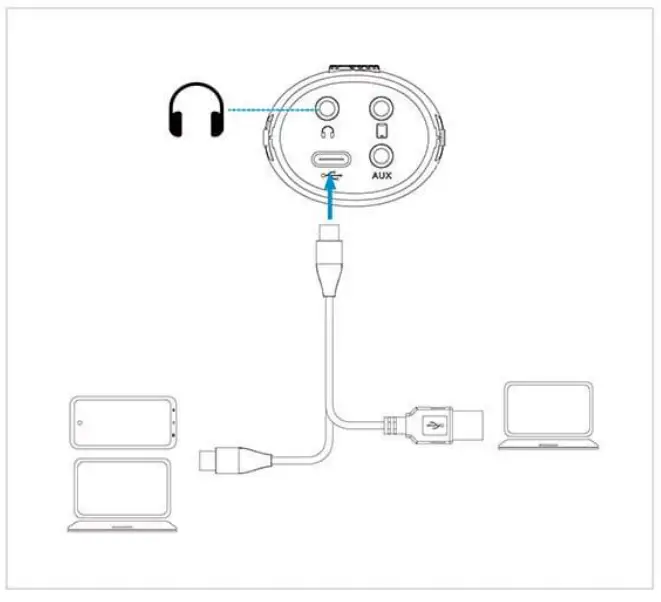
NOTE: Please follow the instructions and use the supplied cable to connect your device.
Analog Signal Connection-3.5mm jack
Using 3.5mm TRRS to TRRS Cable To Connect 3.5mm or Other Devices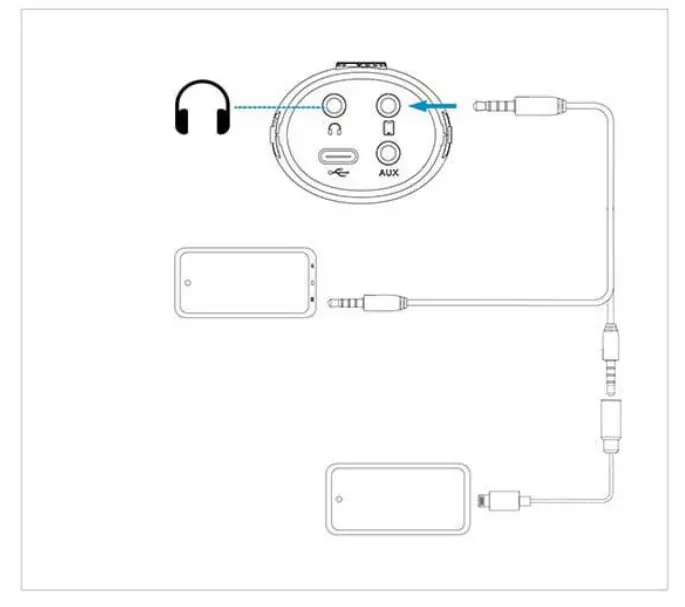
NOTE
- If the smartphone has a 3.5mm headphone jack and a Type-C port, it is recommended to choose the type-C first.
- 3.5mm TRRS to Lightning adapter not Included
FEATURES
- Compatible with most devices such as smartphones, laptops, computers
- High-quality digital signal processing (DSP) chip
- Real-time headphone monitoring
- Powered by a built-in lithium battery, more than 24 hours of working time
- Mix controls for better sound effect
- Integrated Type-C charging port
- Includes microphone clip, foam windshield, 1.2m (3.9) USB-A to Type
- Caudio cable, 3.5mm to 3. Smm audio cable” 2, Type-C to
- Type-C audio cable