
The world”s finest fire detection systems since 1918
TECHNICAL BULLETIN
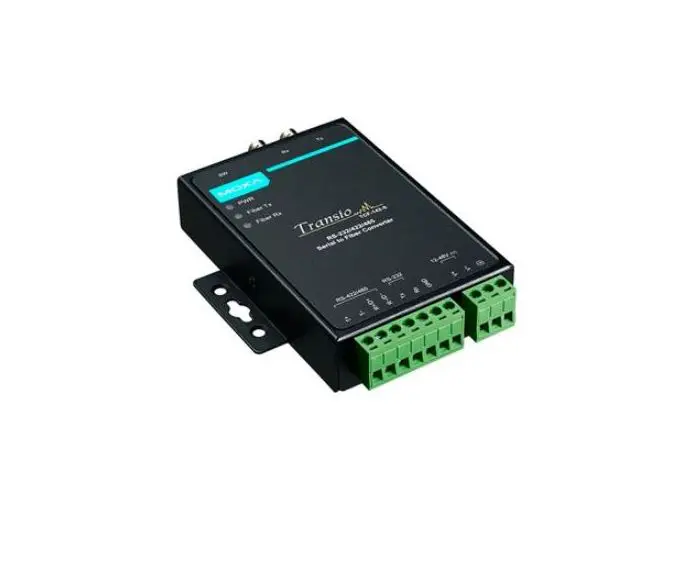
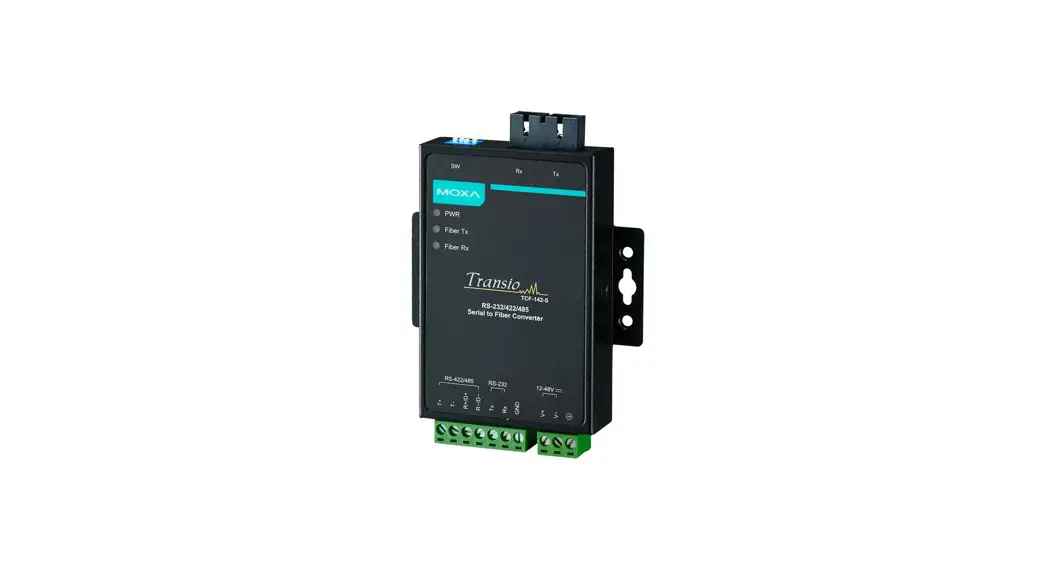
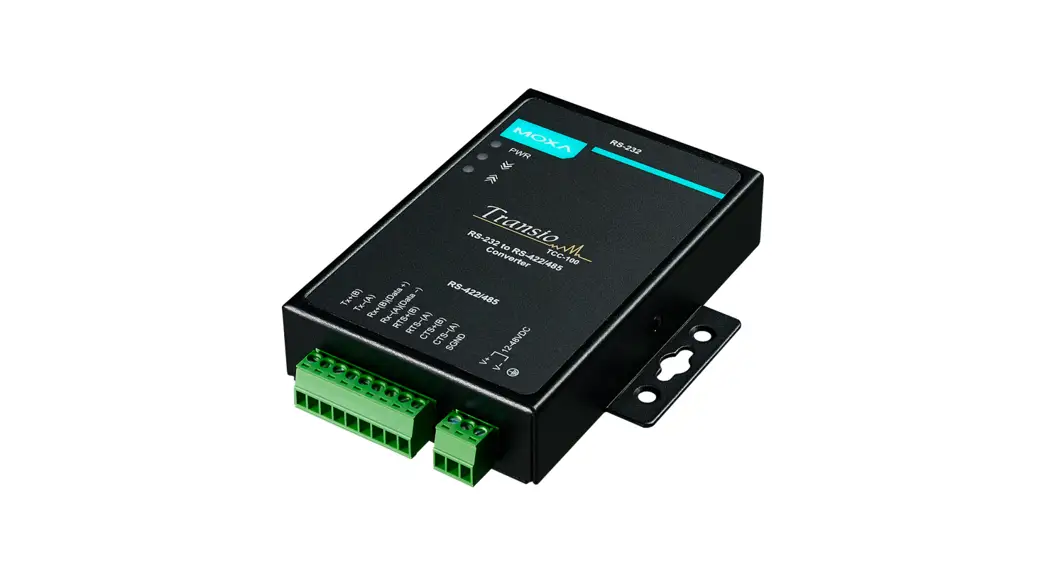
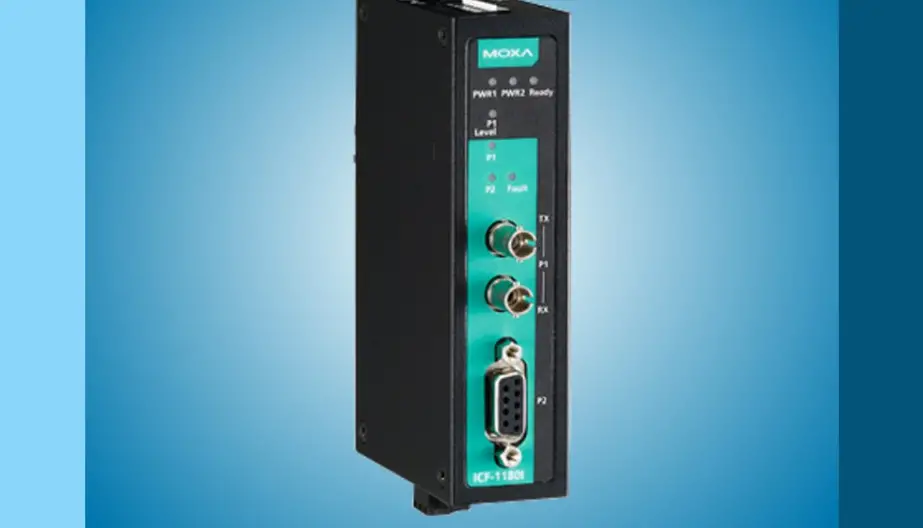
Moxa TCF-142 Series Serial to Fiber Converter
Installation Instructions for Fiber Optic Network Solution
The information contained in this document is to be used as a quick reference guide. For detailed system information, please refer to the FACP Installation & Operation Manual, Moxa TCF-142 series Installation Manual and IFS D1300 series Installation Manual.
General Description:
The FireNET system enables information to be transmitted between control panels using a secure network connection. Up to 64 control panels or network annunciators (nodes) can be connected together and the system can be configured such that selected information can be displayed or acted upon at each panel.
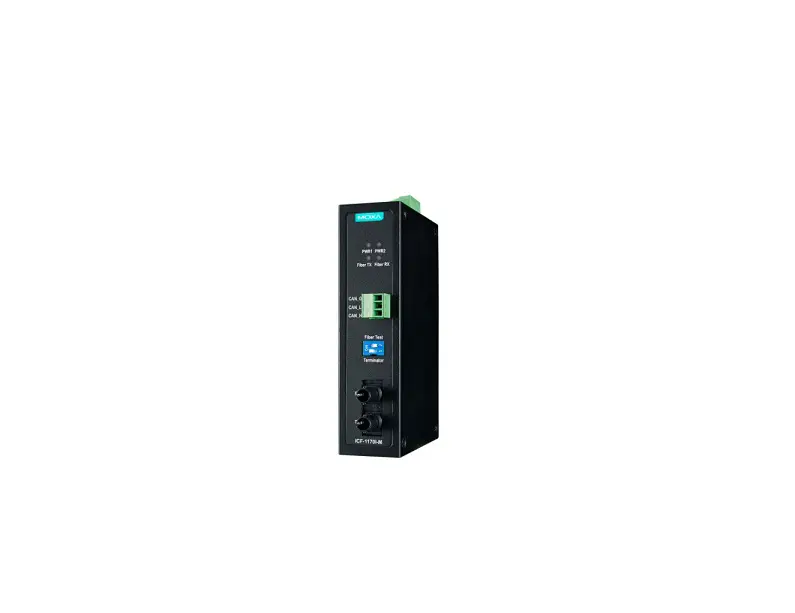
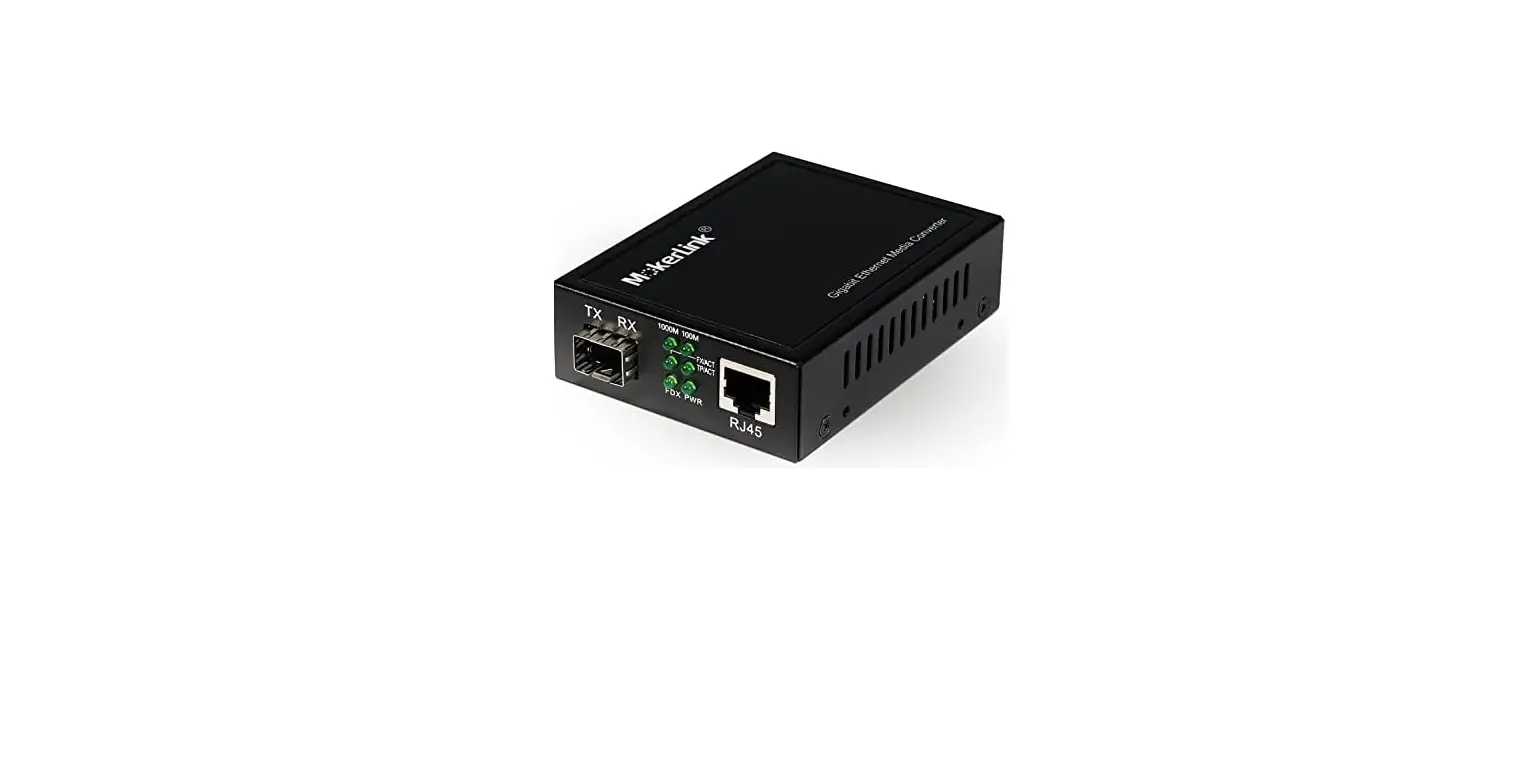
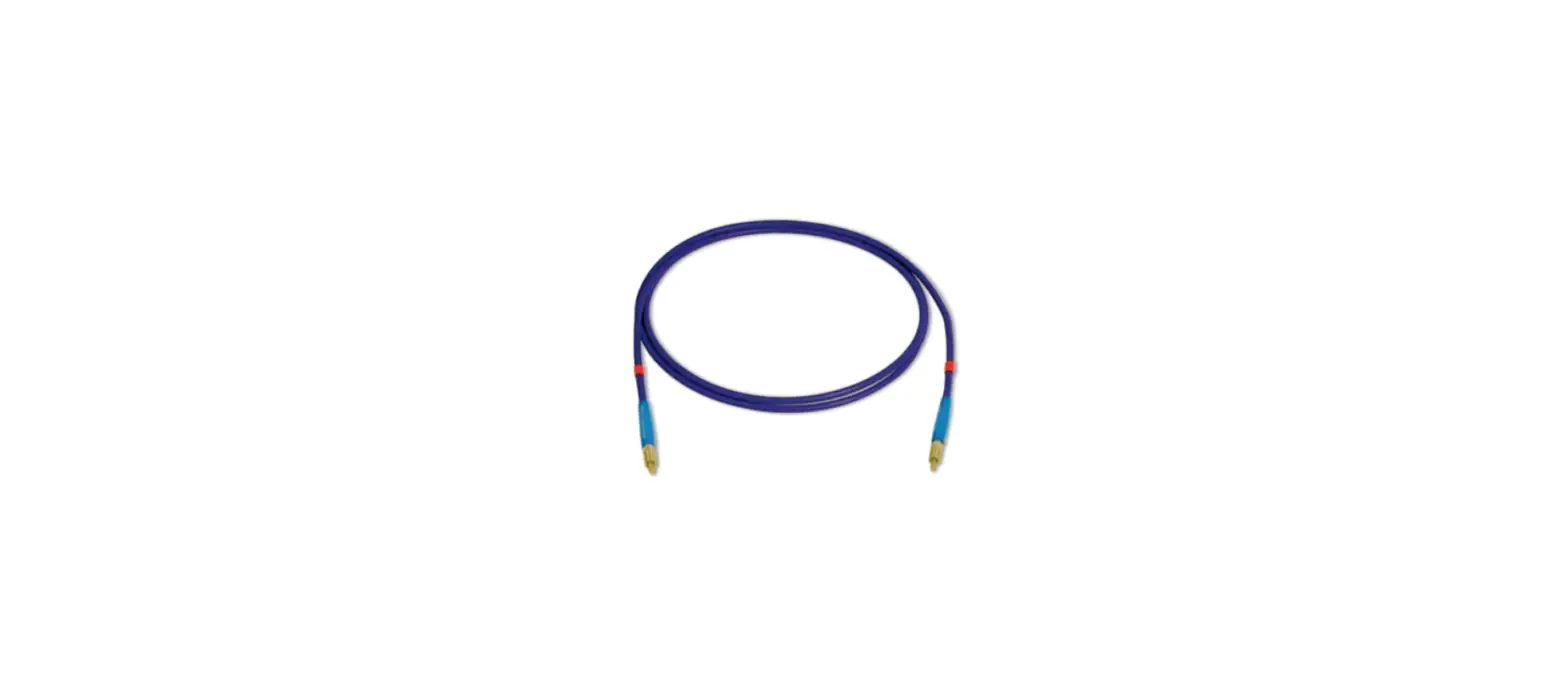
This Installation Instruction Guide describes the network connection between panels or panel and network annunciator to connect and communicate over a Single/Multi Mode Fiber Optic cable through the following data transceiver products:
- MOXA – TCF-142 Series
- GE Security – D1300 Series
Specification:
MOXA: TCF-142 Series
| Supply Voltage | 12VDC ~ 48VDC |
| Current Consumption at 12VDC | 140 mA |
| Wiring Distance | TCF-142-S-ST (Single Mode): 24.8 Miles (40km) TCF-142-M-ST (Multi Mode): 3.1 Miles (5km) |
| Operating Temperature | -40°F (-40°C) ~ 167°F (75°C) |
| Dimension | 3.54”W x 3.94”L x 0.87”D |
GE Security: D1300 Series
| Supply Voltage | 12VDC ~ 24VDC |
| Current Consumption at 12VDC | 200 mA |
| Wiring Distance | D1325 (Single Mode): 20 Miles (33km) D1300 (Multi Mode): 1.9 Miles (3km) |
| Operating Temperature | -40°F (-40°C) ~ 165°F (74°C) |
| Dimension | 7.0”W x 4.9”L x 1.0”D |
Note: Please refer to the MOXA/GE Security datasheet for detailed specifications on the above products.
Initial Release: 09/03/2010
TB-003
Rev. 1.00
Wiring Scheme:
When designing or installing a network of FireNET panels and network annunciators, always be aware of the following:
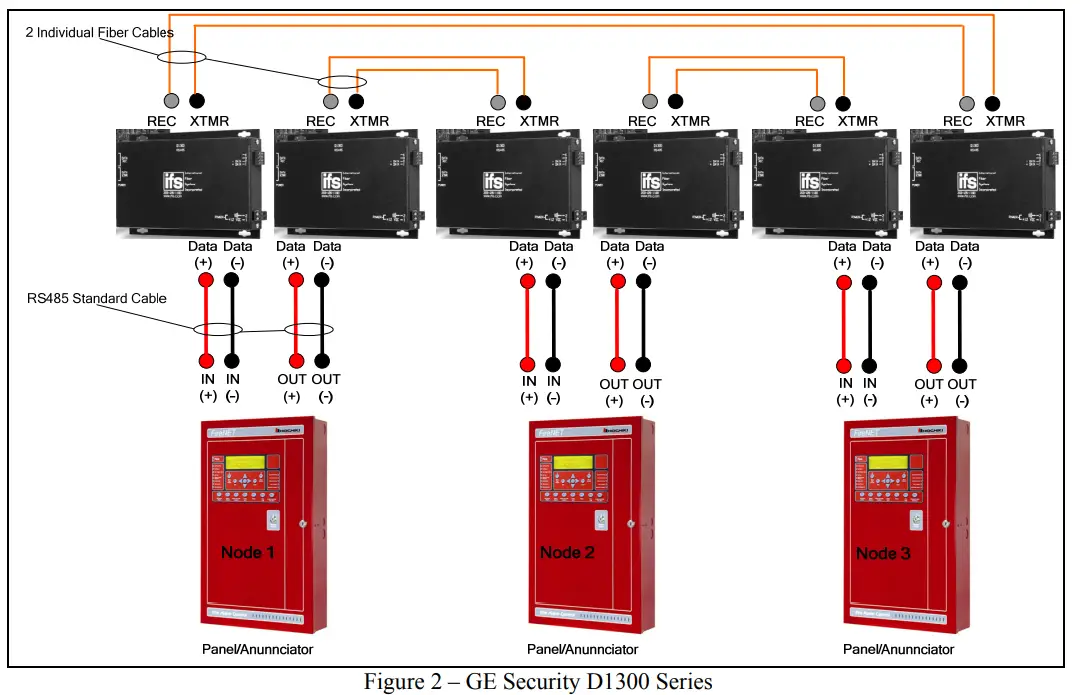
 The panel network must be wired as a ring (Class A). Each fiber run will require two communication links connected to another panel or panels. Up to 64 control panels or network annunciators can be connected together in one loop. If either of these is not connected, a trouble will be displayed. It is important to ensure the connection from
the “OUT” terminals from one panel connect to the “IN” terminals of the next panel and so on. The “OUT” terminals of the last panel are connected to the “IN” terminals
of the first panel to complete the loop. Two Fiber Optic converters are required per panel or network annunciator (node). Dip Switch settings must be set accordingly to the MOXA wiring diagram. Network cabling should be standard RS485 type with minimum #20 AWG and the following for the fiber cables:
Important Caution for Wire Types:
- MOXA Single Mode: 9/125 µm, 8.3/125 µm, 8.7/125 µm, 10/125 µm
- MOXA Multi Mode: 50/125 µm, 62.5/125 µm and 100/140 µm
- GE Security Single Mode: 9/125 µm
- GE Security Multi Mode: 62.5/125 µm
Wiring Diagrams:
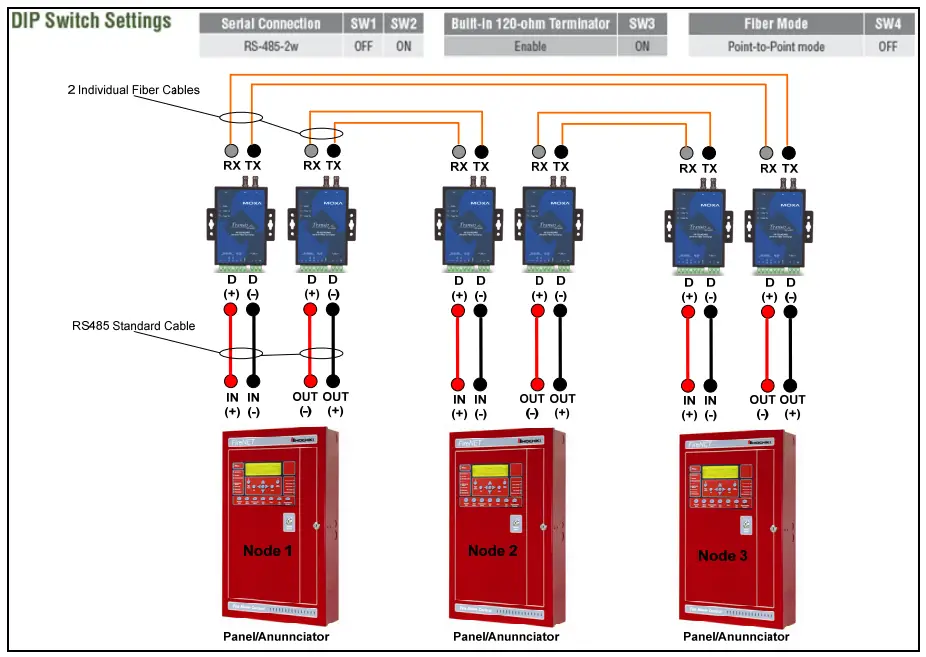
Figure 1 – MOXA TCF-142 Series
If you have any questions regarding this matter please contact Technical Support.
Technical Support
1-800-845-6692
[email protected]
firealarmresources.com
 Home - Fire Alarm Resources - Free fire alarm PDF manuals, documents, installation instructions, and technical specifications