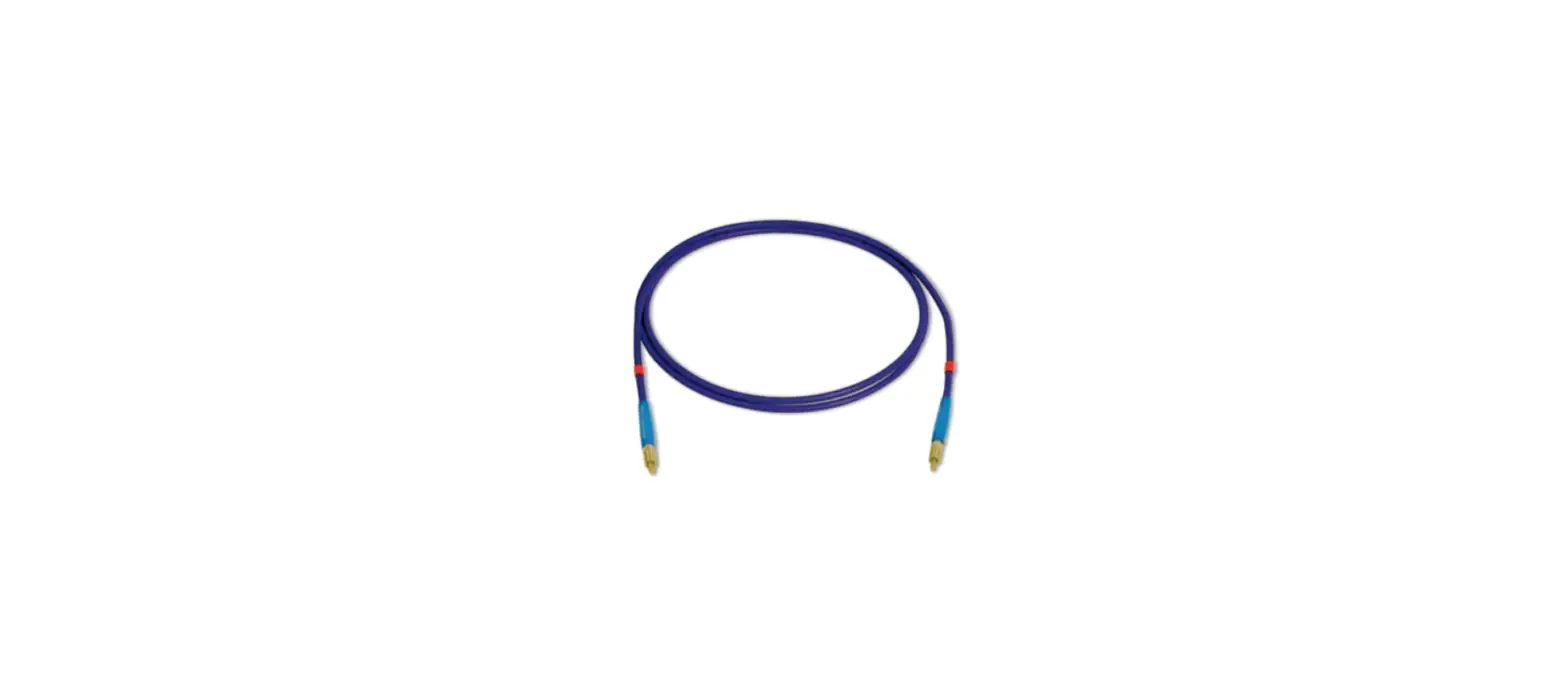

PASCOS SE-7182 Fiber Optic Cable Kit
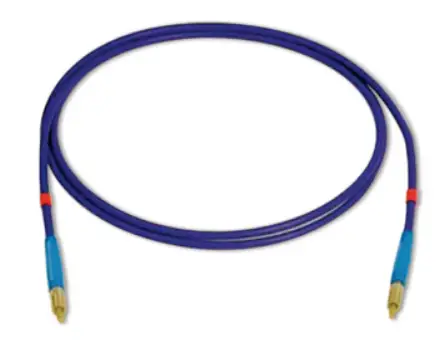
About the Product
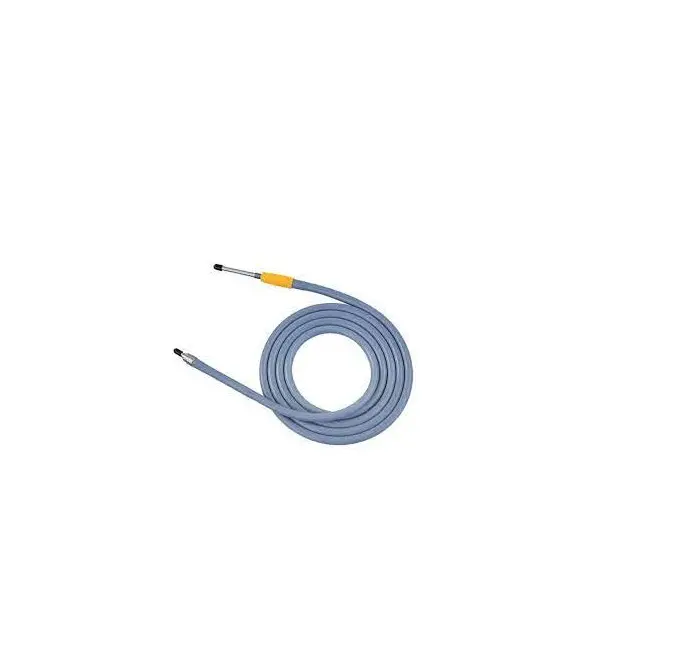
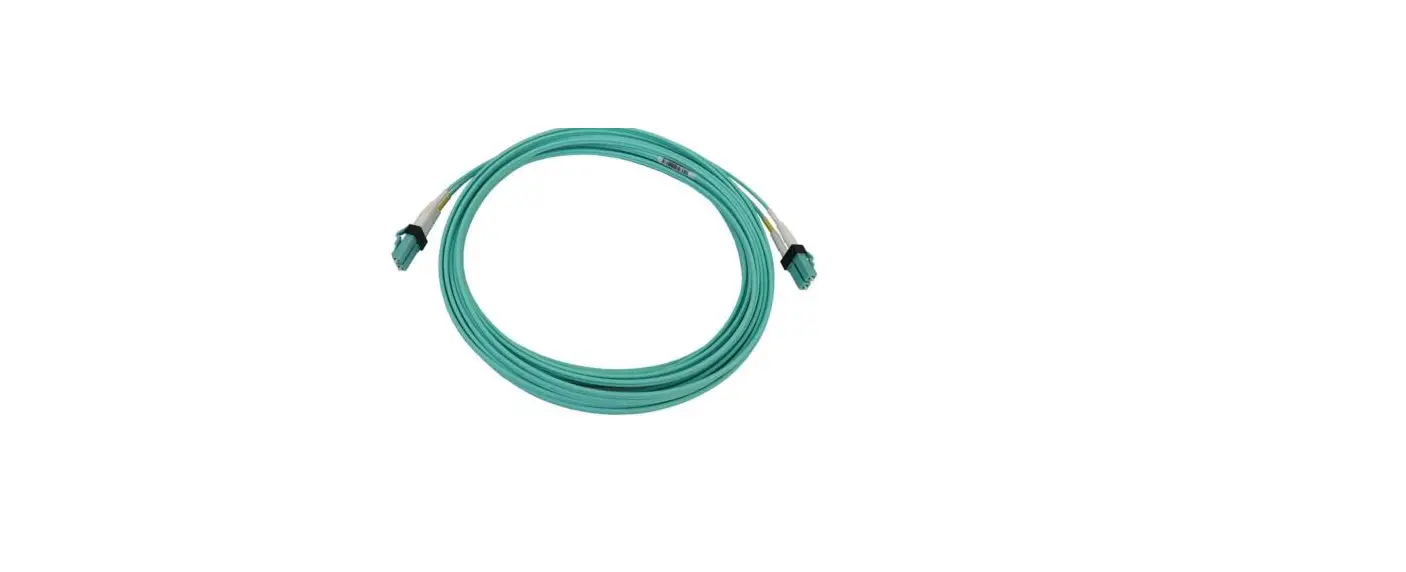
The Fiber Optic Cable is specifically designed for use with the UV-VIS Spectrometer (SE-3607). The Fiber Optic Cable makes it possible to measure the intensity of spectra at different wavelengths.
What’s Included
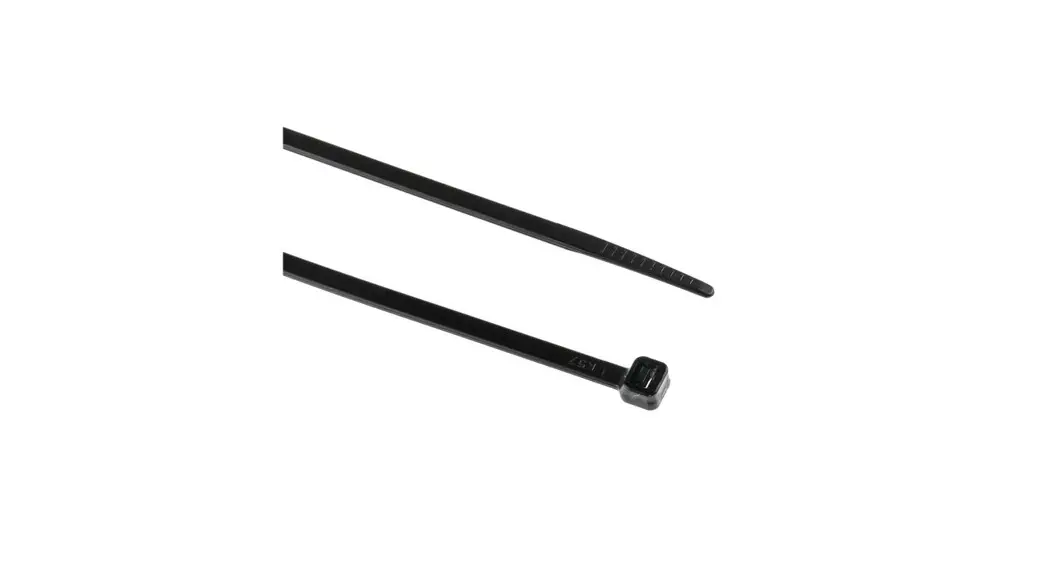
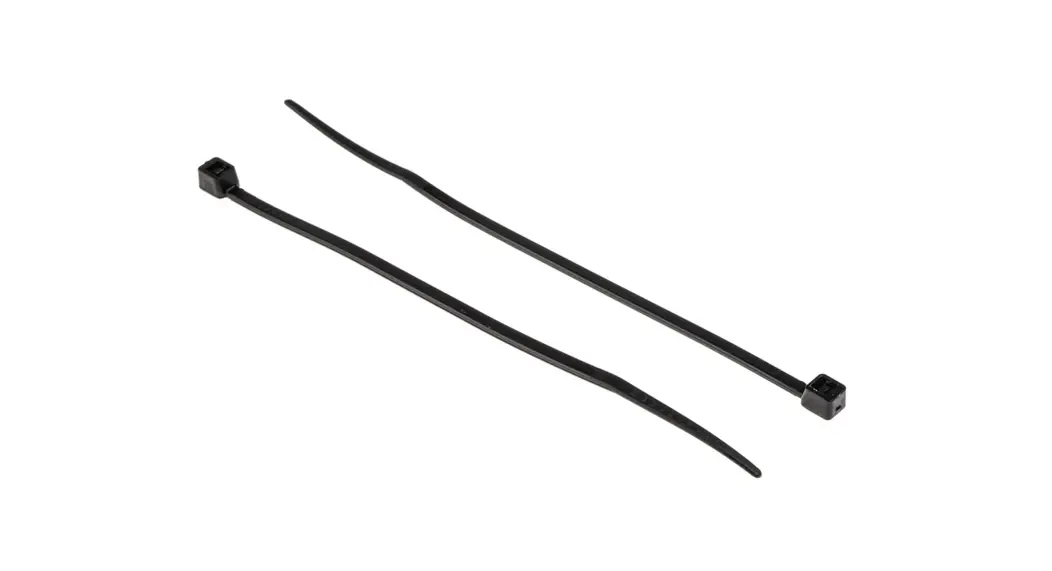
- Fiber Optic Cable (SE-7180)
- Reflective Cuvette (SE-7181)
Required Items
- UV-VIS Spectrometer (SE-3607)UV-VIS Spectrometer (SE-3607)
- Spectrometry SoftwareSpectrometry Software
PASCO software is required for data collection and analysis. It is available as a free download at pasco.com/downloadspasco.com/downloads.
SetupSetup
- Insert the fiber optic cable into the reflective cuvette.
- Place the nut on the cable over the threads in the cuvette and turn the nut until finger-tight.
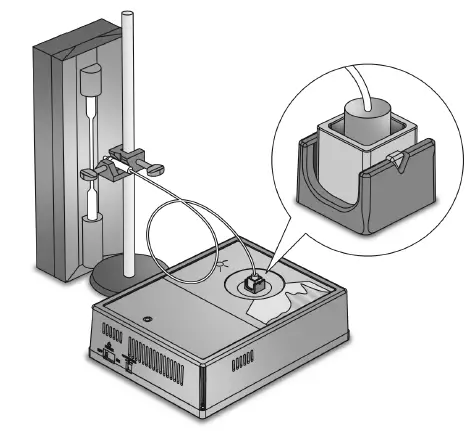
- Insert the reflective cuvette into the UV-VIS Spectrometer. Align the triangle on the cuvette with the notch on the test chamber (FigureFigure 11).
CAUTION: It is important that the cuvette is aligned correctly. Incorrect alignment may result in the fiber optic cable pointing at the UV light source instead of the light sensor.
Figure 1. A setup showing the fiber optic cable installed in the UV-VIS Spectrometer and pointed at a light source. - Point the other end of the fiber optic cable at a light source.
Tip: Attach the end of the cable to a stand. Place the probe as close to the source as possible without touching the source.
Collecting Data
- Open the Spectrometry app.
- Connect the UV-VIS Spectrometer to Spectrometry.
- Select Analyze LightAnalyze Light
- Click Record Record.
Tip: Click Auto SetAuto Set under Integration TimeIntegration Time if the data is too noisy. - Click StopStop to keep the data.
Product information
Visit the product web page at pasco.com/product/SE-7182pasco.com/product/SE-7182 for additional information including:
- Specifications
- Buying Guide
- Experiments
- Documents

 Popular Downloads | PASCO
 Popular Downloads | PASCO