
Operation manual
Model: AA17084
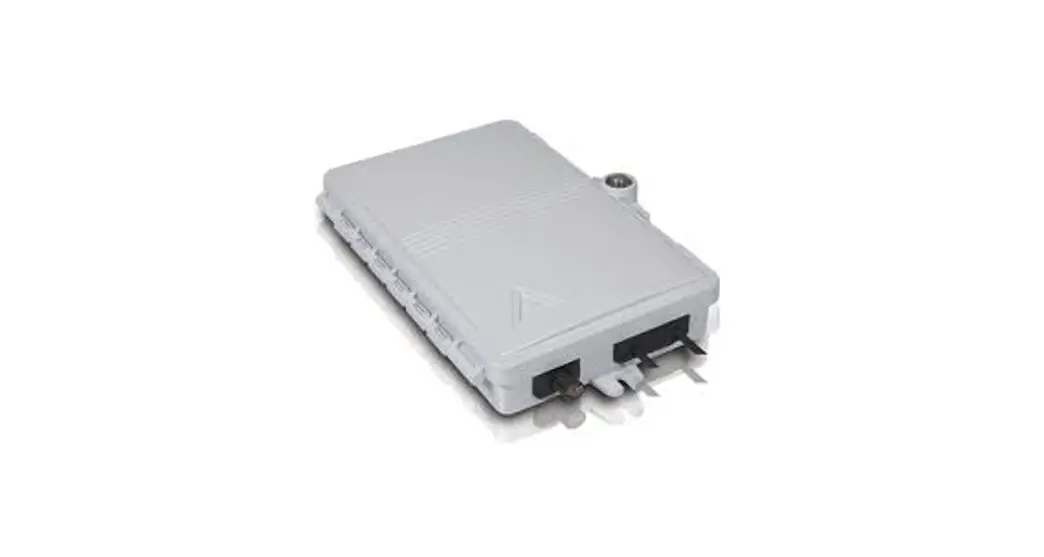
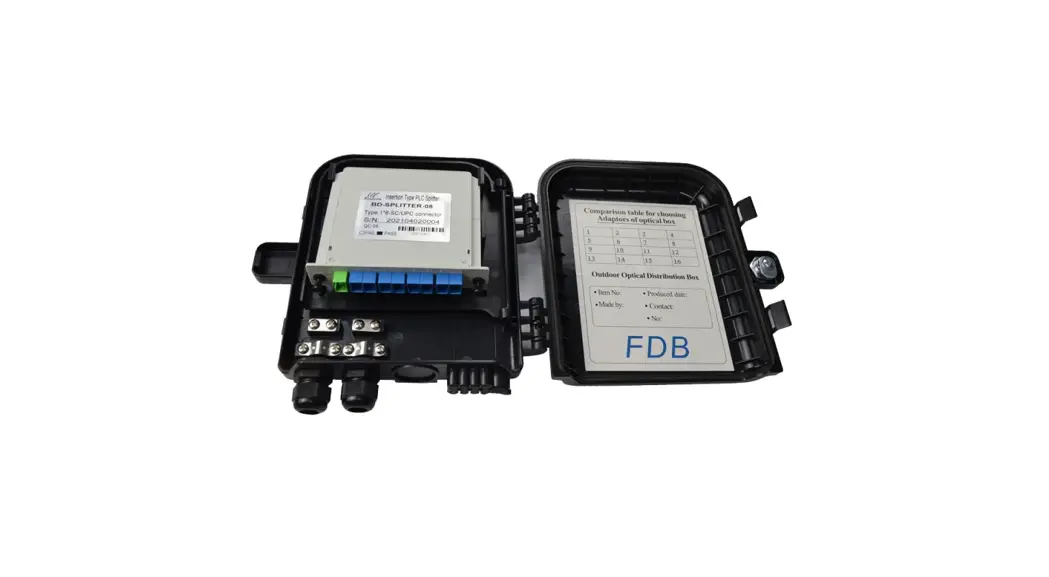
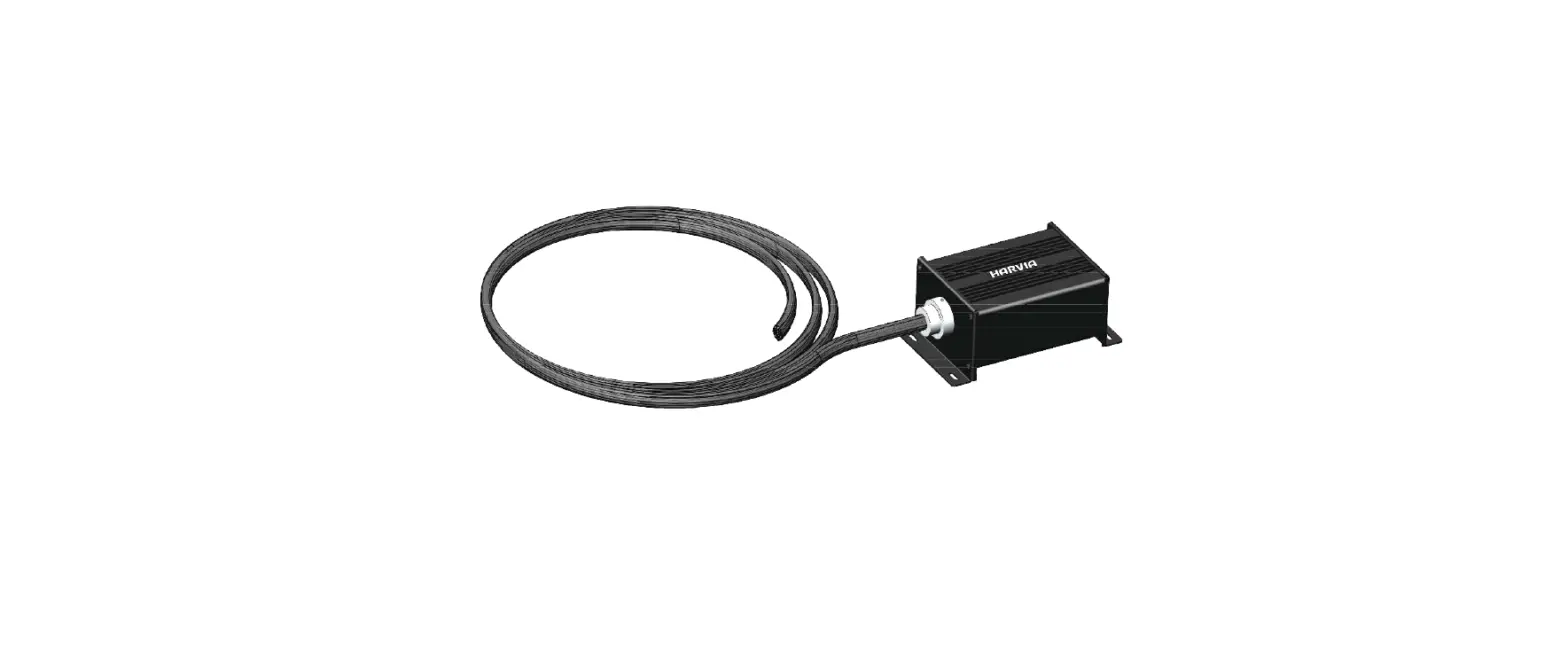
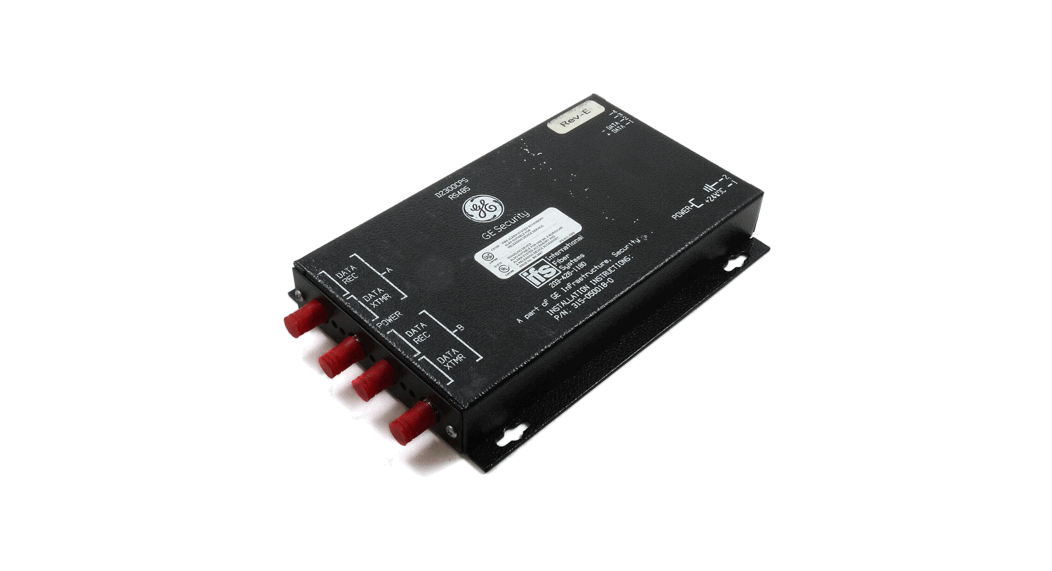
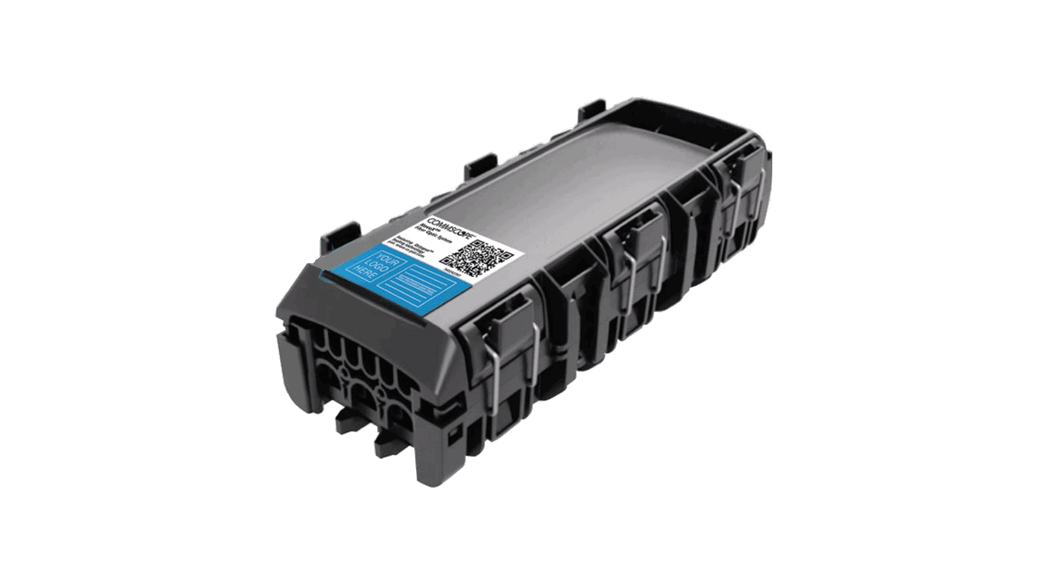
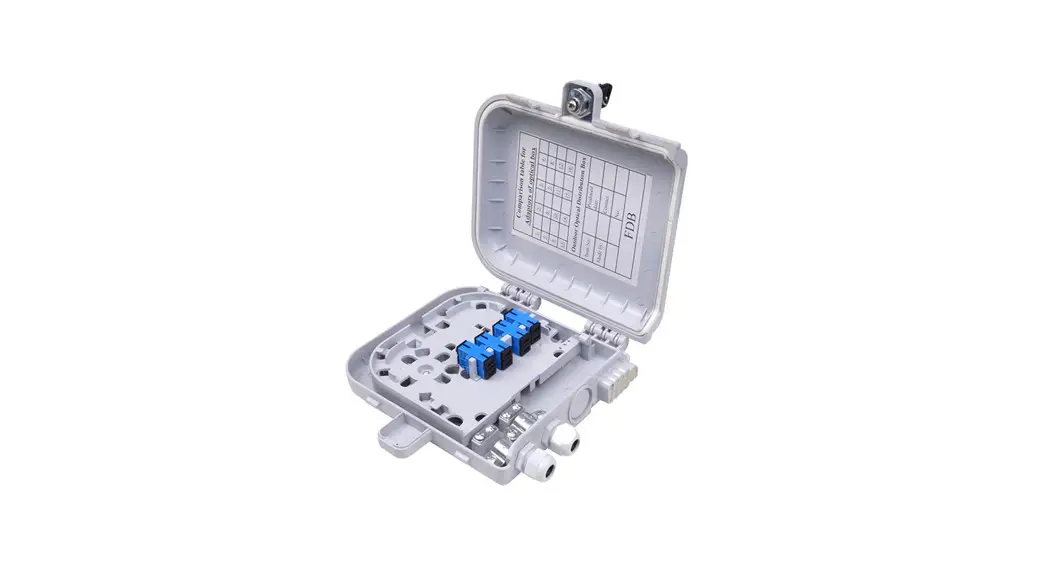
AA17084 Fiber Optic Terminal Box
Step 1.
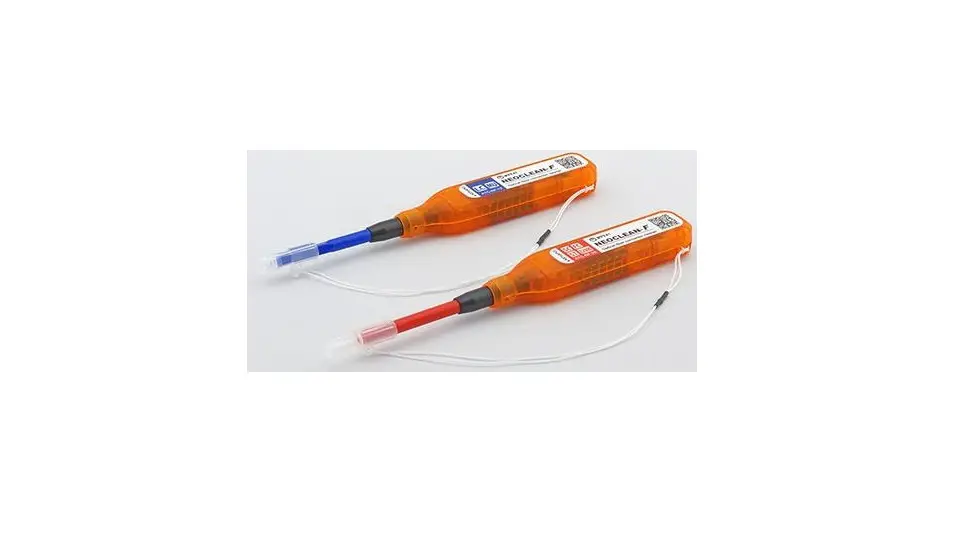
Open the Fiber optic terminal box. Check and prepare installation tools and accessories. To establish easy and safe installation put the box where it will be installed and measure the required length of the cable. Prepare the safe installation of the box. 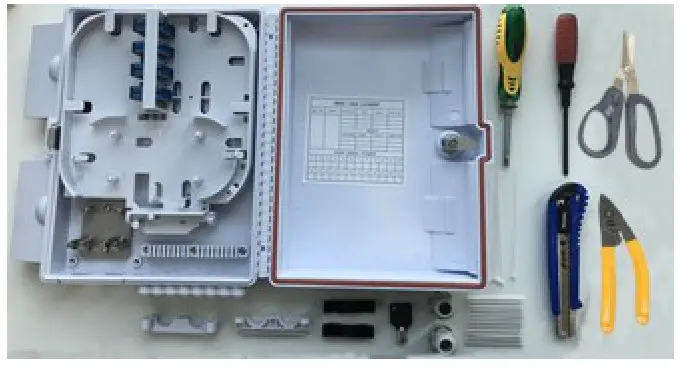
Step 2.
Strip the cable the required length, minimum 1 meter or more, to establish easy and safe installation with enough buffer size. Fix the cable strength member (4) on the column
(3), then use the cable gland (1) and stabilize with cable fixing part (2) inside the box.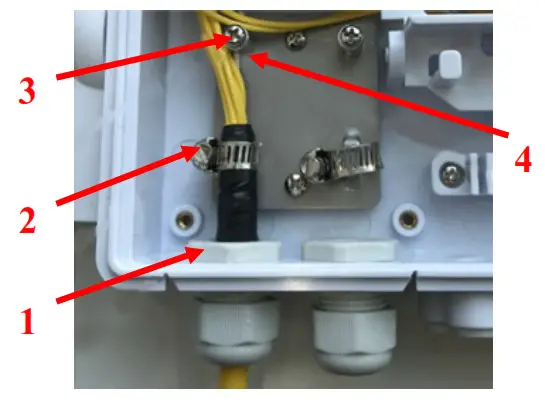
Step 3.
Coil the cable inside the bottom box and enter the stripped cable into splicing the tray (1). Splice the stripped cable with the pigtails (2). Put on the fiber protect sleeves, then in the splice tray (3).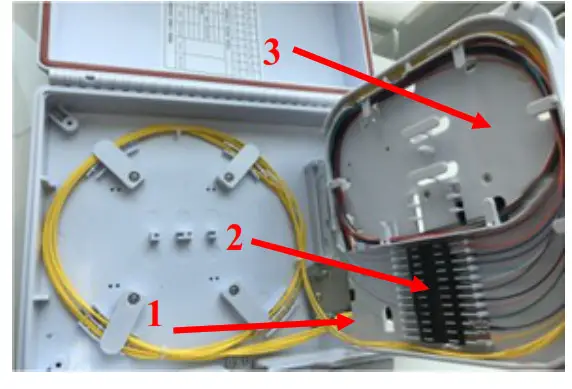
Step 4.
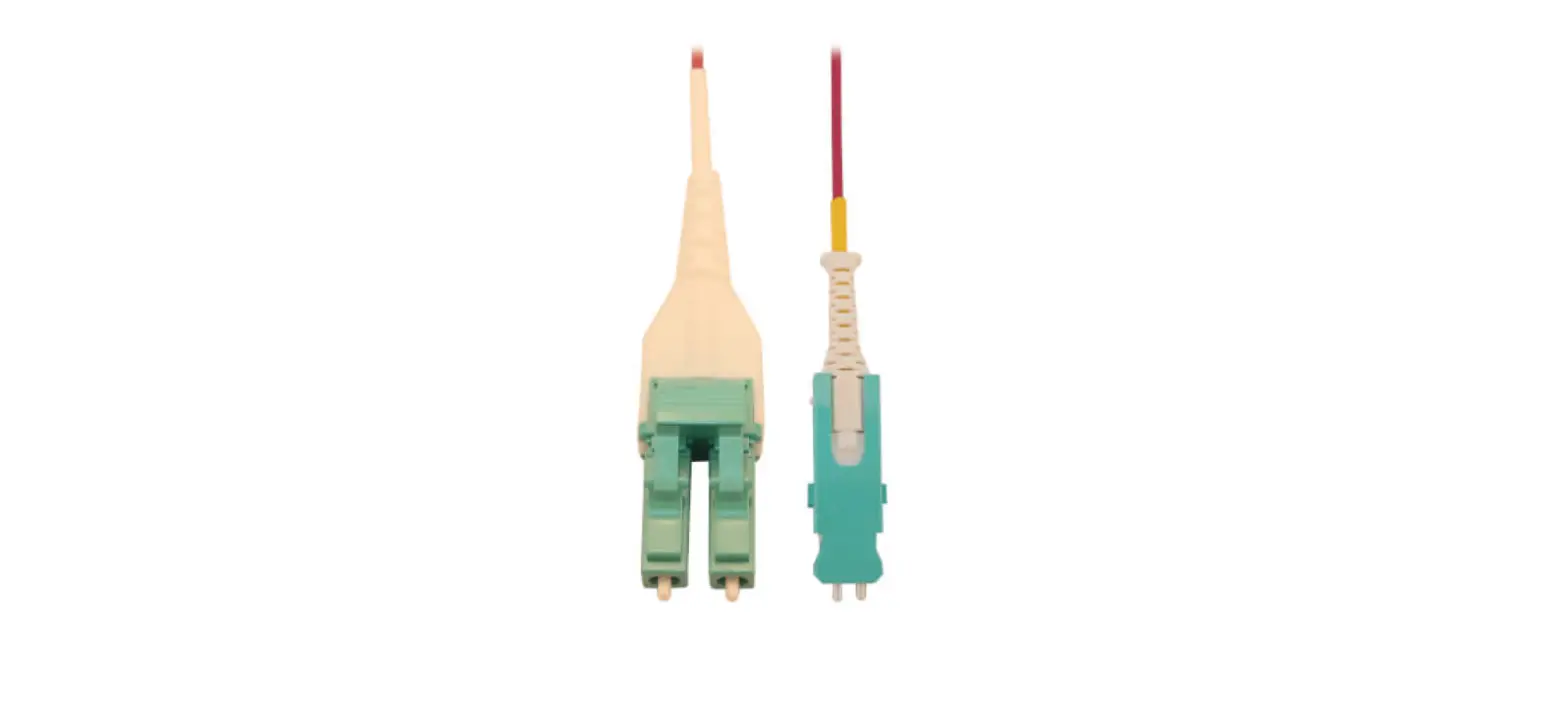
Pass the spliced pigtails to the upper side of the tray and connect with the adapters, so the remaining cables are coiled up the puffer.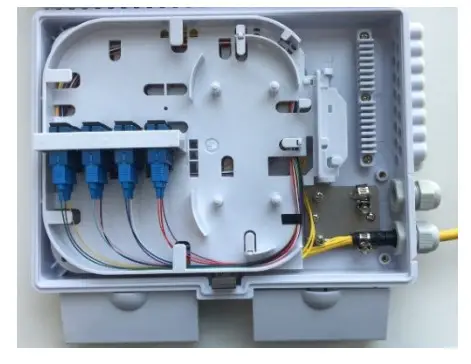
Step 5.
Connect the pigtails with the drop cable connector after finishing the basic light test or the measuring of all fibers, then ensure the strain relief with the fixing rib.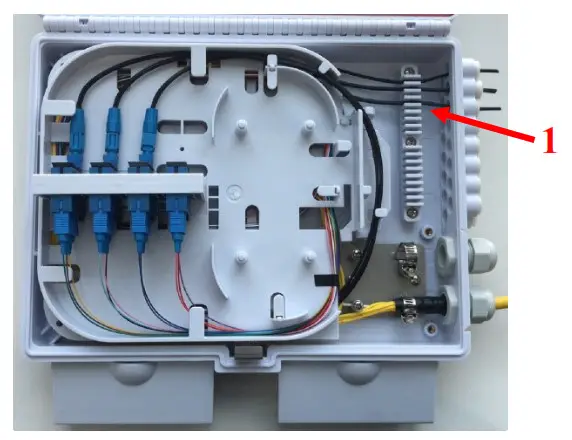
Step 6.
Close the box after finishing all cable connections. 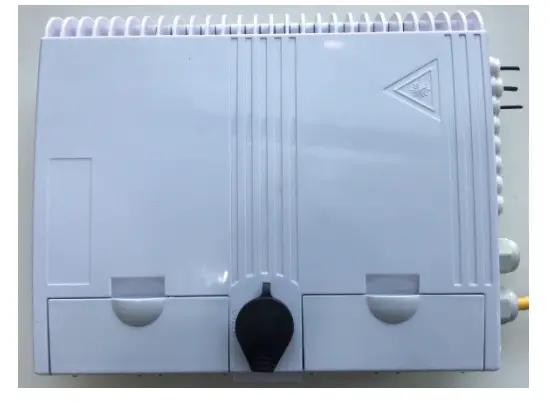
 optical.hu - optikai hálózatok alkotóelemei, amik egy megbízható rendszer kiépítéséhez szükségesek