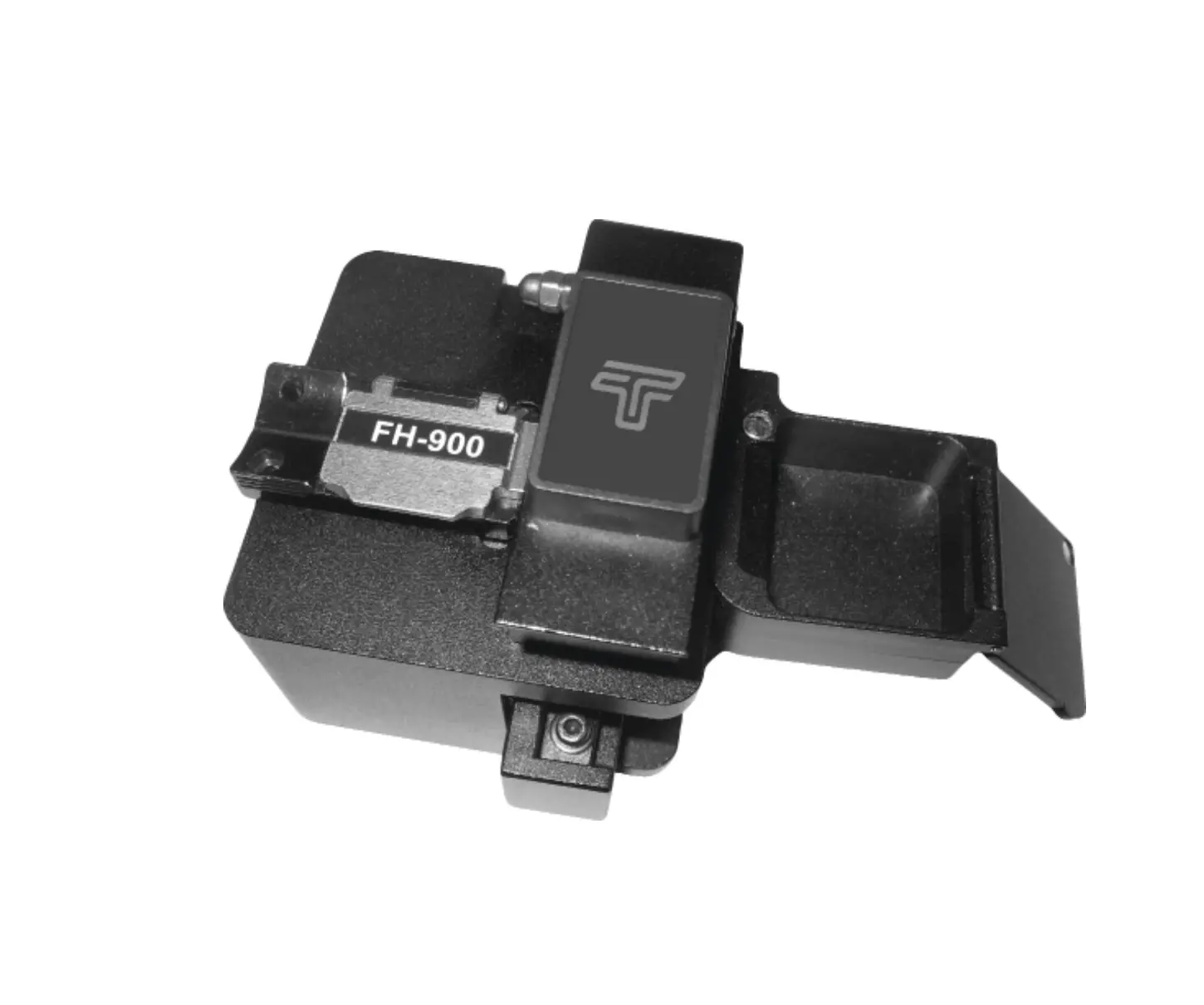
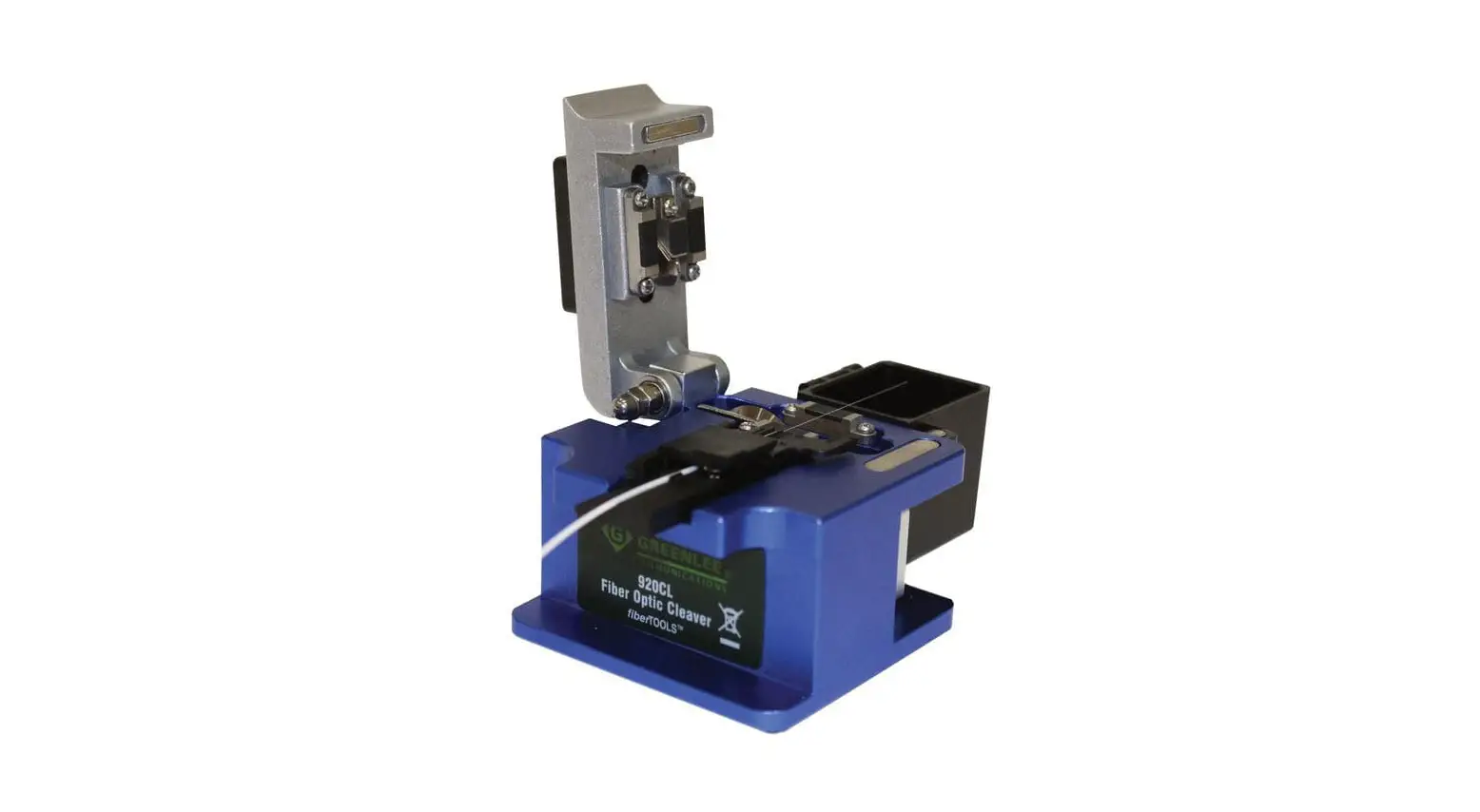
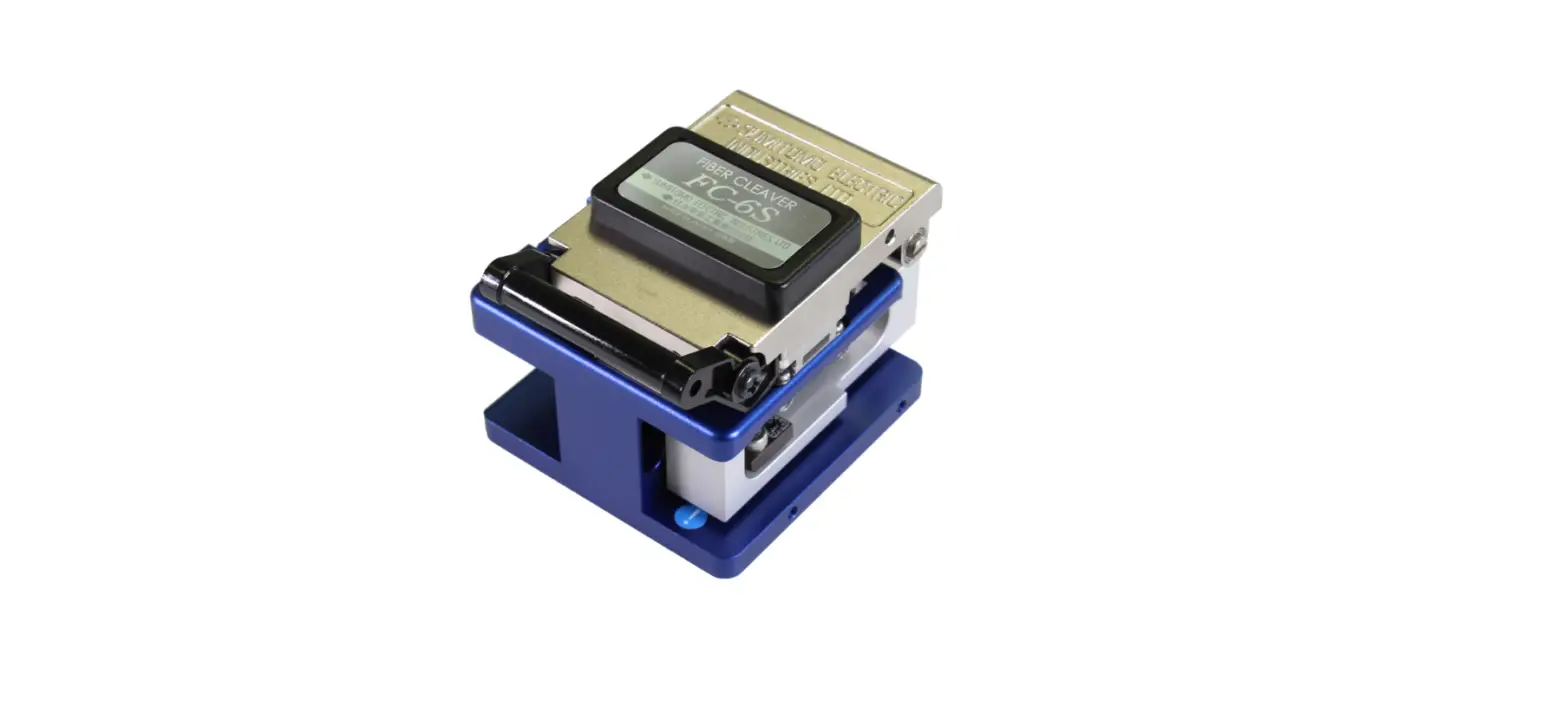
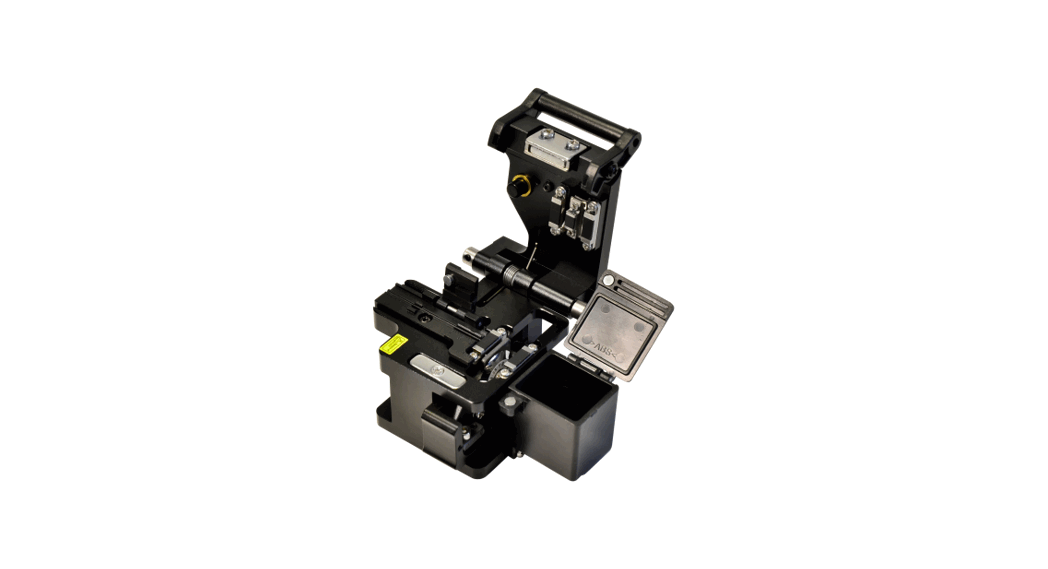
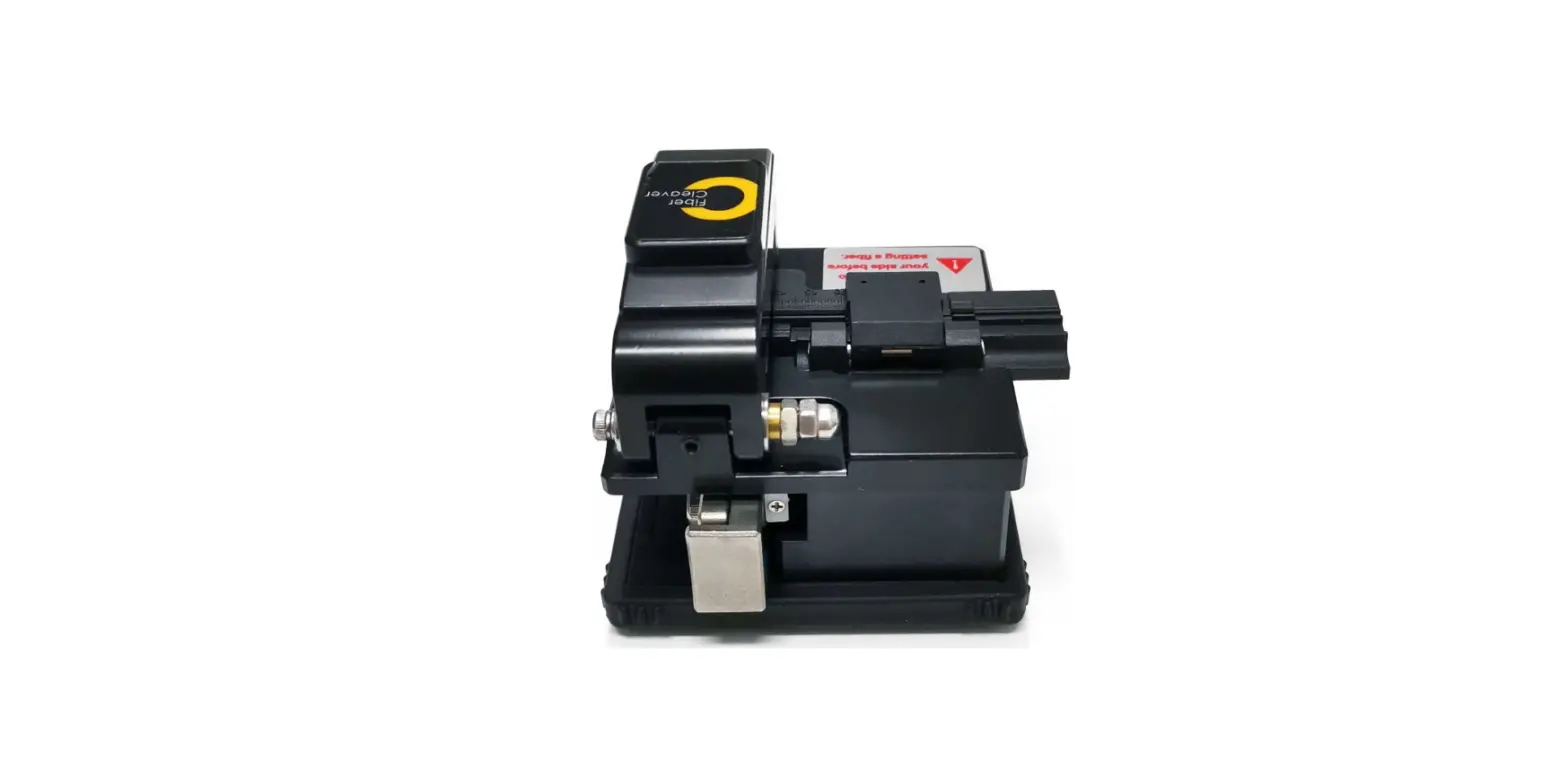
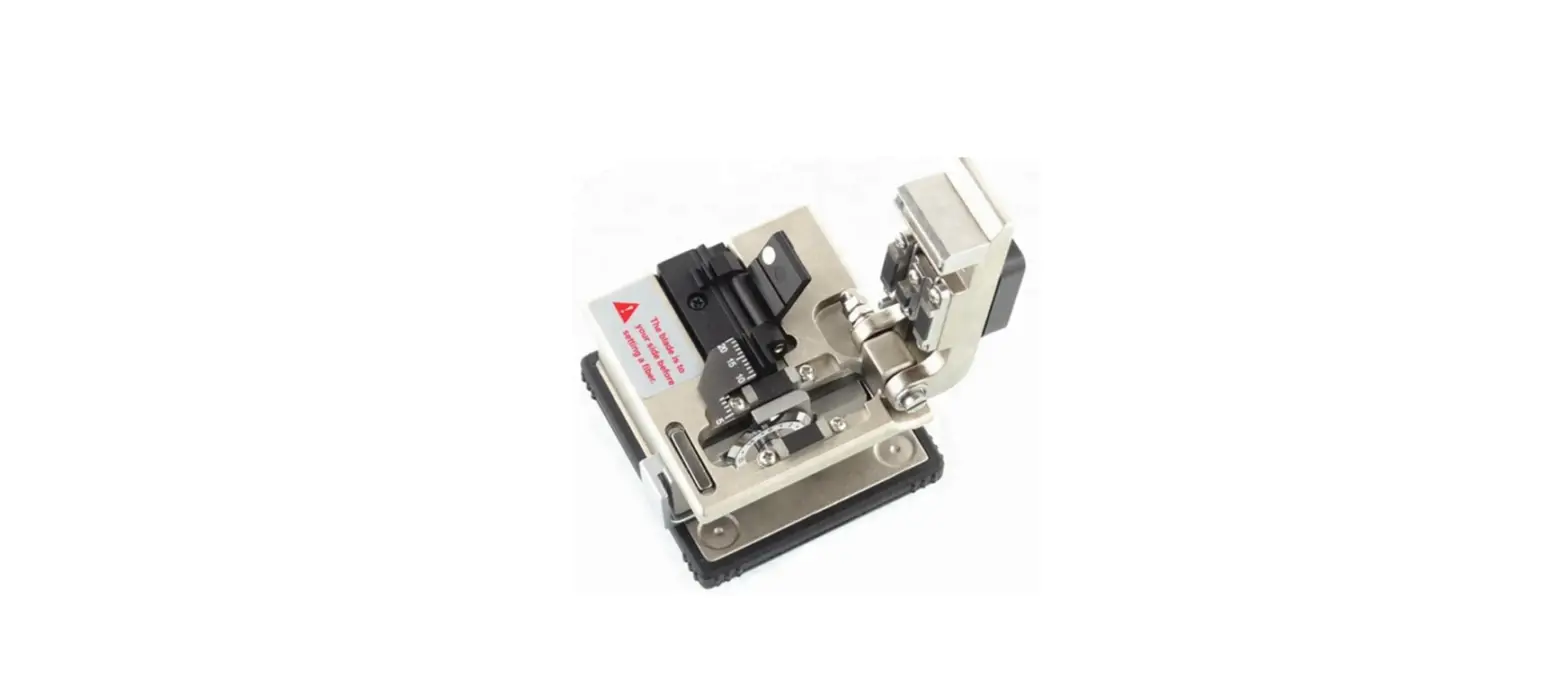
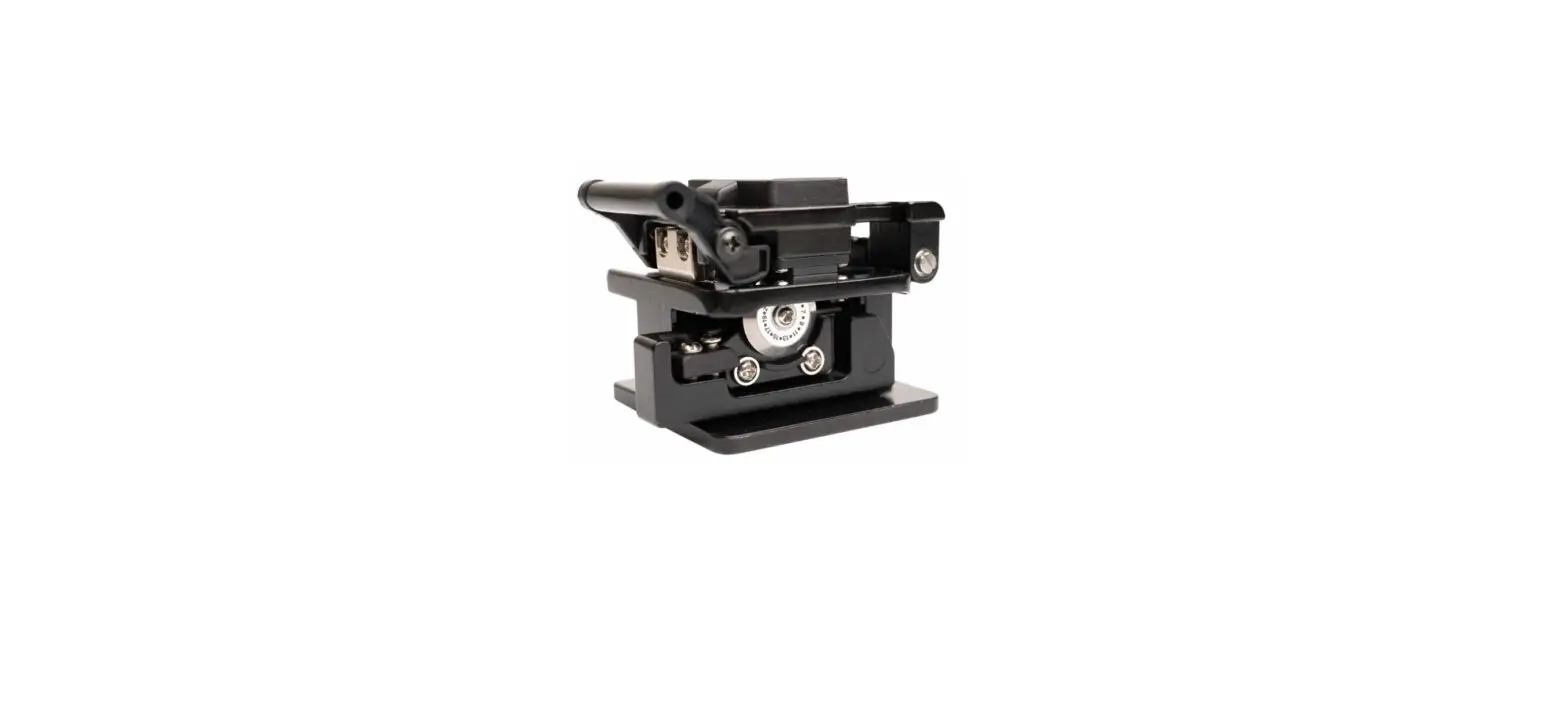
FCL200 Optical Fiber Cleaver
Product Information
| Product Name | FCL200 Optical Fiber Cleaver |
|---|---|
| Description | The Tempo Communications FCL200 Optical Fiber Cleaver is designed to precisely cleave fiber optic cables and automatically collect the fiber end cuts. |
| Applicable Fibers | SM (G.652); MM (G.651); DS (G.653); NZDS (G.655); BIF (G.657) |
| Fiber Cleaved Length | 5mm – 20mm |
| Cladding Diameter | 125μm |
| Coating Diameter | 0.25mm and 0.9mm |
| Fiber Count | Single and Ribbon (12) |
| Cleaving Angle | N/A |
| Blade Life | 48,000 Cleaves |
| Weight | 0.77lbs. (350g) |
| Dimensions | 2.55 x 3.85 x 2.55 inches (65 x 98 x 65mm) |
Product Usage Instructions
- Open the fiber clamp mechanism.
- Strip approximately 1.5mm of the fiber coating from the
fiber. - Place the fiber in the appropriate fiber adapter.
- Load the adapter with fiber into the cleaver.
Blade Position Change
- Loosen the blade locking screw.
- Rotate the blade to the next scale position.
- Hold the side face of the blade and lock screw at the new
position.
Normal Use and Maintenance
- Lay a 0.7mm pencil lead across both pressure pads.
Blade Replacement
- Follow the manufacturer’s instructions for blade
replacement.
Blade Height Adjustment
- Loosen both compression screws and height locking screw.
- Turn the height adjustment screw to adjust the blade
height.
Troubleshooting
| Failure Mode | Cause and Solution |
|---|---|
| Fiber does not cleave. |
|
| End face has lip. |
|
| End face has shadow or incline angle. Core missing. |
|
INSTRUCTION MANUAL
FCL200 Optical Fiber
Cleaver
Preface
Description
The Tempo Communications FCL200 Optical Fiber Cleaver is intended to precisely cleave the fiber optic cables and automatically and safely collect the fiber end cuts.
Safety
Safety is essential in the use and maintenance of Tempo tools and equipment. This instruction manual and any markings on the tool provide information for avoiding hazards and unsafe practices related to the use of this tool. Observe all of the safety information provided.
Purpose of this Manual
This instruction manual is intended to familiarize all personnel with the safe operation and maintenance procedures for the Tempo Communications FCL200 Optical Fiber Cleaver. Keep this manual available to all personnel. Replacement manuals are available upon request at no charge at www. TempoCom.com. All specifications are nominal and may change as design improvements occur. Tempo Communications shall not be liable for damages resulting from misapplication or misuse of its products.
KEEP THIS MANUAL
Register this product at www.TempoCom.com
Read and understand all of the instructions and safety information in this manual before operating or servicing this tool. Failure to observe this warning could result in severe injury or death.
Electric shock hazard: Contact with live circuits could result in severe injury or death.
Wear eye protection when using this tool. Fiber fragments can be extremely dangerous if they come into contacts with eyes or skin or are ingested.
· Collect all fiber scraps in the dust bin and dispose of them in an approved fiber disposal unit.
· Do not touch the cleaving wheel blade cutting area. · Do not disassemble or lubricate. Contact Tempo Communications for
maintenance and repairs. · Store in a dry, clean location in the protective pouch. Failure to observe these precautions may result in injury and may damage the unit.
52080500 REV 1
© 2020 Tempo Communications Inc.
01/20
FCL200
Operation
1.Open the fiber clamp mechanism. 2.Strip approximately 1.5″ of the fiber coating from the fiber and place the fiber in the appropriate fiber adapter. Load the adapter with fiber into the cleaver.
Blade Position Change
1.Loosen blade locking screw. 2.Rotate blade to next scale position. 3.Hold side face of blade and lock screw at new position.
Hint: it is easier to load the fiber into the adapter if the fiber is curled in a downward direction from the fiber clamp. 3.Close the fiber clamp mechanism. 4.Push the cleaving wheel mechanism away from yourself to cleave the fiber. 5.Open the fiber clamp mechanism. 6.The FCL200 will safely collect the fiber end cut. Be sure to check for errant fibers. Make sure to dispose of all fiber end cuts in a safe manner. 7.Remove the adapter with the cleaved fiber from the cleaver. 8.Place the adapter with the cleaved fiber into the 915FS for splicing. Note: There is no need to remove the cleaved fiber from the fiber adapter after the cleaving operation.
Normal Use and Maintenance
Make sure that the rubber presser feet and the fiber guide groove are clean (no dust and fiber debris). Keep the fiber contact surfaces clean by using isopropyl alcohol with a lint free cleaning wand. Change the position of the cleaving wheel if the cleaving quality degrades due to the blade being worn (usually 1000 cleaves per blade position). After the cleaving wheel has been rotated through all 16 positions, the height can be increased and the wheel can be reused through all of the 16 positions once again. The cleaving wheel can be rotated two times for a total of 48,000 cleaves.
4.Lay 0.7 mm pencil lead across both pressure pads.
5.Move slider back and forth and check if blade touches pencil lead. ·If blade touches pencil lead: Perform a cleave and check
cleave angle on 915FS. If cleave is not good: Check if blade is damaged or dirty at new position. ·If blade drags pencil lead all the way across: Go to “Blade Height Adjustment”. ·If blade does not touch pencil lead: Rotate pencil lead 180° and try again. If not sure: Perform a cleave and check cleave angle on 915FS. If cleave is not good: Go to “Blade Height Adjustment”. Note: The FCL200 is supplied with a optional fixed clamp that is secured with the supplied M2X5 screw. This will allow the FCL200 to be used as a stand alone cleaver. Show a picture of the fixed clamp installed.
Tempo Communications Inc.
2
1390 Aspen Way · Vista, CA 92081 USA · 800-642-2155
FCL200
Normal Use and Maintenance (con’t)
Blade Replacement
1.Lay down cleaver with scale numbers on blade facing up. 2.Remove blade locking screw. 3.Remove old blade and replace with new blade. Do not touch blade (very sharp!). Use tweezers to remove old blade and insert new blade. 4.Lock new blade at position “1”. 5.Lay 0.7 mm pencil lead across both pressure pads. 6.Move slider back and forth and check if blade touches pencil lead. ·If blade touches pencil lead: Perform a cleave and check cleave angle on 915FS. If cleave is not good: Check if blade is damaged or dirty at position “1”. ·If blade drags pencil lead lead all the way across: Go to “Blade Height Adjustment”. ·If blade does not touch pencil lead: Rotate pencil lead 180° and try again. If not sure: Perform a cleave and check cleave angle on 915FS. If cleave is not good: Go to “Blade Height Adjustment”.
Blade Height Adjustment
1.Loosen both compression screws and hieght locking screw. 2.Turn height adjustment screw:
· CW if blade did not touch pencil lead (moves blade up).
· CCW if blade dragged pencil lead across (moves blade down).
3.Tighten height locking screw and both compression screws. 4.Lay 0.7 mm pencil lead across both pressure pads. 5.Move slider back and forth and check if blade touches pencil lead. ·If blade touches pencil lead: Perform a cleave and check cleave angle on 915FS. If cleave is not good: Check if blade is damaged at current position.
·If blade drags pencil lead all the way across: Go back to step 1 and adjust CCW until good. · If blade does not touch pencil lead: Rotate pencil lead 180° and try again. If not sure: Perform a cleave and check cleave angle on 915FS. If cleave is not good: Go back to step 1 and adjust CW until good.
Specifications
Applicable Fibers
SM (G.652); MM (G.651); DS (G.653); NZDS (G.655); BIF (G.657)
Fiber Cleaved Length 5mm – 20mm
Cladding Diameter 125m
Coating Diameter
0.25mm and 0.9mm
Fiber Count
Single and Ribbon (12)
Cleaving Angle
< 1.5°
Blade Life
48,000 Cleaves
Weight
0.77lbs. (350g)
Dimensions
2.55 x 3.85 x 2.55″ (65 x 98 x 65mm)
Troubleshooting
Failure Mode Fiber does not cleave.
End face has lip.
End face has shadow or incline angle. Core missing.
Cause and Solution 1. Acrylic coating not removed from fiber. 2. Fiber surface not clean. 3. Clean rubber presser feet. 4. Increase height of cleaving wheel. 1. Increase height of cleaving wheel. 2. Clean rubber feet. 3. Check rubber feet for wear or abrasion. Increase height of cleaving wheel.
Lower height of cleaving wheel.
Lip
Incline
Note: Contact Tempo Communications if the chart does not provide a solution to attaining a reliable cleave.
Tempo Communications Inc.
3
1390 Aspen Way · Vista, CA 92081 USA · 800-642-2155
1390 Aspen Way · Vista, CA 92081 · USA 800-642-2155
Tempo Europe Ltd. · Brecon House, William Brown Close Cwmbran, NP44 3AB, UK · Tel: +44 1633 927 050 www.TempoCom.com
 Tempo Communications – Industry-leading Test and Measurement Solutions
 Tempo Communications – Industry-leading Test and Measurement Solutions