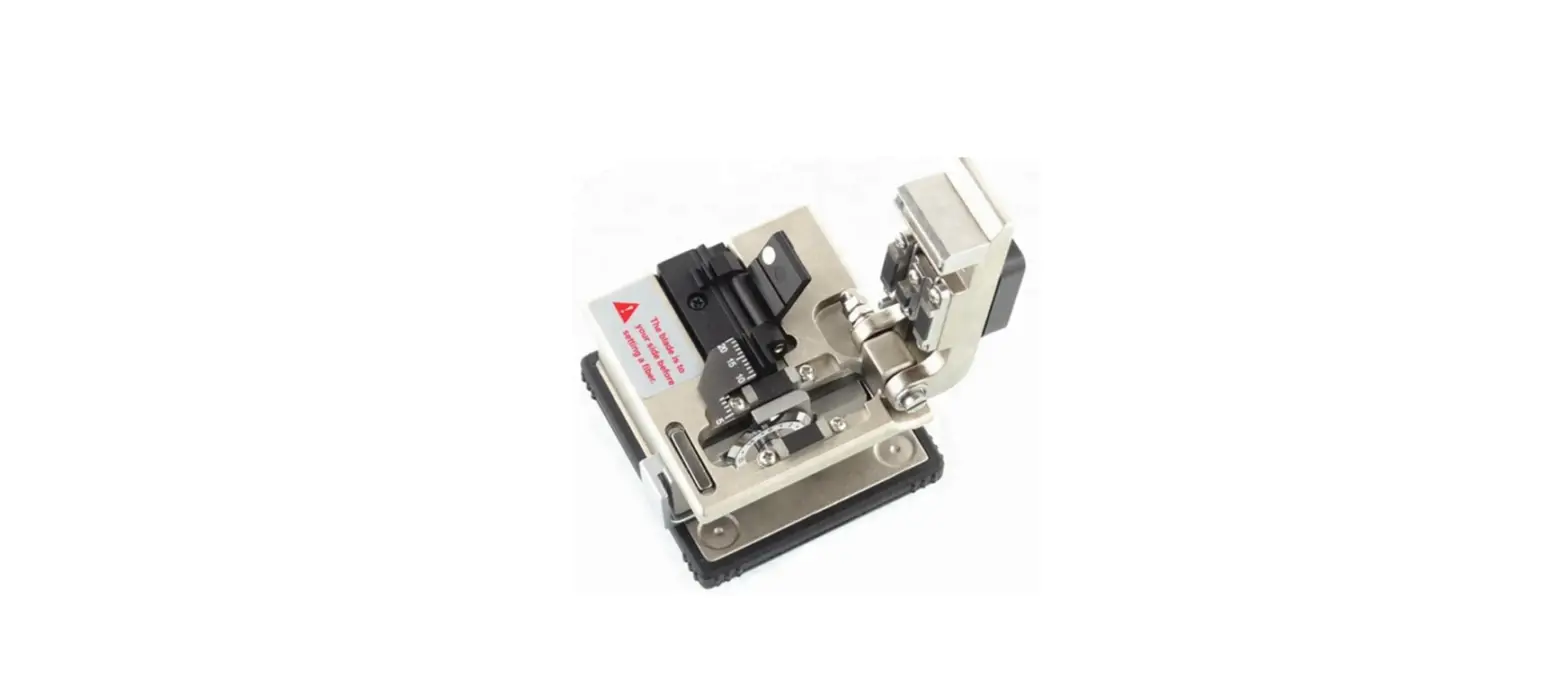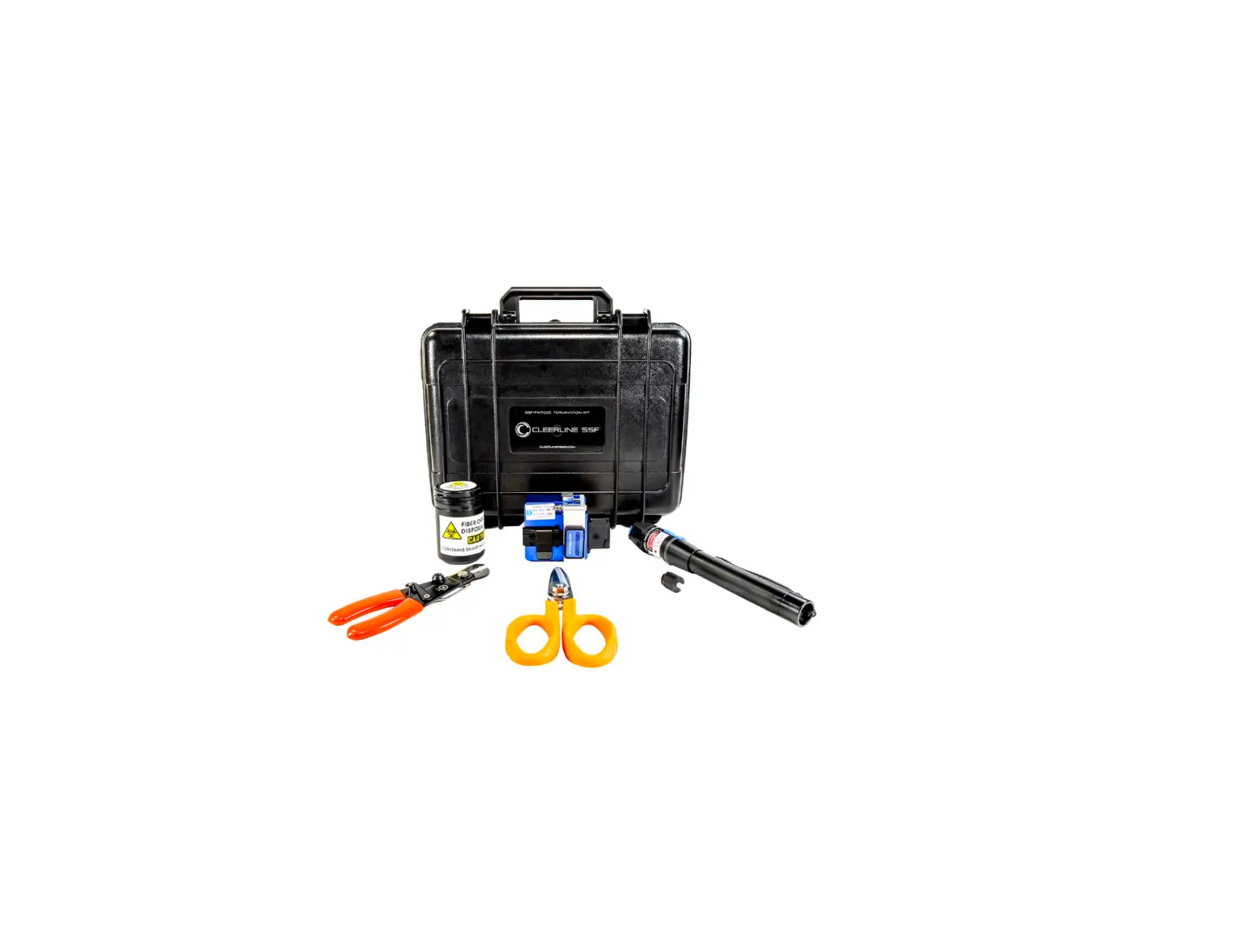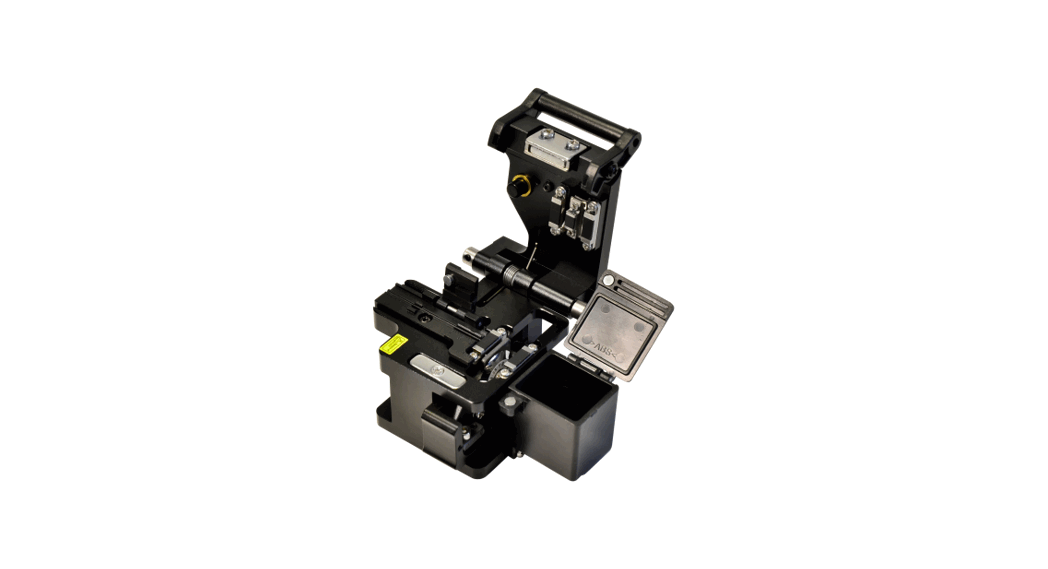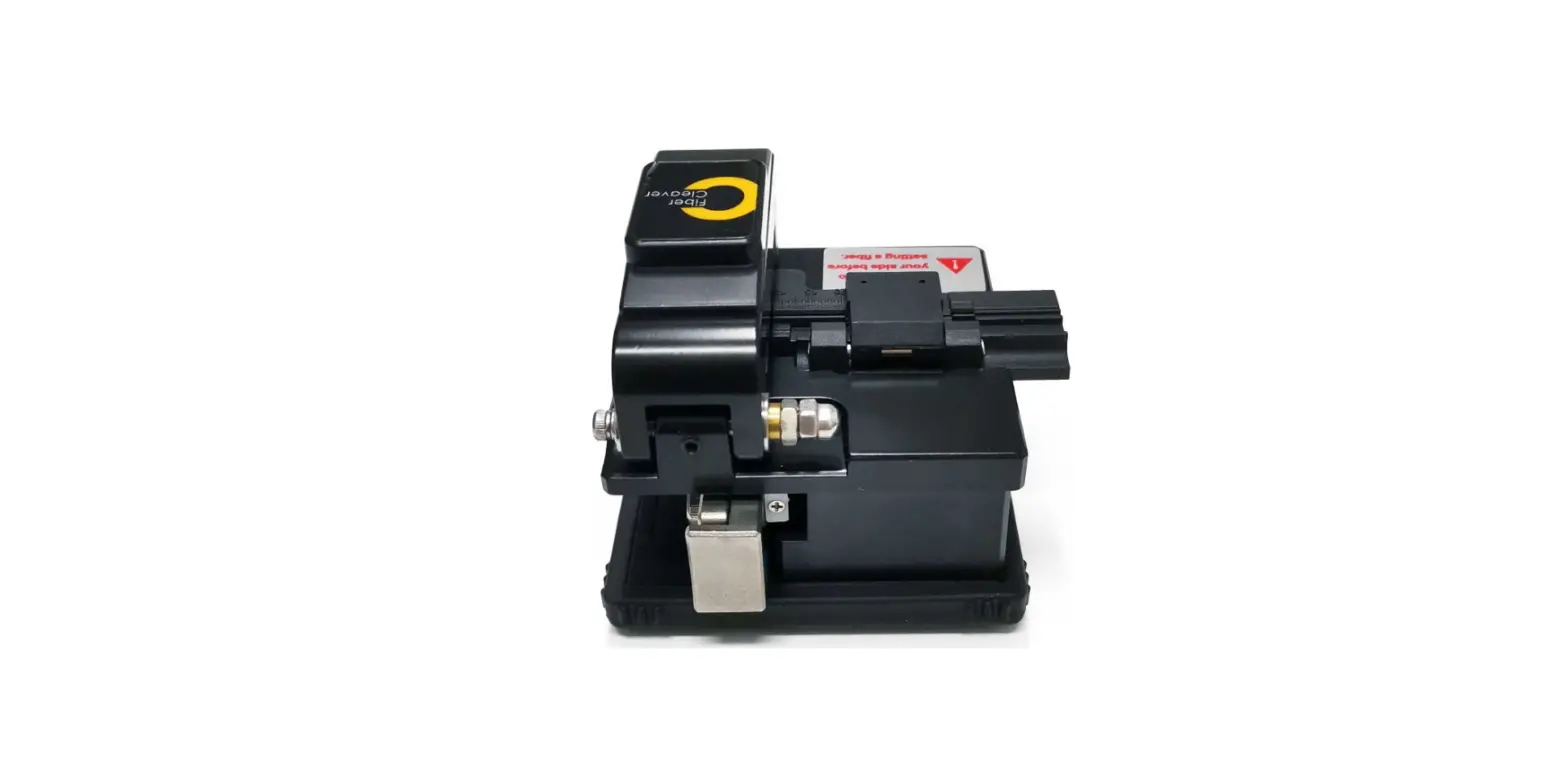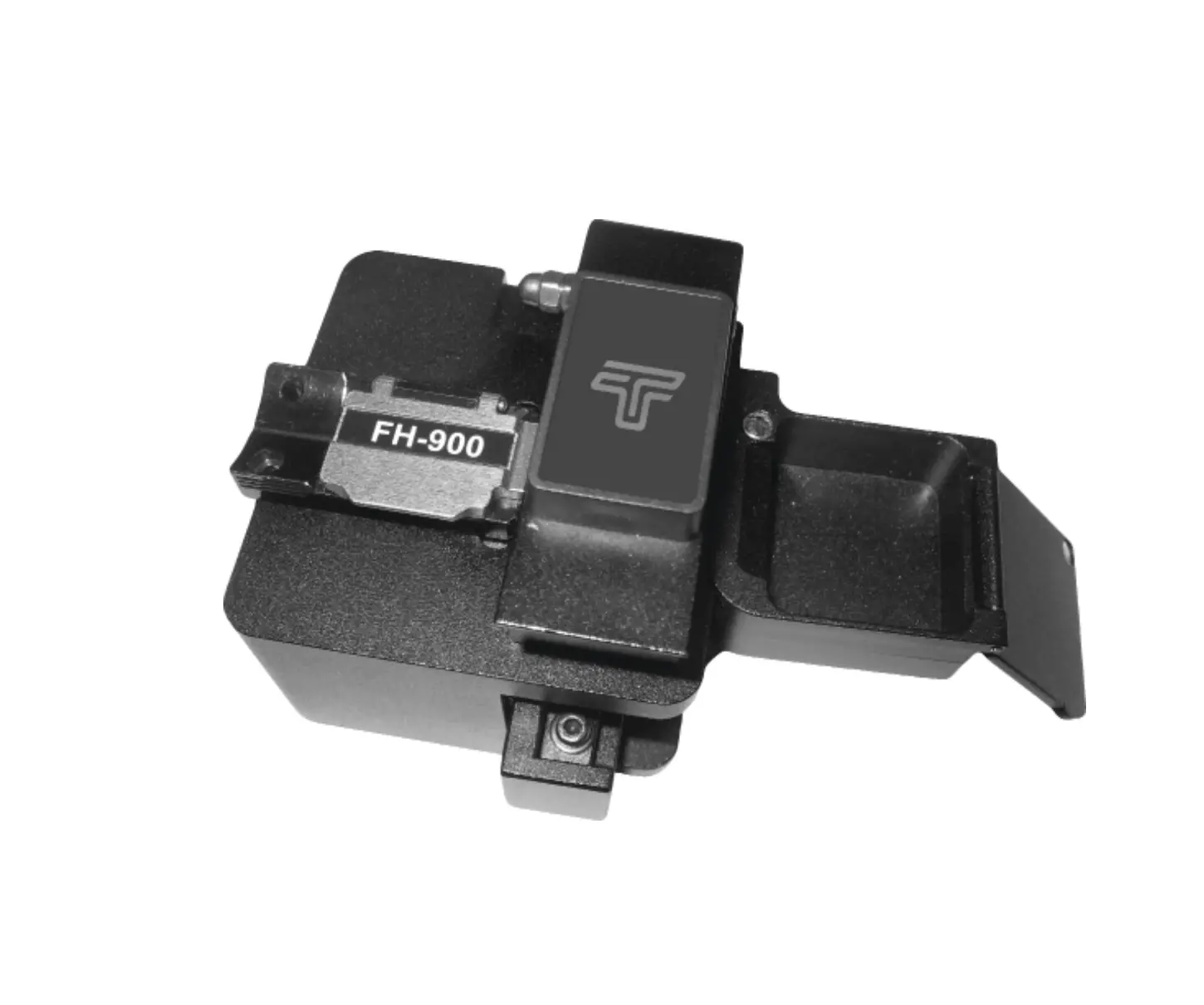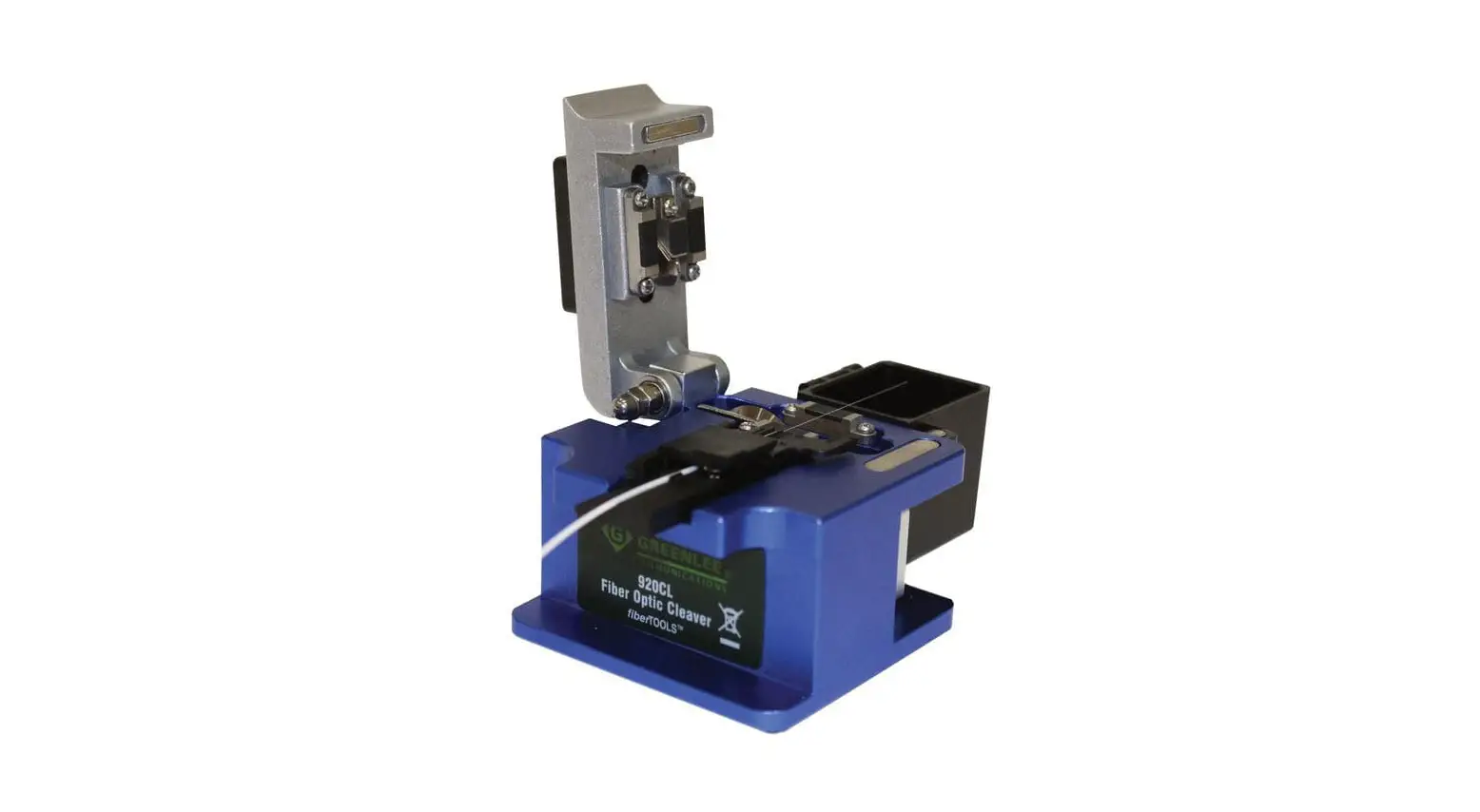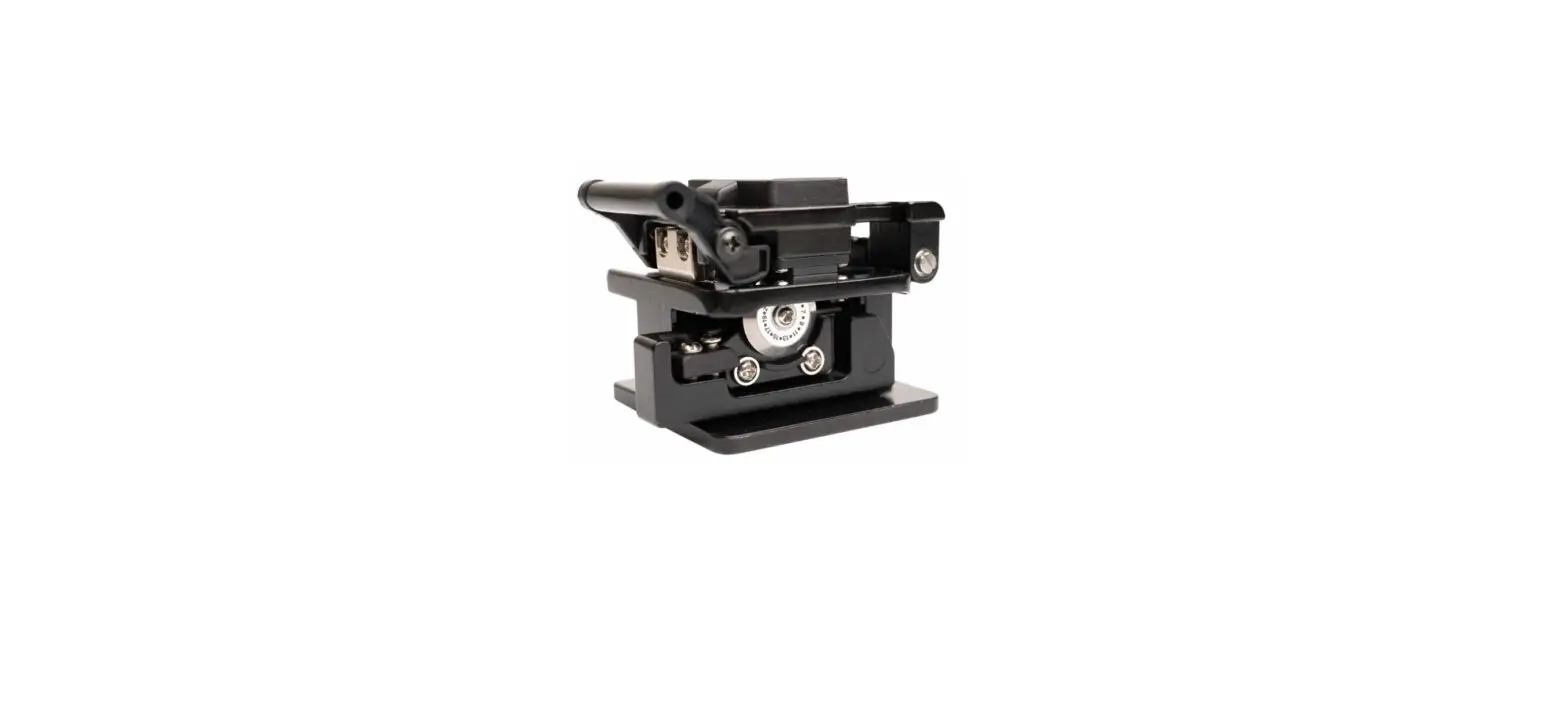

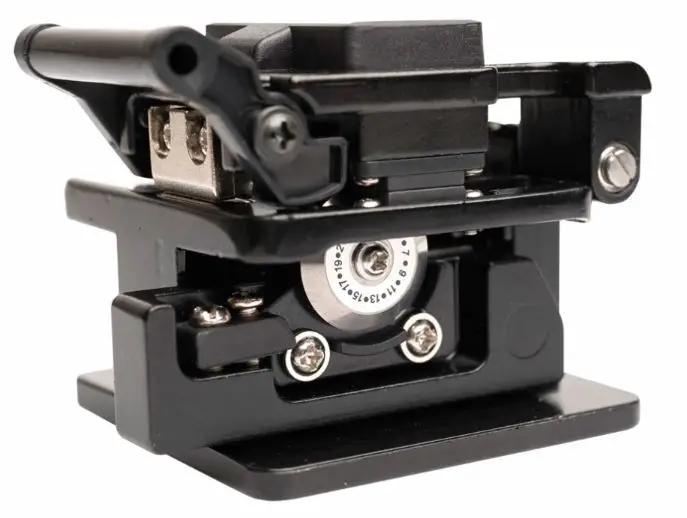
Pro sKit FB-1601 Fiber Cleaver
INSTRUCTION
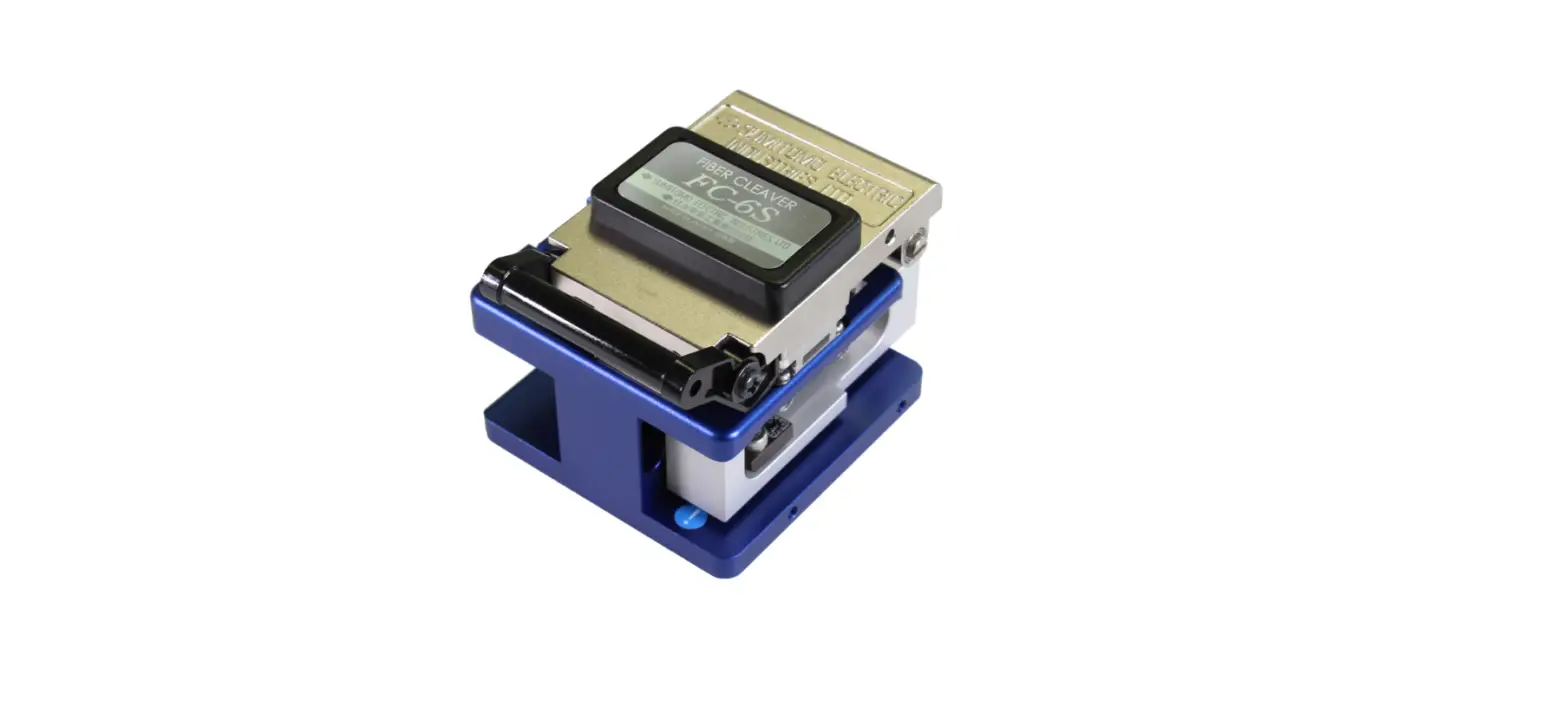
Thanks for purchasing Pro’s Kit FB-1601/1602 Fiber Cleaver. The fixture of product configuration is three in one fixture for single fiber Ø 250μm & Ø 900μm or 3x2mm drop cable. Please read the instructions carefully before using the product. This product has been designed and manufactured to assure personal safety. Improper use can result in body injury and serious damage to fiber cleaver. Please read and observe all warning instructions given in this operation manual.
- Do not disassemble or lubricate any parts of cleaver. Doing so could cause serious damage to the cleaver.
- The FB-1601/1602 is a precision tool. Do not impact the cleaver by hitting or dropping it. Doing so may cause personal injury and loss of cleaving performance.
- Glass fiber fragments are extremely sharp. Handel with care. Wear safety glasses at all time during cleaving operation for protection from glass fiber.
- Dispose of glass fiber fragments properly.
- The blade of cleaver is extremely sharp. Do not touch it with bare hands.
- Do not impact the Clamp Cover. Doing so could cause damage to cleaver and loss of cleaver performance.
- If cleaver is damage or problem occurs, please contact our maintenance service center.
SPECIFICATION
| Cladding Diameter | 125 μm |
| Fiber Count Coating Diameter | Single fiber Ø 250μm & Ø 900μm /3x2mm Drop cable |
| Cleaver Length | 5-20mm |
| Dimensions | 80(L)x 64 (W)x60(H) mm |
| Weight (FB-1601/FB-1602) | ~250g/280g |
| Cleaver Blade (5FB-1602-BLADE) | 24 Points |
VFL (#FB-1602 only):
| Wavelength | 650nm±20nm |
| VFL Connector | 2.5mm Universal Connector |
| Output Power | 1mW |
| Operation Mode | CW/2Hz Glint |
| Power Source | 3.7V/180mAh Li-ion |
| Charge | 5V/0.2A |
| Accessories | Micro USB charging cable |
STRUCTURE
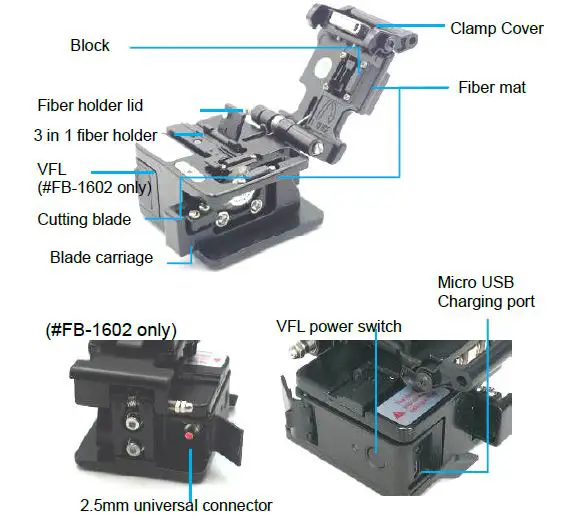
Indicator will light up green while charging; it will turn off when charging completes.
OPERATION PROCEDURE
- Open the clamp cover and fiber holder lid. Please make sure the blade carriage should slide forward automatically.

- Insert the fiber cable into the correct groove with the end of the fiber coating.
- Close the fiber holder lid and clamp cover.
- Slide the blade carriage to rear side of the cleaver. The fiber will be cleaved.
- Open the clamp cover; then open the fiber holder lid and lift the newly cleaver fiber. Lift the off-cut and dispose it properly.
CLEAN
- After cutting, please clean the broken fiber. Clean the dirt on the fiberboard with cotton stick that dipped in alcohol. Do not use acetone or corrosive solvent to clean the fiberboard. Do not damage the blade for future use.
- Clean the dirt on the fiberboard regularly with cotton stick that dipped in alcohol. Do not use acetone or corrosive solvent to clean the fiberboard
CAUTION
- Do not rotate the blade with hands.
- Do not rotate the blade with metallic tweezers. Doing so may damage the blade.
BLADE REPLACEMENT AND ADJUSTMENT
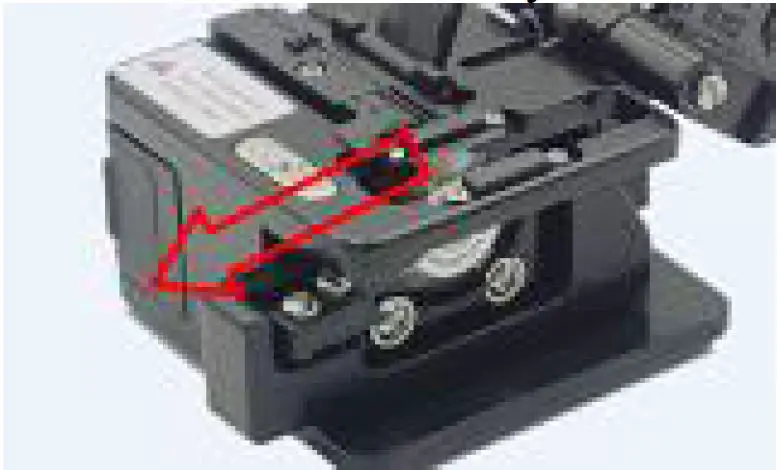
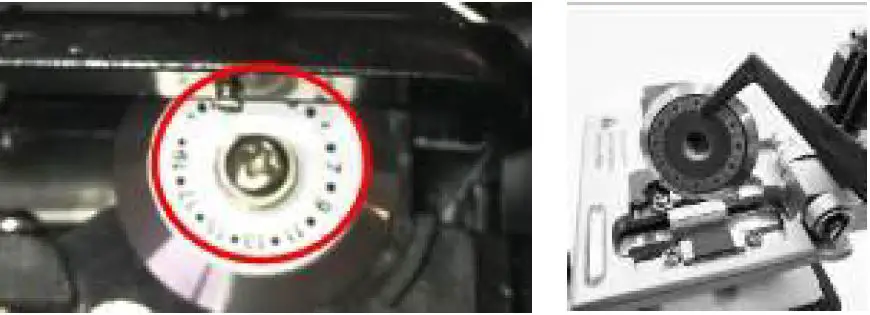
Adjust the blade (rotate according to 0.1… 23 points indicated on the blade)
First of all, the screw driver will loosen the screw on the blade, use the cotton swab to rotate the blade to adjust the position of the blade, rotate one face at a time, and the rotation mode is indicated by the arrow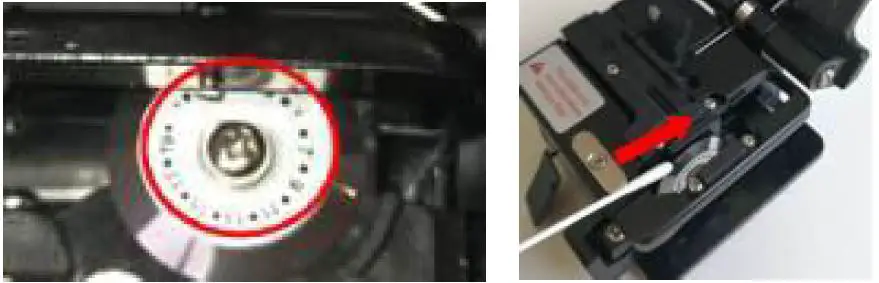
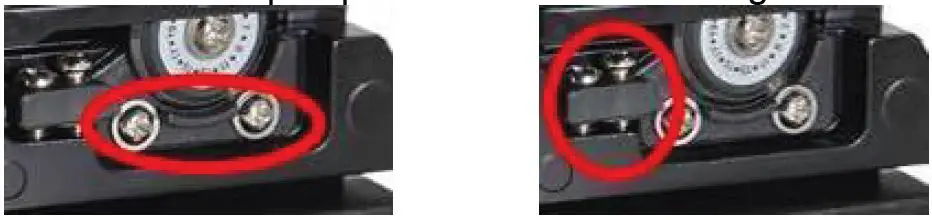
Adjust blade height
- Loosen the two phillips screws shown in the figure

- Adjust the screw as shown and adjust the blade height
- Lock the loosened screws
Blade replacement
- Unscrew the blade setscrew. (circle mark)
- Remove the blade with tweezers.

TROUBLESHOOTING
If there is a problem with the cutter, it may be due to the following reasons
| Problems | Exclusion method |
| The optical fiber is placed askew | Make sure that the optical fiber is straight into the cutter slot holder |
| Blade position too high | Adjust blade height |
| Dirty optical fiber pressure pad | Clean optical fiber pressure pad Remove and clean the fiber |
| Dirty cutting blade | Clean the cutting blade |
| Dirty optical fiber | Remove and clean the fiber |
VFL (FB-1602 only) has problems, which may be caused by the following reasons
| Questions | Exclusion method |
| VFL does not work or Glint mode is not available | The battery is dead or low battery. Charge it in time |
| Port coupling porcelain tube damaged | Replace the porcelain tube |
PROKIT’S INDUSTRIES CO., LTD
https://www.prokits.com.tw
Email: [email protected]
©2021 Prokit’s Industries Co., LTD. All rights reserved 2021001(C)
 Pro'skit
 Pro'skit