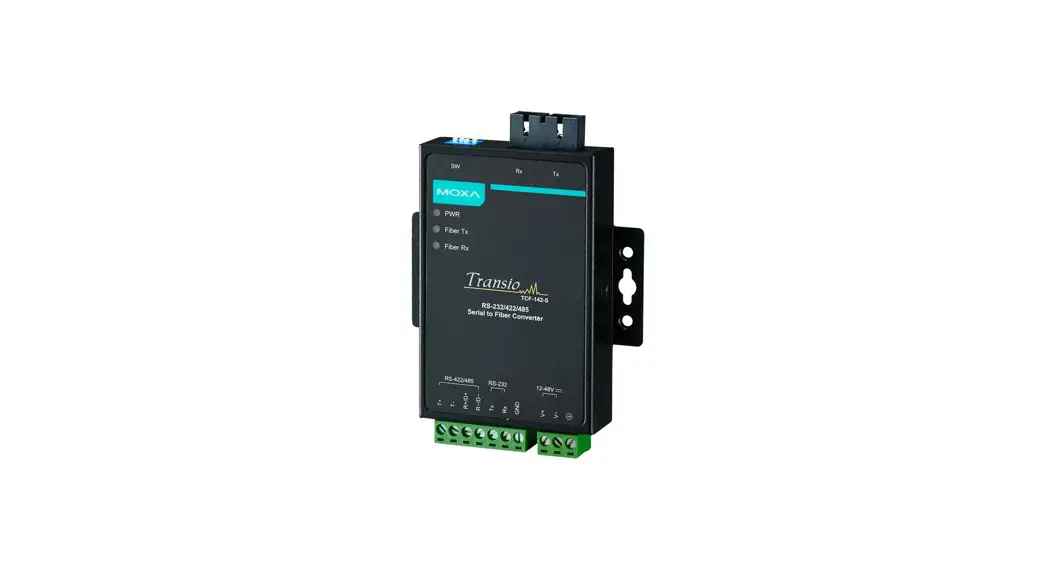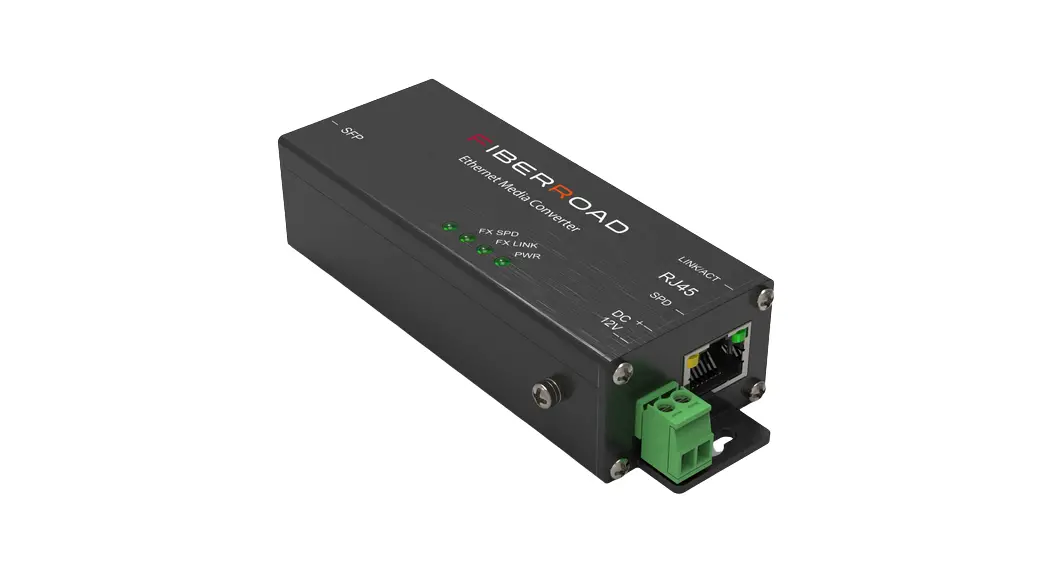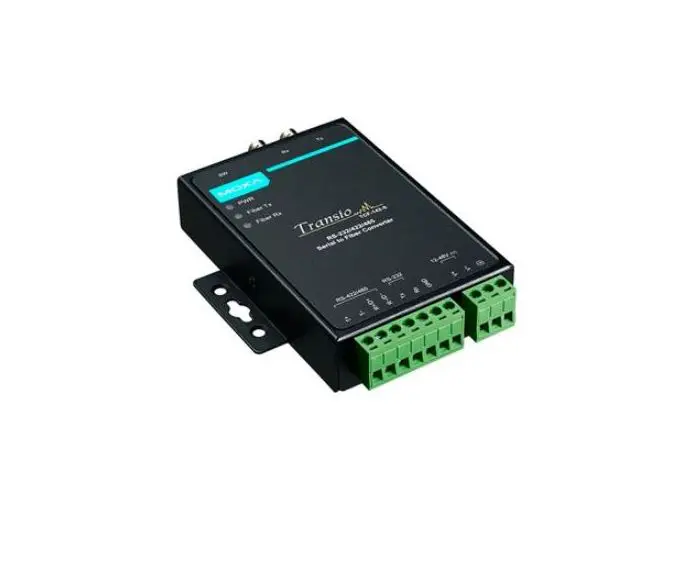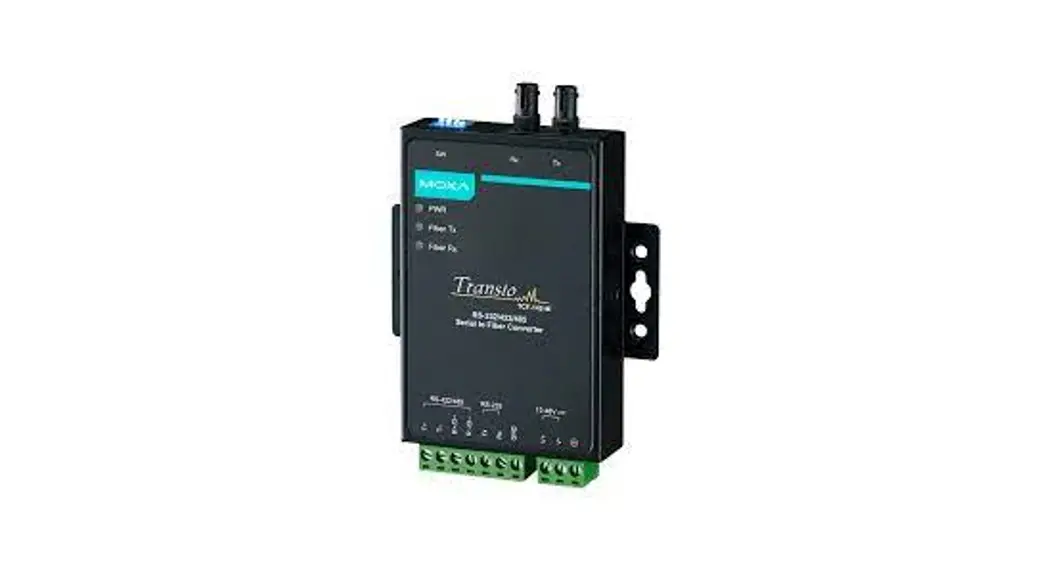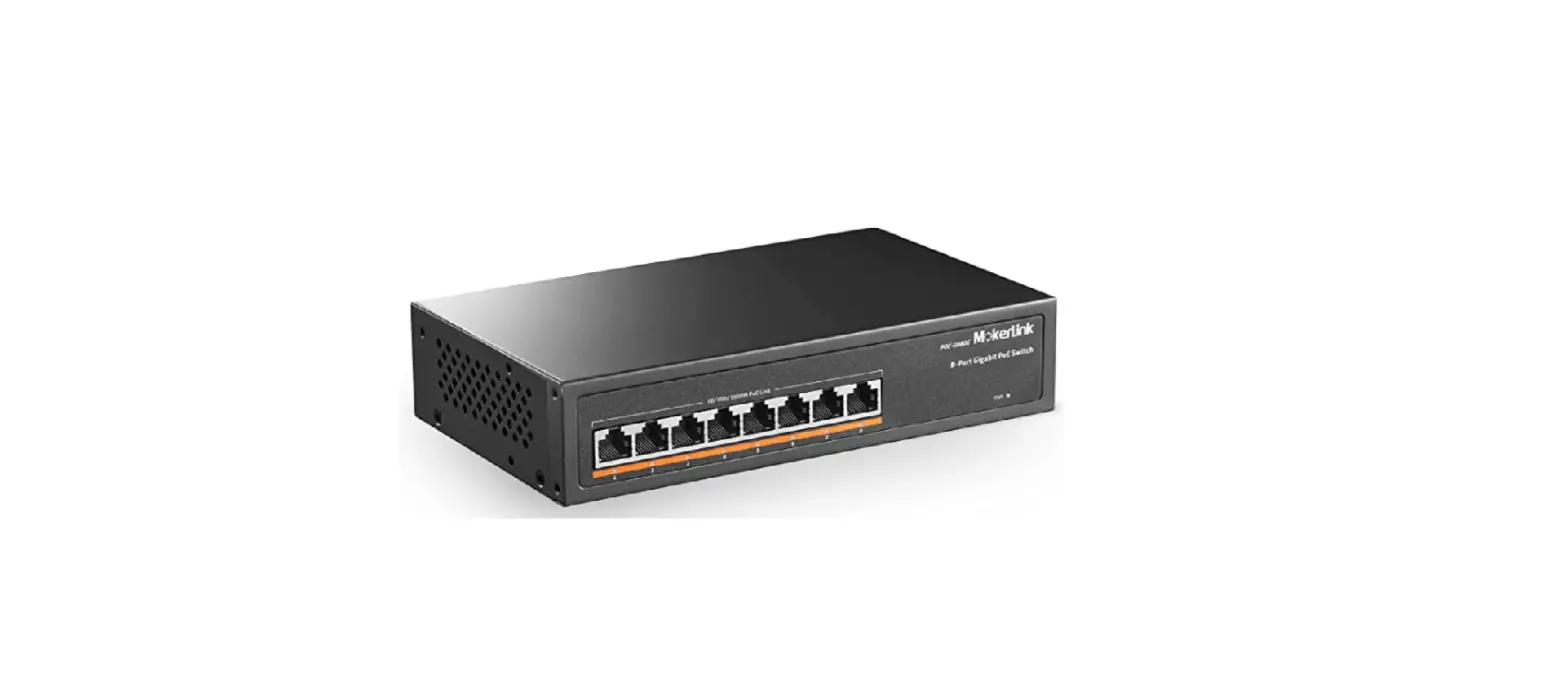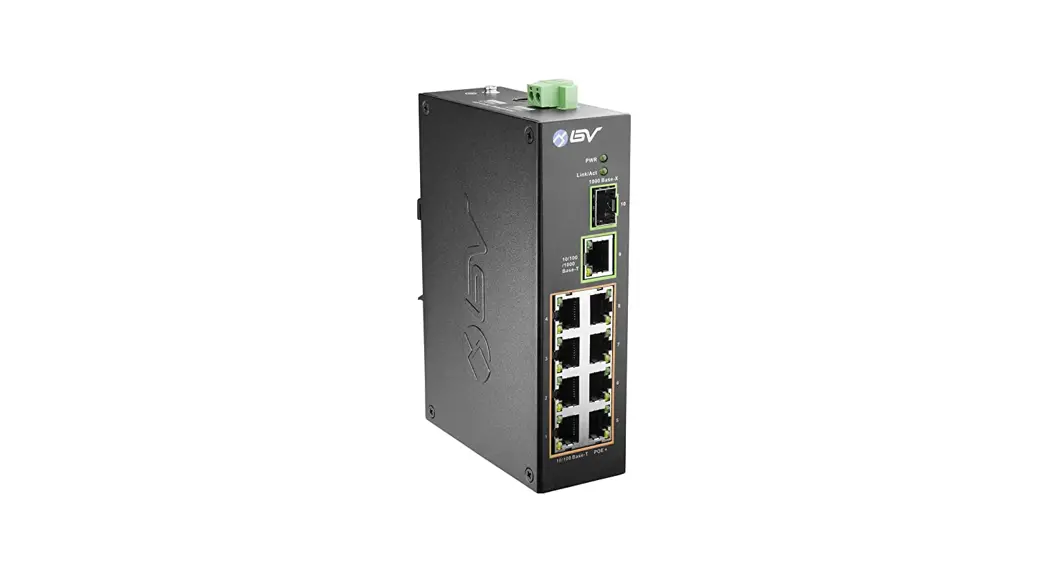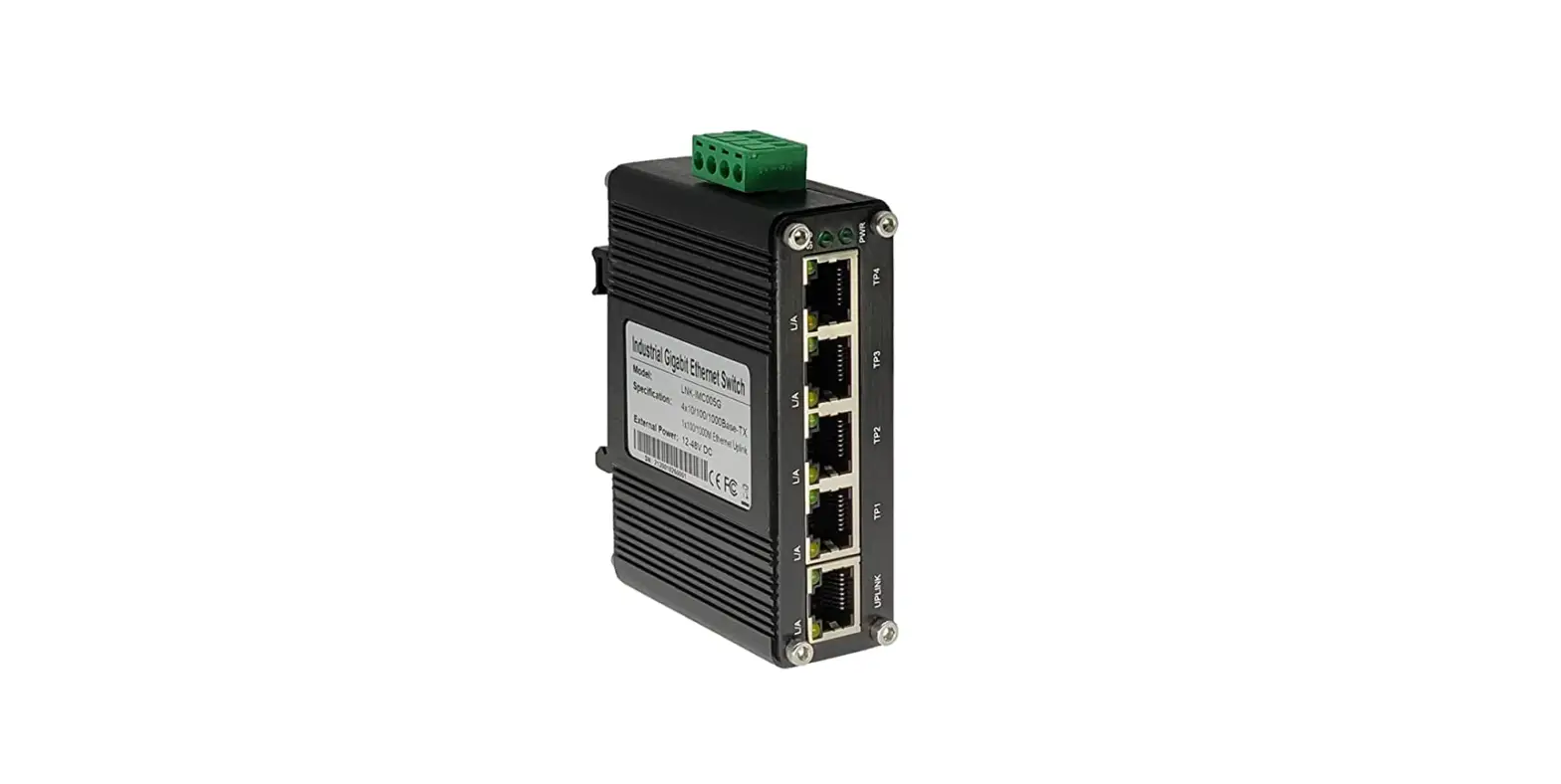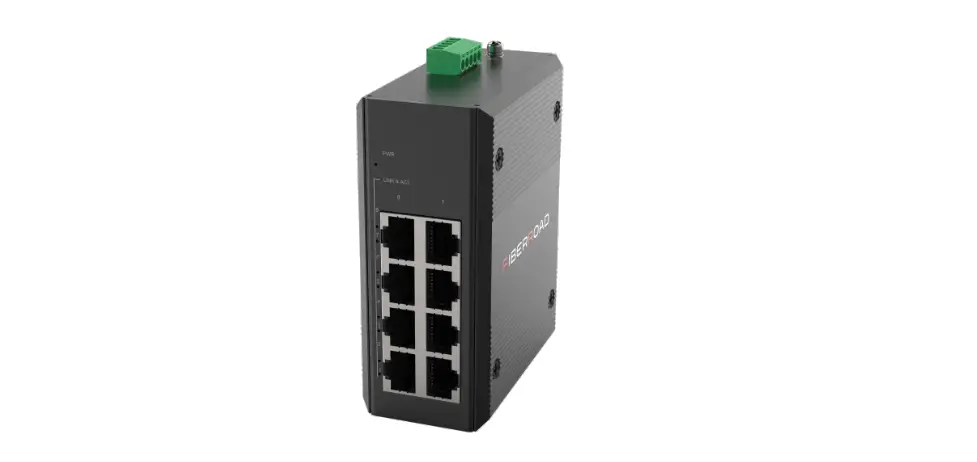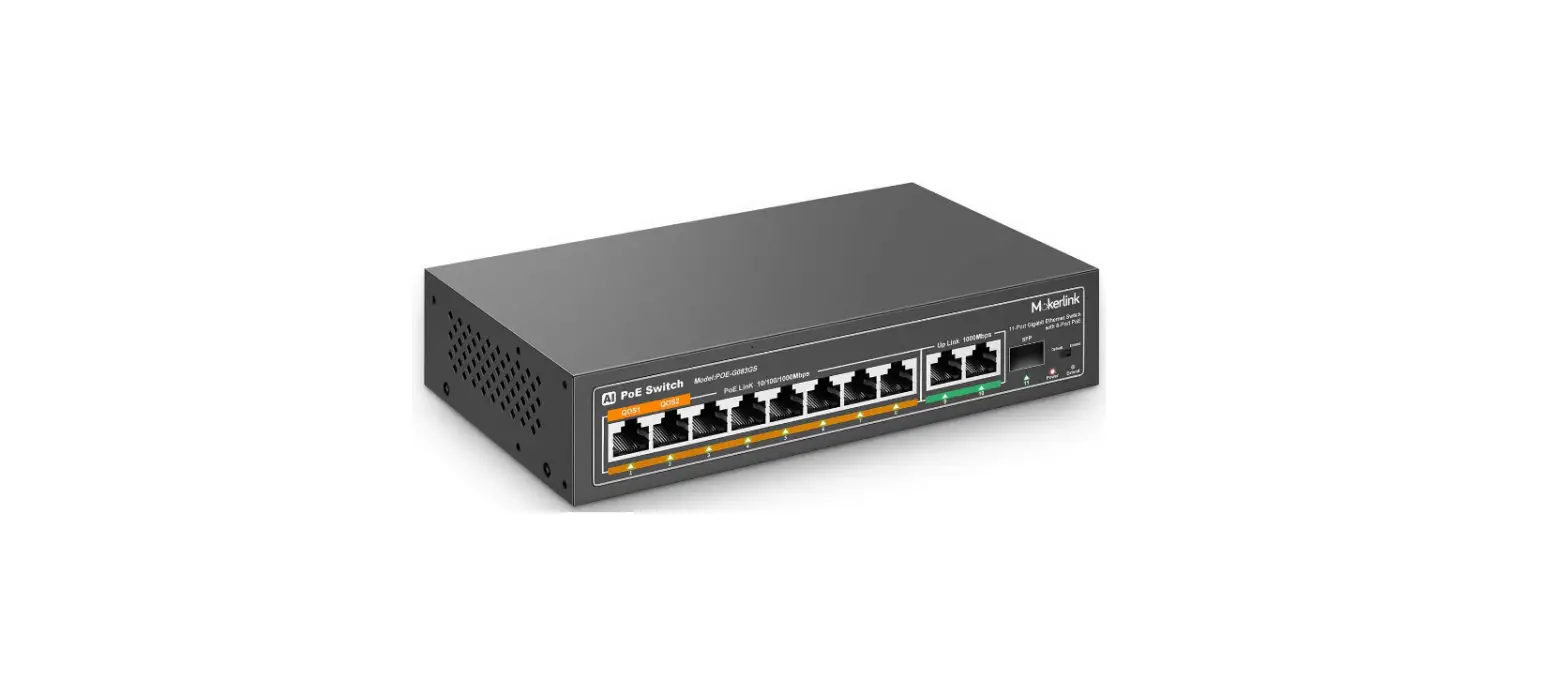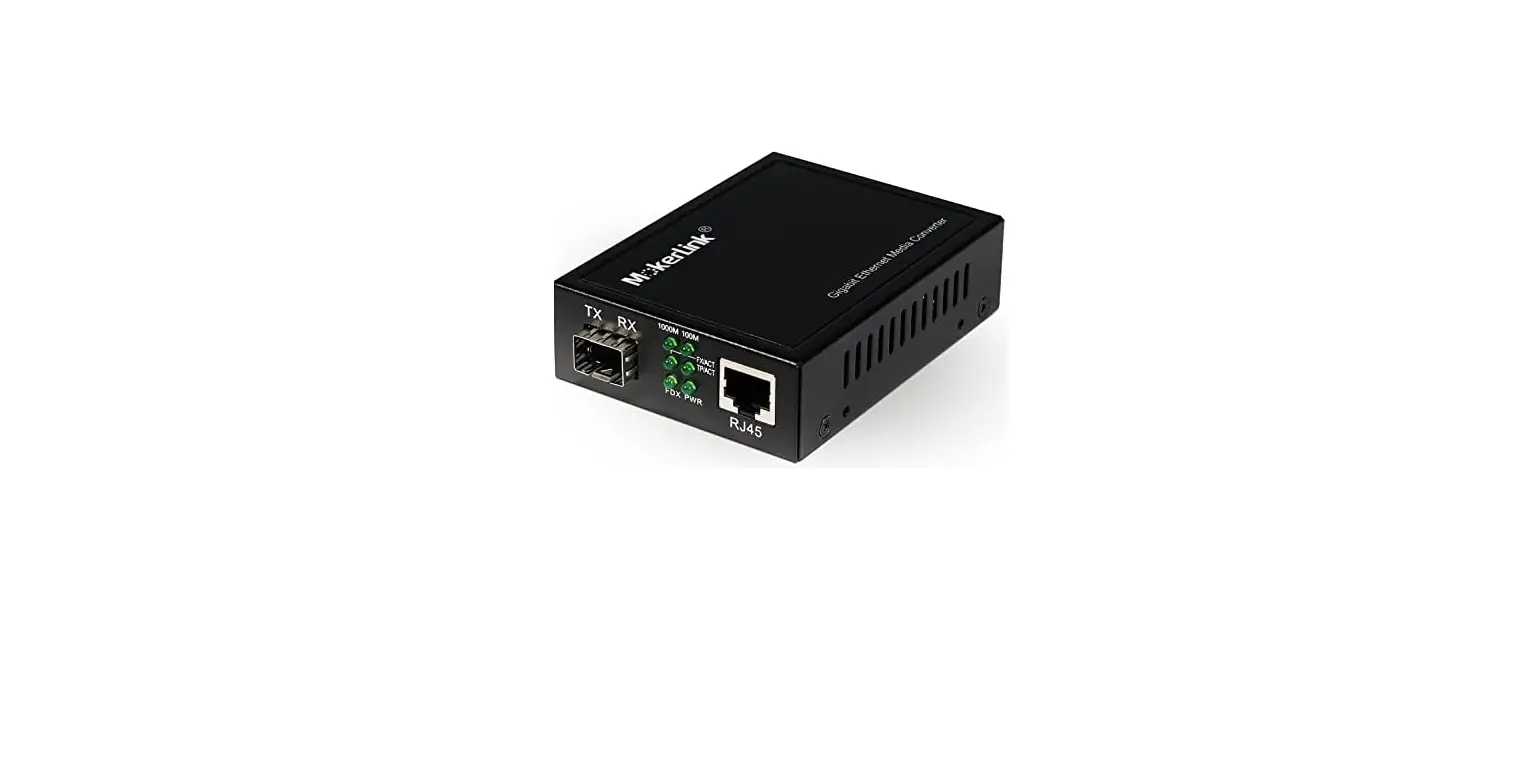

MokerLink Fiber Media Converter
Overview
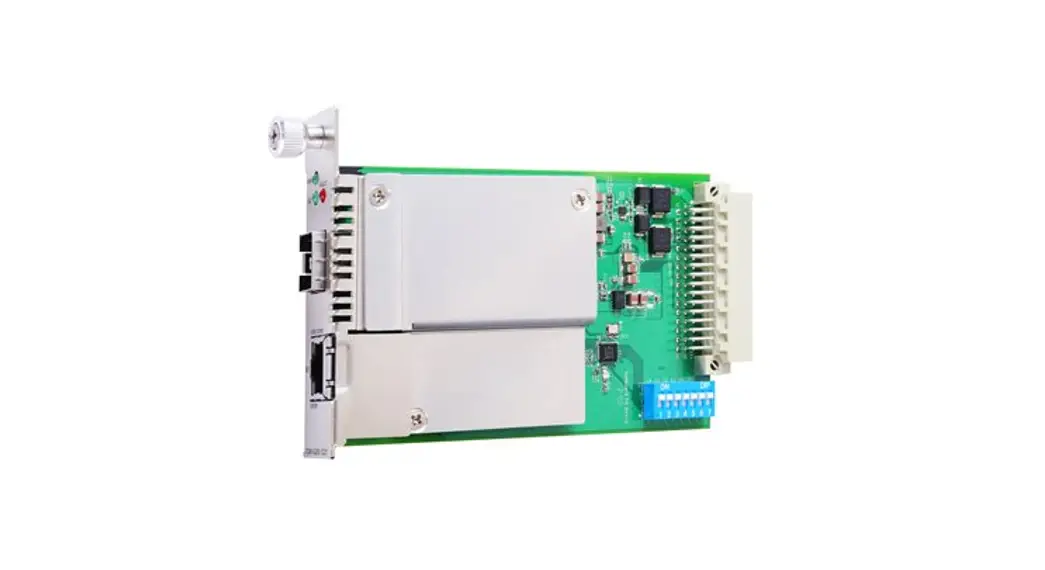
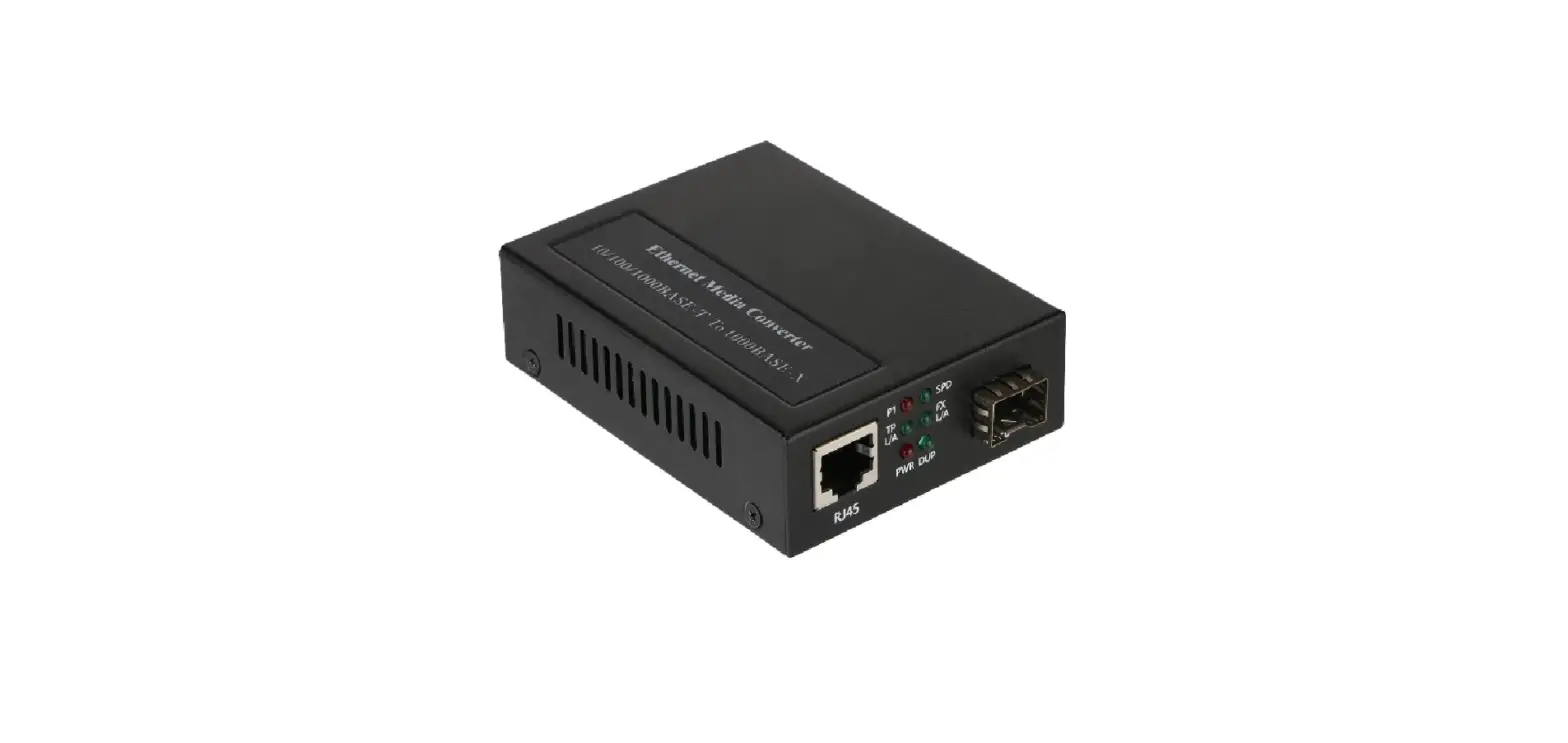
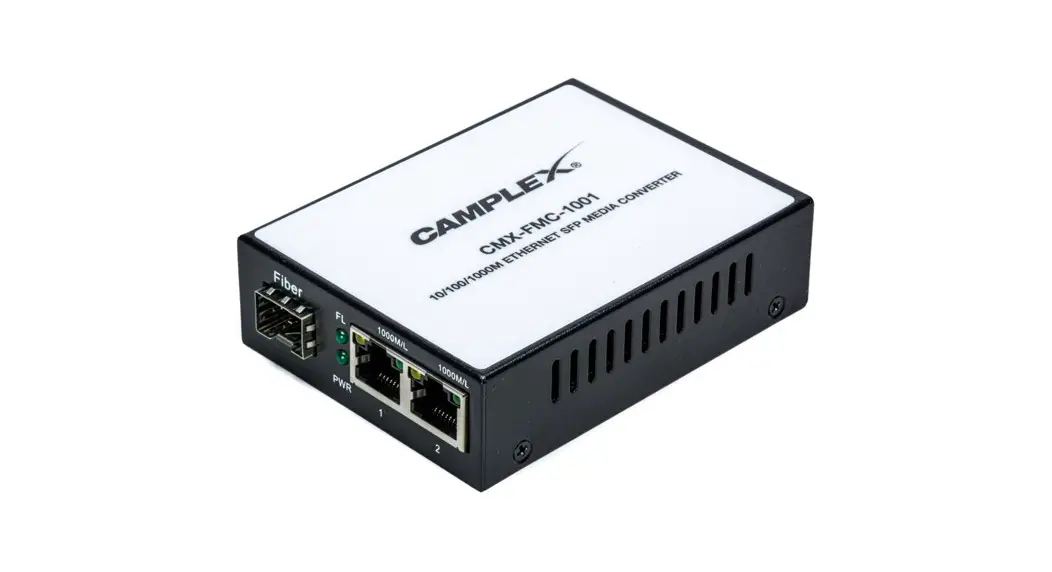
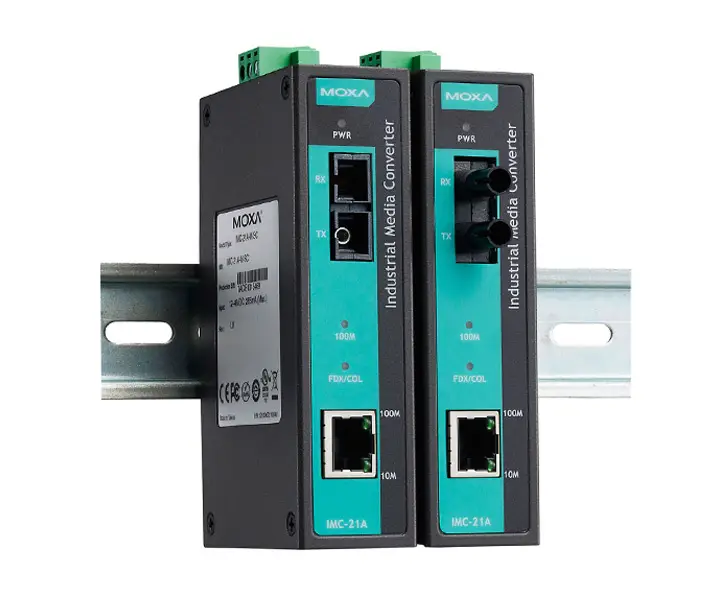
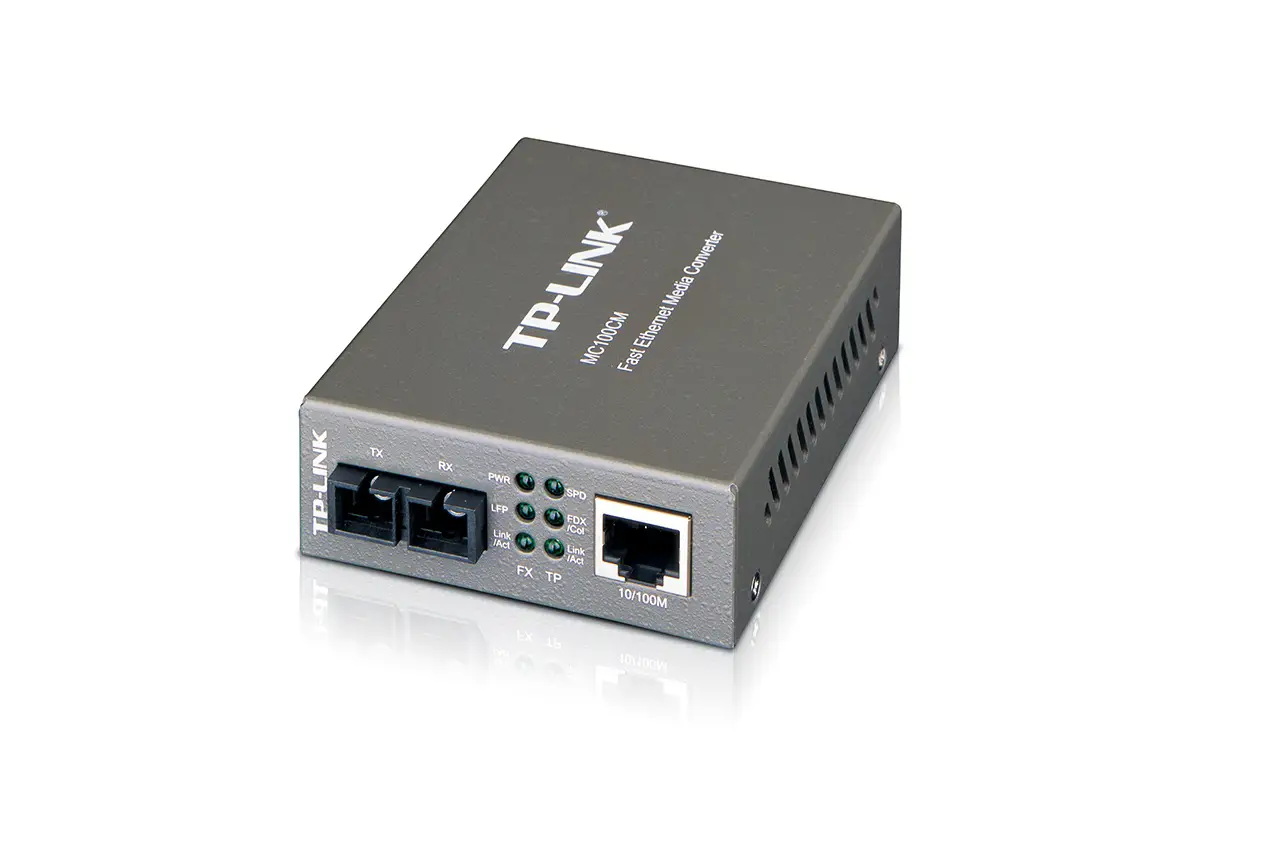
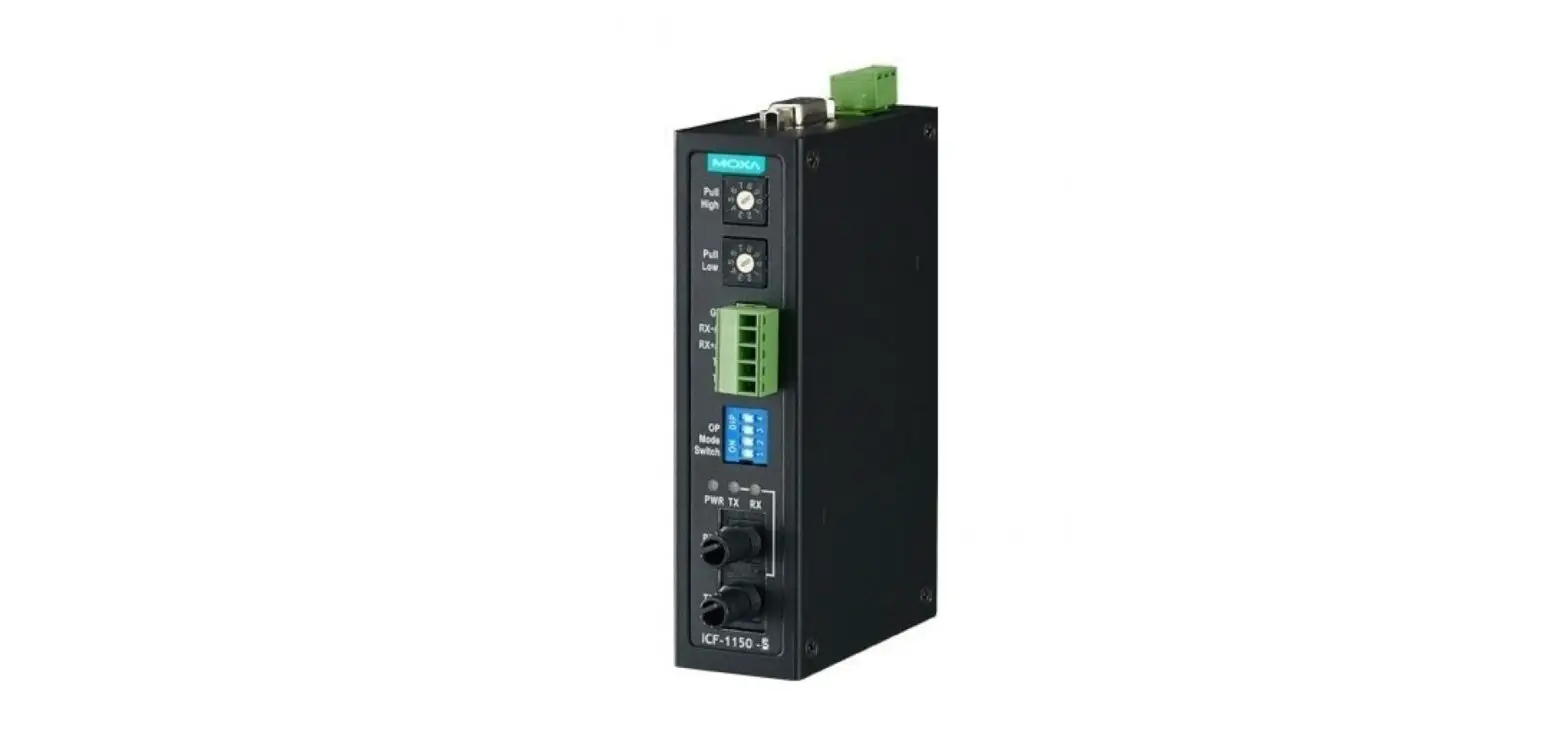
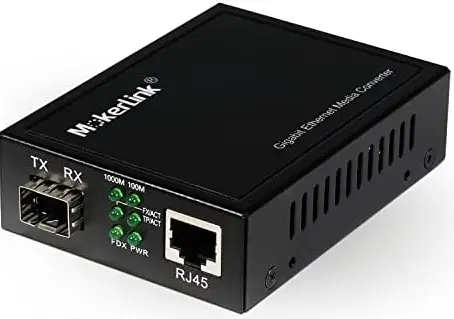
The non-managed fiber media converter is designed with a switch controller and buffer memory that connects two types segments operation smoothly. The converter can be used as standalone type or as card type to the 2U 19” converter rack-mount chassis for centralized power management.
- Data Rate: 10/100Mbps, 10/100/1000Mbps.
- Fiber Type: 550M/2KM for Multimode; 20/40/60/80/120KM for Single mode.
- Optic Connector: SC(optional)/ST/FC/LC
Features
- Built-in efficient exchange kernel, Broadcasting filtration function, flow control, CRC error check.
- Supports SPANNING TREE to conduct fault-tolerant network.
- Supports 10/100Mbps or 10/100/1000Mbps full/half duplex self-adaptive transmission and auto-negotiations,easy upgrades.
- Max. transmission distance can be 120km.
- External power or Built-in power.
- Standalone type can be installed into 14slot 2U Rack; Card type into 16slot Rack.
- Hot-swap, High reliability.
- Cache capacity: 1M Bits.
- Built-in MAC address buffer space: 1K.
Standards Protocol
- IEEE802.3 Ethernet standard
- IEEE802.3u fast Ethernet standard
- IEEE802.3d Spanning Tree standard
Panel Structure Chart
10/100Mbps Media Converter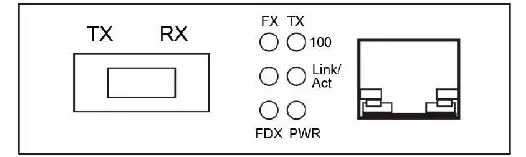
10/100/1000Mbps Media Converter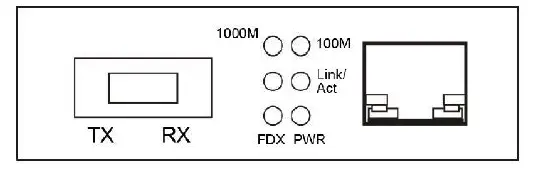
Front Panel of SFPMedia Converter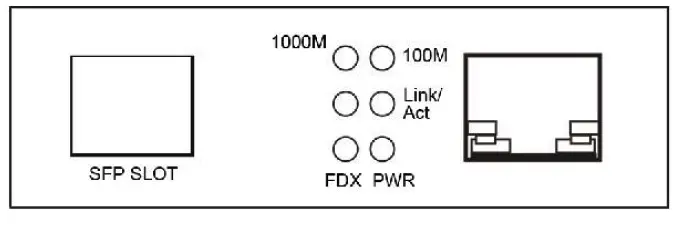
LED Status Instruction
| LED | FUNCTION | STATUS | OPERATION |
| PWR | POWER | ON | Power on |
| OFF | Power off | ||
| FX | Optical Signal | ON | Connected |
| OFF | Not link | ||
| TX | Ethernet | ON | Connected |
| FDX | Ethernet | ON | Full duplex |
| OFF | Half duplex | ||
| 100 | Ethernet | ON | 100Mbps signal |
| OFF | 10Mbps signal | ||
| Link/ Act | Fiber/ Ethernet | ON | Connected |
| FLASH | Data flow | ||
| OFF | Not link | ||
| 100M | Ethernet | ON | 100Mbps signal |
| 1000M | Ethernet | ON | 1000Mbps signal |
Installation and Connection
- When connecting with PC, twisted-pair are parallel lines.
- When connecting switch concentrator, twisted-pair are cross-wire
Connecting with IP Network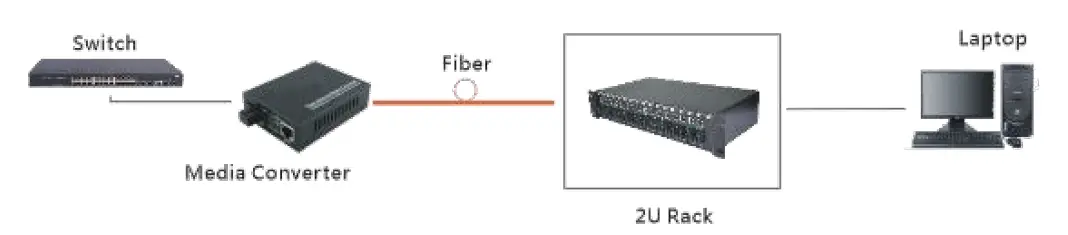
Connecting with IP camera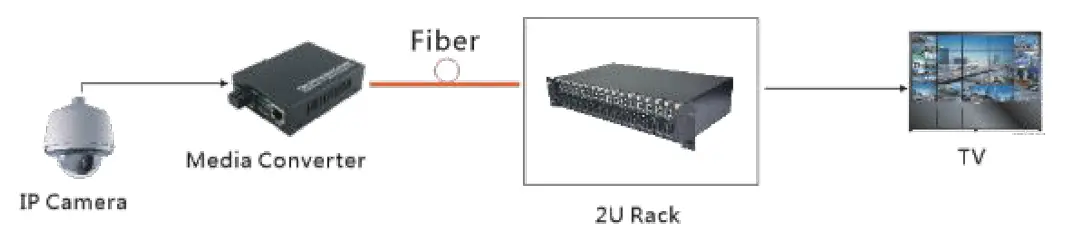
Caution
- The connection of optical interface must match single mode/multimode for Tx and Rx.
- Dual fiber, Tx and Rx must be same wavelength; Single fiber, Tx and Rx as corresponding crossed wavelength.
Applicable optical cable
- Multimode optical cable: 50/125um,62.5/125um,100/140um.
- Single optical cable: 8.3/125um,8.7/125um,9/125um,10/125um.
- UTP Cable: Cat5/5e,Cat6
- Confirm the input voltage of equipment: 110V/220V or 12V/24V/48V,then connect with corresponding power adapter, PWR indicator will be on when suitable power supply.
Technical Parameter
| Items | 10/100M Media Converter | 10/100/1000M Media Converter |
| Transmission Type | Fast Ethernet | Gigabit Ethernet |
| Transmission Mode | 10/100M Full/half duplex | 10/100/1000M Full/half duplex |
| MTBF | >3 years | > 3 years |
| BER | <1E-8 | <1E-8 |
| Data Buffer | 1MBits | 1MBits |
| Power Stability Factor | 0.2mw/℃ | 0.2mw/℃ |
| Input Power Range(dBm) | 0~-30 | 0~-40 |
| Operation Temperature | 0℃~70℃ | 0℃~70℃ |
| Storage Temperature | -45℃~80℃ | -45℃~80℃ |
| Maximum Current | 800mA | 800mA |
| Power | 2.5w | 2.5w |
| EMC | Accord with FCC Part15 | Accord with FCC Part15 |
| Volume | External: L×W×H 95×70×26mm | |
| Internal: L×W×H 140×110×30mm | ||
Optional LFP Function
- 10/100Mbps
- No fiber signal when Network disconnected, vise verse.
- 10/100/1000Mbps
- No Network signal when fiber disconnected.
Packing List
Please check the following items from package before Installing the converter
- 1 Fiber Media Converter
- 1 Power Adapter
- 1 User Manual
Wuhan MokerLink Technology Co.,Ltd
Rm10,13/F,Main Building 7,Changhang Lanjing International, No.116 Gaoxin Ave.,Hongshan Dist.,Wuhan,China
http://www.mokerlink.com
[email protected]
For technical support and other information, please visit
http://www.mokerlink.com/support
 MokerLink Store