 Full Gigabit Unmanaged Fiber Switch
 User Manual
G082GS
Overview
10 port unmanaged fiber switch has the characteristics of fiber cable as transmission medium, high speed, SFP transmission distance up to 100KM and strong anti-interference capability. It is convenient for enterprise engineering to achieve long-distance project layout, centralized management and lower failure rate.
Features
- IEEE 802.3,IEEE 802.3u,IEEE 802.3ab,IEEE 802.3z.
- Flow control method: full duplex adopts IEEE 802.3x,half duplex adopts Back pressure.
- Port supports Auto MDI/MDIX.
- Exchanging Mechanism : store and forward.
- All ports support exchange at wirespeed; support jumbo frame transmission.
- Port:10/100/1000M adaptive port(can set own speed rate according to connected devices; Indicator indicates alarm when fiber signal loses.)
- Built-in efficient exchanging CPU: safe, stable and high speed.
- SFP transmission distance:MAX 100KM.
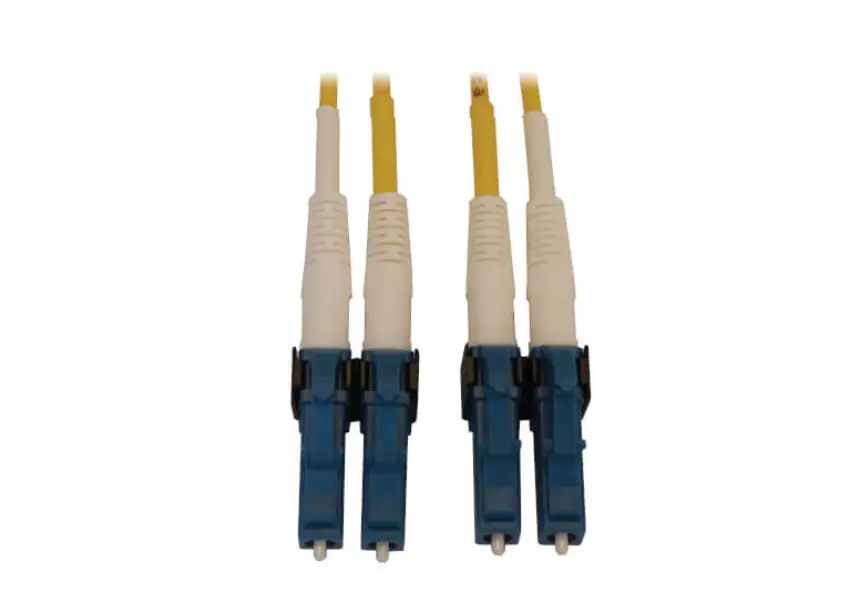
- Fiber module:optional single/double fiber,single/double mode.
- Panel indicator monitors operating status and helps fault analysis.
Product Display
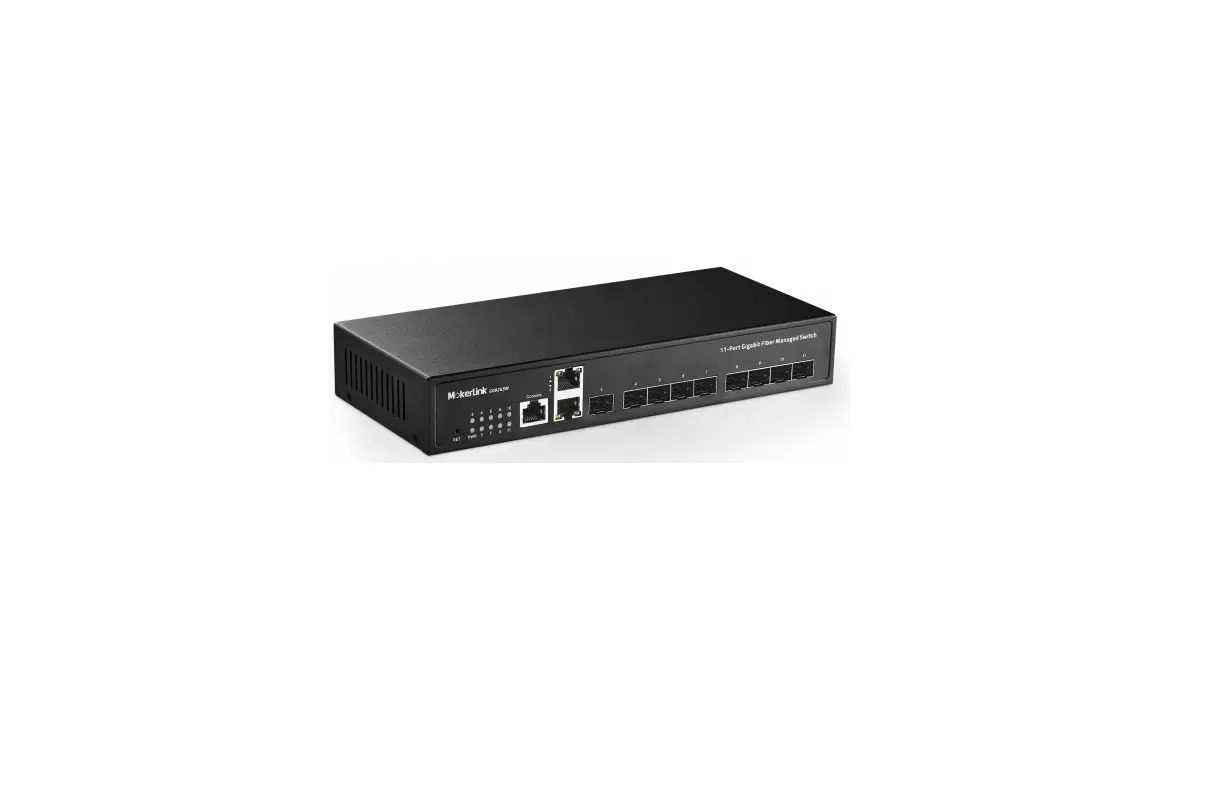
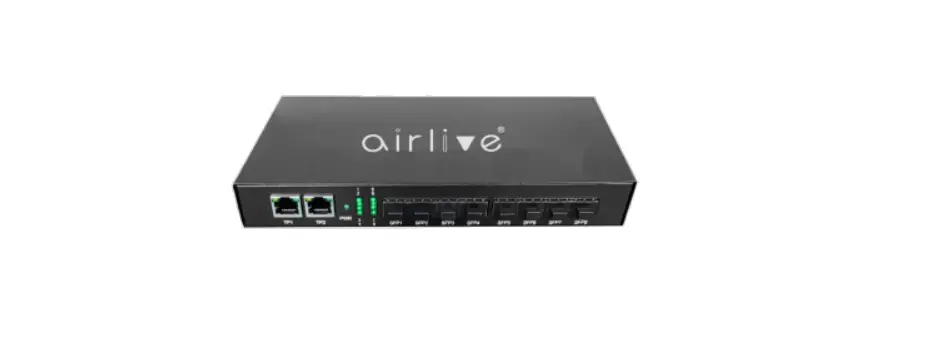
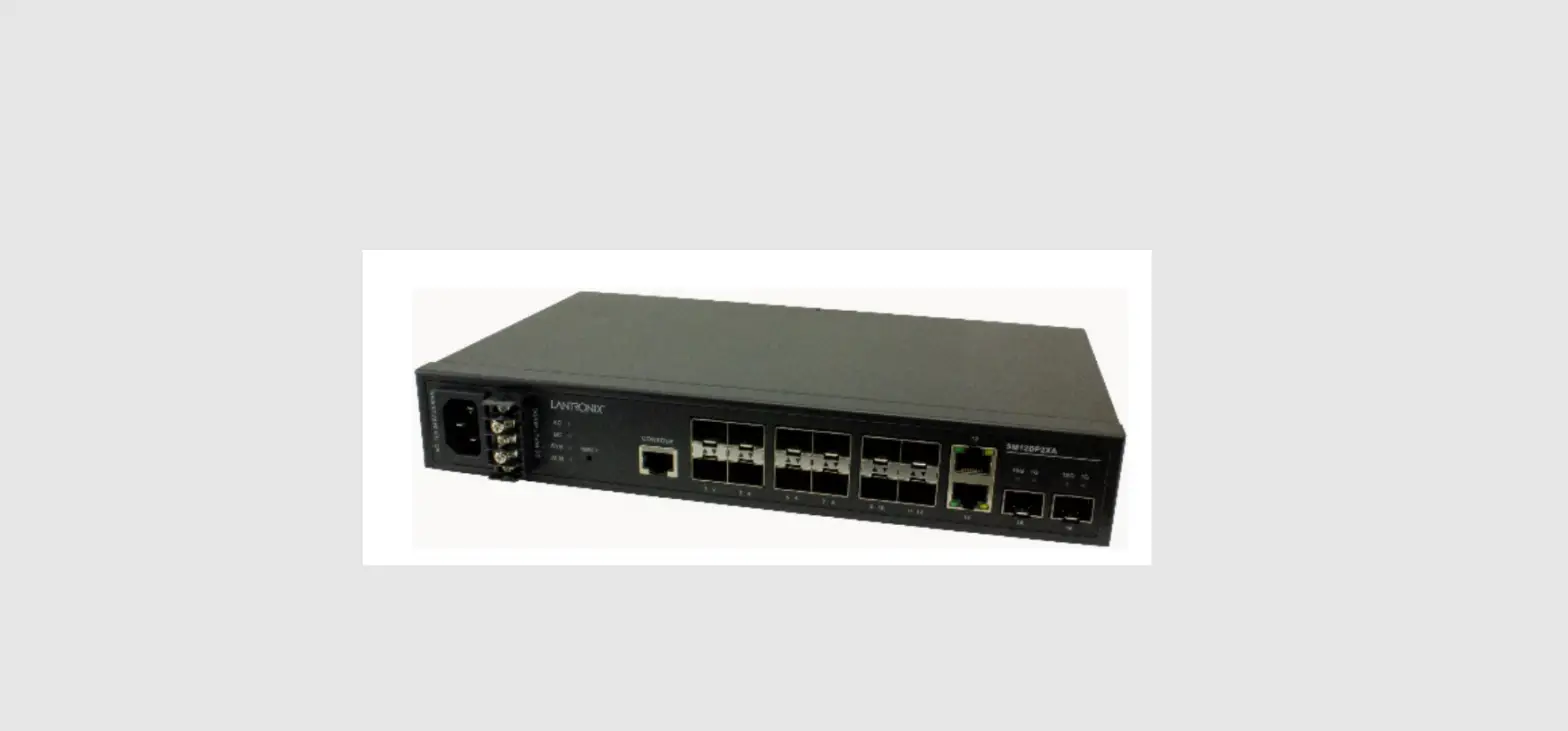
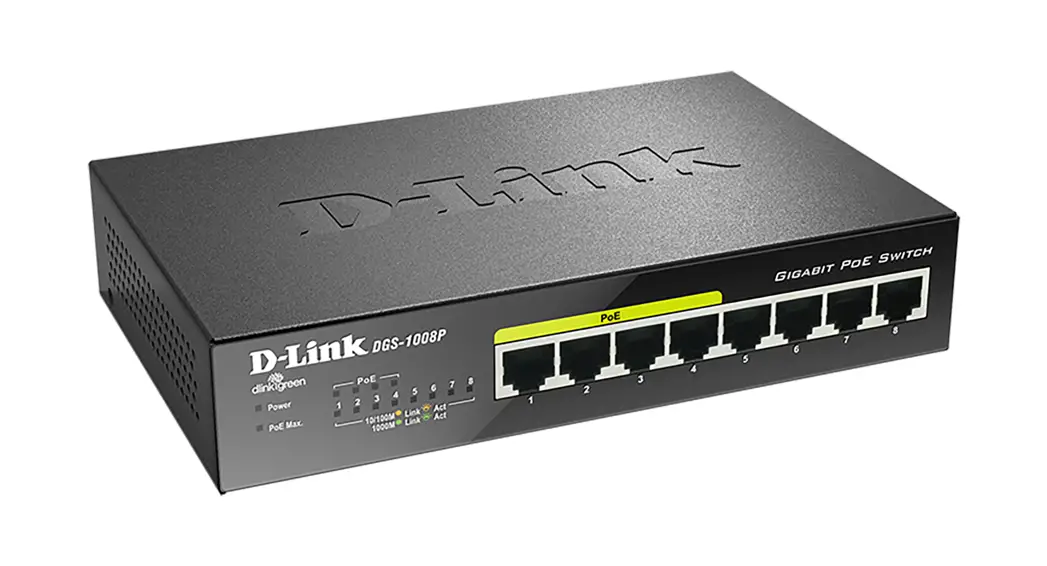
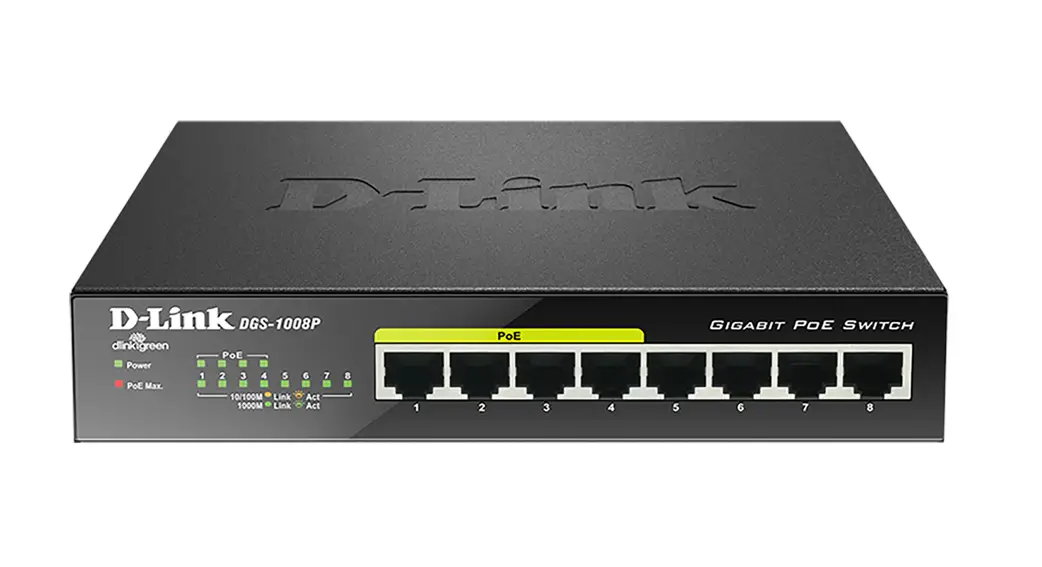
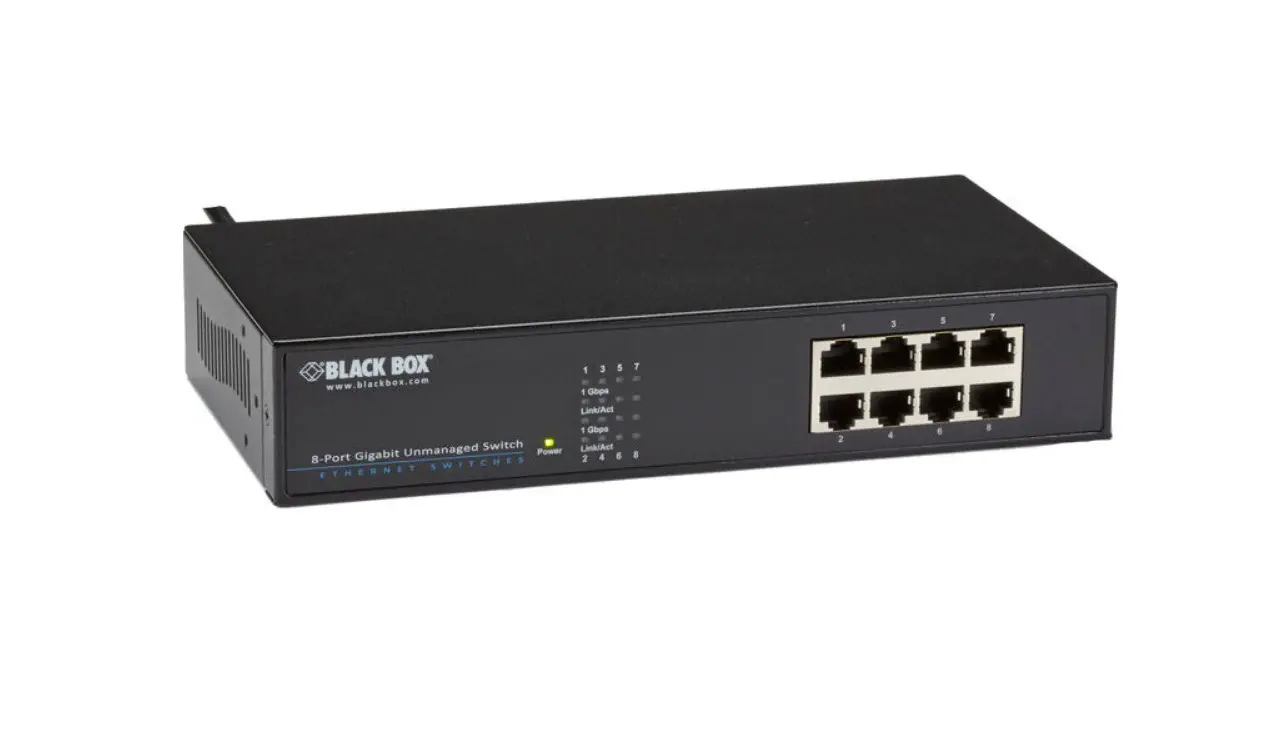
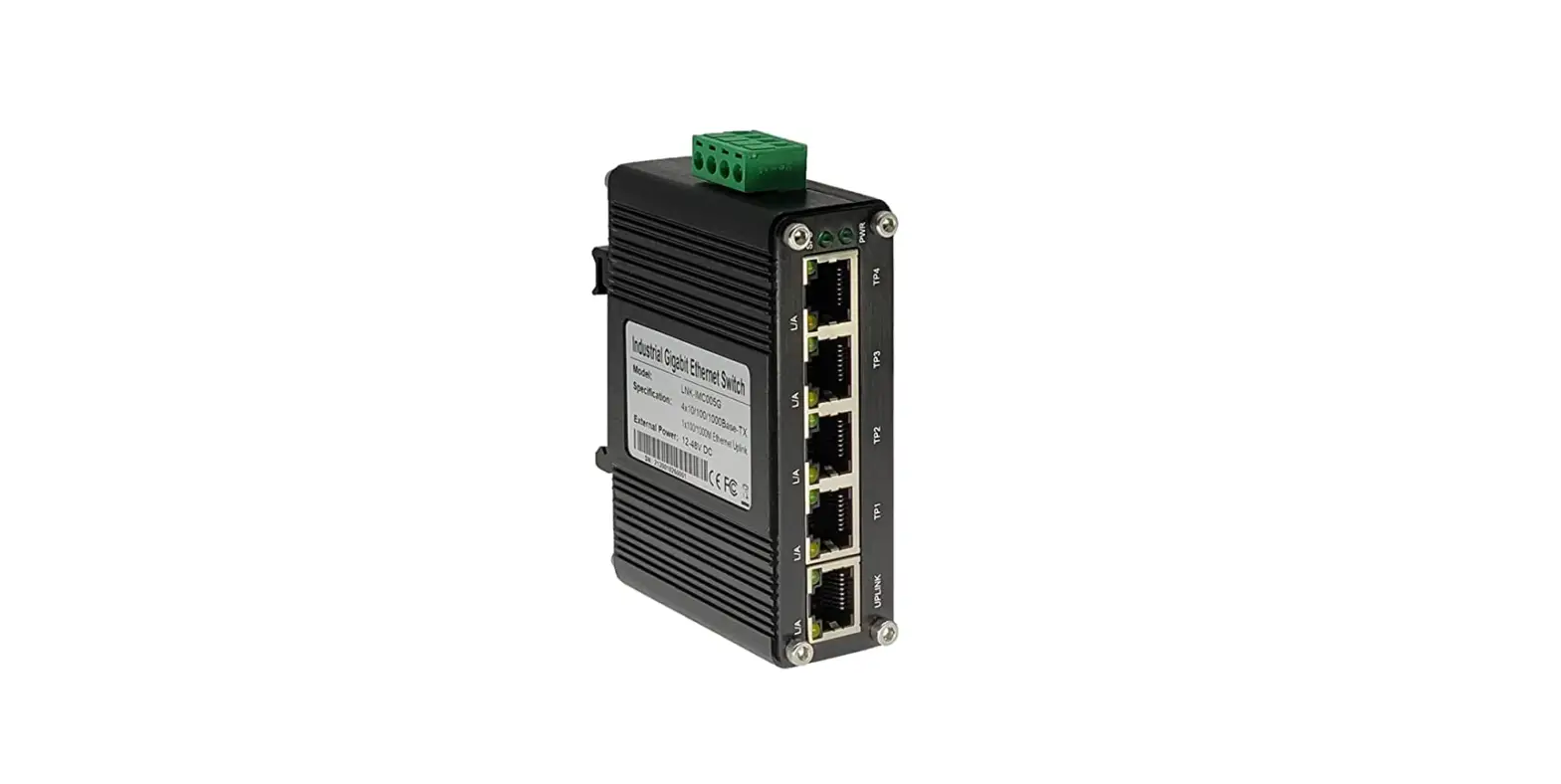
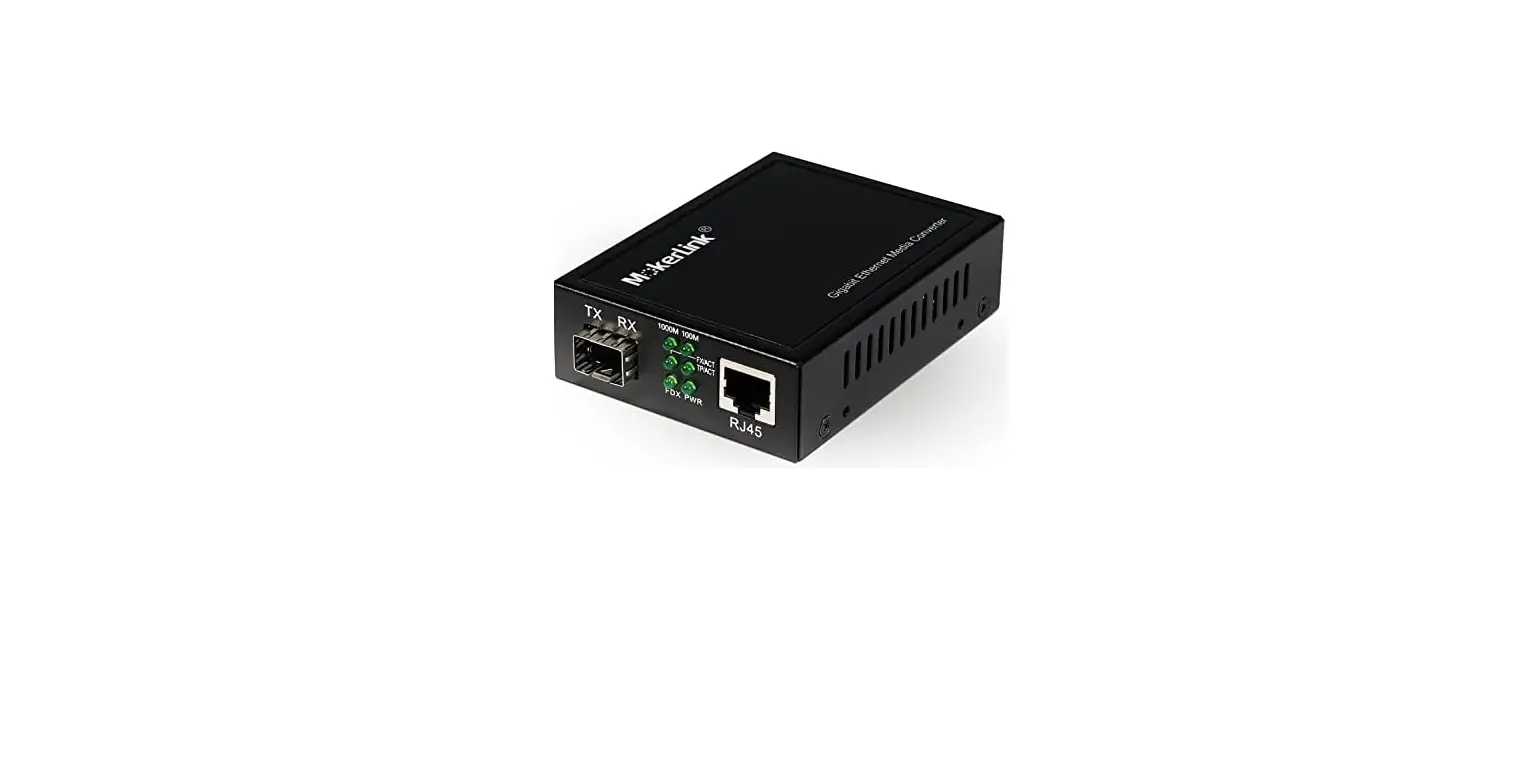
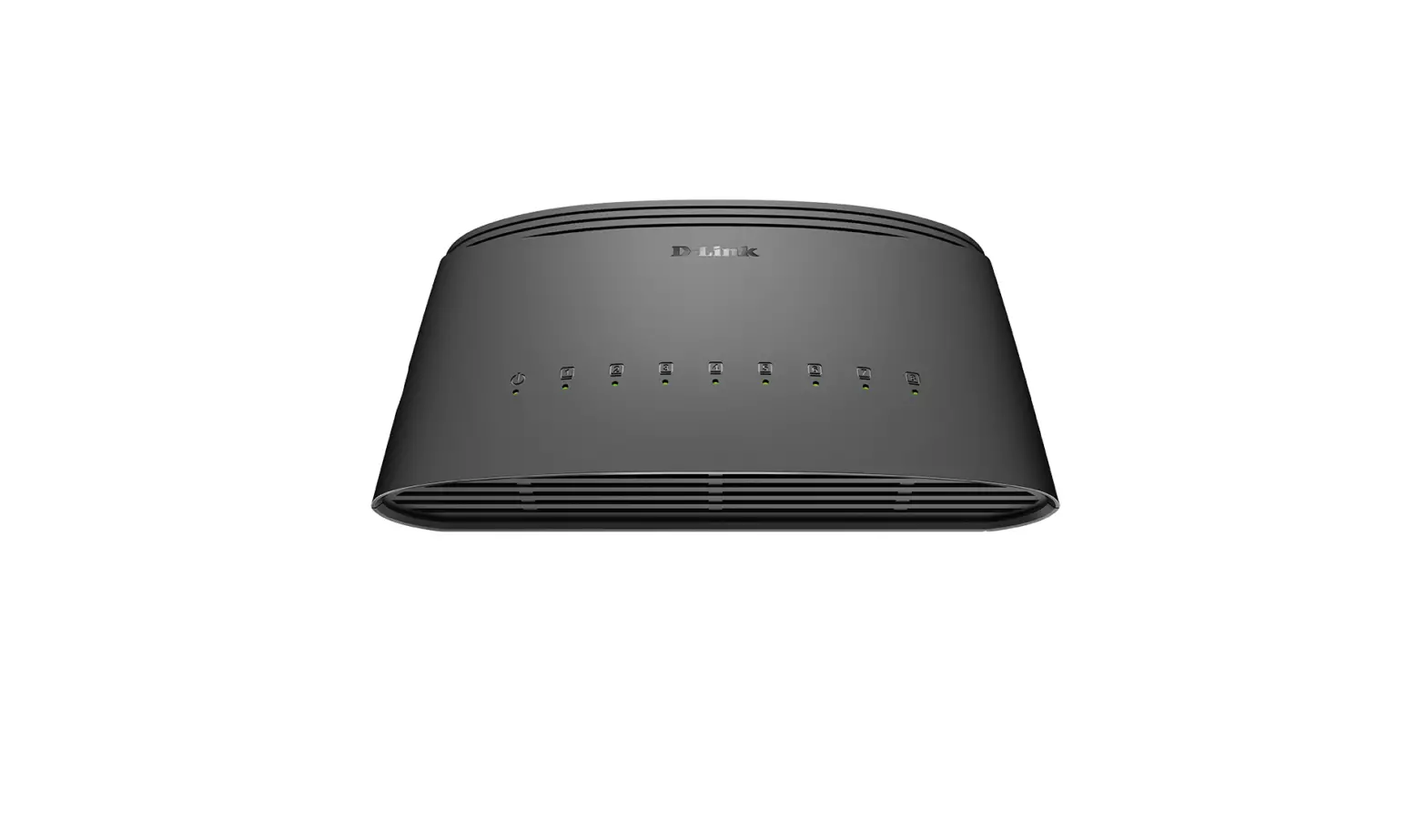
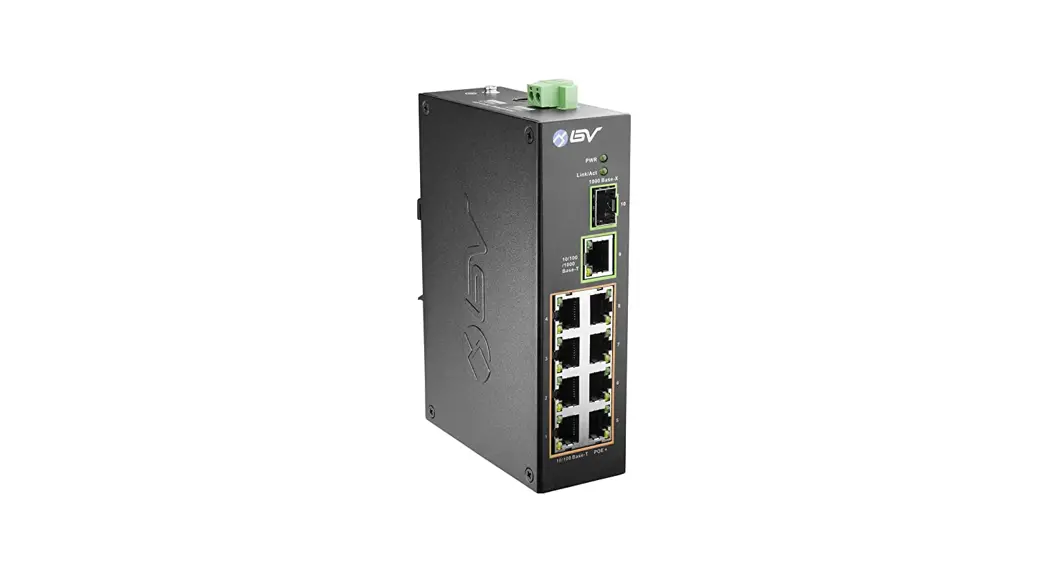
G082GS , 8*SFP+2*10/100/1000M port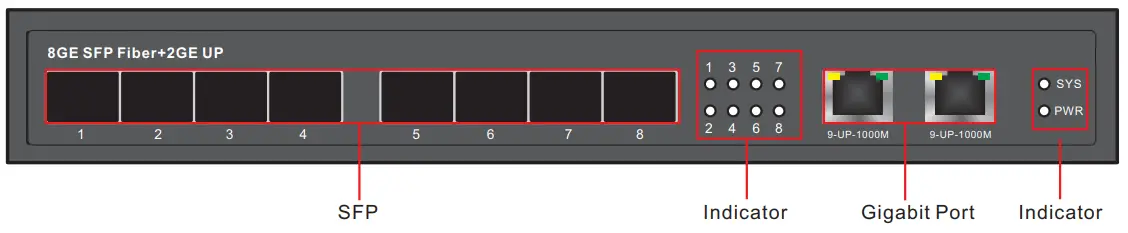
Exterior Description
| Indicator | Status | Description |
| Power LED : PWR | Always ON | Normal |
| Always OFF | Power unconnected | |
| SYS | Always ON | System operates normally |
| Port LED | Orange LED Always ON | Corresponding Ports operate at 1000M mode |
| Green LED Always ON | Corresponding Ports operate at 100M mode | |
| SFP LED : 1-8 | Always ON | SFP signal communicates |
Accessories List

Attention꞉ Fiber modules are not included in models with SFP;
Please contact us in time if shorted or damaged accessories found.
Installation and attentions
For the safe installation operation of switch,suggestion:
- →Check up that the power wire is securely wrapped into the power adapter connection or not.
- →Ensure the adequate heat dissipation and ventilation around the switch.
- →Do not stack heavy objects on the switch.
Desktop
When installing the switch on the desktop, the device must be placed flat on the table to keep it stable. Please leave aside enough space between the device and other surrounding objects for good ventilation.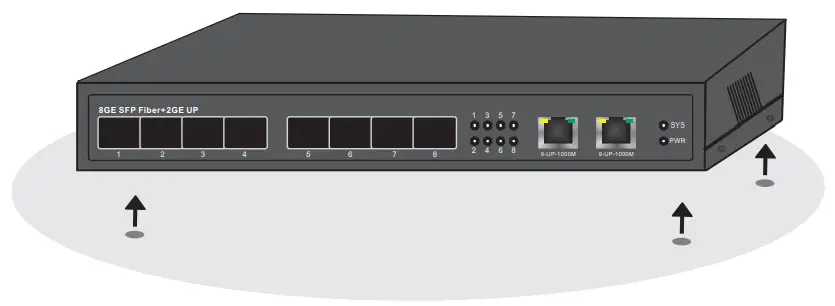 Specification of power socket
The switch adopts single-phase three-pin power socket, the middle one is the G wire, the left one is the N wire, and the right one is the L wire. Please check before operation. 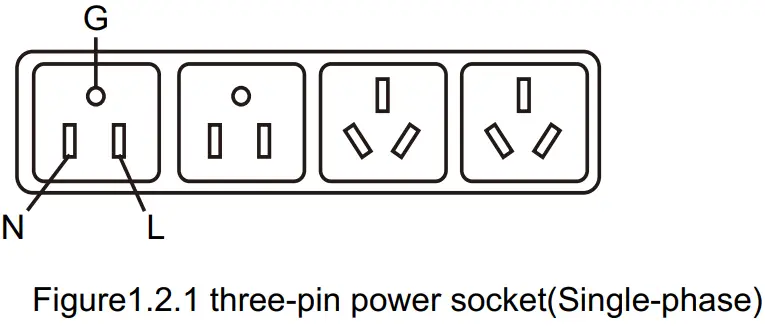
Connect the power wire
- Check up that the power supply is consistent with the marked requirements on the switch or not.
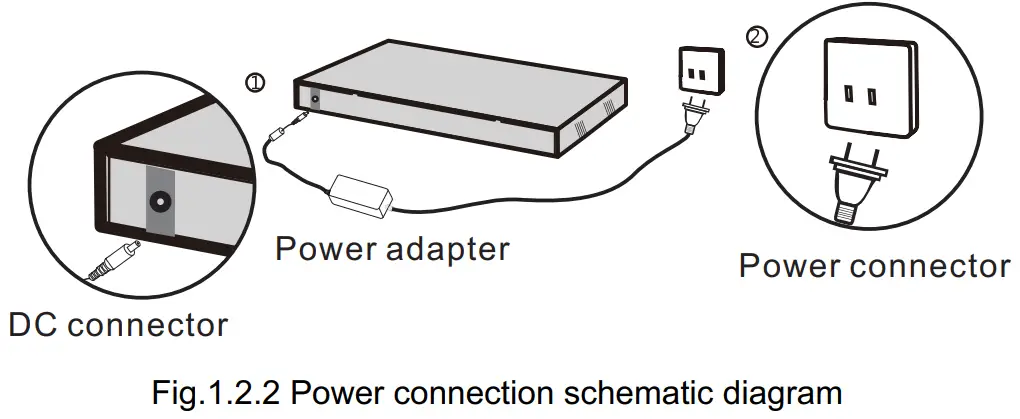
- First plug the DC output of the power adapter into the DC port of the switch, and then connect the power cable to AC100-240V, 50-60Hz, see Fig.1.2.2.
SFP connection
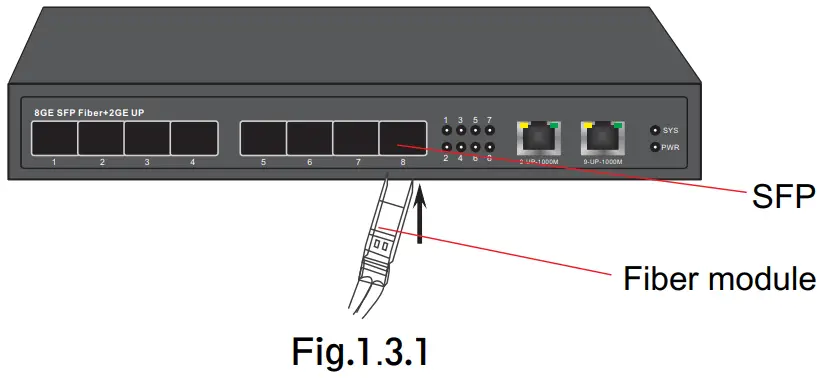
The process of installing a fiber module on a switch is as follows: Grab the fiber module from the side and insert it smoothly along the switch SFP port slot until the fiber module is in close contact with the switch, see Fig.1.3.1.
 The inspection after installation
Please check up the following items after installation:
- Enough cooling space around the switch and smooth air circulation.
- The power supply from the power socket conforms to the switch requirements;
- The power supply, switch, rack and other equipments are properly grounded;
Parameter
| Model | G0802GS |
| Product | Full Gigabit 8+2 Fiber Switch |
| Port | 2’10/100/1000Base-TX RJ45 port (Data) 8’1000M SFP |
| Network Protocol | IEEE802.3 IEEE802.3i 10BASE-T IEEE802.3u100BASE-TX IEEE 802.3ab1000BASE-T IEEE802.3x IEEE 802.3z 1000BASE-X |
| Port Specification | 10/100/1000BaseT ( X ) Auto |
| Transmission Mode | Store and Forwa rd(fu II wirespeed) |
| Bandwidth | 32Gbps |
| Packet Forwarding | 14.44Mpps |
| MACAddress | 8K |
| Buffer | 4.1M |
| Transmission Distance | 1OBASE-T Cat3,4,5UTP(5250 meter) 100BASE-TX Cat5or later UTP(150 meter) 1000BASE-TX Cat6 or later UTP(150 meter) Optional:Single mode single fiber(transmission distance:MAX 20km) Optional:Single mode double fiber(transmission distance:MAX 20km) Optional:Multiple mode double fiber(transmission distance:MAX 850 meters/20km) Optional 3-80km SFP |
| Watt | 515W ; |
| LED Indicator | PWR:Power LED SYS:(System LED ) Port:(Green=10/100M LED+Yellow=1000M LED ) 1-8:(SFP LED ) |
| Power | External power DC 12V 2A |
| Operating Temperature /Humidity | -10 — +55°C ; 5% — 90% RH Non coagulation |
| Storage Temperature /Humidity | -40 ^ +75°C ; 5% “. 95% RH Non coagulation |
| Product size /Packing size (1-“W*H) | 225mm`105mm`35mm 295mm`170mm`100mm |
| N.W/G.W(kg) | 0.6kg/0.9kg |
| Installation | Desktop |
| Lightning protection level | 3KV 8/20us ; Ip30 |
| Certificate | CE mark, commercial ; CE/LVD EN60950 ; FCC Part 15 Class B ; RoHS ; |
| Warranty | Whole device for 1 year(Accessories not included) |
Attentions
To avoid equipment damage and personal injury caused by improper use, please follow the precautions as below:
- Keep the status of power-off during installation, and wear anti-static wrist to ensure good contact between anti-static wrist and skin to avoid the hidden danger.
- The switch can only work normally under the correct power supply. Please confirm that the power supply voltage is consistent with the voltage marked by the switch.
- Before switch on, please make sure that it will not cause overload of the power circuit, so as not to affect the normal operation of the switch or even unnecessary damage.
- In order to avoid the danger of electric shock, do not open the shell up when the switch works, even in the case of no live current, do not open.
- Before cleaning the switch, pull out the power plug. Do not wipe it by using wet fabrics or liquid.
- Install device in the rack-mount regularly from top to bottom, incase of over-load installation.
- Don’t place other heavy objects on the surface of the switch to avoid accidents.