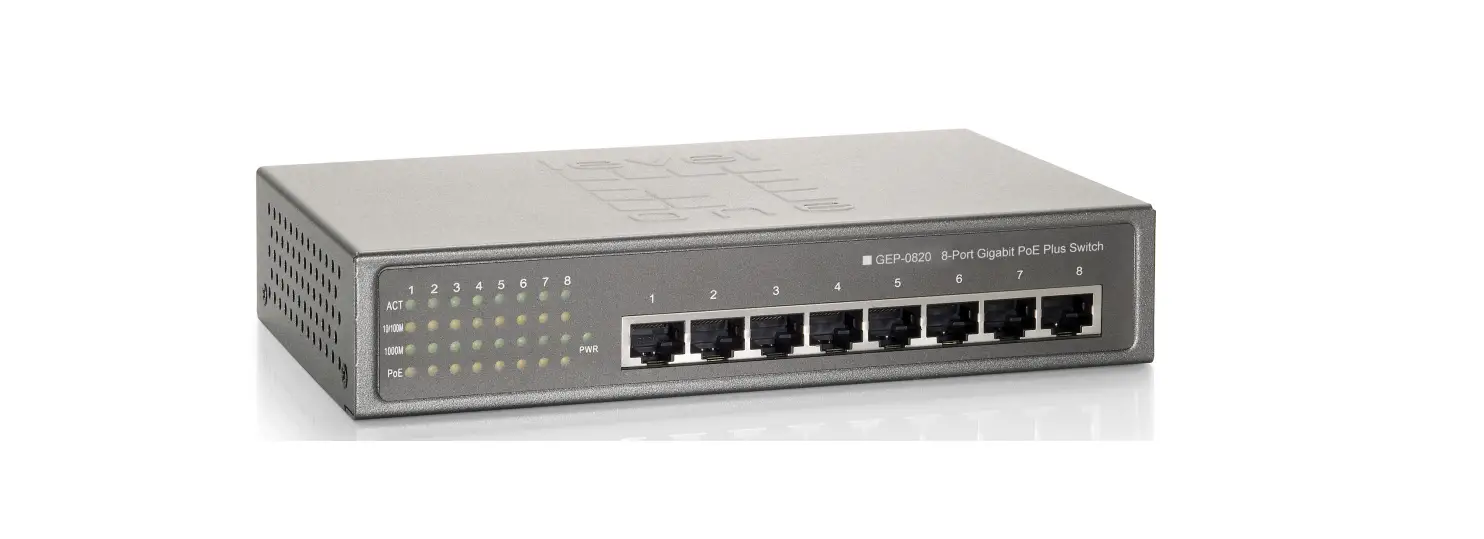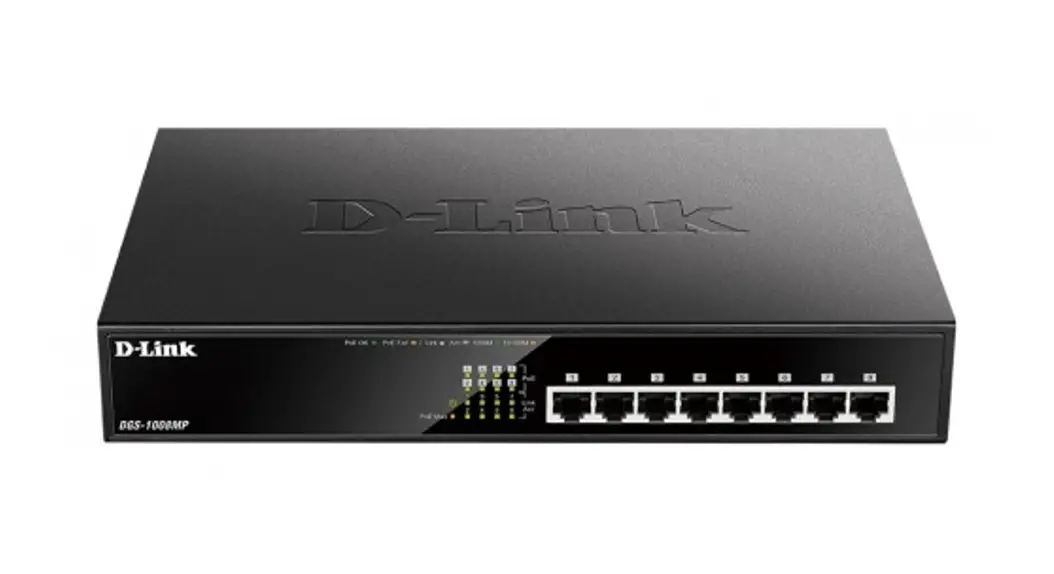
 8-Port Gigabit Ethernet Unmanaged PoE Switch
User Manual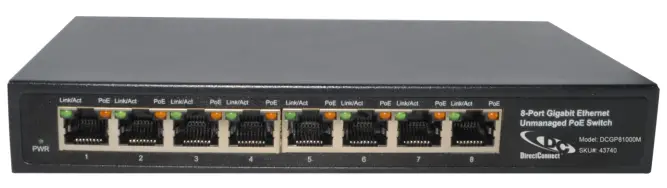
DCGP81000M 8-Port Gigabit Ethernet Unmanaged PoE Switch
Copyright Statement
Our company reserves all copyrights of this document. Any reproduction, excerption, backup, modification, transmission, translation or commercial use of this document or any portion of this document, in any form or by any means, without the prior written consent of our company is prohibited.
Exemption Statement
This document is provided “as is”. The contents of this document are subject to change without any notice. Please obtain the latest information through our company website. Our company endeavors to ensure content accuracy and will not shoulder any responsibility for losses and damages caused due to content omissions, inaccuracies or errors.
Product Introduction
Congratulations on your purchasing of the 8-Port Gigabit Ethernet Unmanaged PoE Switch. Before you install and use this product, please read this manual carefully for full exploiting the functions of this product.
1.1. Product Overview
The Switch is an 8-port 10/100/1000Mbps Unmanaged PoE switch. Provides eight 10/100/1000Mbps Auto Negotiation RJ45 ports, support auto MDI/MDIX. Based on gigabit Ethernet network technology, the maximum efficiency to avoid network transmission flask, good network adaptability. Adopting green Ethernet technology 802.3az, by detecting the cable length and work load, and automatically adjust the signal strength, without reducing performance and effect of equipment operation, reduce the energy consumption, protect the environment. All ports have PoE power supply function, support IEEE802.3at standard, 802.3af downward compatibility, power supply equipment for Ethernet, can automatically detect identification standard of electrical equipment, and through the cable for the power supply.
1.2. Features
- Supports 8 x10/100/1000Mbps auto-negotiation fast ethernet RJ45 ports with 8 port PoE function
- Supports PoE and POE+ power up to 15W for each PoE port and 65W for all PoE ports
- Complies with PoE IEEE802.3af and IEEE802.3at
- Supports IEEE802.3x flow control for full-duplex mode and backpressure for half-duplex mode
- 4K entry MAC address table with auto-learning and auto-aging
- LED indicators for monitoring power, link, activity
1.3. External Component Description
1.3.1. Front Panel
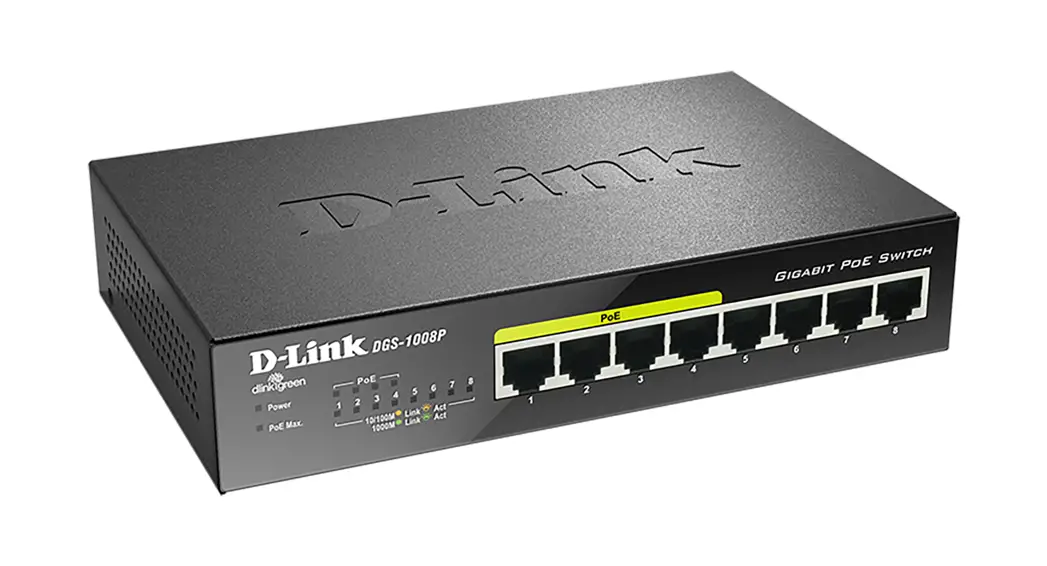
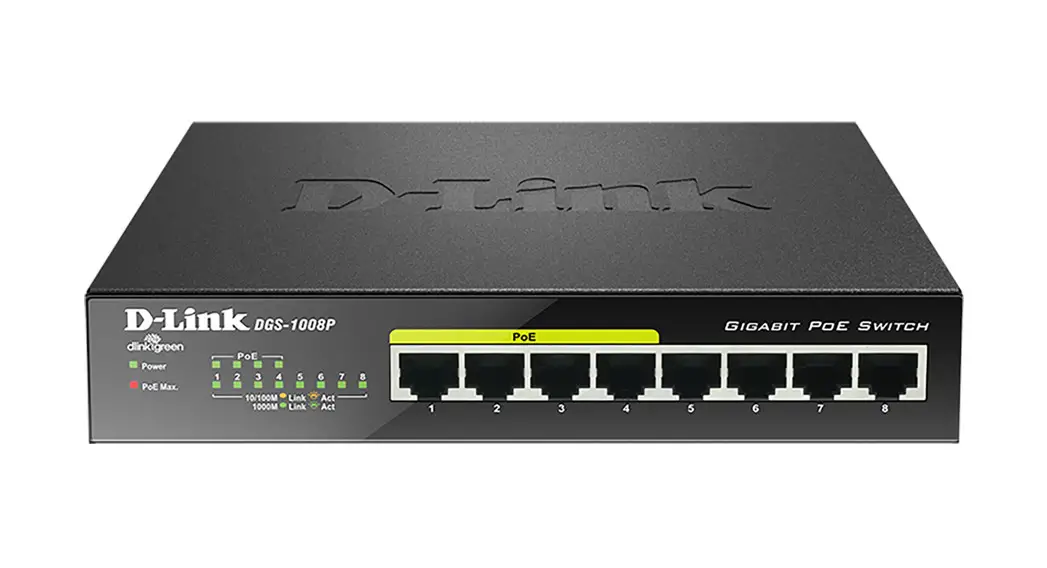
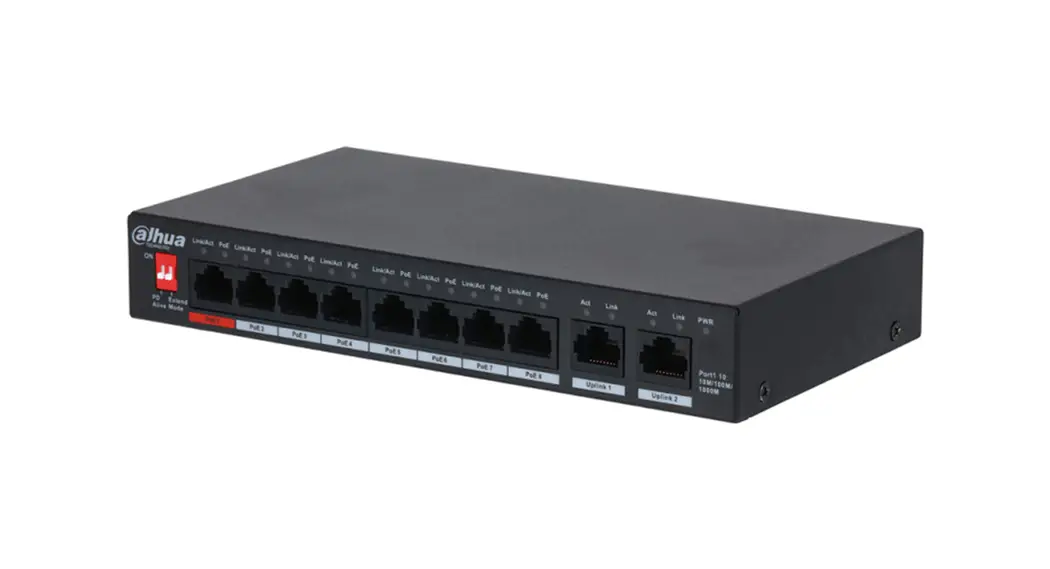
The front panel of the Switch consists of a series of LED indicators and 8 x 10/100/1000Mbps RJ-45 ports.
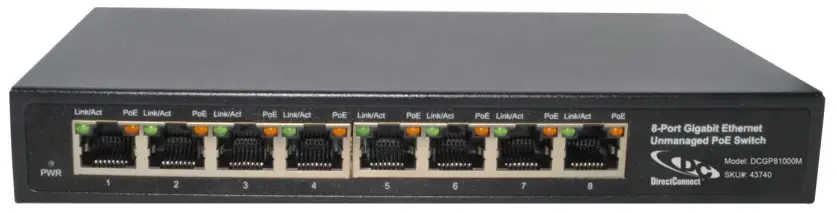 Figure 1 – Front Panel
LED indicators:
The LED Indicators will allow you to monitor, diagnose and troubleshoot any potential problem with the Switch, connection or attached devices.
 Figure 2 – LED Indicator
The following chart shows the LED indicators of the Switch along with explanation of each indicator.
| LED Indicator | Faceplate Marker | Status | Indication |
| Power Indicator | PWR | Off | Power Off |
| Solid green | Power On | ||
| 10/100/1000 BASE-T adaptive Ethernet port indicators (1-8) | Link/Act | Off | The port is NOT connected. |
| Solid green | The port is connected, but no data is transmitting or receiving. | ||
| Blinking | The port is transmitting or receiving data. | ||
| PoE status indicators (1-8) | PoE | Off | No Powered Device is connected to the corresponding port. |
| Solid yellow | A Powered Device is connected to the port, which supply power successfully. |
10/100/1000 Mbps RJ-45 ports (1~8):
Designed to connect to the device with a bandwidth of 10Mbps, 100Mbps, 1000Mbps. Each has a corresponding Link/Act and PoE indicator.
1.3.2. Rear Panel
The rear panel of the Switch contains one Grounding Terminal and DC power adapter shown as below.
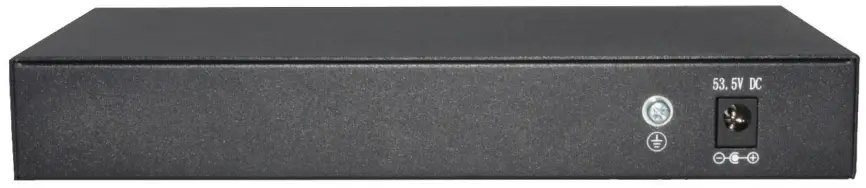 Figure 3 – Rear Panel
Grounding Terminal:
Located on the right side of the power supply connector, use wire grounding to lightning protection.
DC Power Connector:
Powered by the external power adaptor, 53.5V/1.2A spark-proof external power supply.
1.4. Package Contents
Before installing the Switch, make sure that the following the “packing list” listed OK. If any part is lost and damaged, please contact your local agent immediately. In addition, make sure that you have the tools install switches and cables by your hands.
- One 8-Port Gigabit Ethernet Unmanaged PoE Switch
- One Installation Component
- One DC power adapter.
- One User Manual.
Installing and Connecting the Switch
This part describes how to install your PoE Ethernet Switch and make connections to it. Please read the following topics and perform the procedures in the order being presented.
2.1. Installation
Please follow the following instructions in avoid of incorrect installation causing device damage and security threat.
- Put the Switch on stable place, rack, or enclosure.
- Make sure the Switch works in the proper DC input range and matches the voltage labeled on the Switch.
- Do not open the switch from the factory enclosure.
- Make sure that there is proper heat dissipation from and adequate ventilation around the switch.
- Ensure the cabinet to enough back up the weight of the Switch and its accessories.
2.1.1. Desktop Installation
Sometimes users are not equipped with the 19-inch standard cabinet. So when installing the Switch on a desktop, please attach these cushioning rubber feet provided on the bottom at each corner of the Switch in case of the external vibration. Allow adequate space for ventilation between the device and the objects around it.
2.1.2. Install the switch on the wall
The installation process is as follows:
Step one: Please drill two suitable holes, press two expansion tubes into the two holes respectively.
as shown in Figure 4:
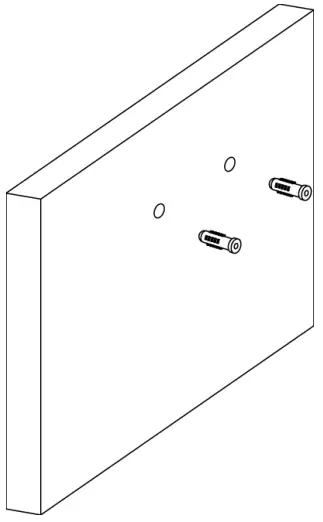 Figure 4
Step two: Insert the screw into the expansion tube.
as shown in Figure 5:
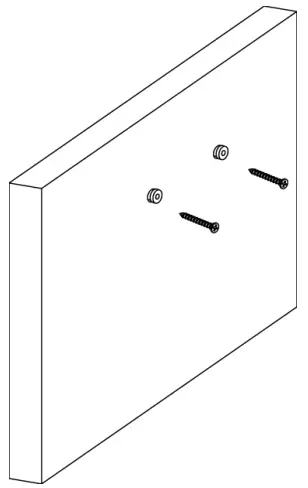 Figure 5
Step three: Hang the switch on the two screws.
as shown in Figure 6:
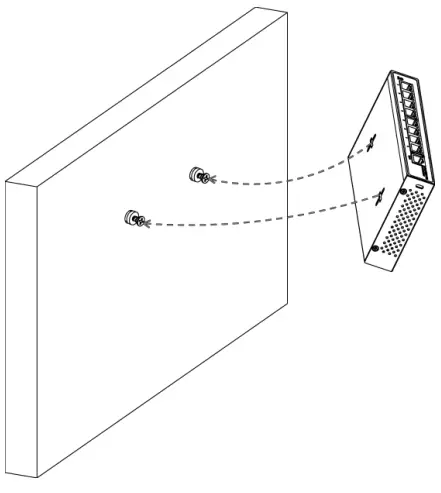 Figure 6
Step four: Installation is completed.
as shown in Figure 7:
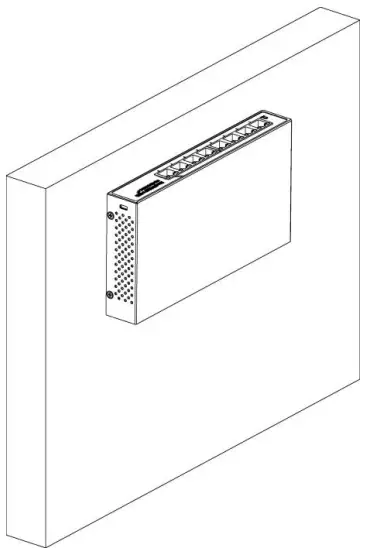 Figure 7
2.1.3. Power on the Switch
The Switches connected an external power adapter power 53.5V/1.2A supply, make sure you use the proper power supply.
AC Electrical Outlet:
It is recommended to use single-phase three-wire receptacle with neutral outlet or multifunctional computer professional receptacle. Please make sure to connect the metal ground connector to the grounding source on the outlet.
DC Power Adapter Connection:
Connect the DC power connector in the back panel of the Switch to external receptacle with the included DC Power Adapter, and check the power indicator is ON or not. When it is ON, it indicates the power connection is OK.
2.2. Connect Computer (NIC) to the Switch
Please insert the NIC into the computer, after installing network card driver, please connect one end of the twisted pair to RJ-45 jack of your computer, the other end will be connected to any RJ-45 port of the Switch, the distance between Switch and computer is around 100 meters. Once the connection is OK and the devices are power on normally, the LINK/ACT status indicator lights corresponding ports of the Switch.
2.3. Switch connection to the PD
1-8 ports of the Switch have PoE power supply function, PoE port power maximum support 30W, it can make PD devices, such as internet phone, network camera, wireless access point work. You only need to connect the Switch PoE port directly connected to the PD port by network cable.
Appendix: Technical Specifications
| Hardware Specifications | ||
| Standards and Protocols | IEEE802.3i, IEEE802.3u, IEEE802.3ab, IEEE802.3x, IEEE802.3az, IEEE802.3at, IEEE802.3af | |
| Interface | 8×10/100/1000Mbps Auto MDI/MDIX ,Auto Negotiation | |
| Network Media | 10BASE-T: UTP category 3,4,5 cable (maximum 100m) 100BASE-T: UTP category 5,5e cable (maximum 100m) 1000Base-T: UTP category 5e, 6 cable (maximum 100m) | |
| Transfer Method | Store-and-Forward | |
| MAC Address Table | 4K | |
| Switching Capacity | 16Gbps | |
| Packet Forwarding | 11.9Mpps | |
| Packet Buffer | 1.5Mbit | |
| Jumbo Frame | 9216Byte | |
| PoE Ports(RJ45) | 8* PoE ports compliant with 802.3at/af | |
| Power Pin Assignment | 1/2(+),3/6(-) | |
| PoE Budget | 60W | |
| Indicators | Per Device | Power : Green |
| Per Port | Link/Act : Green PoE : Yellow | |
| Power Supply | External power supply 53.5V/1.2A | |
| Power Consumption | Maximum(PoE on) : 64W (DC) | |
| Dimensions ( W x D x H ) | 190*100*28mm | |
| Environment | Operating Temperature: 0℃ – 45℃ Storage Temperature: -40℃ – 70℃ Operating Humidity: 10%~90% non-condensing Storage humidity: 5%~90% non-condensing | |
Ver 1.0 | 02/05/2021