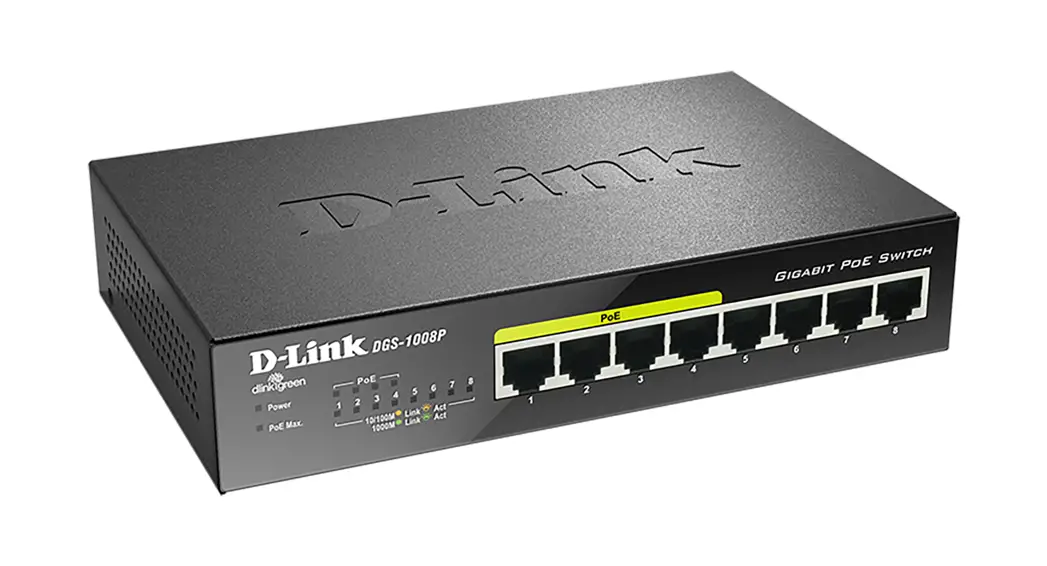
 8-PORT GIGABIT UNMANAGED DESKTOP
POE SWITCH
DGS-1008P
QUICK
INSTALLATION
GUIDE
DGS-1008P
PACKAGE CONTENTS
CONTENTS
- DGS-1008P 8-Port Gigabit Unmanaged Desktop PoE Switch
- Power Adapter (54 V, 1.67 A)
- Power Cable
- Mounting Kit
- 4 Rubber Feet
- Quick Install Guide
If any of these items are missing from your packaging, contact your reseller.
Warning: Using a power adapter with a different voltage rating will damage and void the warranty of this product.
INTRODUCTION
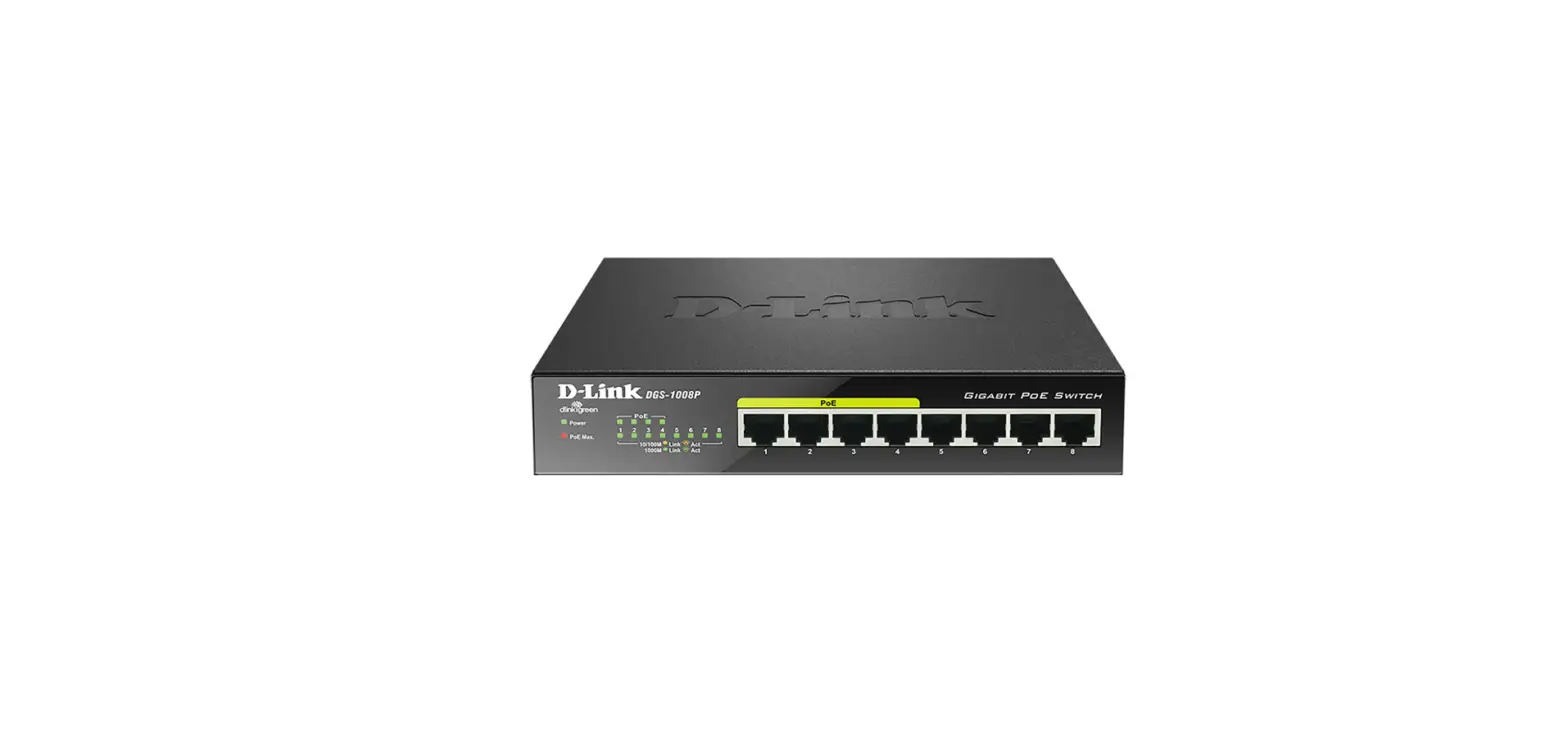
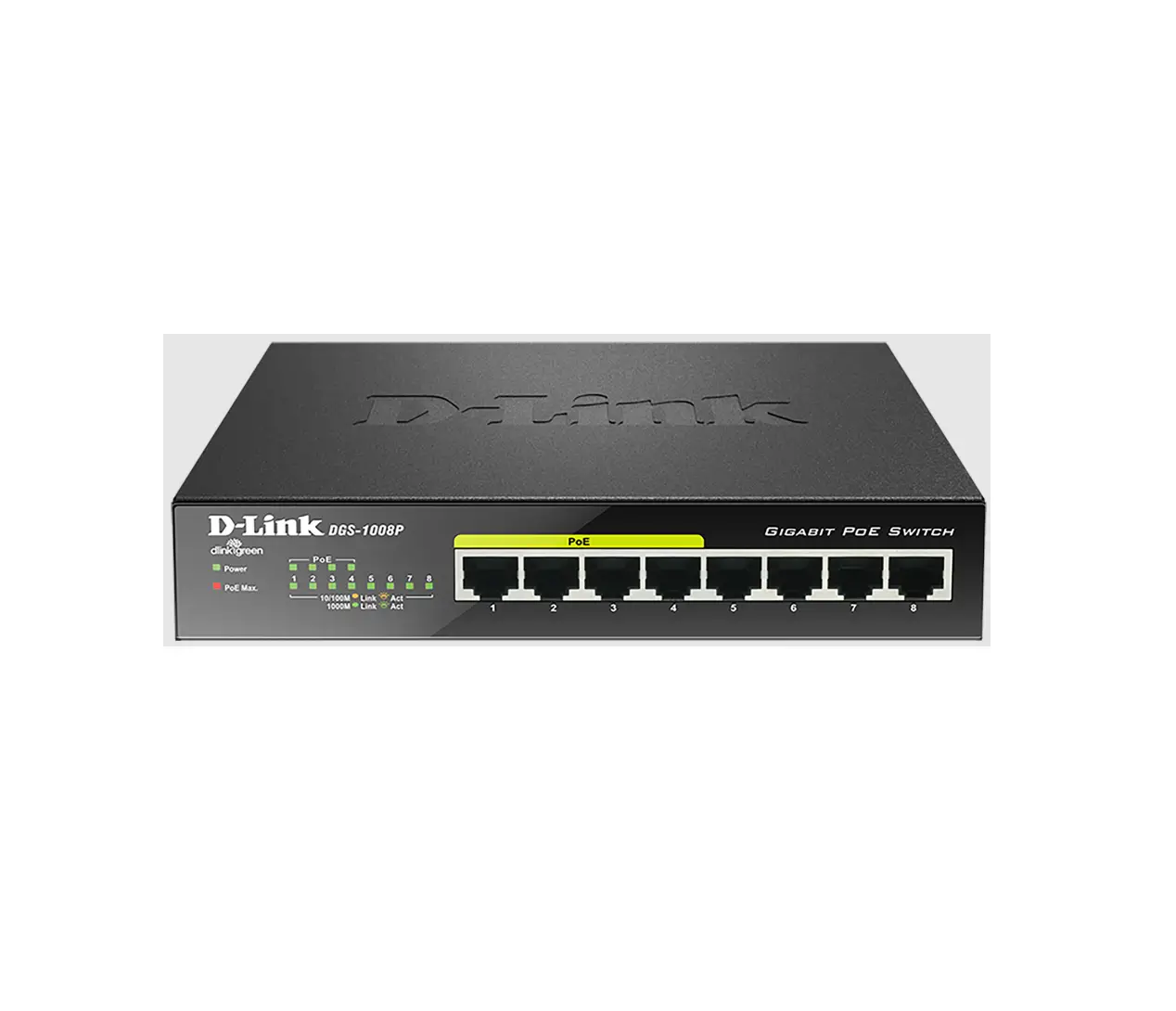
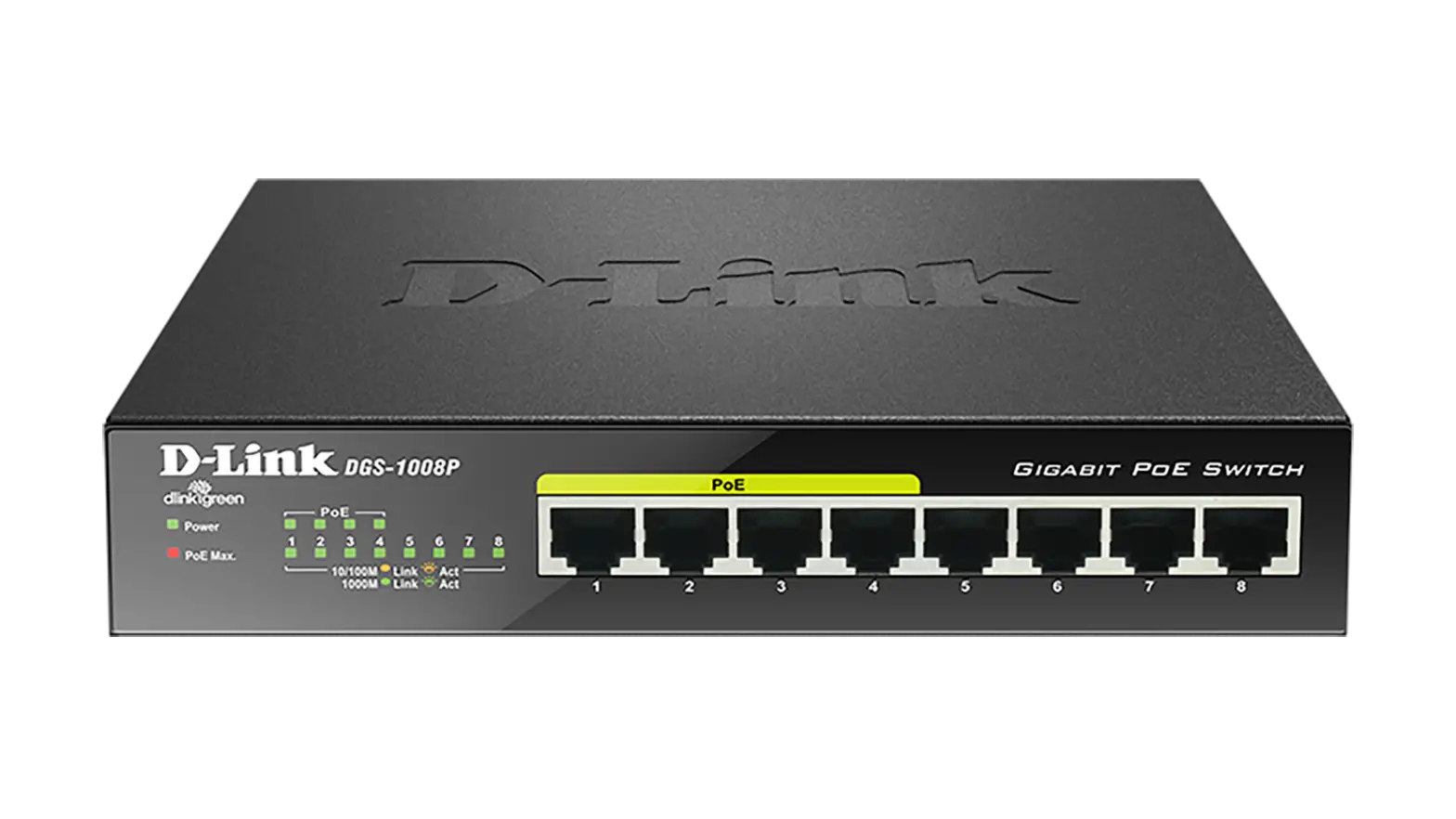
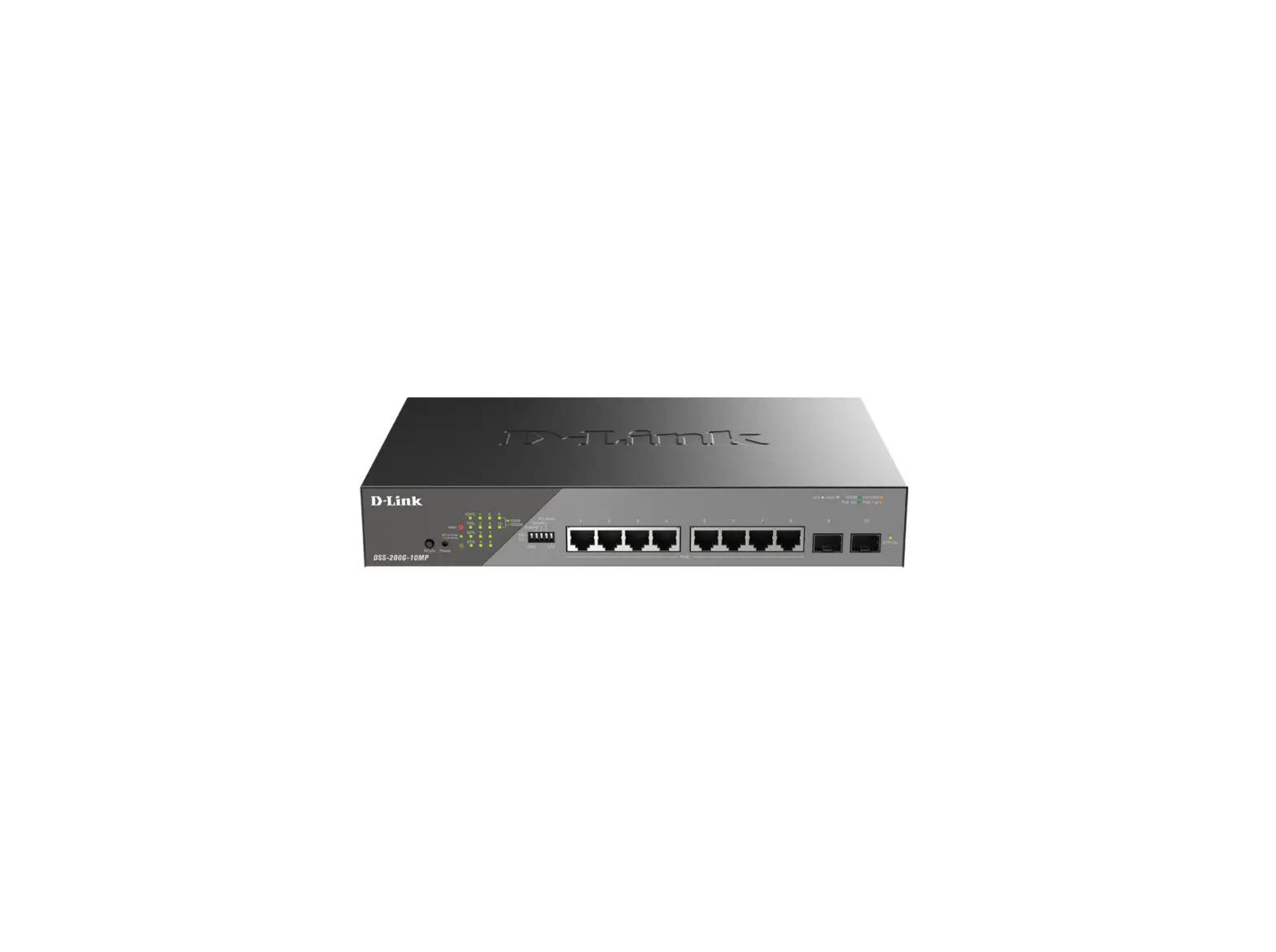
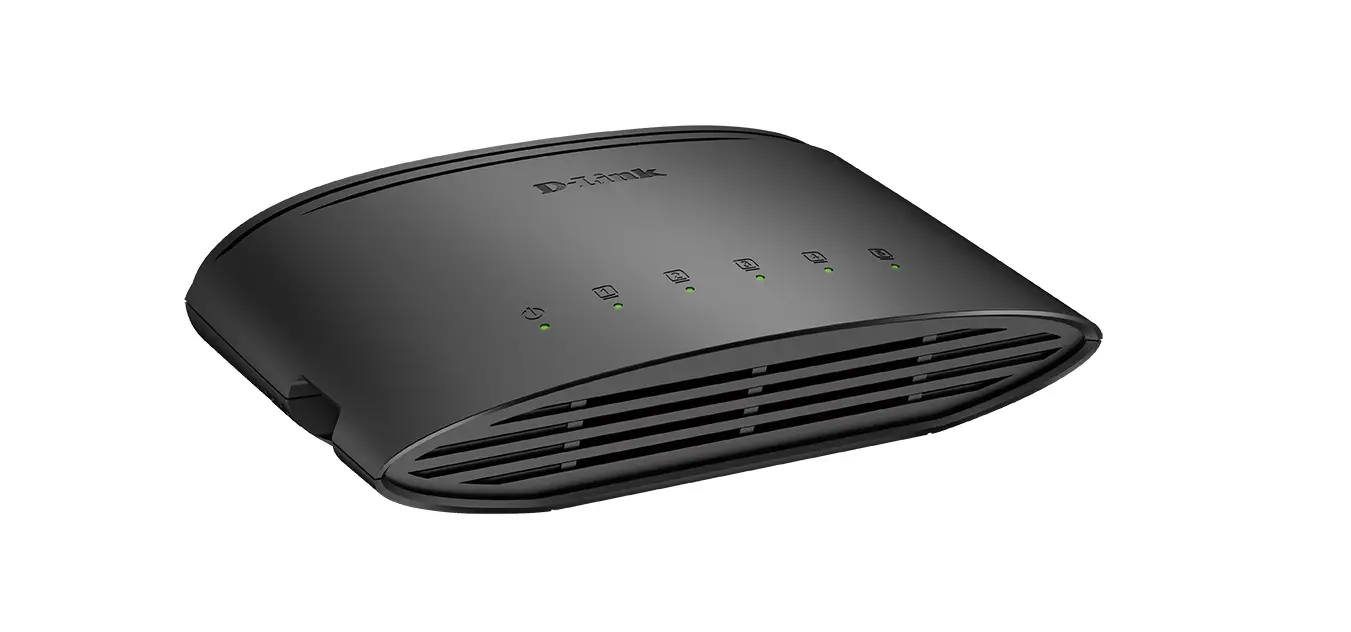
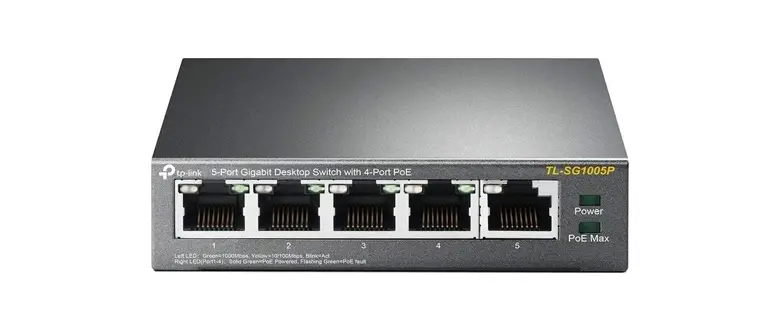
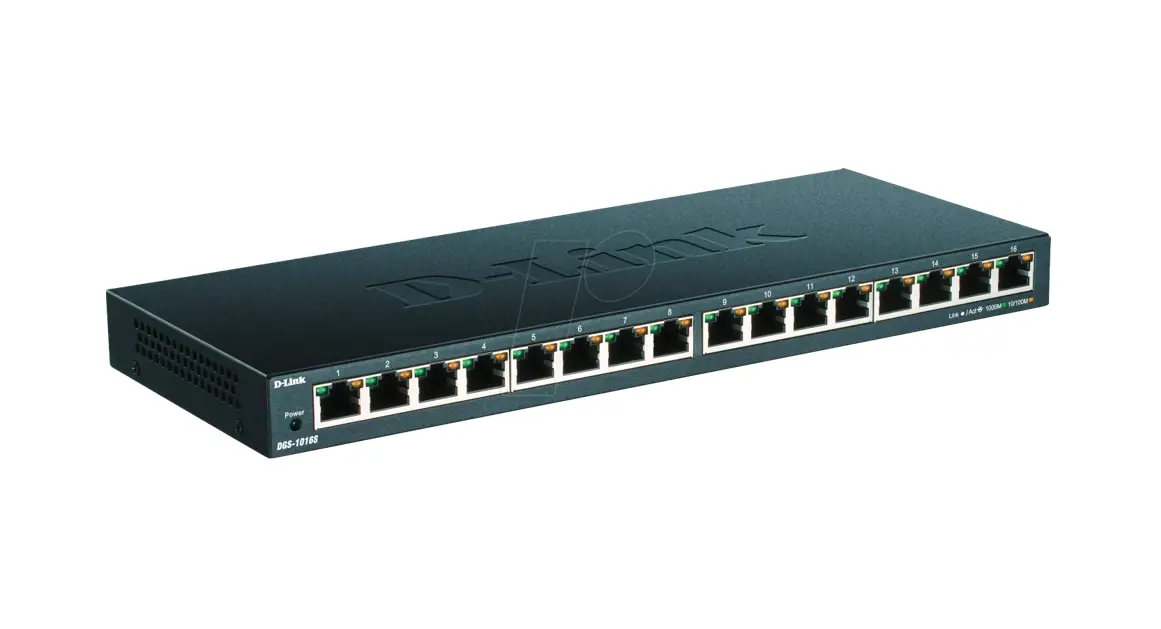
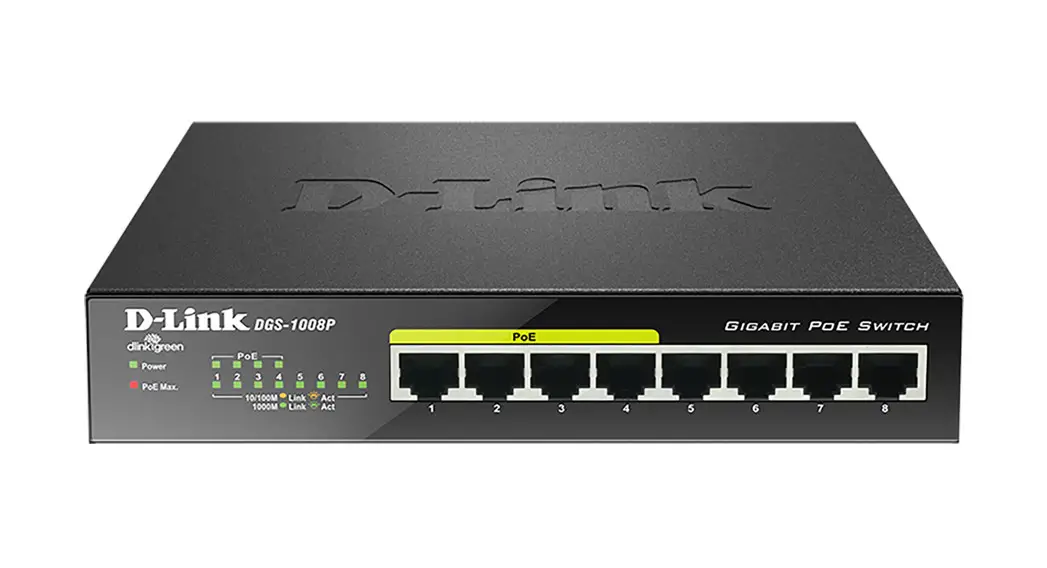
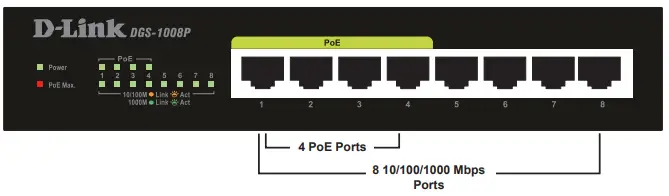
The D-Link DGS-1008P 8-Port Gigabit Unmanaged Desktop PoE Switch is capable of feeding power to Power over Ethernet (PoE) devices such as network cameras. The DGS-1008P has 8 ports operating at 10/100/1000 Mbps with 4 PoE+ ports (Ports 1 to 4) with a total PoE budget of 80W, making it ideal for home and small office use.
PRODUCT SETUP
BEFORE SETTING UP THE DGS-1008P
Please follow the steps below to set up the switch:
- Install the DGS-1008P in a cool and dry place. Refer to the Technical Specifications for the acceptable operating temperature and humidity ranges.
- Install the switch in a site free from strong electromagnetic sources, vibration, dust, and direct sunlight.
- Leave at least 10 cm of space at the left and right-hand sides of the switch for ventilation.
- Visually inspect the power jack and make sure that it is fully secured to the power adapter.
 Do not stack any device on top of the switch.
MOUNTING
- You may mount the switch on a wall with the included mounting kit. Two mounting slots are provided on the bottom of the switch for this purpose.
- Magnet mounting is an optional method to mounting the switch on a wall and is not included with the package contents.
CONNECTING THE DGS-1008P TO YOUR NETWORK
A. POWER
Plug the AC power cord into a free outlet or surge protector, then plug the other end of the DC power jack into the power port of the DGS-1008P. The Power LED will illuminate confirming that the device has powered up successfully.
B. PoE PORTS (PORTS 1 – 4)
PoE Ports 1 to 4 support 802.3at for up to 30W per port for individual usage.
C. GIGABIT PORTS (PORTS 1 – 8)
These ports offer network speeds of either 10 Mbps, 100 Mbps, or 1000 Mbps and can operate in half or full-duplex transfer modes. These ports also support automatic MDI/MDIX crossover, eliminating the need for crossover cables or uplink ports. Each port can be connected directly to a server, hub, router, or switch using regular straight-through twisted-pair Ethernet cables.
LED INDICATORS
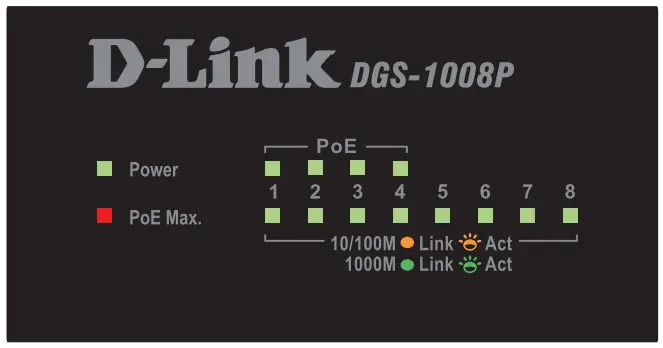 The LED indicators allow you to monitor, diagnose, and troubleshoot any potential problem within the switch, connection, or attached devices.
| LED | Color | Status | Description |
| Power | Green | Solid light | Power on |
| Off | Power off | ||
| Link/Act/Speed | Green | Solid light | Connection to a 1000 Mbps Ethernet device. |
| Blinking | The port is receiving or transmitting data. | ||
| Amber | Solid light | Connection to a 10/100 Mbps Ethernet device. | |
| Blinking | The port is receiving or transmitting data. | ||
| Off | Light off | No link | |
| PoE ( Portal to 4 ) | Green | Solid light | The port is successfully connected to a PoE device and is powering the device properly. |
| Off | No connection to a PoE device | ||
| Red | Solid Light | Overload or short circuit is detected on port output lines. Port power is not activated | |
| PoE Max. | Red | Solid light | Total power consumption is above 73W. |
| Blinking | Output power to PoE devices has exceeded the maximum power budget (80W). | ||
| Off | Light off | Total power consumption is below Power Guard Band (73W). |
TROUBLESHOOTING
SETUP AND CONFIGURATION PROBLEMS
- WHAT SHOULD I DO IF THE POWER LED DOES NOT LIGHT UP?
– Check if the power adapter is connected properly to the outlet or surge protector and the back of the device. - WHAT SHOULD I DO IF A CONNECTED DEVICE IS NOT DETECTED?
– Ensure the Port LED is illuminated or flashing. If not, try using a new Ethernet cable. - WHAT SHOULD I DO IF A POE DEVICE IS NOT POWERED BY THE DGS-1008P?
– Ensure that the PoE device is connected to one of the four PoE-enabled ports (1 to 4) and the connected PoE devices do not exceed the maximum power budget of 80 W.
NOTES
Technical Support
Have trouble installing your new product? D-Link’s website contains the latest user documentation and software updates for D-Link products. U.S. and Canadian customers can contact D-Link Technical Support through our website.
United States
Internet: http://support.dlink.com
Canada
Internet: http://support.dlink.ca
Version 4.10(US)_130x183
May 22, 2020
6GS1008PUS02G
Copyright ©2020 All rights reserved. D-Link and the D-Link logo are registered trademarks of D-Link Corporation or its subsidiaries. Other trademarks are the property of their respective owners. Product specifications, size, and shape are subject to change without notice, and actual product appearance may differ from that depicted on the packaging. Visit dlink.com (US) or dlink.ca (Canada) for more details.
 Consumer | D-Link
 Consumer | D-Link
 D-Link Support
 D-Link Support