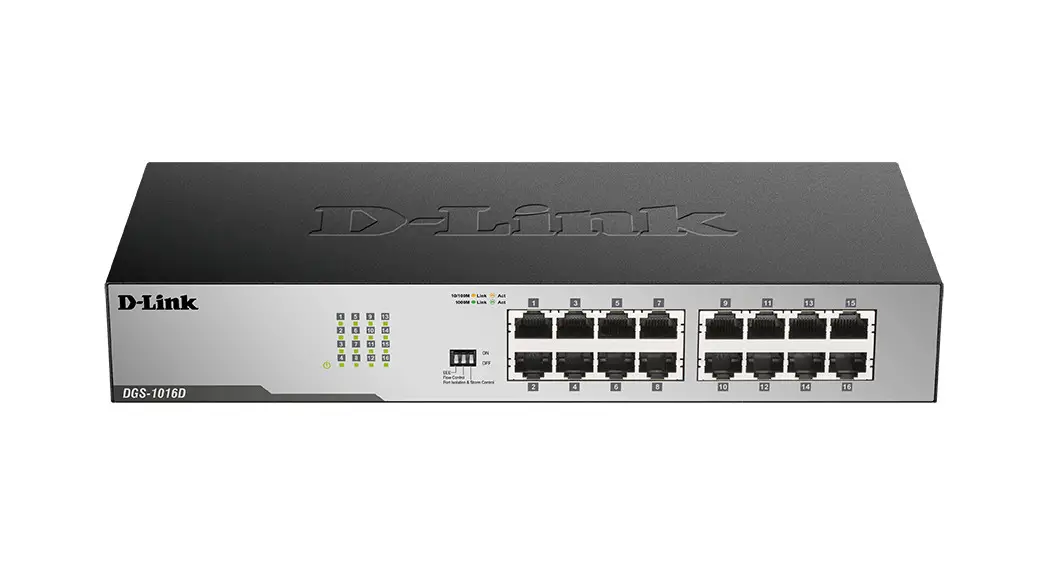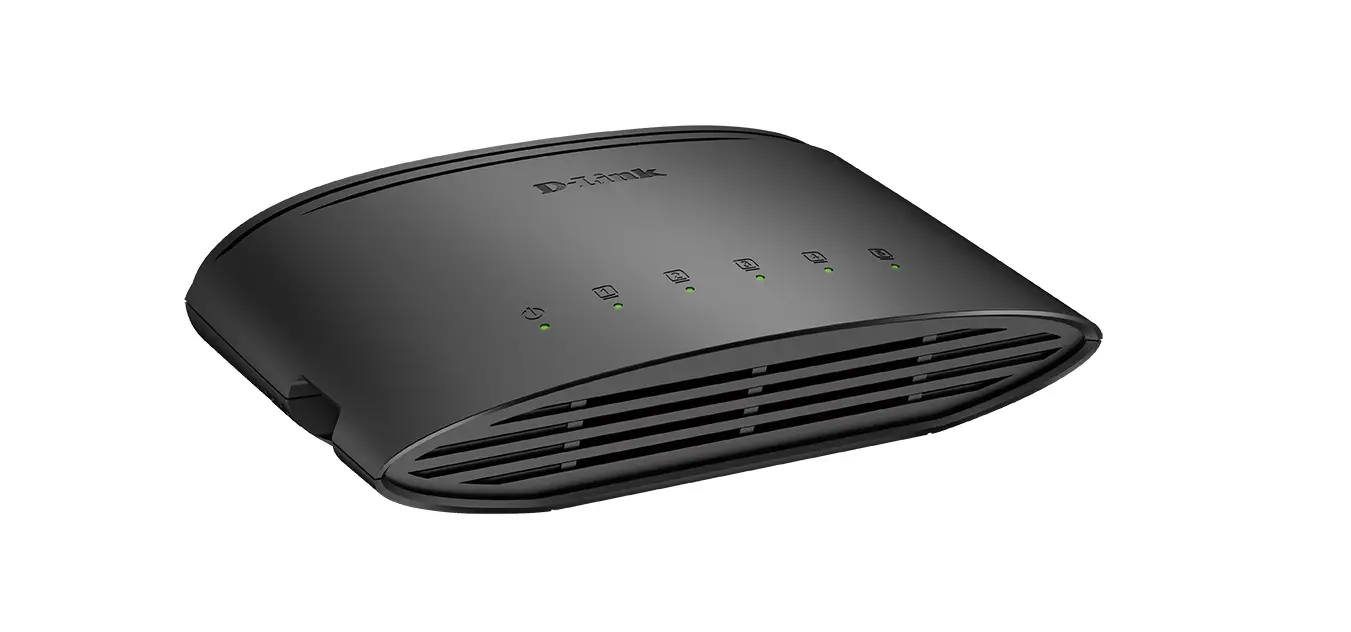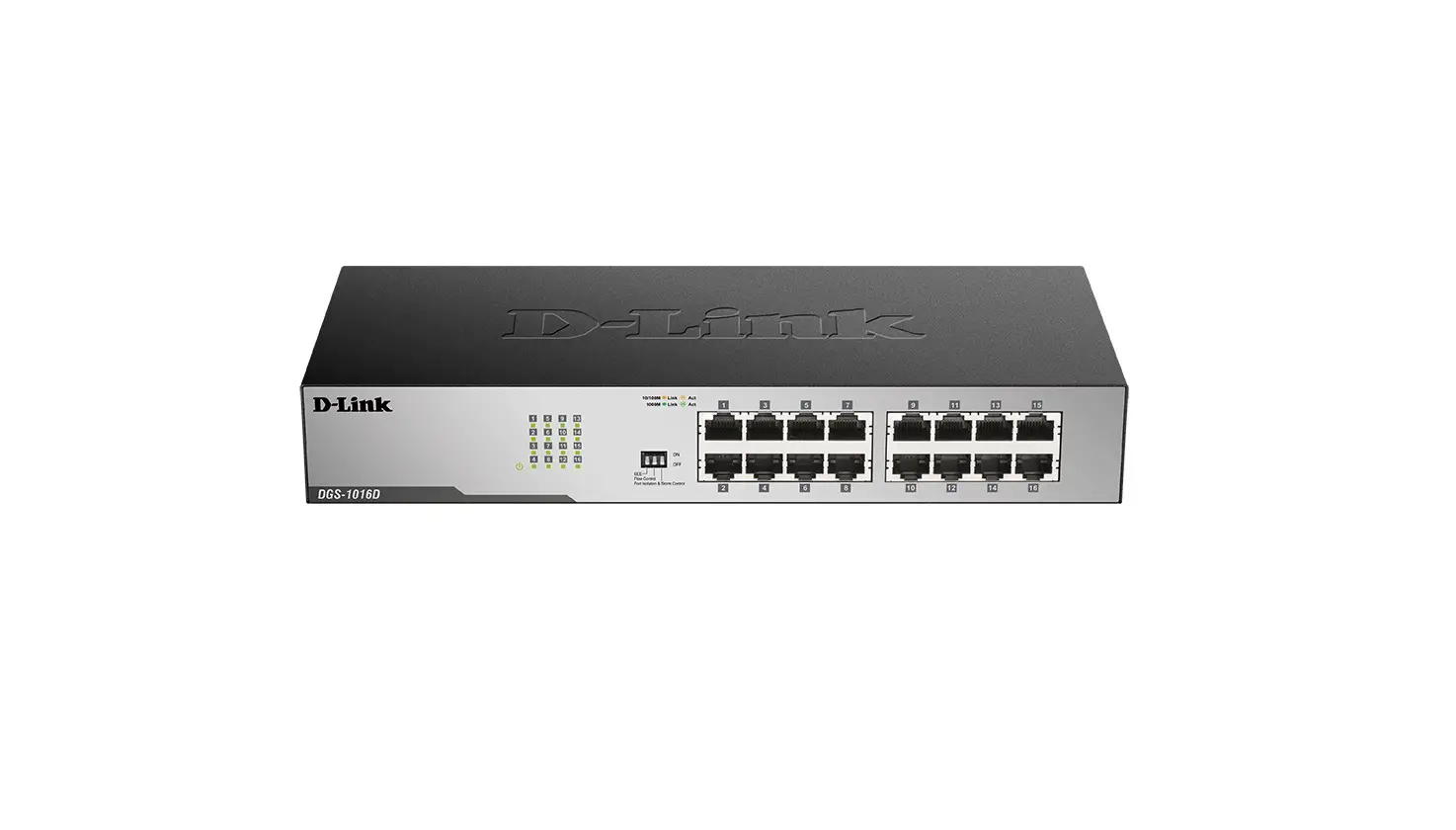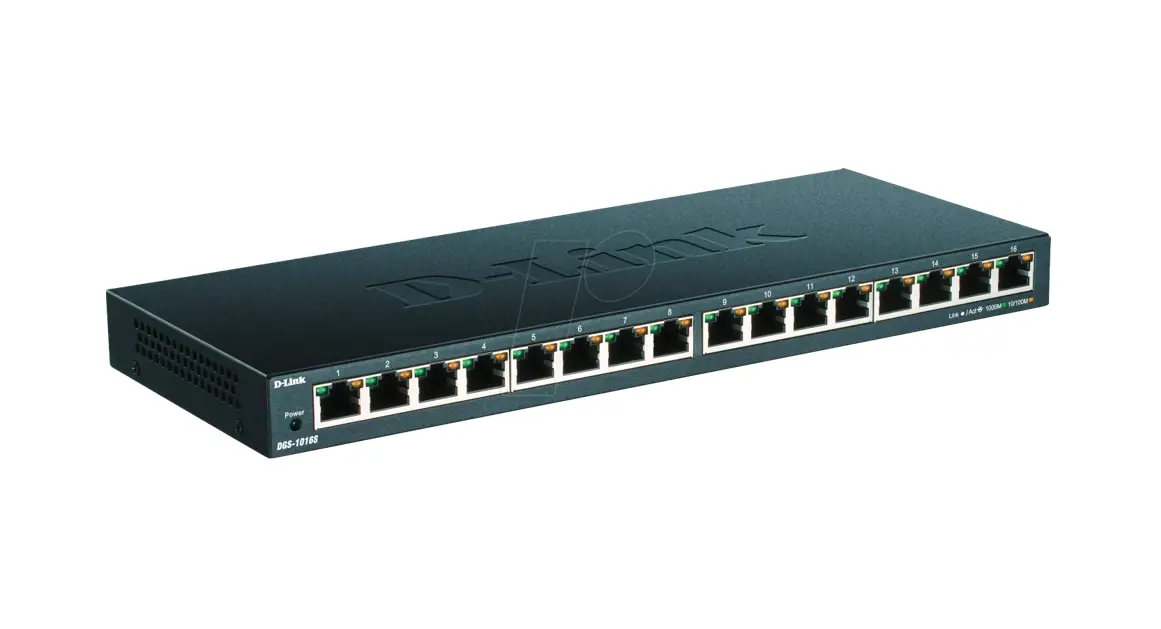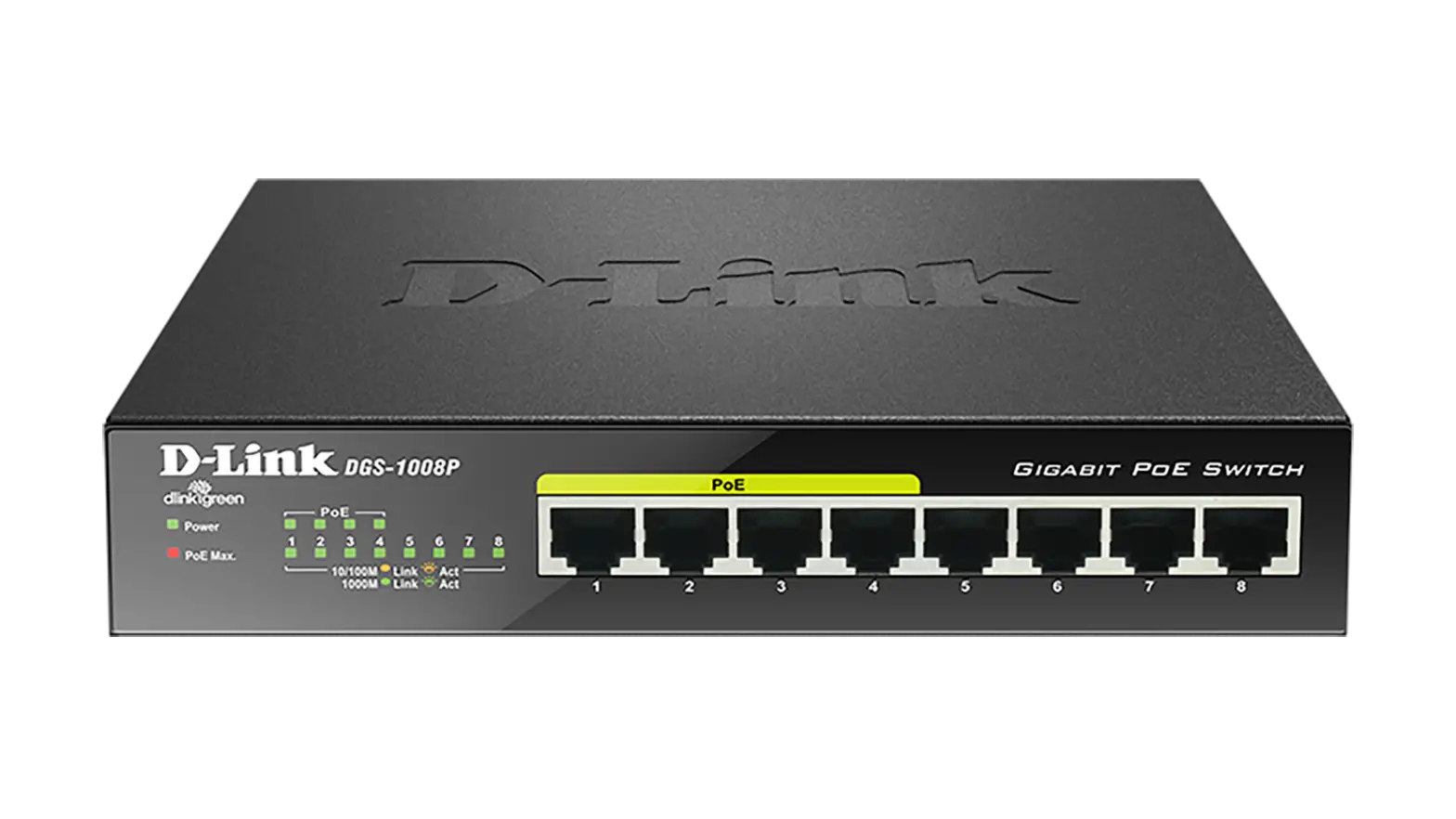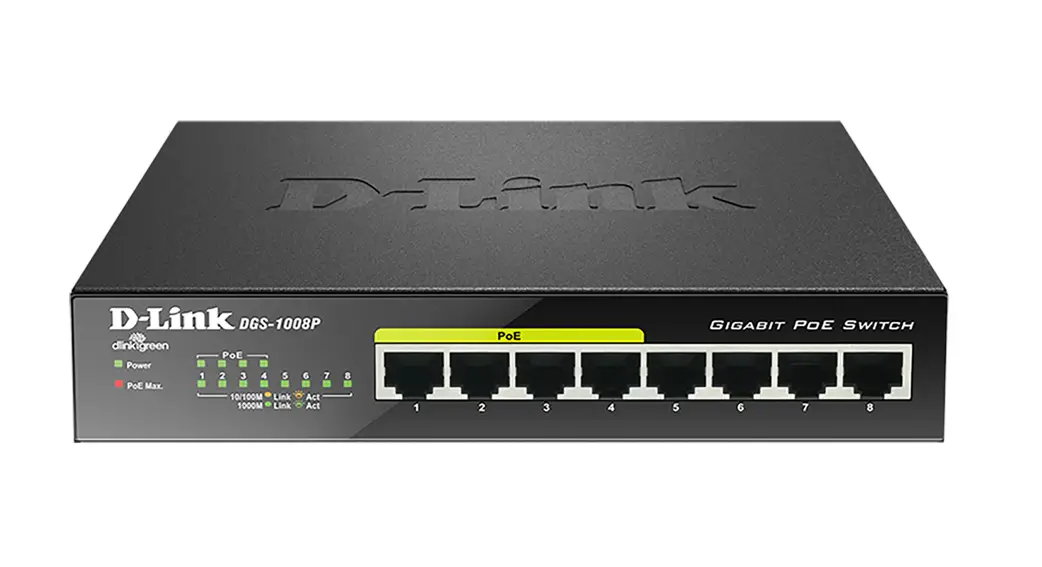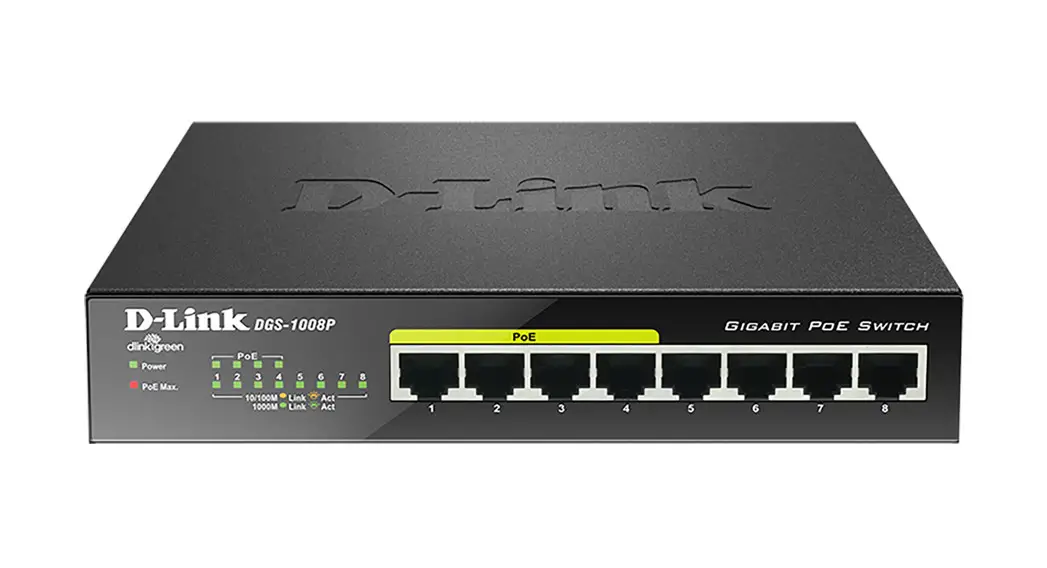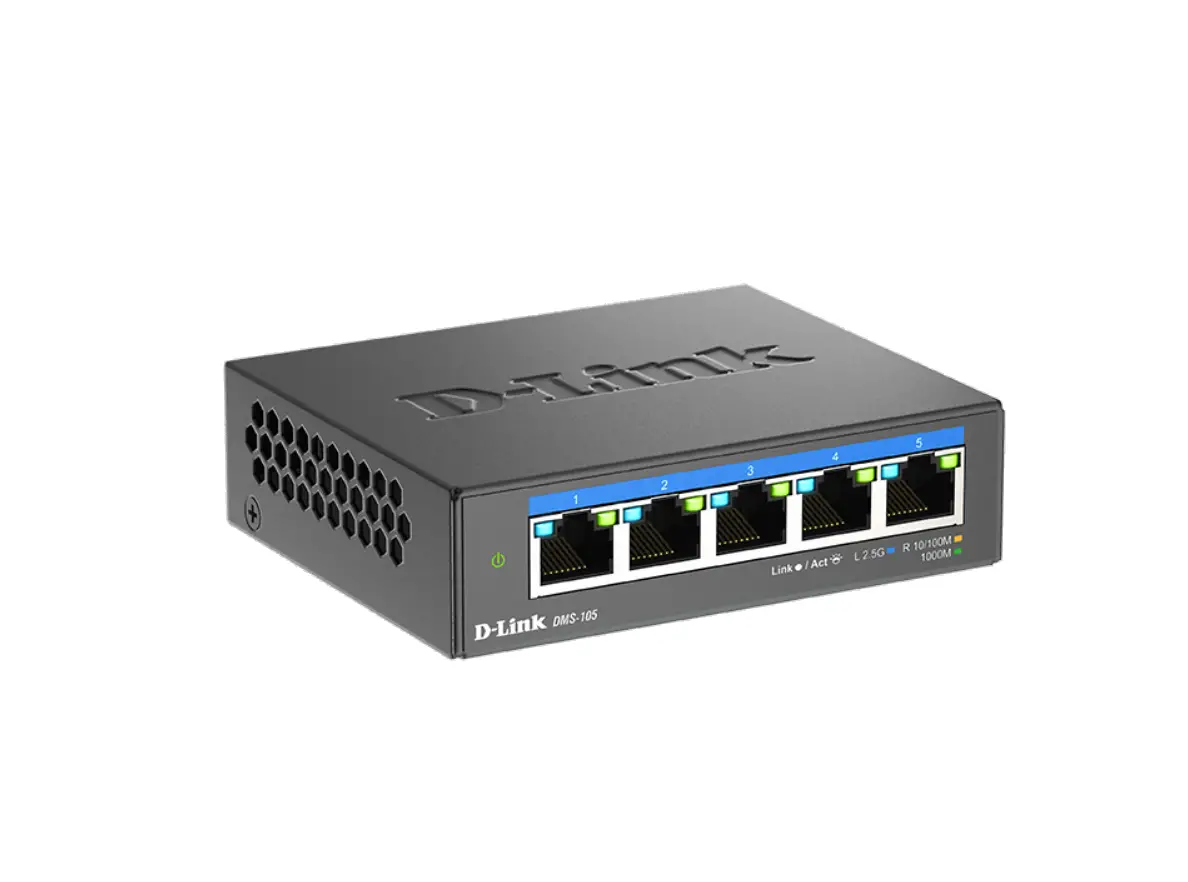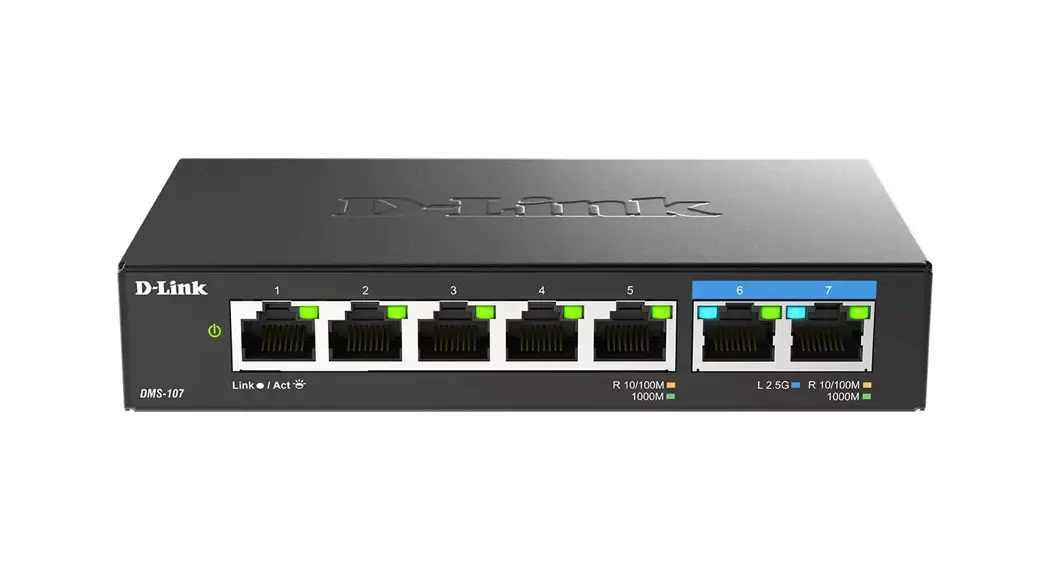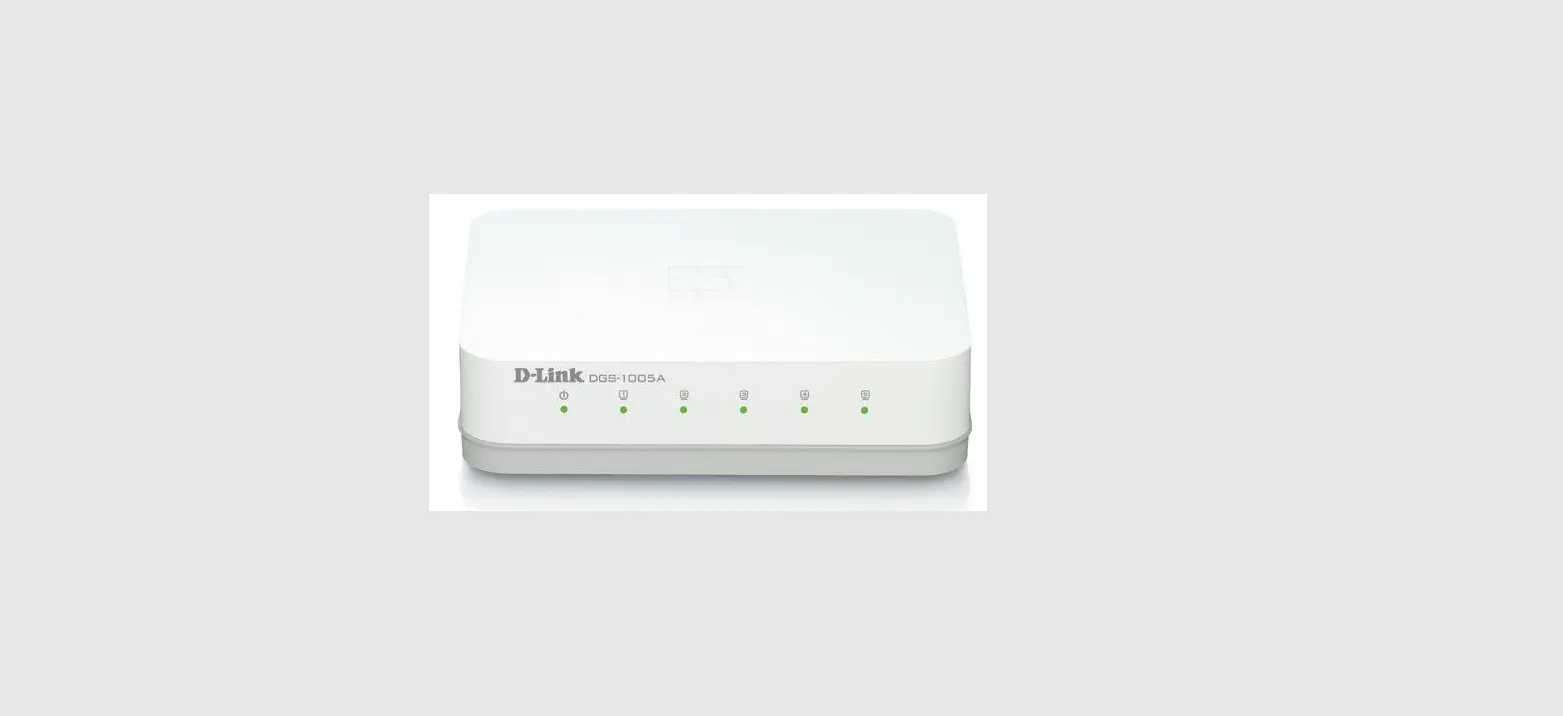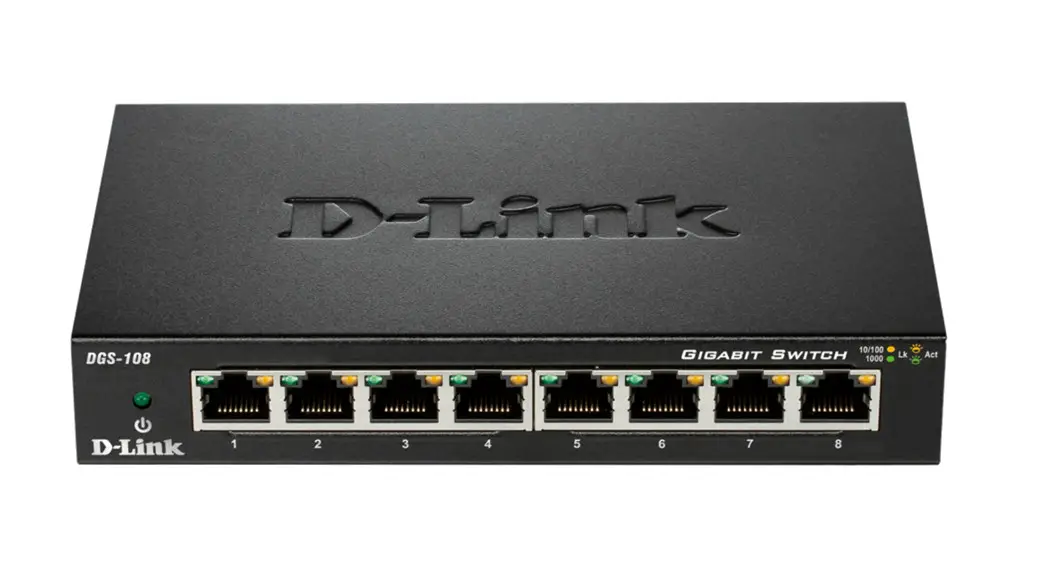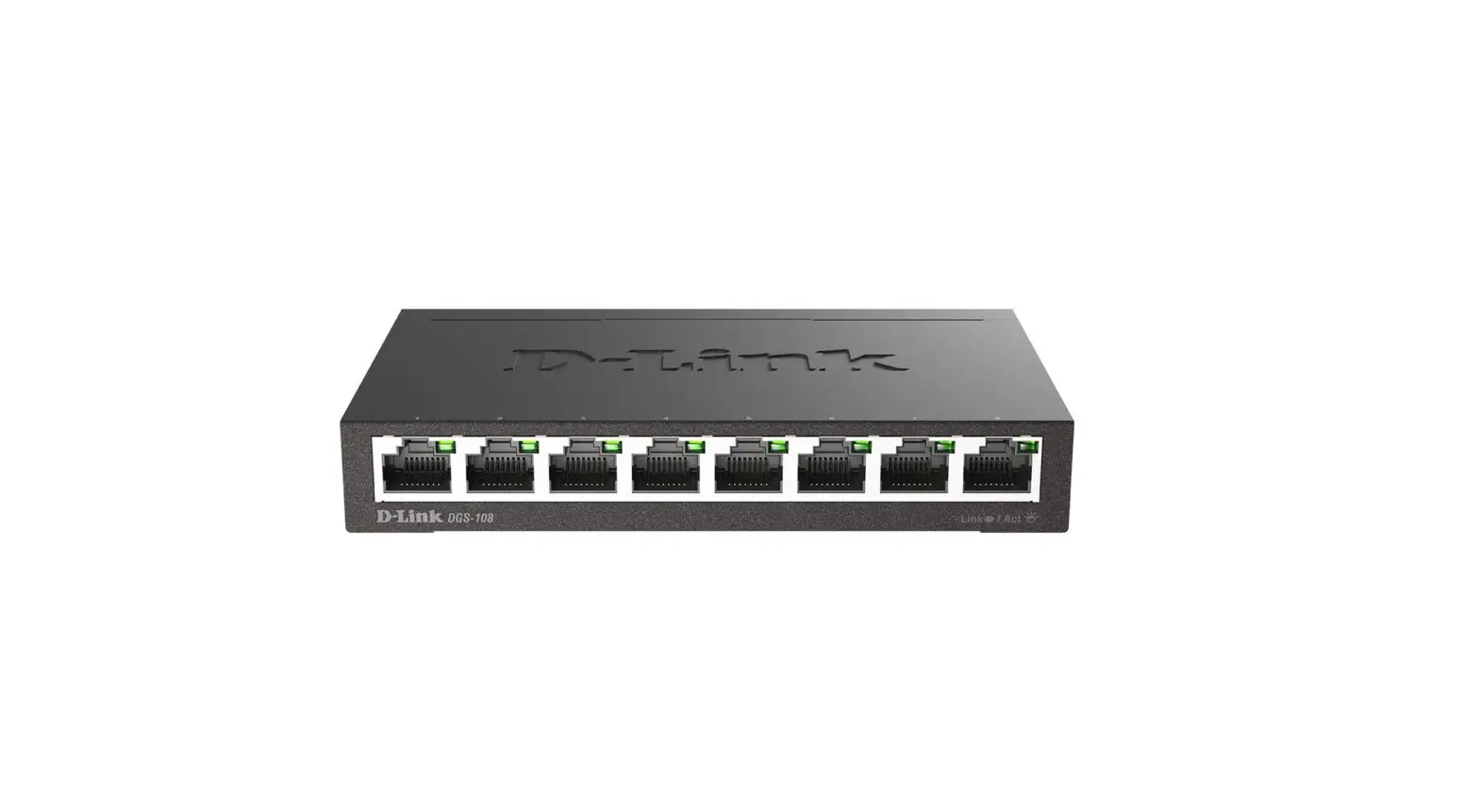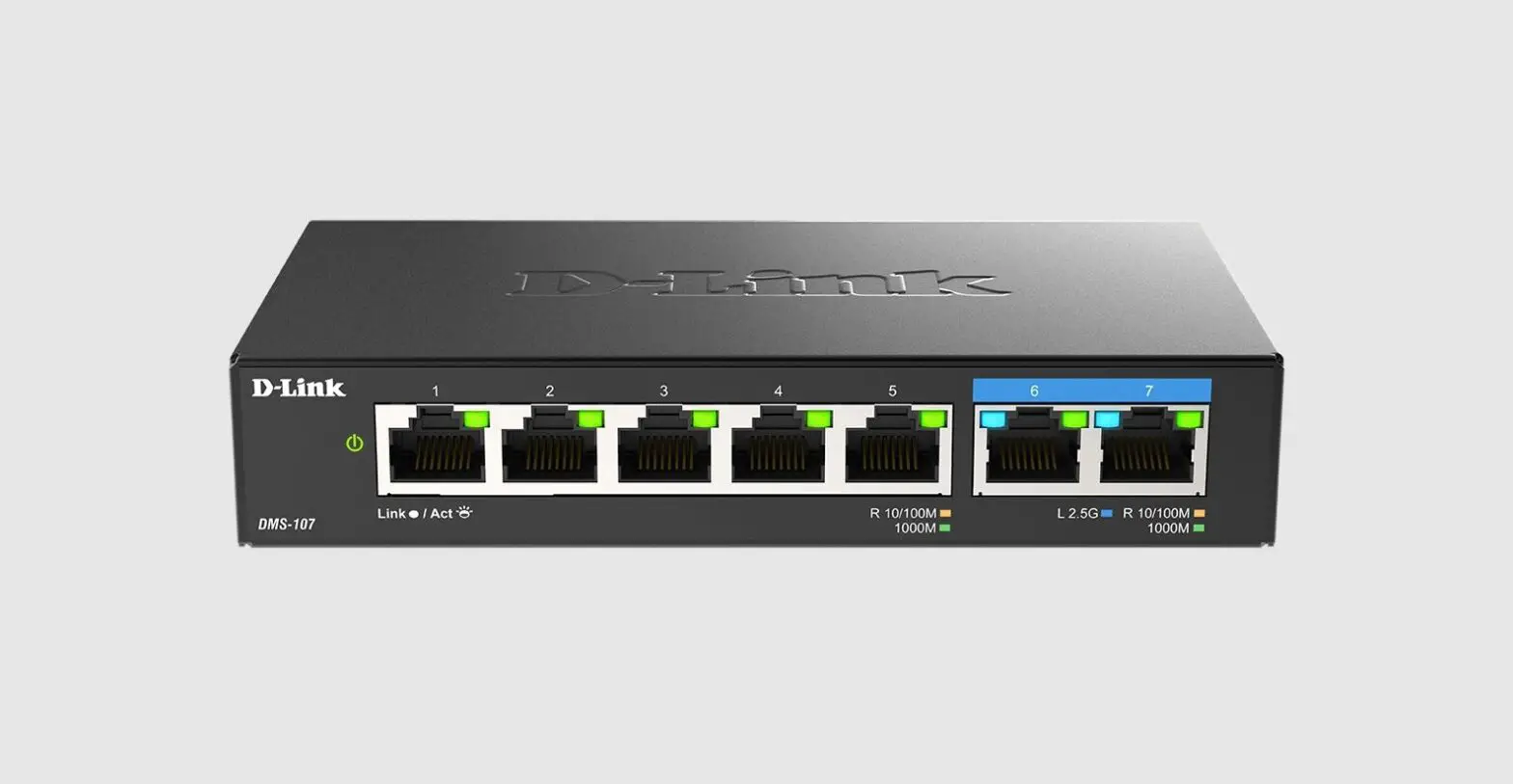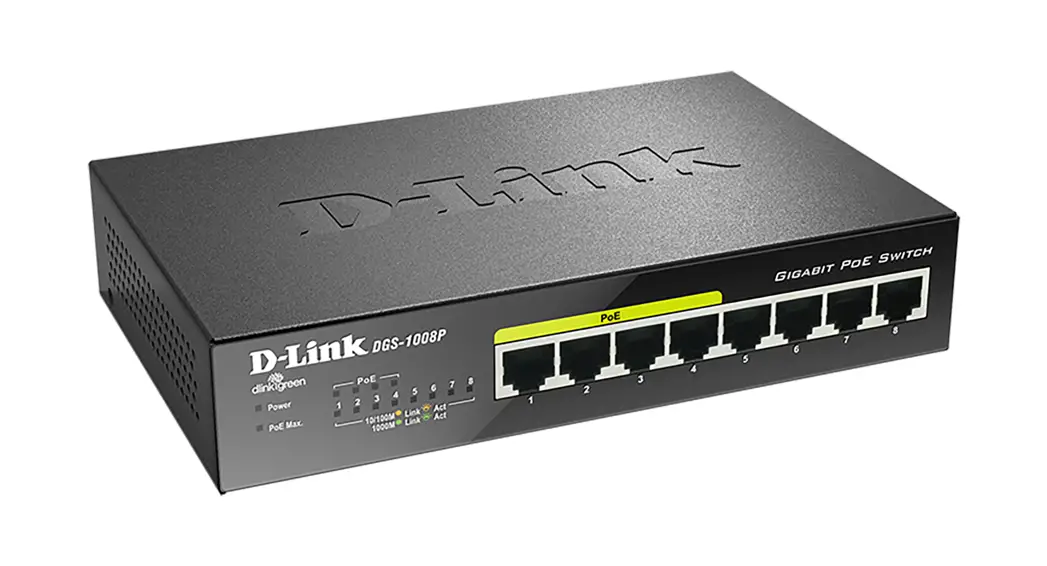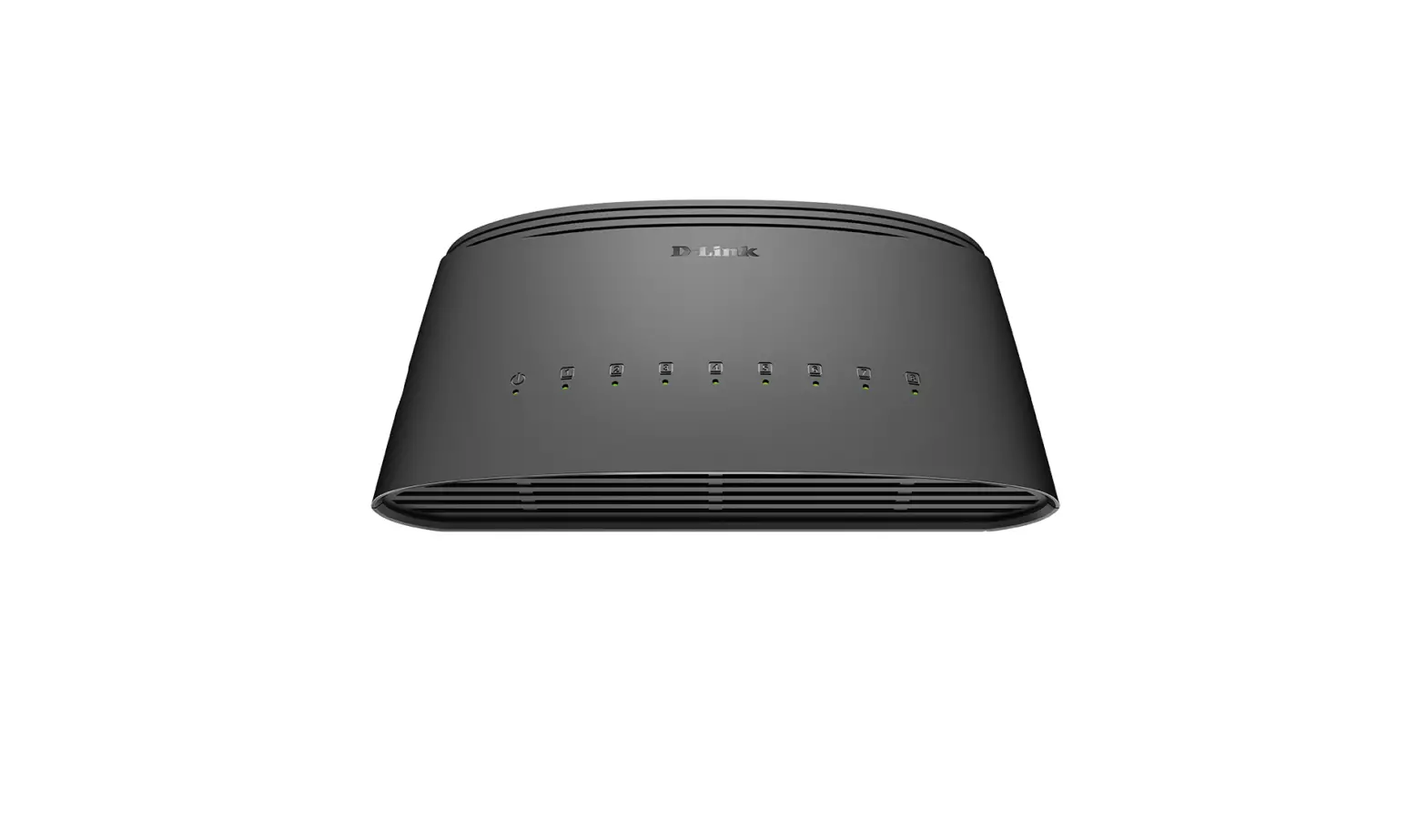
D-Link DGS-1008D 8-Port Gigabit Desktop Unmanaged Switch Installation Guide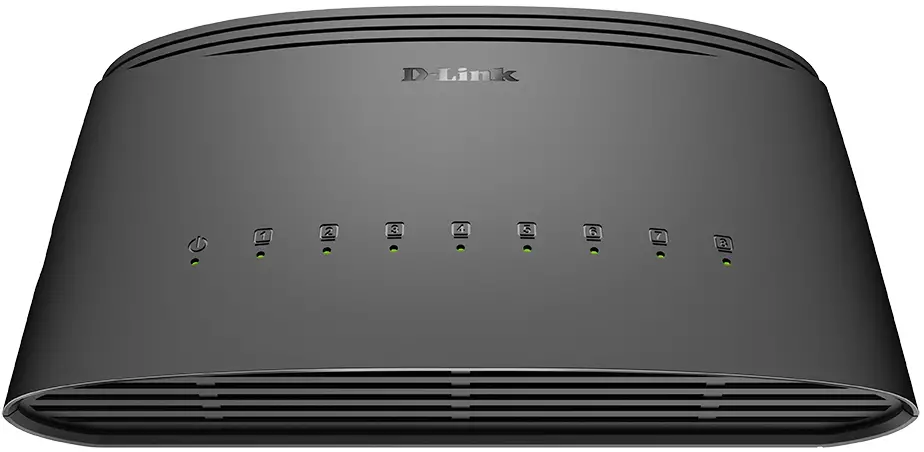
Packaging Contents
- DGS-1008D
- Power adapter
INSTALLATION
Step 1
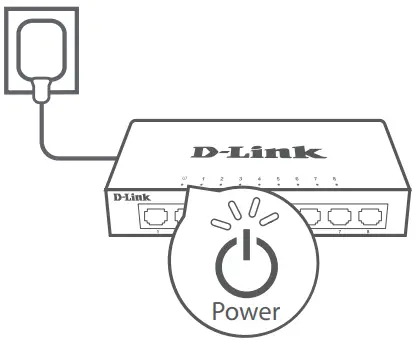
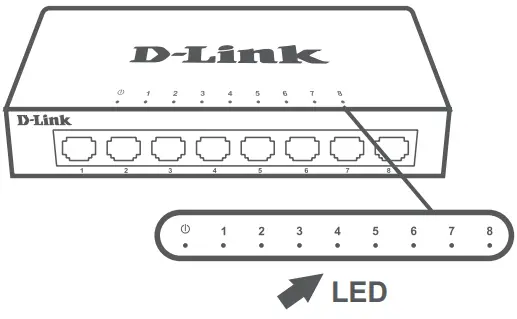
Plug the supplied power adapter into the Switch and the other end into a power outlet, power strip, or surge protector (recommended). Verify the Power indicator is lit on the Switch.
Step 2
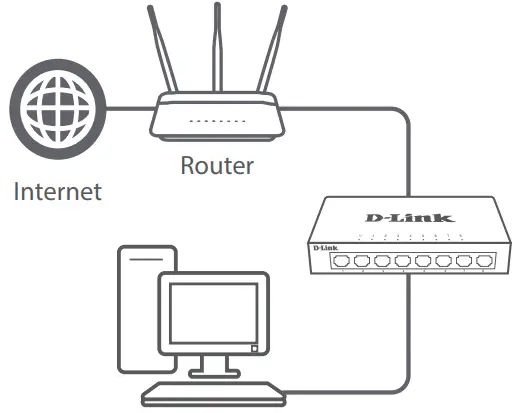
If your switch will be uplinking to your existing gateway/router/firewall, connect another Ethernet cable from your gateway/router/firewall LAN port to an available port on your switch.
Step 3
Connect one end of an Ethernet cable into the device you want to connect to the Switch and the other end into one of the Ethernet ports on the Switch. Check the Link lights (LEDs) on the Switch to verify a proper connection.
Moldova
Chisinau; str.C.Negruzzi-8
Tel: +373 (22) 80-81-07
E-mail: [email protected]
 D-Link Главная