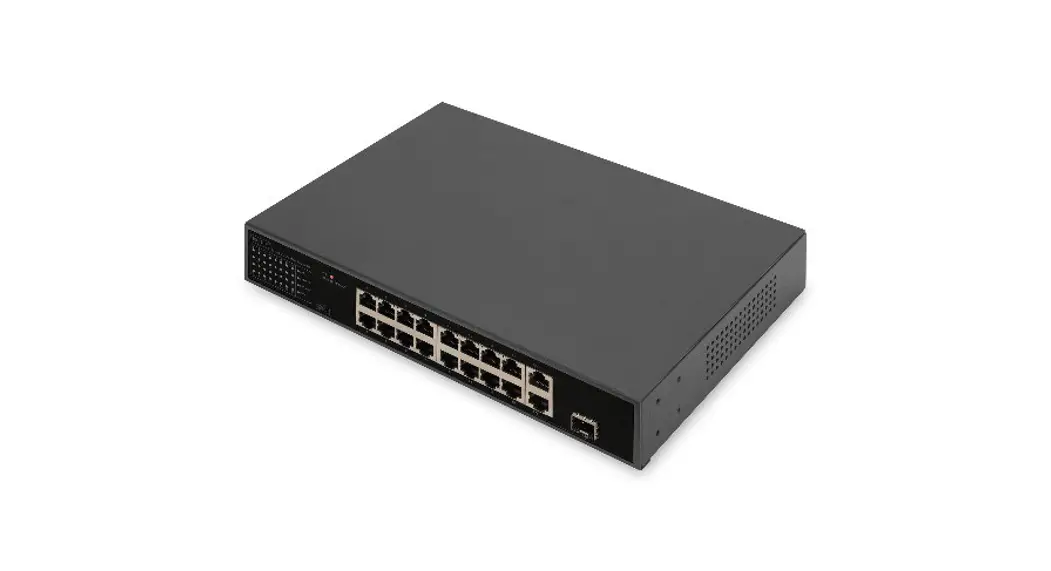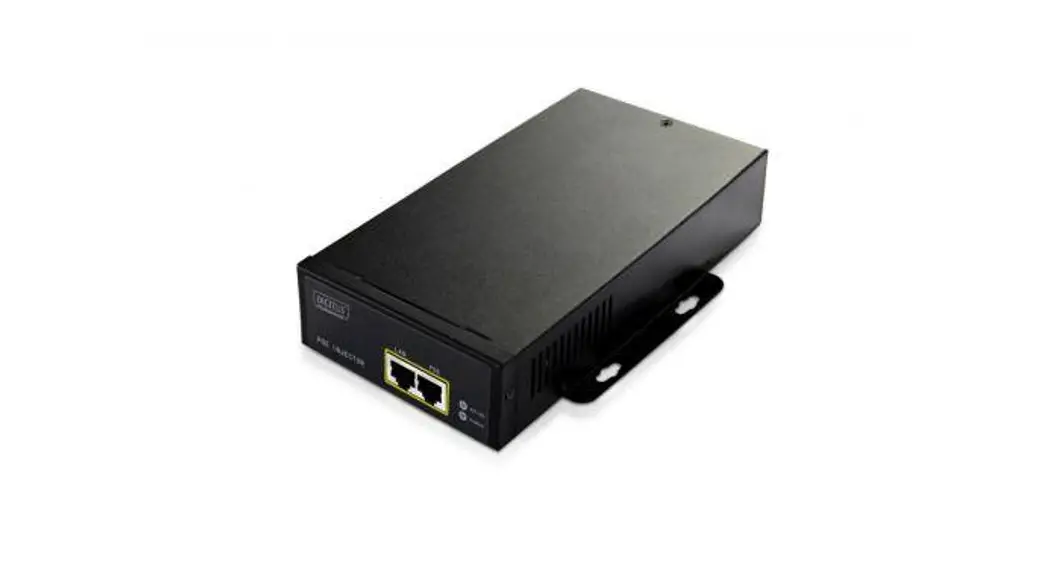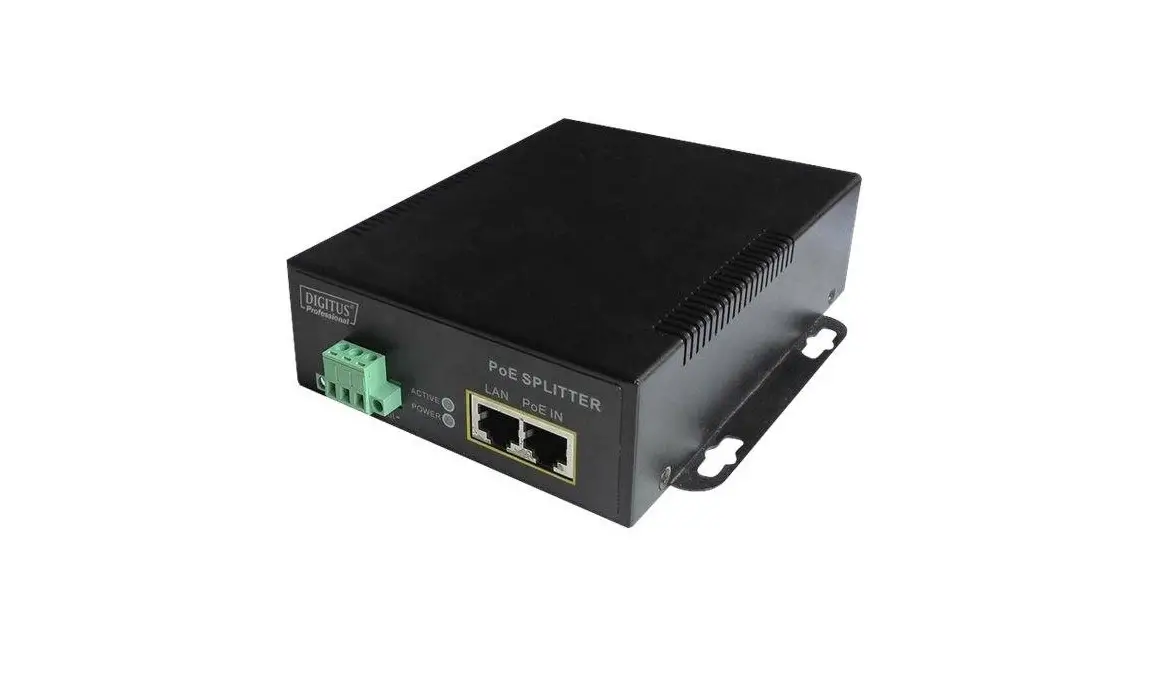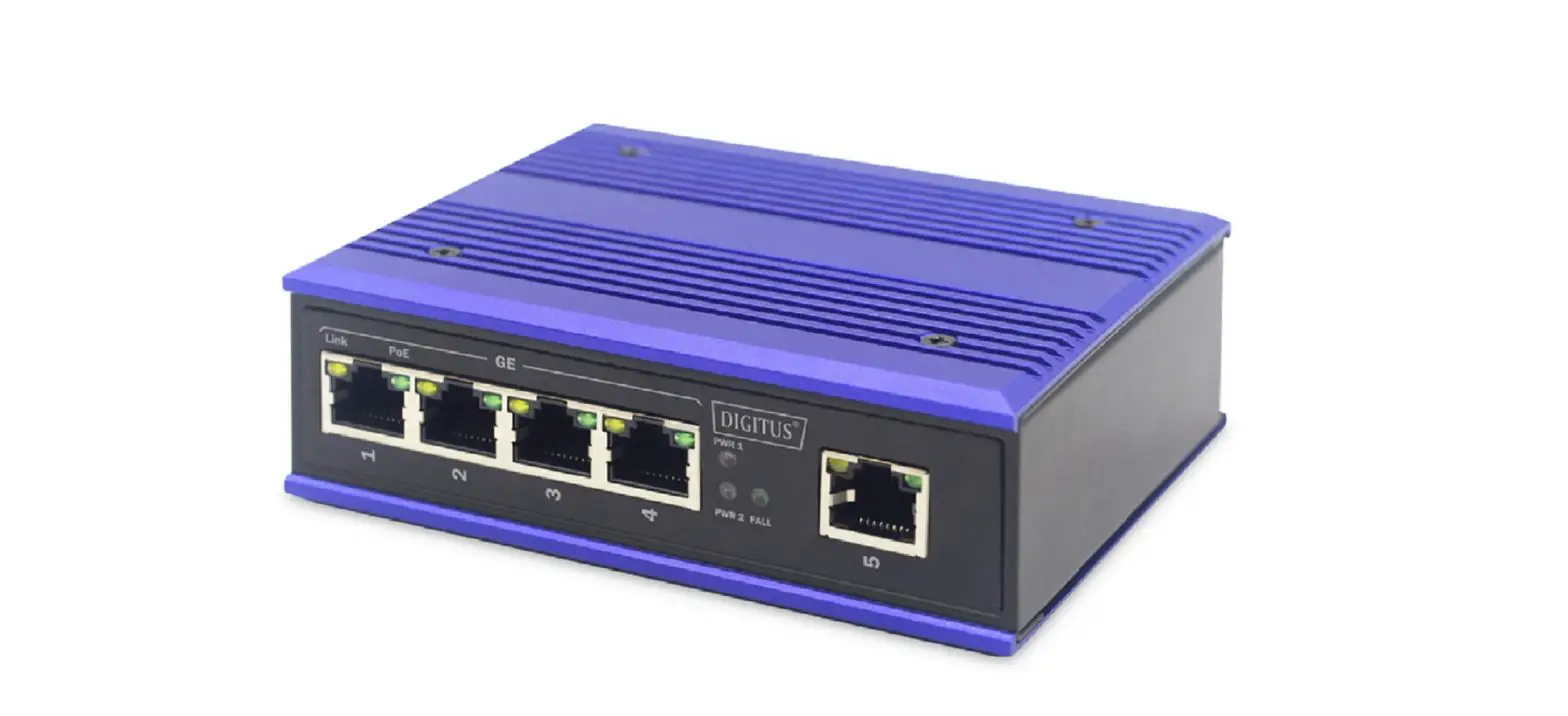
DIGITUS DN-651120 Industrial Gigabit PoE+ Switch User Manual
Introduction
The Industrial Gigabit Switch is designed for harsh environments where it is exposed to moisture, temperature fluctuations and vibration. With a temperature range of -40°C to 85°C, the Industrial Gigabit Ethernet Switch can be used under the most adverse conditions. The PoE ports with IEEE802.3af/at support can supply PoE capable devices with up to 30 W per port. It ensures a constant availability in highly sensitive areas such as transport, production, traffic and safety monitoring. The simple plug and play system allows the Industrial Gigabit Switch to be quickly integrated into the respective environment. With its Gigabit connectivity, the Industrial Gigabit Switch is a flexible, costeffective solution for the industrial environment.
Hardware Description
Front Panel
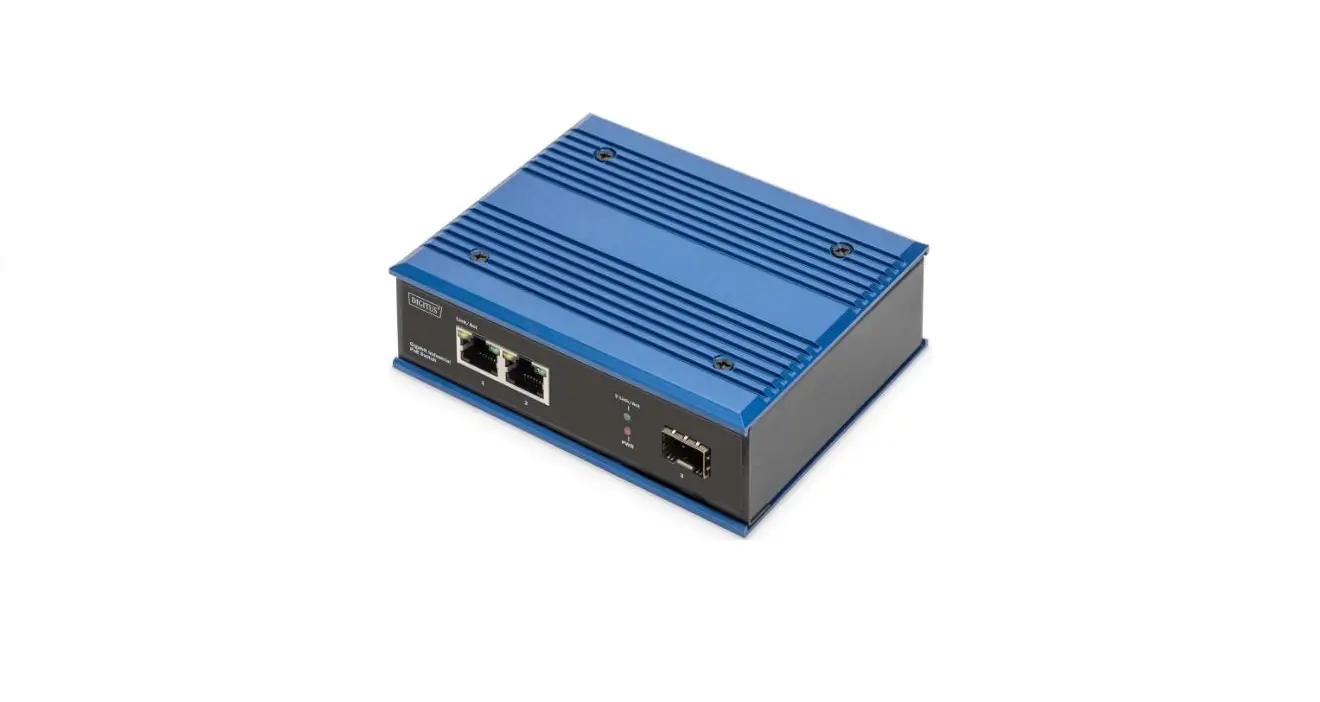
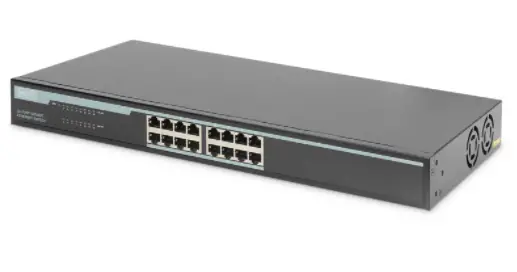
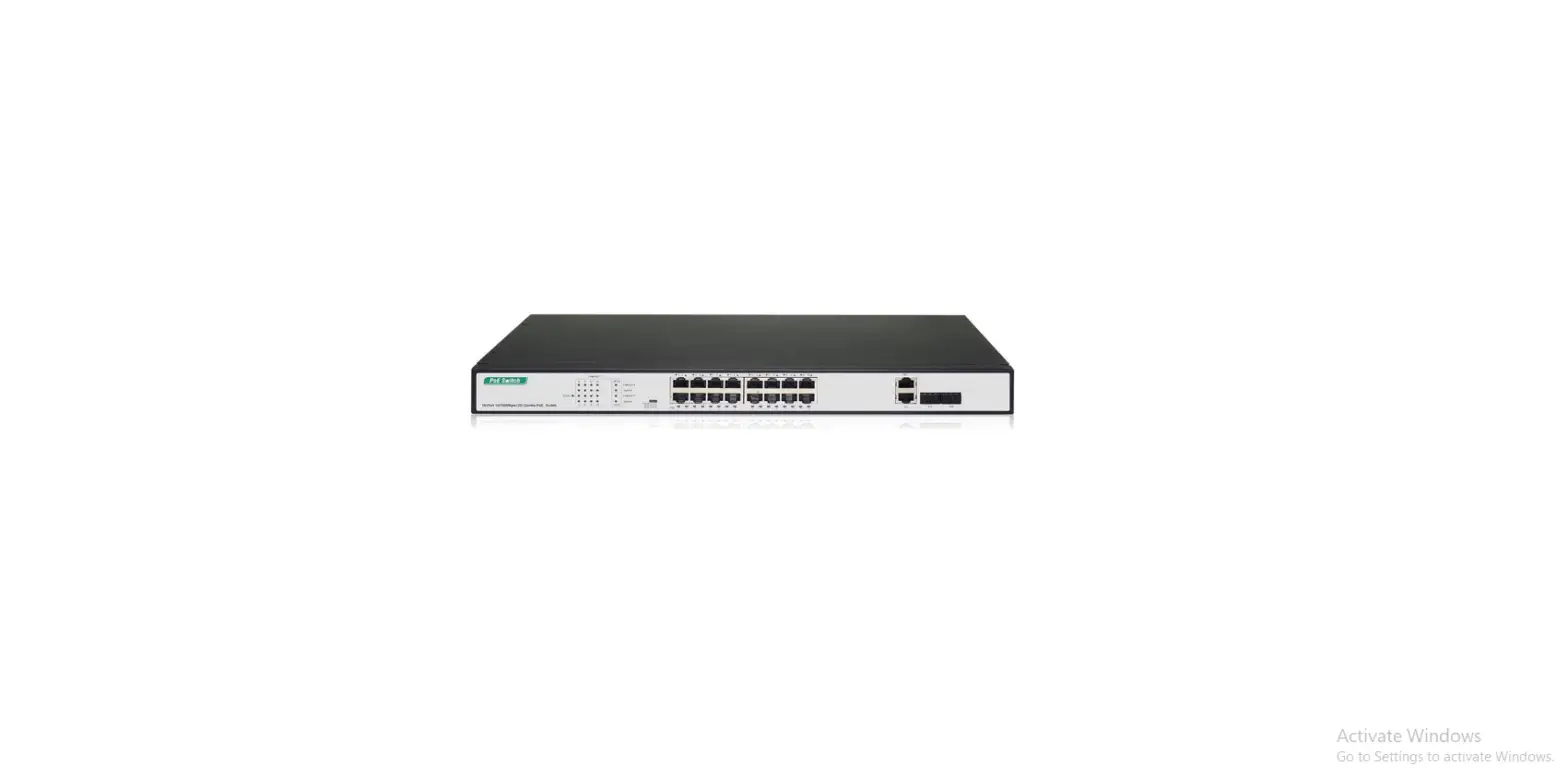
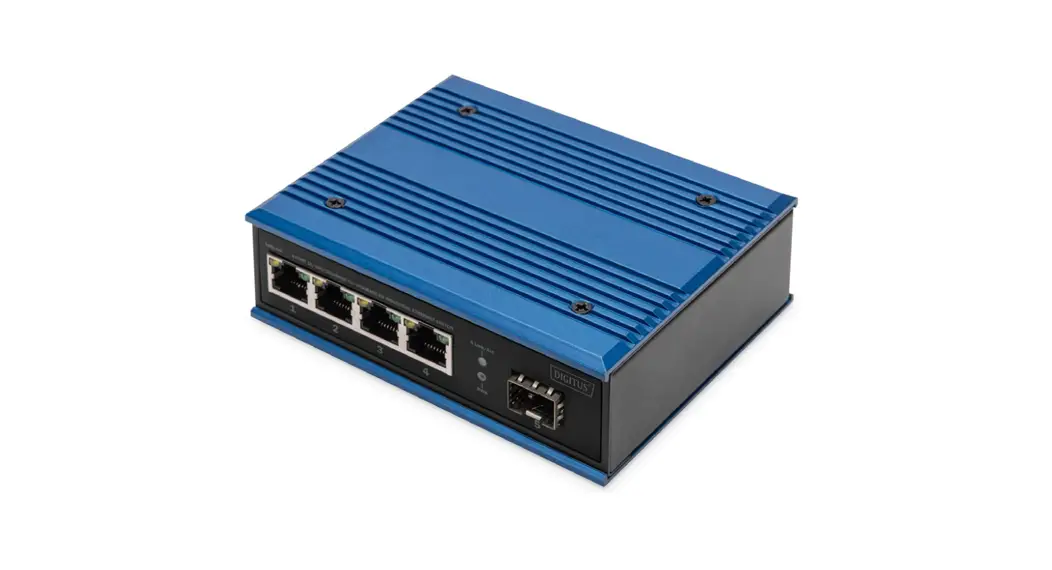
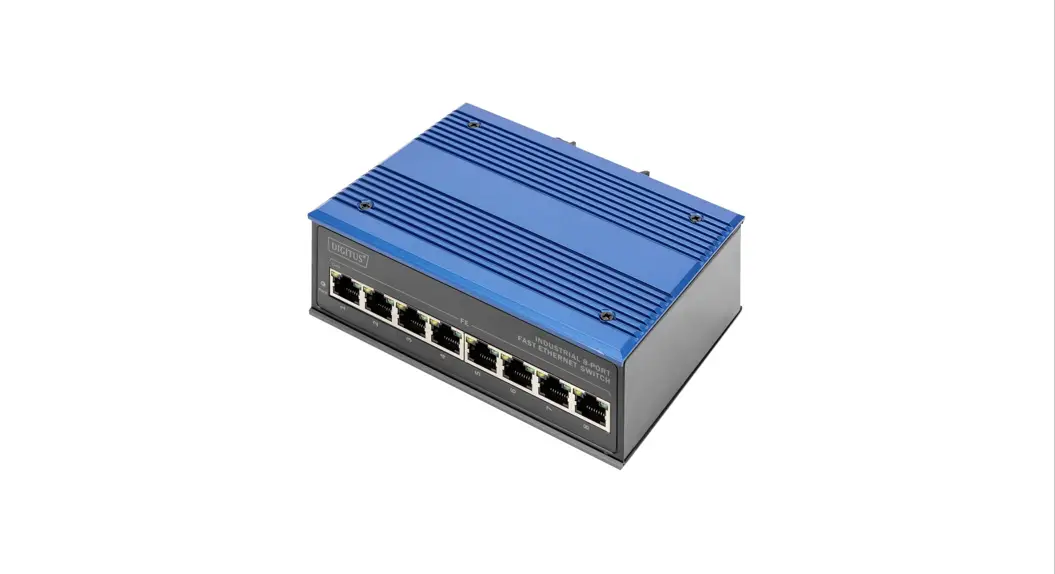
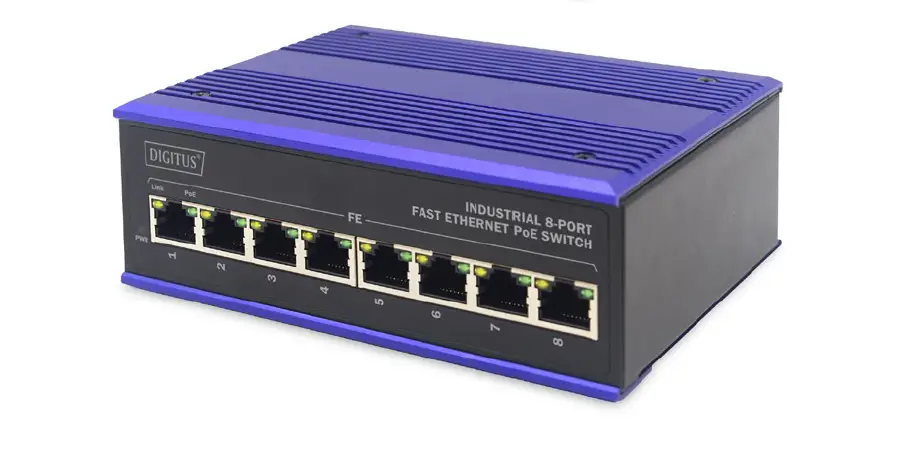
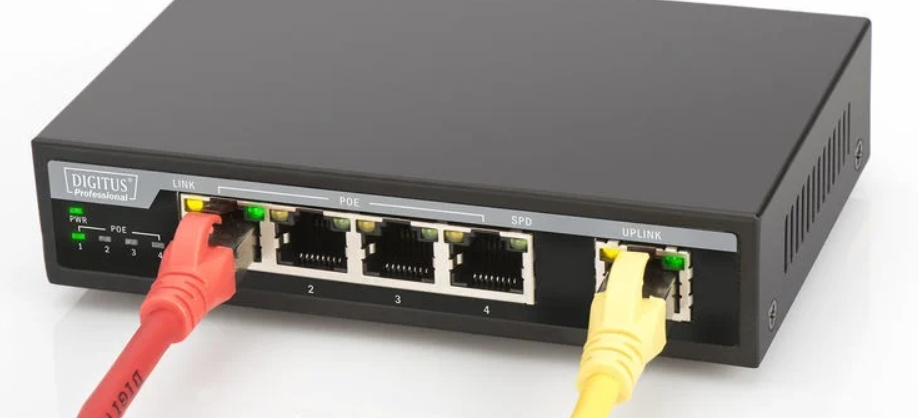
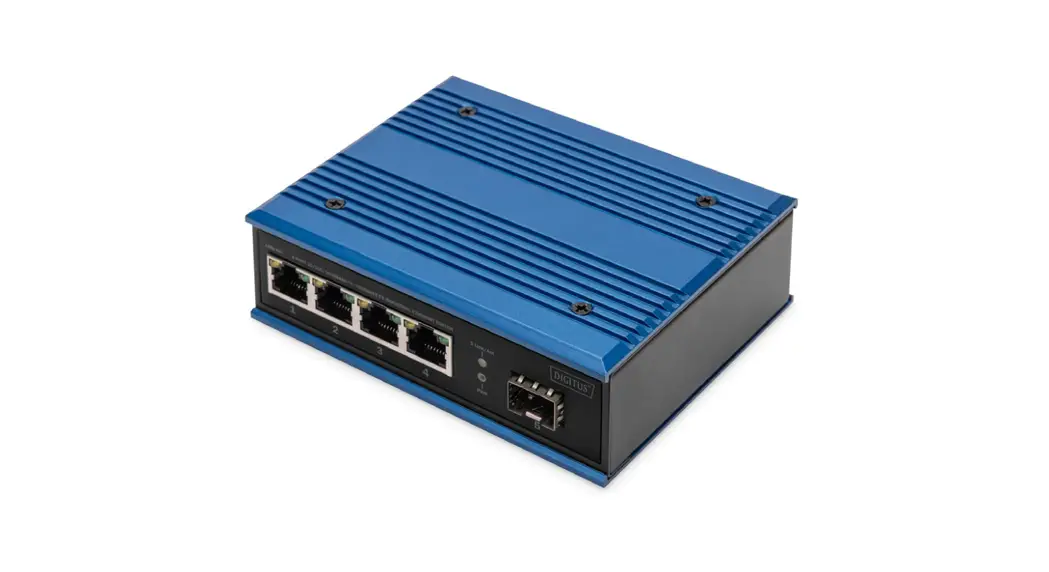
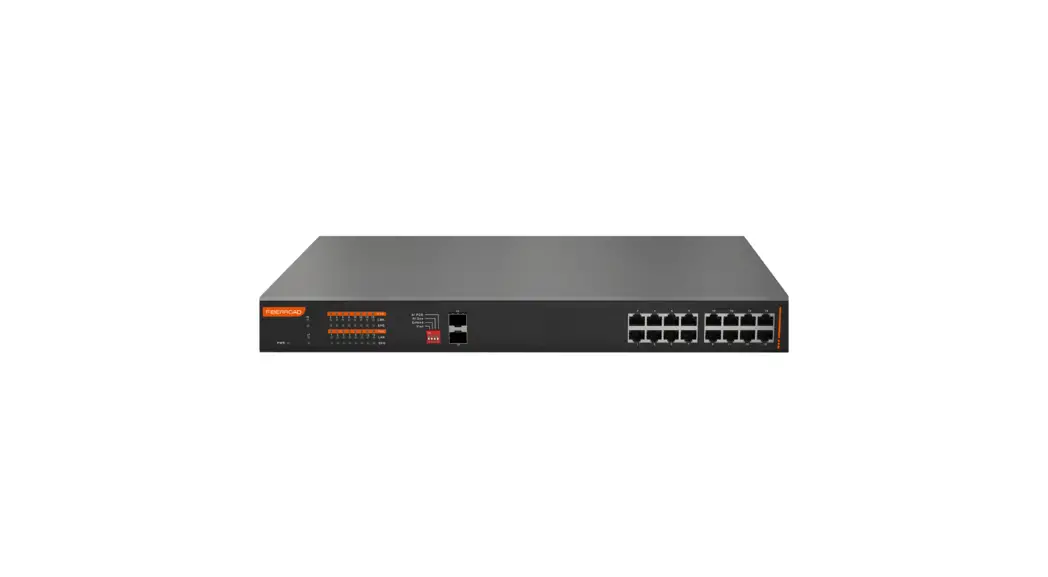
The Front Panel consists of Ethernet Ports. The LED indicators are also located on the panel.
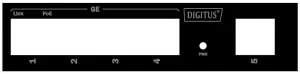
DN-651120
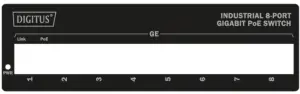
DN-651121
LED | Color | Function |
PWR | Red | Off: No Power supply |
LINK | Orange | Off: No device is connected to the corresponding port |
PoE | Green | Off: No PoE powered device (PD) connected |
Upper Panel
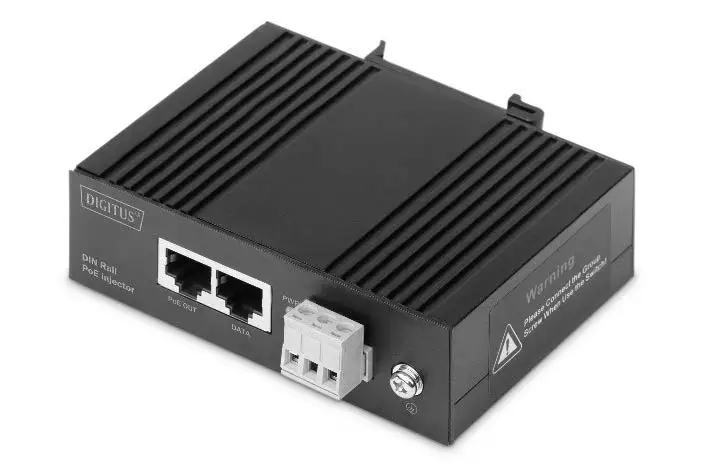
The upper panel has a standard 6-Pin industrial power input terminal for double redundant power backup and accepts DC power input.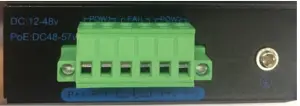
Power input
This unit provides a 6-pin terminal block. It can be operated using 48-57 V DC power source. Always make sure your input voltage is within this supported voltage range.
To connect power:
This unit supports two power inputs. Follow the printed polarity for +P1-, +P2- and ground. Connect positive wires to V+, connect negative wires to V-, and connect a neutral wire to the ground mark.
+P1- is for power input one connection (PWR1).
+P2- is for power input two connection (PWR2).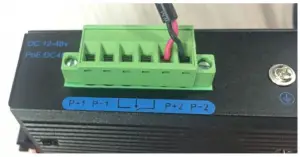
WARNING:
Always SHUT OFF power source to connect power wire.
WARNING:
Any exceeded input voltage will not make this unit function and may damage this unit.
Grounding column
The switch already comes with lightning protection mechanism. You can also ground the switch through the PE (Protecting Earth) with Ground Cable.
Installation of the Switch
This part describes how to install your Ethernet Switch and make connections to it. Please follow the following instructions to avoid incorrect installation causing device damage and security threat.
- Before cleaning the switch, unplug the power plug of the
switch first. Do not clean the switch with wet cloth or liquid; - Do not place the switch near water or any damp area. Prevent water or moisture from entering the switch chassis;
- Do not place the switch on an unstable case or desk. The switch might be damaged severely in case of a fall;
- Ensure proper ventilation of the equipment room and keep the ventilation vents of the switch free of obstruction;
- Make sure that the operating voltage is the same one labeled on the switch;
- Do not open the chassis while the switch is operating or when electrical hazards are present to avoid electrical shocks
DIN-Rail Mounting
The DIN-Rail is already screwed on the Industrial Equipment. Please refer to following figures and know how to hang the Industrial Equipment:
Step 1: Lightly press the button of DIN-Rail into the track.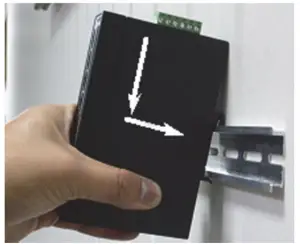
Install Industrial Equipment in DIN-Rail mount.
Step 2: Check the DIN-Rail is tightly on the track.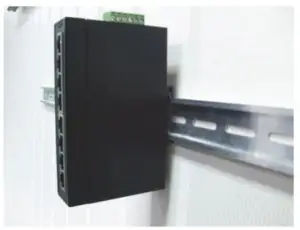
Remove DIN-Rail Mounting
Step 1: Please refer to following procedures to remove the
Industrial Equipment from the track.
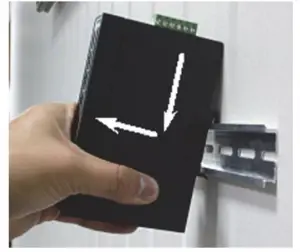
Remove Industrial Equipment in DIN-Rail mount.
Step 2: Lightly press the button of DIN-Rail for remove it
from the track.
Specifications
| Model | Industrial 4-Port Gigabit PoE+ Switch with 1 x uplink port | Industrial 8-port Gigabit PoE+ Switch | ||||
| Standard | IEEE802.3, IEEE802.3u, IEEE802.3ab, IEEE802.3x, IEEE802.3af, IEEE802.3at, IEEE 802.3z | |||||
| Network Media (Cable) | 10BASE-T: UTP category 3,4,5 cable (≤100m) 100BASE-TX: UTP category 5 cable (≤100m) 1000BASE-T: UTP category 5e, 5 cable (≤100m) | |||||
| MAC Address Table | 2K, Auto- learning, Auto- aging | 4K, Auto- learning, Auto- aging | ||||
| Transfer mode | Store-and-Forward | |||||
| Switching Capacity | 10Gbps | 16Gbps | ||||
| Input power supply | DC:48-57V | |||||
| Dimensions (L*W*H) | 128*86*34mm | 157*120*48mm | ||||
| Fan | Fanless | |||||
| PoE Port | Port1~4 | Port1~8 | ||||
| PoE Power on RJ45 | Mode A 1/2(+),3/6(-) | |||||
| PoE Output | 30W(Max) | |||||
| Temperature | Operating Temperature: -40°C ~ 85 °C Storage Temperature:-40 °C ~ 85°C | |||||
| Humidity | Operating Humidity: 5% ~ 95% non-condensing Storage Humidity: 5% ~ 95% non-condensing | |||||
| Surge Protection | Differential mode ±4KV Common mode ±6KV | |||||
| MTBF | 300,000 hours | |||||
| Electrostatic standard | Contact 8KV, air 15KV | |||||
This is a Class A product. In home environment, this product may cause
radio interference. In this case, the user may be required to take appropriate measures.
Hereby Assmann Electronic GmbH, declares that the Declaration of Conformity is part of the shipping content. If the Declaration of Conformity is missing, you can request it by post under the below mentioned manufacturer address.
http://www.assmann.com/
Assmann Electronic GmbH
Auf dem Schüffel 3
58513 Lüdenscheid
Germany

 ASSMANN Electronic GmbH | Germany