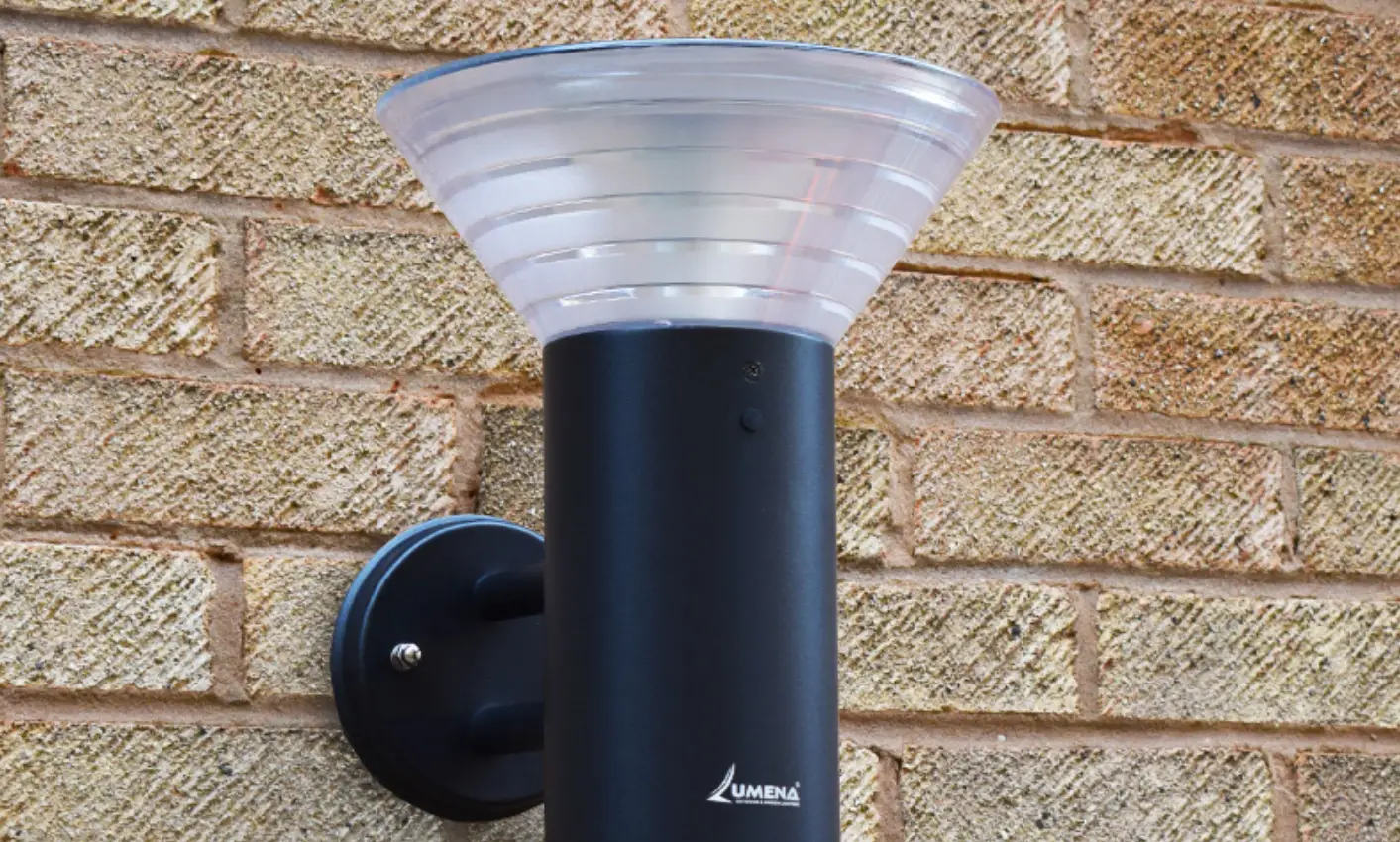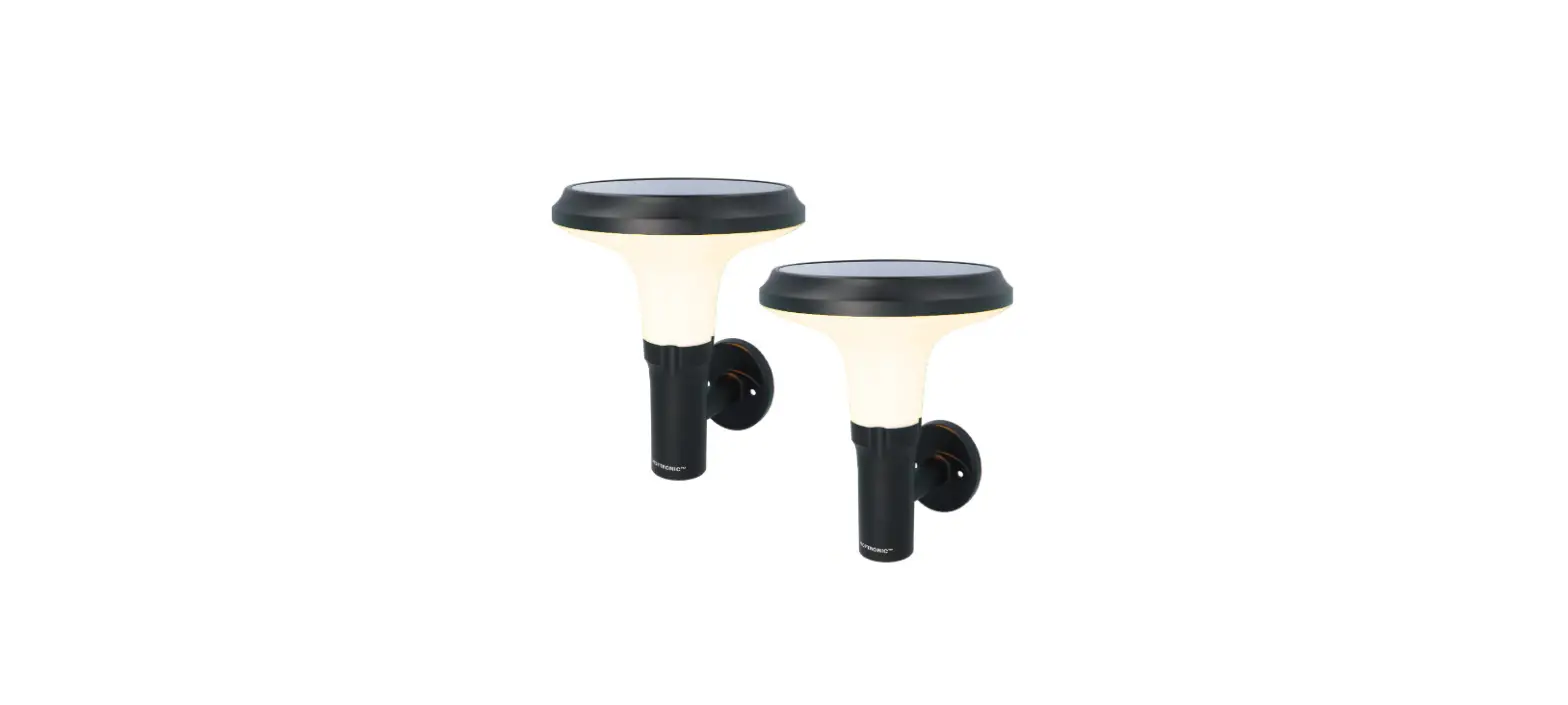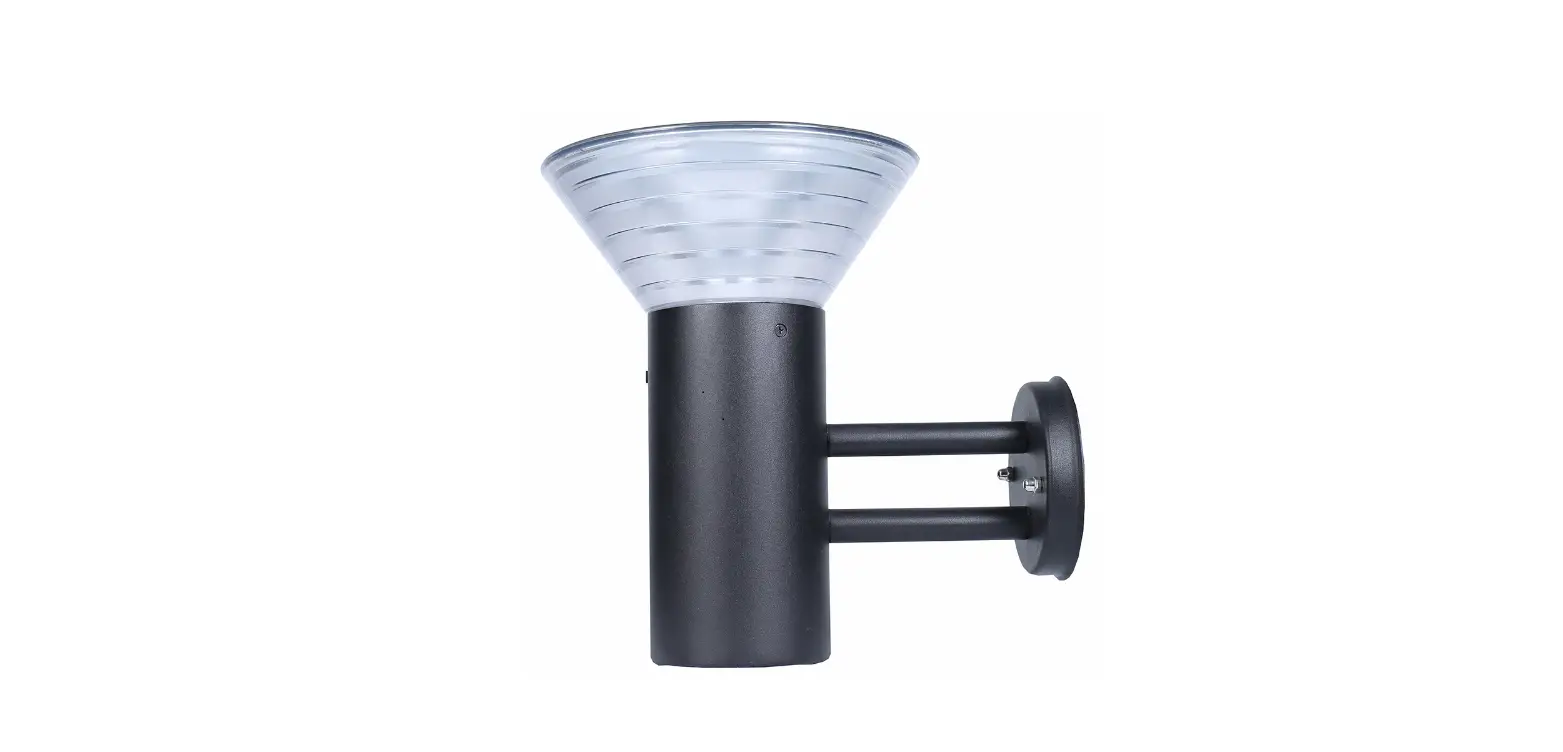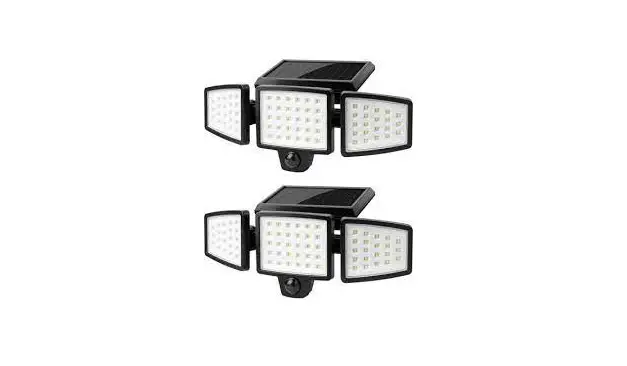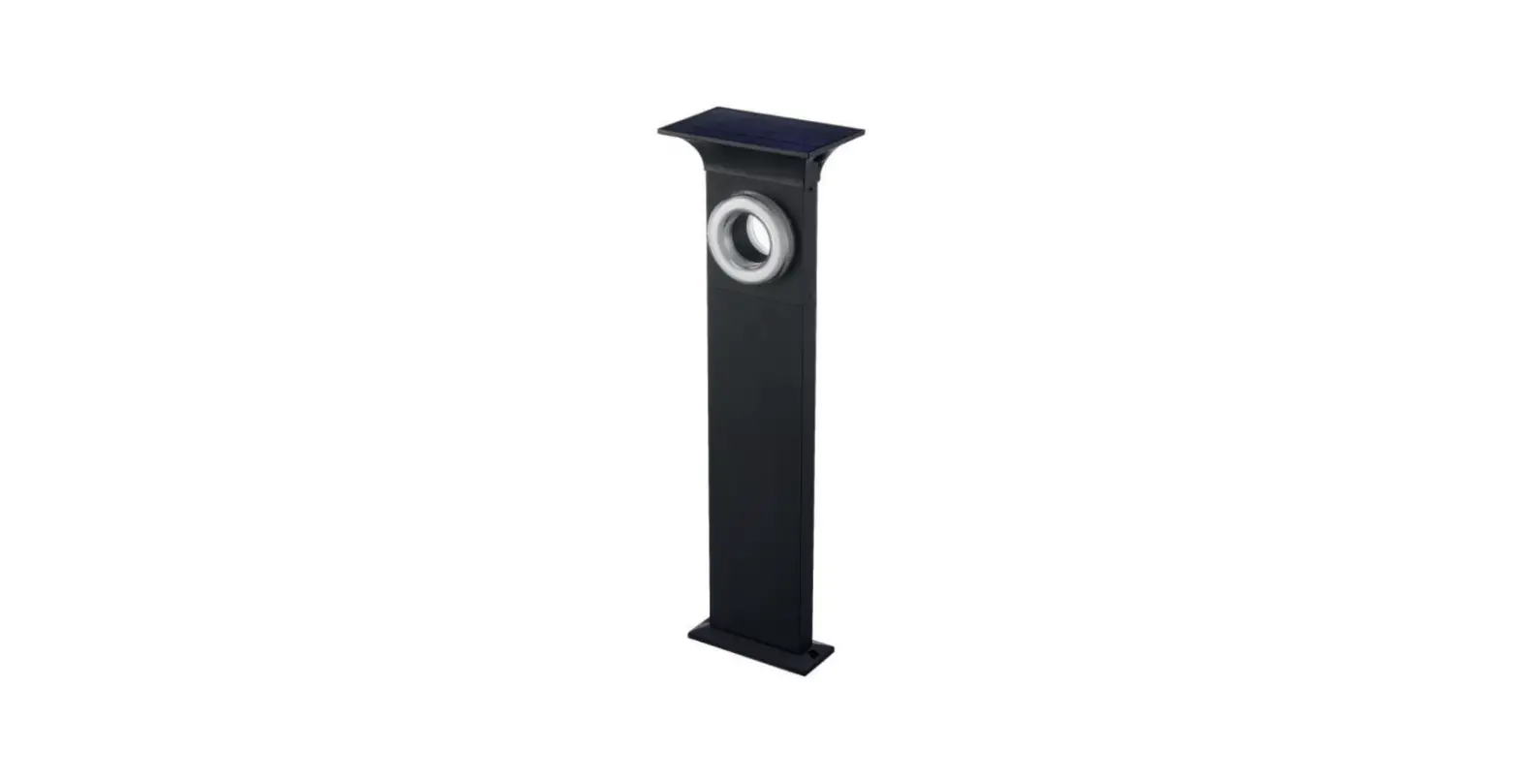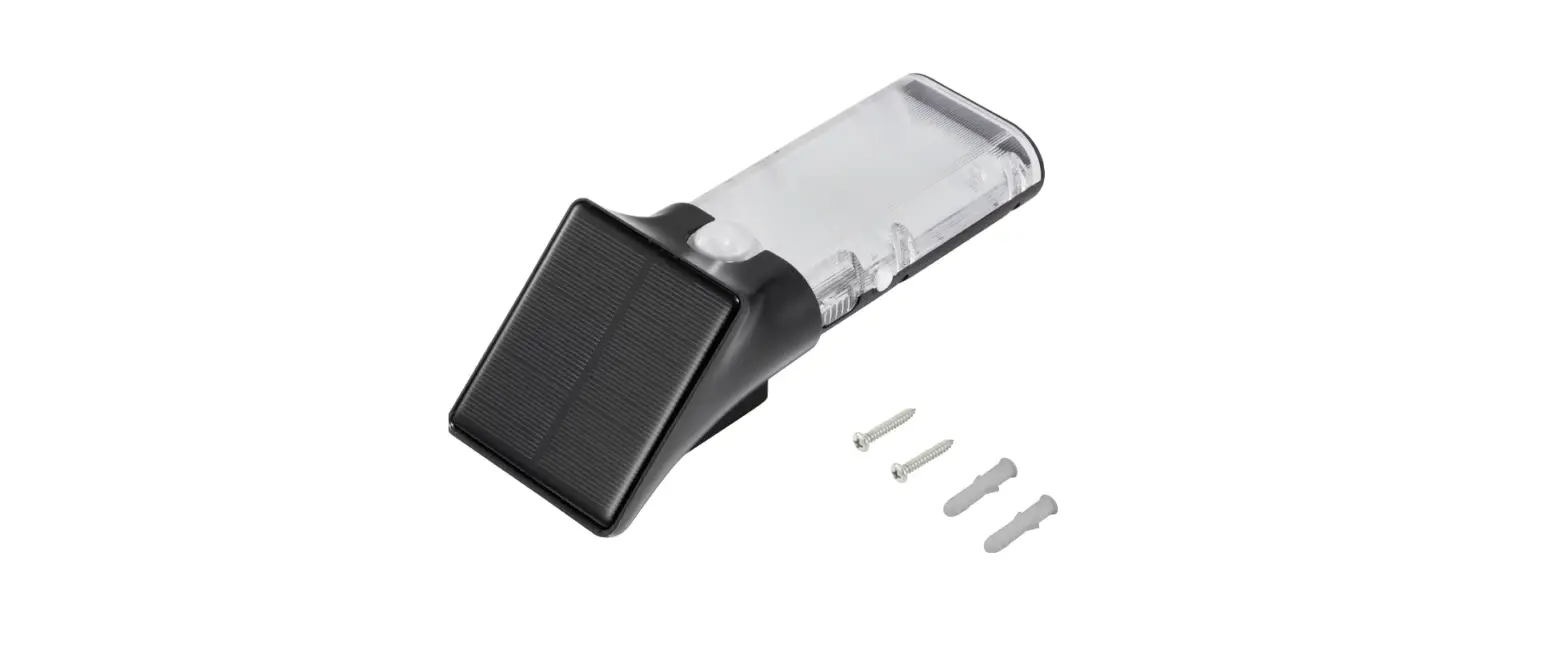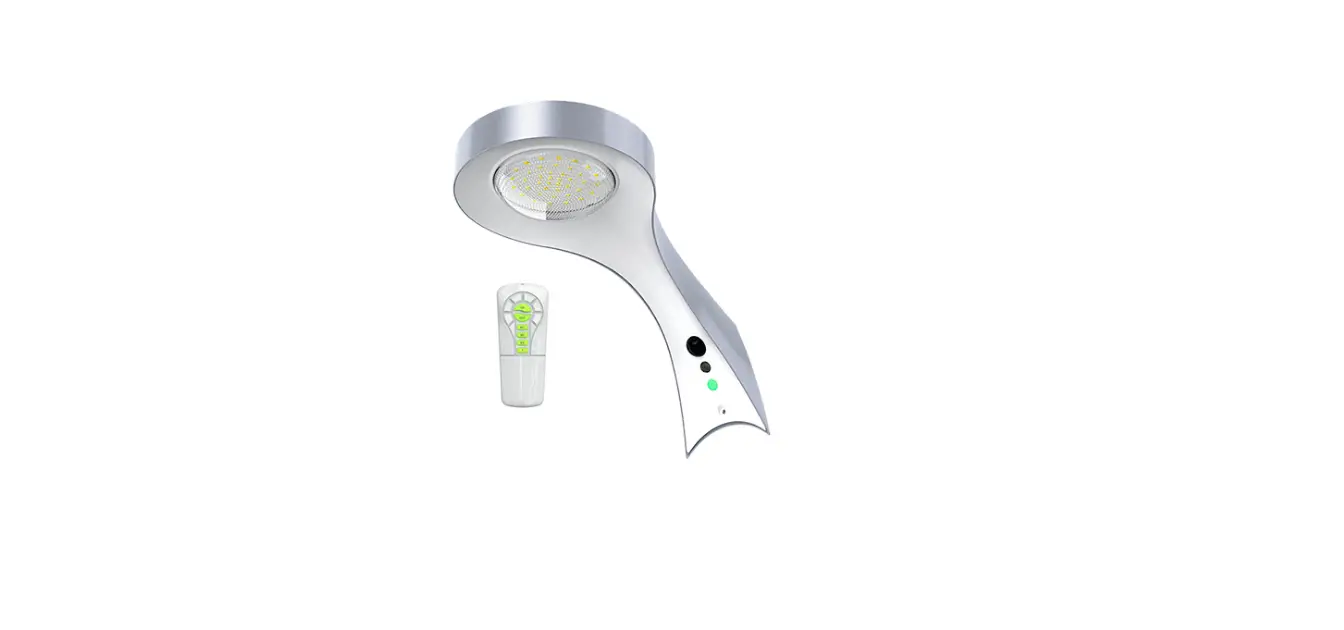

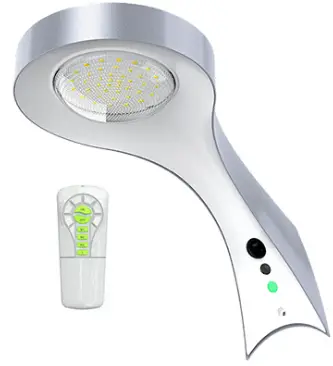
Xmart HL-WALL-06 Solar Lamp
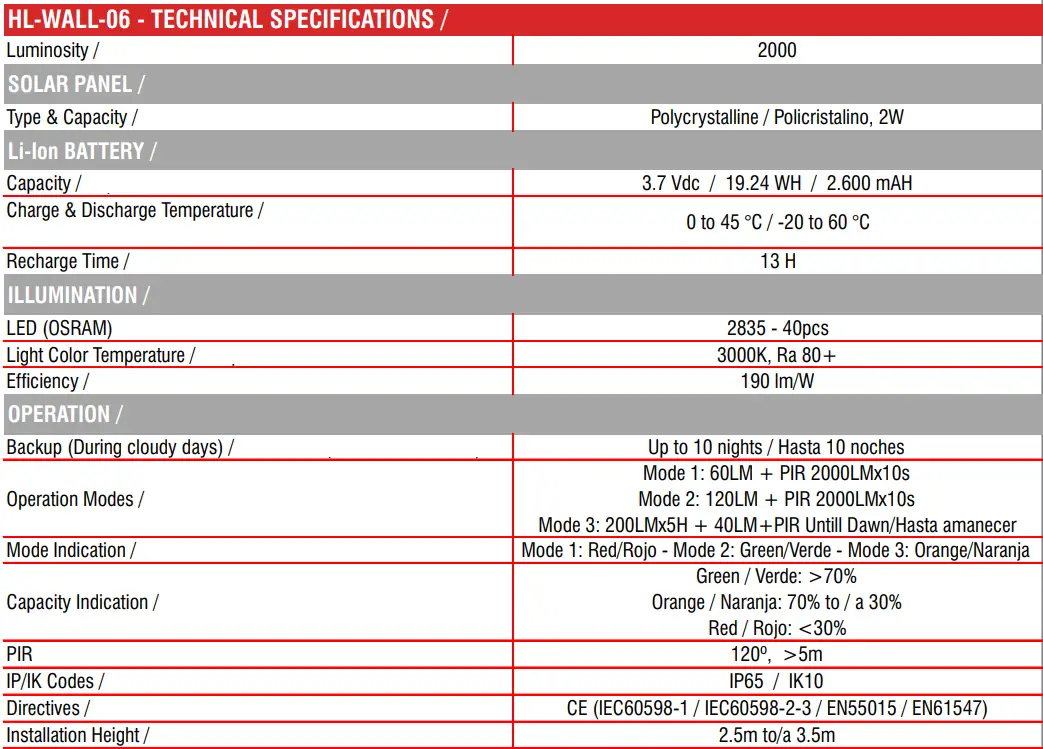
HL-WALL-06 – TECHNICAL SPECIFICATIONS
WARNING
- Keep the device away from fire and fire risk
- There are no replaceable parts inside the lamp. If disassembled warranty will be void.
- Do not remove battery for other use. If backup time is too short, lamp’s battery needs to be recharged under bright sunlight
- Clean solar panel regularly for more efficient operation and longer backup (Suggestion: At least every 6 months)
- Long-term storage might cause battery damage and leakage, Leakage might cause battery spontaneous combustion
- The operation temperature for this lamp must comply with Technical Specifications
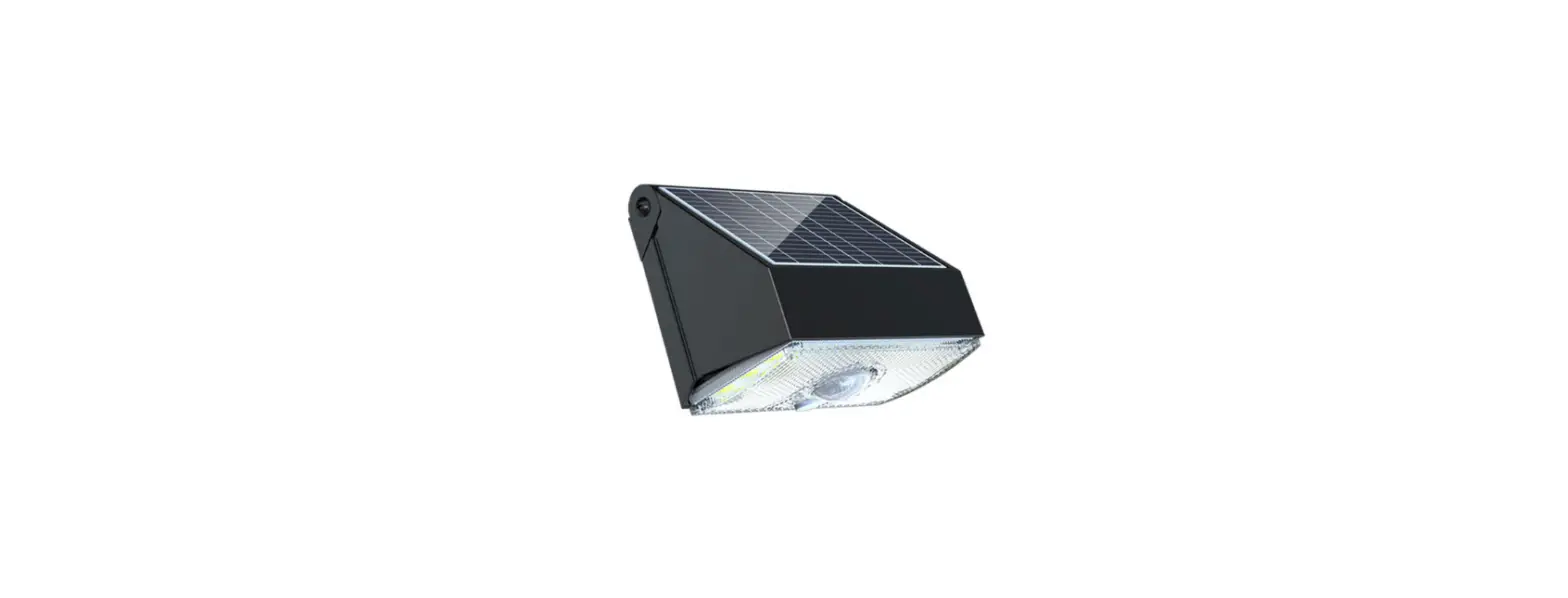
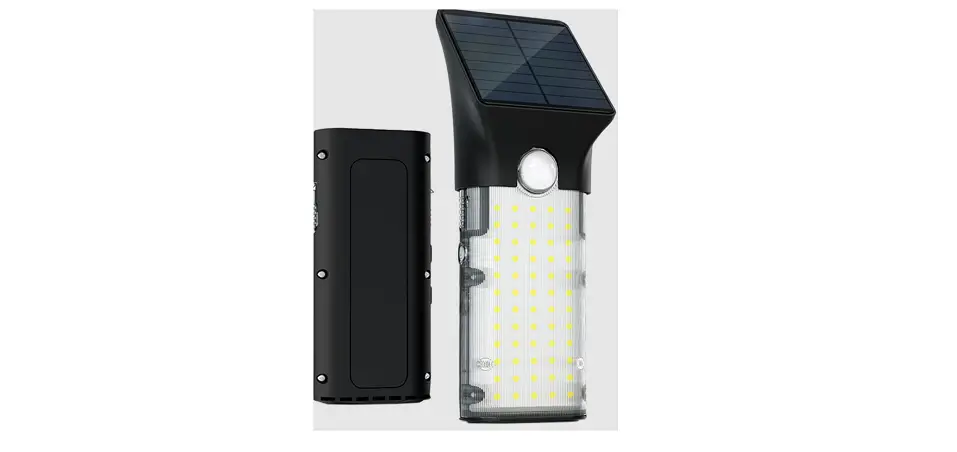
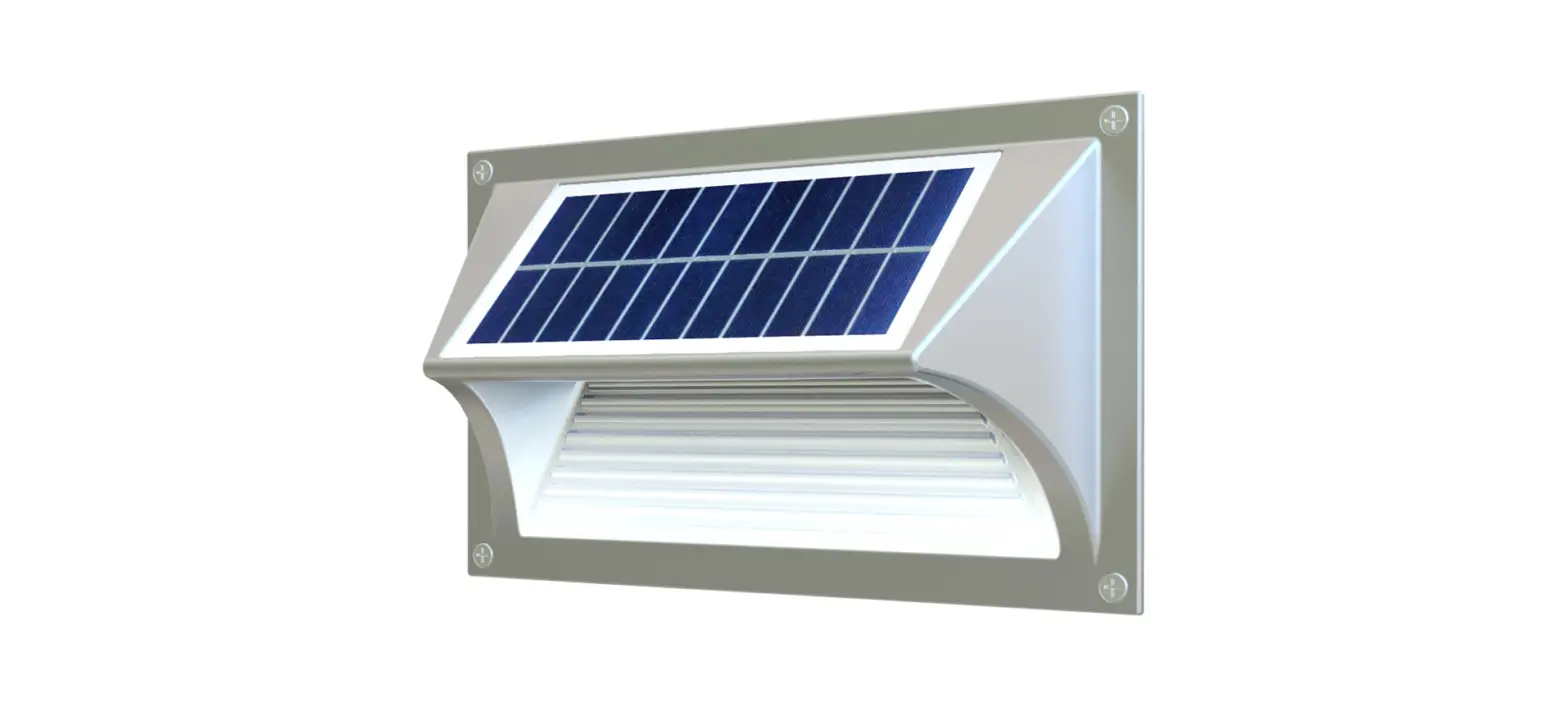
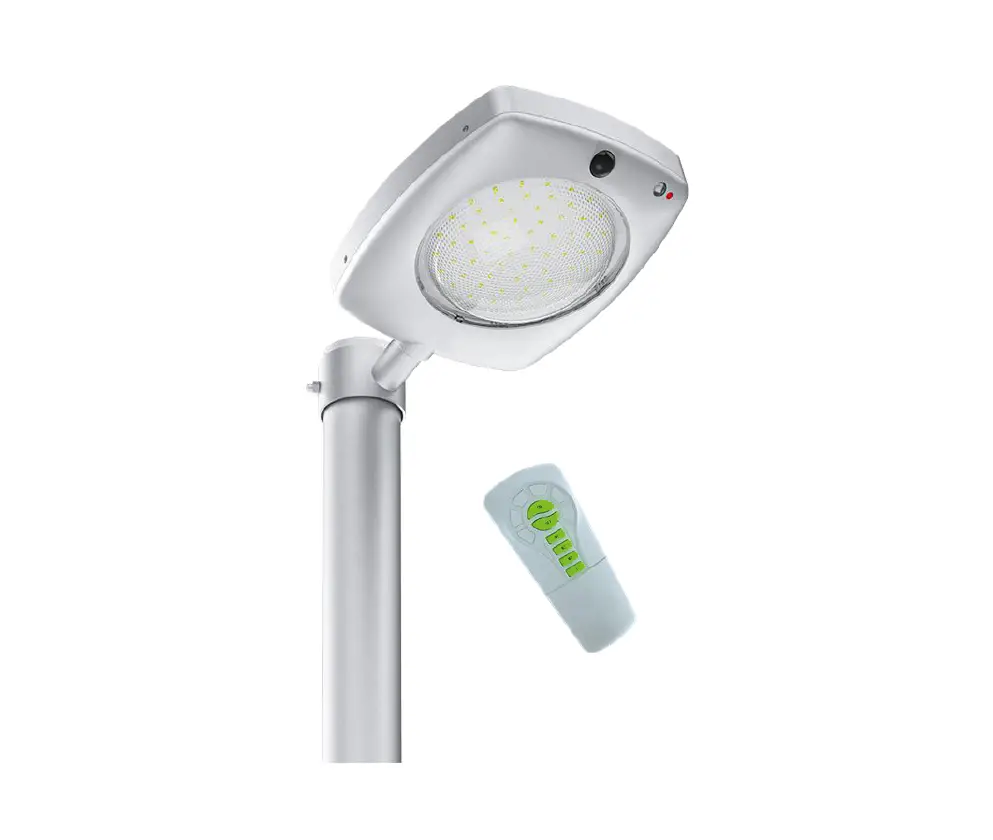
Parts Identification
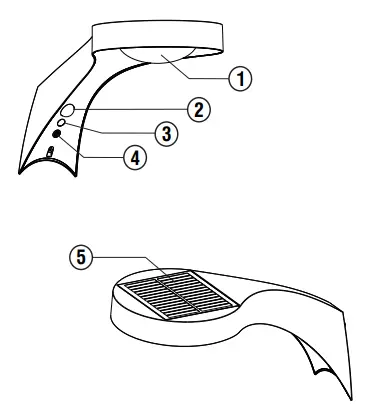
- Lampshade
- PIR
- Infrared Receiver
- Switch and Indicator
- Solar Panel
Special Features
- Polycrystalline Solar Panel
- Li-ion Rechargeable Battery
- Configurable Operation Modes
- Equipped With PIR Sensor
- Material: Aluminum Alloy & PC
Installation Instructions
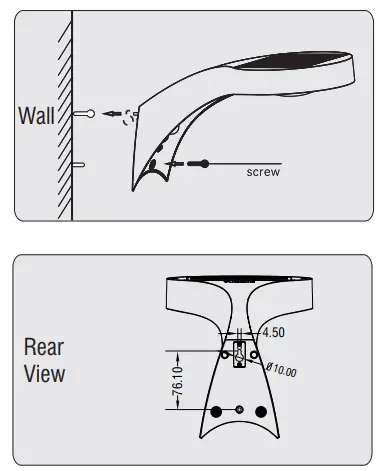
- Fix the lamp to the wall with the screw

- Solar Panel must be oriented toward sun for battery charging efficiency

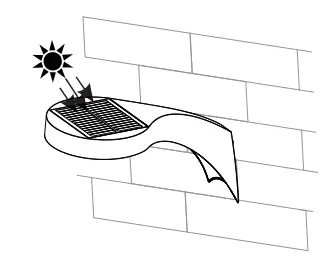
IMPORTANT
- Use standard installation accessories
- If stored, charge the lamp every 3 months, to avoid battery damage
- If stored for more than 1 year without charging, make a charge & discharge process to assure battery is in good condition, otherwise it is not allowed to use.
Operation Instructions
Power On/Off: Press switch for 1.5 Sec, approx.
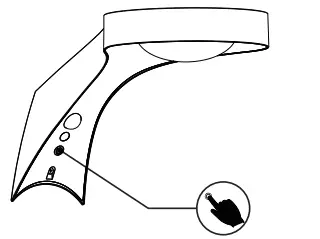
Mode Change: Press switch shortly to choose
Mode 1, Mode 2, or Mode 3.
Available Modes:
Mode 1 (Red): 60LM + PIR 2000LM x 10s
Mode 2 (Green): 120LM + PIR 2000LM x 10s
Mode 3 (Orange): 200LMx5H + 40LMx7H / PIR 2000LMx10s
Select Operation Mode according to your own requirements
Battery Power Indication:
Green: > 70%
Orange: Between 30% and 70%
Red: < 30%
Note: LED Indicator regularly shows Battery Capacity. When changing Operation Mode it shows selected mode for 5 Sec, then it returns to show Battery Capacity
T Button on Remote Control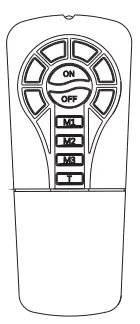
- Short press once for 100% bright for 10 min
- Short press twice for 100% bright for 20 min
- After selected time, lamp will go back to previous mode.
Dimensions
Top View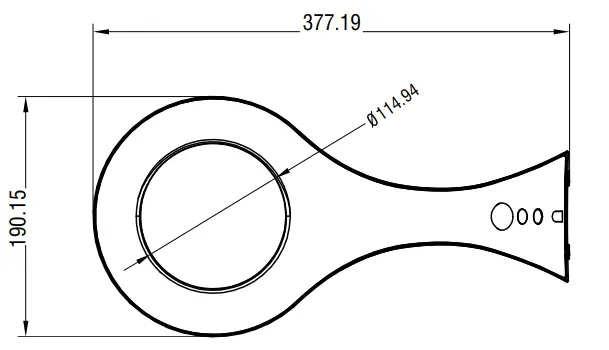
Rear View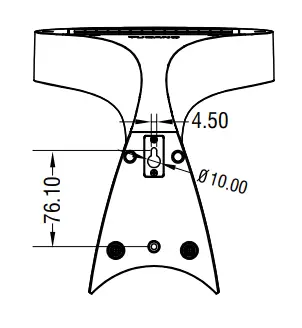
Side View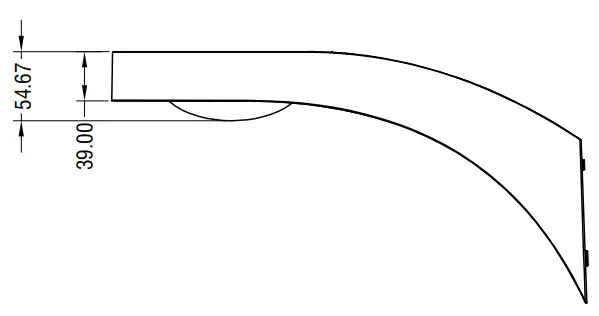
Front View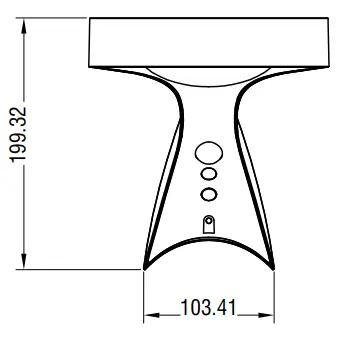
Packing Information

Net and Gross weight information is for reference purposes only
 xmart-ups.com