
AUDIBAX Event 78
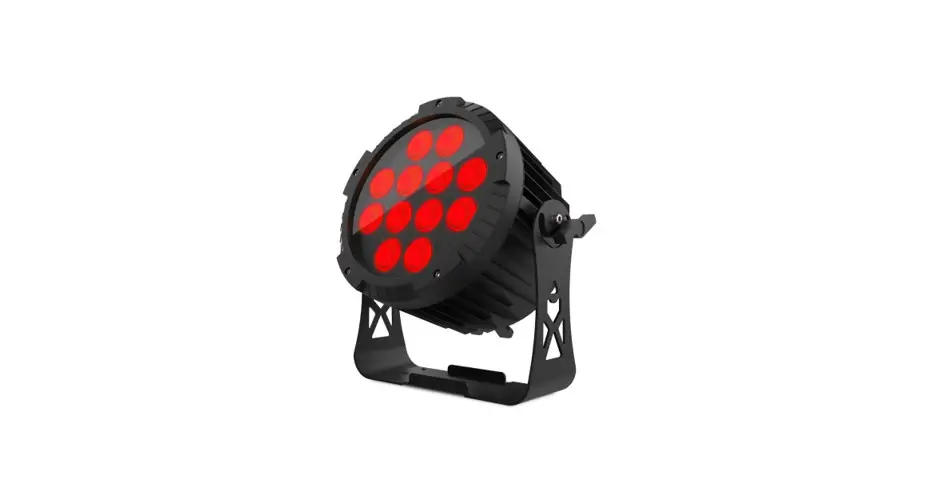
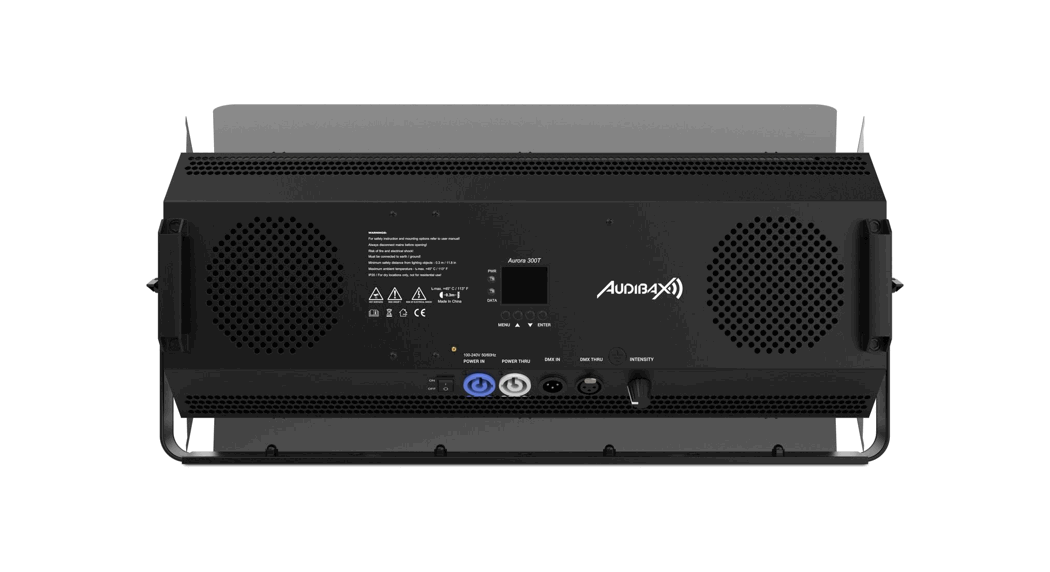
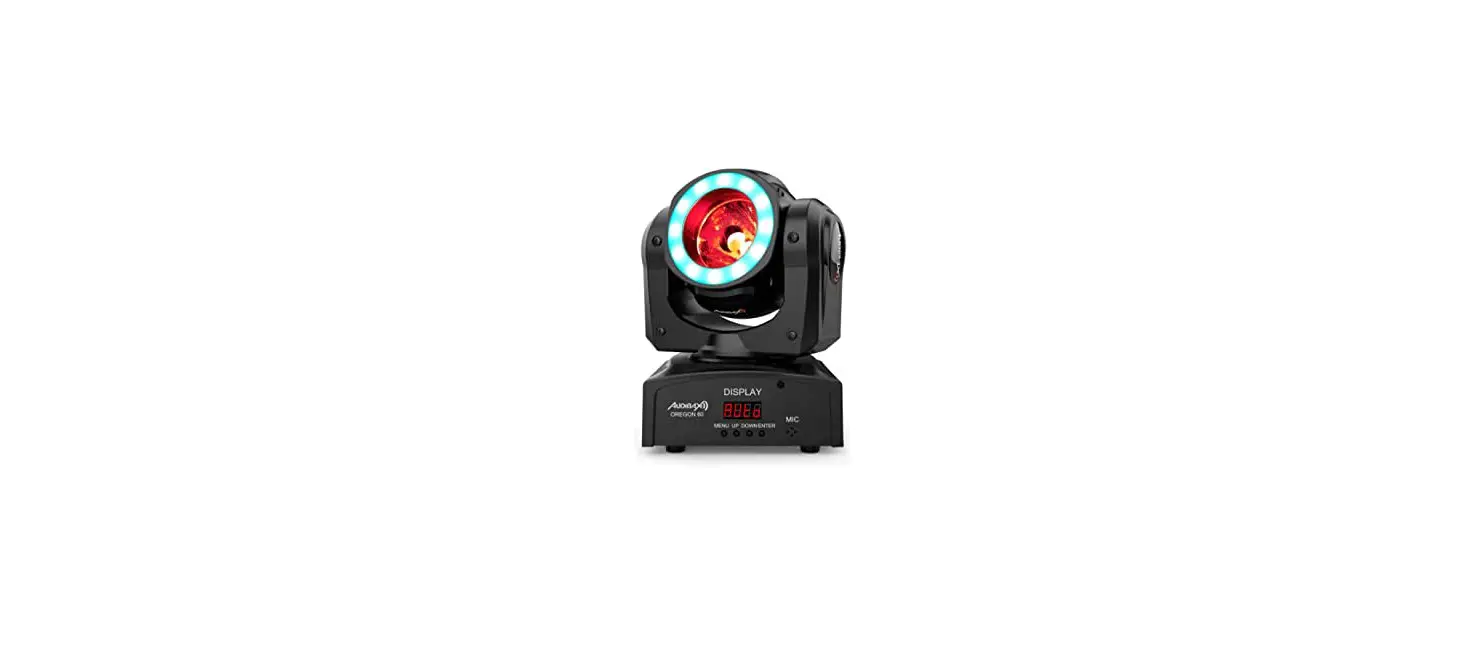
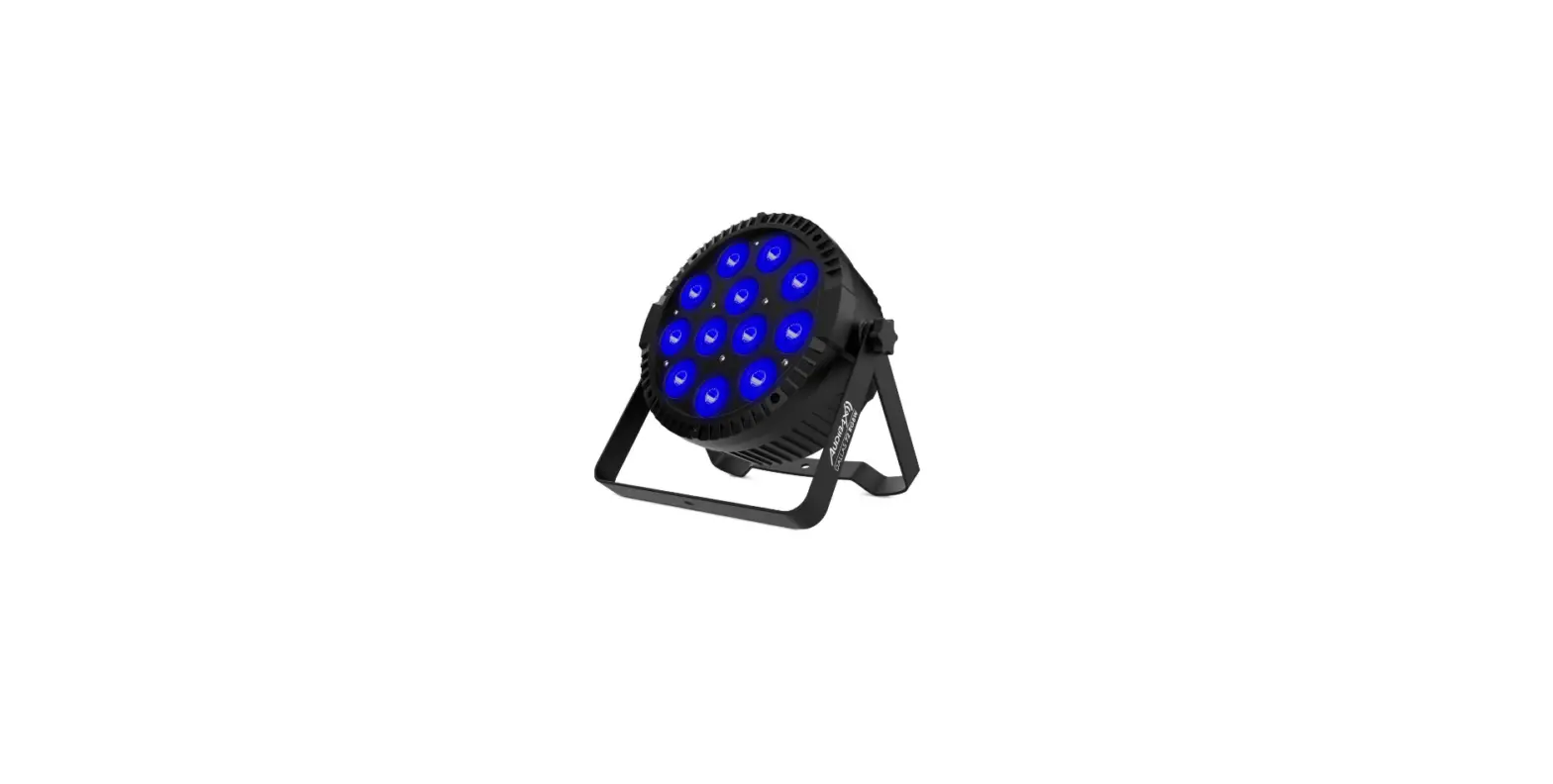
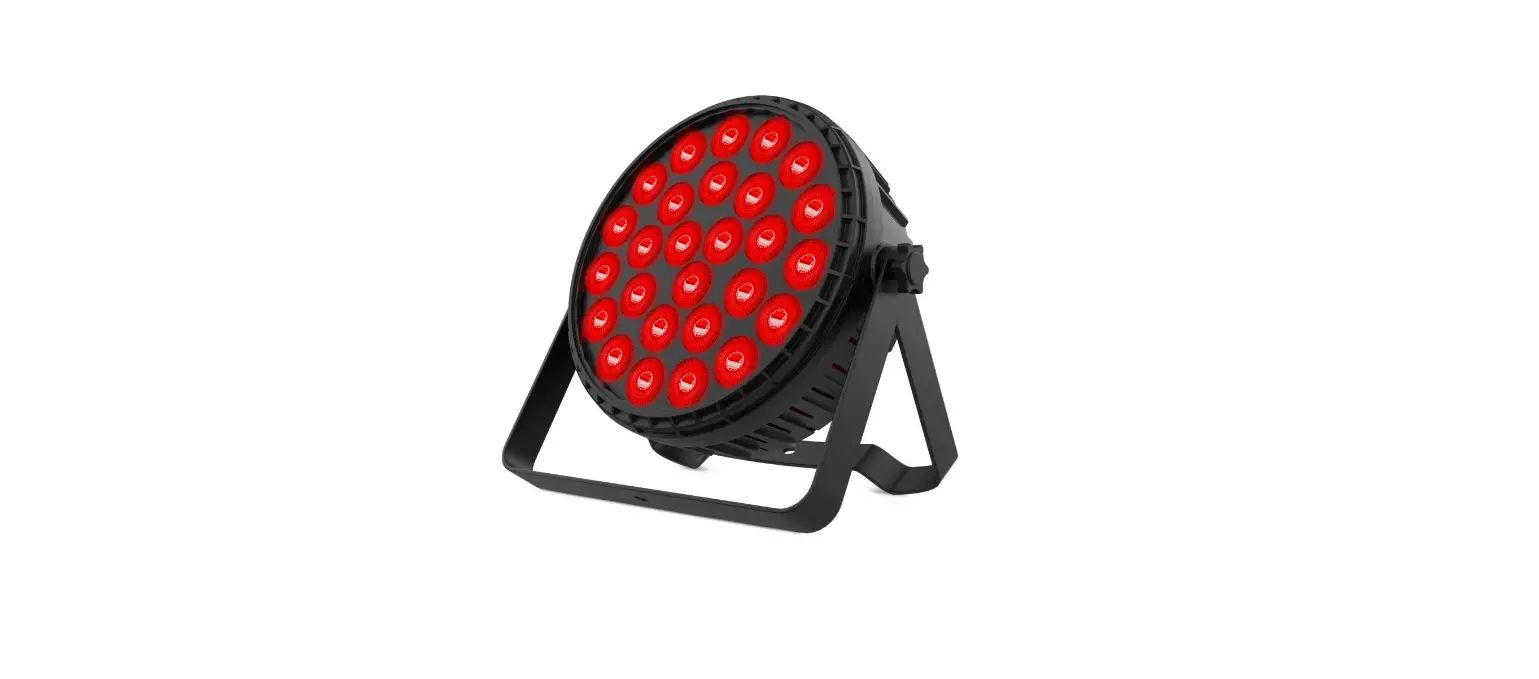
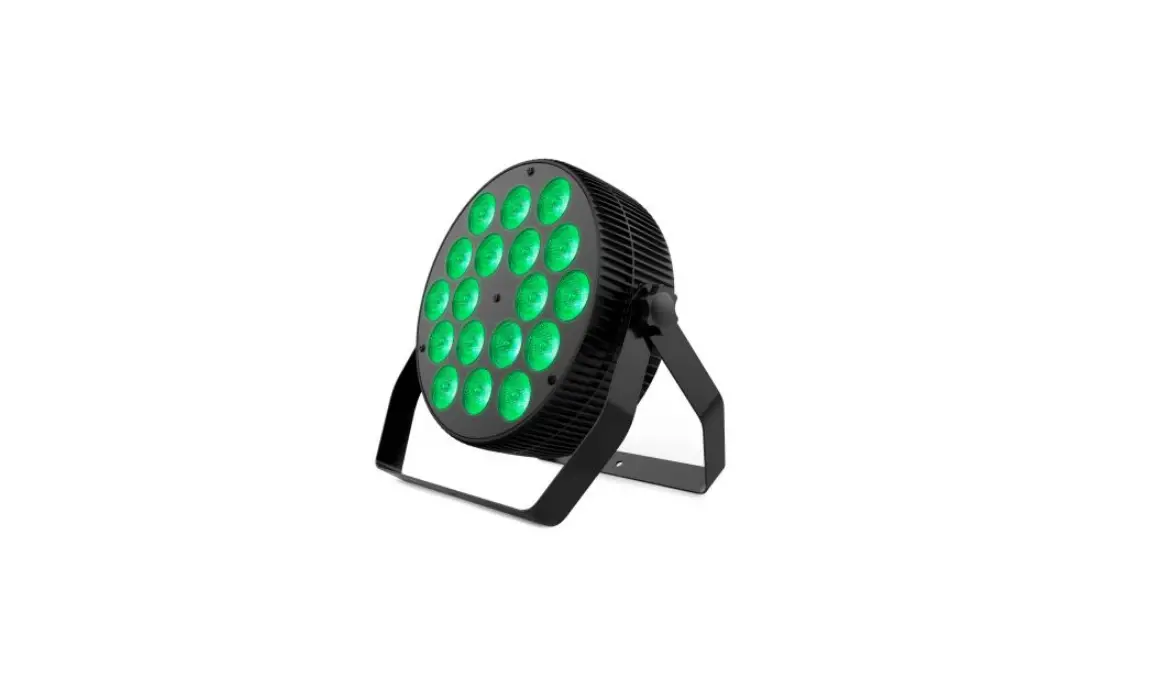
First thanks you for using our company’s products, this light is designed by high strength die-casting aluminum which is able to endure high temperature, designed in a stylish form. It uses high power led R, G, B, W, A , U and characters of long life, low consumption, high brightness and excellent color. It uses power switch, performs low weight and low consumption, stable capability and long life. The built-in program includes dimmer, strobe, gradually change, fading, sound activation and so on. International standard DMX 512 signal is requested.
Safety information
Safety warning information
After receiving the device, please unpacking check whether any visible damage was caused during transport. lf the power cord. housing or the light are damaged, do not operate the device; contact your specialized dealer or manufacturer immediately.
- Please read the user manual before energizing or installation.
- Follow operating safety precautions and pay attention to warning signs methods and equipment on the user manual.
Prevent fall to injury
- When hanging lamps, must verify the lamp hook and facilities at least able to withstand the weight of the lamp 10 times.
- Before installation must be verify the install hardware strong enough no other damage, and the use of safe insurance rope as auxiliary safe way, fixed on the other facilities.
- Installing or removing equipment, must be lower the boom to a safe place.
Prevent combustion or fire
- Please do not install the device directly on the surface of ordinary combustible material.
- Don’t short sub temperature control protection switch or fuse, must use the regulation models of fuse.
- Equipment must be installed away from flammable materials, equipment away from flammable items or materials shortest distance is 0.5mm.
- Fan or ventilation at least within the range of 0.3m can not have obstacles.
- Allow equipment to cool at least 15 minutes before handling.
Packing information
| Item Name | QTY | Unit |
| The LED par light | 1 | pcs |
| DMX Cables | 2 | pcs |
| Power Supply | 1 | pcs |
| User manual: | 1 | pcs |
Remote controller instructions
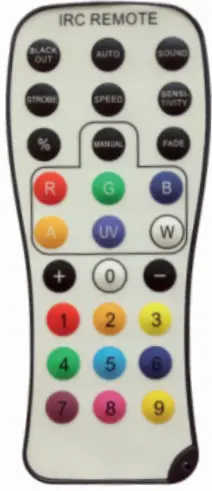
BLACK OUT
Press <Blackout> one time,Back to main menu
AUTO
- Press <AUTO> to turn on the color jumping effect.
- Press <Blackout> to turn off the color jumping effect.
FADE
- Press <FADE> to turn on the color fading effect.
- Press <Blackout> to turn off the color fading effect.
%
- Press <%> to turn on the color pluse effect.
- Press <Blackout> to turn off the color pluse effect.
SPEED
No Function
STROBE
- Press < STROBE > on the remote controller.
- Press <+> or < – > to adjust strobe frequency
- Press <Blackout> to turn off the strobe.
SOUND
- Press <SOUND> to turn on Sound-Active mode
- Press <Blackout> to turn off Sound-Active mode
SENSITIVITY
- Press < SENSITIVITY > on the remote controller.
- Press <+> or < – > to adjust voice sensitivity.
MANUAL
Press the <MANUAL> button at first, then Press <R>, <G>, <B>, <W>,<A> or <UV> (red, green, blue, white, amber, UV) to choose your wanted colour;
Press the 1st time, it is 20% brigtness
Press the 2nd time, it is 40% birghtness
Press the 3rd time, it is 60% birghtness
Press the 4th time, it is 80% birghtness
Press the 5th time, it is 100% bightness
Also can press the < + >or < – > to either increase or decrease the percentage of each colour.
NUMBER 0~9
- Press digit <0> to <9> to select preset color mode
- Press the < + >or < – > to either increase or decrease the percentage of each colour.
- Press <Blackout> to turn off the selected preset color.
Setting DMX512 console channel address:
After starting DMX512 console, etc. LCD display console initialization has been completed, press Program key, until the top of the light is flashing, then press the button below channel 1, channel 1 indicator light DMX512 console’s address is 10000000, to promote channel faders can be DMX512 console control. Choose DMX512 address consistent with DIP, light to enter the DMX512 control console for the state. The products selected as 10000000 DMX512 console take effect.
Key Description: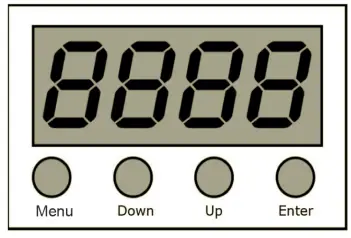
MENU: Access the menu.
DOWN: “reduction key” or “key under the selected”; decreasx the value function down menu.
UP: “add key” or “selection on the key”; increase the value function, shift on the menu.
ENTER: Is used to select and confirm/store the current selection.
Specification
- Rated voltage: 90V-240VAC, 50/60Hz
- Power Consumption:72W
- LEDs: 6* 12 W RGBWAUV (6 in 1) LEDs
- Bean angle: 40 degree
- DMX512 Channels: 6/10 CH
- Dimming: 0-100%
- with wireless DMX & IR remote control & WIFI APP control
- Strobe: Independent electronic strobe, 0-20 times / second, the speed can be adjusted
- Battery working time: (+/-) 4 hours Full color, (+/-) 15 hours single color or auto run
- Control Mode: Wireless DMX control, IR remote control, DMX512 control, Auto Run,Master /Slave,Sound Active
- Product size: 130 x 130 x 122 mm
- Packing size: 185 x 185 x 185 mm
- Net Weight: 2.2 kgs
- Gross Weight: 3 kgs
| No | Display Show | Numerical value | Function and description |
| 1 | d001 | 001- 512 | DMX512 address setting -6-channel mode |
| 2 | A001 | 001- 512 | DMX512 address setting -10-channel mode |
| 3 | _100 | 000-100 | Percentage of electricity displayed |
| 4 | S-SL | SL / FA | DMX512 dimming speed setting SL: slow dimming; FA: fast dimming |
| 5 | d-Ho | Ho / oF | DMX signal loss processing mode setting: Ho: keep the last DMX signal state; oF: Turn off all LEDs |
| 6 | rFon | ON-OF | Wireless dmx control |
| 7 | Iron | ON-OF | IR remote control |
| 8 | r255 | 000 – 255 | Red dimming ,from dark to bright |
| 9 | G255 | 000 – 255 | Green dimming ,from dark to bright |
| 10 | b255 | 000 – 255 | Blue dimming ,from dark to bright |
| 11 | u255 | 000 – 255 | White dimming ,from dark to bright |
| 12 | Y255 | 000 – 255 | Amber dimming ,from dark to bright |
| 13 | P255 | 000 – 255 | UV dimming ,from dark to bright |
| 14 | I255 | 000-255 | IR remote control brightness |
| 15 | F000 | 000 – 255 | Strobe,speed from slow to fast |
| 16 | CL01 | 00- 15 | 15 kinds static color selectable |
| 17 | CC12 | 00- 15 | Color jumping,speed from slow to fast |
| 18 | DE15 | 00- 15 | Color Gradual change,speed from slow to fast |
| 19 | CP15 | 00- 15 | Color Pulse change,speed from slow to fast |
| 20 | SU15 | 00- 15 | Sound control ,Voice sensitivity from low to high. |
| 21 | t 30 | 00-99 | Current temperature display when not used the dislpay will show : t — |
DMX512 Controller Channel Function
6 Channel
| Channel | Function | Description |
| CH1 | R dimming | Red dimming ,from dark to bright |
| CH2 | G dimming | Green dimming ,from dark to bright |
| CH3 | B dimming | Blue dimming ,from dark to bright |
| CH4 | W dimming | White dimming ,from dark to bright |
| CH5 | A dimming | Amber dimming ,from dark to bright |
| CH6 | UV dimming | UV dimming ,from dark to bright |
10Channel
| Channel | Function | Description |
| CH1 | Master Dimmer | RGBWAUV master dimmer, from dark to bright |
| CH2 | R dimming | Red dimming ,from dark to bright |
| CH3 | G dimming | Green dimming ,from dark to bright |
| CH4 | B dimming | Blue dimming ,from dark to bright |
| CH5 | W dimming | White dimming ,from dark to bright |
| CH6 | A dimming | Amber dimming ,from dark to bright |
| CH7 | UV dimming | UV dimming ,from dark to bright |
| CH8 | Master strobe | RGBWAUV master strobe ,from slow to fast |
|
CH9 |
Function selection | 0—50:no function 51-100:15 kinds of color output., controlled by CH10 101—150:Color jumping; 151—200:Color Gradual change; 201—250:Color Pulse change; 251-255:Sound control |
| CH10 | Function speed | Function speed from slow to fast (When color output , it is color selection ) |