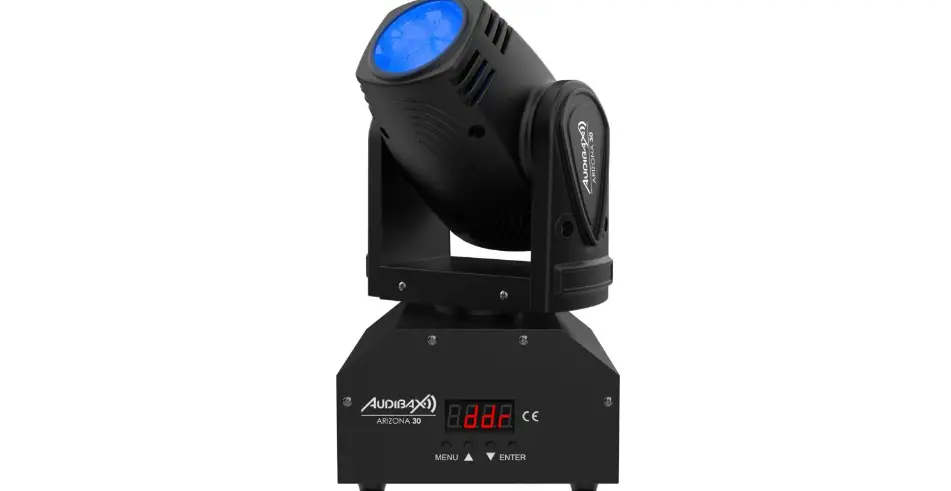

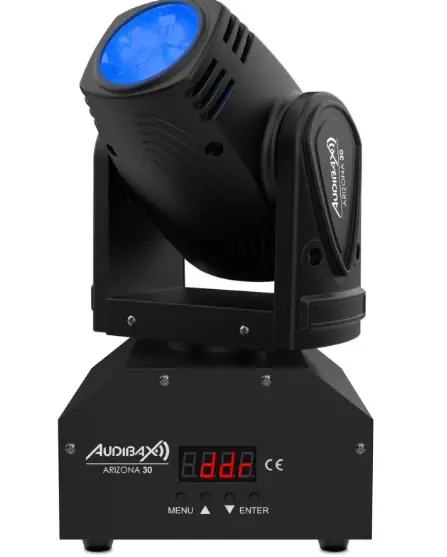
AUDIBAX ARIZONA 30
INSTALATIONS
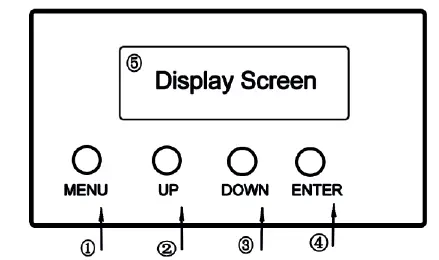
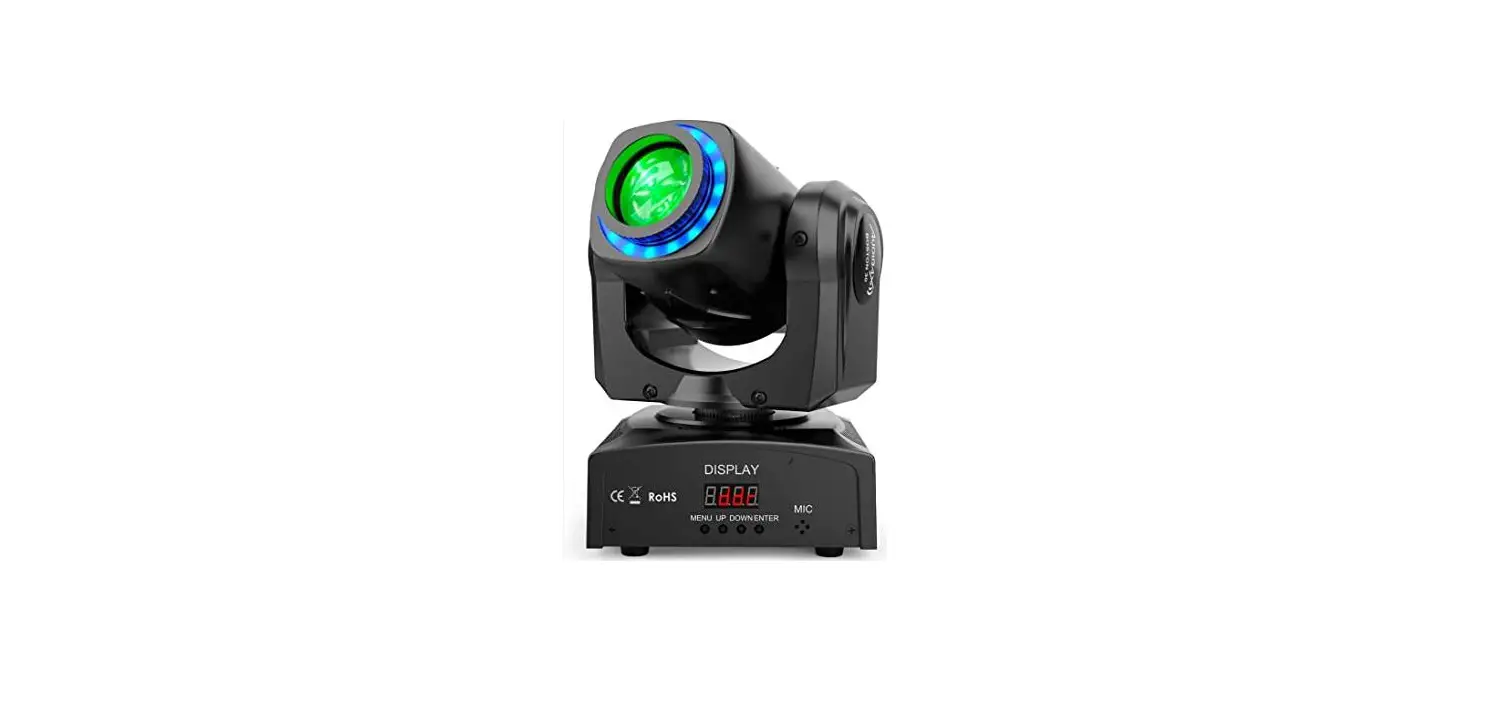
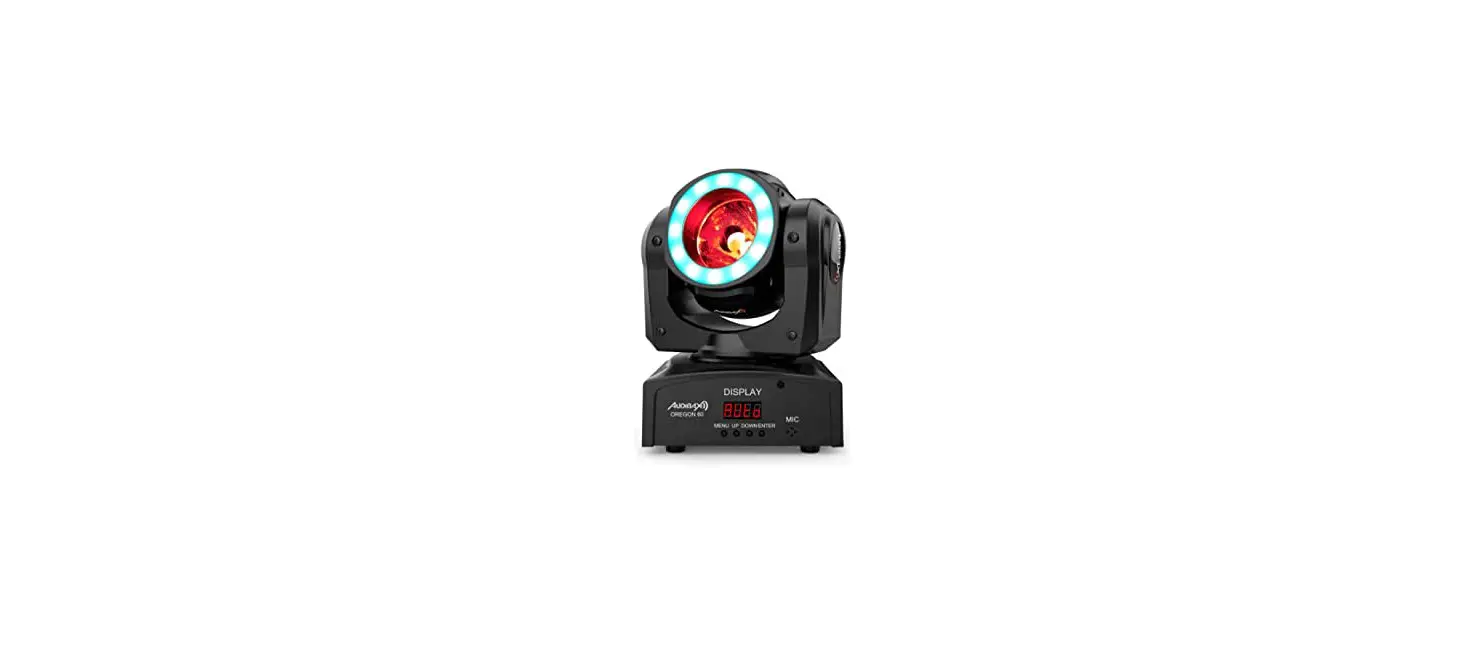
1.MENU 2.UP 3.DOWN 4.ENTER(Confirm button) 5.Display Screen
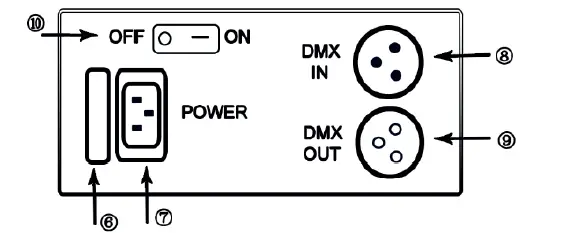
6.FUSE 7.POWER IN 8.DMX IN 9.DMX OUT 10.Switch “rSt” is displayed after the power is plugged in and the switch is opened.
The moving head light is resetting.
Please do not operate.
The step to start the Auto mode:
- Press “MENU” to find “Au01”, and press “ENTER”.
- Press “UP” or “DOWN” to select “Au01” or “Au02”, and press “ENTER”.
The step to start the Sound Active mode:
- Press “MENU” to find “Snon”, and press “ENTER”.
- Press “UP” or “DOWN” to select “Snon”, and press “ENTER”.
Operate Function
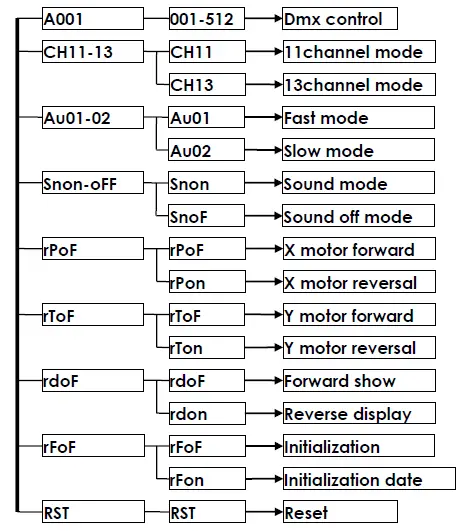
DMX 512 Function
13 Channel mode
| Channel | Function | |
| 1 | 0-255 | Level |
| 2 | 0-255 | Level of fine-tuning |
| 3 | 0-255 | Vertical |
| 4 | 0-255 | Vertical of fine-tuning |
| 5 | 0-255 | Speed |
| 6 | 0-255 | Dimming |
| 7 | 0-255 | Strobe |
| 8 | 0-255 | Red dimming |
| 9 | 0-255 | Green dimming |
| 10 | 0-255 | Blue dimming |
| 11 | 0-255 | White dimming |
| 12 | 0-255 | Self-propelled |
| 13 | 150-250 | Reset |
11 Channel Mode
| Channel | Function | |
| 1 | 0-255 | Level |
| 2 | 0-255 | Level of fine-tuning |
| 3 | 0-255 | Vertical |
| 4 | 0-255 | Vertical of fine-tuning |
| 5 | 0-255 | Speed |
| 6 | 0-255 | Dimming |
| 7 | 0-255 | Strobe |
| 8 | 0-255 | Red dimming |
| 9 | 0-255 | Green dimming |
| 10 | 0-255 | Blue dimming |
| 11 | 0-255 | White dimming |