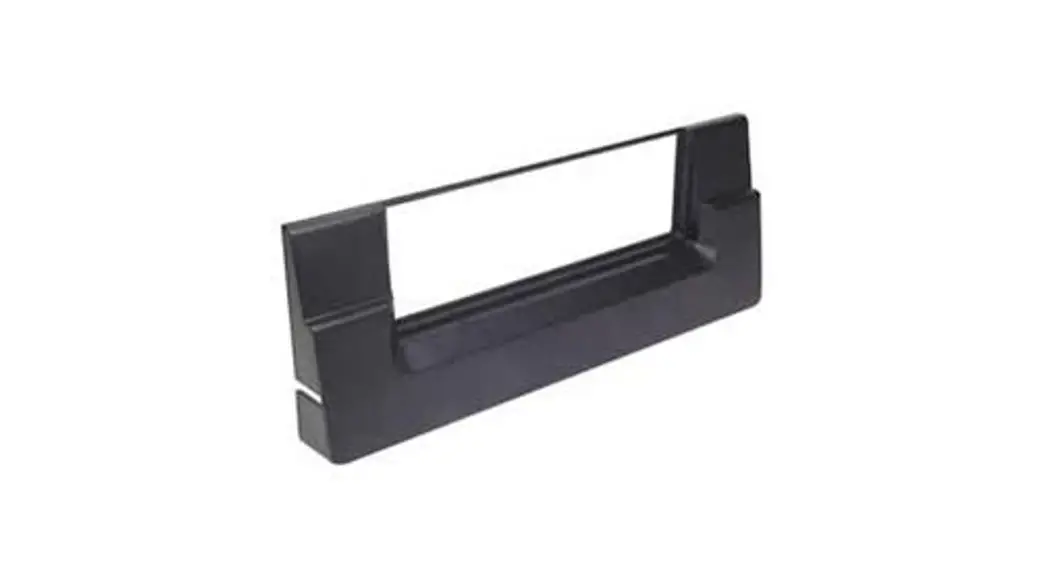
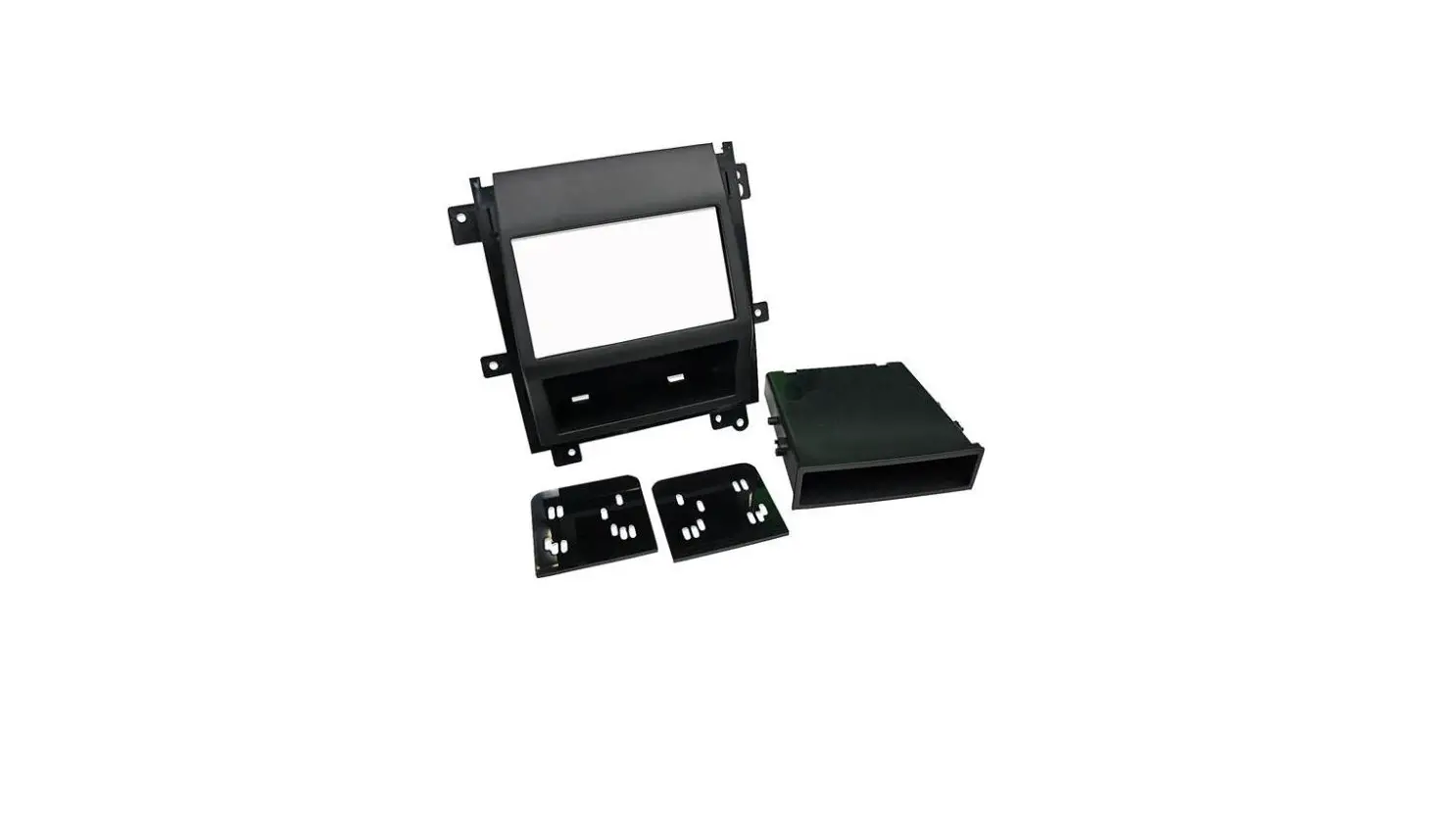
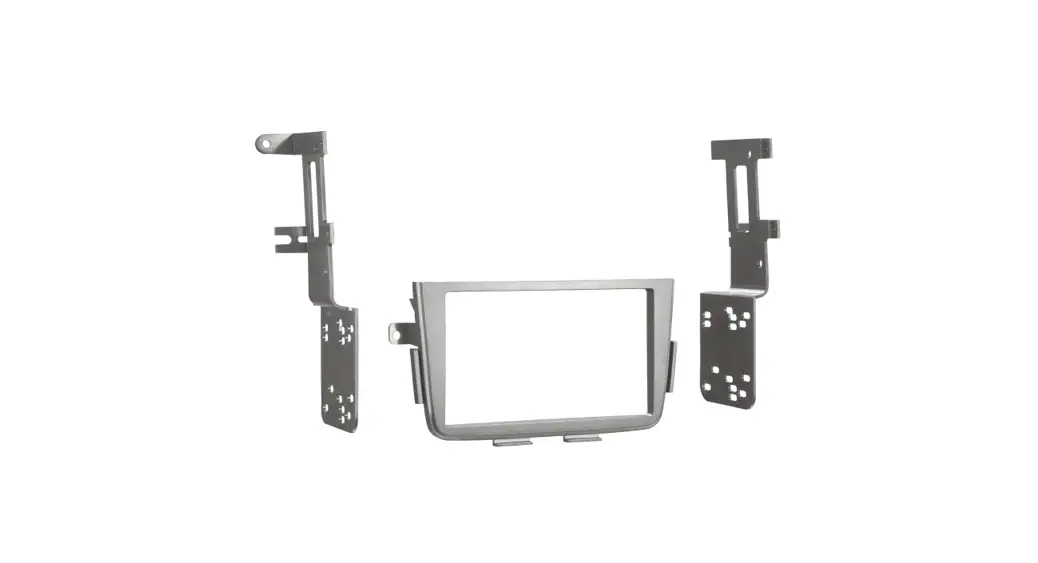
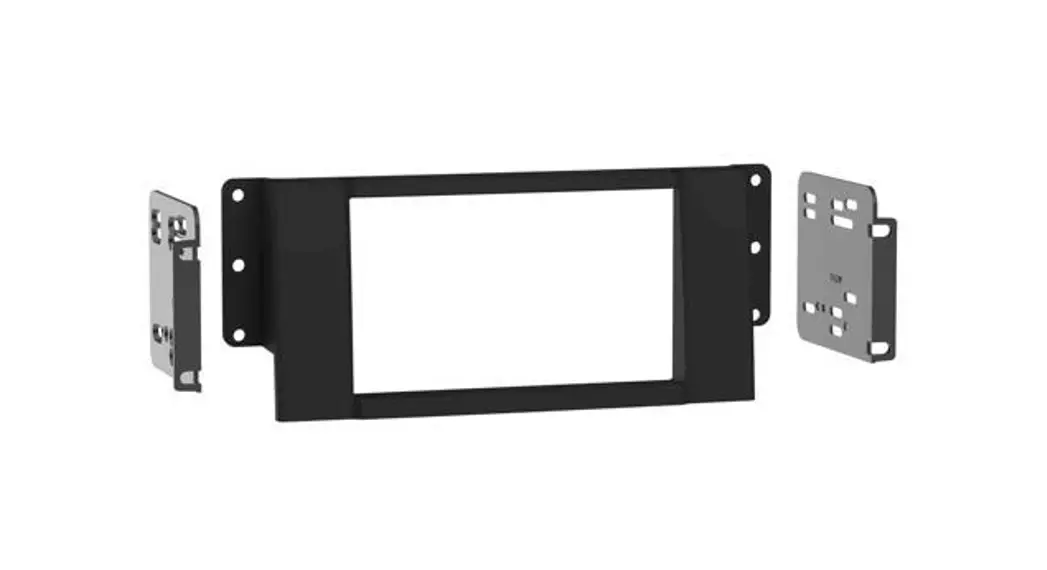
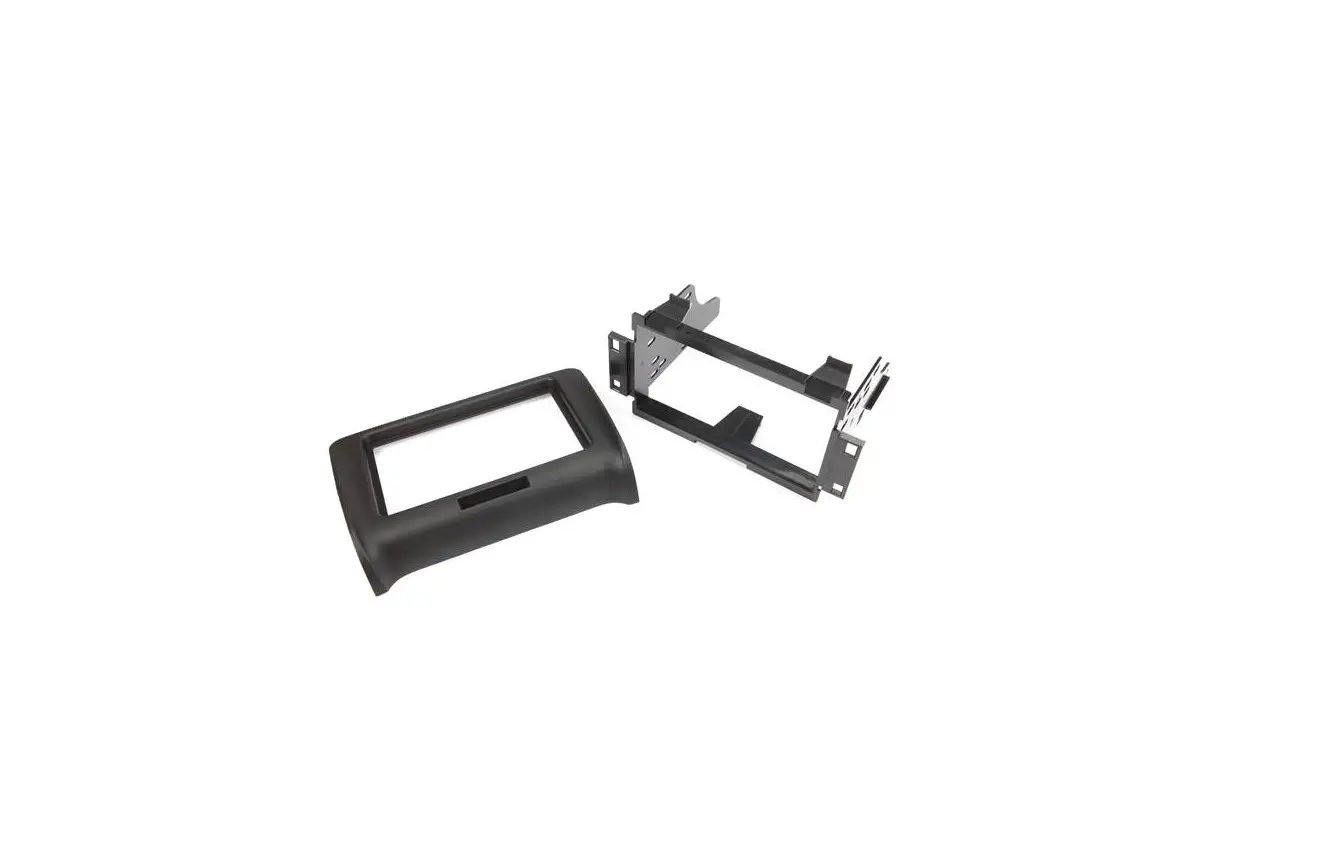
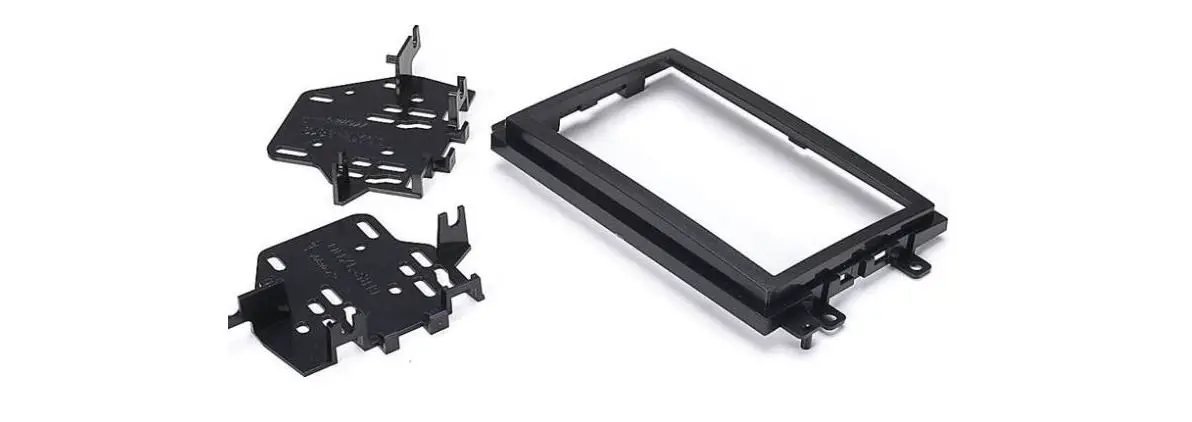
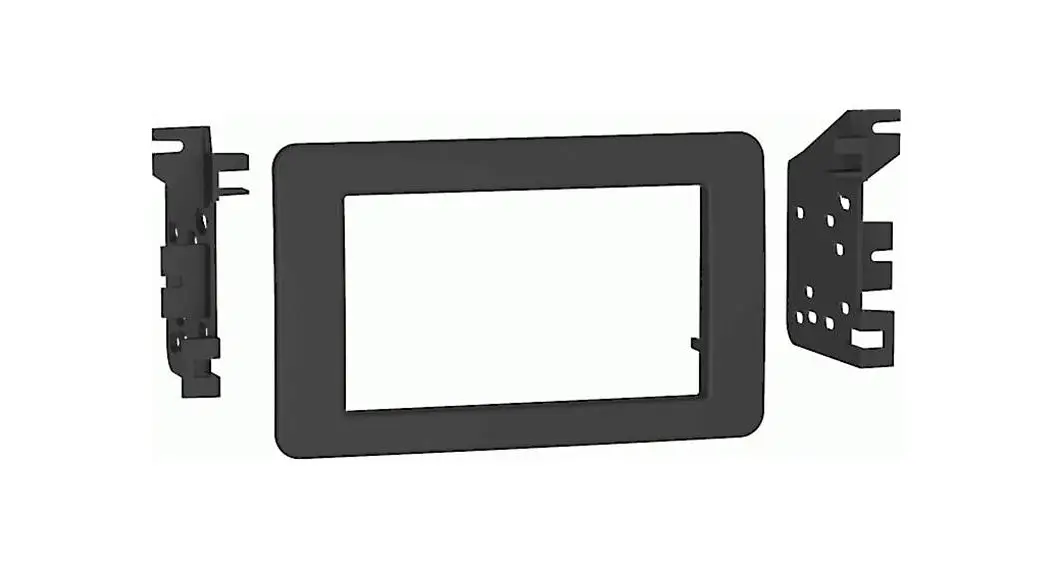
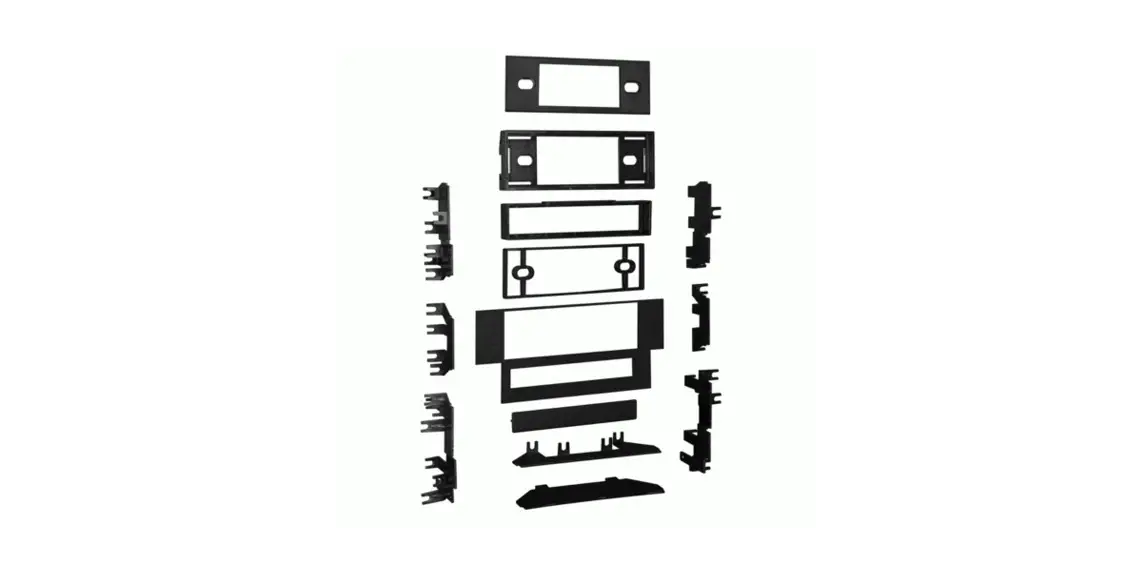
99-3105 Dash Kit
Product Information
Product Name: Car Radio Installation Kit
Model Number: 99-3105
Features: DIN head unit provisions, pocket for holding 2
jewel cases
Application: Compatible with all car models, specifically
designed for Saturn vehicles (all models) from 1995-99
Manufacturer: Metra
Contact: 1-800-221-0932, www.metraonline.com
Product Usage Instructions
- Disconnect the negative battery terminal to prevent an
accidental short circuit. - Remove (2) pop-clips from the sides of the radio trim
bezel. - Unclip the radio trim bezel, disconnect the switch wiring and
remove the bezel. - Remove (2) 7mm hex-head screws securing the top of the factory
head unit and disconnect the wiring. - Reach through the Radio Housing and mount the lower Housing
tabs to the sub-dash with (2) Captive Studs and (2) Pal Nuts
supplied. - Locate the factory wiring harness in the dash. Metra recommends
using the proper mating adaptor and making connections as shown.
Isolate and individually tape off the ends of any unused wires to
prevent electrical short circuit. - Mount the Radio Housing to the sub-dash with (2) 7mm hex-head
screws previously removed in step #1. - Slide the DIN cage into the kit and secure by bending the metal
locking tabs down. - Slide the aftermarket head unit into the cage until
secure. - Re-connect the battery terminal and test the unit for proper
operation.
rev. 290601
KIT FEATURES
DIN head unit provisions
Pocket (holds 2 jewel cases)
99-3105
INSTALLATION INSTRUCTIONS
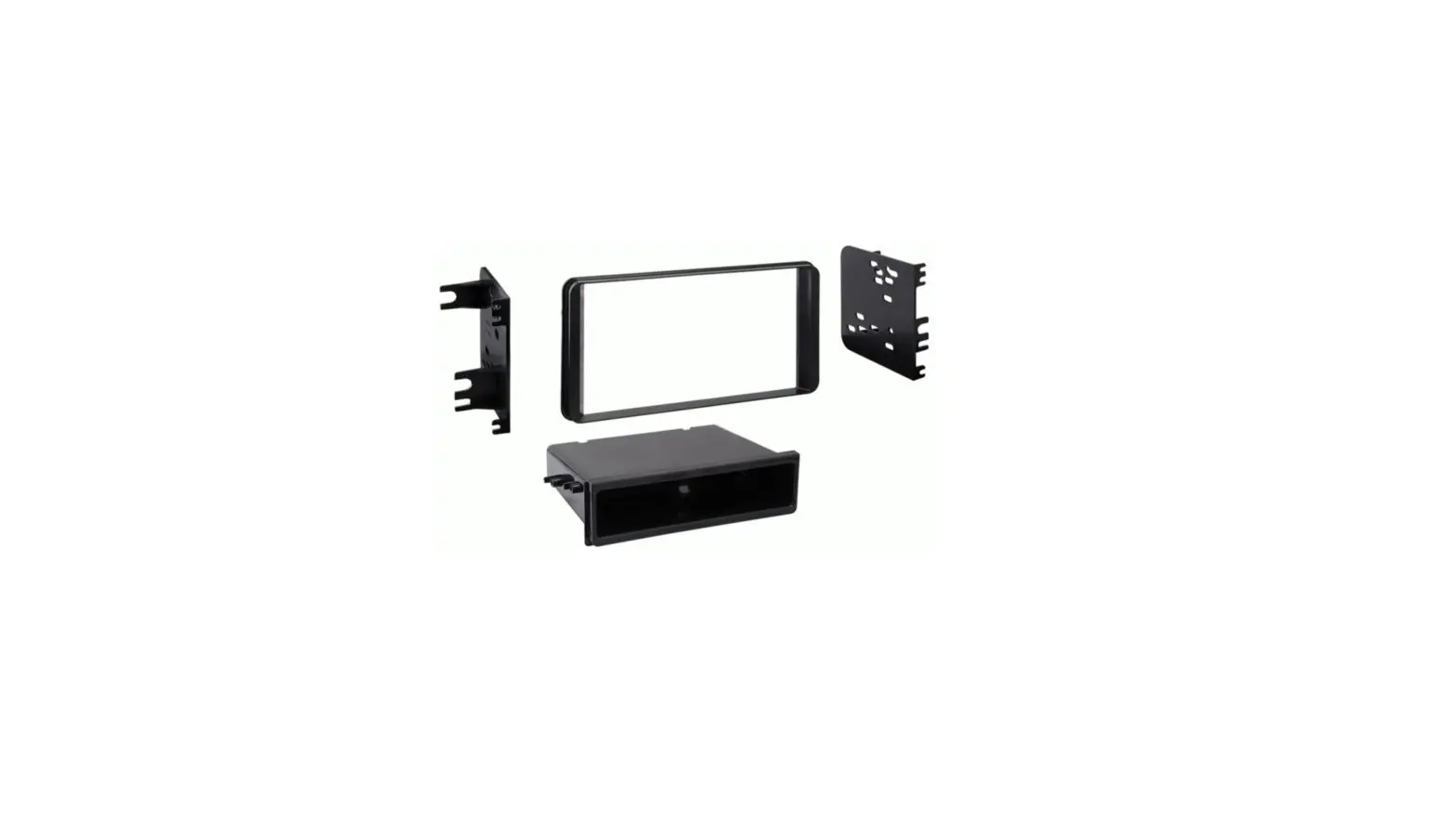
KIT COMPONENTS
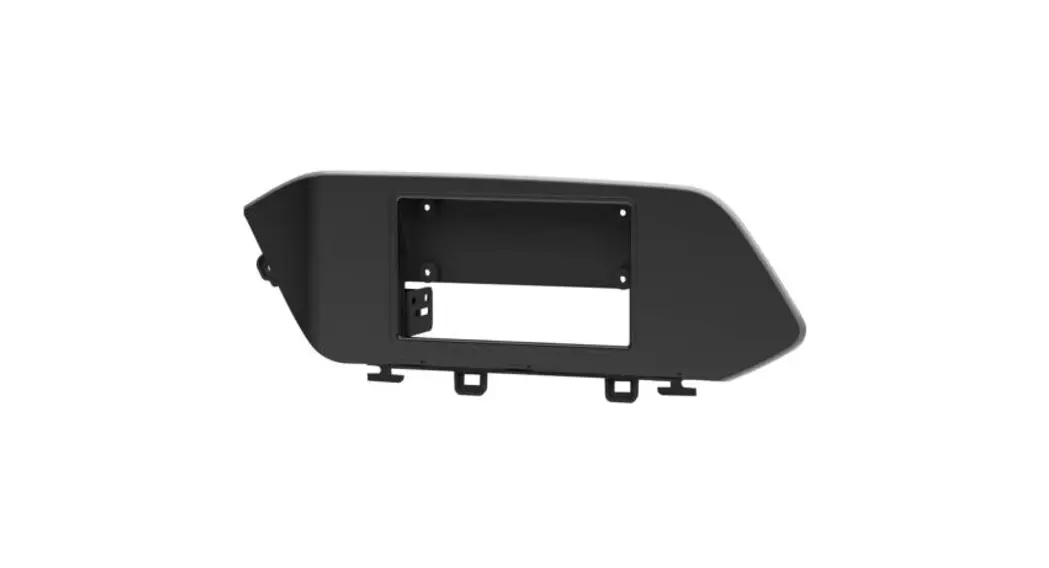
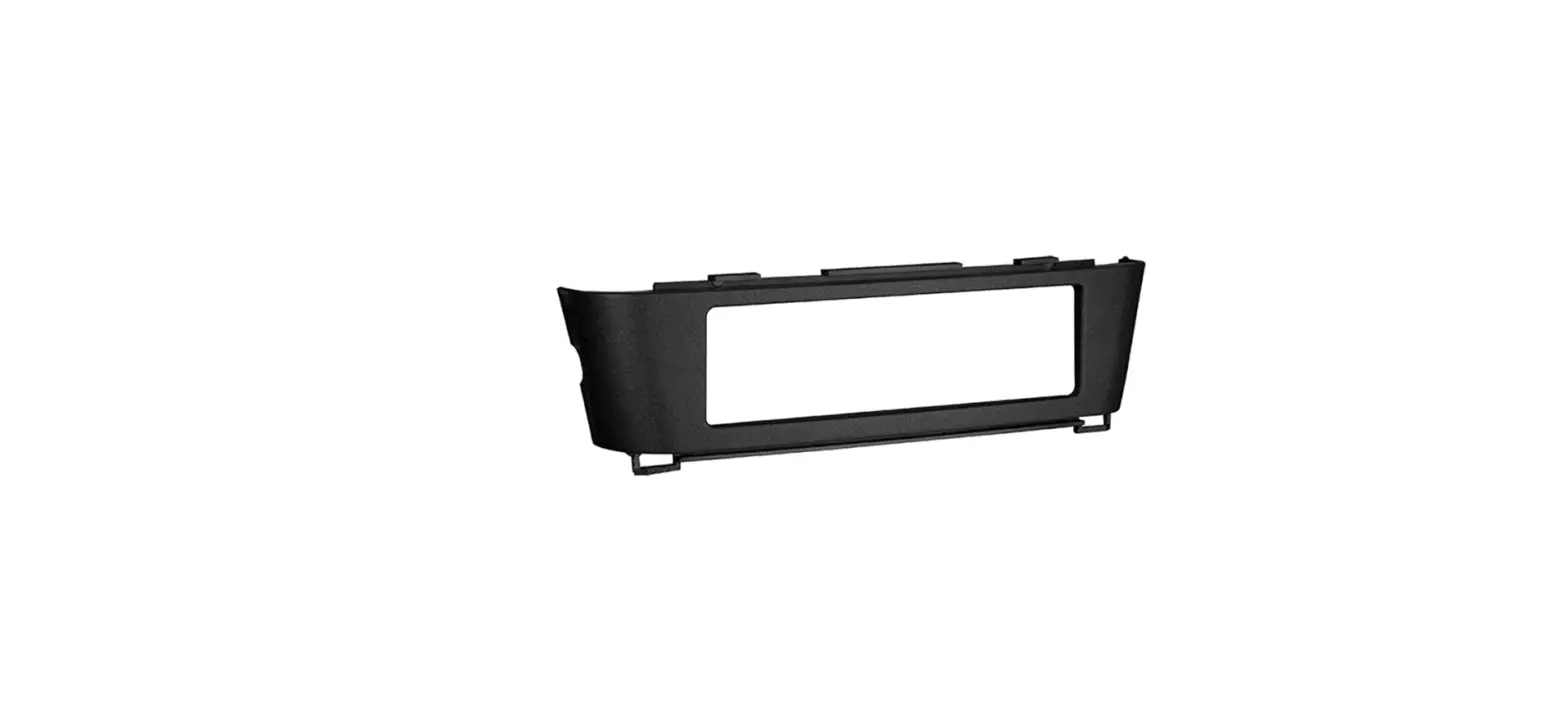
Radio Housing
APPLICATIONS
CAR
PAGE
SATURN
(All models) 1995-99………………………………………..1-2
(2) Captive Studs (2) Pal Nuts
TOOLS REQUIRED Phillips screwdriver
Socket wrench
1-800-221-0932 www.metraonline.com
© COPYRIGHT 2001 METRA ELECTRONICS CORPORATION
ALL VEHICLES
1
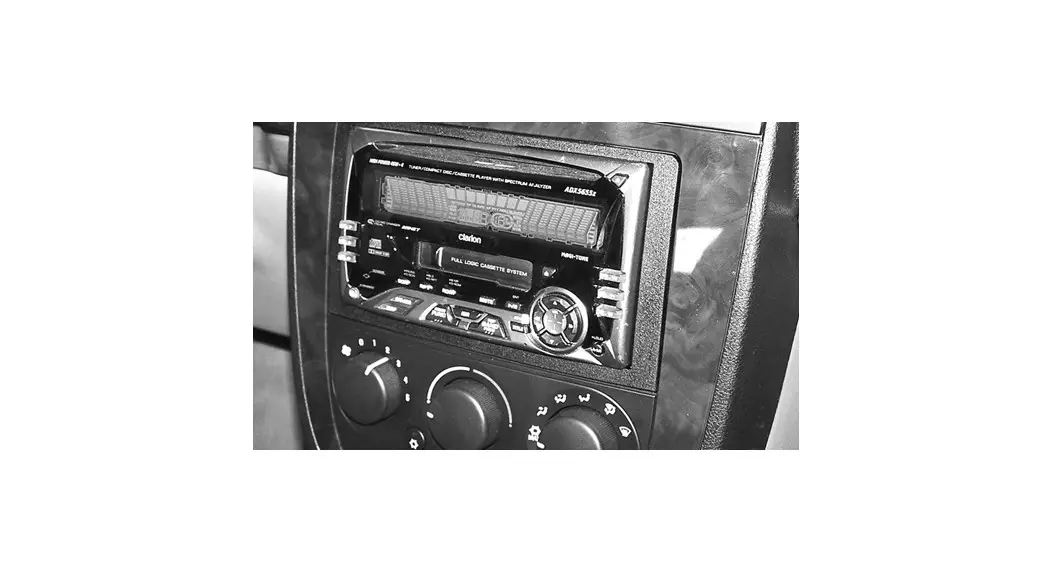
Disconnect the negative battery terminal to prevent an accidental short circuit. Remove (2) pop-clips from the sides of the radio trim bezel. Unclip the radio trim bezel, disconnect the switch wiring and remove the bezel. Remove (2) 7mm hex-head screws securing the top of the factory head unit and disconnect the wiring.
2
3
4
A
B
C
D
A) Strip wire ends back ½” B) Twist ends together C) Solder D) Tape
Reach through the Radio Housing and mount the lower Housing tabs to the sub-dash with (2) Captive Studs and (2) Pal Nuts supplied.
Locate the factory wiring harness in the dash. Metra recommends using the proper mating adaptor and making connections as shown. (Isolate and individually tape off the ends of any unused wires to prevent electrical short circuit).
5
Mount the Radio Housing to the sub-dash with (2) 7mm hex-head screws previously removed in step #1.
1
Slide the DIN cage into the kit and secure by bending the metal locking tabs down. Slide the aftermarket head unit into the cage until secure. Re-connect the battery terminal and test the unit for proper operation.
2
 Metra Online | Welcome to Metra Auto Parts Online Warehouse