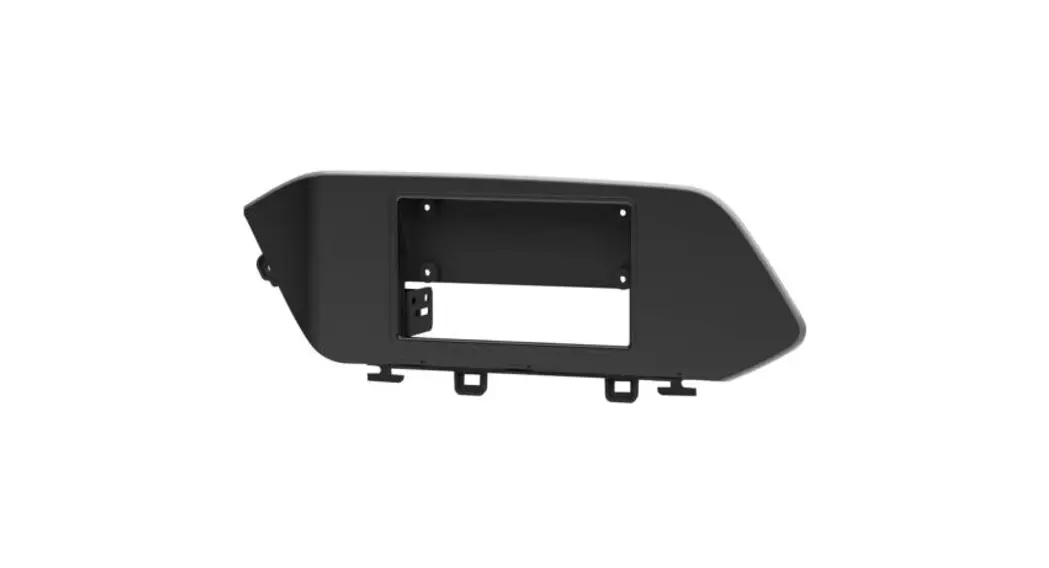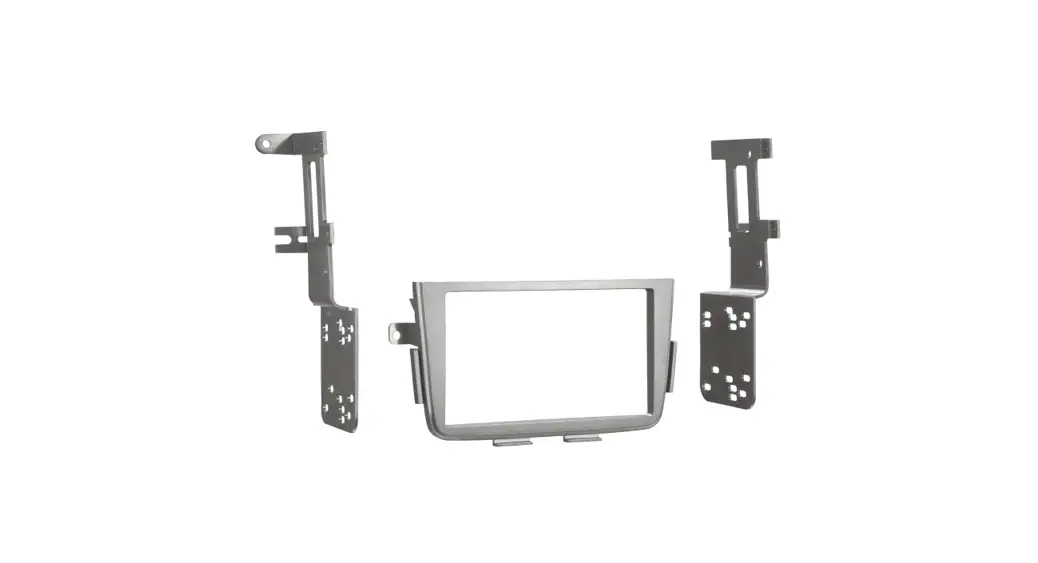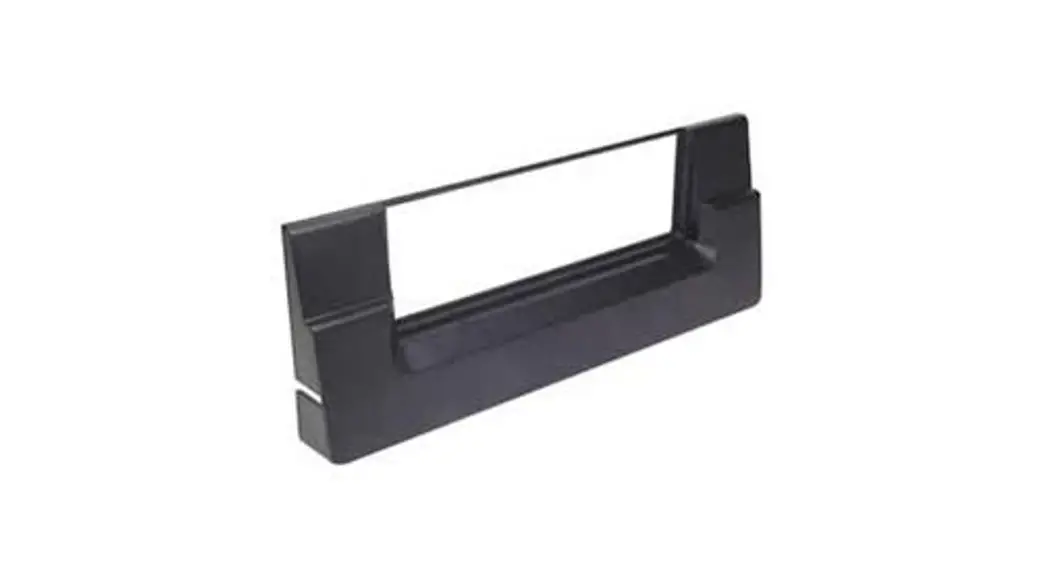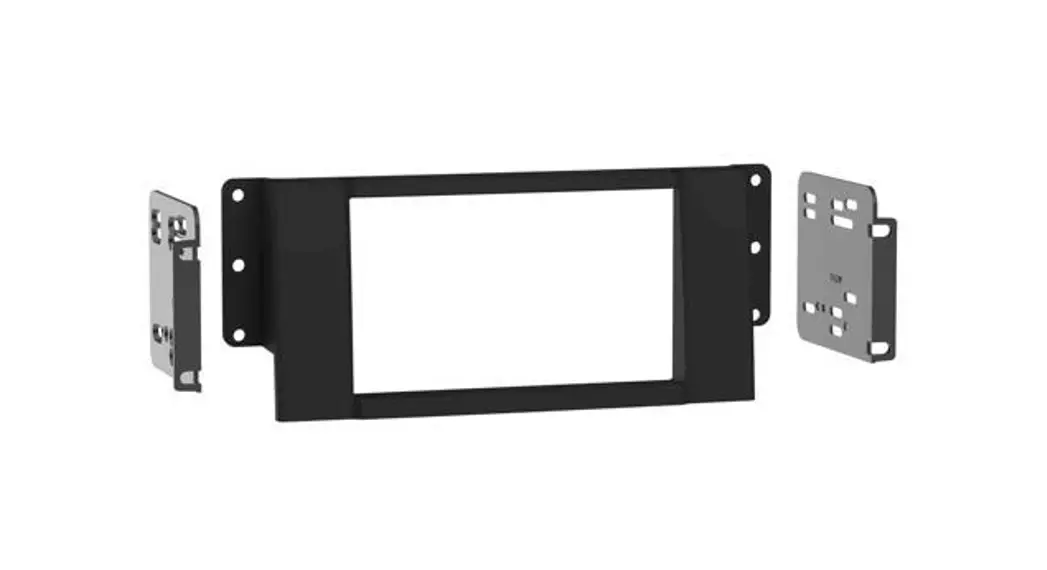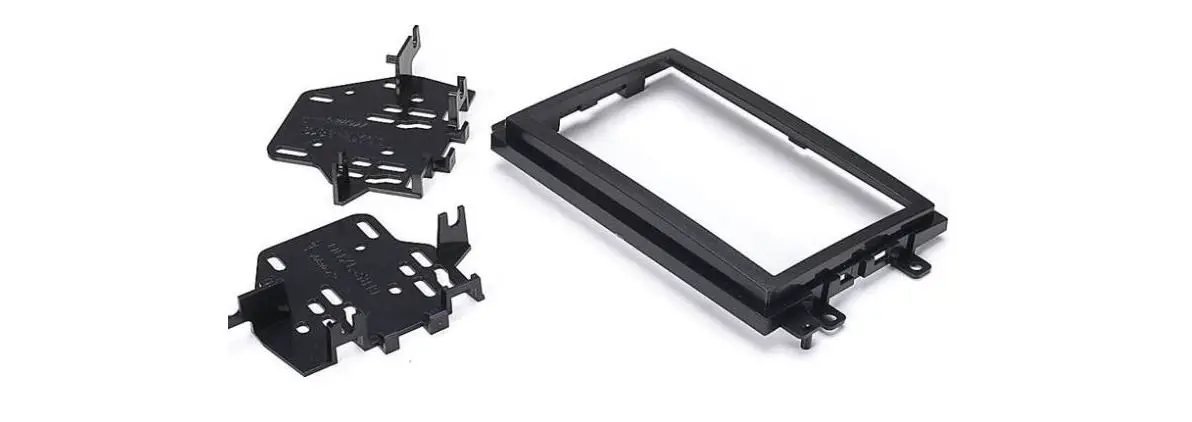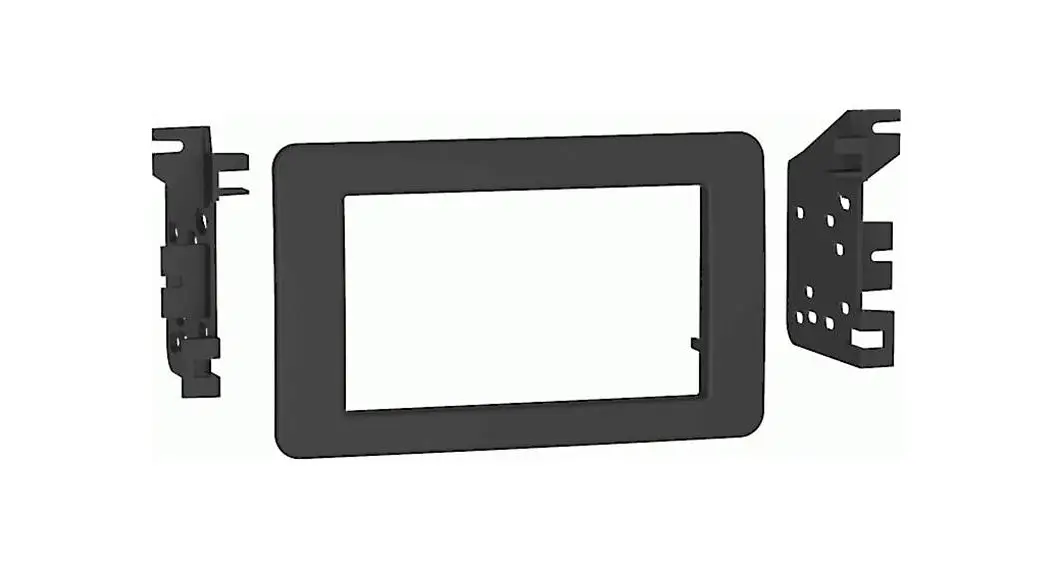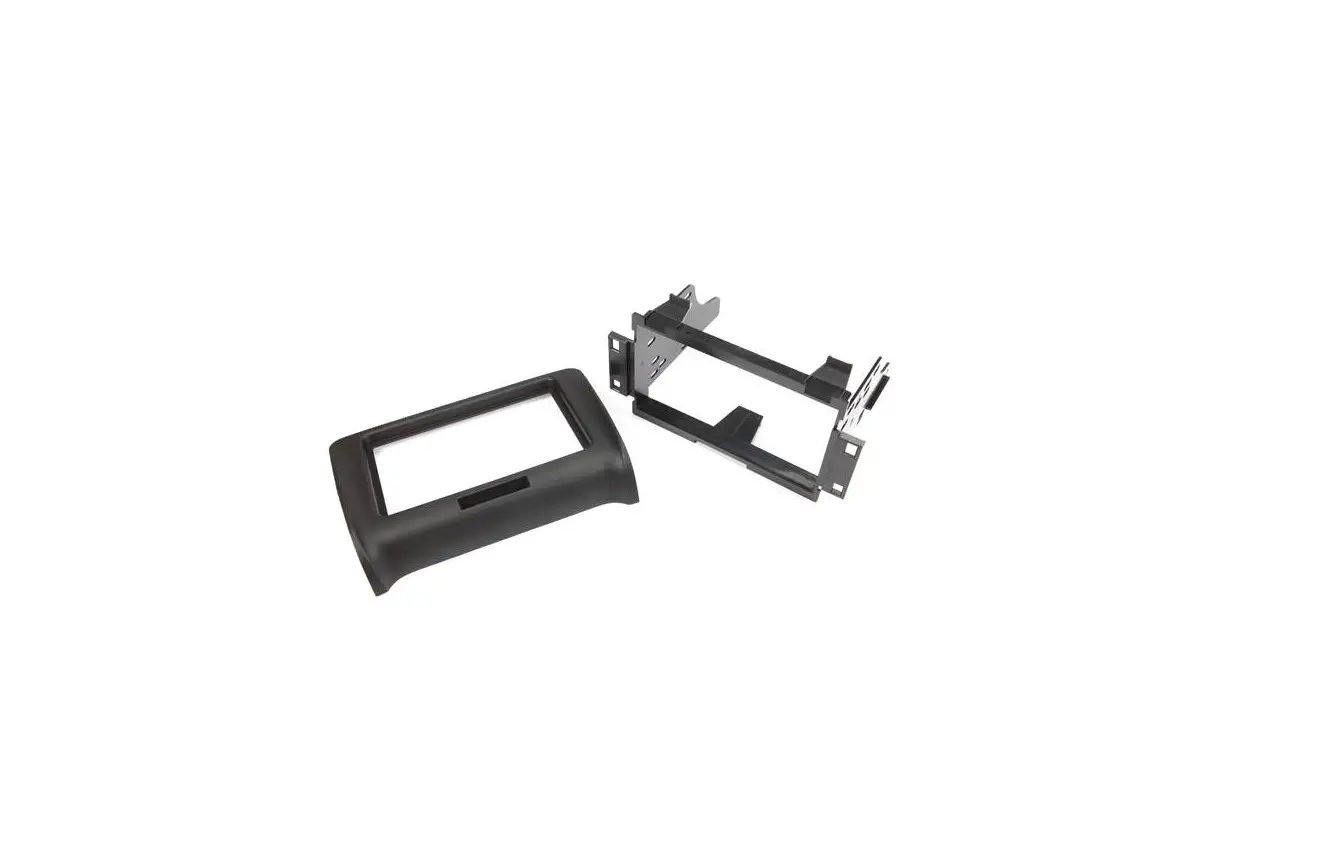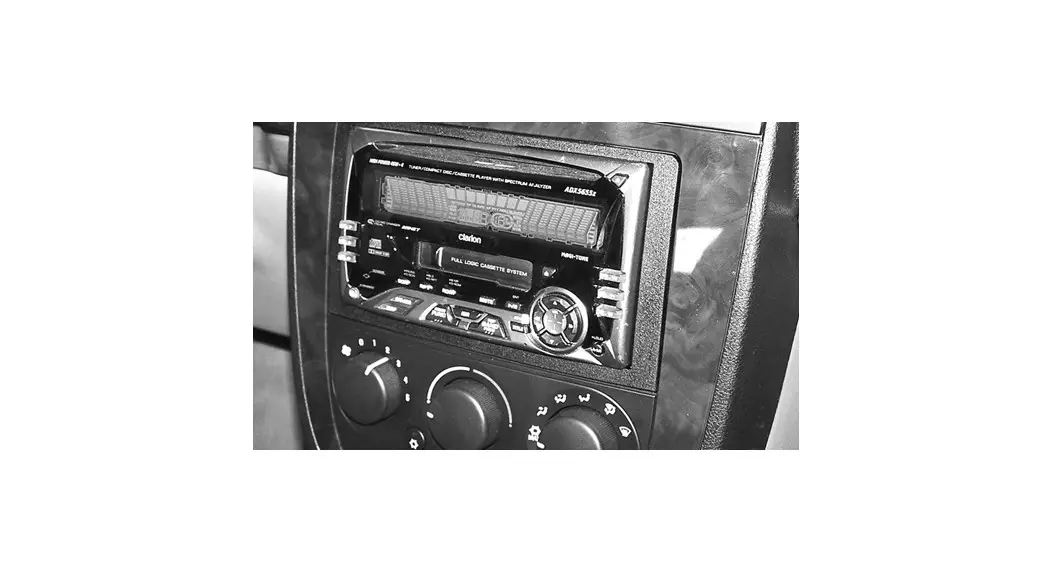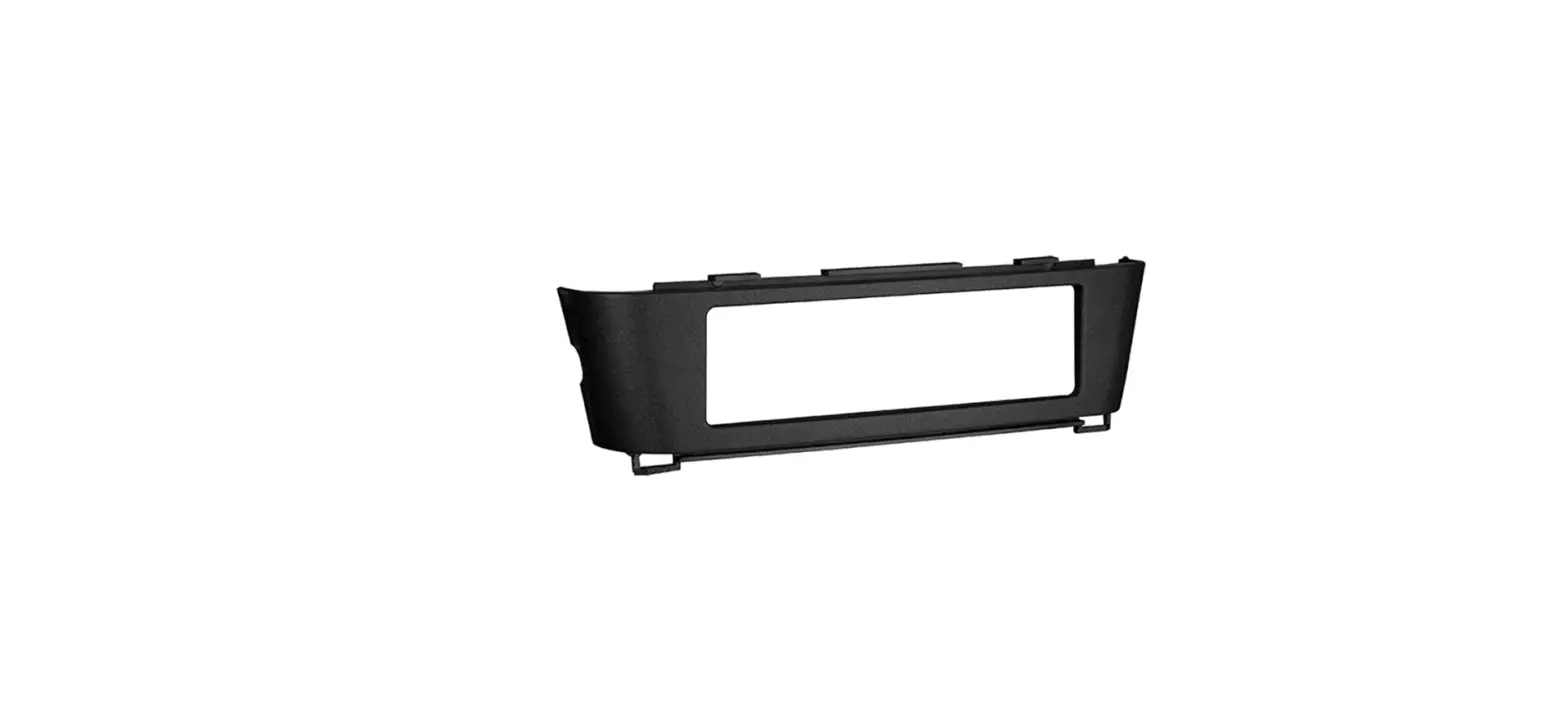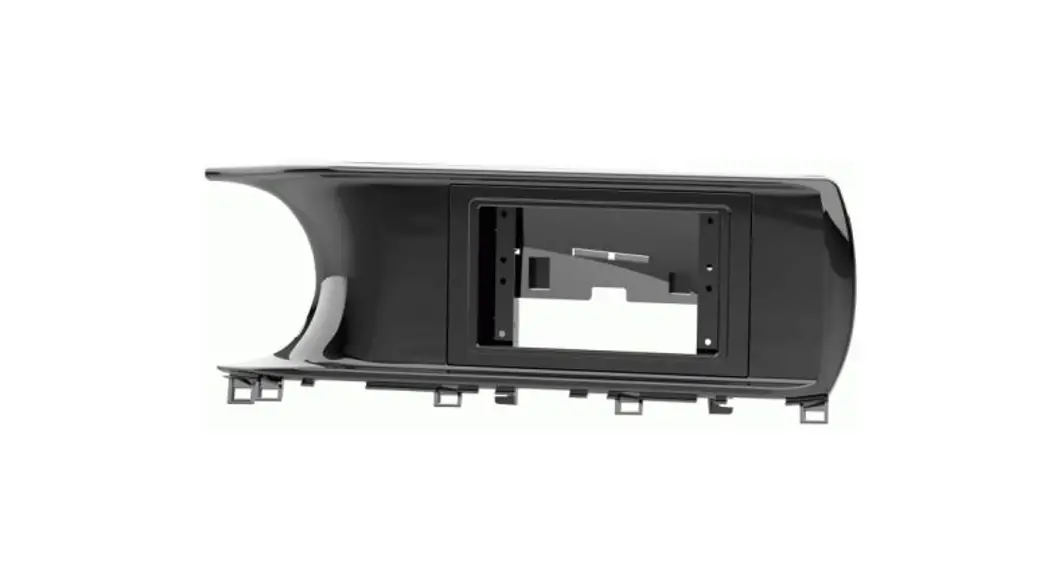
 107-KI2HG Dash Kit
Instruction Manual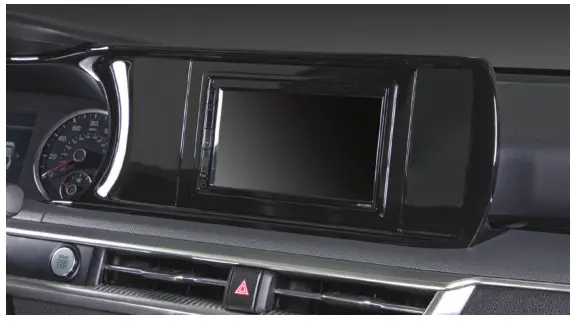
107-KI2HG Dash Kit
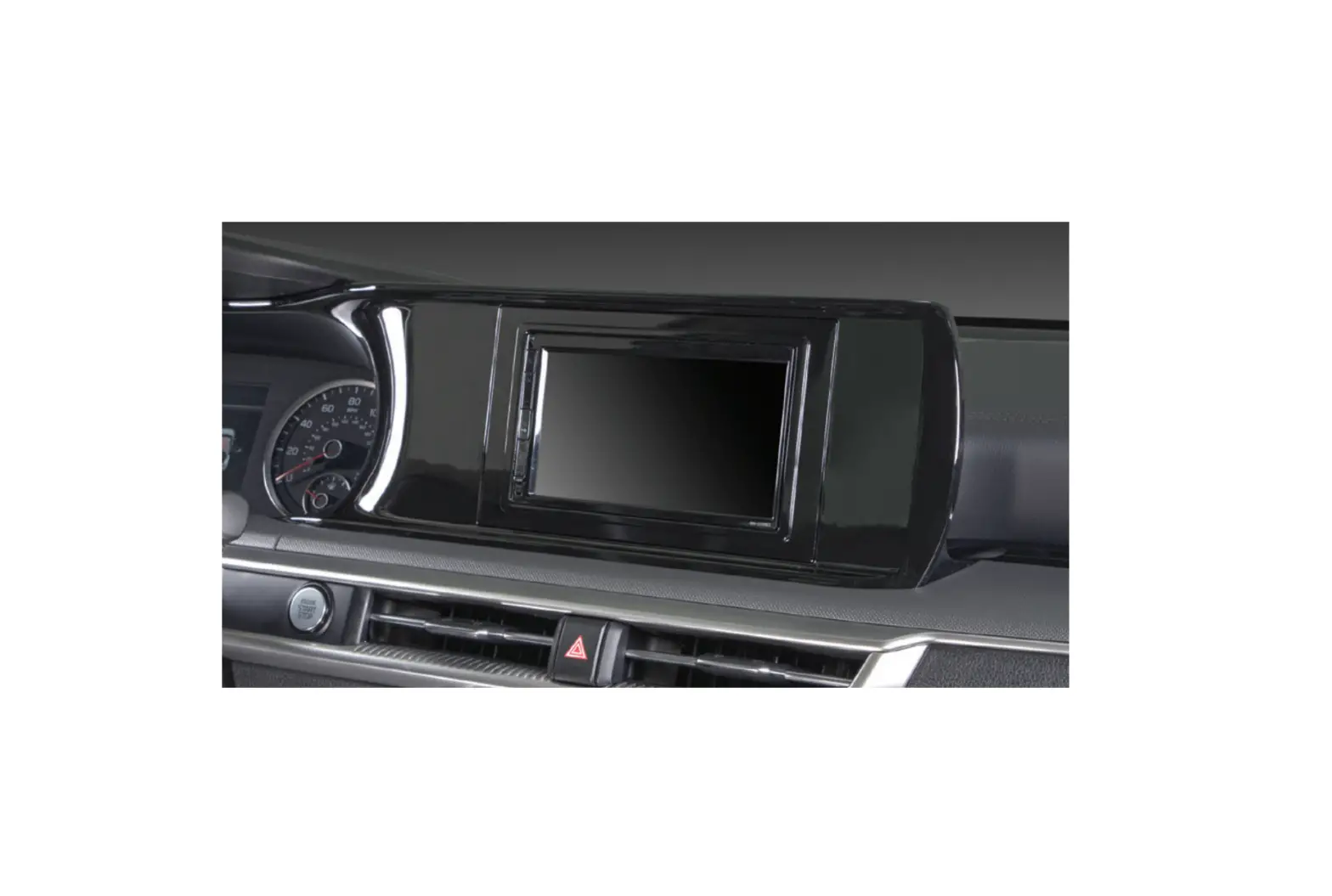
Kia K5 2021-Up
Visit MetraOnline.com for more detailed information about the product and up-to-date vehicle specific applications
WIRING & ANTENNA CONNECTIONS (sold separately)
Wiring Harness: Visit metraonline.com for audio/video and steering wheel control interface options.
Antenna Adapter: Not required
TOOLS REQUIRED
- Panel removal tool
- Phillips screwdriver
Attention! With the key out of the ignition, disconnect the negative battery terminal before installing this product. Ensure that all installation connections are secure before cycling the ignition to test this product.
KIT FEATURES
- Designed specifically for Pioneer modular 6.8” radios like the DMH-C2550NEX and DMH-C2500NEX. †
† Refer to the radio manufacturer for current models - Both textured and painted gloss black to match the factory finish.
KIT COMPONENTS
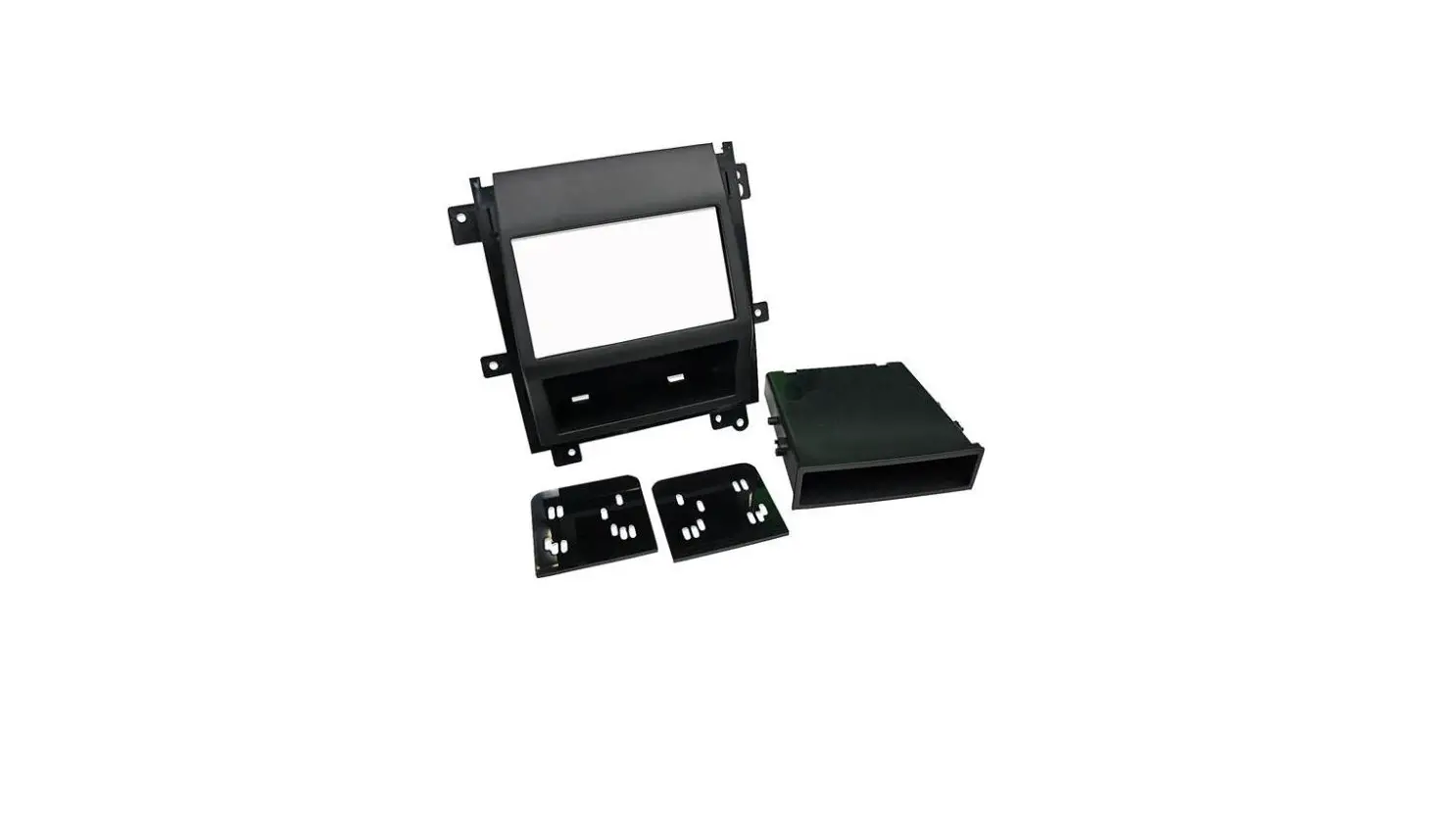
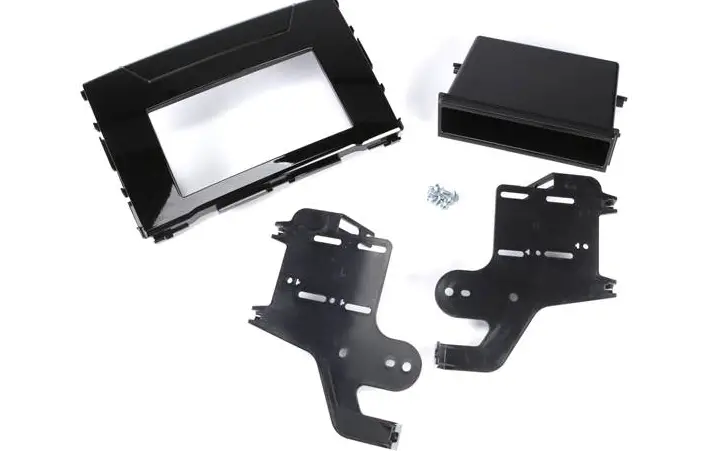
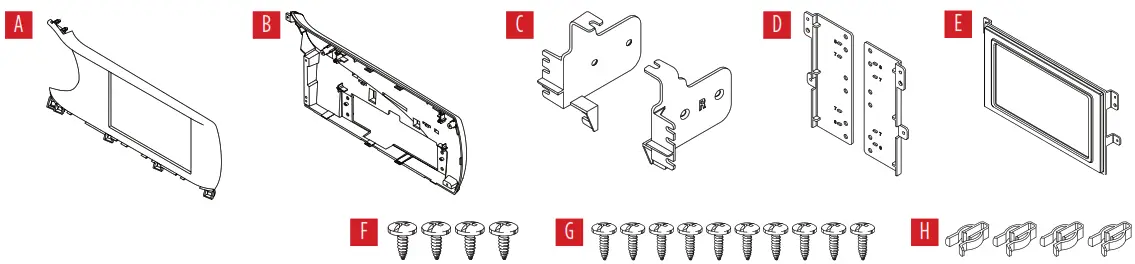
- A) Front panel
- B) Back panel
- C) Radio chassis brackets
- D) Radio display brackets
- E) Display trim panel
- F) #8 x 3/8” Phillips screws (4)
- G) #4 x 3/8” Phillips screws (10)
- H) Panel clips (4)

DASH DISASSEMBLY
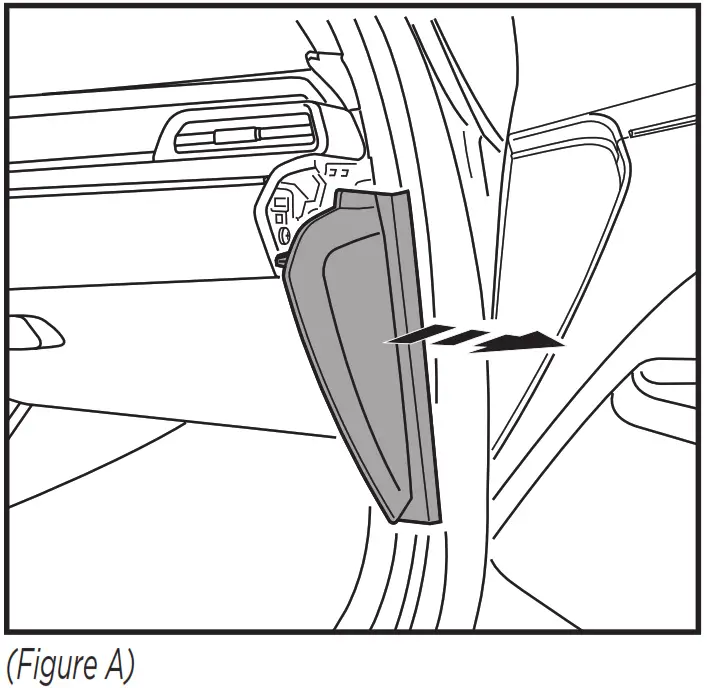
- Unclip and remove the trim panel from the passenger side of the dash. (Figure A)

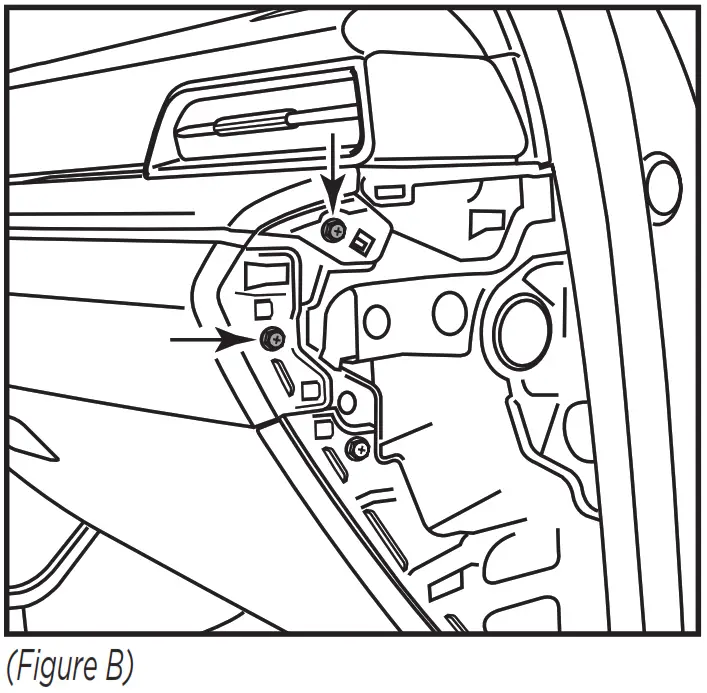
- Remove (2) Phillips screws exposed after removing side panel in step 1. (Figure B)

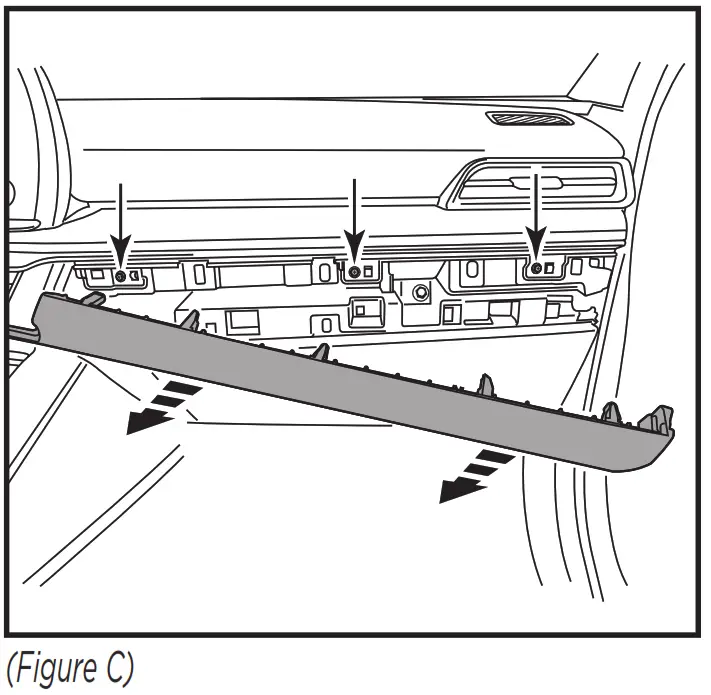
- Unclip the trim panel above the glove box and let hang. Note: You do not need to remove the entire panel. (Figure C)

- Remove (3) Phillips screws exposed after unclipping panel above glove box in step 3. (Figure C)
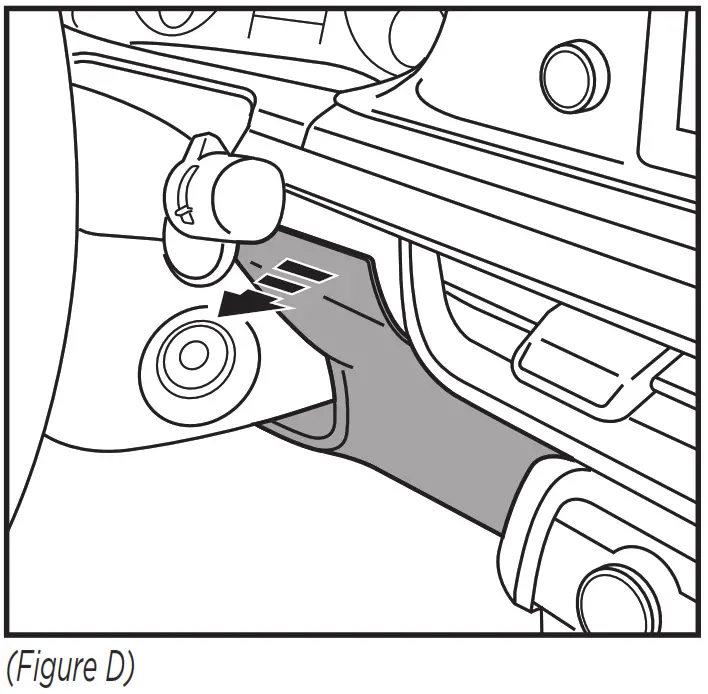
- For models equipped with key cylinder start on steering column:
Unclip the right side of the trim panel to the right of the steering column below the instrument cluster. Note: You do not need to remove the entire trim panel. (Figure D)
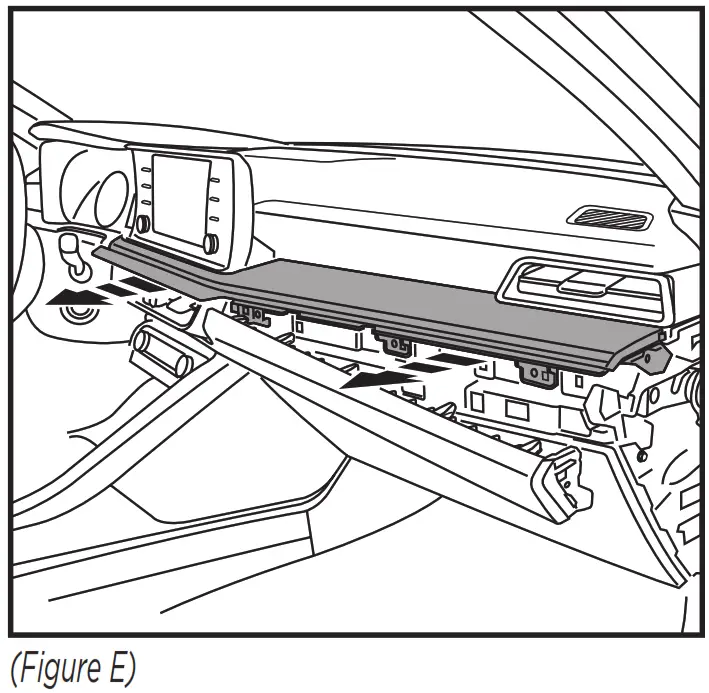
- Unclip and remove the trim panel below the radio. (Figure E)

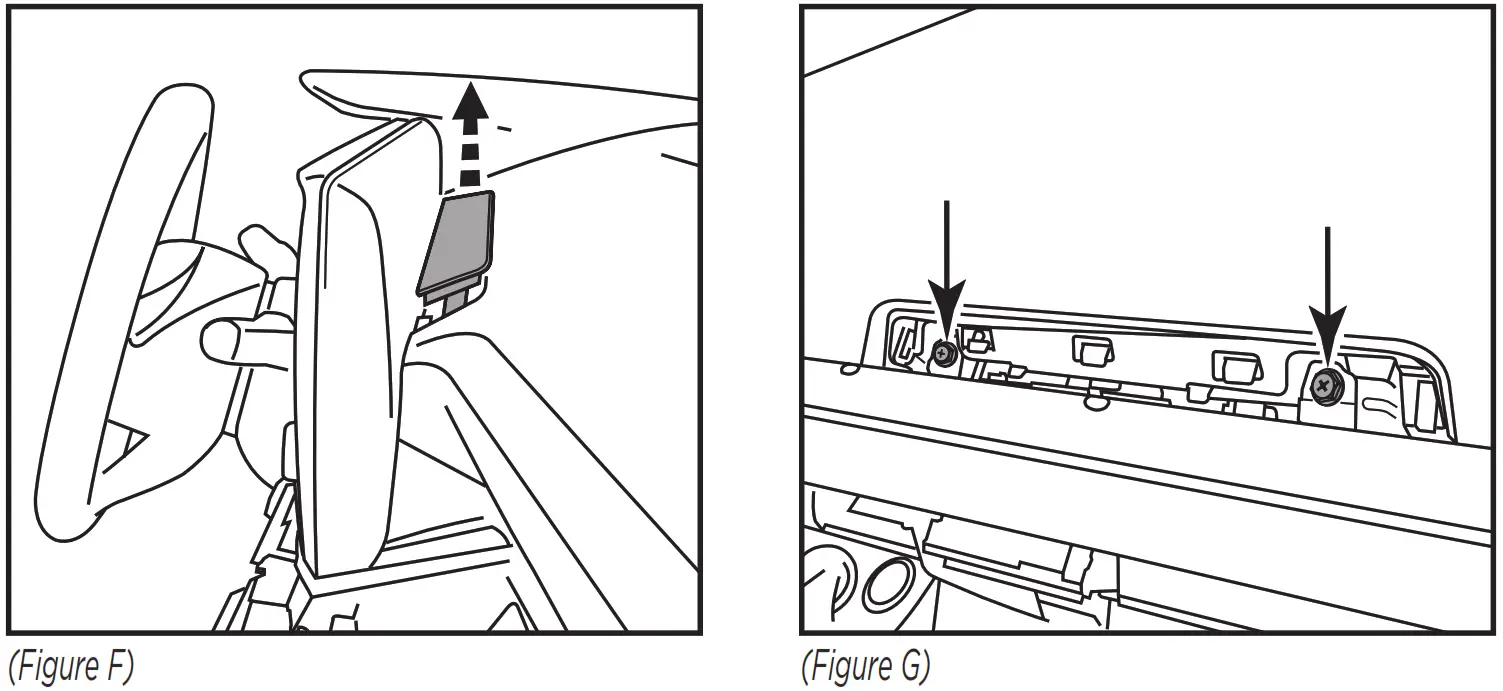
- Unclip and remove the small trim panel behind the radio screen then remove the (2) Phillips screws exposed. (Figure F, G)

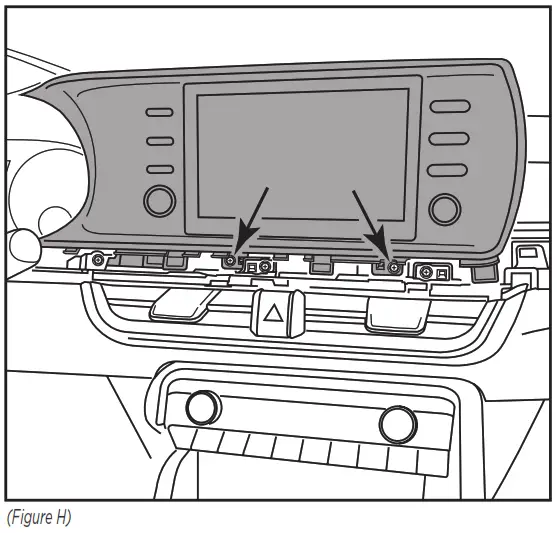
- Remove (2) Phillips screws below the radio screen. (Figure H)

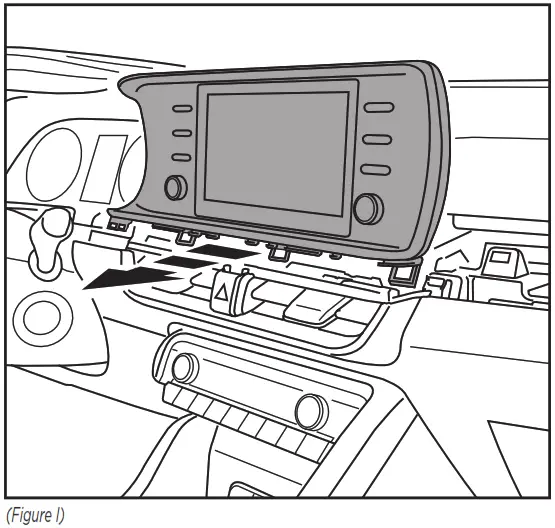
- Unclip and remove the radio screen and chassis. (Figure I)

Continue to Kit Preparation
KIT PREPARATION
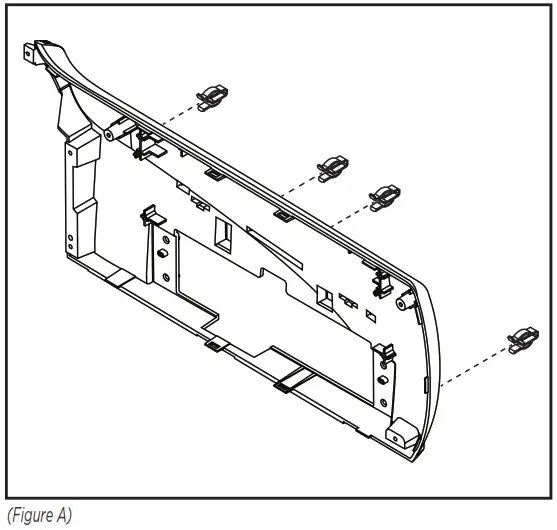
- Secure the (4) included panel clips to the back panel. (Figure A)

KIT ASSEMBLY
Pioneer Modular DDIN radio provision
Note: Reference the installation manual provided with the radio for which hardware to use. The display screen and radio chassis use two different types of screws.
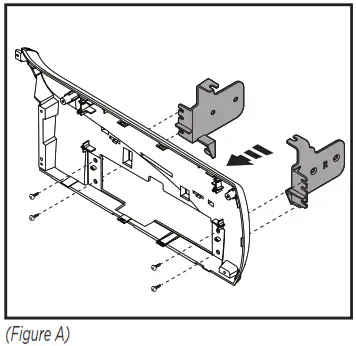
- Secure the radio chassis brackets to the back panel using (4) #8 x 3/8” screws supplied. (Figure A)

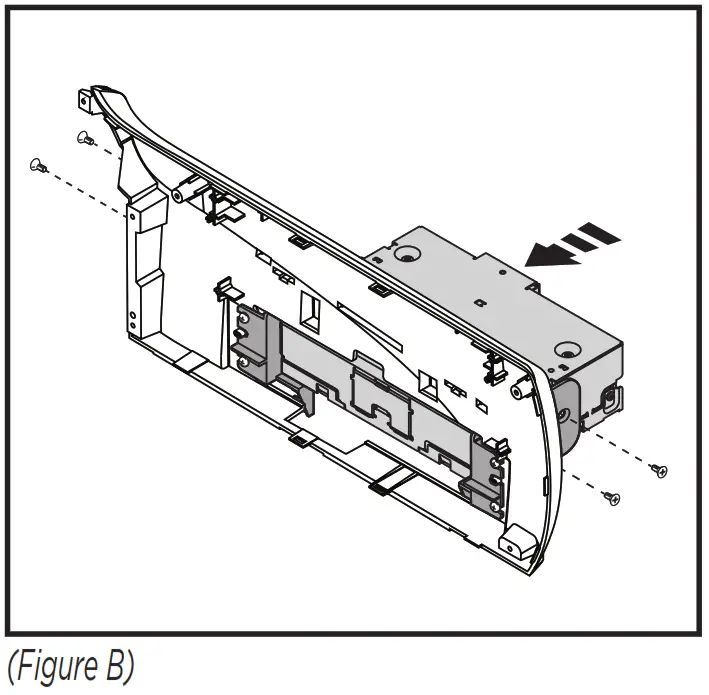
- Secure the radio chassis to the radio chassis brackets using screws supplied with the radio. Route the display cable to the inside of the panel to be connected next. (Figure B)

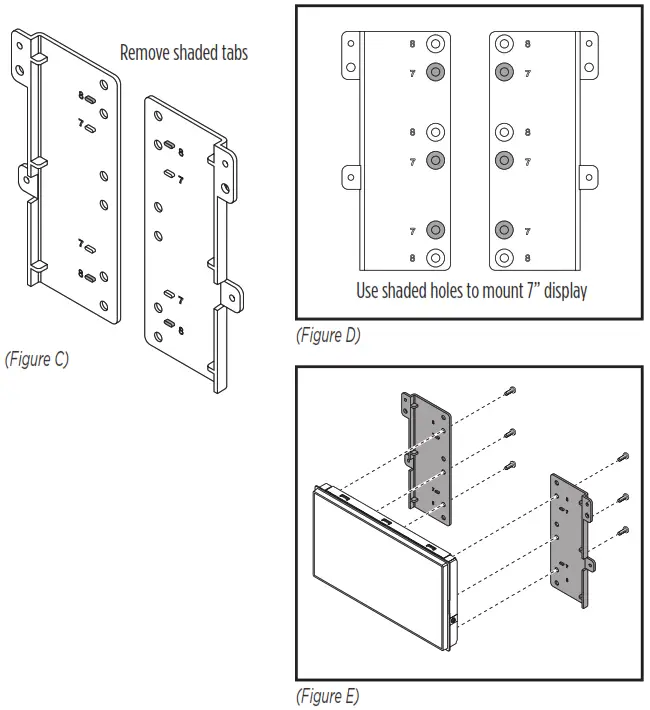
- Remove the alignment tabs on the radio display brackets marked 8. Secure the radio display to the radio display brackets using (6) screws supplied with the radio.
Note: The proper mounting holes to use are indicated in figure D. (Figure C, D, E)
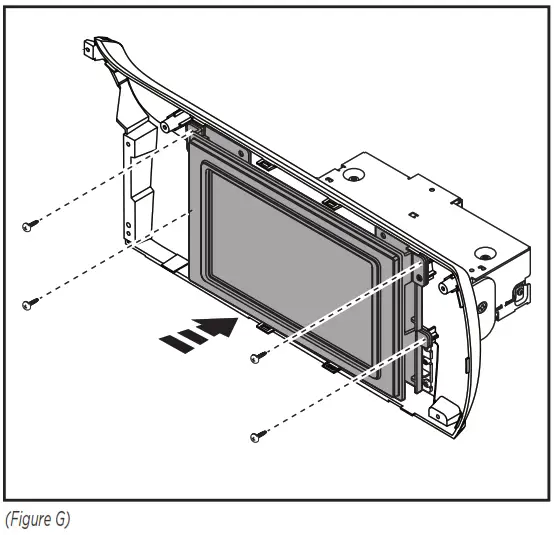
- Connect the cable to the radio display, place the display trim panel over the display, and secure to the back panel with (4) #4 x 3/8” screws provided. (Figure G)

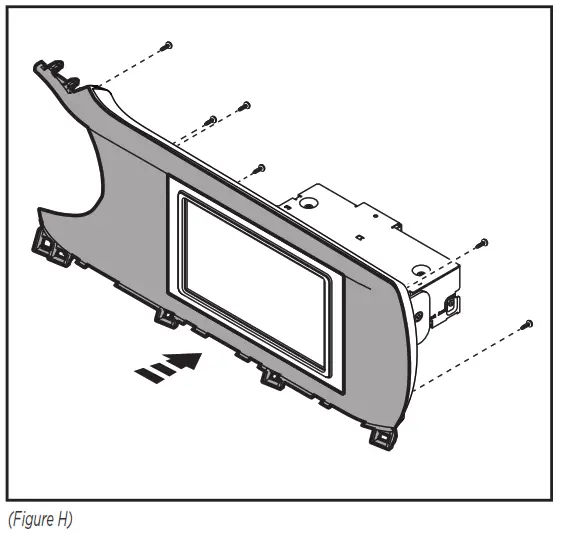
- Secure the front panel to the radio/back panel assembly using (6) #4 x 3/8” screws provided. (Figure H)

- Locate the factory wiring harness and antenna connector in the dash and complete all necessary connections to the radio. Metra recommends using the proper mating adapter from Metra and/or Axxess. Test the radio for proper operation.
- Clip the radio assembly into to the dash, then secure using the factory screws.
- Reassemble the dash in reverse order of disassembly to complete the installation.

Having difficulties? We’re here to help. Contact our Tech Support line at: 386-257-1187
 Or via email at: [email protected]
Tech Support Hours (Eastern Standard Time)
Monday – Friday: 9:00 AM – 7:00 PM
Saturday: 10:00 AM – 7:00 PM
Sunday: 10:00 AM – 4:00 PM
 KNOWLEDGE IS POWER
Enhance your installation and fabrication skills by enrolling in the most recognized and respected mobile electronics school in our industry. Log onto www.installerinstitute.com or call 800-354-6782 for more information and take steps toward a better tomorrow.
 Metra recommends MECP certified technicians
Metra. The World’s Best Kits.®
MetraOnline.com
© COPYRIGHT 2022 METRA ELECTRONICS CORPORATION
386.257.1187
REV. 2/15/22 INST107-KI2HG
 Auto Sound Company Inc - Aftermarket Vehicle Accessory Specialists
 Metra Online | Welcome to Metra Auto Parts Online Warehouse
 Installer Institute | Car Audio Installation and Mobile Electronics Education