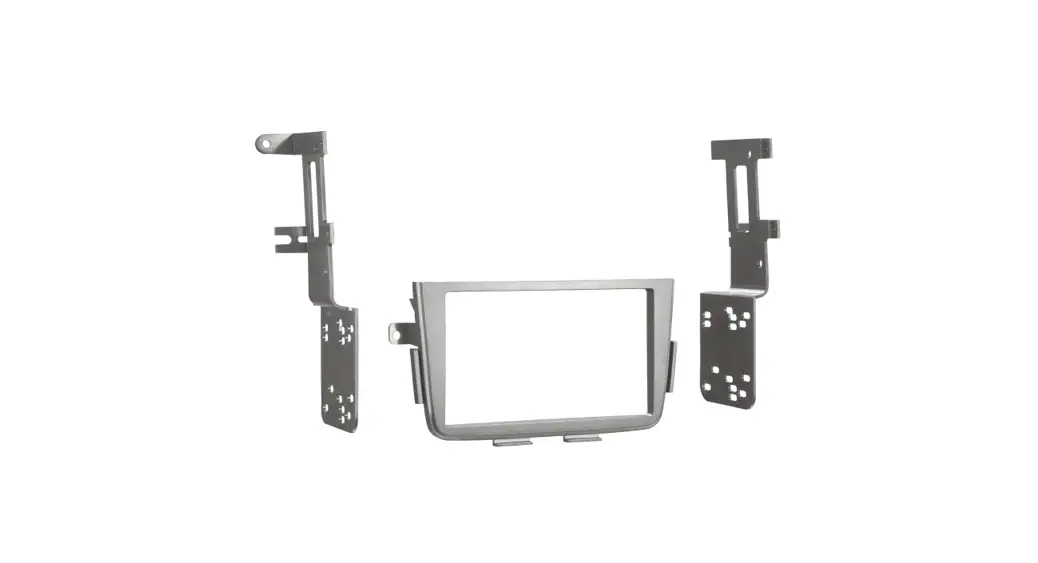
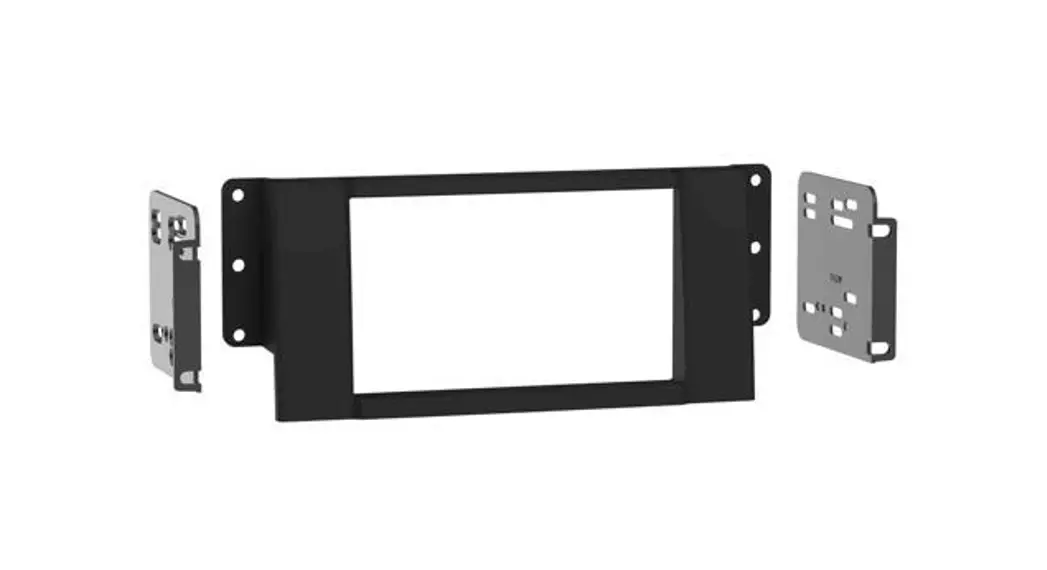
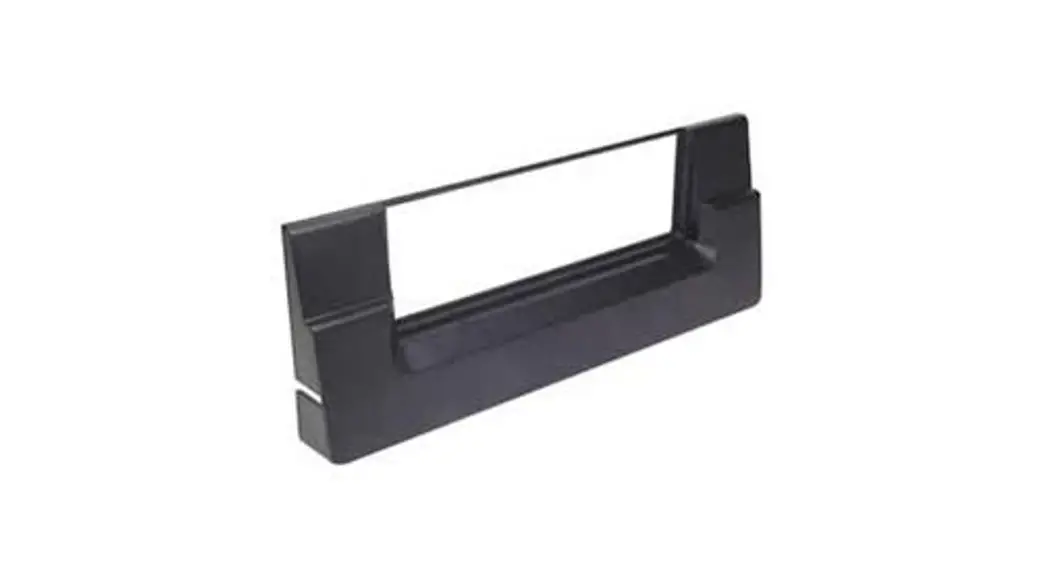
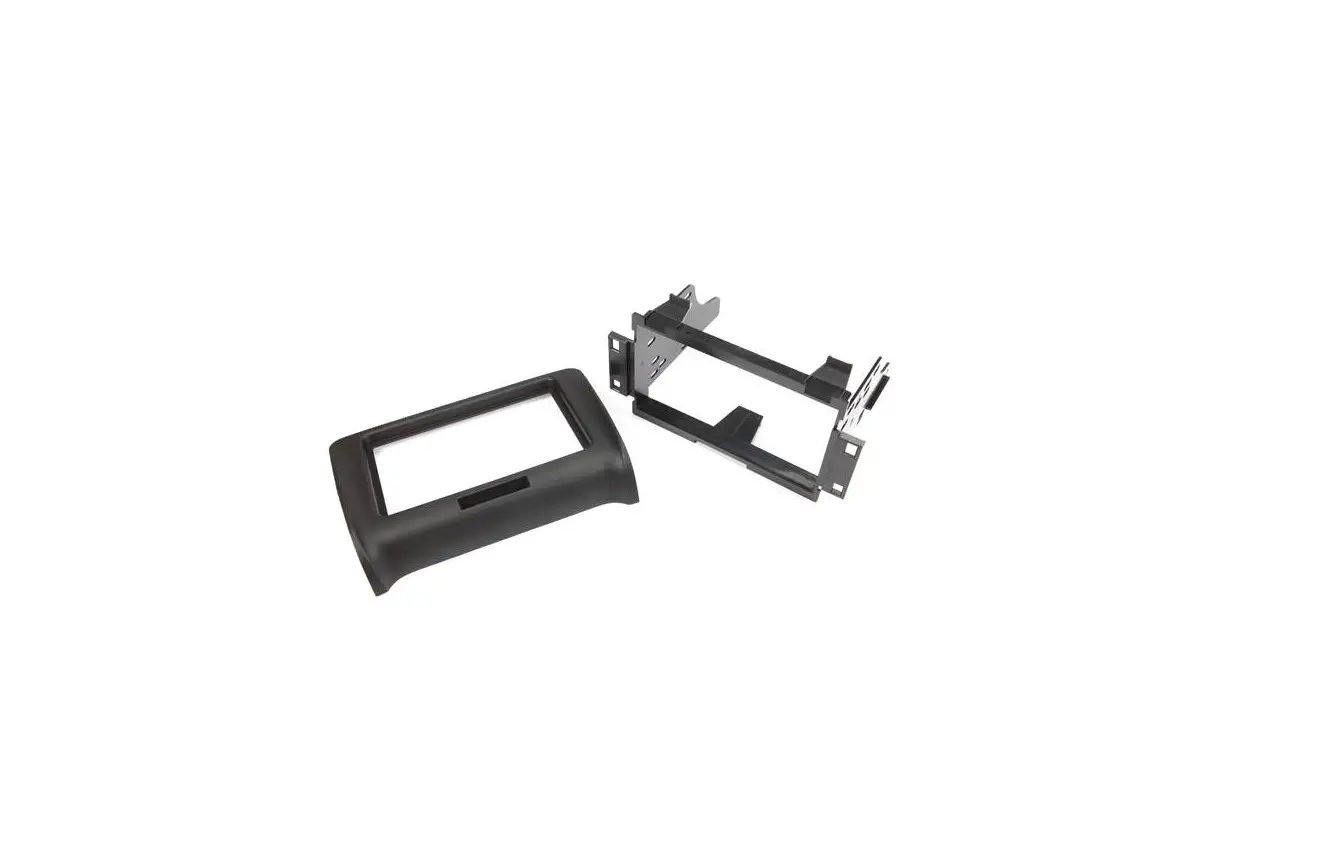
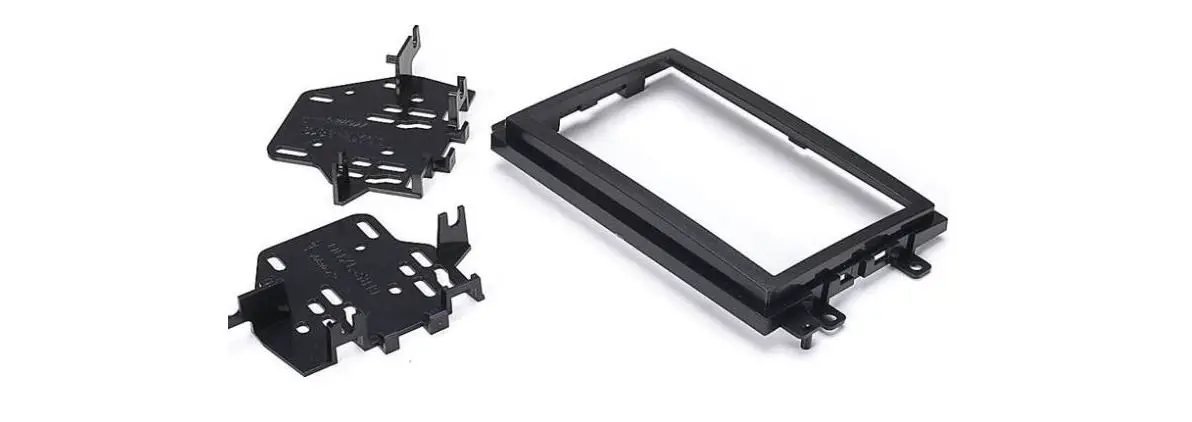
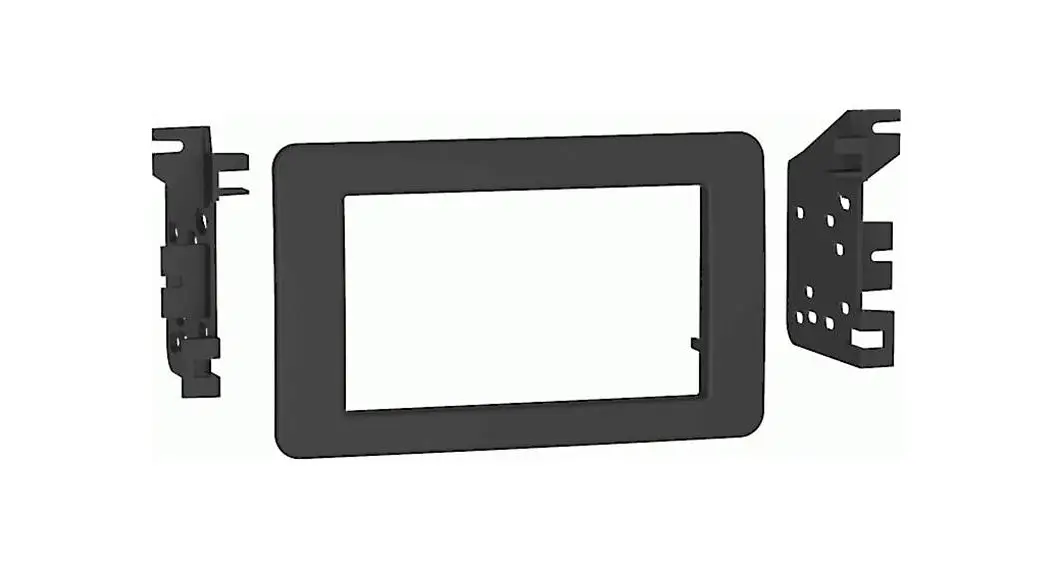
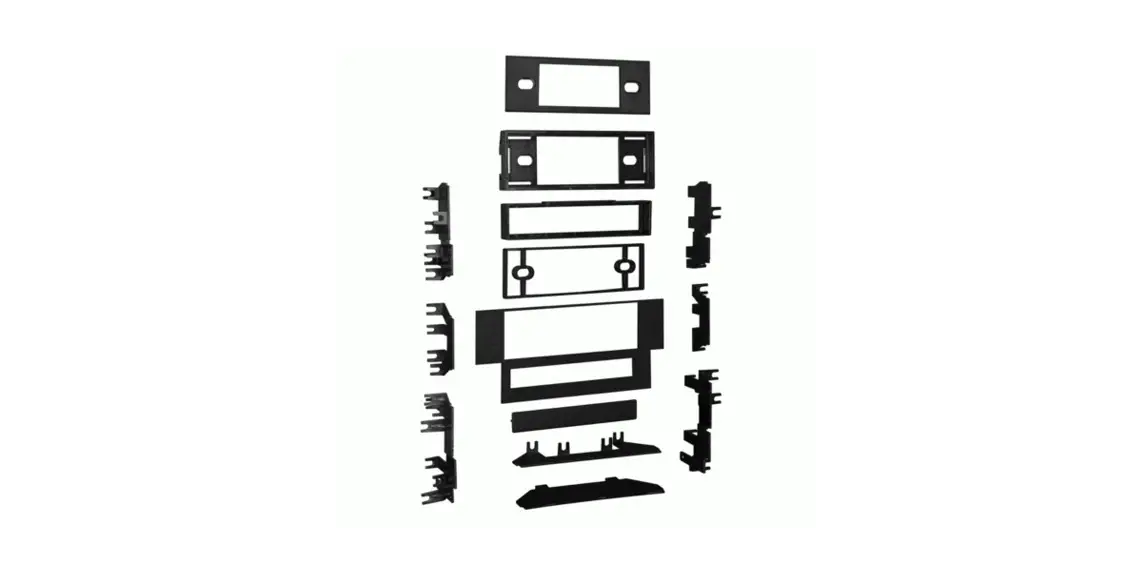
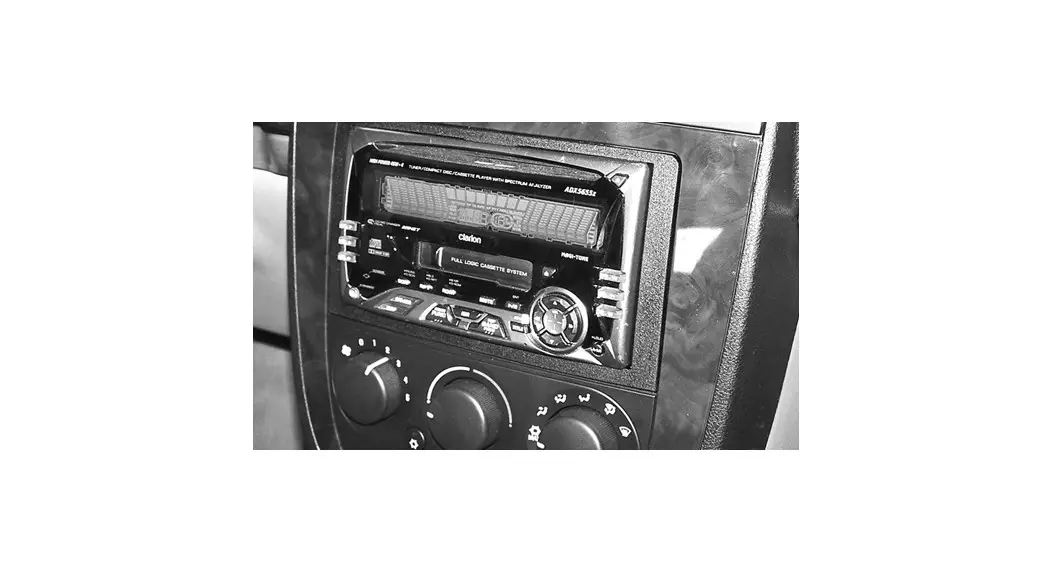
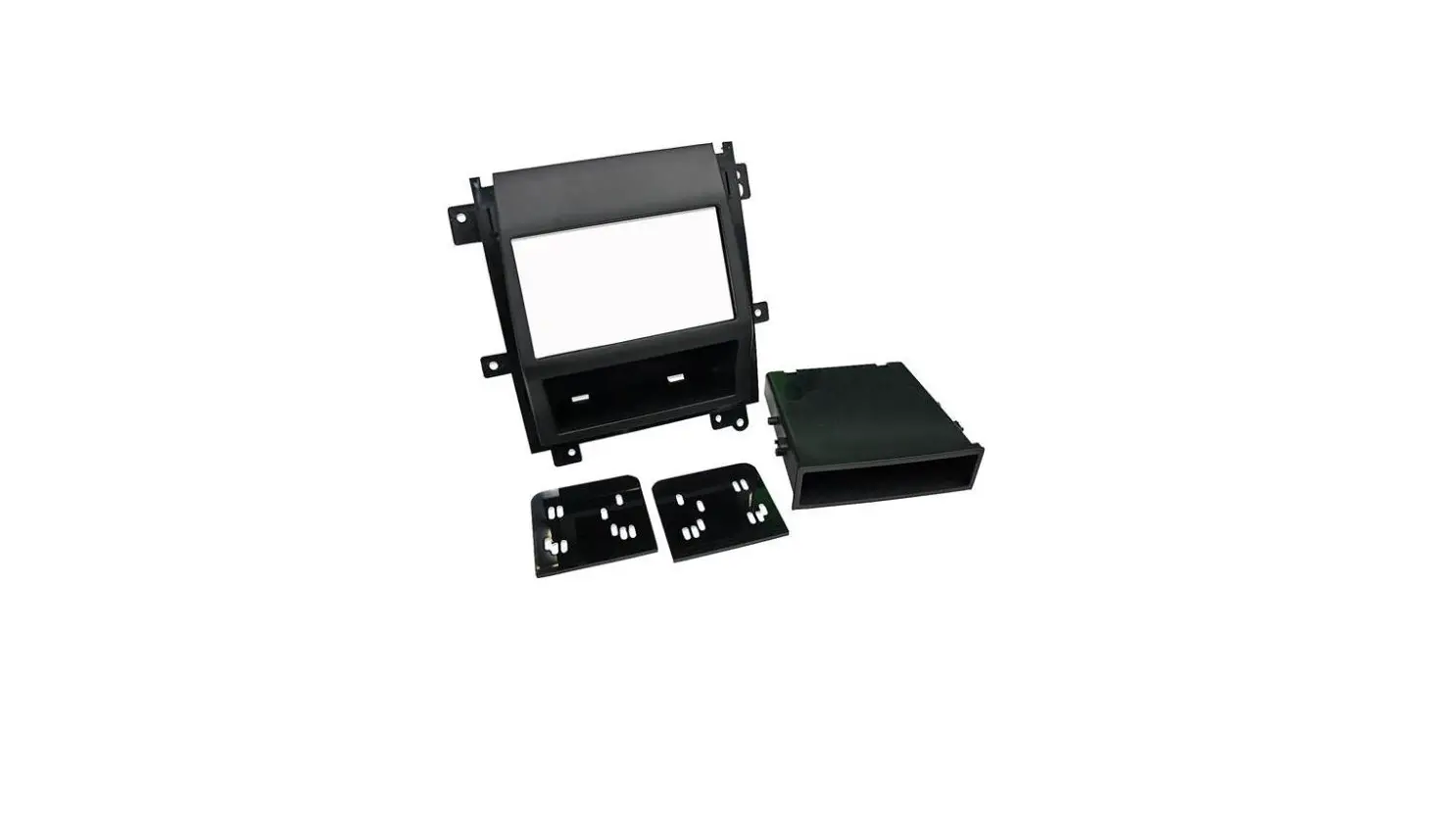
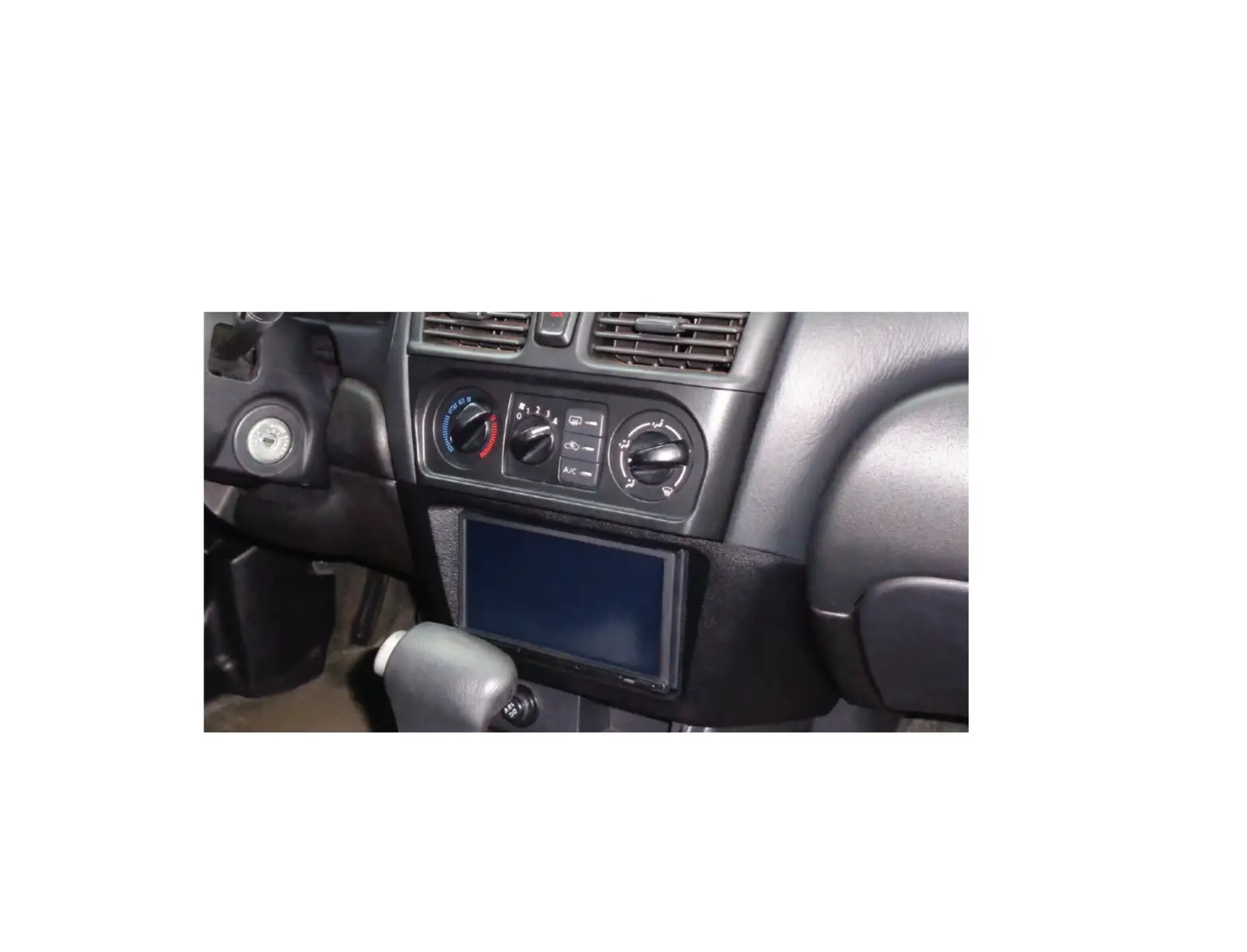
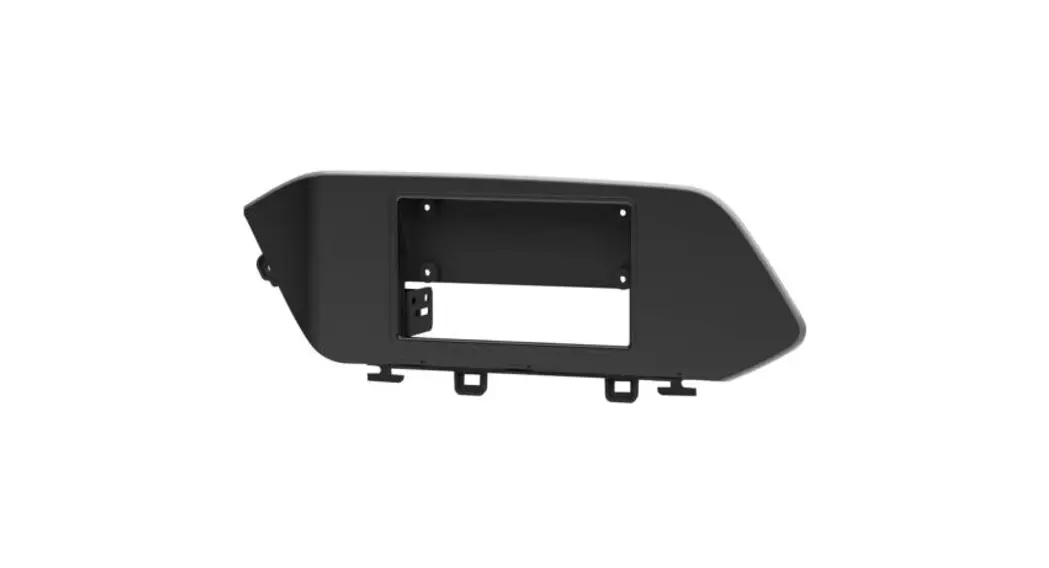
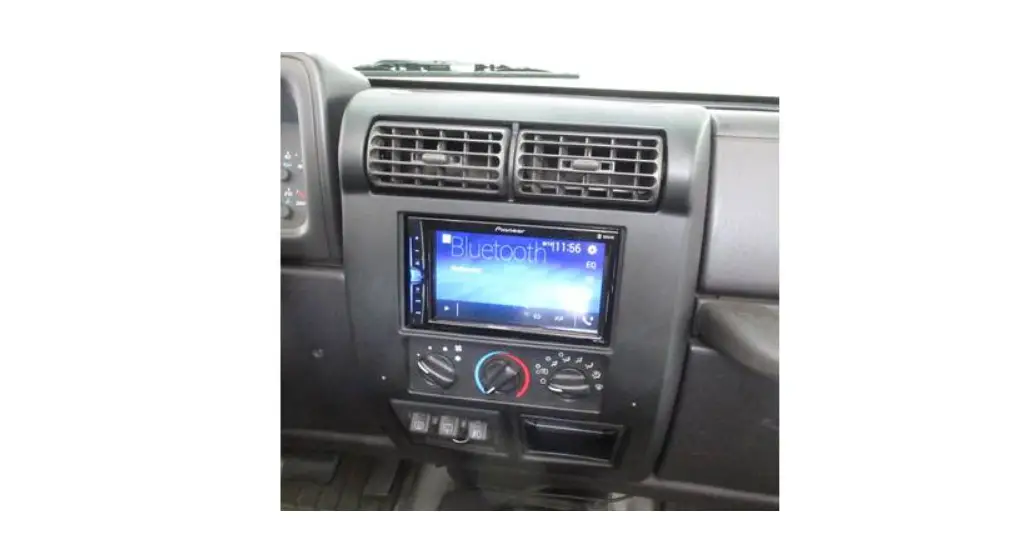
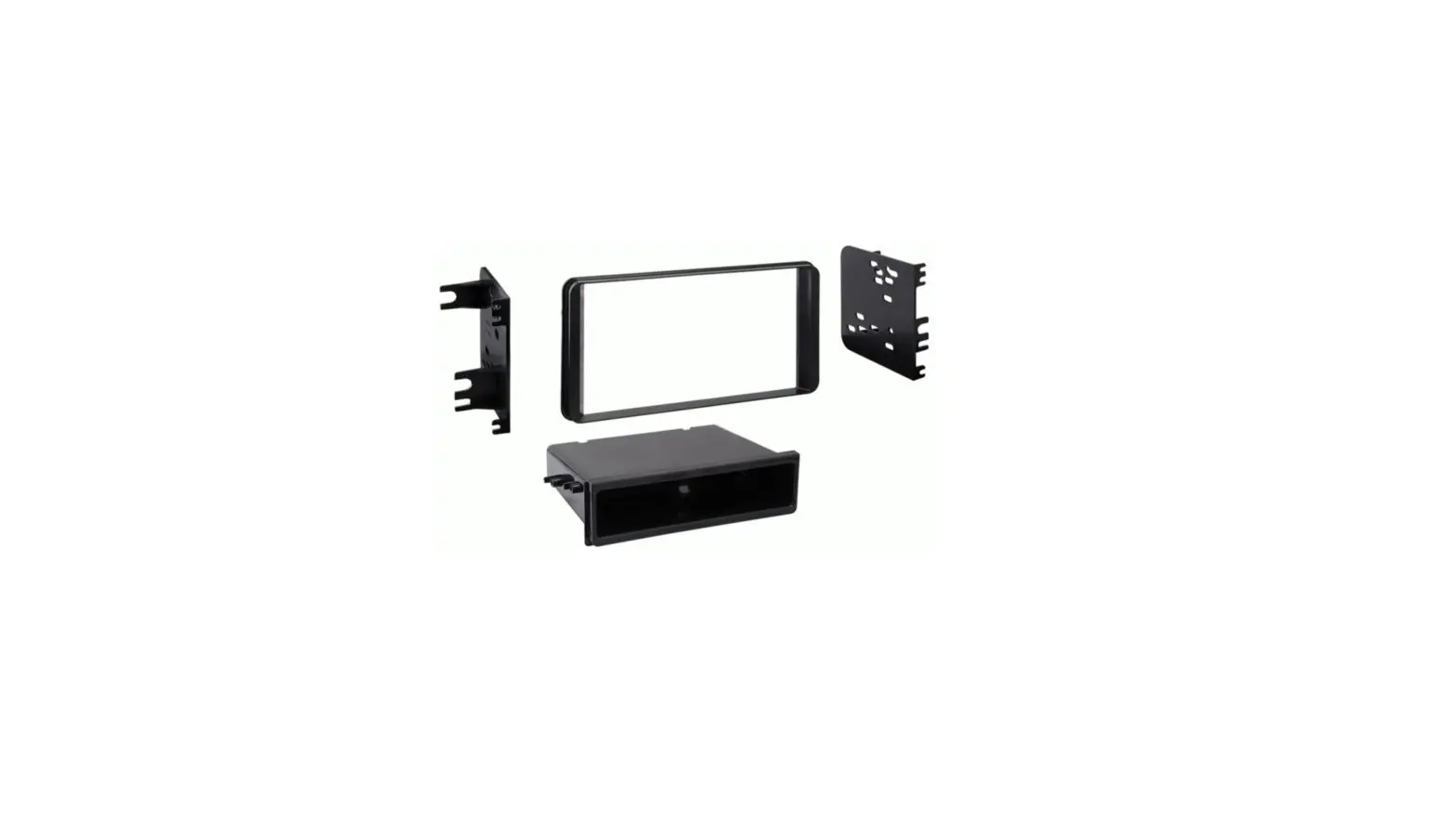
120955817 Dash Kit
Product Information:
The product mentioned in the user manual is the 120 95-5817
Double-DIN Receiver Installation Kit. It is designed for vehicles
that require modifications to fit a Double-DIN receiver into the
dash. The installation kit allows for a proper fit of the receiver,
but it may require permanent modifications to the vehicle’s dash.
The kit is compatible with Ford vehicles manufactured between 1995
and 2011.
Product Usage Instructions:
- Before starting the installation, ensure that you have the
necessary tools, including a file or rotary tool. - Read and understand the cautionary note provided in the manual.
Always exercise caution when cutting or drilling in a vehicle. Wear
eye protection and be mindful of wiring, windows, fuel lines, and
safety devices. - Begin by carefully removing portions from the top and bottom
rim of the dash opening as shown in the provided diagram. Use a
file or rotary tool for this step. - As you remove material from the dash, periodically measure or
test fit the receiver to ensure a proper fit. It is recommended to
remove portions gradually rather than removing too much material at
once. - During the test fitting process, make sure to use only the
receiver without the side brackets in place. If the receiver is
fully snapped into place, it cannot be removed without removing the
dash panel. - Once a proper fit is achieved, refer to the instructions
supplied with the 120 95-5817 installation kit to complete the
receiver installation.
Note: For any technical support or assistance, you can contact
customer support at 1-800-955-9094.
120 95-5817 Supplemental Instructions for Double-DIN Receiver Applications
Permanent modifications will be necessary in order to allow a Double-DIN receiver to fit into the dash of vehicles that use the 120 95-5817 installation kit. Removal of dash material is required. Once modifications are made, the factory unit may not properly fit if reinstalled.
Notes: Do not remove too much material. It is better to remove portions and measure or test fit as you go. Test fit using the receiver only. The side brackets should not be in place. If the receiver is fully snapped into place, it cannot be removed without the dash panel being removed.
1. Using a file or rotary tool, carefully remove portions from the top and bottom rim of the dash opening as shown.
2. Once a proper fit is achieved, complete receiver installation following instructions supplied with the 120 95-5817 installation kit.
Cut out these areas
Tools Required
File or Rotary Tool
1-800-955-9094
TECHNICAL SUPPORT
!
CAUTION:
Always be careful when cutting or drilling in a vehicle. WEAR EYE PROTECTION. Be aware of things such as wiring, windows, fuel lines and safety devices. Check drilling depth and location to avoid damage to vehicle appearance.
120 95-5817I
Revision 04/05/11
*120955817I*
R
Copyright 2011 Crutchfield Corporation
Installation instructions for part 95-5817
Ford multi-kit 1995-2011 95-5817
20;-,(;<9,:
· ISO DDIN radio provision
Note: · Sub-dash modifications are necessary to use this
dash kit. You will need to trim the sub-dash to gain suitable depth and height.
· Once the kit is snapped in, it cannot be removed without dash panel removal.
20;*64765,5;:
· A) ISO DDIN brackets · B) Filler bar
A
B
>0905.
(5;,55(*655,*;065: (sold separately) Wiring Harness:
· Please visit metraonline.com for wiring harness options
Antenna Adapter: · Not required
;663:9,8<09,+ · Dremel/Cutting tool · Metra 86-5618 removal keys
REV. 7/1/2016 INST95-5817
(7730*(;065:
See application list inside cover
METRA. The World’s best kits.TM
metraonline.com
CAUTION! All accessories, switches, climate controls panels, and
especially air bag indicator lights must be connected before cycling the ignition. Also, do not remove the factory radio with the key in the on position, or while the vehicle is running.
© COPYRIGHT 2004-2016 METRA ELECTRONICS CORPORATION
Applications
Ford Crown Victoria …………………………………………………………….. 1995-2011 Econoline……………………………………………………………………. 1997-2008 Escape……………………………………………………………………….. 2001-2007 Excursion……………………………………………………………………. 2000-2005 Explorer ……………………………………………………………………… 1995-2001 Explorer Sport Trac ………………………………………………………. 2001-2005 F-250/350/450/550……………………………………………………… 1999-2004 F-650/750 ………………………………………………………………….. 2000-2010 Ranger……………………………………………………………………….. 1995-2011 Windstar …………………………………………………………………….. 1999-2003
Lincoln Continental …………………………………………………………………. 1995-1997 Mark VIII …………………………………………………………………….. 1995-1998 Town Car……………………………………………………………………. 1995-2002
Mazda B-Series Pickup …………………………………………………………… 1995-2009
Mercury Cougar (with 6 disc in-dash)……………………………………………… 2000-2002 Grand Marquis…………………………………………………………….. 1995-2011 Marauder……………………………………………………………………. 2003-2004 Mariner………………………………………………………………………. 2005-2007 Mountaineer ……………………………………………………………….. 1997-2001
95-5817
Table of Contents
Dash Disassembly
– All Vehicles ……………………………………….. 3
Ford Crown Victoria 1995-2011 Ford Econoline 1997-2008 Ford Escape 2001-2007 Ford Excursion 2000-2005 Ford Explorer 1995-2001 Ford Explorer Sport Trac 2001-2005 Ford F-250/350/450/550 1999-2004 Ford F-650/750 2000-2010 Ford Ranger 1995-2011 Ford Windstar 1999-2003 Lincoln Continental 1995-1997 Lincoln Mark VIII 1995-1998 Lincoln Town Car 1995-2002 Mazda B-Series Pickup 1995-2009 Mercury Cougar (with 6 disc in-dash) 2000-2002 Mercury Grand Marquis 1995-2011 Mercury Marauder 2003-2004 Mercury Mariner 2005-2007 Mercury Mountaineer 1997-2001
Kit Assembly – ISO DDIN radio provision …………………….. 3
2
Dash Disassembly
All vehicles
1. Using the Metra 86-5618 removal keys, slide the radio out of the radio cavity. Unplug and remove the radio.
2. Cut and remove obstructions in dash cavity.
ATTENTION: Be careful not to cut into harnesses or electronic components.
Continue to kit assembly
95-5817
Kit Assembly
ISO DDIN radio provision
1. Attach the ISO DDIN brackets to the radio using the screws supplied with the radio. (Figure A)
2. Locate the factory wiring harness in the dash. Metra recommends using the proper mating adapter from Metra or AXXESS. Test the radio for proper operation.
3. Slide the completed assembly into the modified subdash until it clicks into place.
4. Clip the filler bar into the bottom of the radio opening under the radio assembly with the rounded edges facing toward the dash. Tip: Hook one side in then push the other side in until it clips. (Figure B)
(Figure A)
(Figure A)
CAUTION: ONCE THE KIT IS SNAPPED IN, IT CANNOT BE REMOVED WITHOUT DASH PANEL REMOVAL.
3
(Figure B)
Installation instructions for part 95-5817
IMPORTANT
If you are having difficulties with the installation of this product, please call our Tech Support line at 1-800-253-TECH. Before doing so, look over the instructions a second time, and make sure the installation was performed exactly as the instructions are stated. Please have the vehicle apart and ready to perform troubleshooting steps before calling.
KNOWLEDGE IS POWER
Enhance your installation and fabrication skills by enrolling in the most recognized and respected mobile electronics school in our industry. Log onto www.installerinstitute.com or call 800-354-6782 for more information and take steps toward a better tomorrow.
REV. 7/1/2016 INST95-5817
METRA. The World’s best kits.TM
metraonline.com
Metra recommends MECP certified technicians
© COPYRIGHT 2004-2016 METRA ELECTRONICS CORPORATION
 Metra Online | Welcome to Metra Auto Parts Online Warehouse
 Installer Institute | Car Audio Installation and Mobile Electronics Education