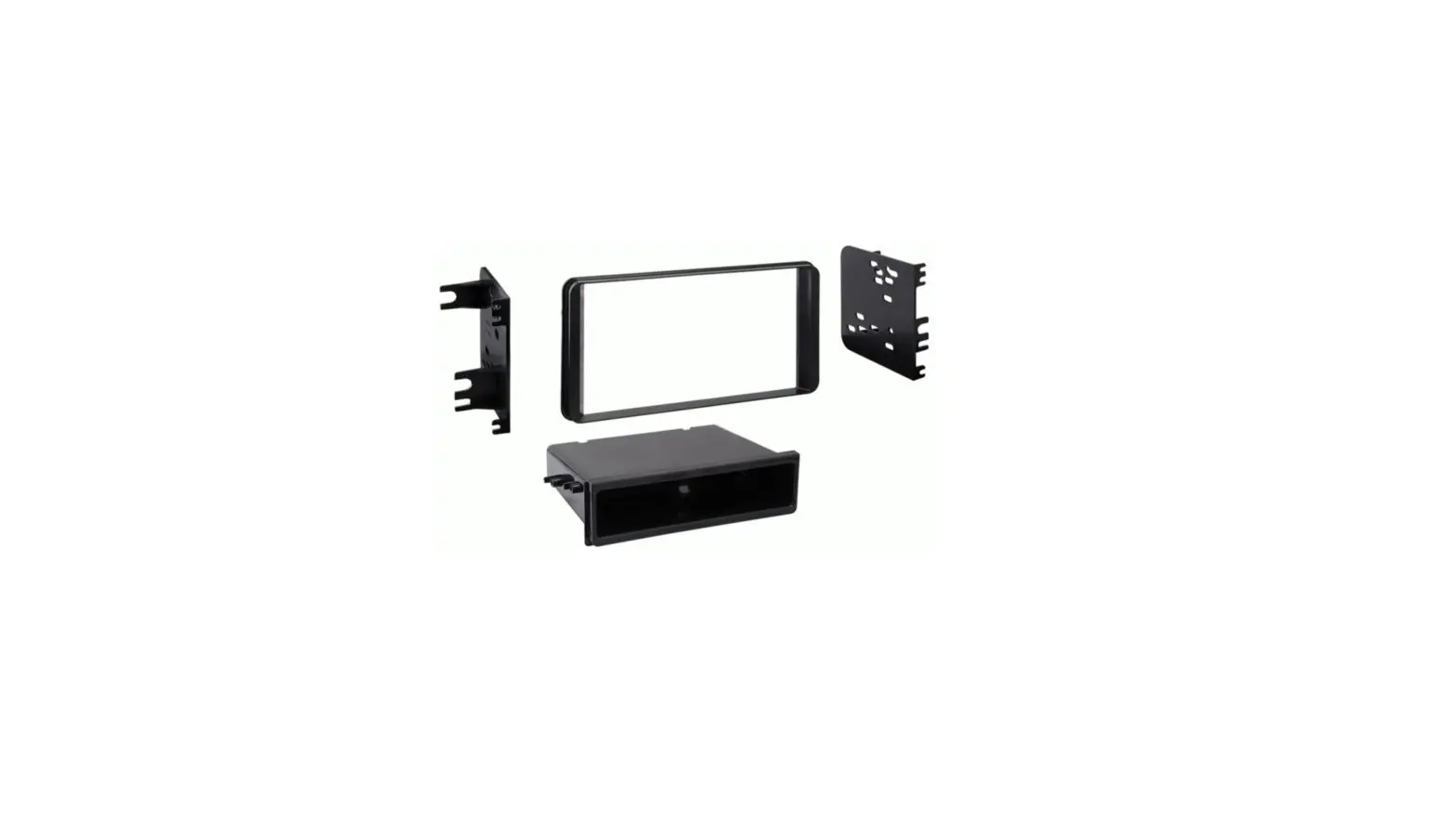
MeTra 99-8265HG Single DIN Dash Kit Instruction Manual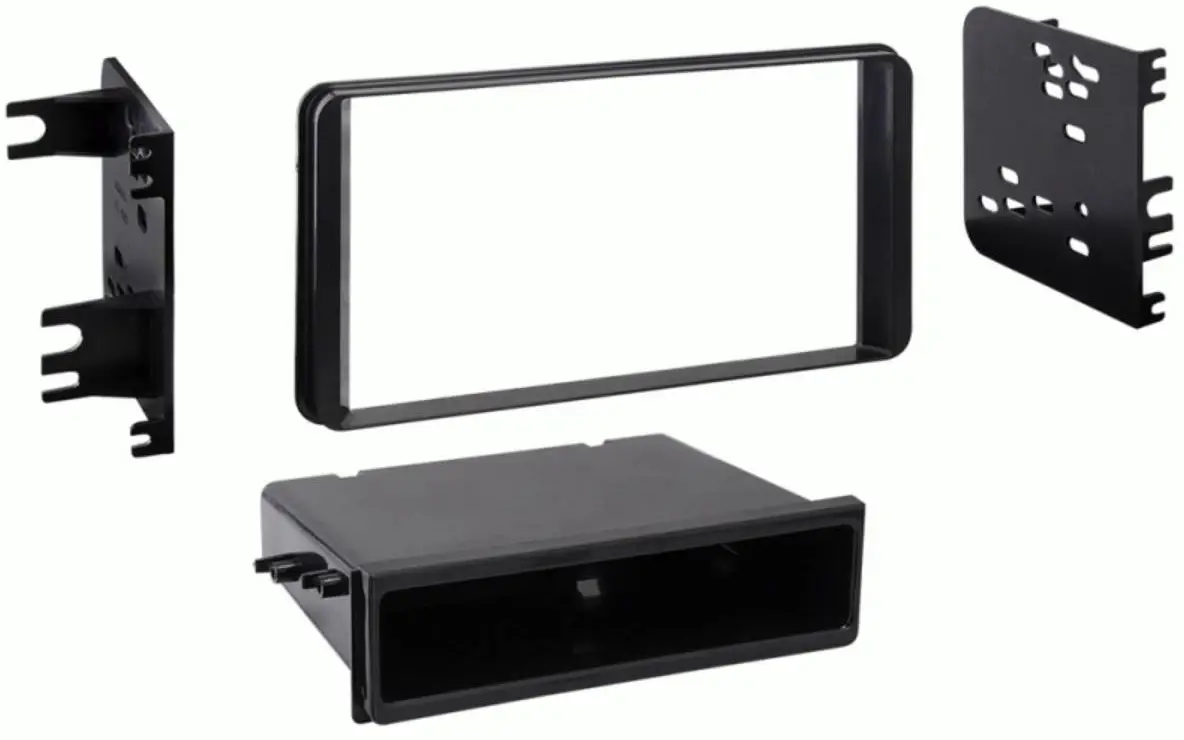
KIT FEATURES
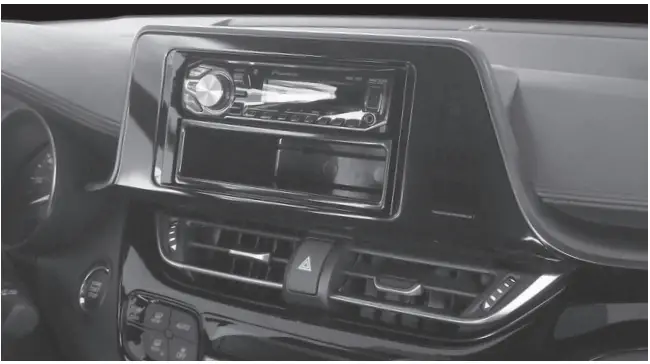
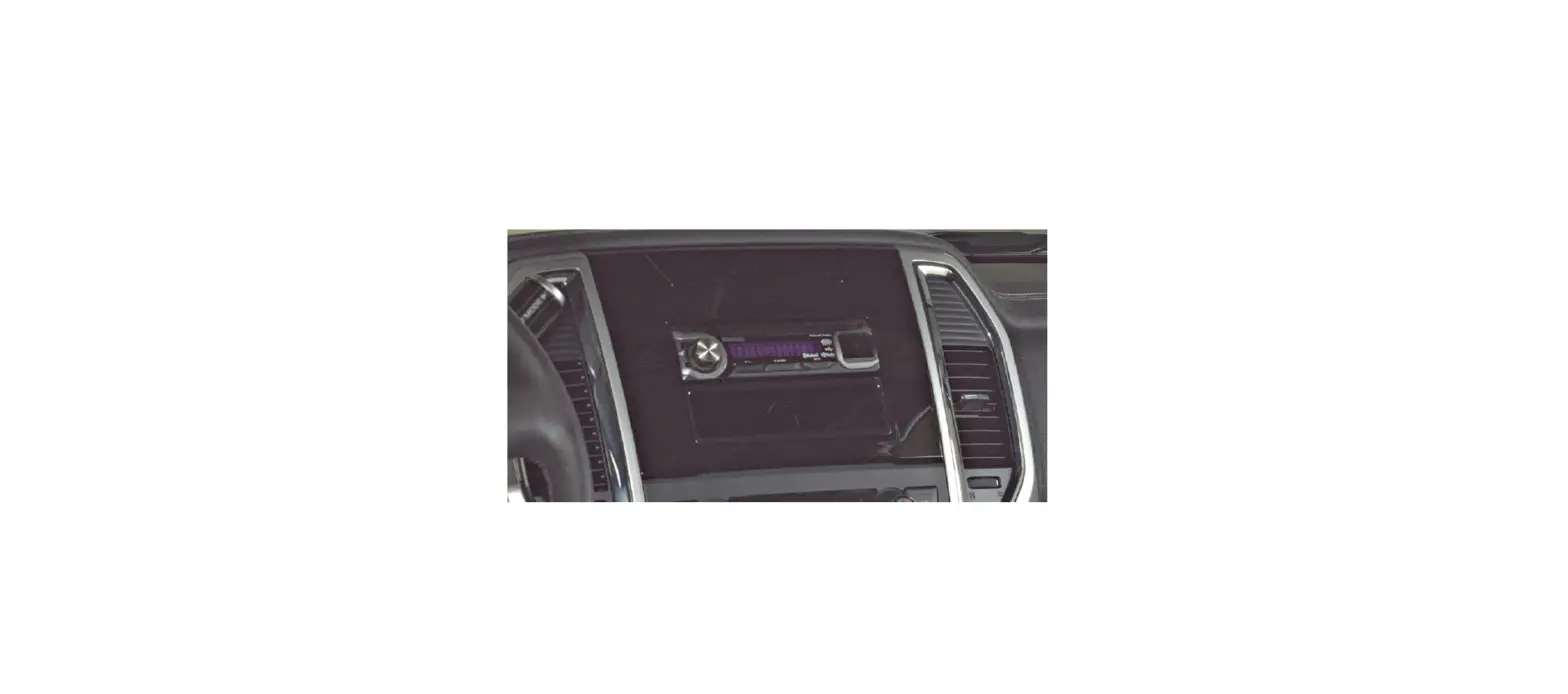
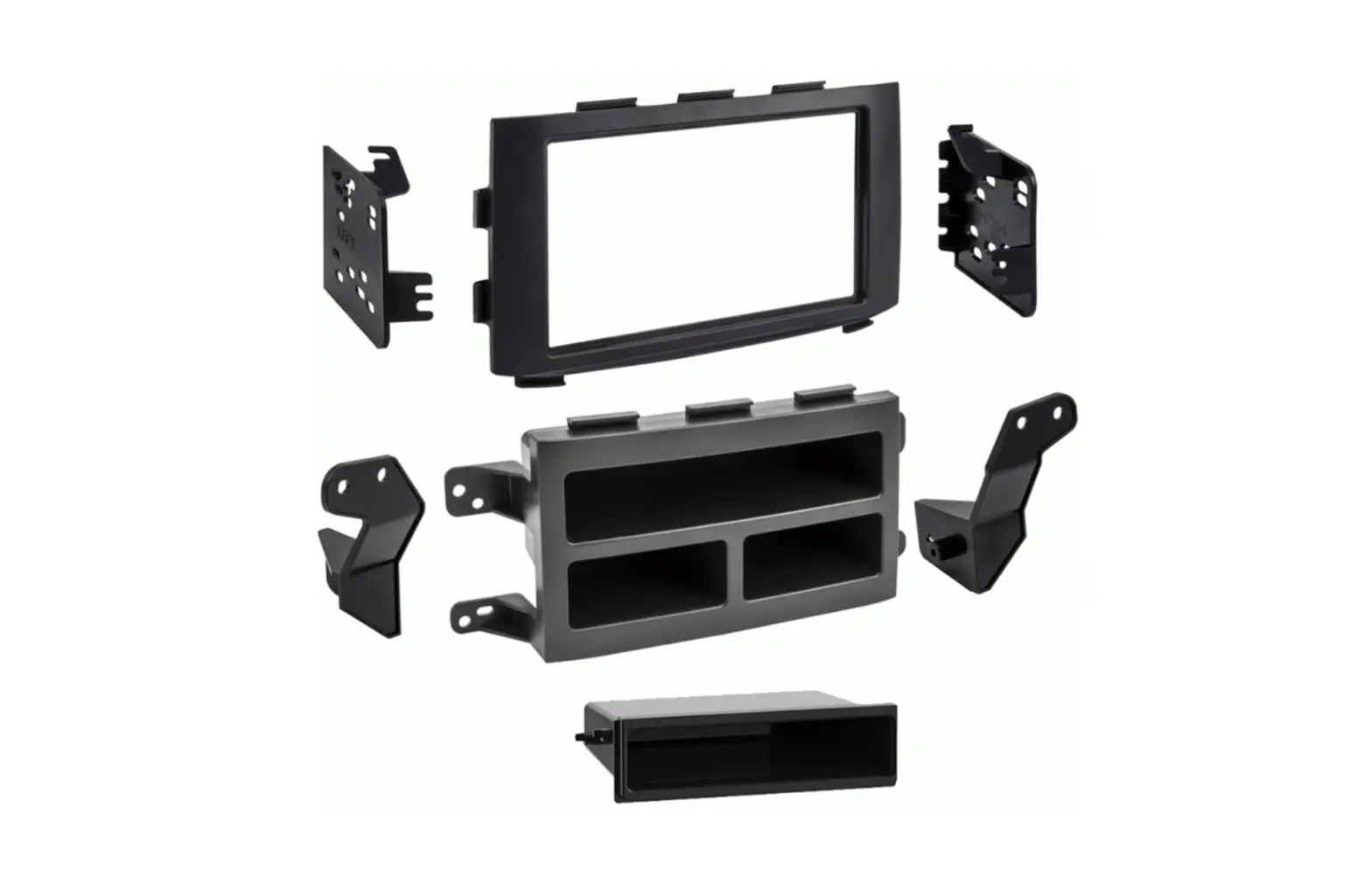
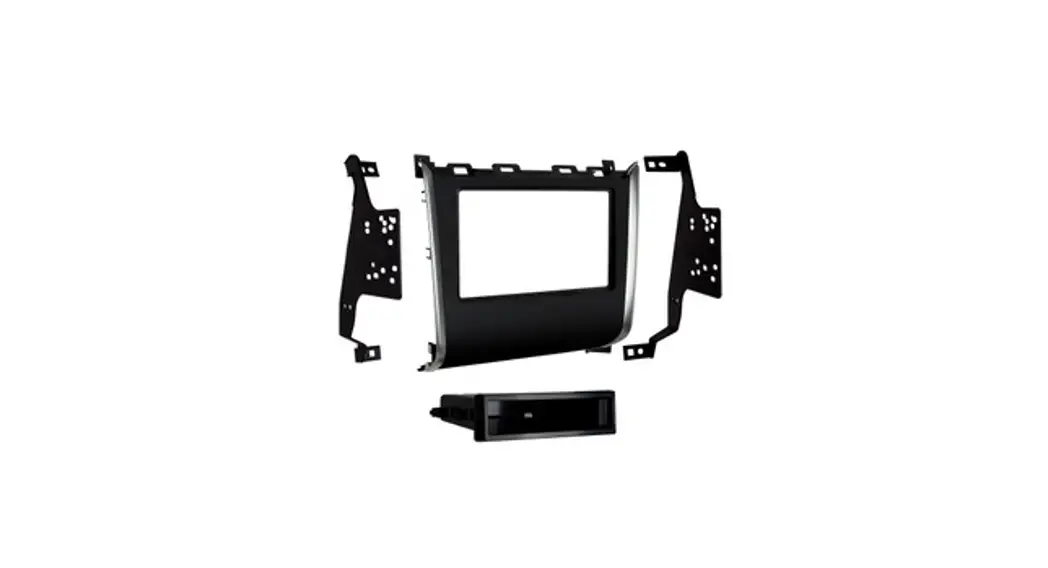
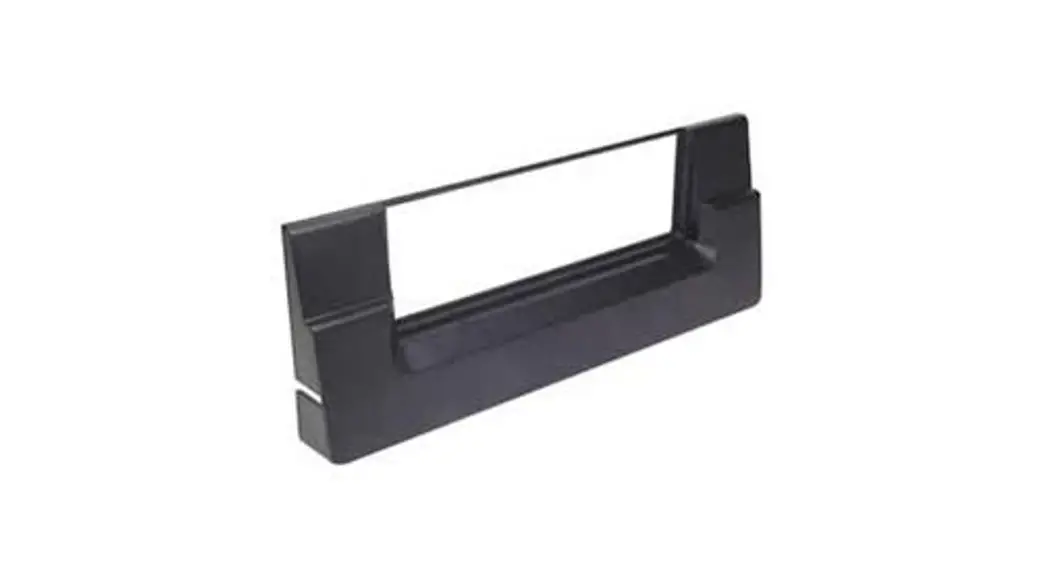
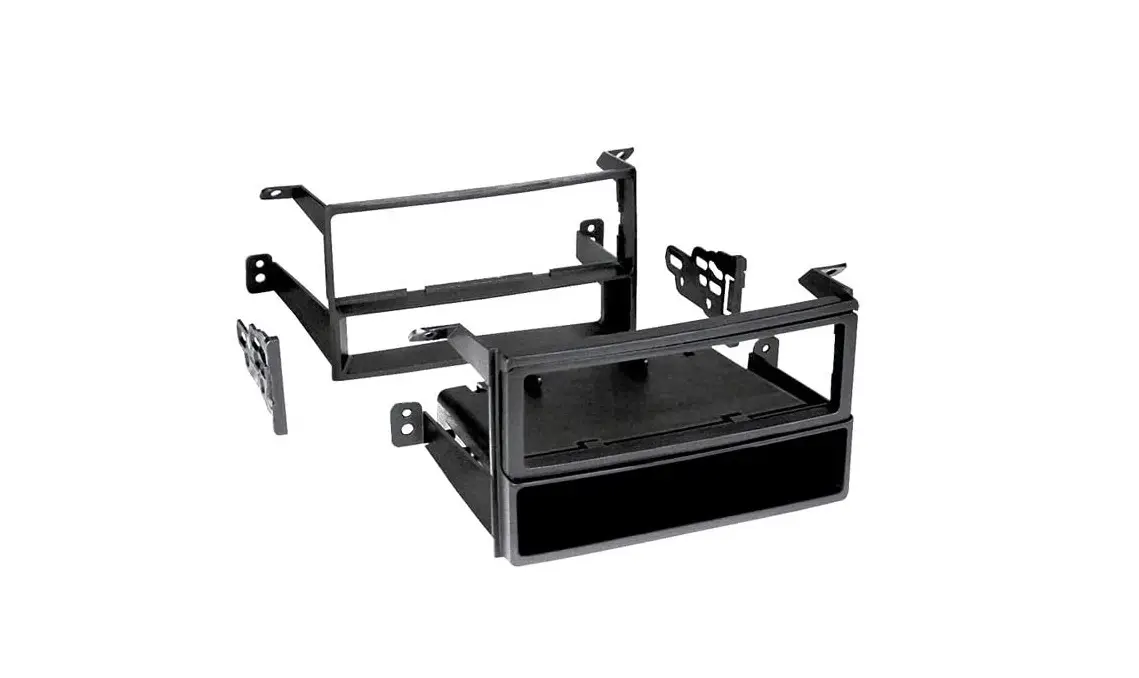
- ISO DIN radio provision with pocket
- Painted high gloss black
KIT COMPONENTS
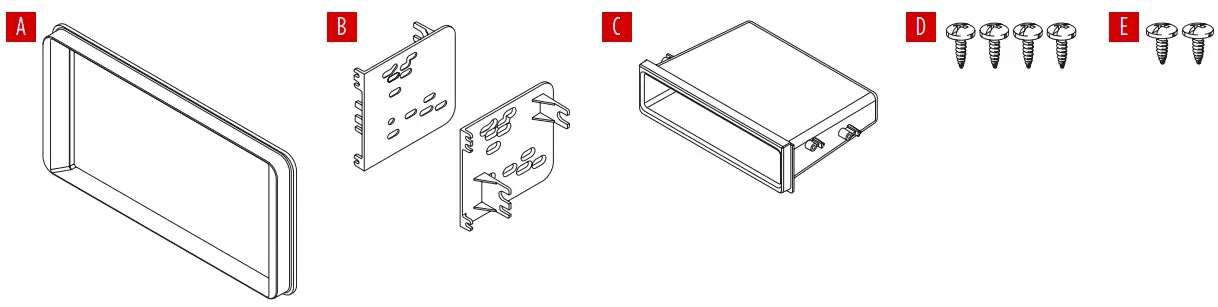
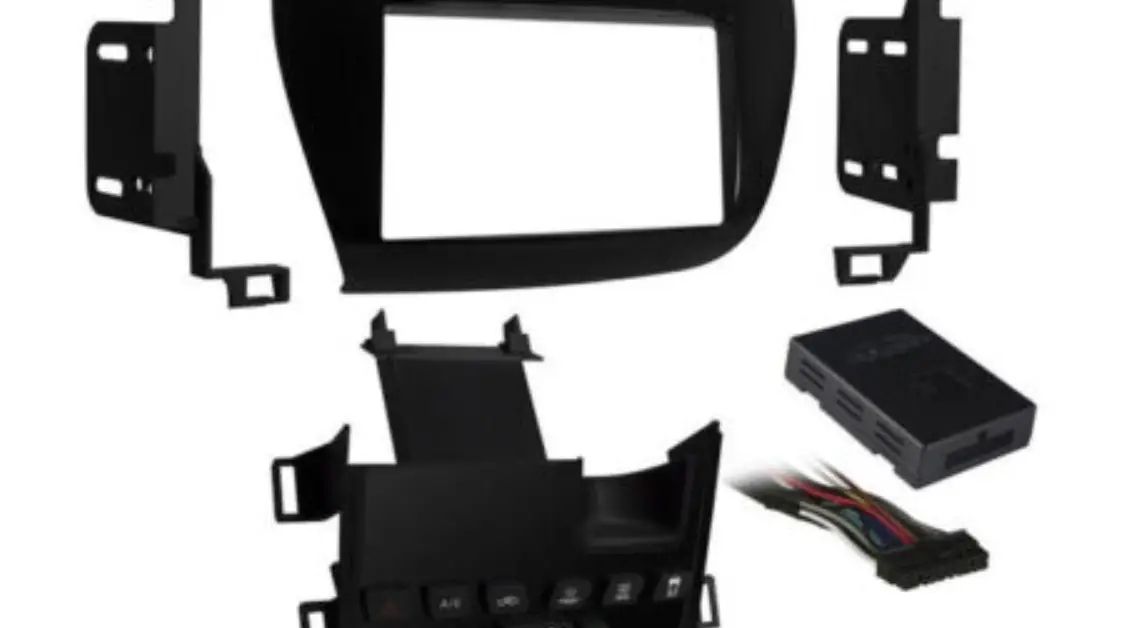
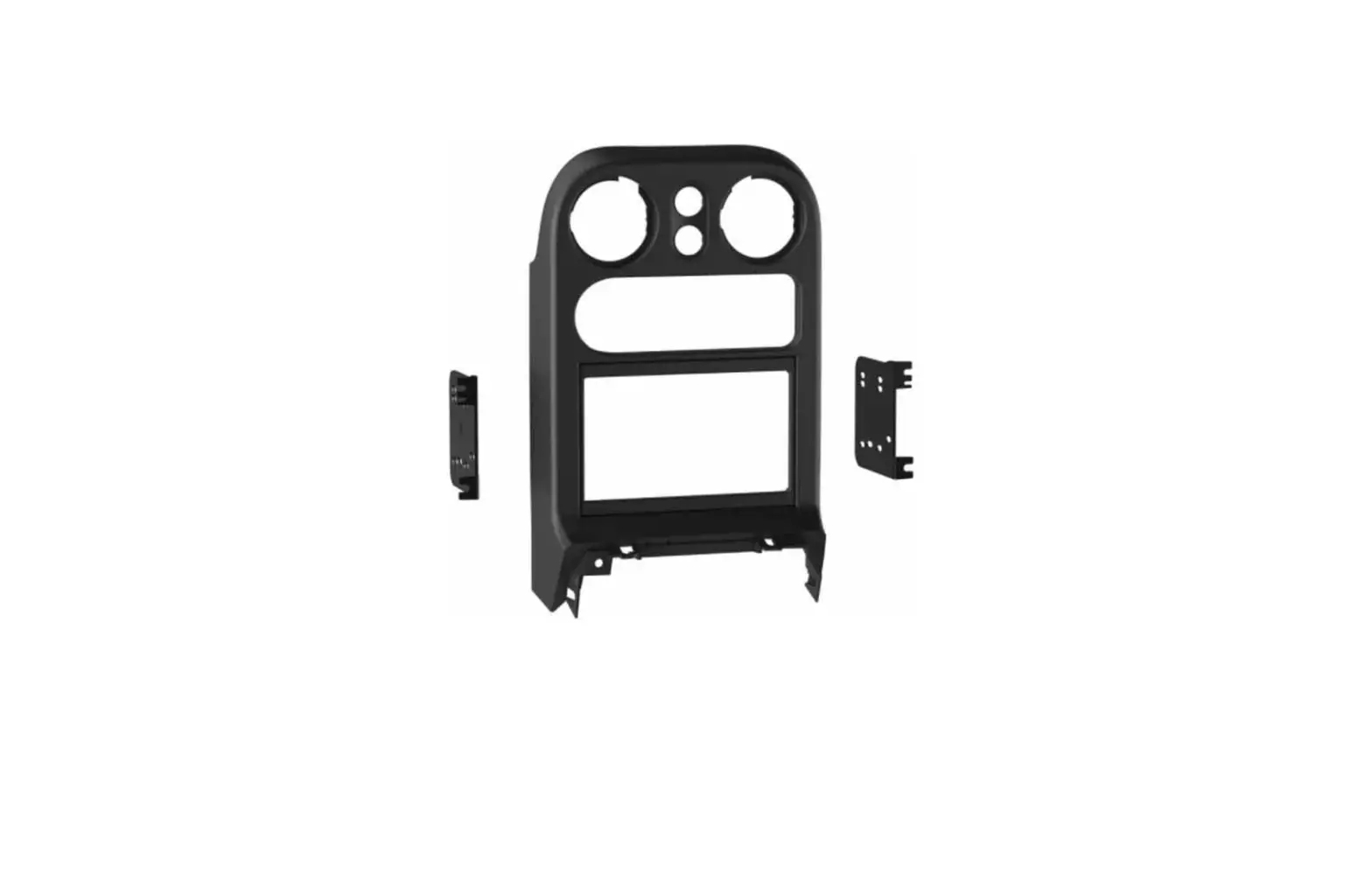
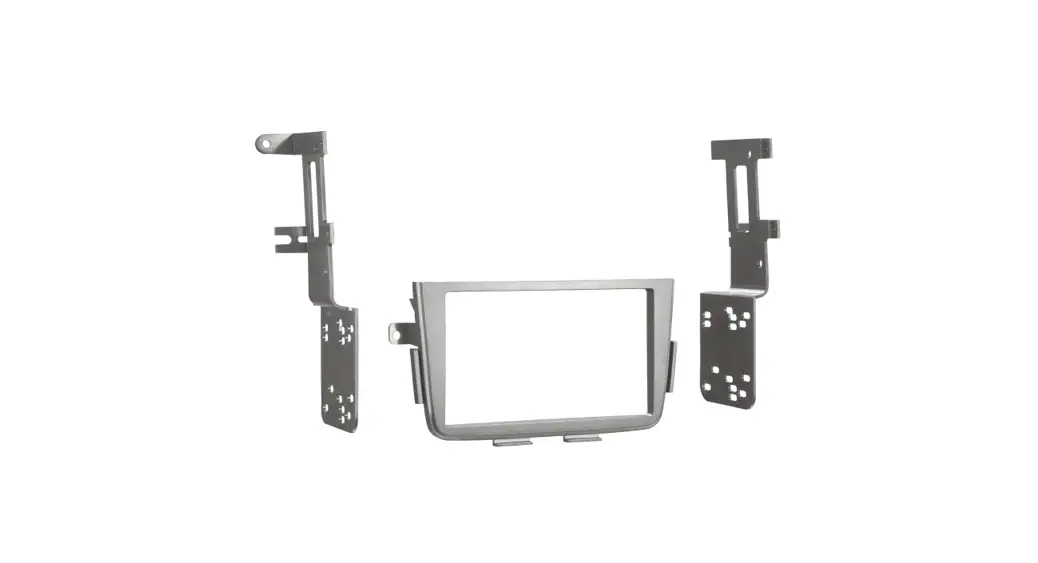
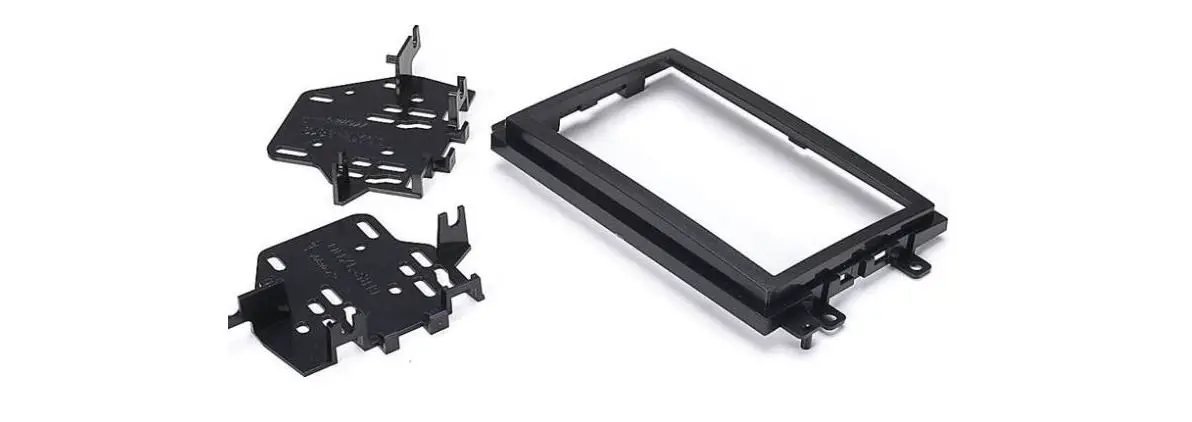
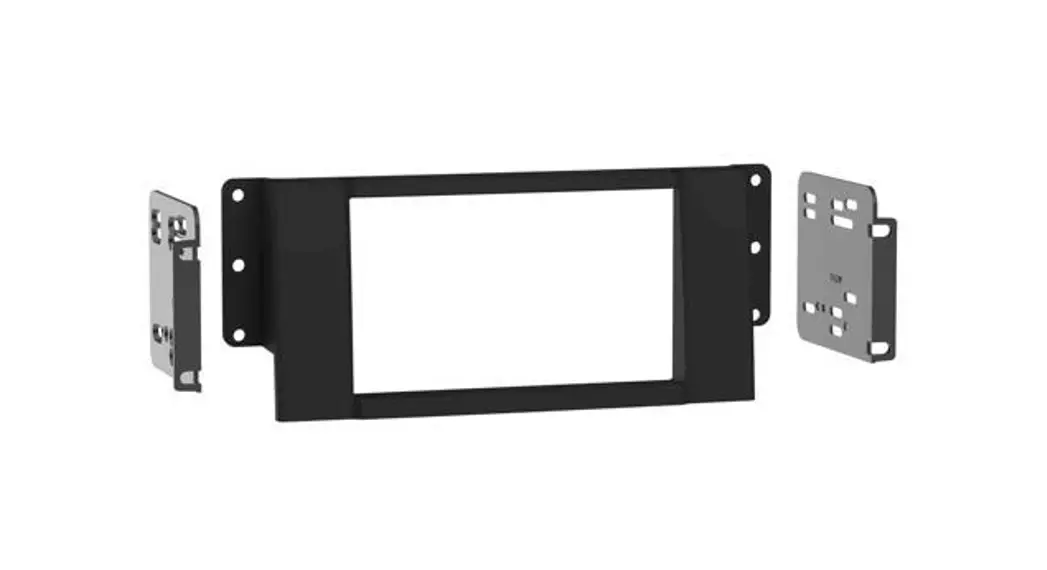
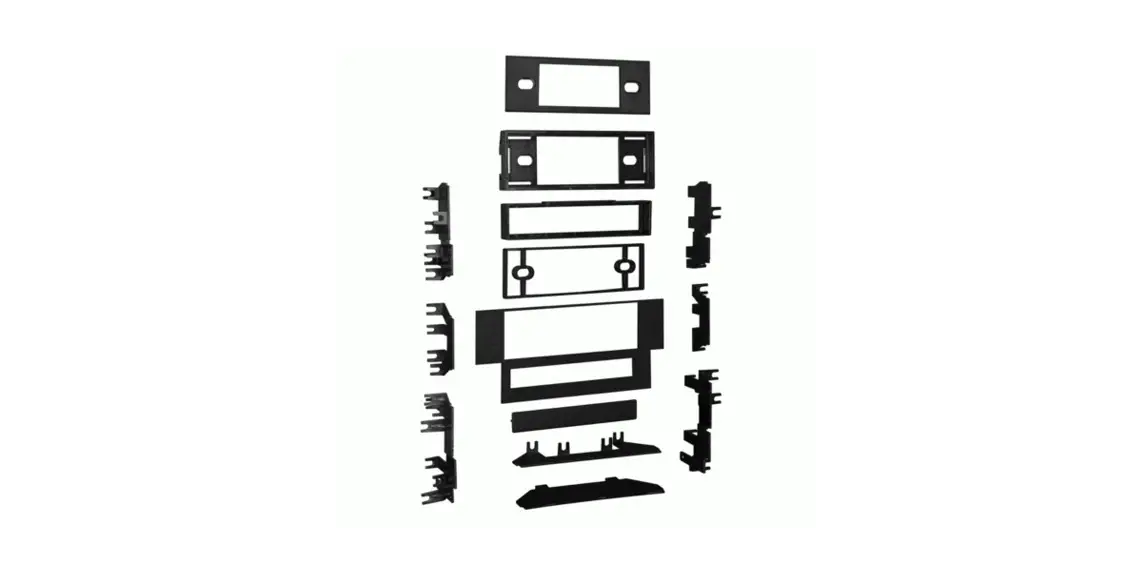
- A) Radio housing trim panel
- B) Radio brackets
- C) Pocket
- D) (4) #6 x 3/8” Phillips screws
- E) (2) #8 x 3/8” Phillips screws
WIRING & ANTENNA CONNECTIONS
(sold separately)
Wiring Harness: Please visit metraonline.com for wiring harness options
Antenna Adapter: Please visit metraonline.com for antenna adapter options
TOOLS REQUIRED
- Panel removal tool
- Phillips screwdriver
- 10mm socket wrench
Attention! With the key out of the ignition, disconnect the negative battery terminal before installing this product. Ensure that all installation connections are secure before cycling the ignition to test this product.
DASH DISASSEMBLY
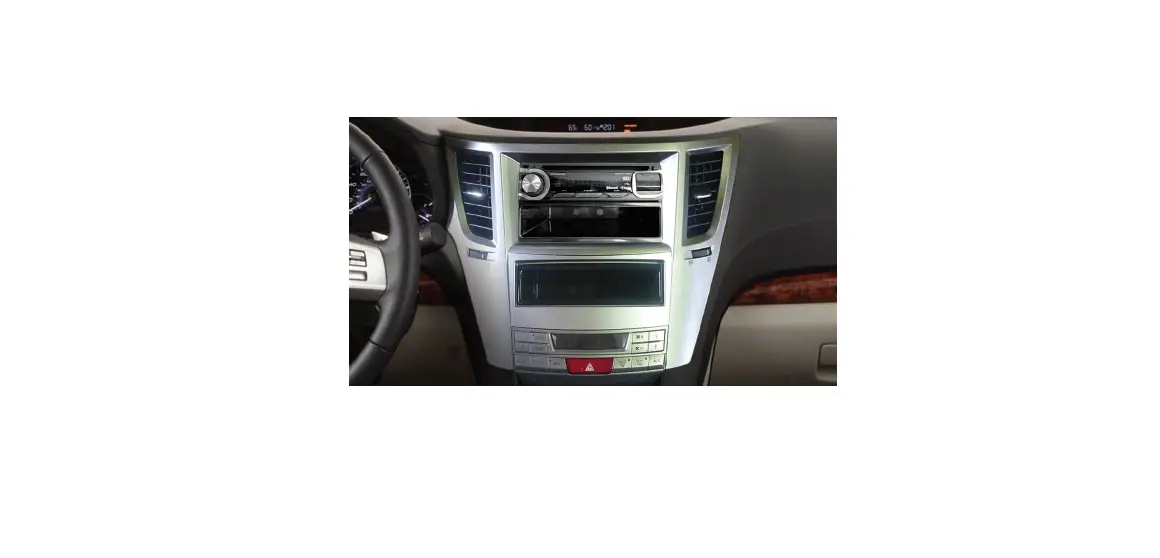
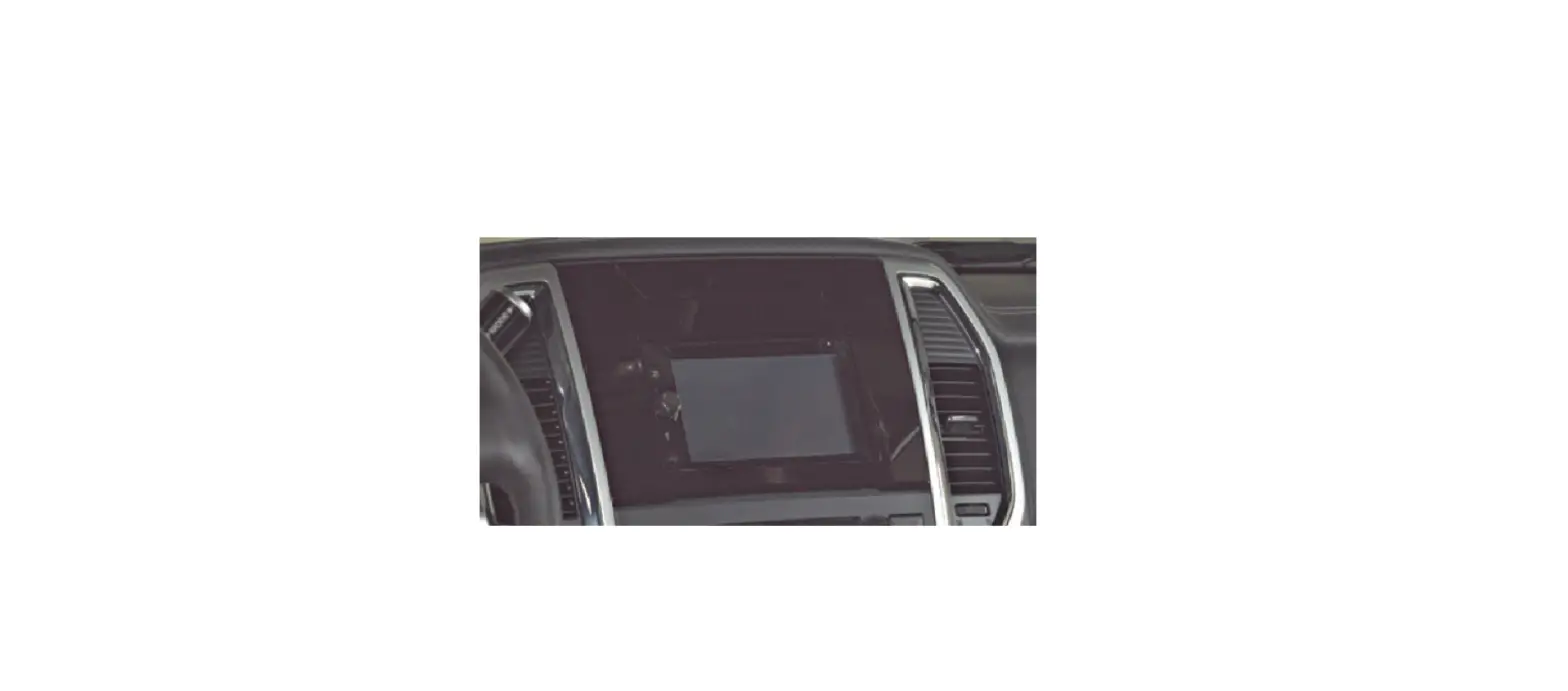
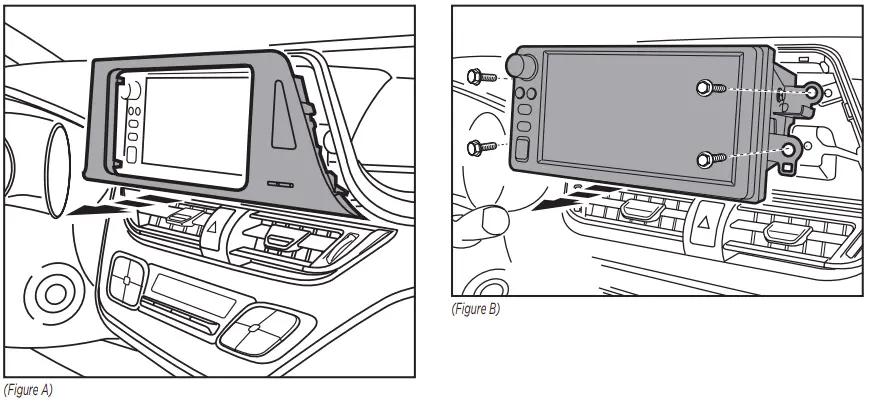
- Unclip and remove the trim panel from around the factory radio, including the clock. (Figure A)
- Remove (4) 10mm bolts securing the radio, then remove it. (Figure B)
KIT ASSEMBLY
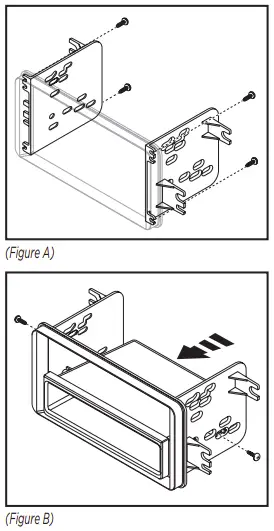
- Attach the radio brackets to the radio housing trim panel using the (4) #6 x 3/8” screws supplied. (Figure A)
- Mount the pocket to the radio brackets with the (2) #8 x 3/8” Phillips screws supplied. (Figure B)
- Remove the metal DIN sleeve and trim ring from the aftermarket radio.
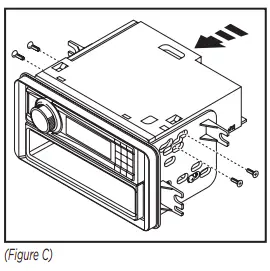
- Slide the radio into the assembly and secure with the screws supplied with the radio. (Figure C)

- Locate the factory wiring harness and antenna plug in the dash and make all necessary wire connections to the radio.
Metra recommends using the proper mating adapters from Metra and/ or AXXESS. Test the radio for proper operation. - Mount the new radio assembly into the dash.
- Reassemble the dash in the reverse order of disassembly.

Having difficulties? We’re here to help.
 Contact our Tech Support line at:
386-257-1187 Or via email at:
[email protected]
Tech Support Hours (Eastern Standard Time)
Monday – Friday: 9:00 AM – 7:00 PM
Saturday: 10:00 AM – 7:00 PM
Sunday: 10:00 AM – 4:00 PM
 KNOWLEDGE IS POWER
Enhance your installation and fabrication skills by enrolling in the most recognized and respected mobile electronics school in our industry.
Log onto www.installerinstitute.com or call 800-354-6782 for more information and take steps toward a better tomorrow.
 Metra recommends MECP certified technicians

 Home - Auto Sound
 Metra Online | Welcome to Metra Auto Parts Online Warehouse
 Installer Institute | Car Audio Installation and Mobile Electronics Education