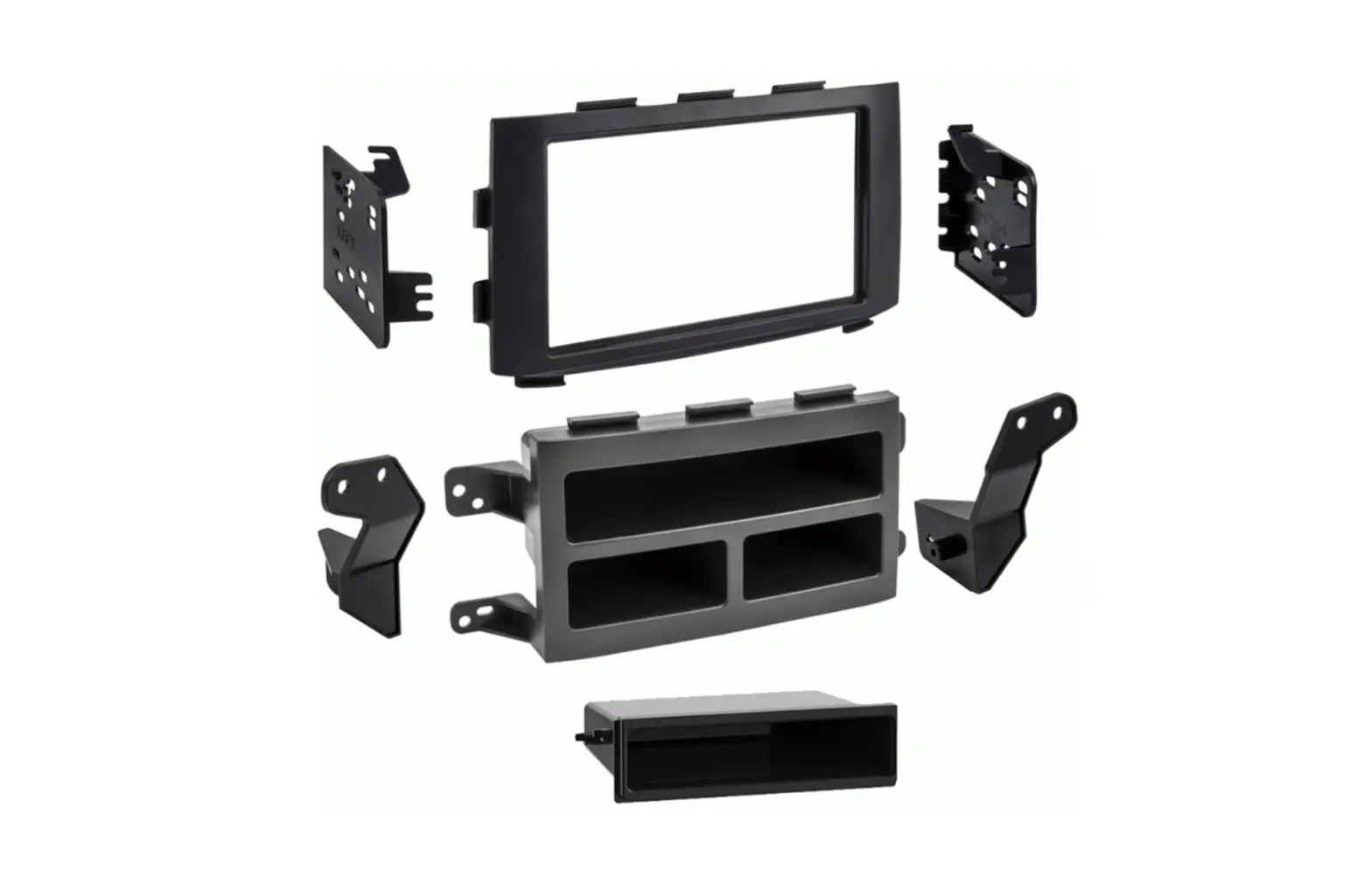
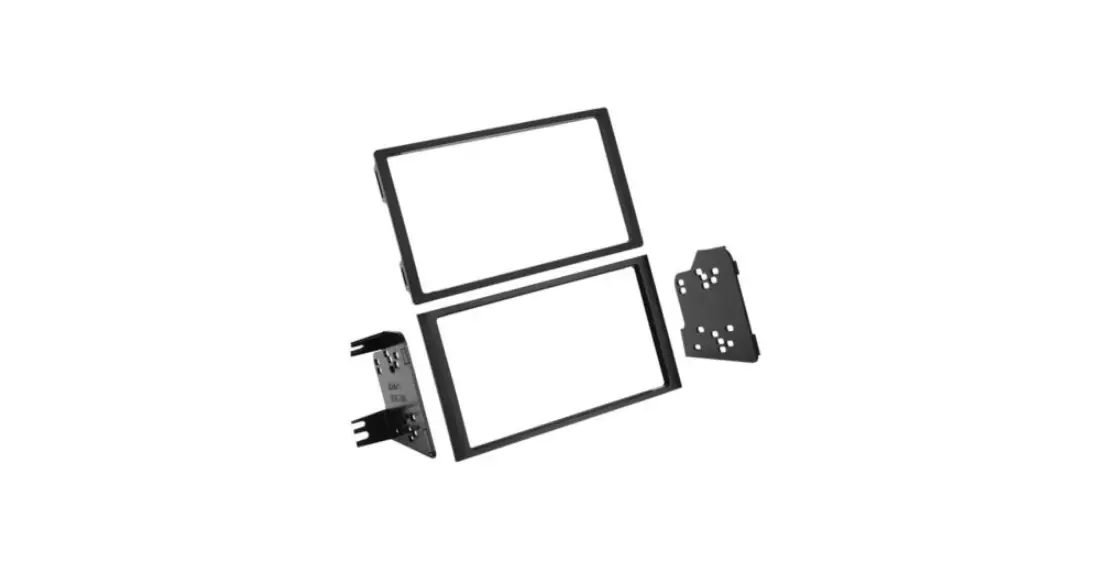
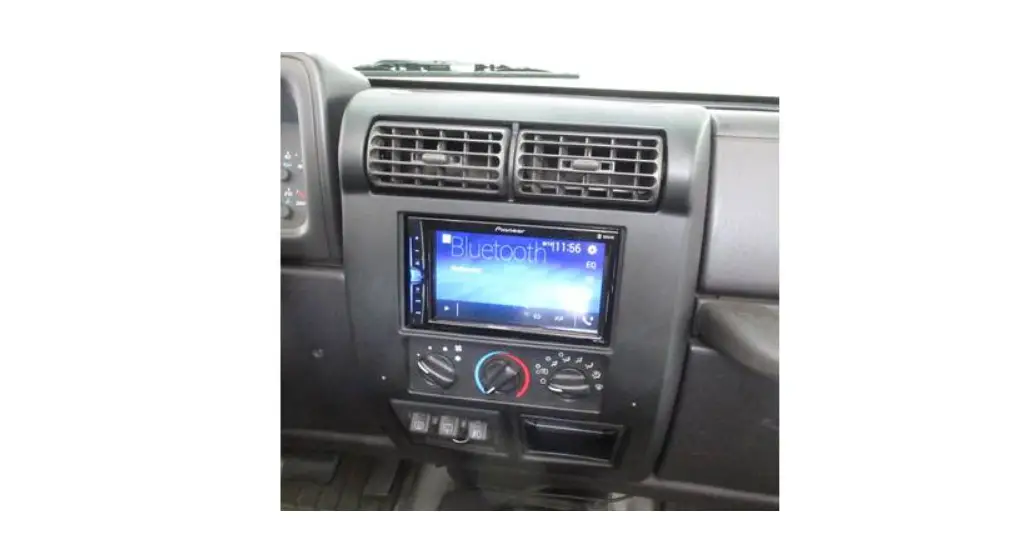
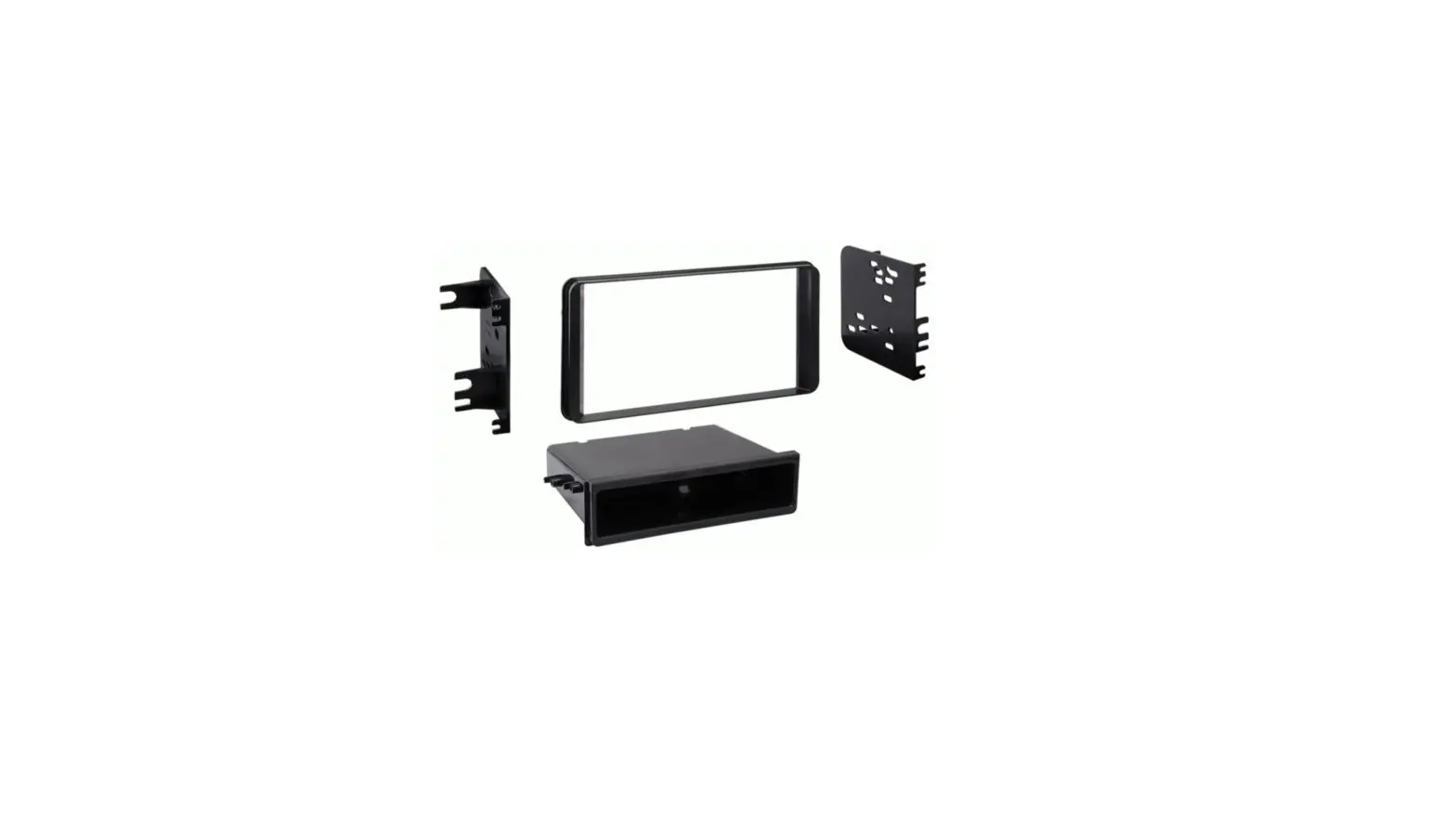
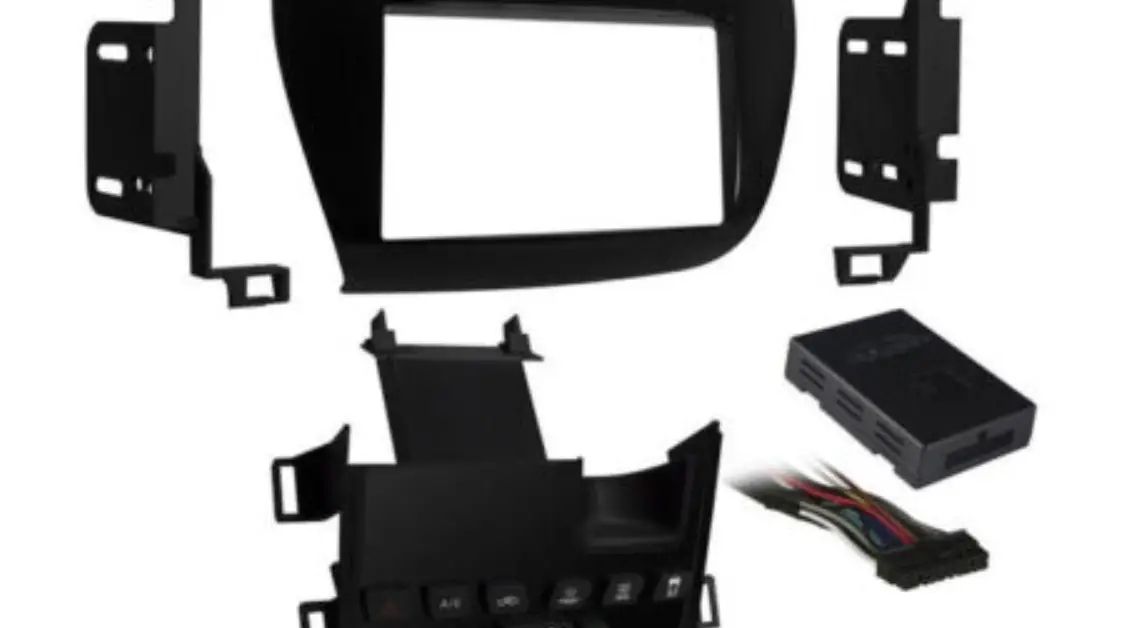
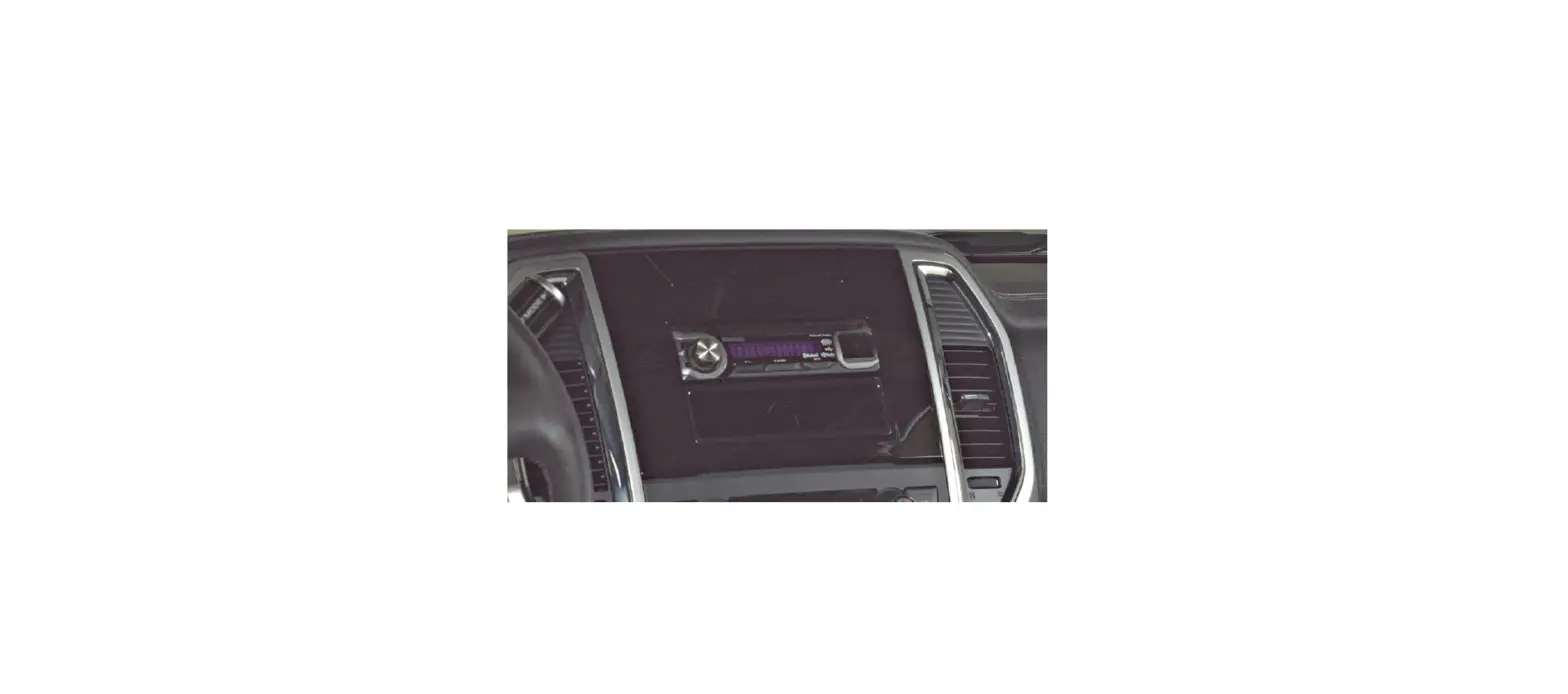
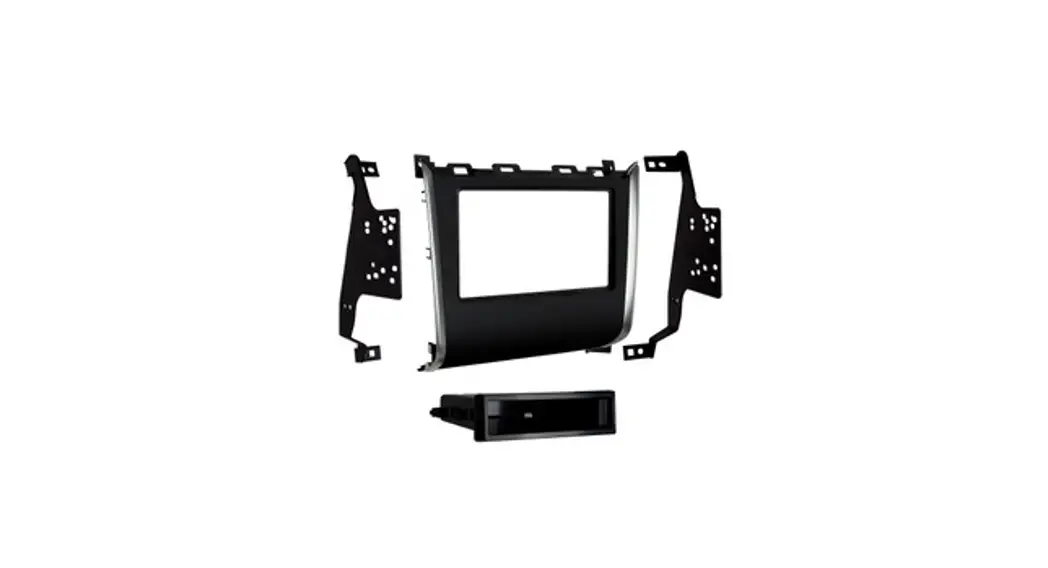
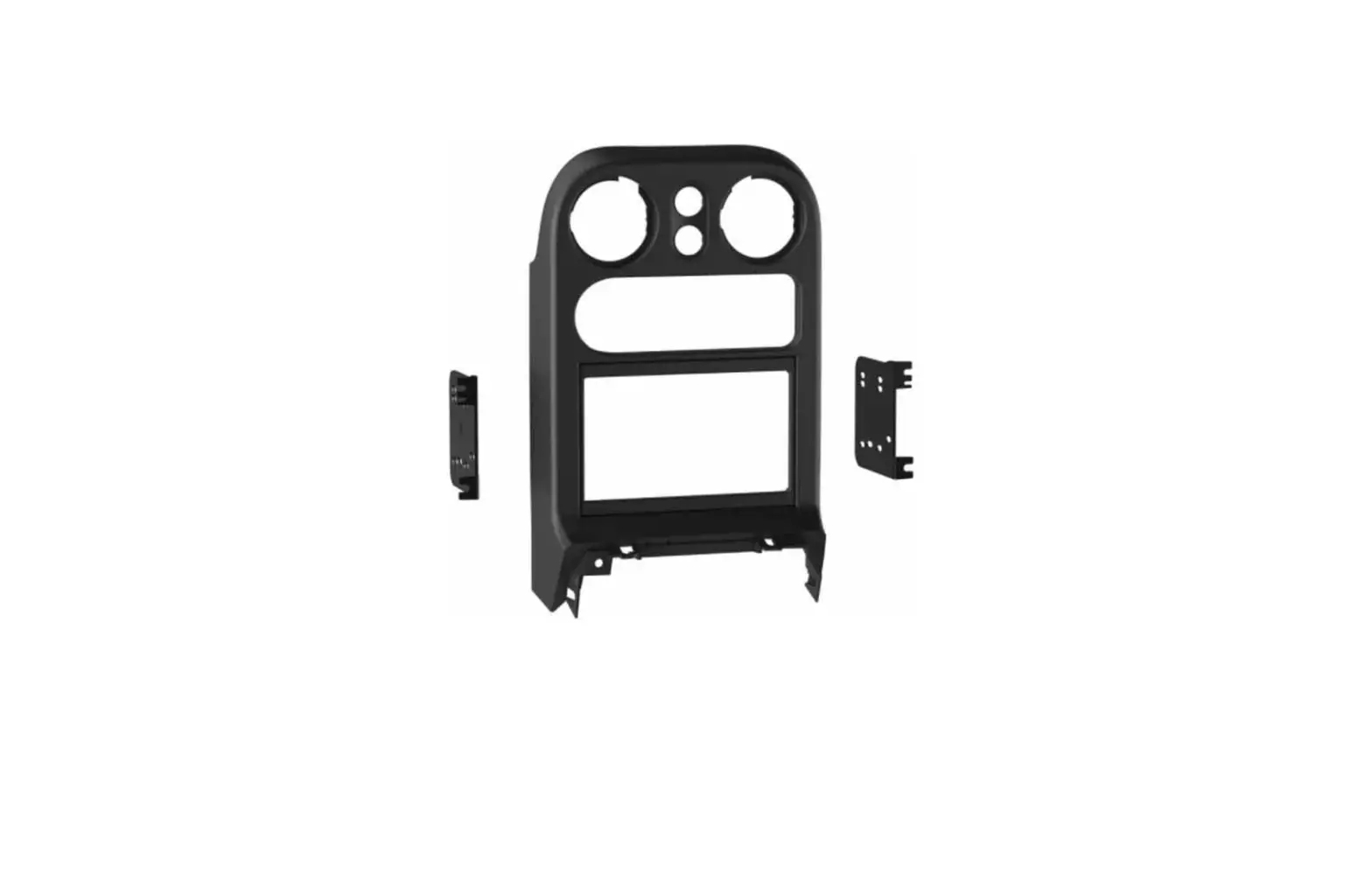
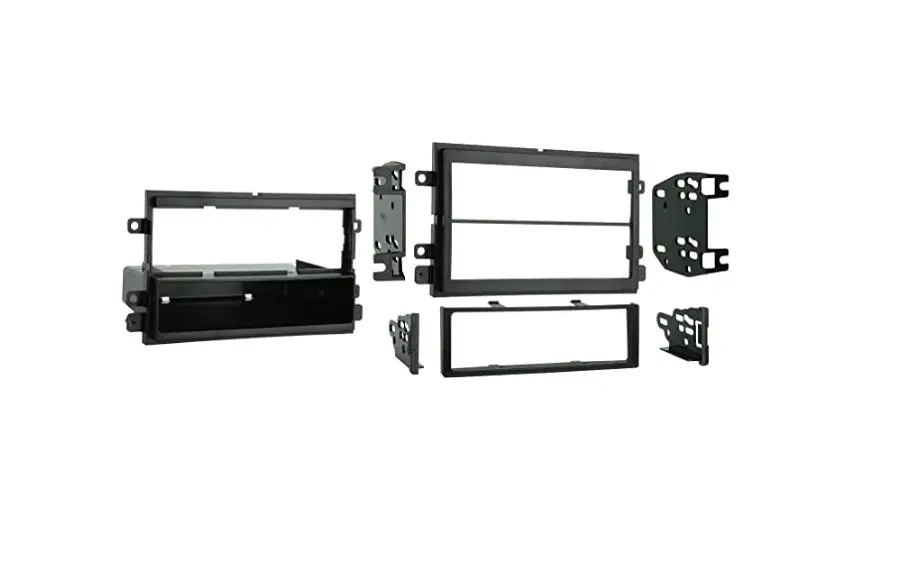
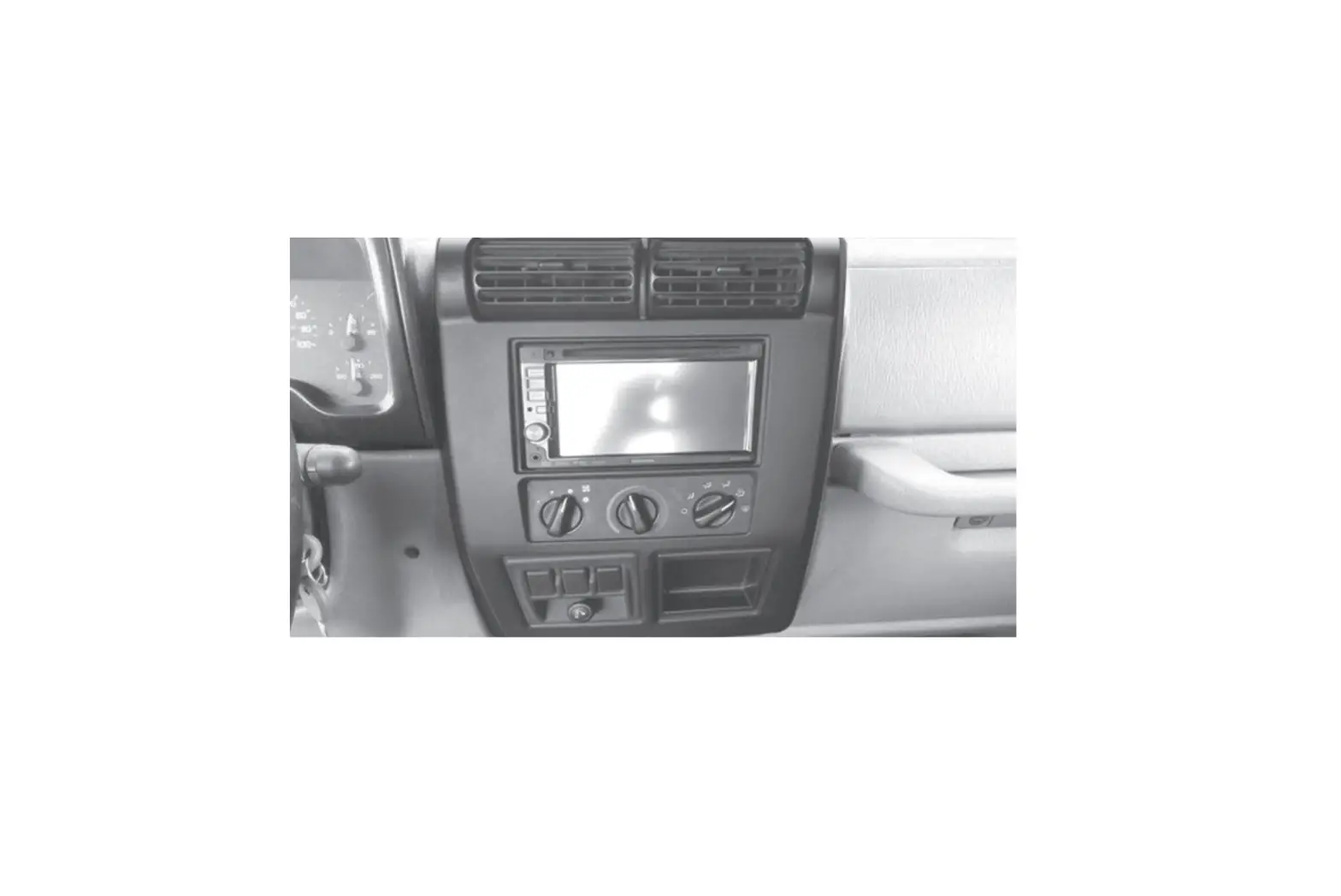
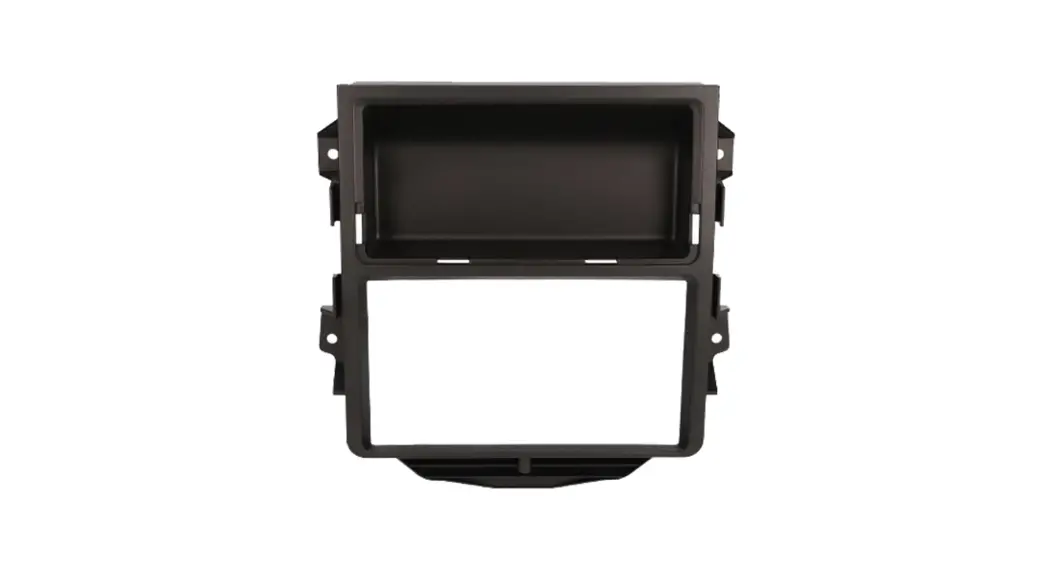
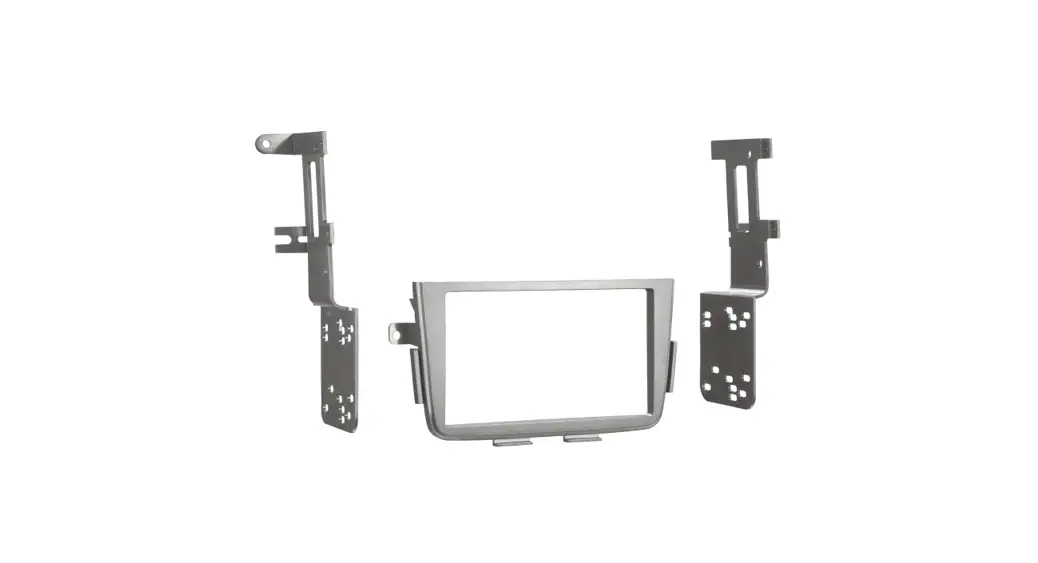
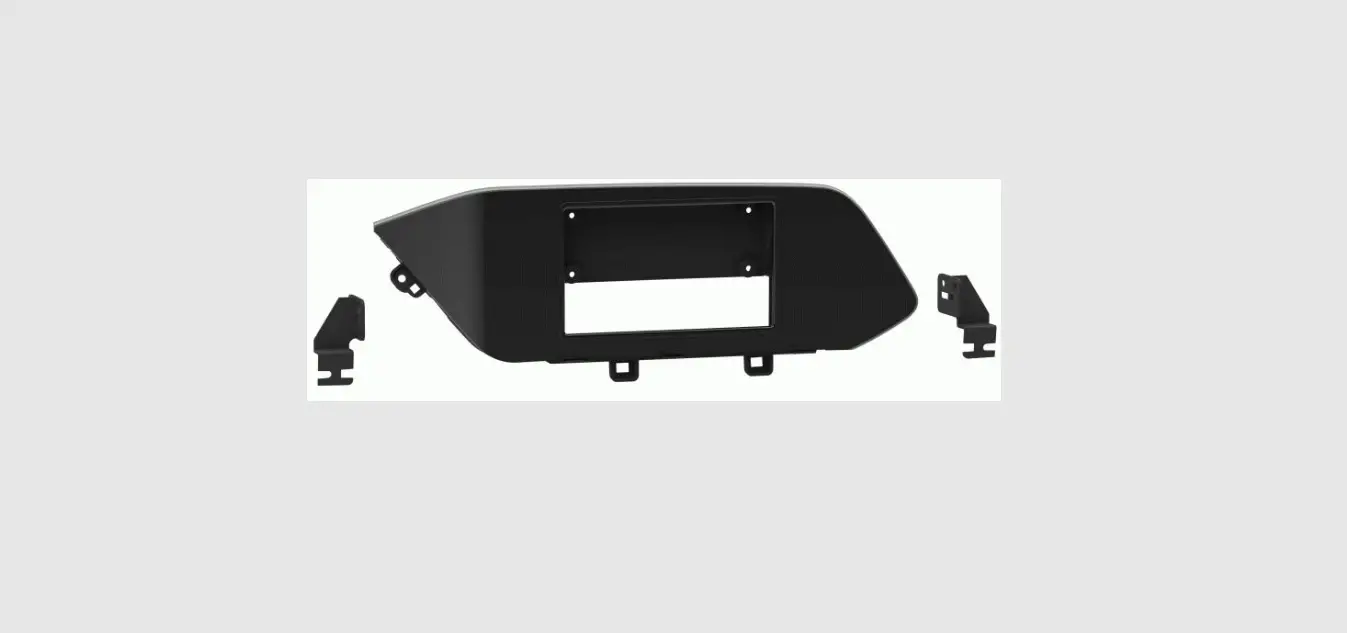
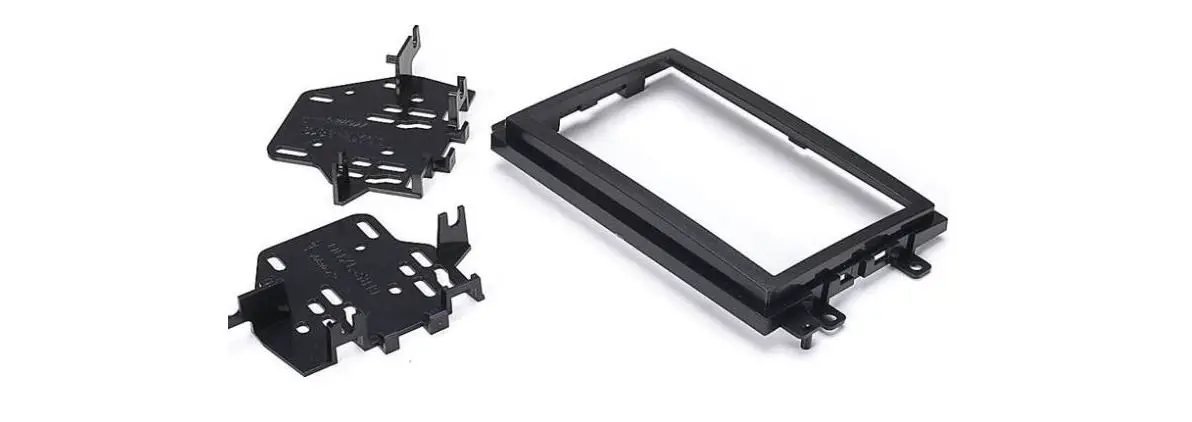
95-7345B Double DIN Dash Kit
Product Information
The Kia Optima 2011-2013 is a car model manufactured by Kia
Motors. This model offers various features and functionalities for
a comfortable driving experience.
Installation Instructions
Before starting the installation process, please ensure that all
accessories, switches, climate controls panels, and airbag
indicator lights are connected. Do not remove the factory radio
with the key in the on position or while the vehicle is
running.
Dash Disassembly
- Unsnap and remove trim from around the top center to the
passenger side dash. (Figure A) - Unsnap the panel from the outside edge of the driver’s side
dash. (Figure B) - Remove two screws from the knee panel and pull the top of the
panel back so it doesn’t overlap the instrument cluster. (Figure
C) - Remove two screws from the driver’s side vent trim and remove.
(Figure D) - Remove five screws from the instrument cluster and remove.
(Figure E) - Remove four screws from the climate controls and remove.
(Figure F) - Remove six screws securing the radio trim panel and remove.
(Figure G) - Remove four screws securing the factory radio chassis and
remove it. (Figure H)
Kit Preparation
- Remove three screws and remove the vent from the factory radio
panel. (Figure A) - Using the supplied #8 x 3/8 Phillips screws, install the vent
to the kit’s trim panel. (Figure B)
Kit Assembly
- Secure the radio brackets to the radio using the screws
supplied with the radio. (Figure A) - Locate the factory wiring harness and antenna connector in the
dash and complete all necessary connections to the radio. Metra
recommends using the proper mating adapter from Metra and/or
Axxess. Test the radio for proper operation. - Secure the radio assembly to the dash using the factory screws.
(Figure B) - Snap the radio trim panel over the radio assembly, then
reassemble the dash in reverse order of disassembly. (Figure
C)
If you encounter any difficulties during the installation,
please call the Tech Support line at 1-800-253-TECH. Make sure to
review the instructions again and ensure that the installation was
performed exactly as stated before calling for support.
For further improvement of your installation and fabrication
skills, consider enrolling in the Installer Institute, a respected
mobile electronics school. Visit www.installerinstitute.com
or call 800-354-6782 for more information.
Metra recommends MECP certified technicians for
installation.
Kia Optima 2011-2013
KIT FEATURES · ISO DDIN radio provision · Painted matte black match factory dash
KIT COMPONENTS · A) Radio trim panel · B) Radio brackets · C) (3) #8 x 3/8″ Phillips screws
A
B
C
95-7345B
INSTALLATION INSTRUCTIONS
TABLE OF CONTENTS Dash Disassembly…………………………………………..2 Kit Preparation……………………………………………….3 Kit Assembly ………………………………………………….3
WIRING & ANTENNA CONNECTIONS (sold separately) Wiring Harness: 70-7304 · AX-HYKIA1-SWC
& AX-HYKIA-SPDIF (for amplified models) Antenna Adapter: Not required Steering wheel control interface: ASWC-1
TOOLS REQUIRED · Panel removal tool · Phillips screwdriver
Metra. The World’s Best Kits.®
MetraOnline.com
CAUTION! All accessories, switches, climate controls panels, and especially air bag indicator lights must be connected before cycling the ignition. Also, do not remove the factory radio with the key in the on position, or while the vehicle is running.
© COPYRIGHT 2018 METRA ELECTRONICS CORPORATION
REV. 5/15/18 INST95-7345B
1. Unsnap and remove trim from around top center to passenger side dash. (Figure A)
2. Unsnap panel from outside edge of driver’s side dash. (Figure B)
3. Remove (2) screws from knee panel and pull top of panel back so it doesn’t overlap the instrument cluster. (Figure C)
4. Remove (2) screws from the driver’s side vent trim and remove. (Figure D)
(Figure B)
(Figure C)
DASH DISASSEMBLY
5. Remove (5) screws from instrument cluster and remove. (Figure E)
6. Remove (4) screws from the climate controls and remove. (Figure F)
7. Remove (6) screws securing the radio trim panel and remove. (Figure G)
8. Remove (4) screws securing the factory radio chassis and remove it. (Figure H)
Continue to Kit Preparation
(Figure F)
(Figure G)
(Figure A)
2
(Figure D)
(Figure E)
(Figure H)
1.800.221.0932 | MetraOnline.com
KIT PREPARATION
1. Remove (3) screws and remove the vent from the factory radio panel. (Figure A)
2. Using the supplied #8 x 3/8″ Phillips screws, install the vent to the kits trim panel. (Figure B) Continue to Kit Assembly
(Figure A)
(Figure B)
KIT ASSEMBLY
1. Secure the radio brackets to the radio using the screws supplied with the radio. (Figure A)
2. Locate the factory wiring harness and antenna connector in the dash and complete all necessary connections to the radio. Metra recommends using the proper mating adapter from Metra and/or Axxess. Test the radio for proper operation.
3. Secure the radio assembly to the dash using the factory screws. (Figure B)
4. Snap the radio trim panel over the radio assembly, then reassemble the dash in reverse order of disassembly. (Figure C)
(Figure A) (Figure B)
(Figure C)
REV. 5/15/2018 INST95-7345B 3
95-7345B
INSTALLATION INSTRUCTIONS
IMPORTANT If you are having difficulties with the installation of this product, please call our Tech Support line at 1-800-253-TECH. Before doing so, look over the instructions a second time, and make sure the installation was performed exactly as the instructions are stated. Please have the vehicle apart and ready to perform troubleshooting steps before calling.
Metra. The World’s Best Kits.®
MetraOnline.com
® KNOWLEDGE IS POWER
Enhance your installation and fabrication skills by enrolling in the most recognized and respected mobile electronics school in our industry. Log onto www.installerinstitute.com or call 800-354-6782 for more information and take steps toward a better tomorrow.
Metra recommends MECP certified technicians
© COPYRIGHT 2018 METRA ELECTRONICS CORPORATION
REV. 5/15/18 INST95-7345B
95-7345B
INSTRUCCIONES DE INSTALACIÓN
Kia Optima 2011-2013
CARACTERÍSTICAS DEL KIT · Provisión de radio ISO DDIN · Pintado en negro mate para igualar el acabado de fábrica
COMPONENTES DEL KIT · A) Panel de moldura de radio · B) Soportes de radio · C) (4) Tornillos Phillips #8 x 3/8″
A
B
C
INDICE Desmontaje del tablero ………………………………….2 Preparación del Kit …………………………………………3 Ensamble del kit …………………………………………….3
CABLEADO Y CONEXIONES DE ANTENA (se venden por separado) Arnés de cables: 70-7304 · AX-HYKIA1-SWC
y AX-HYKIA-SPDIF (para modelos amplificados) Adaptador de antena: No se requiere Interfaz de control en volante Axxess: ASWC-1
HERRAMIENTAS REQUERIDAS · Herramienta para quitar paneles · Destornillador Phillips
¡PRECAUCIÓN! Todos los accesorios, interruptores, paneles de controles de clima y especialmente las luces del indicador de las bolsas de aire deben estar conectados antes ciclar la ignición. Además, no quite el radio de fábrica con la llave en la posición o de encendido ni con el vehículo funcionando.
Metra. The World’s Best Kits.®
MetraOnline.com
© COPYRIGHT 2018 METRA ELECTRONICS CORPORATION
REV. 5/15/18 INST95-7345B
DESMONTAJE DEL TABLERO
1. Desenganche y quite la moldura de alrededor de la parte de arriba del centro al tablero del lado del pasajero. (Figura A)
2. Desenganche el panel del borde de afuera del tablero del lado del conductor. (Figura B)
3. Quite los (2) tornillos del panel que protege las rodillas y jale la parte de arriba del panel hacia atrás para que no se empalme con el conjunto de instrumentos. (Figura C)
4. Quite los (2) tornillos de la moldura de la rejilla del lado del conductor y quítela. (Figura D)
(Figura B) (Figura C)
5. Quite los (5) tornillos del conjunto de instrumentos y quítelo. (Figura E)
6. Quite los (4) tornillos de los controles del clima y quítelos. (Figura F)
7. Quite los (6) tornillos que sostienen el panel de la moldura del radio y quítelo. (Figura G)
8. Quite los (4) tornillos que sostienen el chasís del radio de fábrica y quítelo. (Figura H)
Continúe con la Preparación del Kit
(Figura F)
(Figura G)
(Figura A)
2
(Figura D)
(Figura E)
(Figura H)
1.800.221.0932 | MetraOnline.com
PREPARACIÓN DEL KIT
1. Quite los (3) tornillos y quite la rejilla del panel del radio de fábrica. (Figura A)
2. Con los tornillos Phillips # 8 x 3/8″ provistos, instale la ventilación en el panel de acabado de los kits. (Figura B) Continúe con el Ensamble del Kit
(Figura A)
(Figura B)
ENSAMBLE DEL KIT
1. Asegure los soportes de radio a la radio usando los tornillos suministrados con el radio. (Figura A)
2. Localice el arnés de cableado de fábrica y el conector de la antena en el tablero y haga todas las conexiones necesarias al radio. Metra recomienda que use adaptadores adecuados de acoplamiento de Metra y/o de AXXESS. Pruebe el radio para verificar que funcione correctamente.
3. Asegure el ensamble de la radio al tablero usando los tornillos de fábrica.
4. Enganche el panel de la moldura del radio sobre el ensamble del radio, luego vuelva a ensamblar el tablero en orden inverso al del desmontaje. (Figura C)
(Figura A) (Figura B)
(Figura C)
REV. 5/15/2018 INST95-7345B 3
95-7345B
INSTRUCCIONES DE INSTALACIÓN
IMPORTANTE Si tiene dificultades con la instalación de este producto, llame a nuestra línea de soporte técnico al 1-800-253-TECH. Antes de hacerlo, revise las instrucciones por segunda vez y asegúrese de que la instalación se haya realizado exactamente como se indica en las instrucciones. Por favor tenga el vehículo desarmado y listo para ejecutar los pasos de resolución de problemas antes de llamar.
Metra. The World’s Best Kits.®
MetraOnline.com
EL CONOCIMIENTO ES PODER
® Mejore sus habilidades de instalación y
fabricación inscribiéndose en la escuela de dispositivos electrónicos móviles más reconocida y respetada de nuestra industria. Regístrese en www.installerinstitute.com o llame al 800-354-6782 para obtener más información y avance hacia un futuro mejor.
Metra recomienda técnicos con certificación del Programa de Certificación en Electrónica Móvil (Mobile Electronics Certification Program, MECP).
© COPYRIGHT 2018 METRA ELECTRONICS CORPORATION
REV. 5/15/18 INST95-7345B
 Metra Online | Welcome to Metra Auto Parts Online Warehouse
 Installer Institute | Car Audio Installation and Mobile Electronics Education