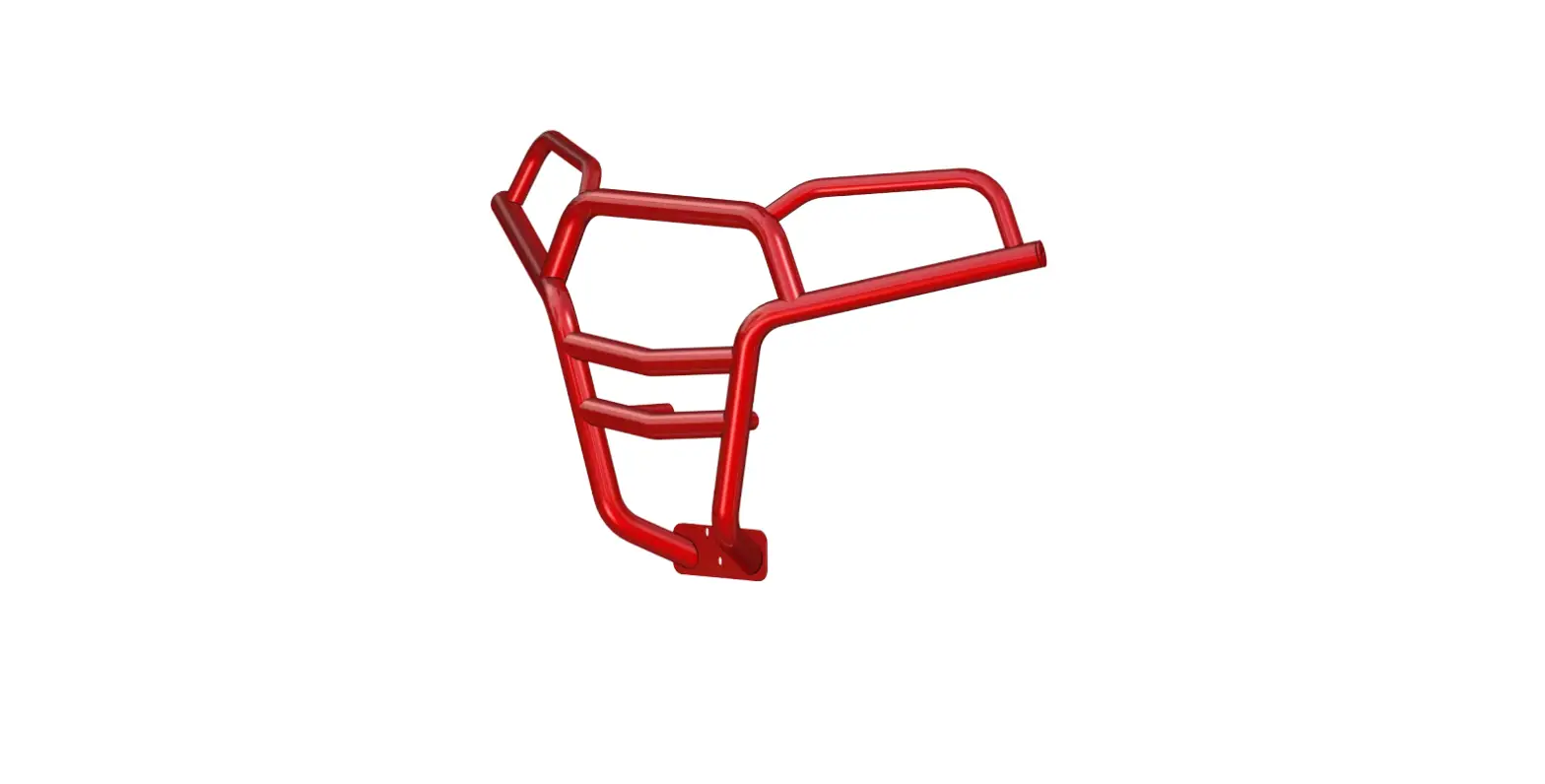
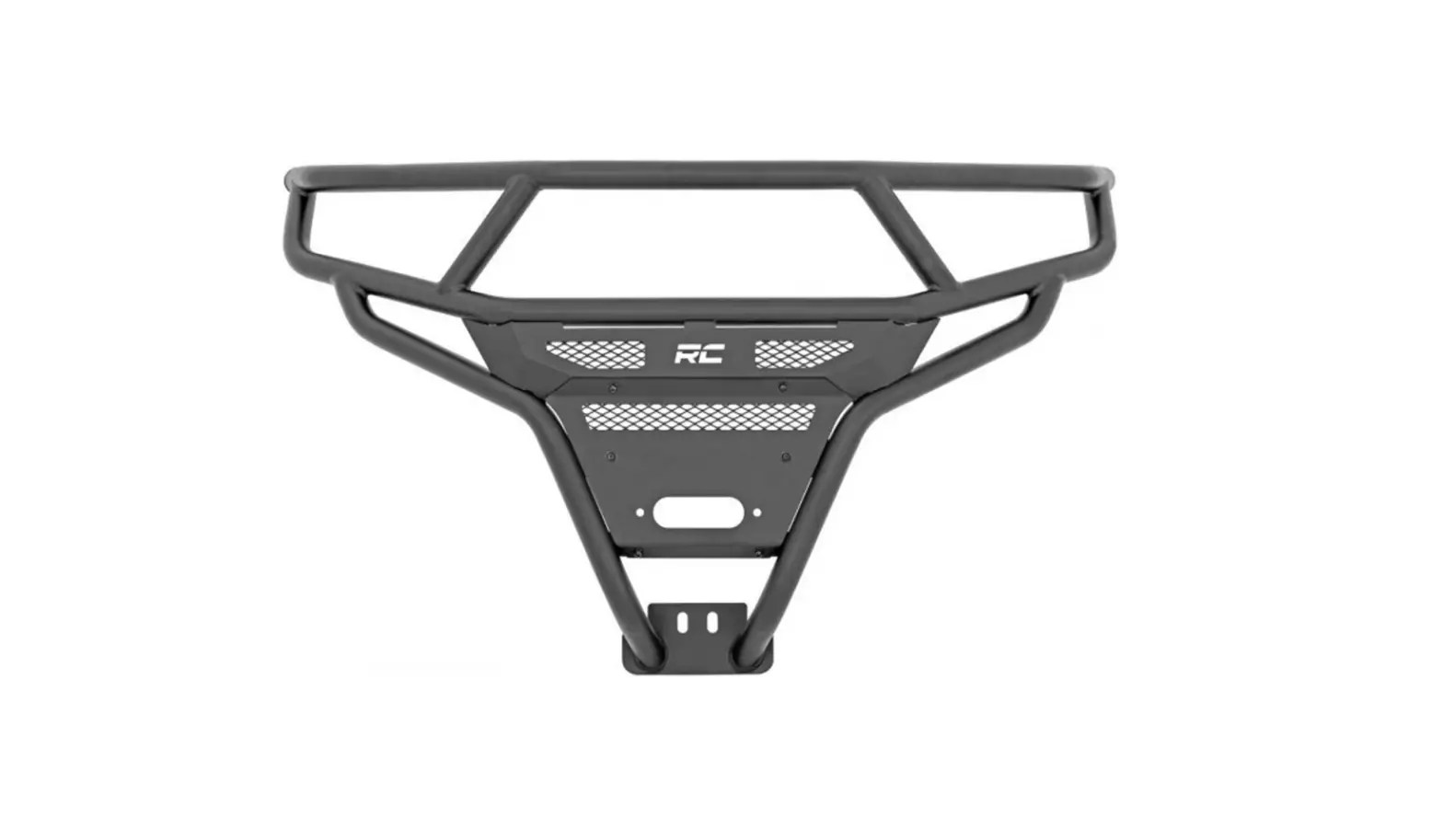
Ranger Gen 2 Rear Bumper
Polaris Ranger Gen 2 Rear Bumper
Product Information:
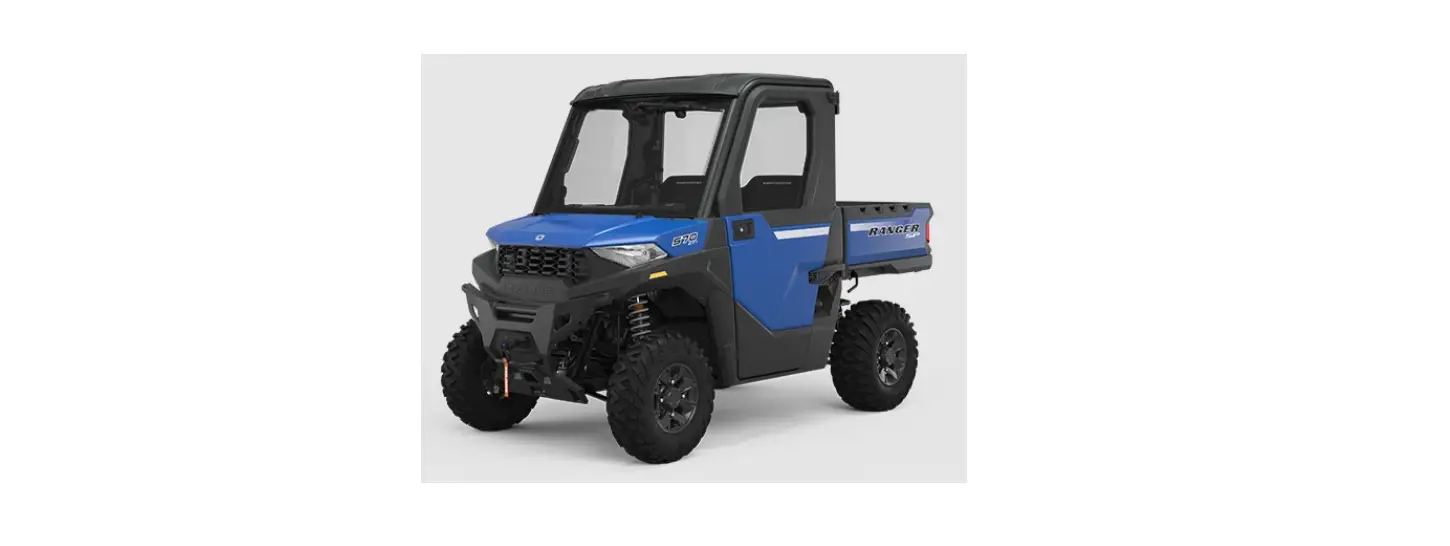
- Fitment: Polaris Ranger 1000 (2013-2017), Polaris Ranger 900
(2013-2018) - Part Number: 200-1107-G2
Installation Instructions:
- Remove the tailgate to access the outer 10mm bolts on each side
behind the tailgate. - With the bolts removed, hold the bumper into place and secure
it by reusing the 10mm bolts. Leave the bolts loose until all
hardware is in. - Using the supplied hardware, secure the bumper to the frame and
tighten all hardware. - Installation is complete. Note: Torque to factory
specifications.
Polaris Ranger Gen 2 Rear Bumper Installation Instructions Fitment: -13-17 Ranger 1000 -13-18 Ranger 900 Part #: 200-1107-G2
1) Remove tailgate to access the outer 10mm bolts on each side behind tailgate.
2) With bolts removed hold bumper into place and secure reusing the 10mm bolts. Leave bolts loose until all hardware is in.
3) Using the supplied hardware secure bumper to frame and tighten all hardware. Installation is complete
Note: torque to factory specs