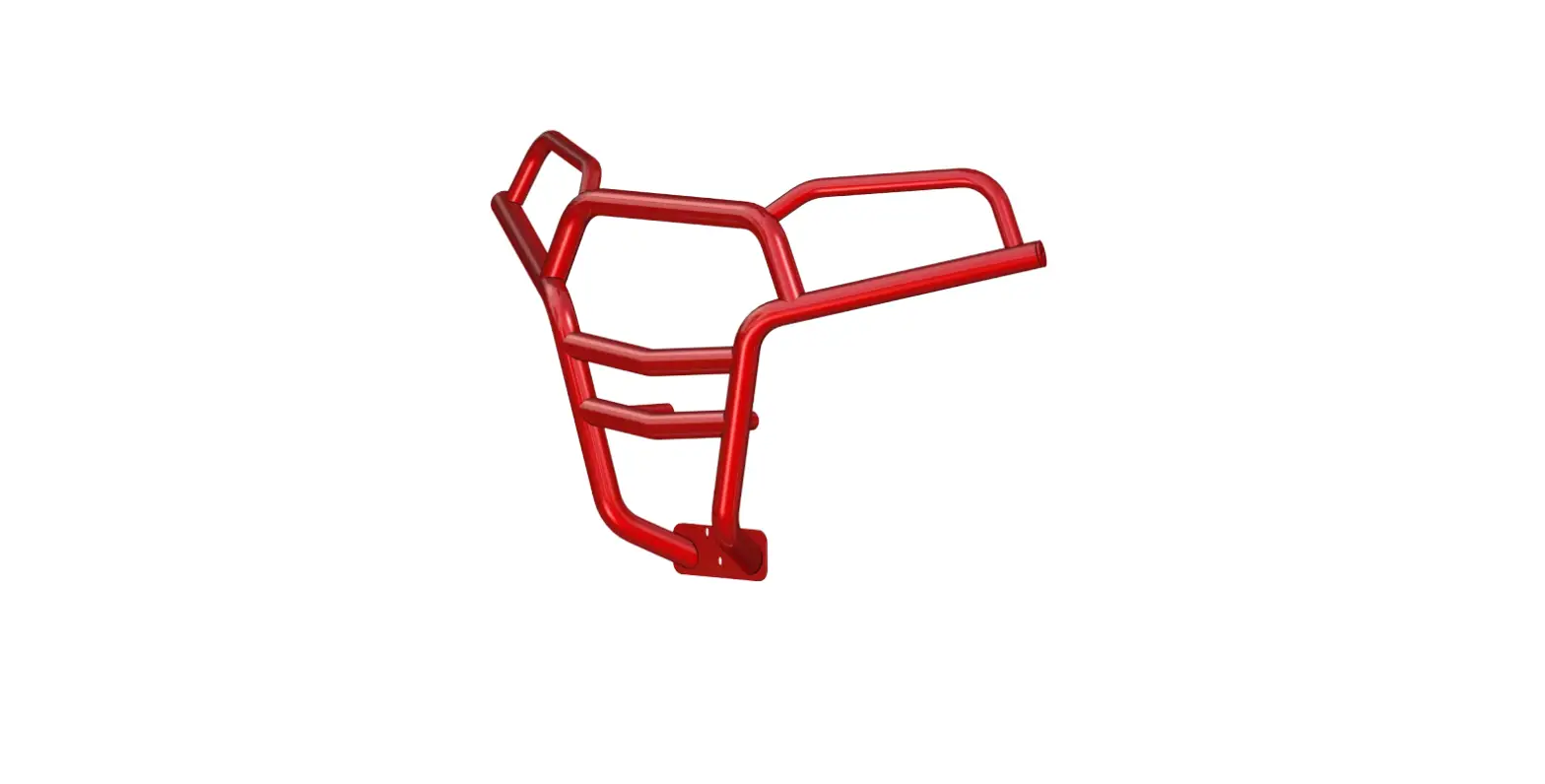
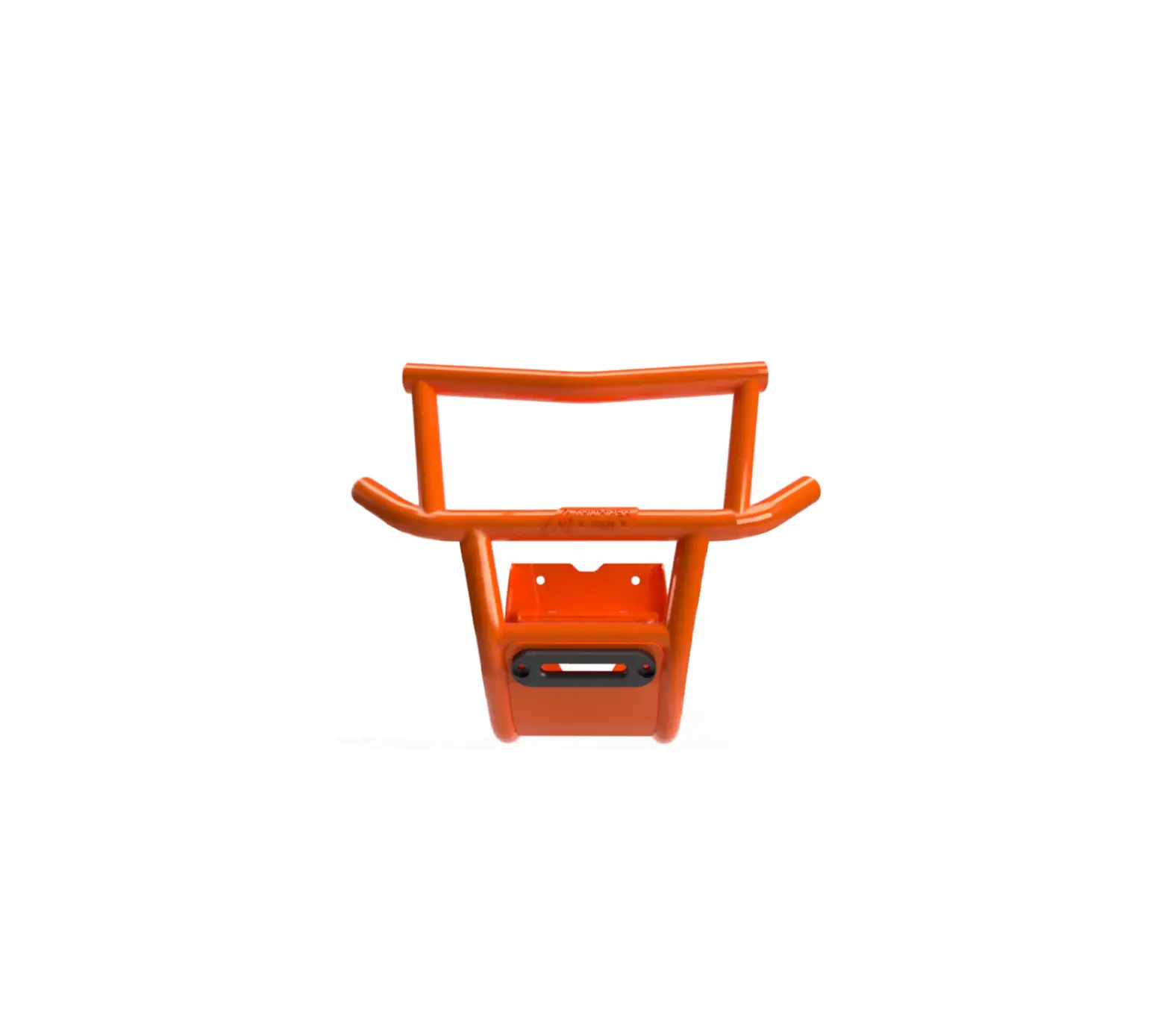
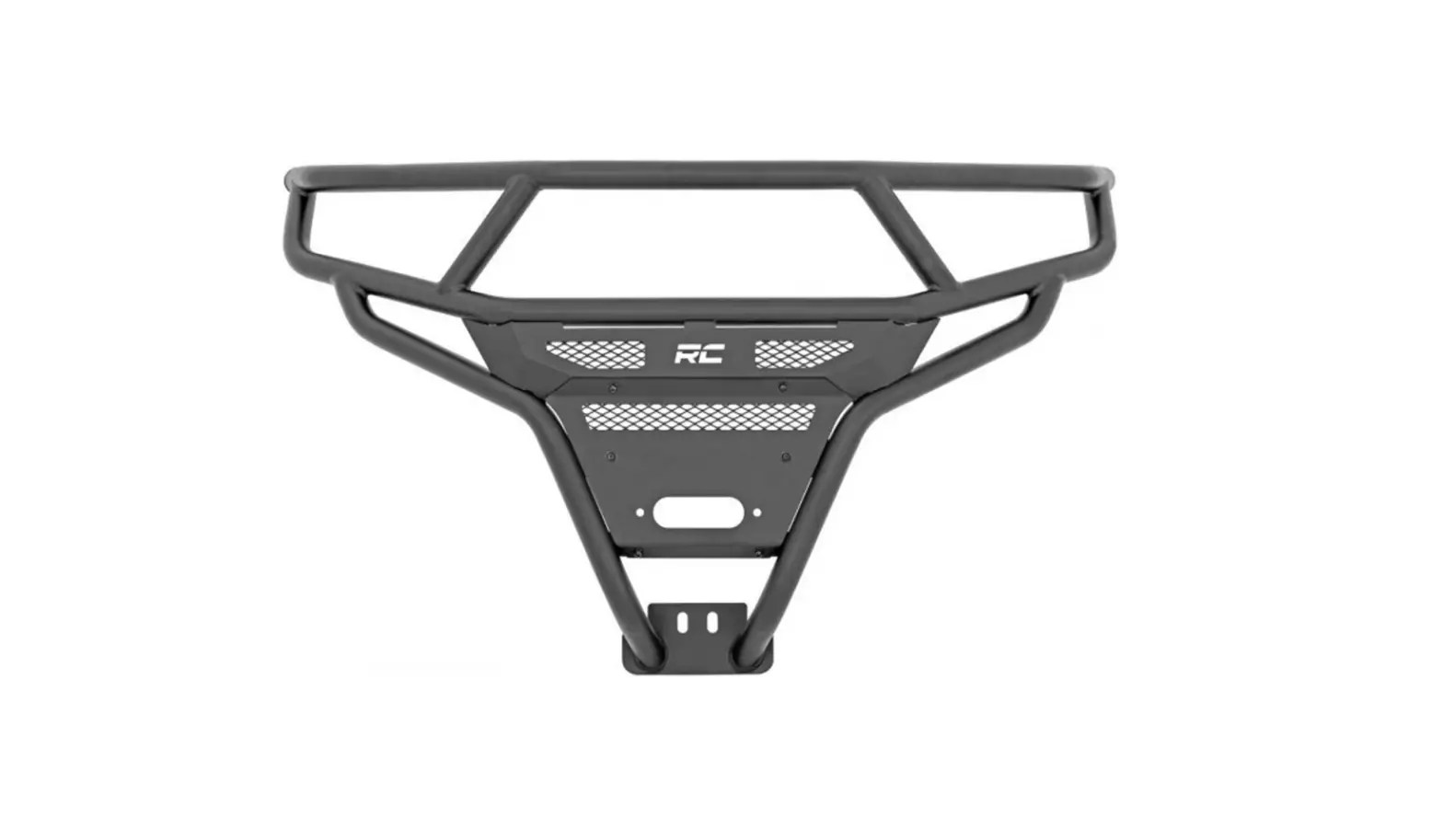
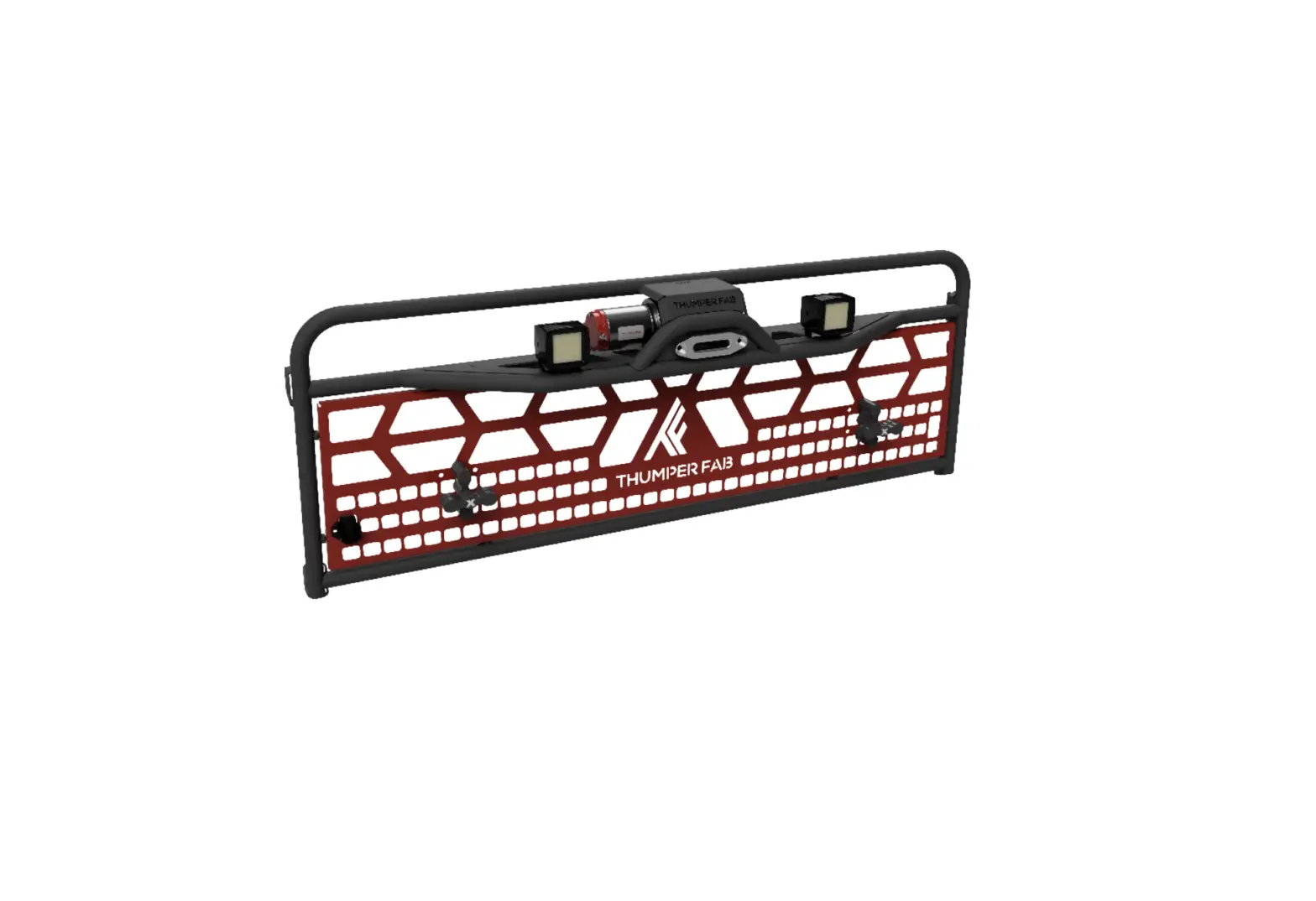
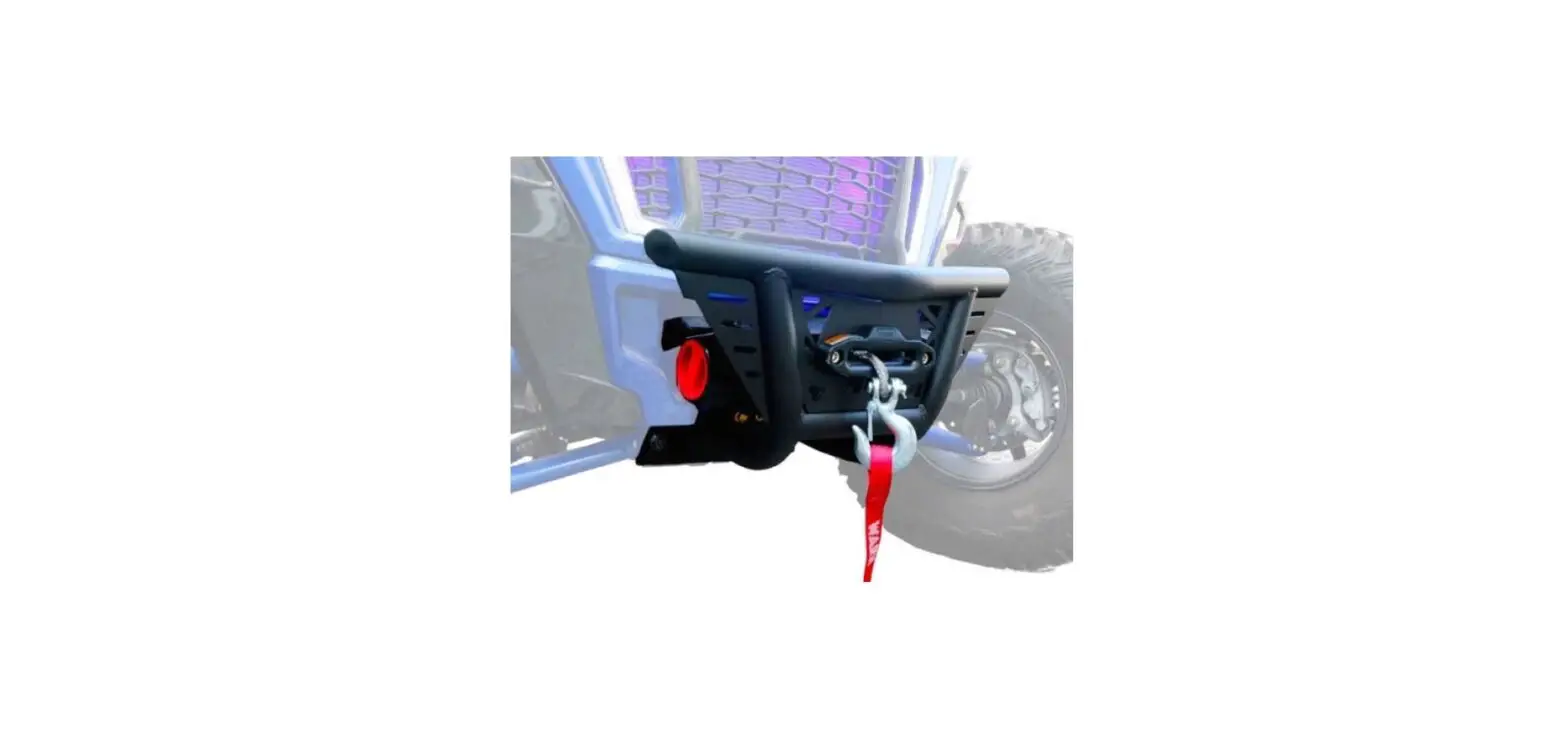
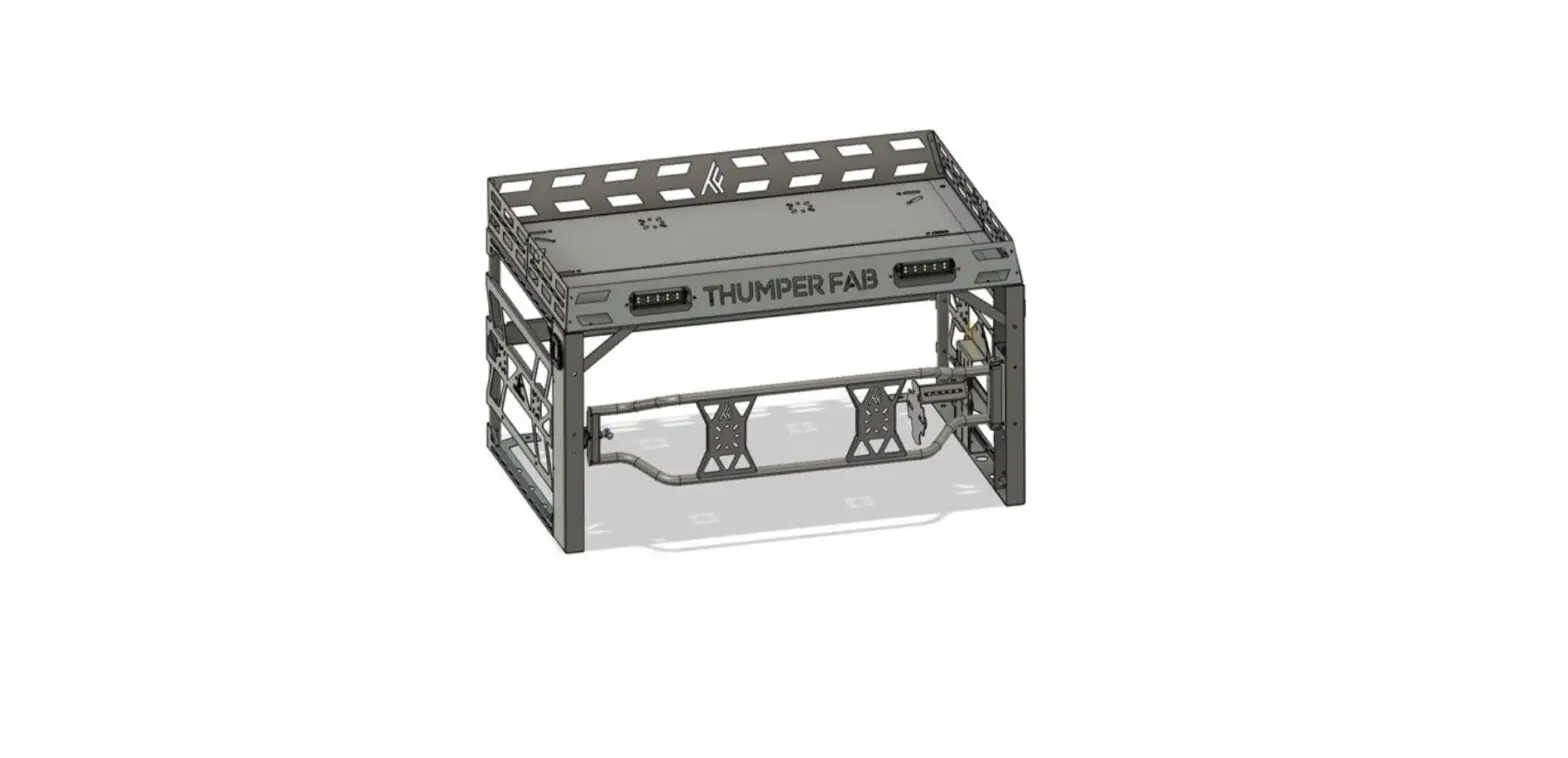
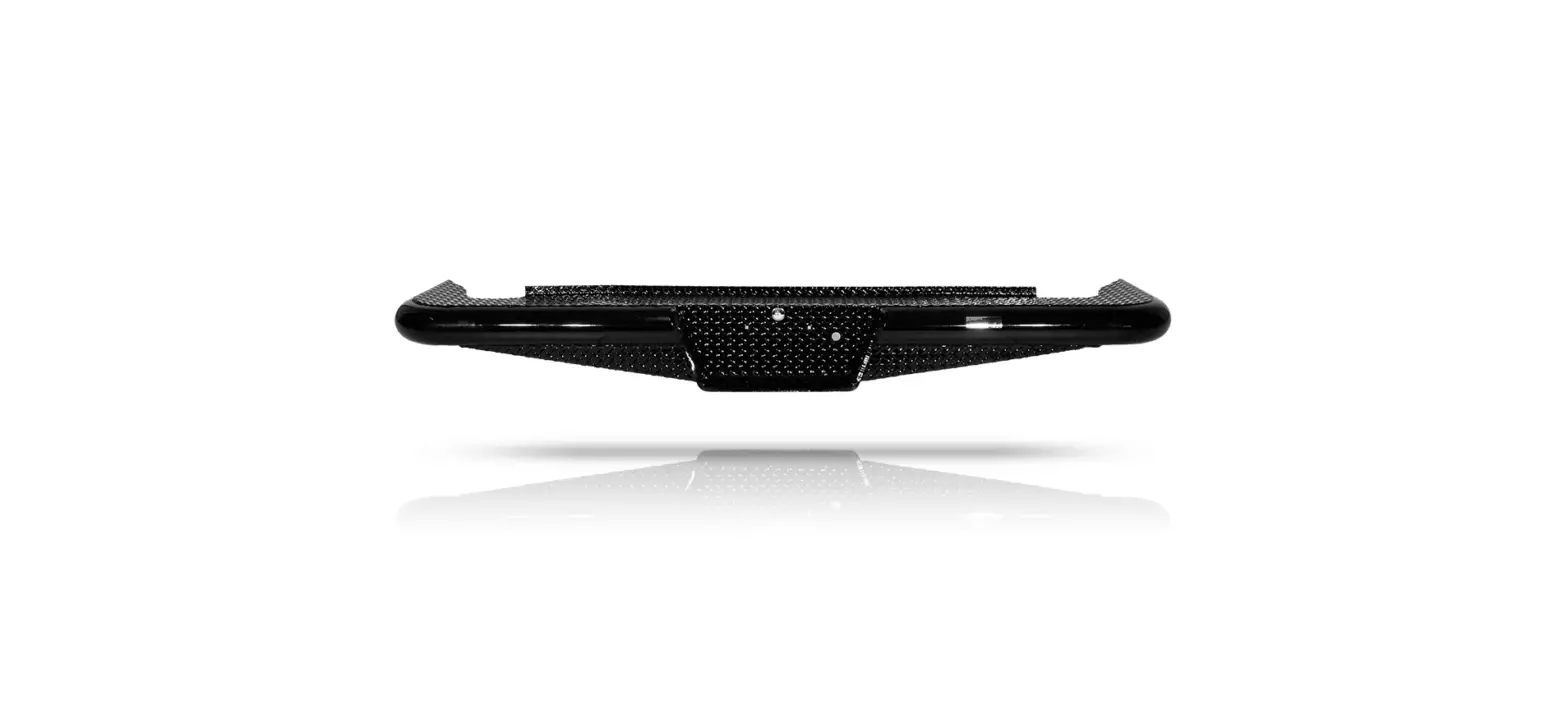
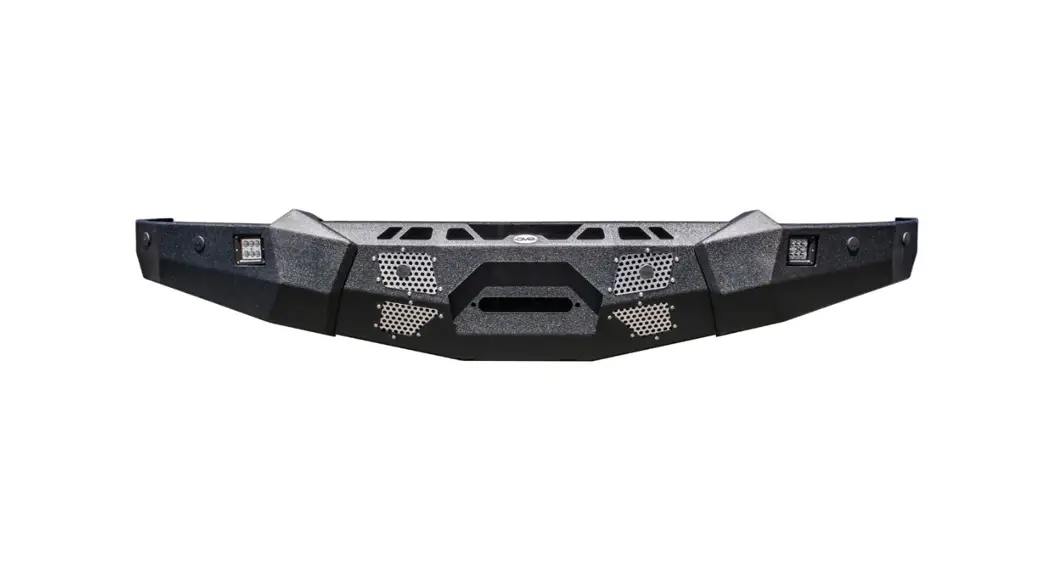
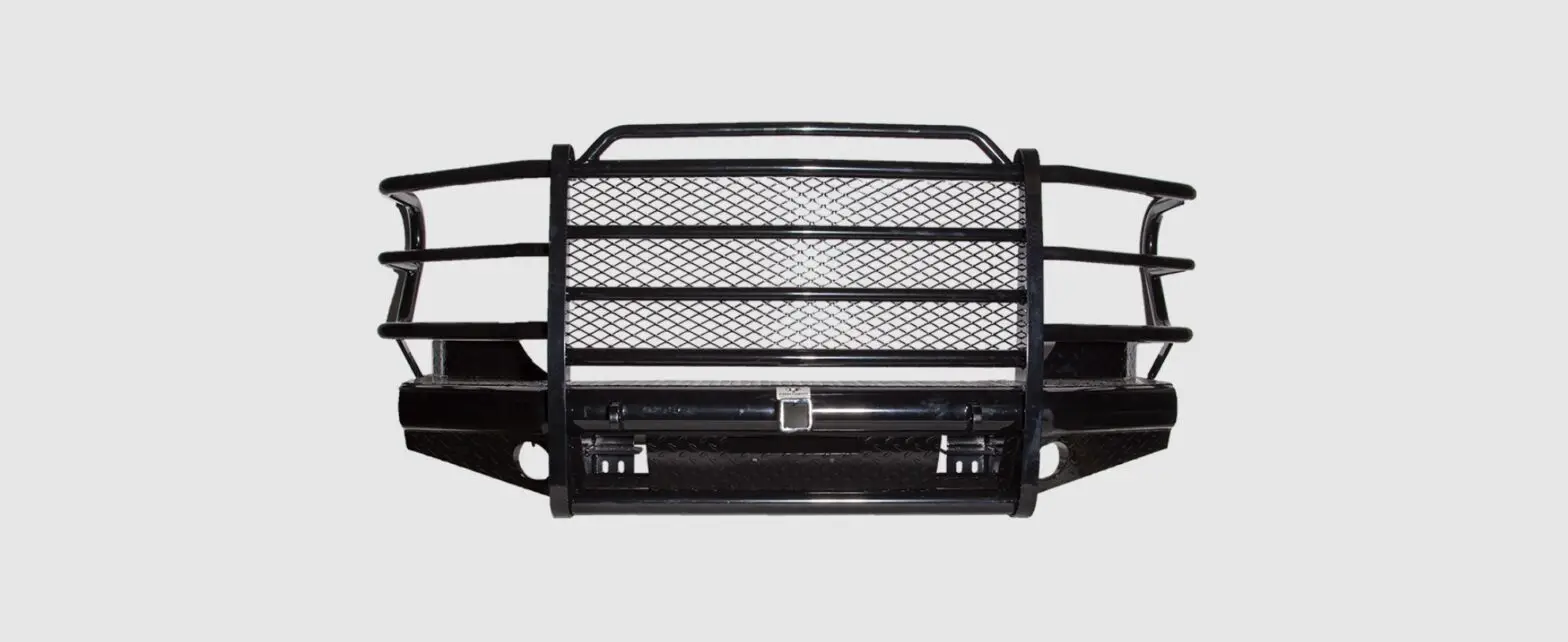
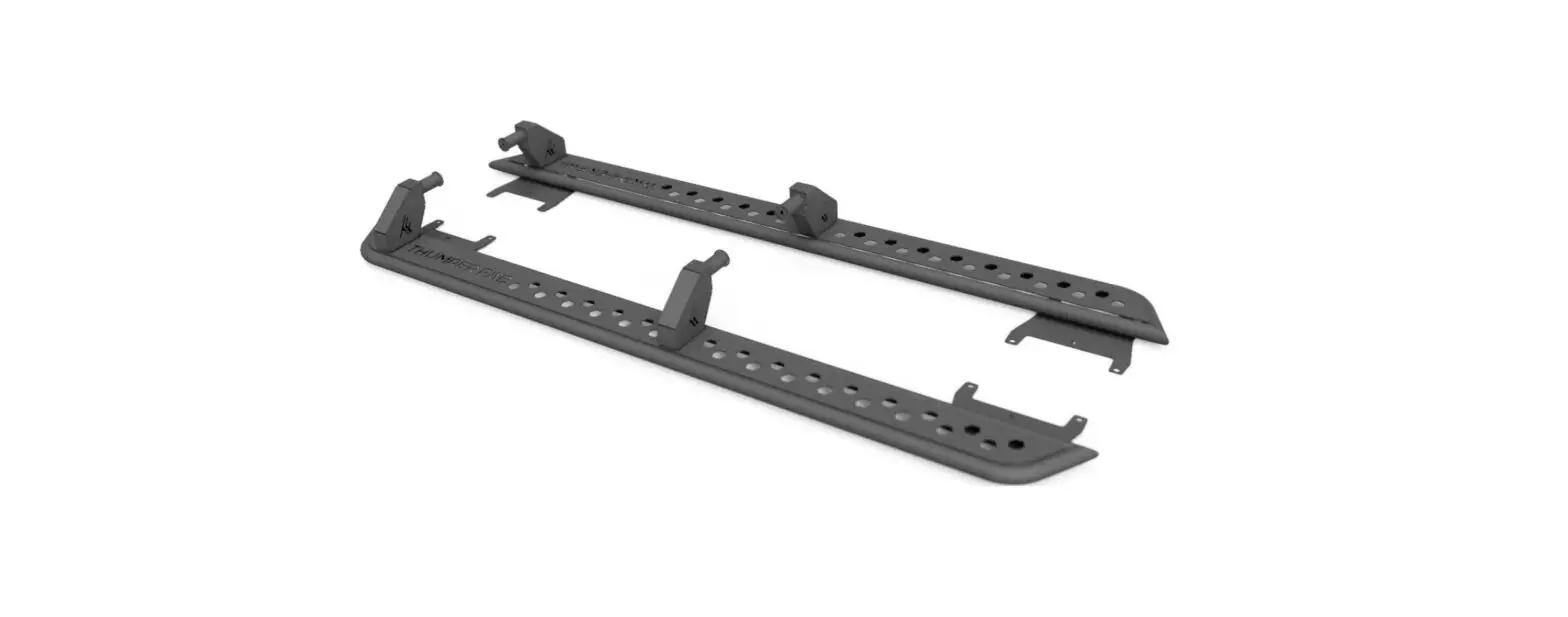
TF010602 Polaris Ranger Rear Winch Bumper
Product Information
Product Name: Rear Winch Thumper Bumper Elite
Edition
Compatible with: Polaris Ranger Northstar,
Ranger 1000, Ranger XP 1000
Part Number: TF010602
Manufacturer: Thumper Fab
Address: 5103 Elysian Fields Rd, Marshall, Tx
75672
Customer Service: 903-472-0928
Website: www.thumperfab.com
Product Usage Instructions
- Remove the tailgate.
- Clean the four stock holes shown in the diagram by threading
REF. 1 in and out. Make sure the holes are free of dirt, debris,
and factory powder coat residue. - Install mounts to the tailgate using hardware REF. 3. Thread
bolts (HAND TIGHTEN ONLY) into all four holes. - Install mounts to the frame using hardware REF. 4. DO NOT
TIGHTEN HARDWARE UNTIL STEP 7. - Install Thumper Bumper to mounts using hardware REF. 5 and
6. - Attach light bar covers using hardware REF. 7.
- Align the bumper to the vehicle, tighten all hardware, and
replace the tailgate. - Continue to the next page for wiring harness installation.
Wiring Harness & Switch Installation
- Shift the vehicle transmission into PARK. Turn the ignition
switch to the OFF position and remove the key. - Flip up the passenger seat bottom (rear passenger seat for
CREW), remove the driver’s seat and underseat storage compartment,
then disconnect the black negative (-) cable from the battery. - Gain access:
- Remove the hood.
- Remove the upper dash cupholder by removing two push pin rivets
(A), then slide the cupholder rearward. Retain rivets. - Tilt the steering wheel to the full down position. Detach the
instrument cluster hood by removing two push pin rivets (B), then
slide the hood (with instrument cluster) rearward. Disconnect the
instrument cluster wiring harness. Retain rivets.
- Route the switch connector (1E) from under-hood compartment
rearward through the firewall grommet (E) into the upper dash
compartment.
NOTE: Relay (1A), Polaris Pulse Bar connector (1G), tail-light
connectors (1D) remain on the forward side of the firewall. Grommet
(E) may be temporarily removed to facilitate harness
passage. - Attach the relay to under-hood liner, forward of air intake
ducts, then install the relay (1A) using the supplied self-tapping
screw. - Open the power cap on Polaris Pulse Bar at any open location,
then plug in Pulse Bar connector (1G). - Lift the vehicle bed to access wiring underneath. Connect the
black/blue reverse light connector (1F) to the terminal under the
vehicle bed. - Route the tail-light connectors (1D) forward across under-hood
liner (as shown in Step 4), down through the opening nearest the
right front headlight, then run on top of the intake tubes, then
through the central tunnel to the rear under vehicle bed, joining
connectors to taillights.
Ensure routing will prevent harness contact with hot
components, sharp edges, or moving parts, but do NOT secure harness
to the vehicle at this time.
REAR WINCH THUMPER BUMPER
ELITE EDITION
COMPATIBLE WITH
POLARIS RANGER NORTHSTAR/ RANGER 1000/RANGER XP 1000
P/N: TF010602
Aluminum Audio Roofs Bumpers & Roll Cages UTV Accessories
Thumper Fab 5103 Elysian Fields Rd, Marshall, Tx 75672
Customer Service: 903-472-0928 www.thumperfab.com
RANGER REAR WINCH THUMPER BUMPER ELITE EDITION
P/N: TF010602
FEATURES
· CNC laser cut & formed 1/8″ steel · HD D-Ring mounts for safe recovery points · CNC precision cut holes for ATV winch mount · 6″ LED Lightbar Ready · Available in raw steel, ready for powder
coating or paint match · Extreme duty 3-stage powder coating
options available · Winch compatible up to 3,500 LB
(Winch mounting area: 14.75″ x 5″ x 4.25″ )
TOOLS REQUIRED
· 3/16″ & 5/32″ Allen Wrench · 1/2″, 7/16″, & 9/16″ Combination Wrench · 1/2″ & 9/16″ Socket · Drill with 1/4″ bit
PARTS
REF QTY
1
1
2
2
3
4
4
8
5
8
6
2
7
8
8
1
PART DESCRIPTION
5/16″ x 1″ Self-tapping Bolt Mounting Brackets 5/16″ x 3/4″ Socket Head Cap Screw* 5/16″ x 3/4″ Hex Head Bolt* 3/8″ x 1.25″ Hex Head Bolt 5/16″ x 1.25″ Hex Head Bolt* 1/4″ x 1/2″ Socket Head Cap Screw Bumper Light Wiring Harness
*(Install 5/16″ flat washers & 5/16″ nuts where indicated.)
BUMPER INSTALLATION INSTRUCTIONS
1. Remove tailgate.
2. Clean the four stock holes shown in diagram by threading REF. 1 in & out, discarding after use. Make sure holes are free of dirt, debris and factory powder coat residue.
3. Install mounts to tailgate using hardware REF. 3. Thread bolts (HAND TIGHTEN ONLY) into all four holes.
4. Install mounts to frame using hardware REF. 4. (DO NOT TIGHTEN HARDWARE UNTIL STEP 7).
5. Install Thumper Bumper to mounts using hardware REF. 5 & 6.
6. Attach light bar covers using hardware
REF. 7.
N
7. Align bumper to vehicle, tighten all hardware, and replace tailgate.
8. Continue to next page for wiring harness installation.
P/N: TF010602
REAR WINCH THUMPER BUMPER – ELITE EDITION
WIRING HARNESS & SWITCH INSTALLATION
1. Shift vehicle transmission into “PARK”. Turn ignition switch to “OFF” position and remove key.
2. Flip up passenger seat bottom (rear passenger seat for CREW), remove driver’s seat and underseat storage compartment, then disconnect black negative (-) cable from battery.
3. Gain access.
a. Remove hood. b. Remove upper dash cupholder by removing two
push pin rivets (A), then slide cupholder rearward. Retain rivets. c. Tilt steering wheel to full down position. Detach instrument cluster hood by removing two push pin rivets (B), then slide hood (with instrument cluster) rearward. Disconnect instrument cluster wiring harness. Retain rivets.
4. Route switch connector (1E) from under-hood compartment rearward through firewall grommet (E) into upper dash compartment.
NOTE – Relay (1A), Polaris Pulse Bar connector (1G), tail-light connectors (1D) remain on forward side of firewall. Grommet (E) may be temporarily removed to facilitate harness passage.
5. Attach relay to under-hood liner, forward of air intake ducts, then install relay (1A) using supplied self-tapping screw.
6. Open power cap on Polaris Pulse Bar at any open location, then plug in Pulse Bar connector (1G).
7. Lift vehicle bed to access wiring underneath. Connect black/blue reverse light connector (1F) to terminal under vehicle bed.
8. Route tail-light connectors (1D) forward across under-hood liner (as shown in Step 4), down through opening nearest the right front headlight, then run on top tof the intake tubes, then through central tunnel to rear under vehicle bed, joining connectors to taillights.
Ensure routing will prevent harness contact with hot components, sharp edges, or moving parts, but do NOT secure harness to vehicle at this time.
9. Route switch connector (1E) from firewall grommet (E) along dash support bracket towards LH side of vehicle, then downward towards switch blanks on lower LH side of steering wheel. Ensure routing will prevent harness contact with hot components, sharp edges, or moving parts, but do NOT secure harness to vehicle at this time.
10. Carefully cut out one rectangular switch blank from main dash panel.
11. Route switch connector (1E) out of switch opening, join to dash switch (2), then install switch into opening.
12. Secure switch connector branch of harness to front dash bracket.
13. Secure tail-light connector branch of harness to vehicle structure using edge clips and/or cable ties (as necessary).
14. Replace panels from step 3.
15. Reconnect black negative (-) cable
to battery, then reinstall
DASH SWITCH WIRING
1E
BLUE TOP(10)
WHITE MIDDLE (2) BLACK BOTTOM (4)
2
P/N: TF010602
REAR WINCH THUMPER BUMPER – ELITE EDITION
Tail-light connectors
Reverse light connector
Dash switch & connector
Pulse Bar Connector
Relay
Thumper Fab 5103 Elysian Fields Rd, Marshall, Tx 75672
Customer Service: 903-472-0928
www.thumperfab.com
 Thumper Fab - UTV Accessories