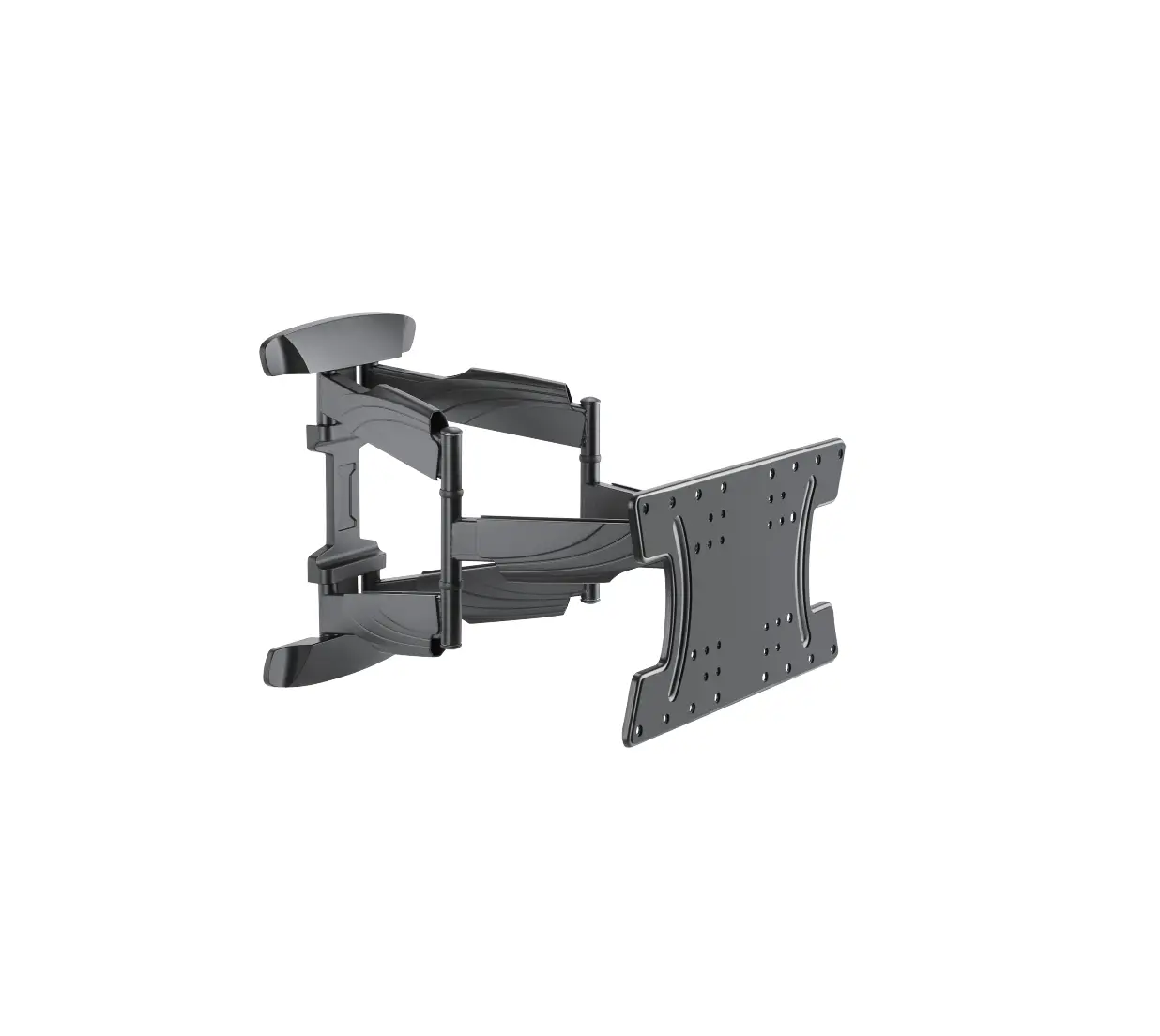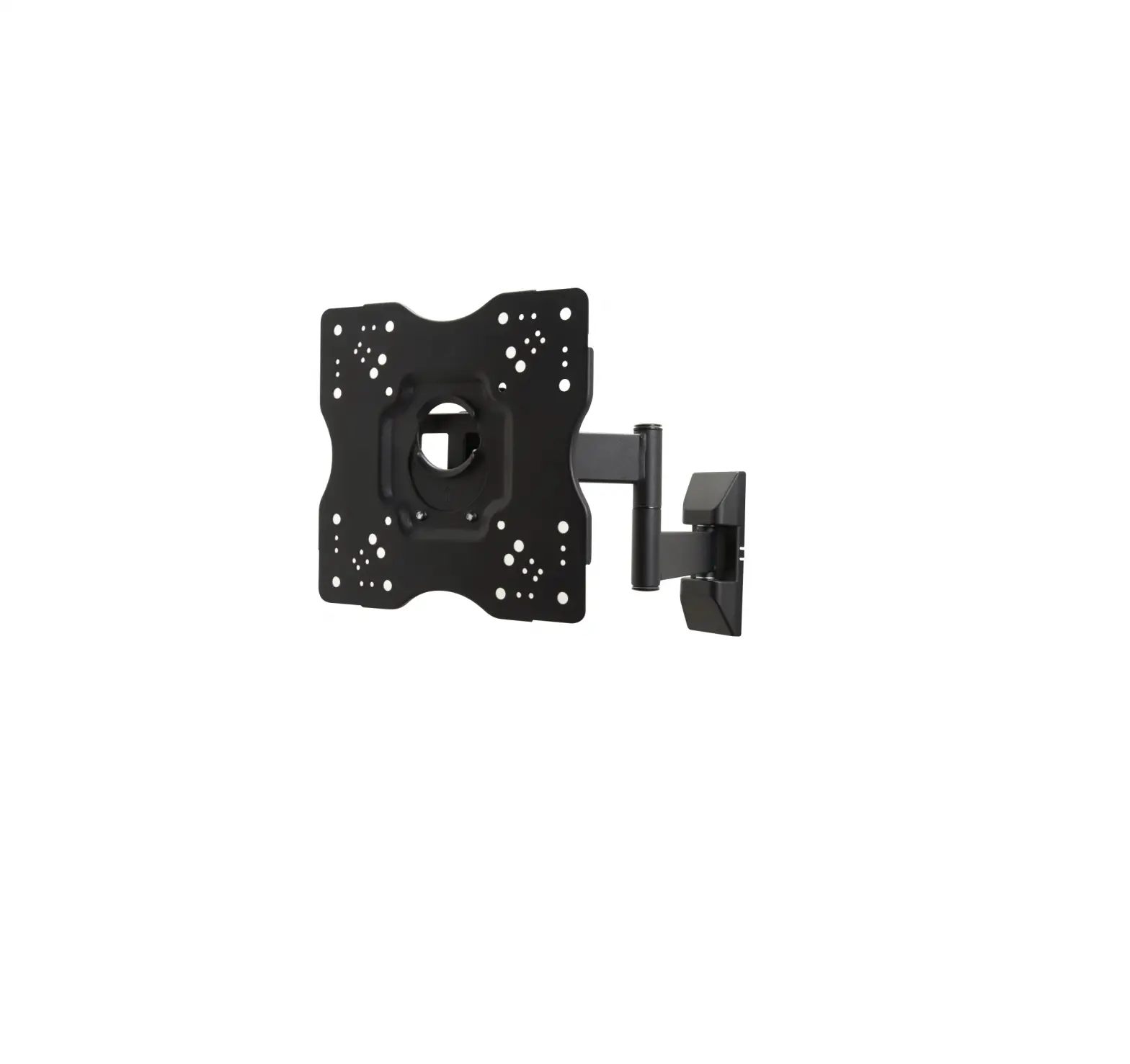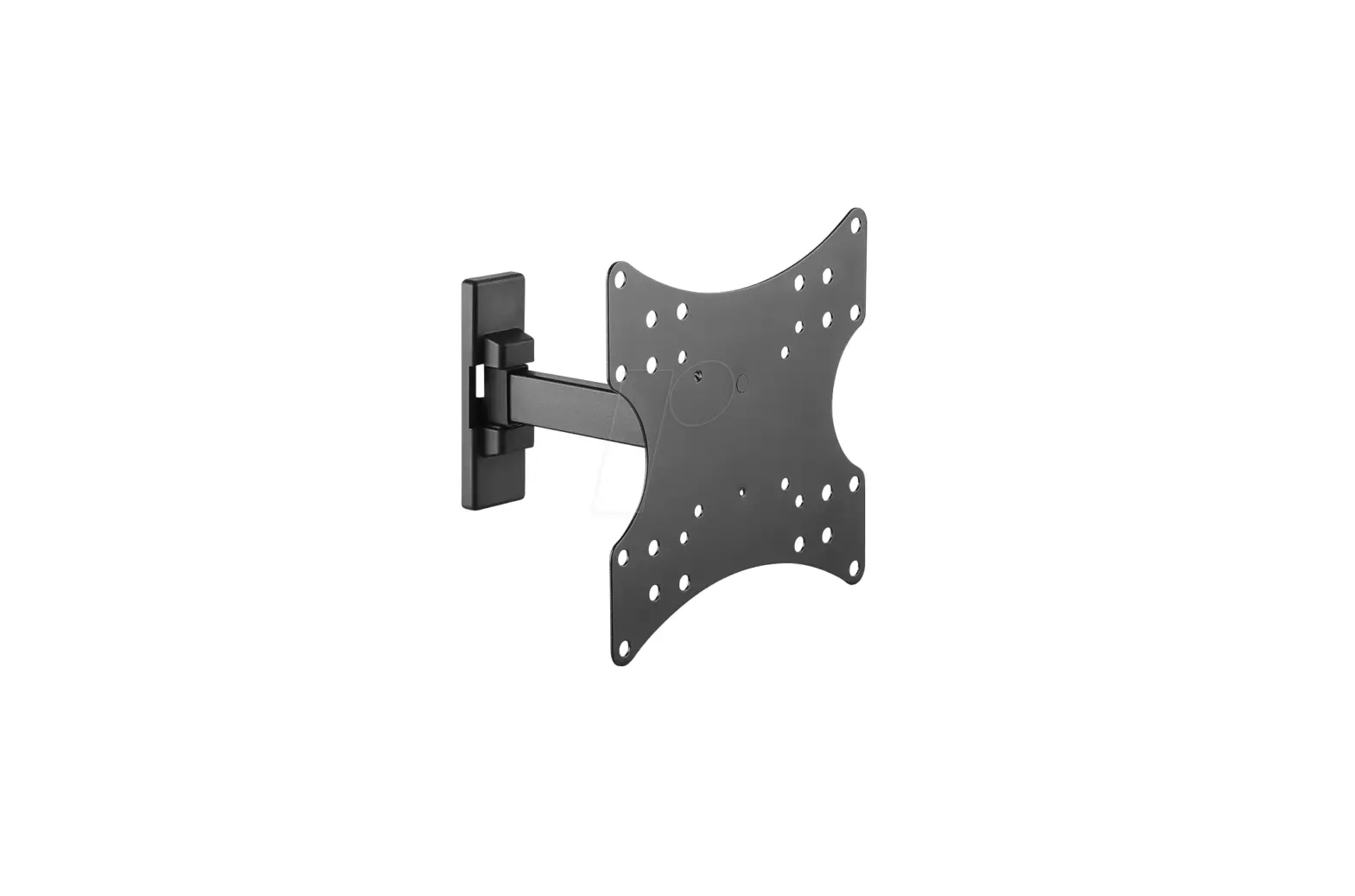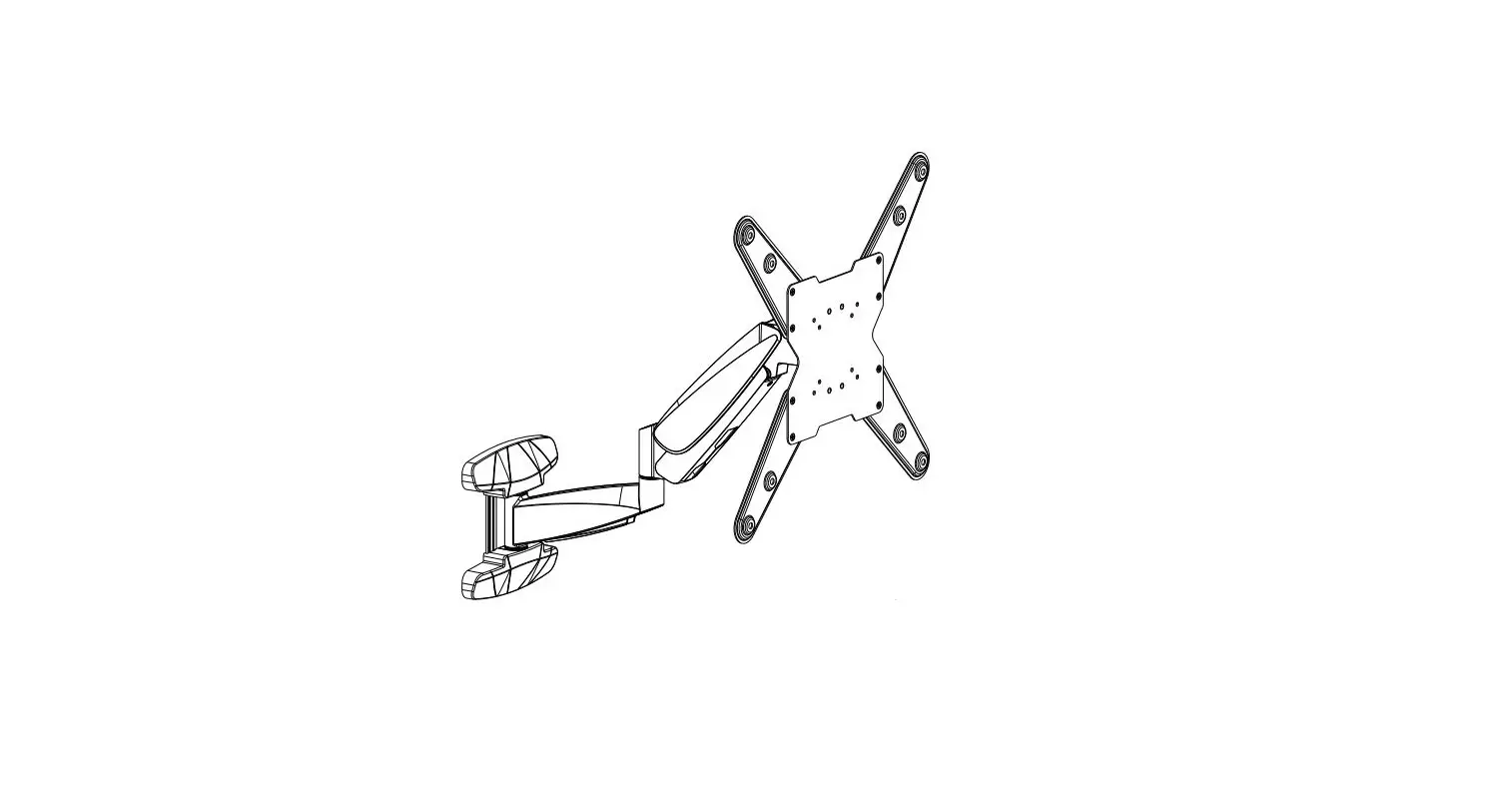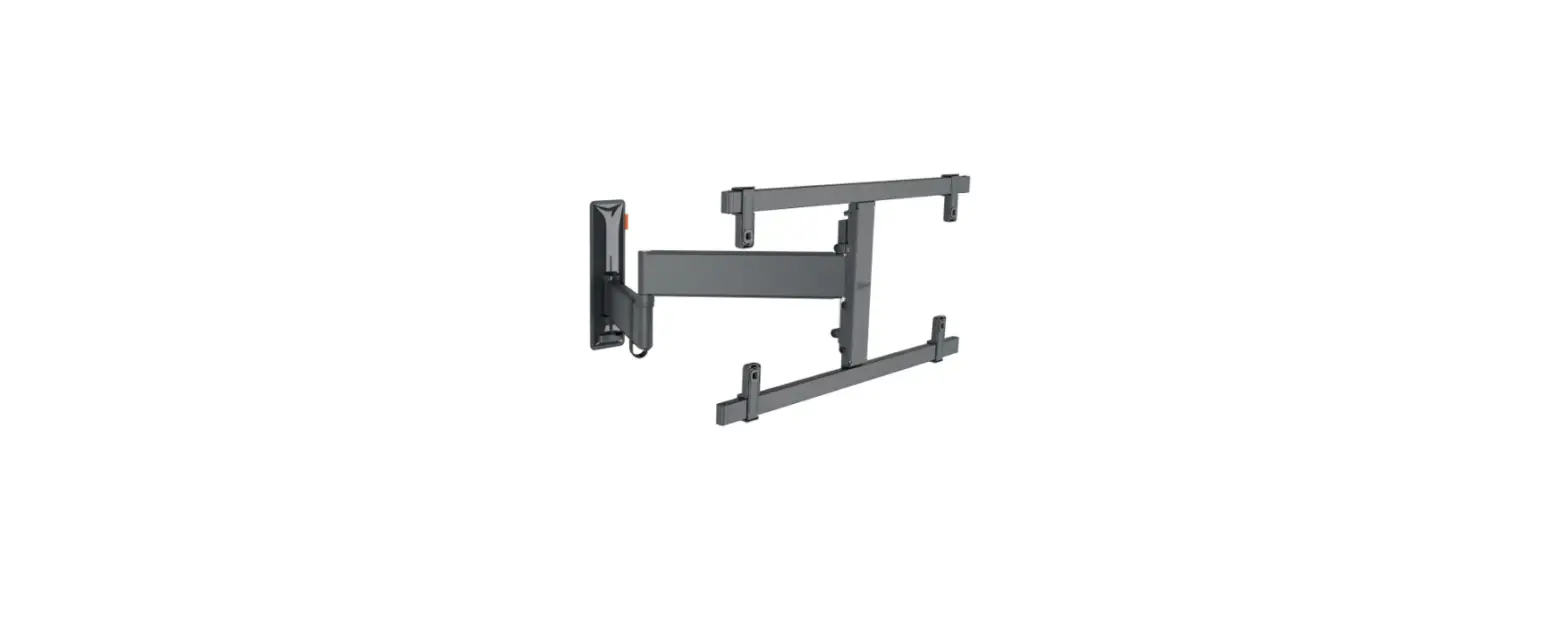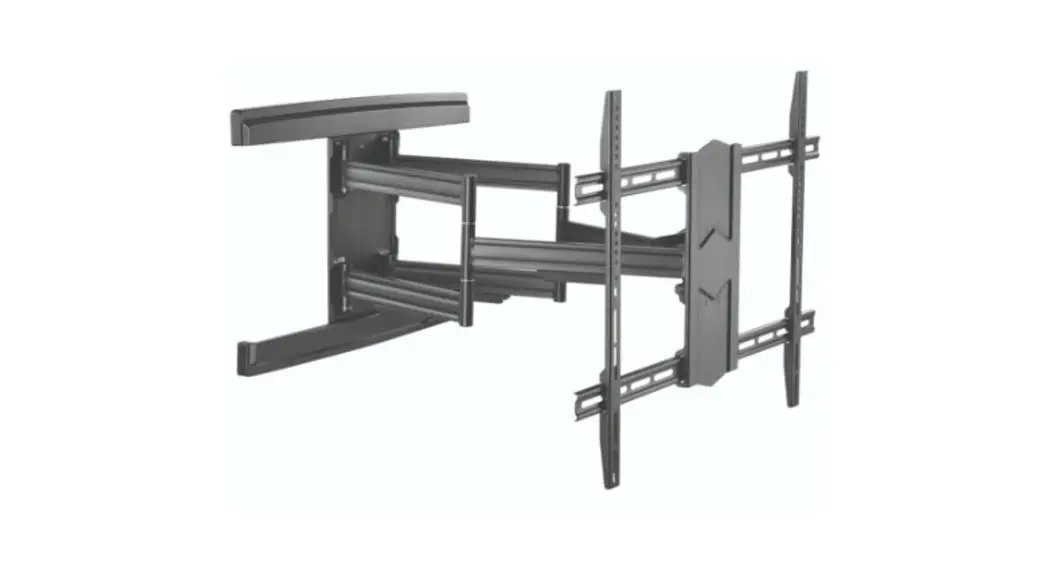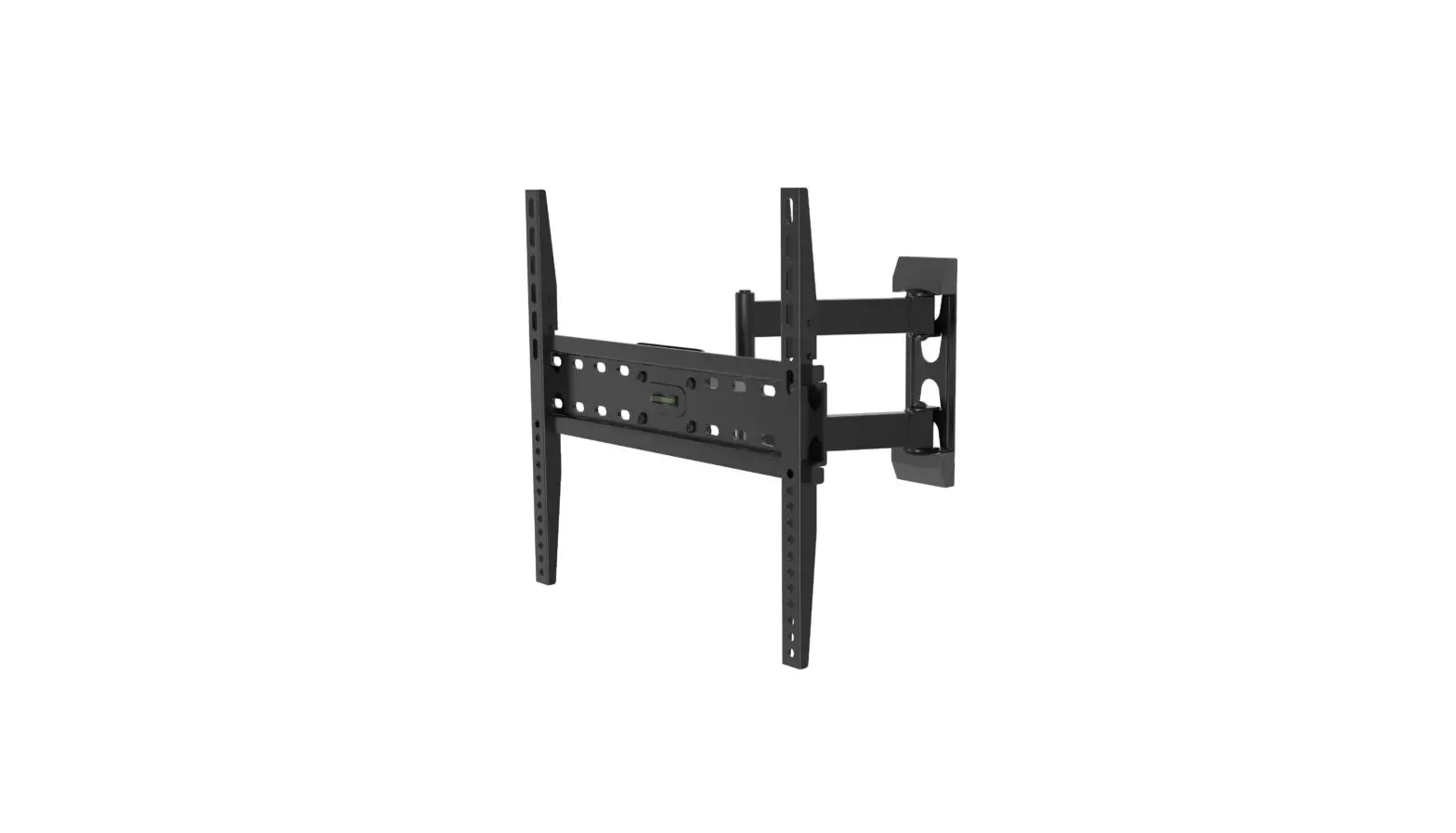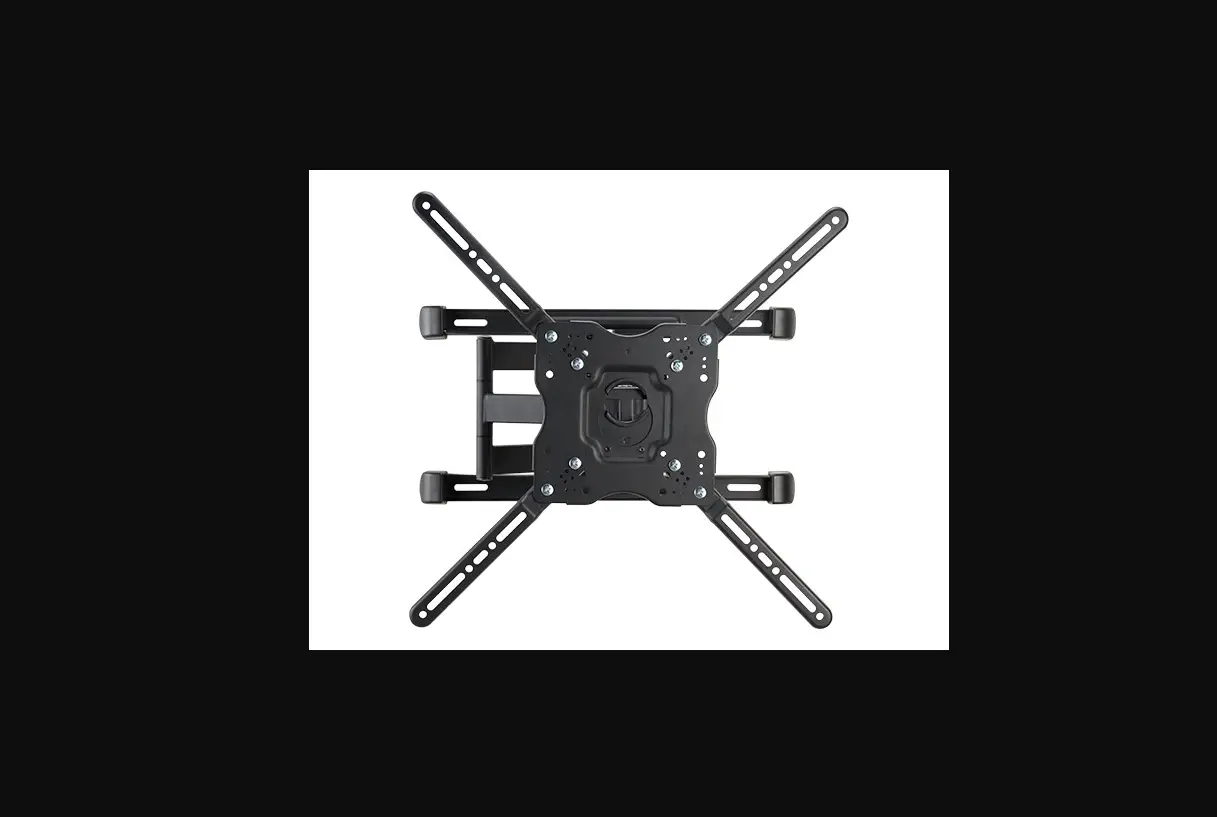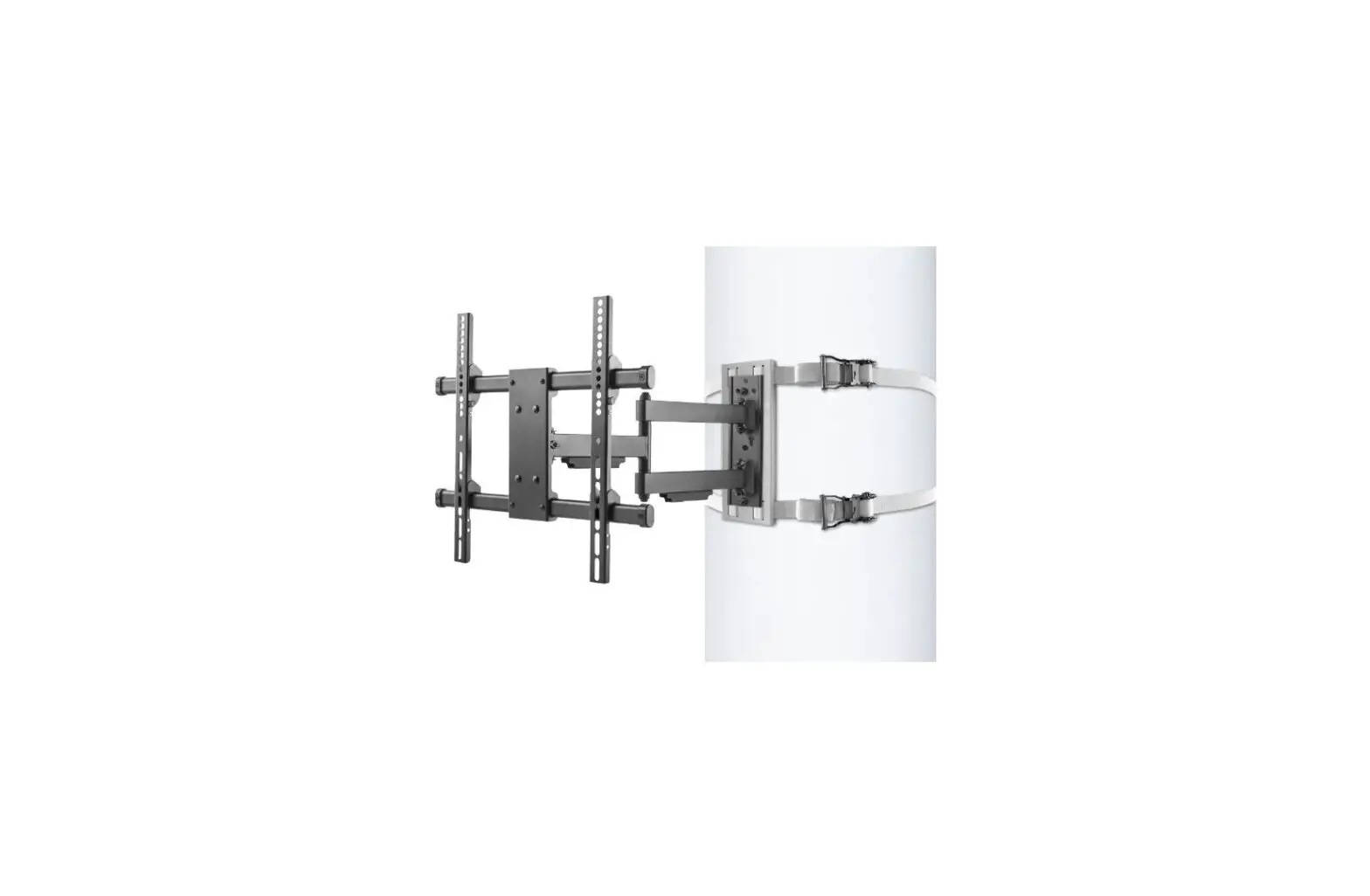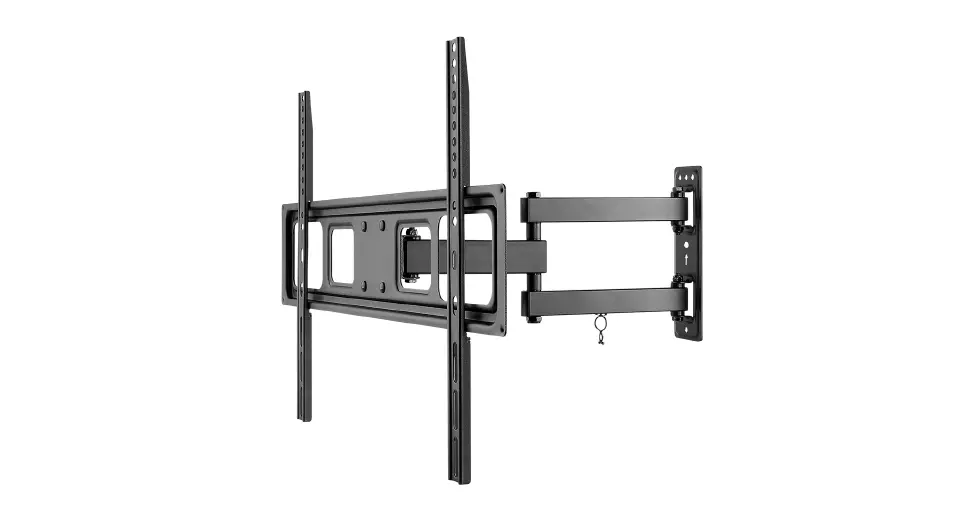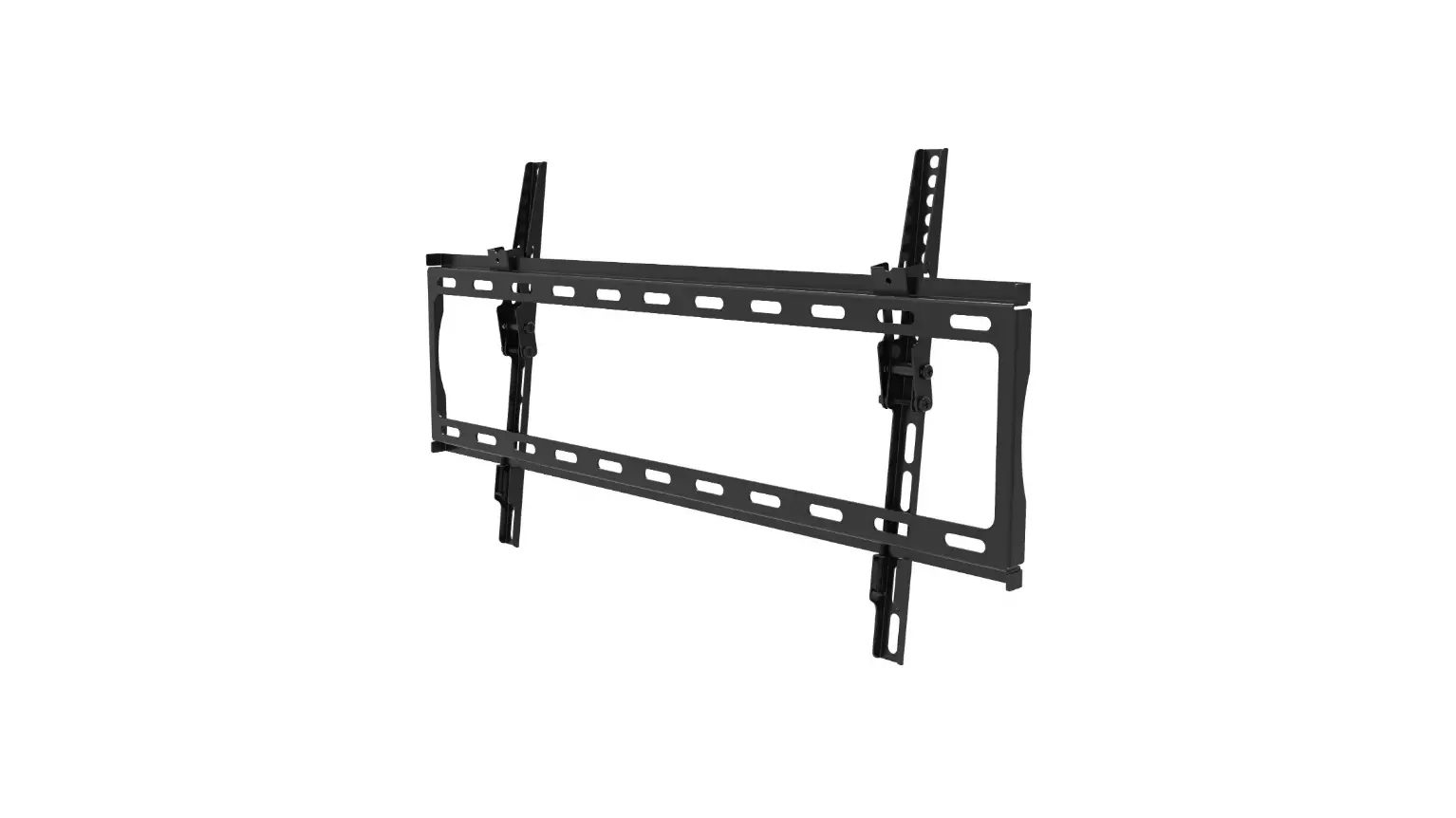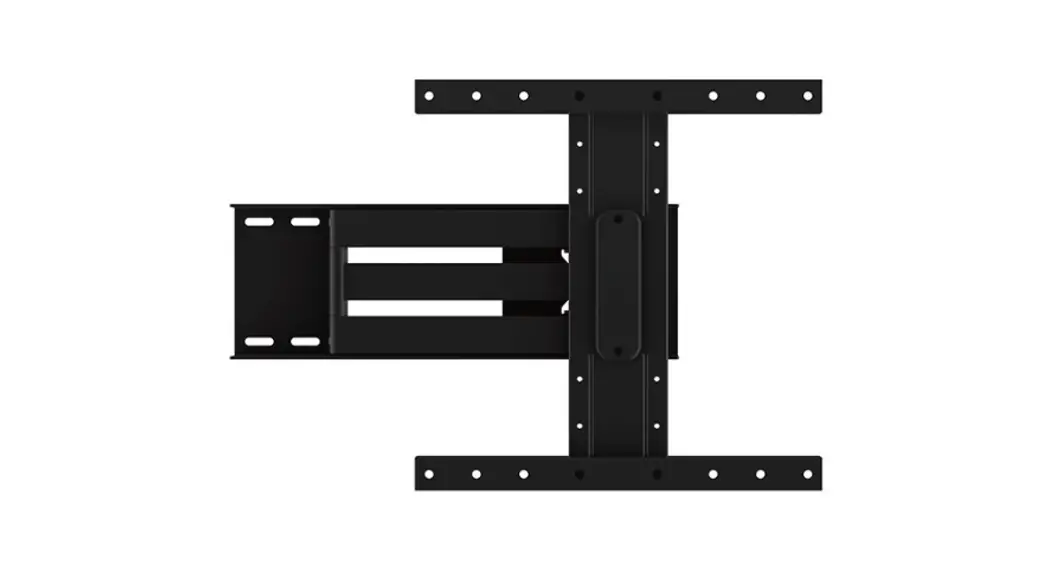
 MOV-443L Full Motion Tv Wall Mount
Instruction Manual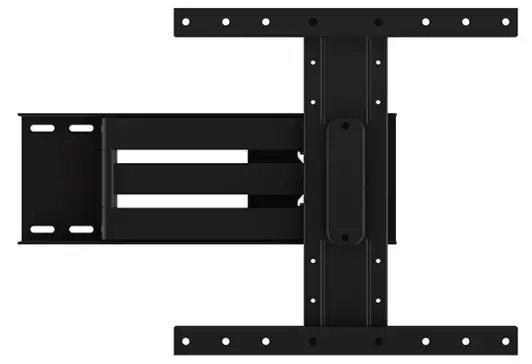 MOV-443L
FULL MOTION TV WALL MOUNT
MOV-443L Full Motion Tv Wall Mount\
IMPORTANT
- Follow the installation recommendations in the instruction manual.
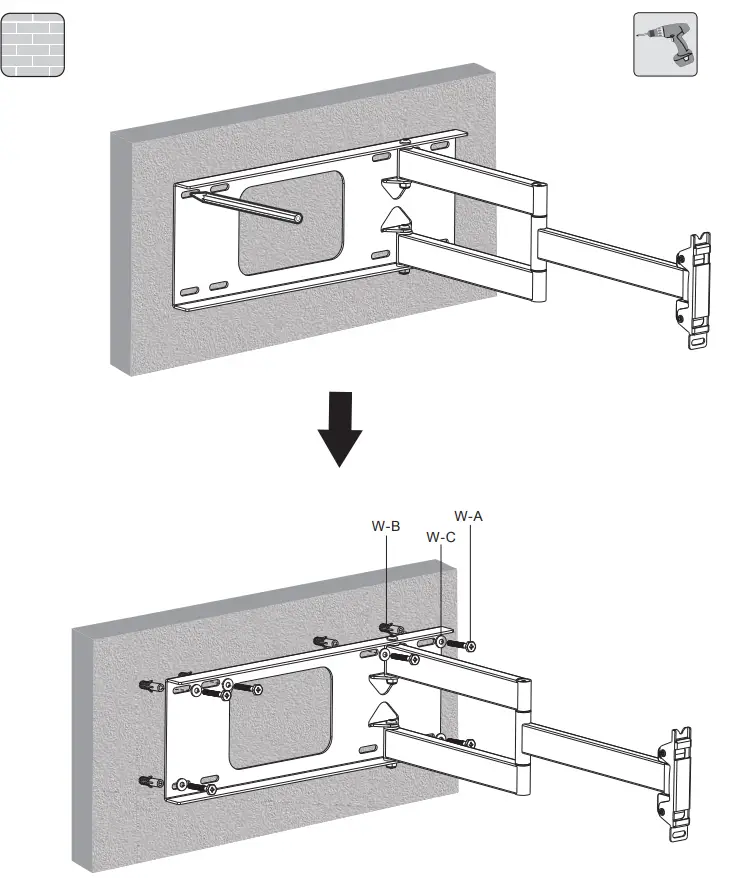
- The installation surface must be completely flat. Make sure the holes in the wall coincide with the holes on the plate. Screw the mount to the wall, in vertical position only.
- The mount must be properly and firmly attached to the wall or installation surface to make sure that the support holds the maximum weight. FONESTAR does not hold itself responsible for damage or breakages due to the mount falling away from the wall because it was incorrectly attached, the wall was in bad conditions or it was handled incorrectly.
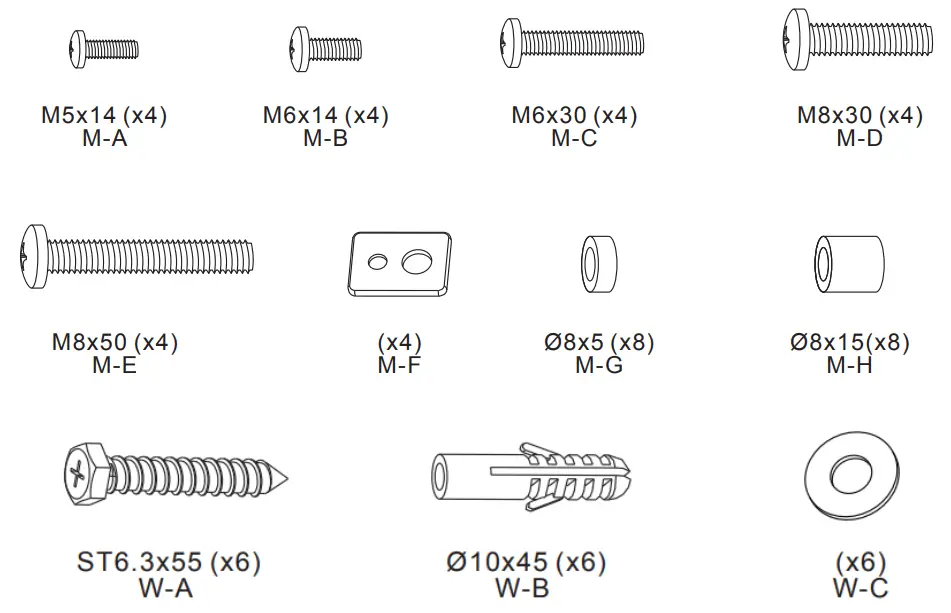
ACCESSORIES INCLUDED

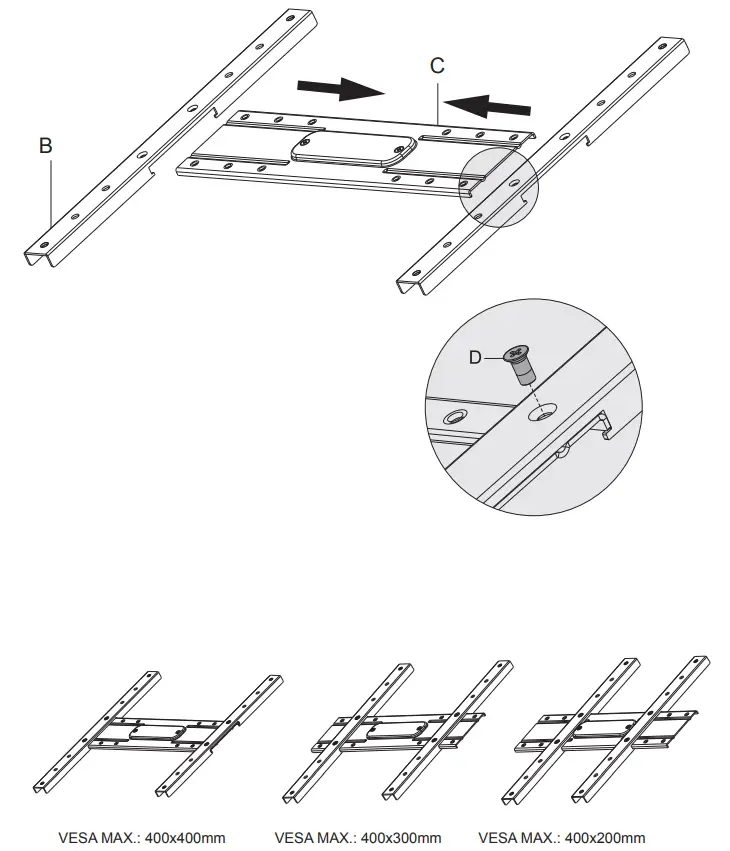
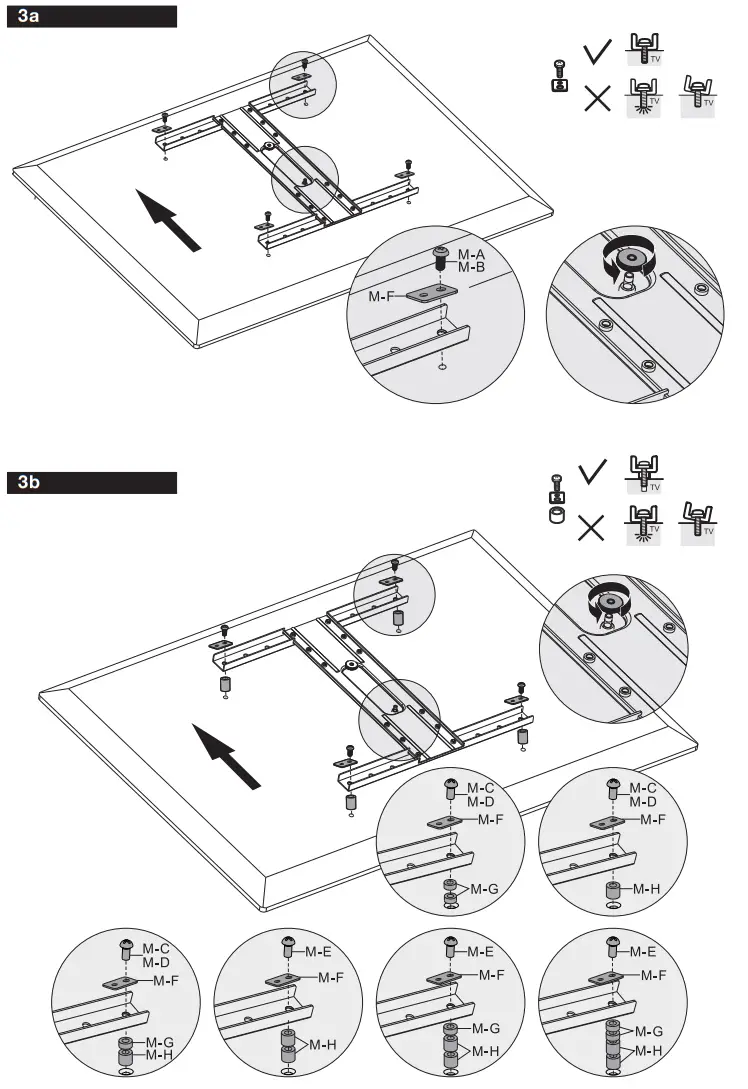
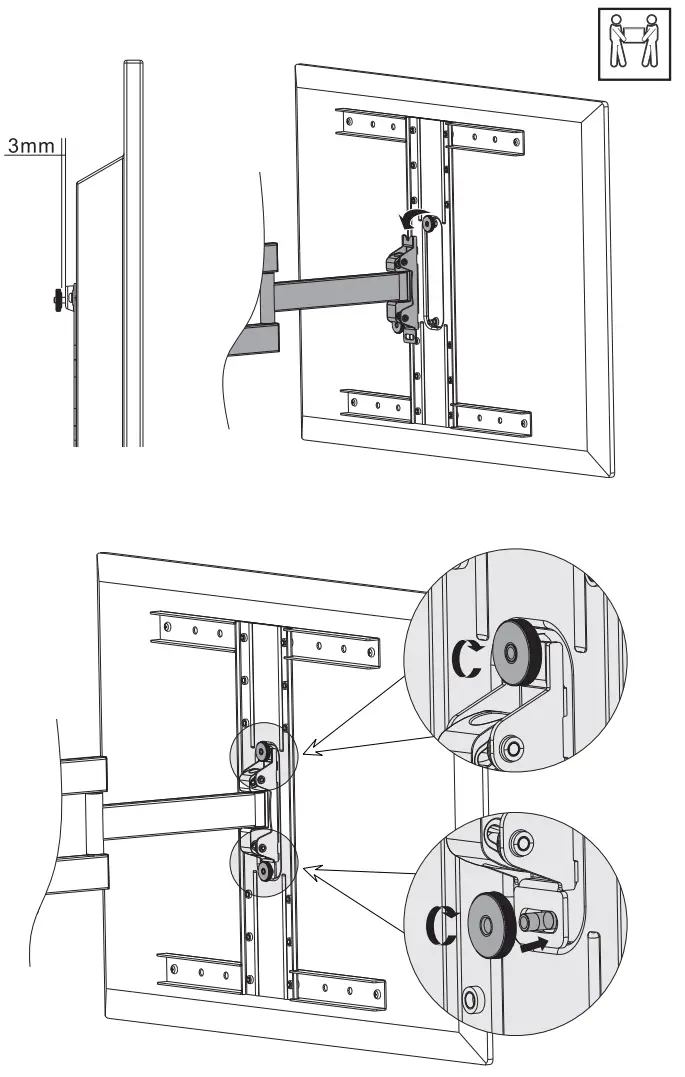
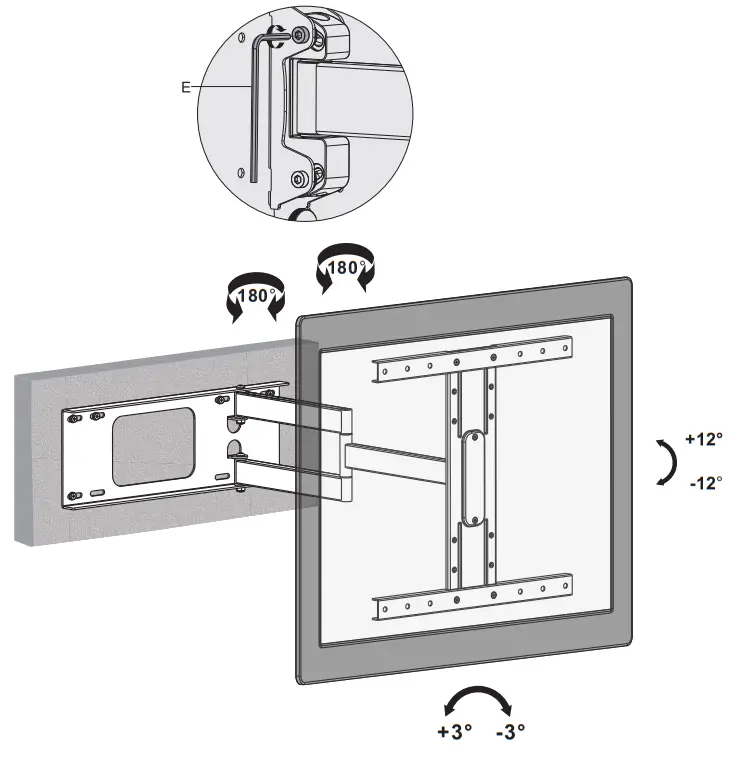
ASSEMBLY INSTRUCTIONS
 Somos Fonestar - Otra forma de entender la megafonía