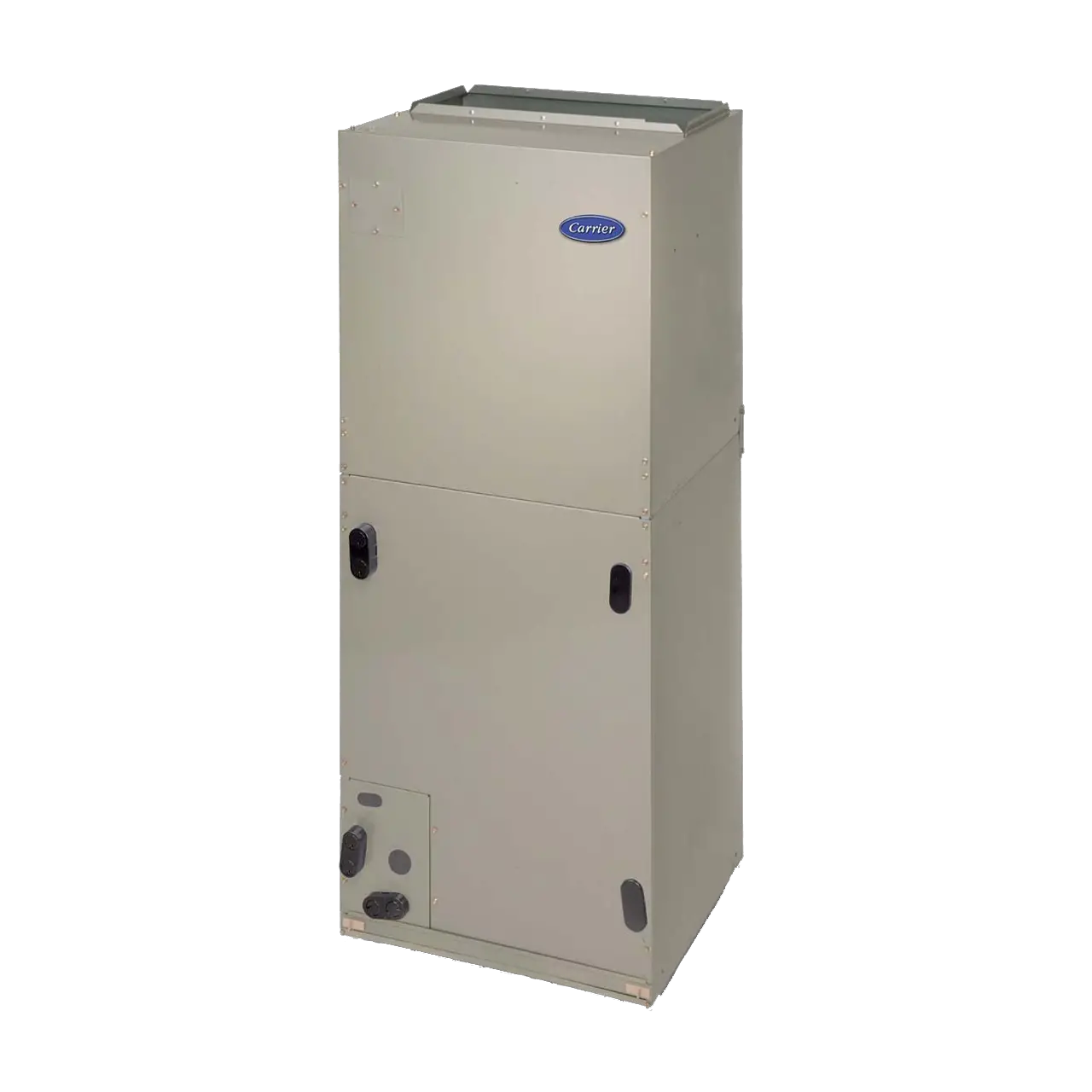
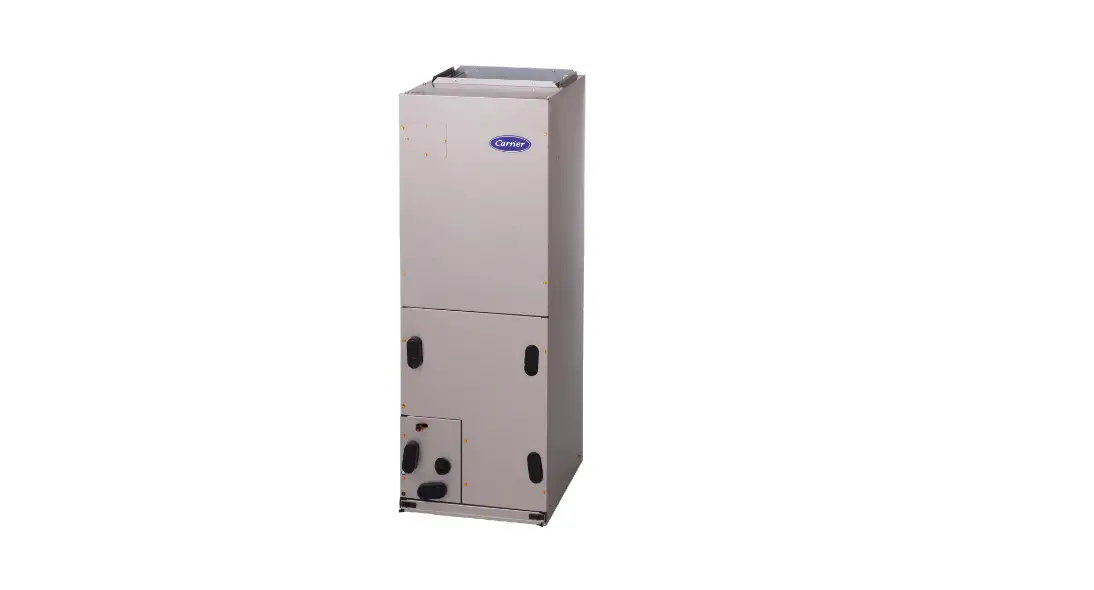
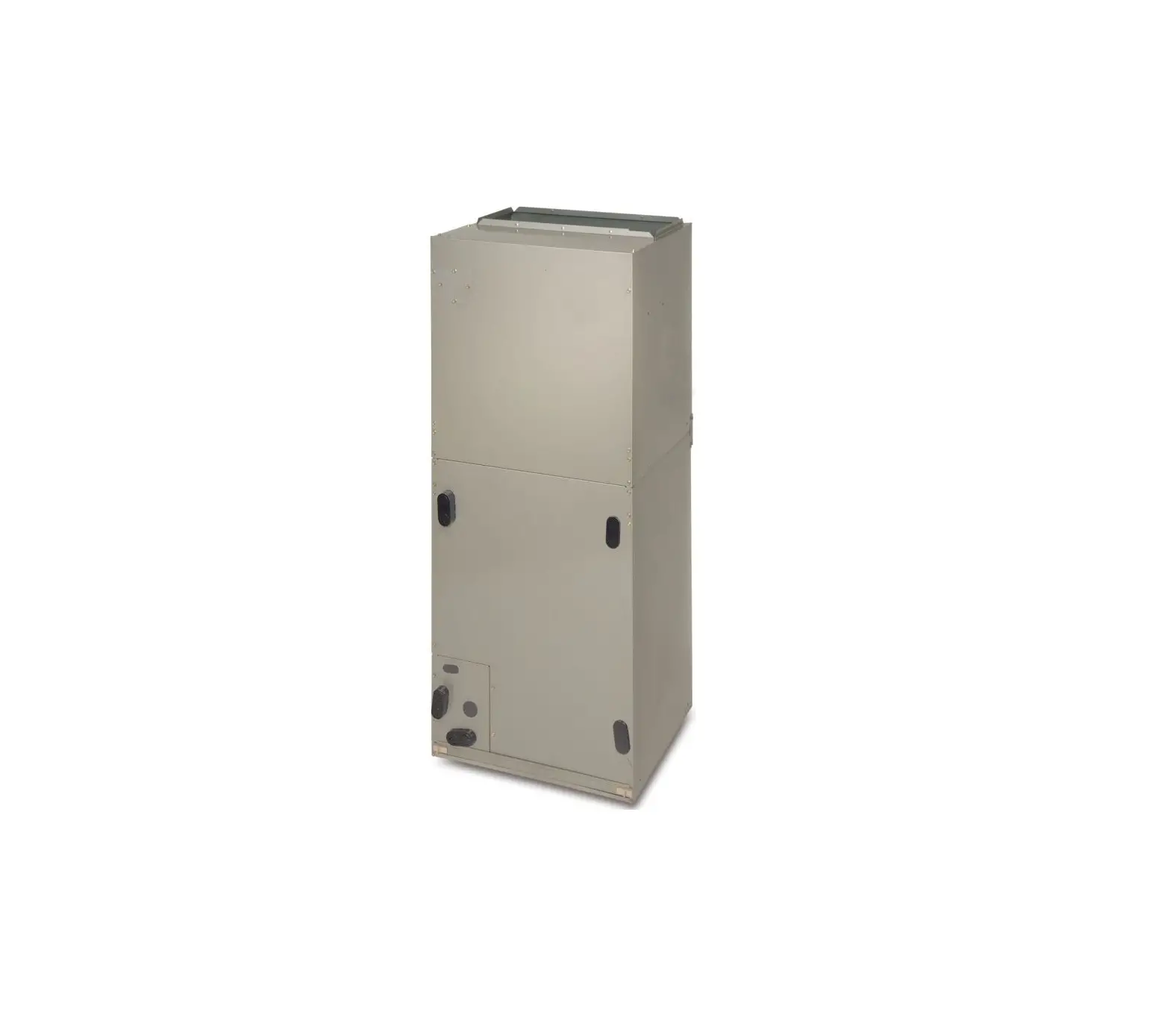
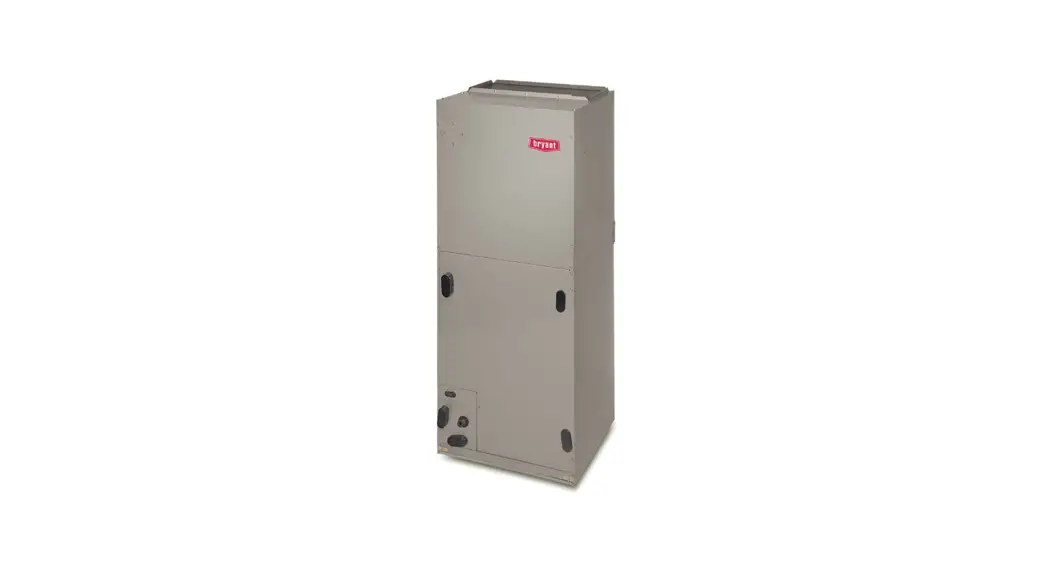
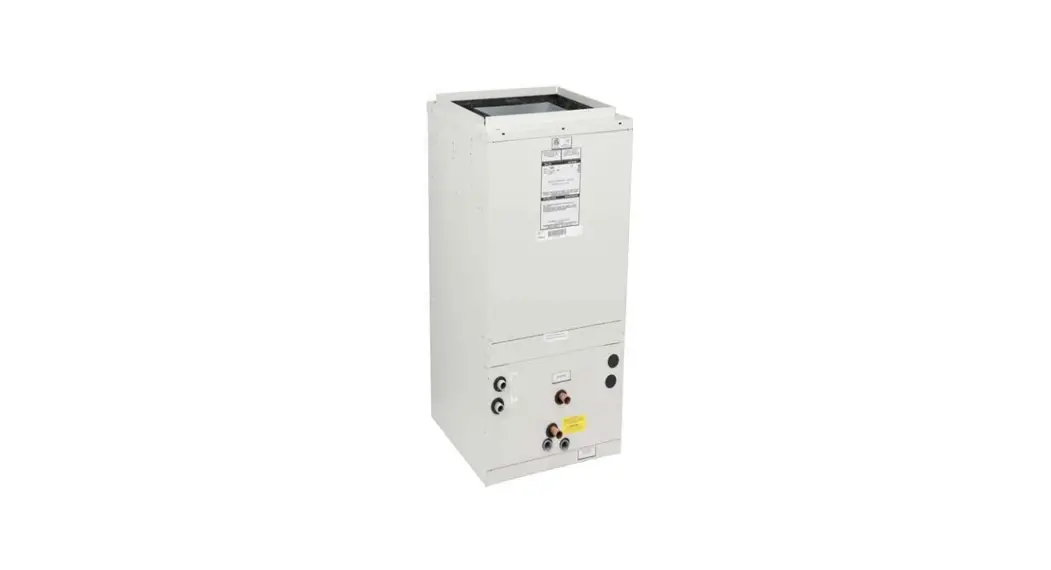
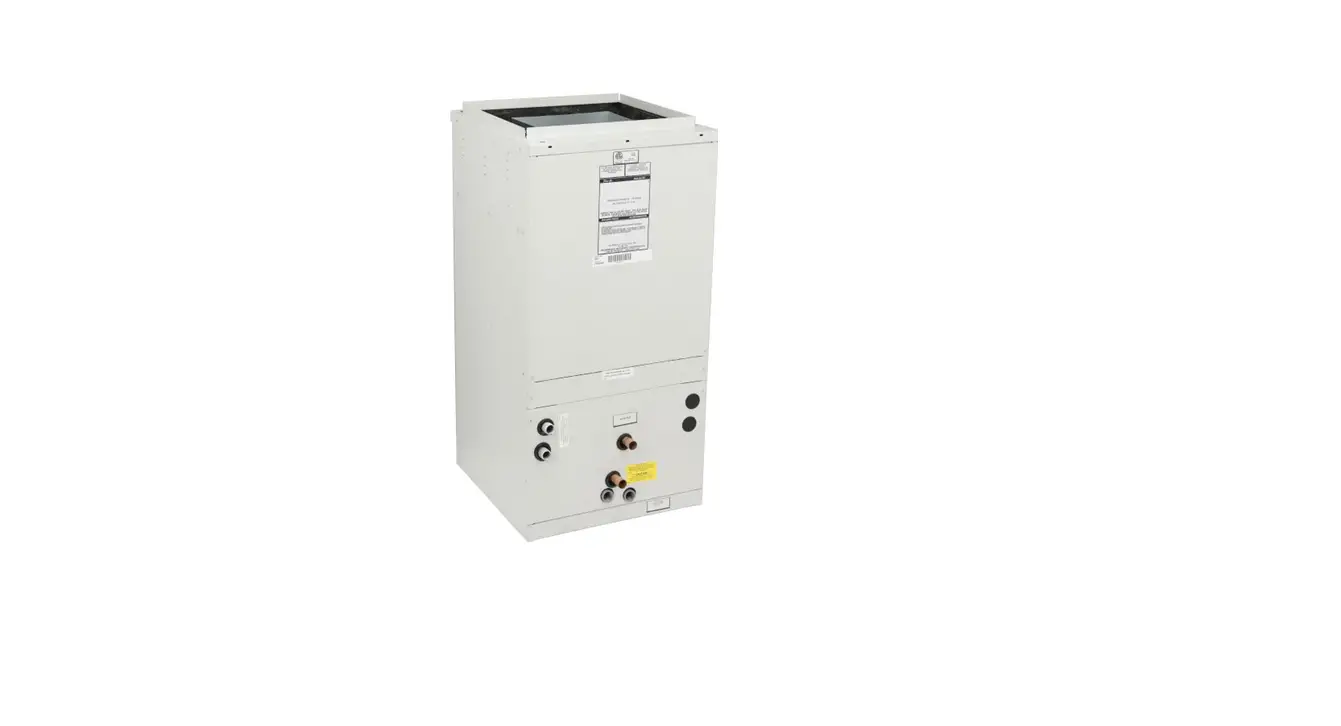
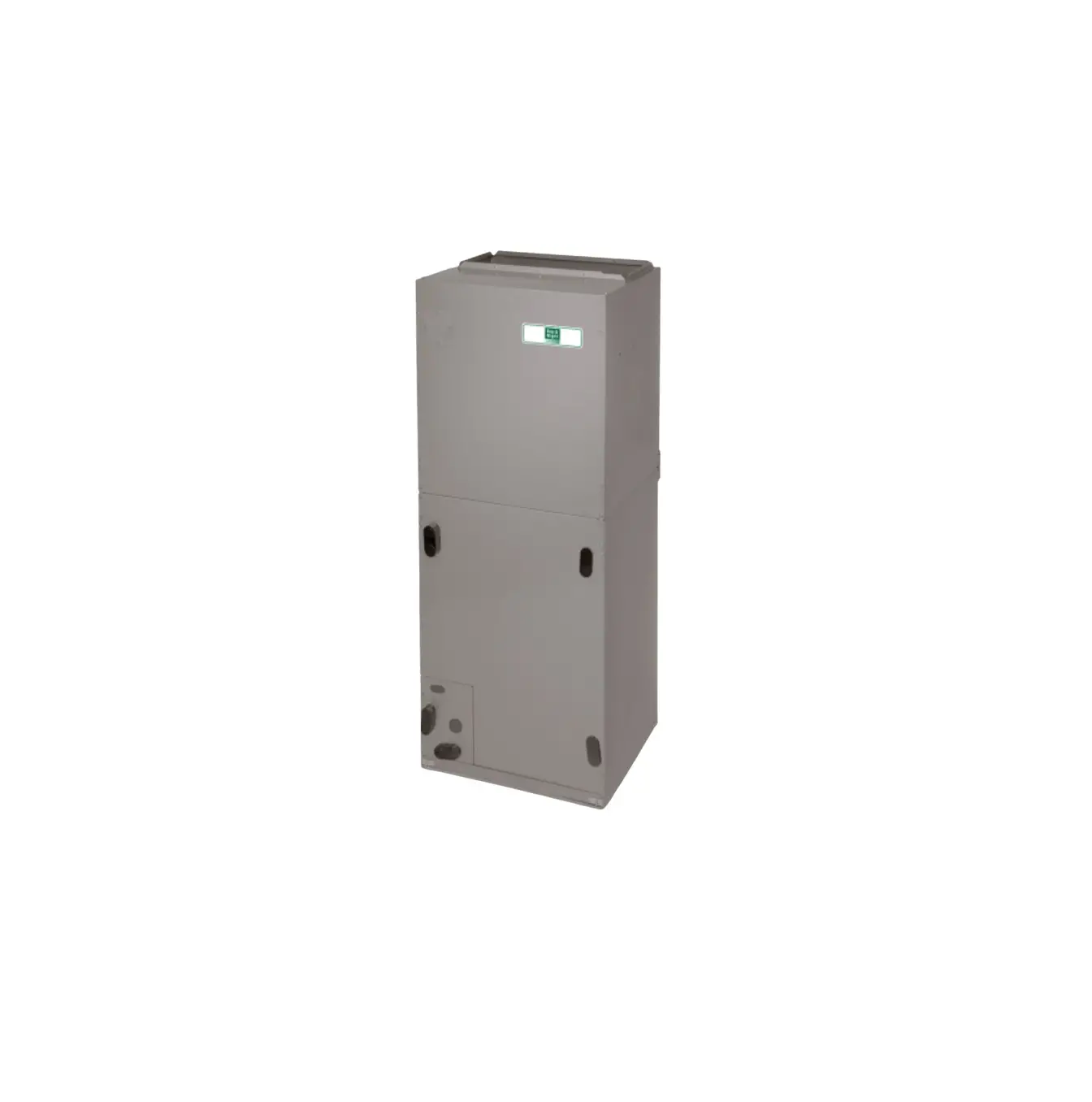
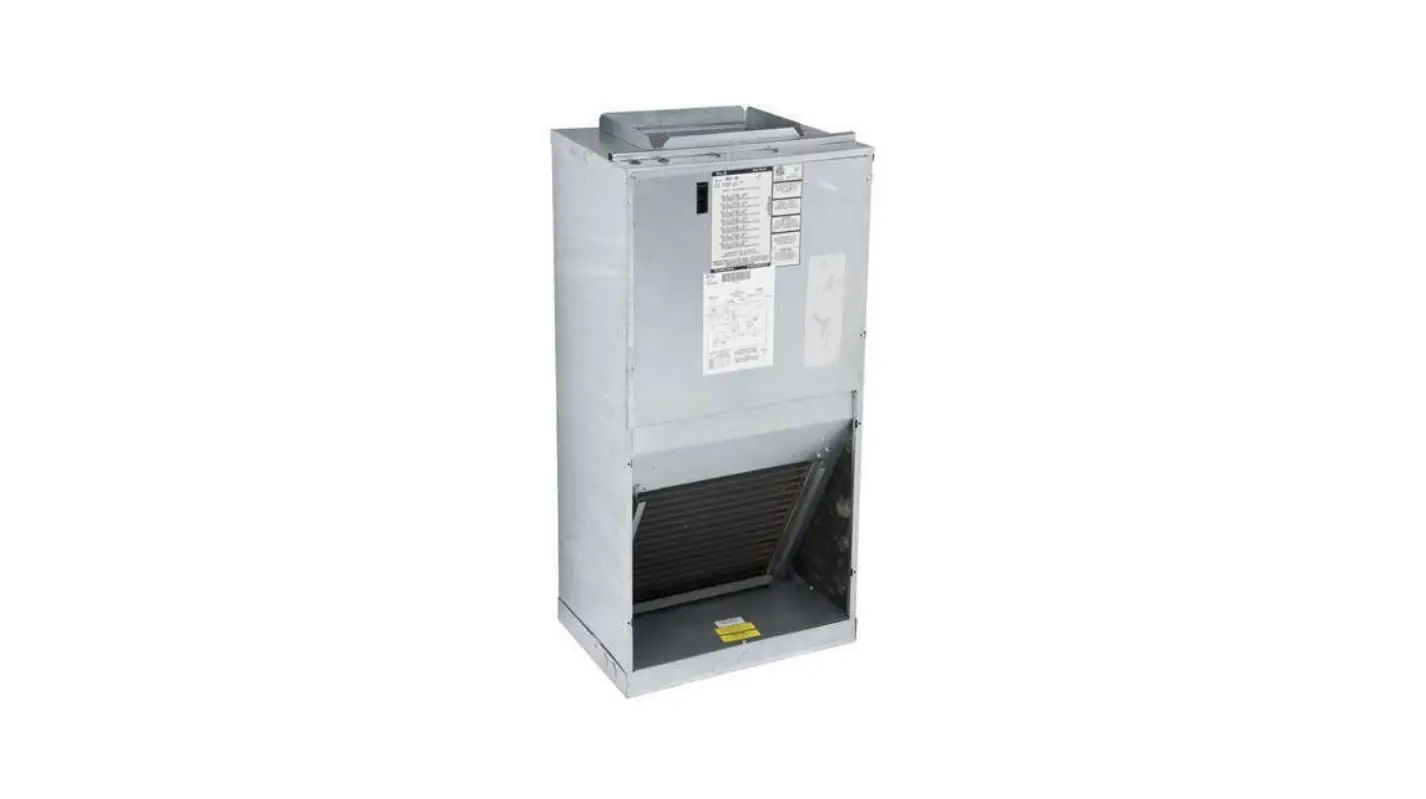
17223000A06817 Control Board Replacement Kit for FMA4 Fan Coils
Product Information
The Control Board Replacement Kit 17223000A06817, 17223000A06818
is designed for FMA4 Fan Coils in sizes 18 through 36. It is used
to replace the existing control board in the unit.
Kit Contents:
- Existing Board
- New Board (A230396)
Product Usage Instructions
Installation
- Before starting the installation, read the entire instruction
manual. - Ensure all power to the unit is turned off before installing or
servicing. This includes turning off all power switches and
disconnecting the accessory heater power if applicable. Lock out
and tag the switch with a warning label. - To remove the existing control board:
- Remove the door from the unit.
- Locate the control board and exercise caution as sheet metal
parts may have sharp edges or burrs. Use appropriate protective
clothing, safety glasses, and gloves when handling parts.
- To install the replacement control board:
- Unplug and keep the black, blue, purple, and red motor wires
from the installed control board. These will be reused to connect
the motor to the new control board. - Thread the red, brown, green, and white signal wires through
the opening in the top of the case and connect them to the
thermostat wires. - Reinstall the rubber gasket between the wires and the
case. - Snap the new control board onto the plastic retainers and
verify a secure fit.
- Unplug and keep the black, blue, purple, and red motor wires
- To connect the new control board to the transformer and ground:
- Connect the yellow wire to the upper transformer secondary
output. - Connect the purple/green wires to the lower transformer
secondary output. - Connect the red wire to the 240V lead on the transformer.
- Connect the black wire to the transformer COM terminal.
- Connect the ground wire to the green screw on the back of the
case.
- Connect the yellow wire to the upper transformer secondary
- To connect the motor harness:
- Connect the red motor wire to FAN.
- Connect the black motor wire to M2.
- Connect the blue motor wire to M1.
- Connect the purple wire to the black transformer COM Wire.
Final Steps
- Double-check all wire connections to ensure they are correct
and tight. Verify that the final configuration is correct. - Use zip ties to dress any loose wires.
For system start-up instructions and refrigerant charging method
details, refer to the outdoor unit Installation Instructions.
Note: The manufacturer reserves the right to change
specifications and designs without notice and without
obligations.
CONTROL BOARD REPLACEMENT KIT 17223000A06817, 17223000A06818 FOR FMA4 FAN COILS, 18 thru 36 Size
Installation Instructions
NOTE: Read this entire instruction manual before starting the installation.
SAFETY CONSIDERATIONS
Improper installation, adjustment, alteration, service, maintenance, or use can cause explosion, fire, electrical shock, or other conditions which may cause death, personal injury or property damage. Consult a qualified installer, service agency, or your distributor or branch for information or assistance. The qualified installer or agency must use factory-authorized kits or accessories when modifying this product. Refer to individual instructions packaged with kits or accessories when installing. Follow all safety codes. Wear safety glasses, protective clothing, and work gloves. Use quenching cloth for brazing operations. Have a fire extinguisher available. Read these instructions thoroughly and follow all warning or cautions included in literature and attached to the unit. Consult local building codes and the current editions of the National Electrical Code (NEC) NFPA 70. In Canada, refer to the current editions of Canadian Electrical Code CSA C22.1.
Recognize safety information. This is the safety alert symbol . When you see this symbol on the unit and in instructions or manuals, be alert to the potential for personal injury. Understand the signal words DANGER, WARNING, and CAUTION. These words are used with the safety alert symbol. DANGER identifies the most serious hazards which will result in severe personal injury or death. WARNING signifies hazards which could result in personal injury or death. CAUTION is used to identify unsafe practices, which may result in minor personal injury or product and property damage. NOTE is used to highlight suggestions which will result in enhanced installation, reliability, or operation.
! WARNING
ELECTRICAL OPERATION HAZARD Failure to follow this warning could result in personal injury or death. Before installing or servicing the unit, always turn off all power to unit. There may be more than one disconnect switch. Turn off accessory heater power if applicable. Lock out and tag switch with a suitable warning label.
Kit Contents
· (1) Printed Circuit Board with wiring harness
Existing Board
New Board
Fig. 1 Old and New Boards
A230396
INSTALLATION
Remove Existing Control Board
1. Remove the door from the unit. Locate the control board (Fig. 2).
! CAUTION
CUT HAZARD Failure to follow this caution may result in personal injury. Sheet metal parts may have sharp edges or burrs. Use care and wear appropriate protective clothing, safety glasses and gloves when handling parts.
Unit sizes 18, 24
Unit sizes 30, 36
Fig. 2 Typical Wall Hung Unit, Door Removed A13965A
CONTROL BOARD REPLACEMENT KIT 17223000A06817, 17223000A06818: Installation Instructions
2. Unplug and keep the black, blue, purple and red motor wires from the installed control board. These will be reused to connect the motor to the new control board (Fig. 3).
Install Replacement Control Board
1. Thread red, brown, green and white signal wires thru the opening in the top of the case and connect them to the thermostat wires.
2. Reinstall the rubber gasket between the wires and the case.
3. Snap new control board onto plastic retainers; verify a secure fit.
Connect New Control Board to Transformer and GND
1. Connect the yellow wire to the upper transformer secondary output.
2. Connect the purple/green wires to the lower transformer secondary output.
3. Connect the red wire to the 240V lead on the transformer (Fig. 6).
4. Connect the black wire to the transformer COM terminal.
Fig. 3 Remove Motor Wires
A230397
3. Unplug the low voltage signal wires from the thermostat. Save the rubber gasket.
4. Keeping only the Transformer and Power wire harness (Fig. 4), remove the installed PC board. Take care to not damage the plastic retaining clips (Fig. 5).
Fig. 6 Red Wire to 240V, Black Wire to COM A230400
5. Connect the ground wire to the green screw on the back of the case (Fig. 7).
Transformer
Power Supply Wire
Fig. 4 Keep Transformer and Power Wires
A23398
Fig. 7 Ground to Green Screw (red circle)
A230401
Connect Motor Harness
1. Connect red motor wire to FAN.
2. Connect black motor wire to M2.
3. Connect blue motor wire to M1.
4. Connect purple wire to the black transformer COM Wire (Fig. 8).
Fig. 5 Keep Retaining Clips and Grommets in Place A230399 5. Dispose of control board, relay and wiring according to local codes.
! CAUTION
ENVIRONMENTAL HAZARD. Failure to follow this caution may result in environmental pollution. Always remove and recycle all hazardous components or materials (i.e., oil, refrigerant, control boards, etc.).
Fig. 8 Purple Wire to COM
Manufacturer reserves the right to change, at any time, specifications and designs without notice and without obligations. 2
A230395
CONTROL BOARD REPLACEMENT KIT 17223000A06817, 17223000A06818: Installation Instructions
Final Steps
START-UP
1. Double check wire connections and correct and tight, and final configuration is correct (Fig. 9).
2. Use a zip tie(s) to dress loose wires.
Refer to outdoor unit Installation Instructions for system start-up instructions and refrigerant charging method details.
3. Apply new rating plate sticker over the existing rating plate located on the exterior of the door.
18/24K
Before
30/36K
After
Before
Fig. 9 Before and After
After
A230402
© 2023 Carrier. All rights reserved.
Edition Date: 07/23
Catalog No: IIK-WHFCPCB-01
A Proud Member of the Carrier Family
Replaces: New
Manufacturer reserves the right to change, at any time, specifications and designs without notice and without obligations.
3