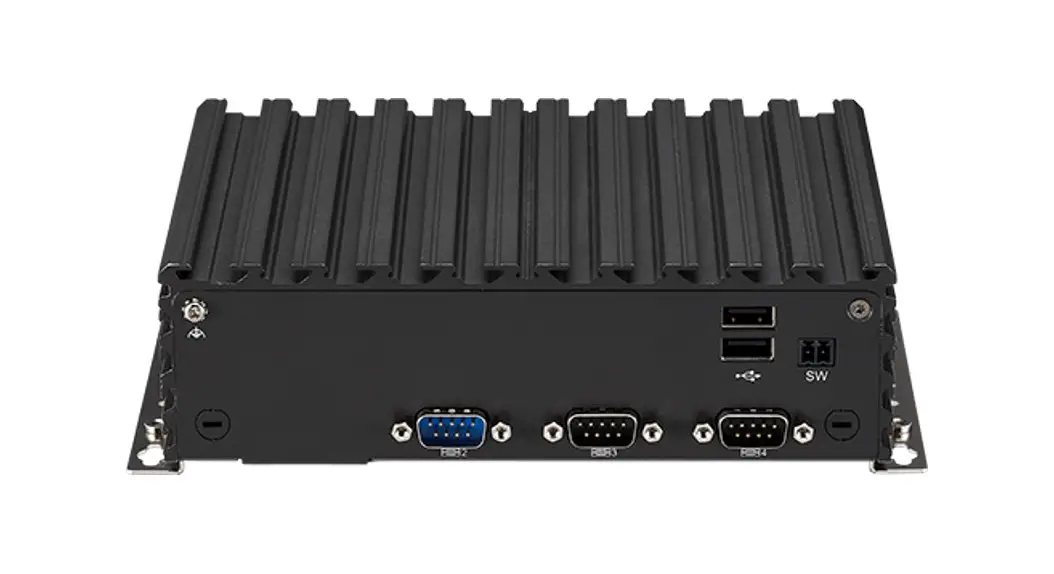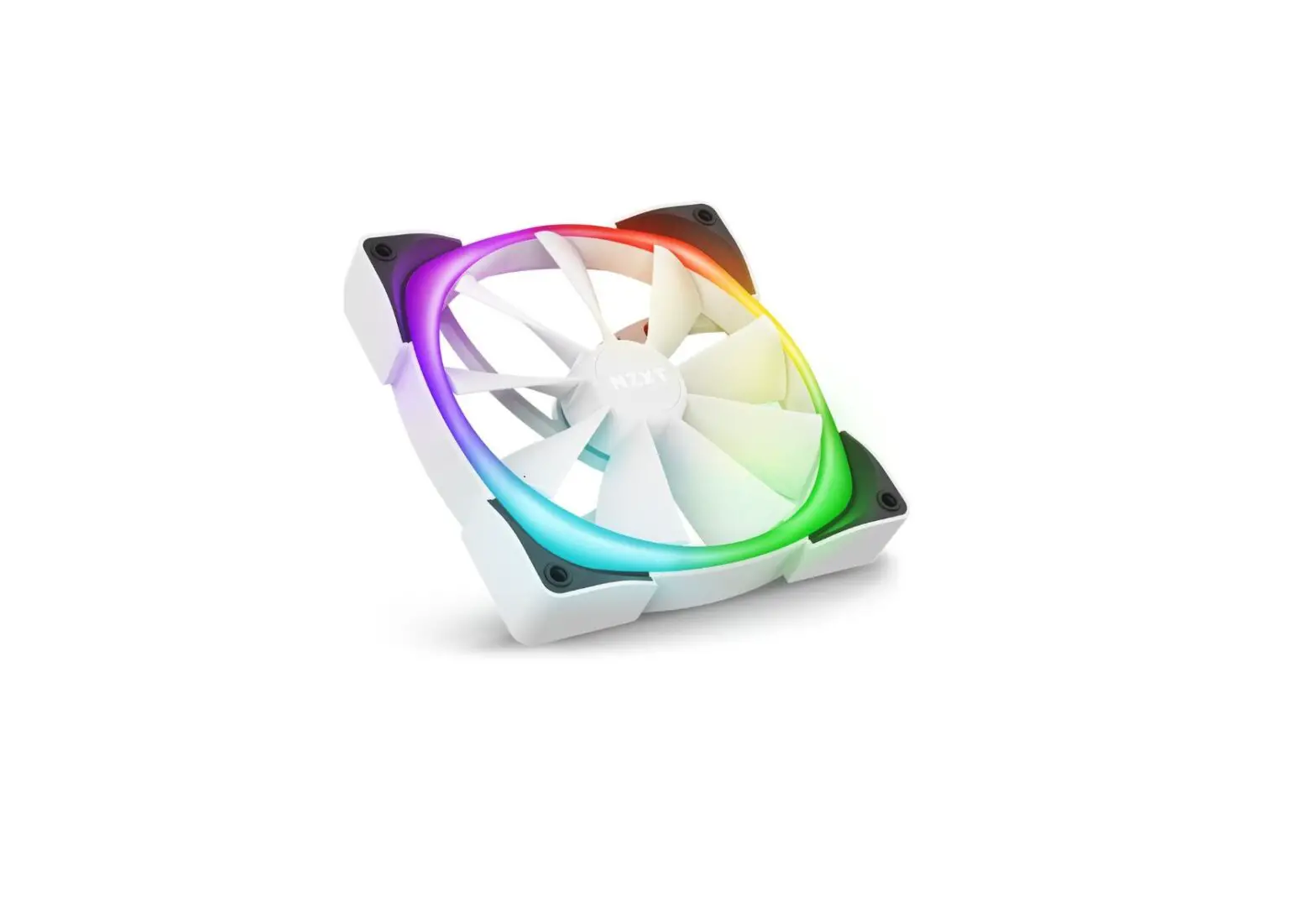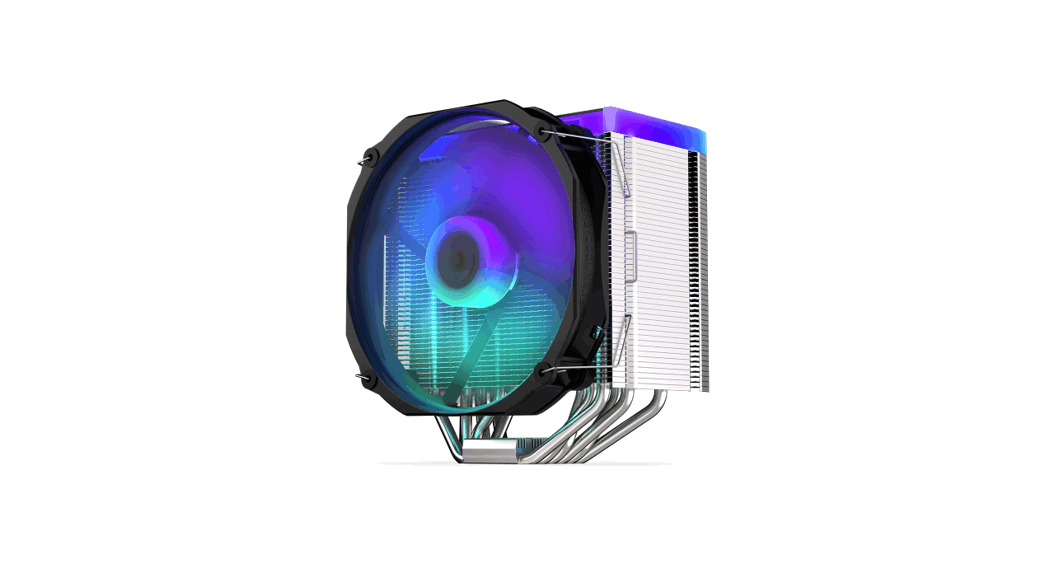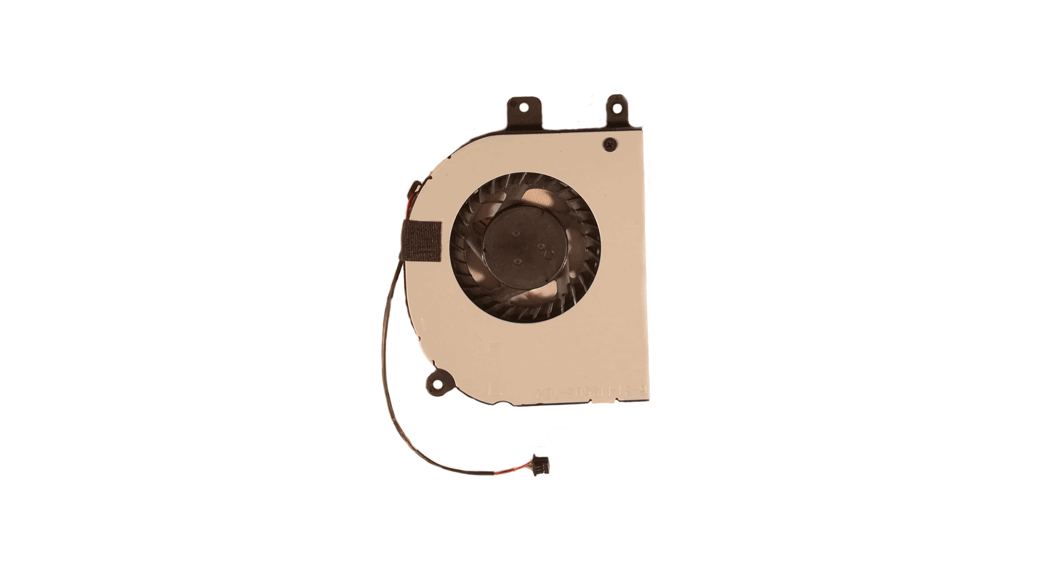
 why! N240BU Fan replacement
Written By: Felice Suglia
User Manual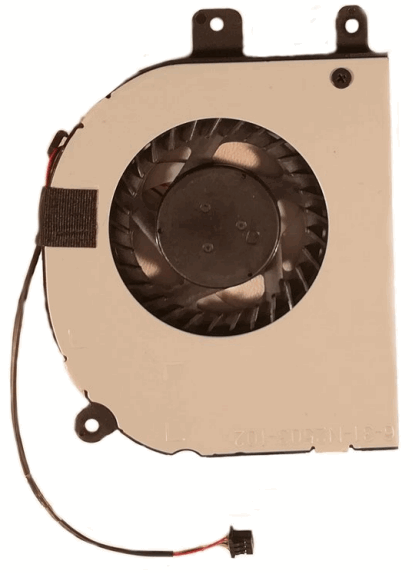
N240BU Fan Replacement
 TOOLS: TOOLS: |  PARTS: PARTS: |
| Tournevis Cruciforme PH1 (1) | New Item (1) New Item (1) New Item (1) New Item (1) New Item (1) New Item (1) |
Step 1 — Battery
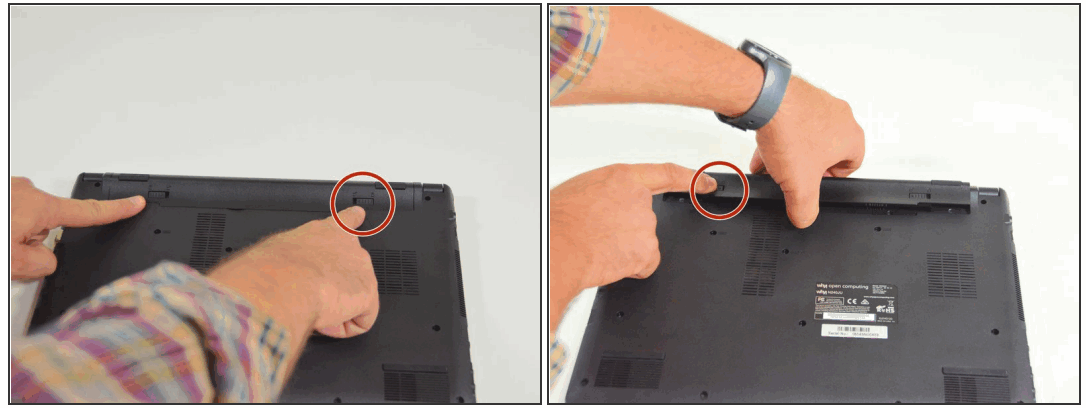
- Start by unlocking the right locking latch.
- Then, by simultaneously unlocking the left latch, lift the battery out of its socket.
Step 2 — Access to main components
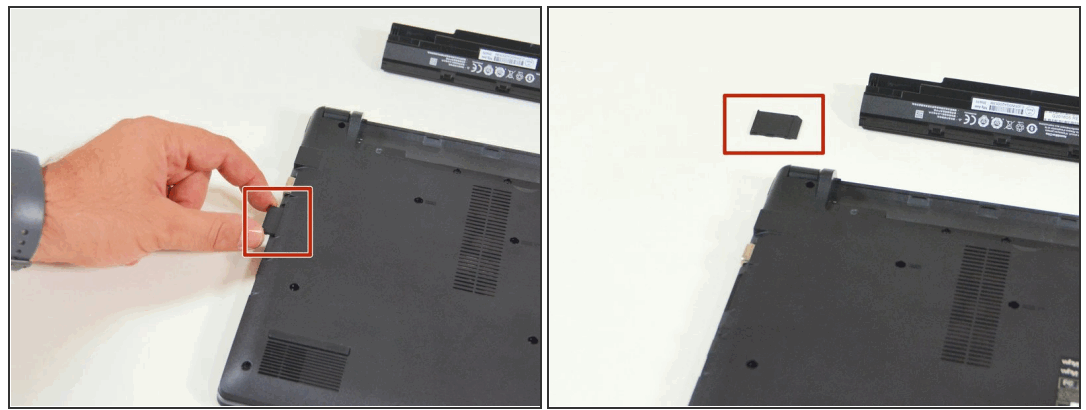
- Begin by spotting the dummy memory card.
- Then, remove it and put it on your workplan.
Step 3
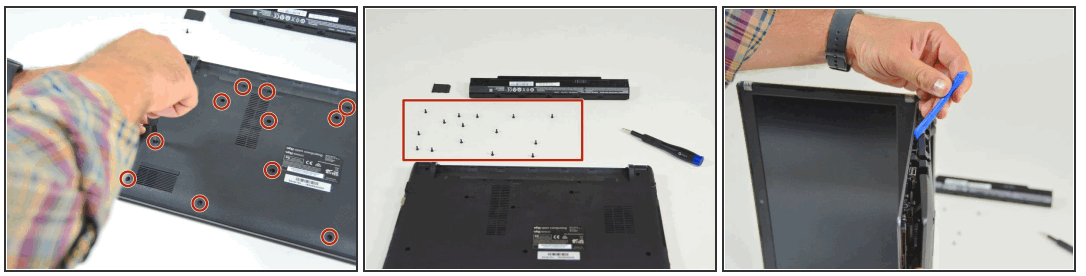
- Locate the 15 screws that hold the bottom cover of the device in place.
- Unscrew them and place them on your work surface.
- Then, un-clip the bottom cover, starting with the side shown in the third picture.
Step 4 — Fan
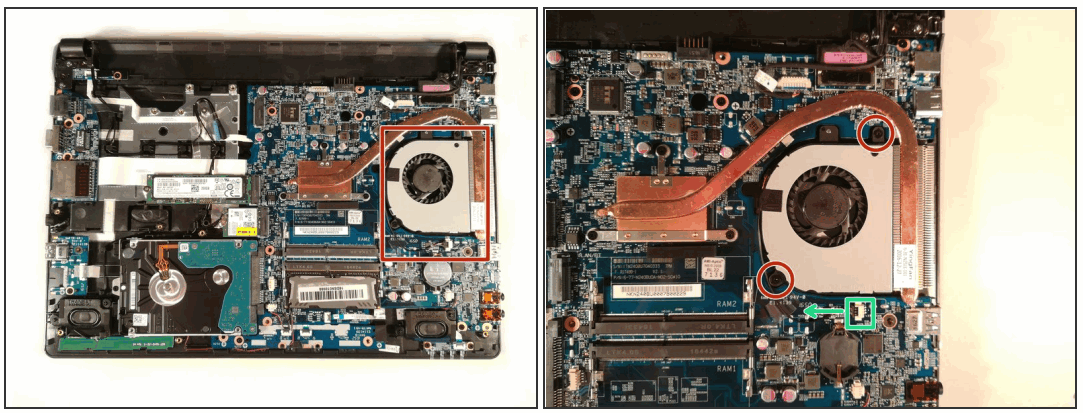
- Remove the two screw circled in red
- Disconnect the connector boxed in green in the direction of the green arrow
- Remove the fan by lifting it up
To reassemble your device, follow the instructions in reverse order
This document was generated on 2022-08-30 03:29:57 AM (MST).
© iFixit — CC BY-NC-SA
www.iFixit.com
why! N240BU Fan replacement
Guide ID: 96722 –
Draft: 2022-08-26