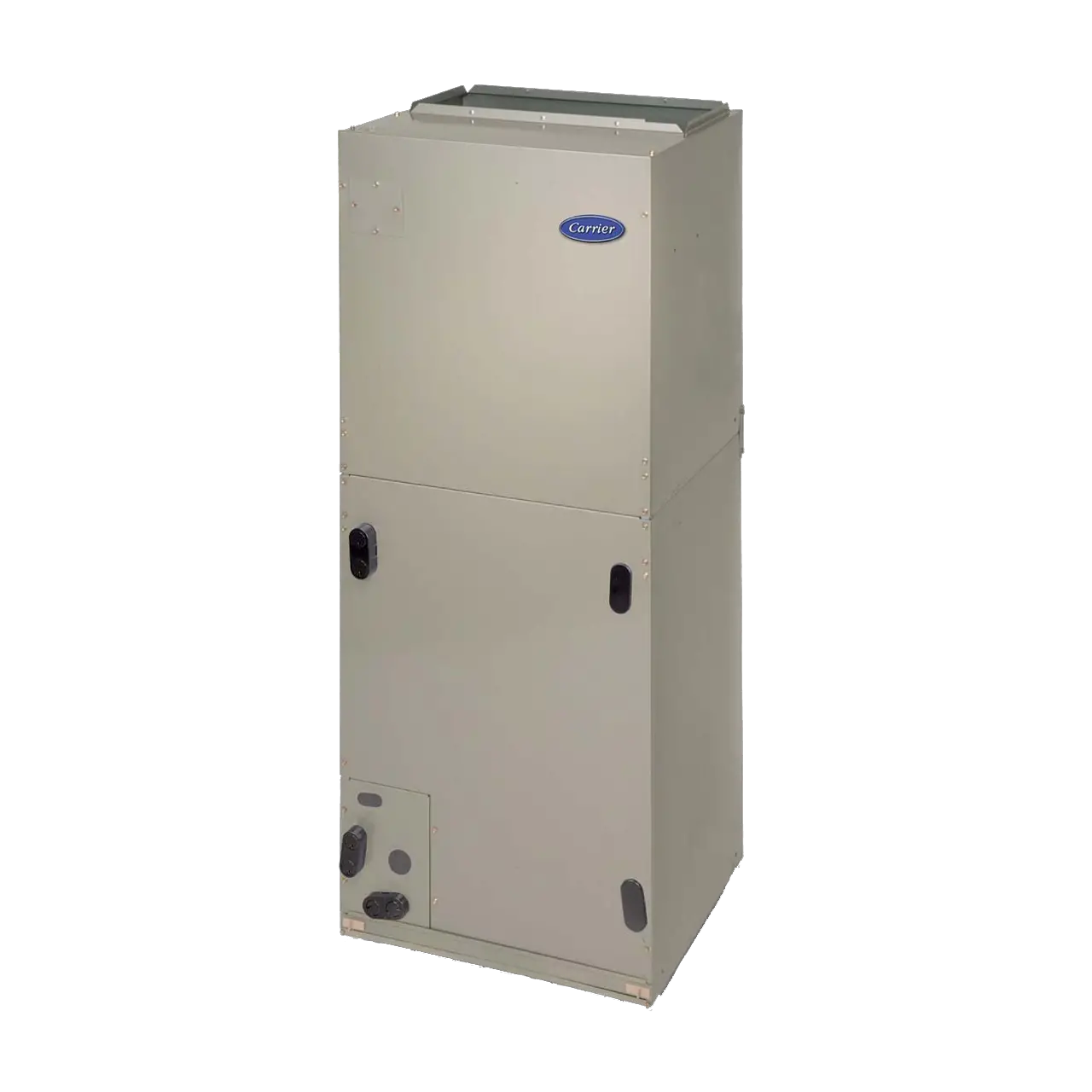
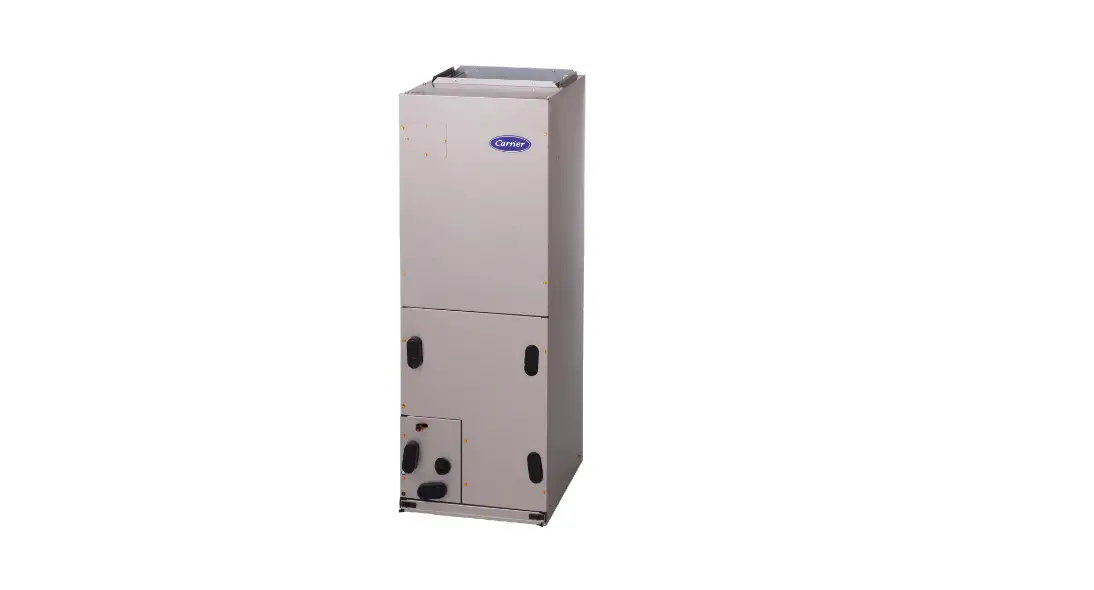
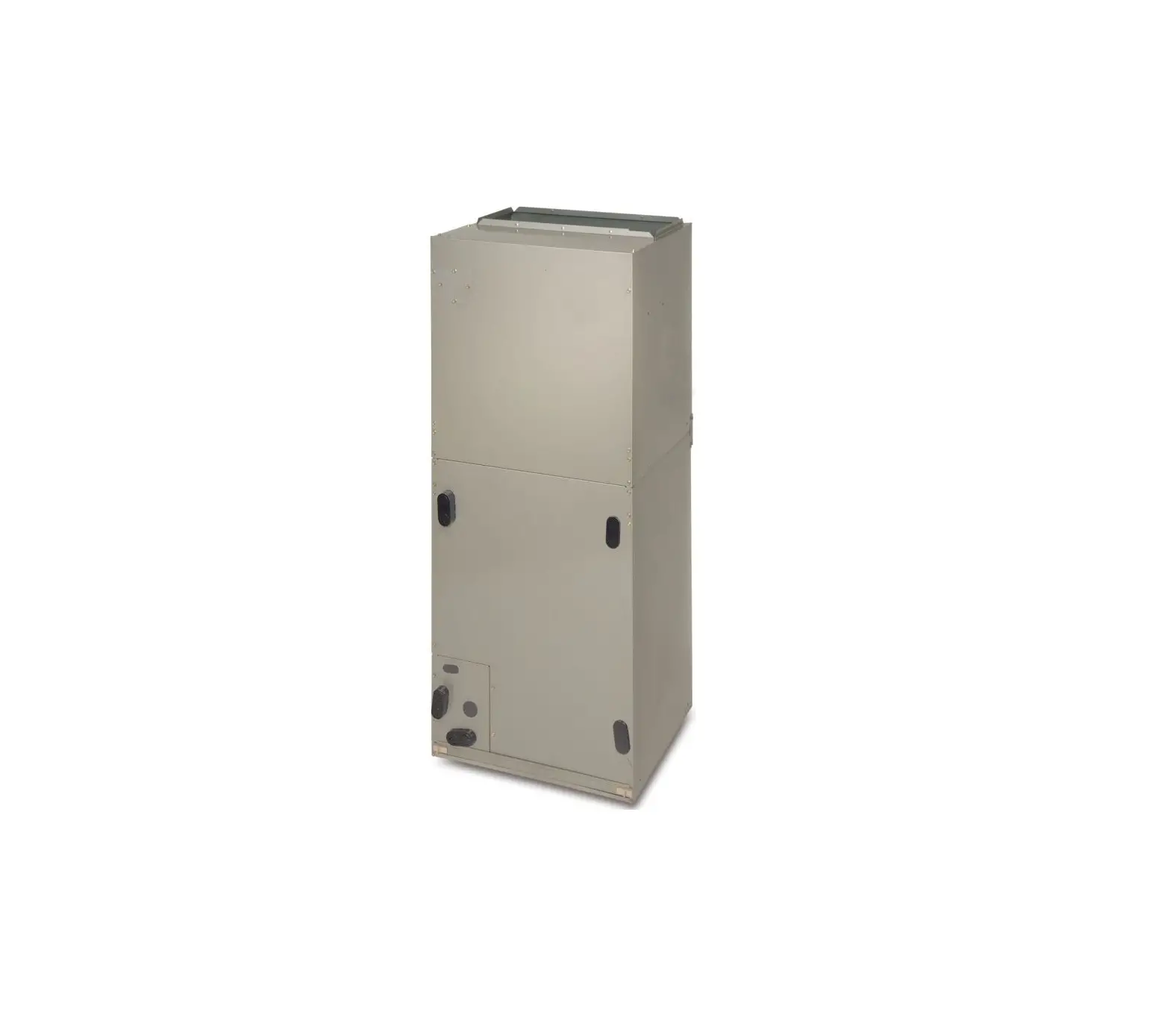
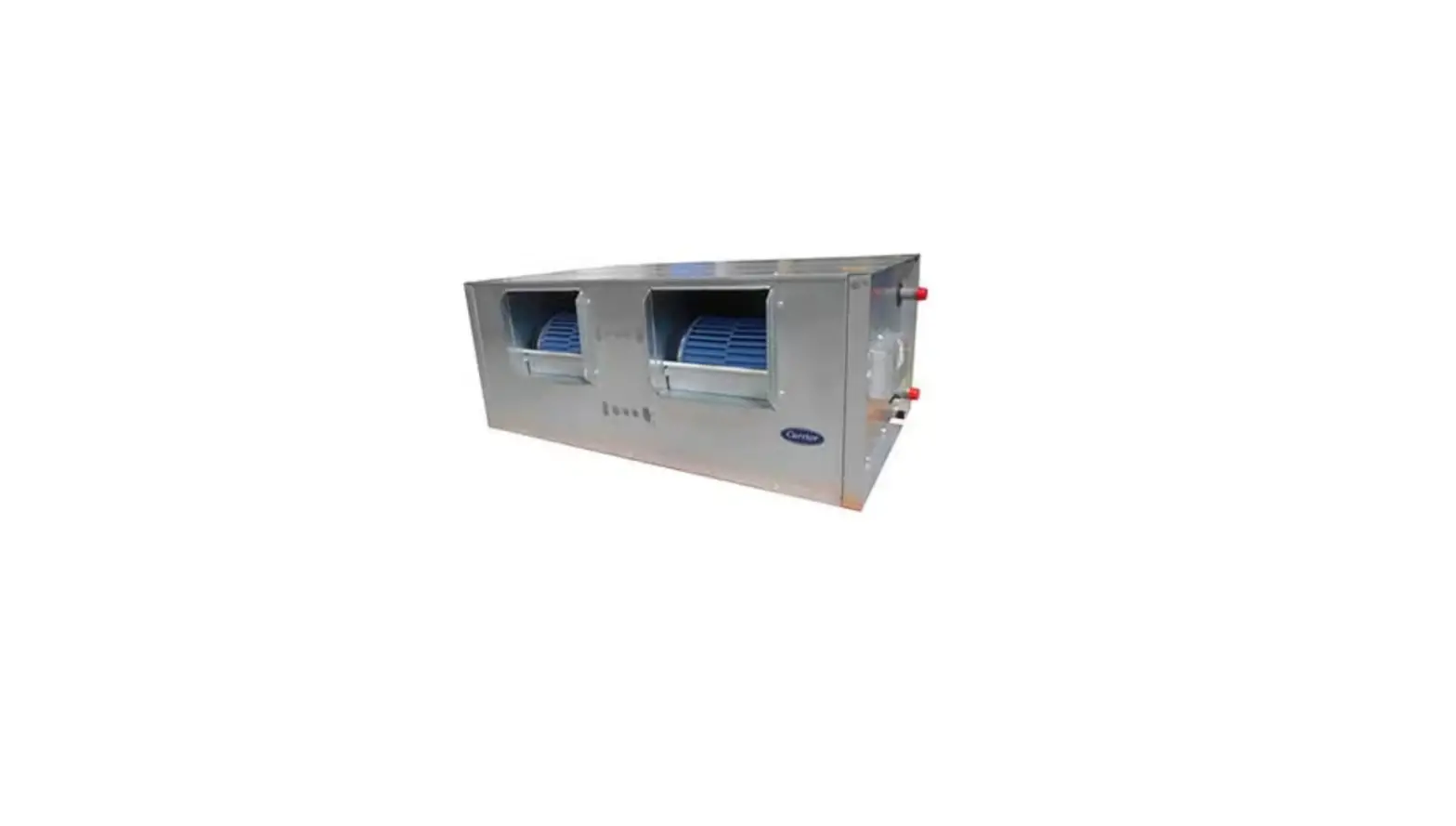
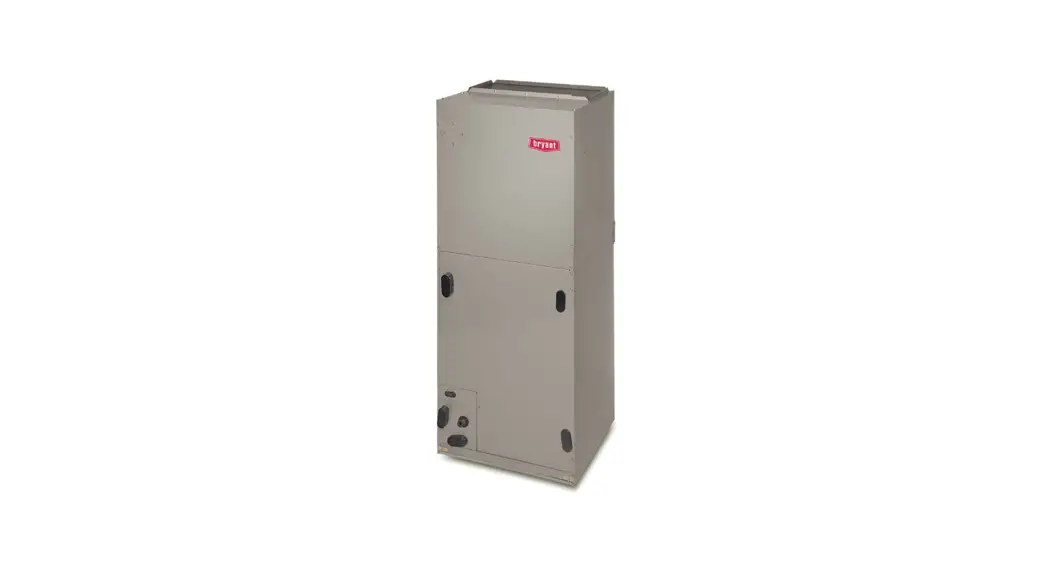
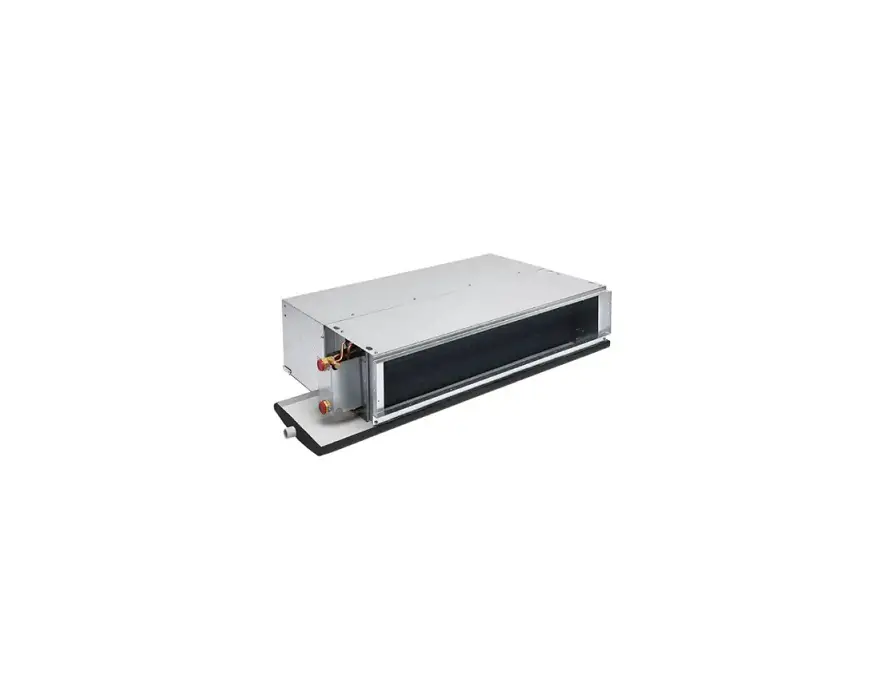
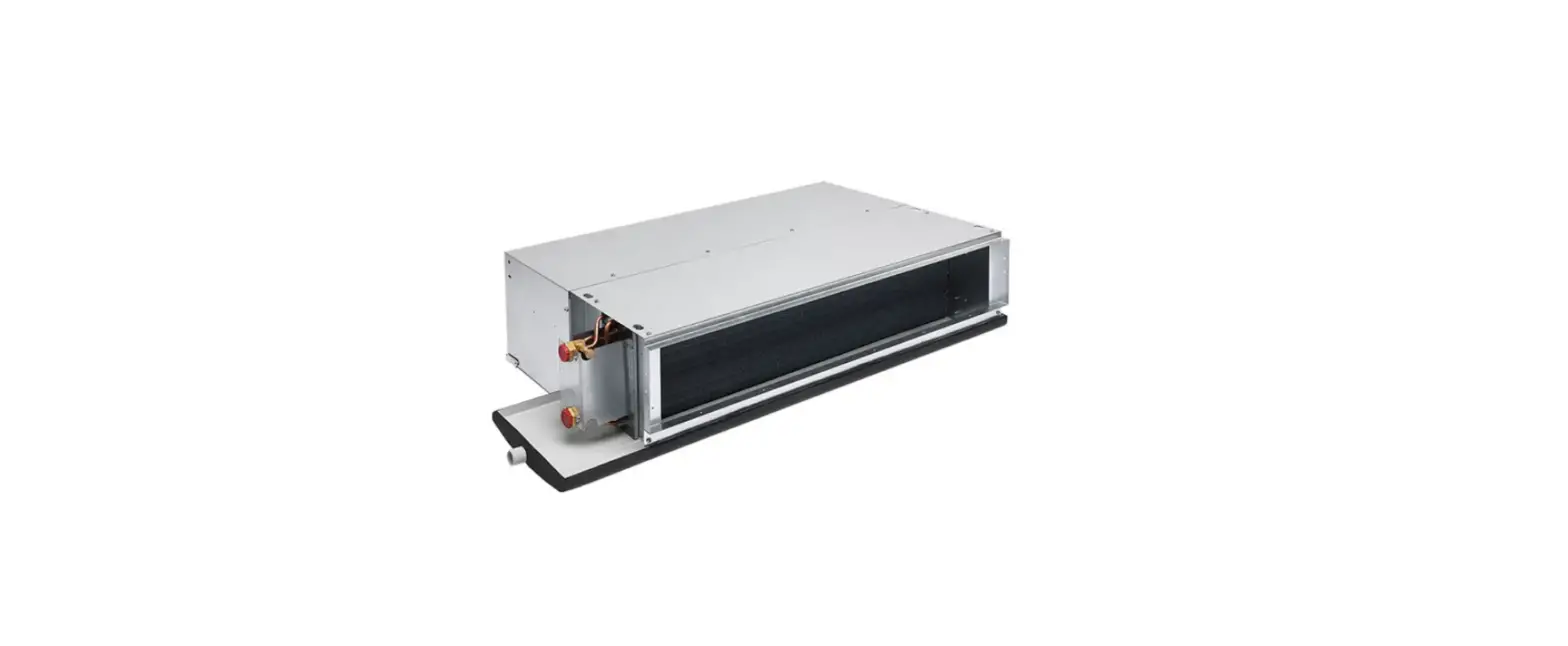
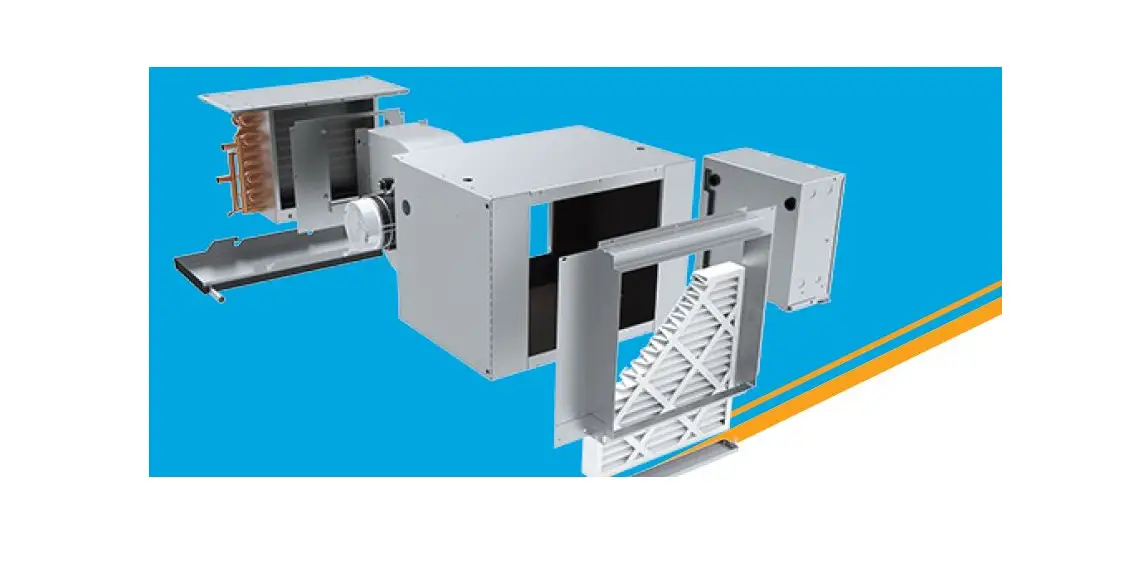
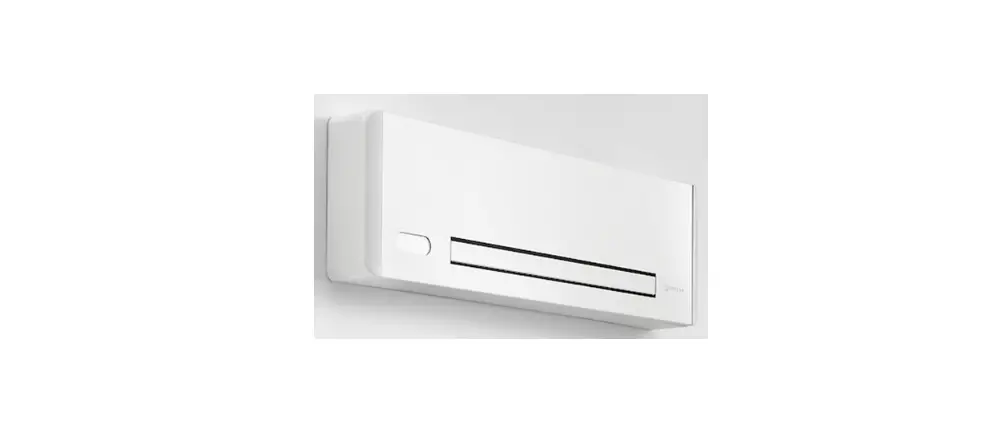
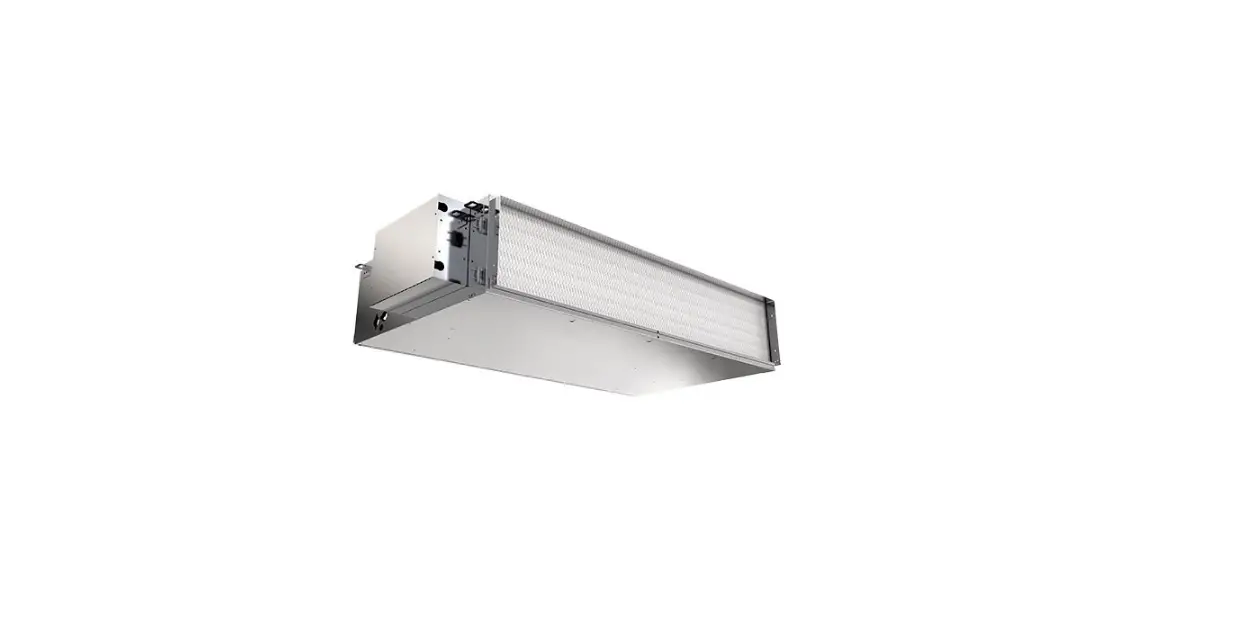
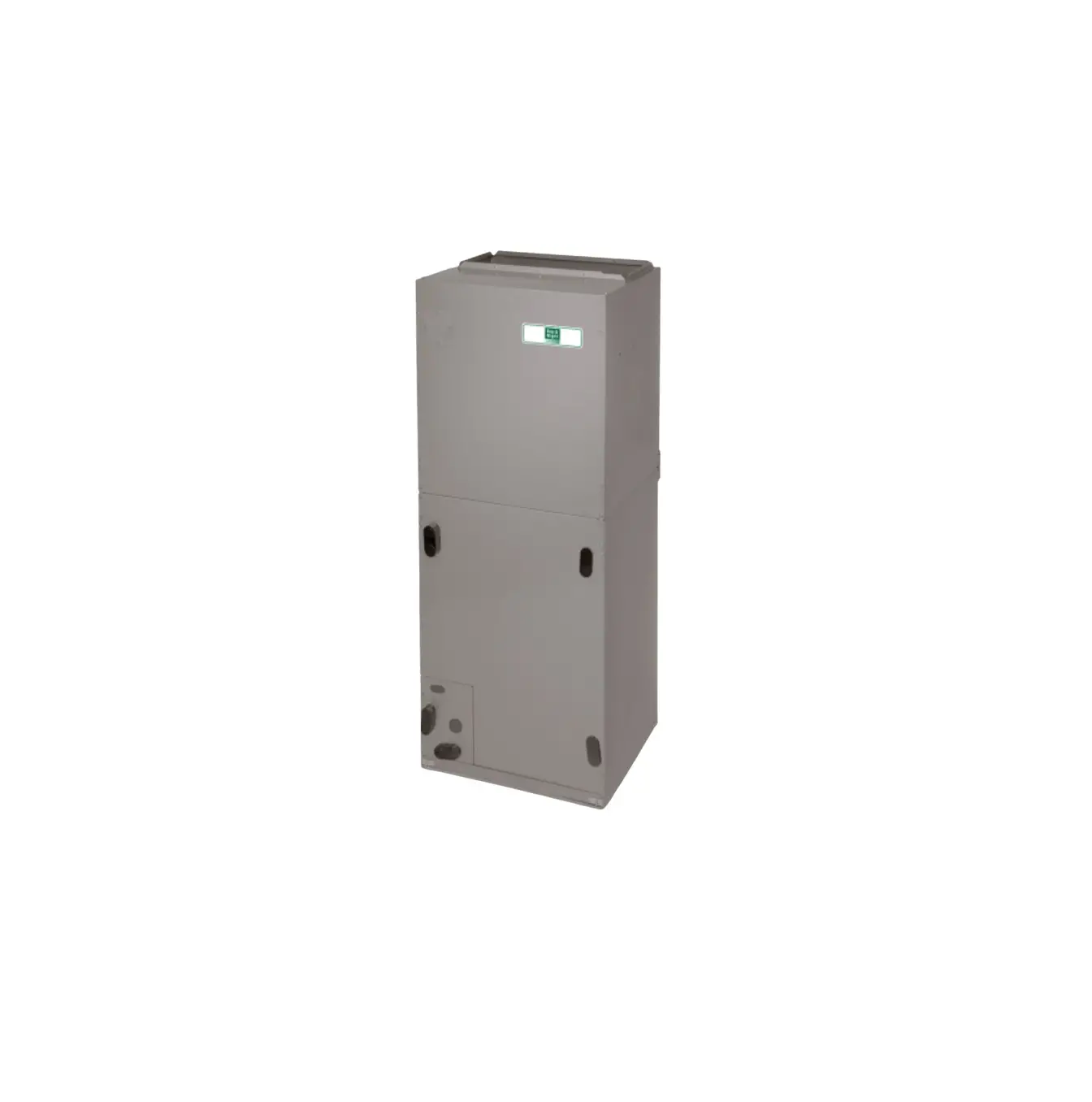
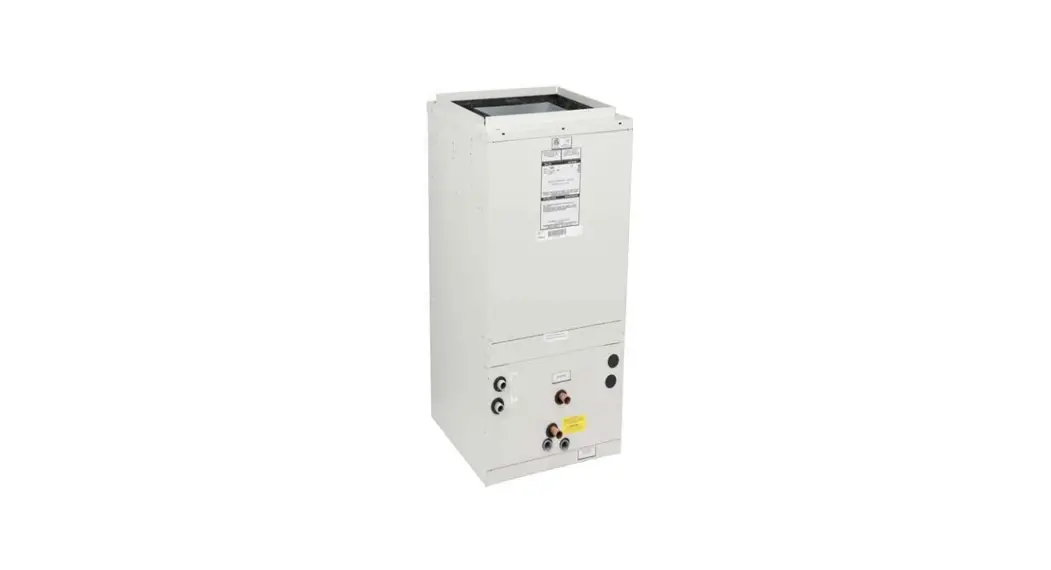
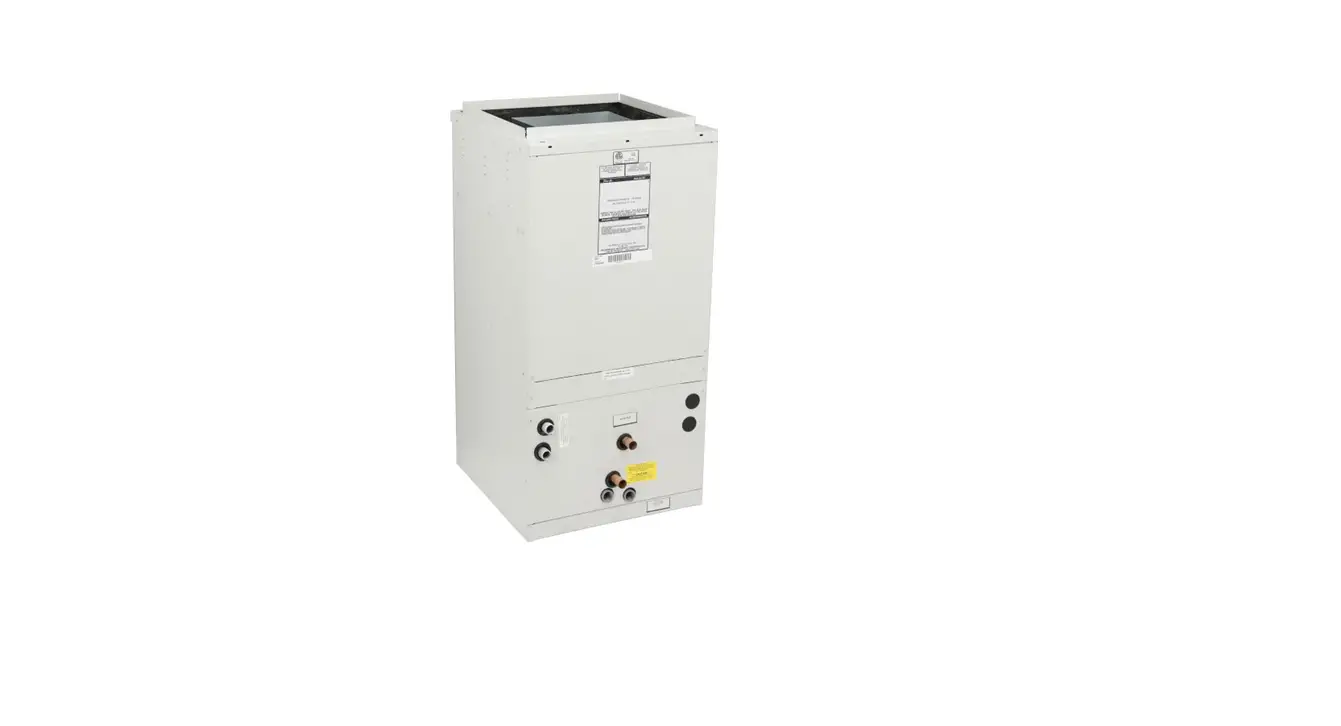
FT4B Fan Coil with InteliSense
FT4B Fan Coil with InteliSenseTM Technology:
Installation Instructions
The FT4B Fan Coil with InteliSenseTM Technology is a
high-performance unit that is compatible with
InteliSenseTM thermostat. When used with an
InteliSenseTM thermostat, the unit is capable of
collecting performance data in the cloud. The unit comes with two
interchangeable sensors, a Return Air Temperature (RAT) sensor, and
a Supply Air Temperature (SAT) sensor, which can be installed in
the field.
InteliSenseTM Technology
InteliSenseTM Technology allows for the collection of
performance data in the cloud. The unit comes with two
interchangeable sensors, a Return Air Temperature (RAT) sensor, and
a Supply Air Temperature (SAT) sensor for installation in the
field. Make sure the sensors are connected to the appropriate
terminals for proper temperature data collection when used with the
InteliSenseTM board.
Installation Instructions
Install Supply Air Temperature (SAT) Sensor
- Install the SAT sensor in the main supply trunk. Note: Placing
the SAT sensor roughly 12 inches after the first bend in the main
supply trunk will yield the best readings (Fig. 1). Certain
installs may require an alternate sensor placement which is
permissible and will not affect the functionality of the
InteliSenseTM in a meaningful way. - Drill a 1/4-in. hole at the location in the supply trunk where
the sensor will be installed. - Insert the sensor in the hole and use it as a template to mark
the two mounting holes (use holes located diagonally from each
other for best adherence). - Drill two 1/16-in. holes to accept No. 8 screws through the
pre-drilled holes in the duct temperature sensor backplate. - Use two provided No. 8 sheet metal screws to mount the duct
temperature sensor to the unit. - Route the SAT wire leads into the unit’s control box
compartment along with the thermostat wires. Use the provided
grommet to protect the wires through the cabinet casing
knockout. - Connect the sensor wire leads to the control board at the screw
terminal marked SAT. If additional wire length is needed,
thermostat wire and wire nuts can be used to extend the wires.
Install Return Air Temperature (RAT) Sensor
- Install the RAT sensor in the main return trunk. Note: Placing
the RAT sensor roughly 12 inches after the first bend in the main
return trunk will yield the best readings (Fig. 1). Certain
installs may require an alternate sensor placement which is
permissible and will not affect functionality of the
InteliSenseTM in a meaningful way. - Drill a 1/4-in. hole at the location in the return trunk where
the sensor will be installed. - Insert the sensor in the hole and use it as a template to mark
the two mounting holes (use holes located diagonally from each
other for best adherence). - Drill two 1/16-in. holes to accept No. 8 screws through the
pre-drilled holes in the duct temperature sensor backplate. - Use two provided No. 8 sheet metal screws to mount the duct
temperature sensor to the unit. - Route the RAT wire leads into the unit’s control box
compartment along with the thermostat wires. Use the provided
grommet to protect the wires through the cabinet casing
knockout. - Connect the sensor wire leads to the control board at the screw
terminal marked RAT. If additional wire length is needed,
thermostat wire and wire nuts can be used to extend the wires.
Refer to the InteliSenseTM thermostat advanced
installation and configuration instructions for system setup and
troubleshooting tips. Visit Carrier(Bryant).hvacpartners.com/InteliSense or scan
one of the QR codes below.
FT4B Fan Coil with InteliSenseTM Technology: Installation Instructions
FT4B Fan Coil with InteliSenseTM Technology
Installation Instructions
InteliSenseTM Technology
This unit is InteliSenseTM capable when used with an InteliSenseTM thermostat. InteliSenseTM allows for the collection of performance data in the cloud. The unit comes with two interchangeable sensors: a Return Air Temperature (RAT) sensor and a Supply Air Temperature (SAT) sensor for installation in the field. Make sure the sensors are connected to the appropriate terminals for proper temperature data collection when used with the InteliSenseTM board.
Install Supply Air Temperature (SAT) Sensor
1. Install the SAT sensor in the main supply trunk.
NOTE: Placing the SAT sensor roughly 12 inches after the first bend in main supply trunk will yield the best readings (Fig. 1). Certain installs may require an alternate sensor placement which is permissible and will not affect functionality of the InteliSenseTM in a meaningful way.
2. Drill a 1/4-in. hole at the location in the supply trunk where the sensor will be installed.
3. Insert the sensor in the hole and use it as a template to mark the two mounting holes (use holes located diagonally from each other for best adherence).
4. Drill two 1/16-in. holes to accept No. 8 screws through the pre-drilled holes in the duct temperature sensor back plate.
5. Use two provided No. 8 sheet metal screws to mount the duct temperature sensor to the unit.
6. Route the SAT wire leads into the unit’s control box compartment along with the thermostat wires. Use the provided grommet to protect the wires through the cabinet casing knockout.
7. Connect the sensor wire leads to the control board at the screw terminal marked “SAT.” If additional wire length is needed, thermostat wire and wire nuts can be used to extend the wires.
Install Return Air Temperature (RAT) Sensor
1. Install the RAT sensor in the main return trunk.
NOTE: Placing the RAT sensor roughly 12 inches after the first bend in main return trunk will yield the best readings (Fig. 1). Certain installs may require an alternate sensor placement which is permissible and will not affect functionality of the InteliSenseTM in a meaningful way.
2. Drill a 1/4-in. hole at the location in the return trunk where the sensor will be installed.
3. Insert the sensor in the hole and use it as a template to mark the two mounting holes (use holes located diagonally from each other for best adherence).
4. Drill two 1/16-in. holes to accept No. 8 screws through the pre-drilled holes in the duct temperature sensor back plate.
5. Use two provided No. 8 sheet metal screws to mount the duct temperature sensor to the unit.
6. Route the RAT wire leads into the unit’s control box compartment along with the thermostat wires. Use the provided grommet to protect the wires through the cabinet casing knockout.
7. Connect the sensor wire leads to the control board at the screw terminal marked “RAT.” If additional wire length is needed, thermostat wire and wire nuts can be used to extend the wires.
Fig. 1 InteliSenseTM Sensor Locating
A230212
Refer to the InteliSenseTM thermostat advanced installation and configuration instructions for system setup and troubleshooting tips. Visit Carrier(Bryant).hvacpartners.com/InteliSense or scan one of the QR codes below.
A230216
Fig. 2 Carrier InteliSenseTM Technology Information
A230215
Fig. 3 Bryant InteliSenseTM Technology Information
©2023 CAC/BDP·
Edition Date: 4/23
Catalog No: IM-INTELI-01
Replaces: New
Manufacturer reserves the right to change, at any time, specifications and designs without notice and without obligations.
1