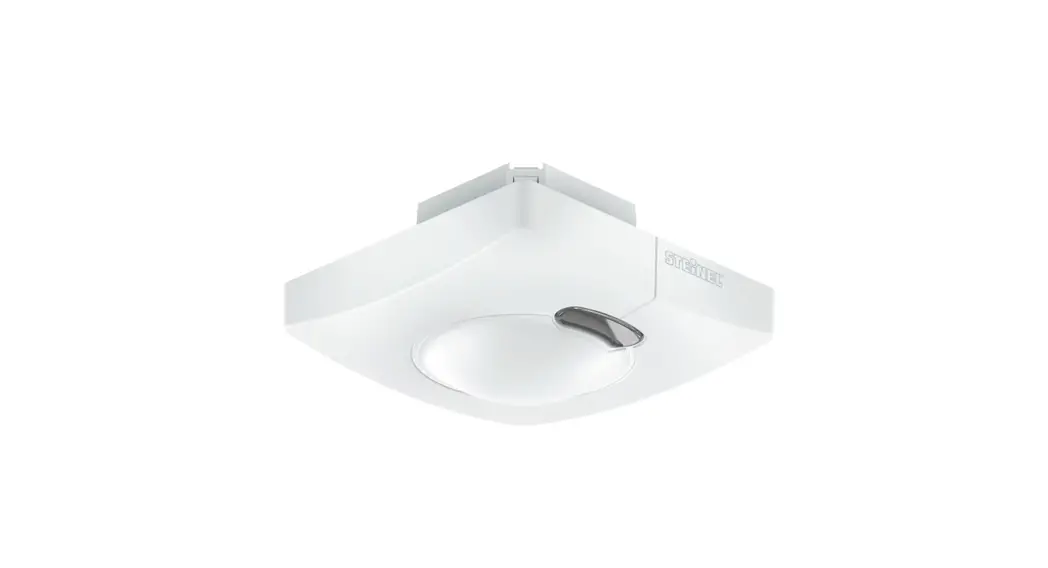
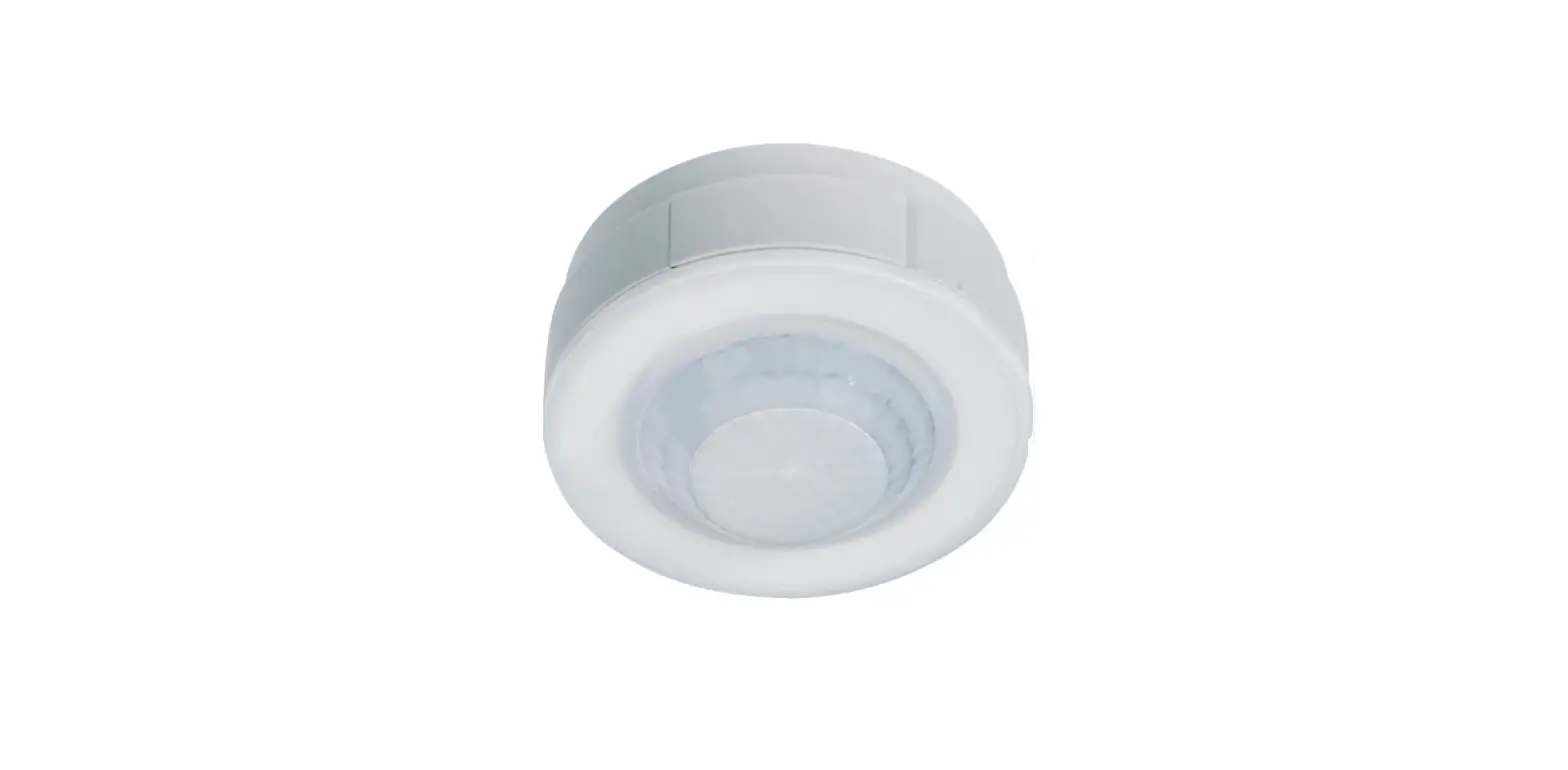
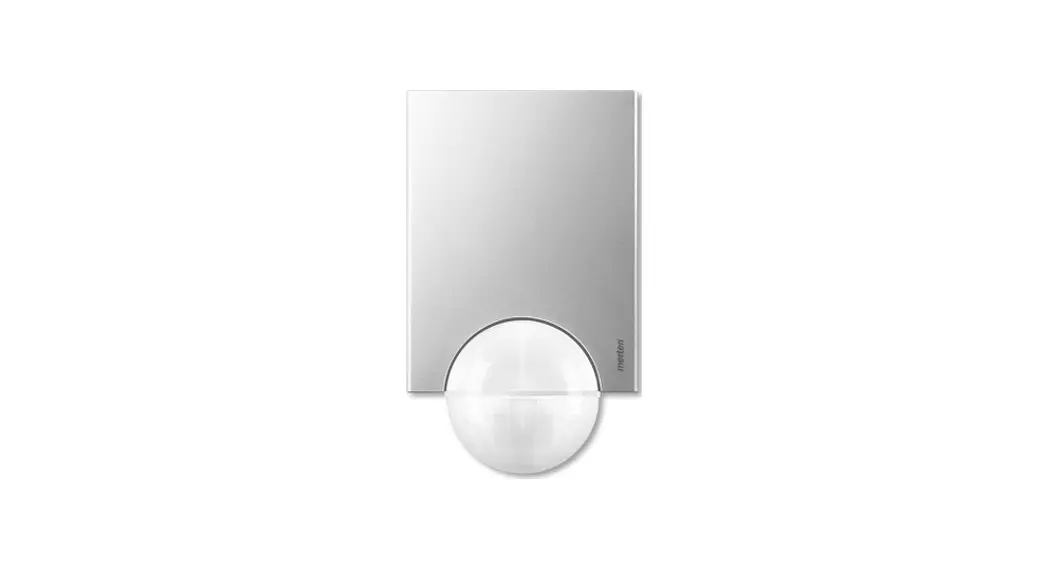
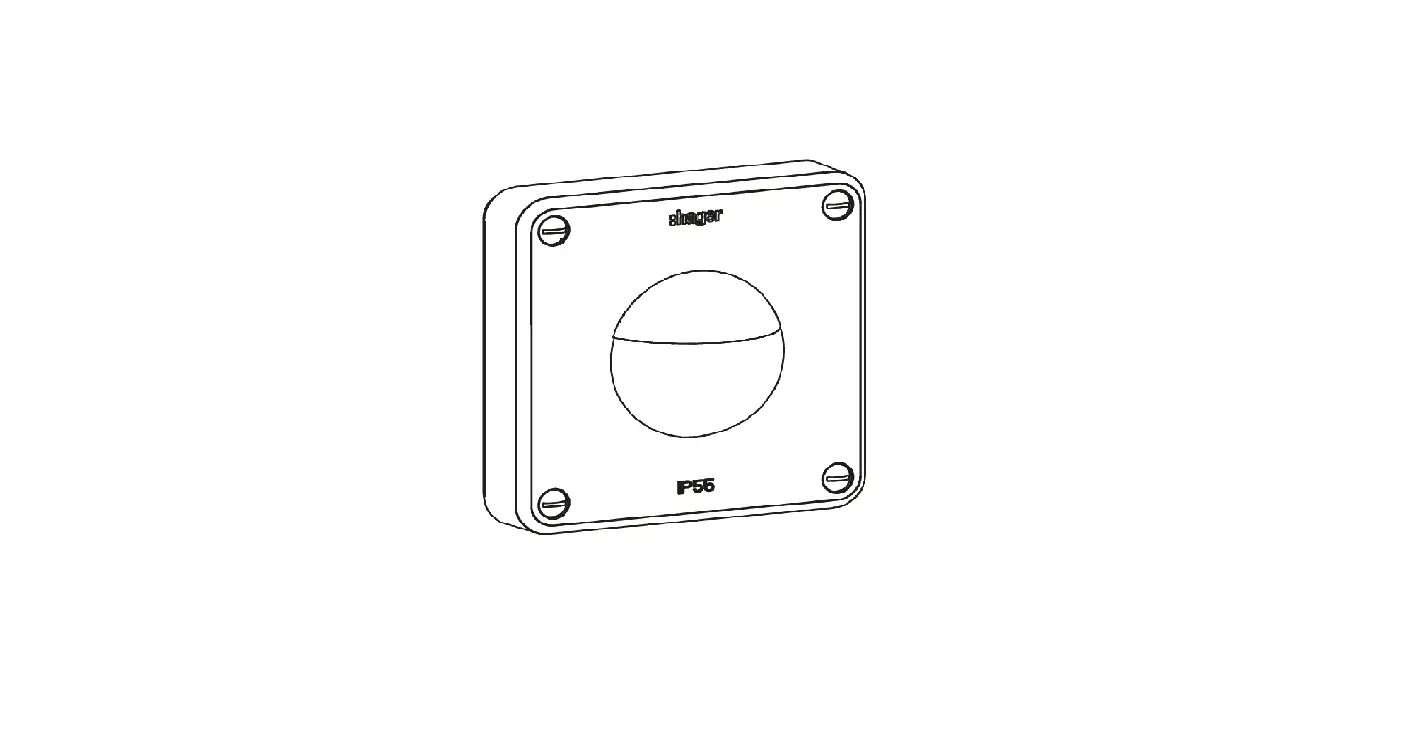
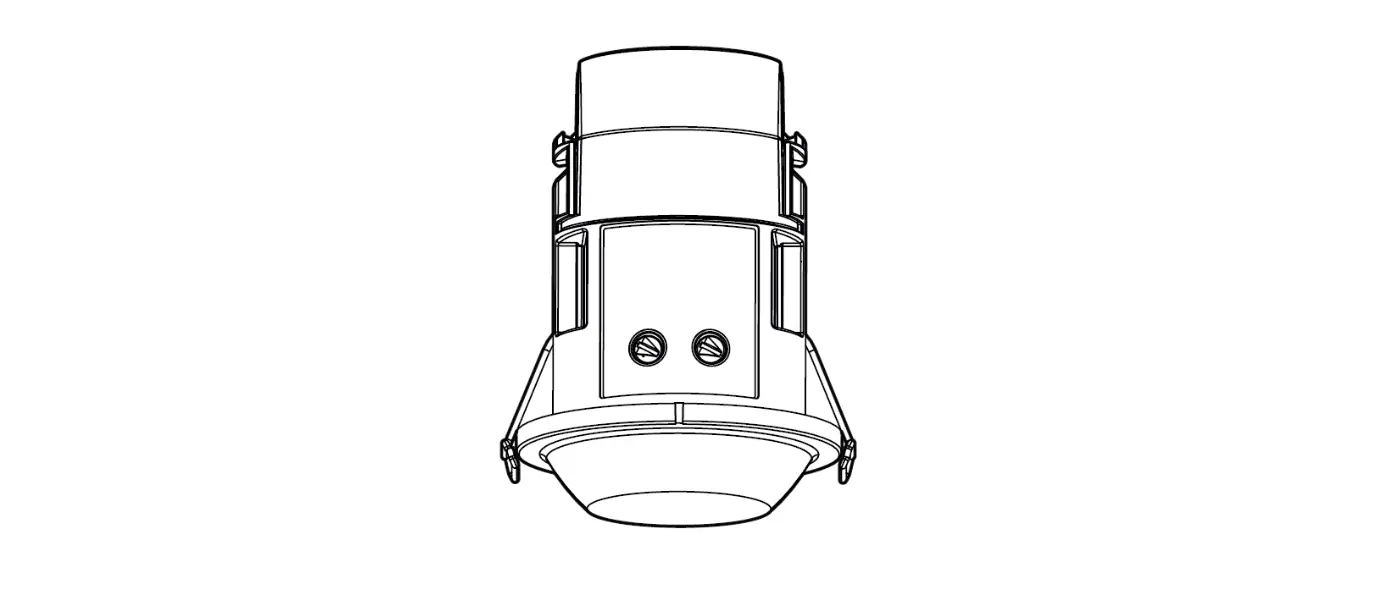
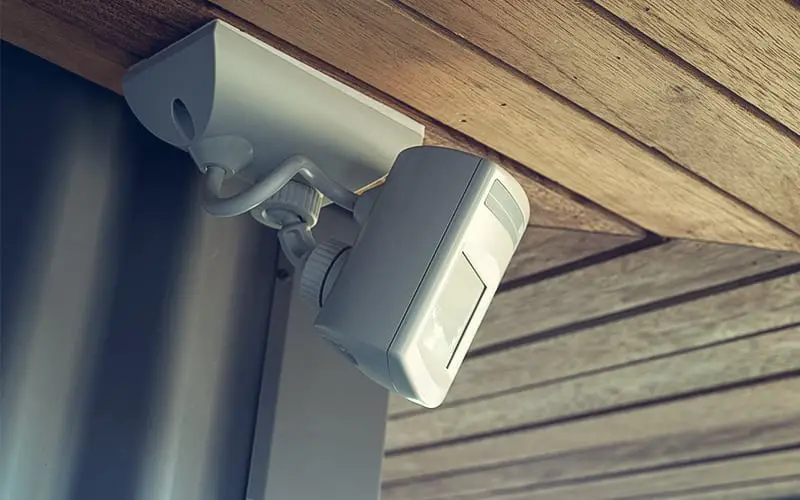
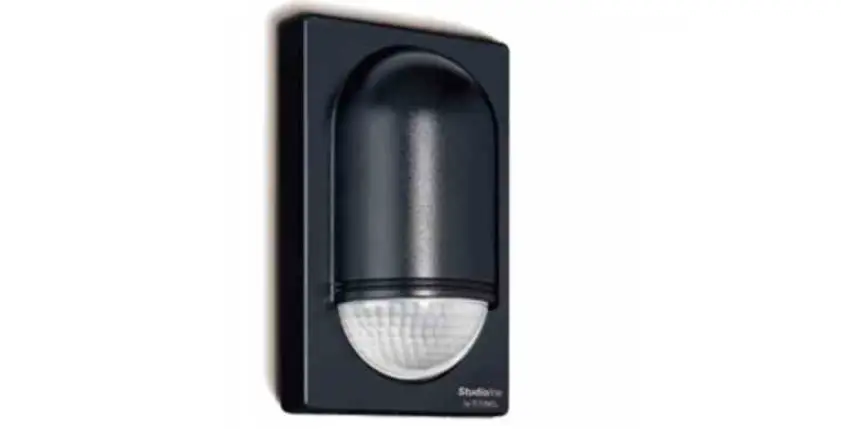
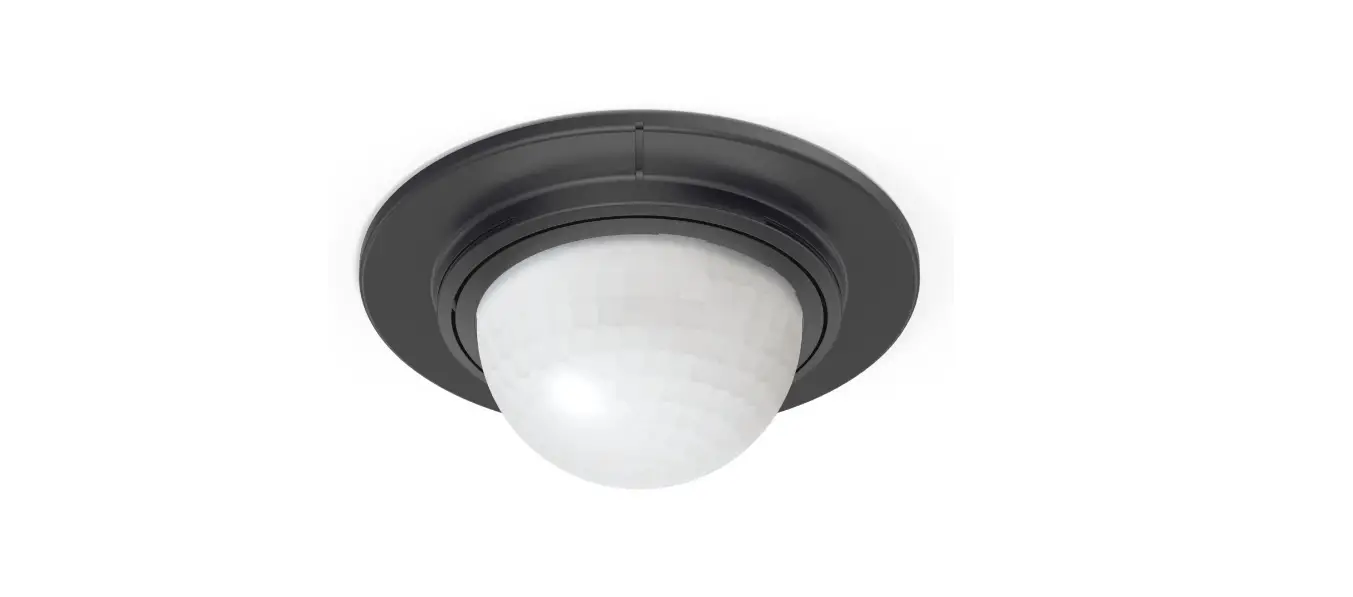
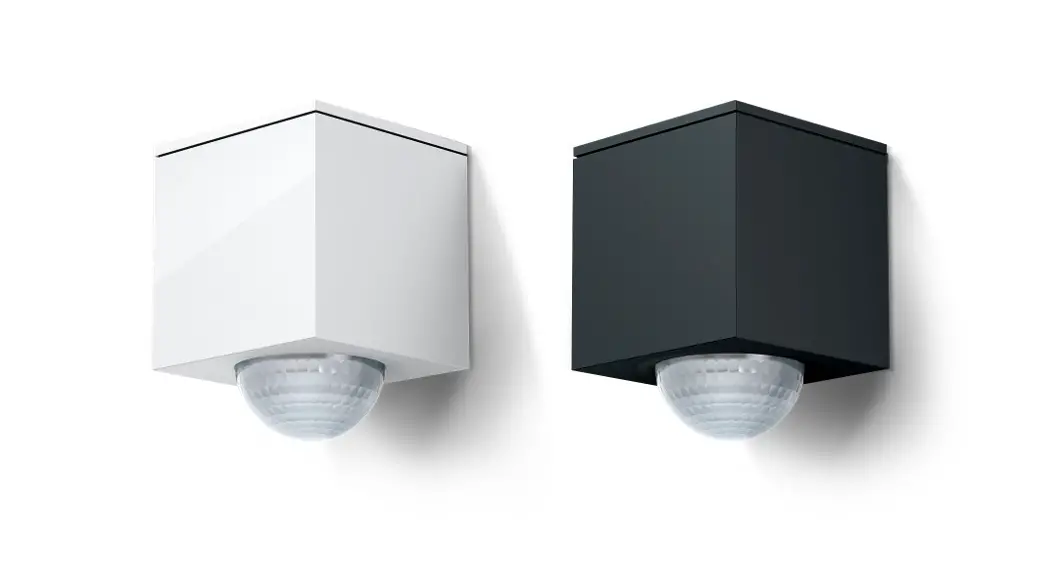
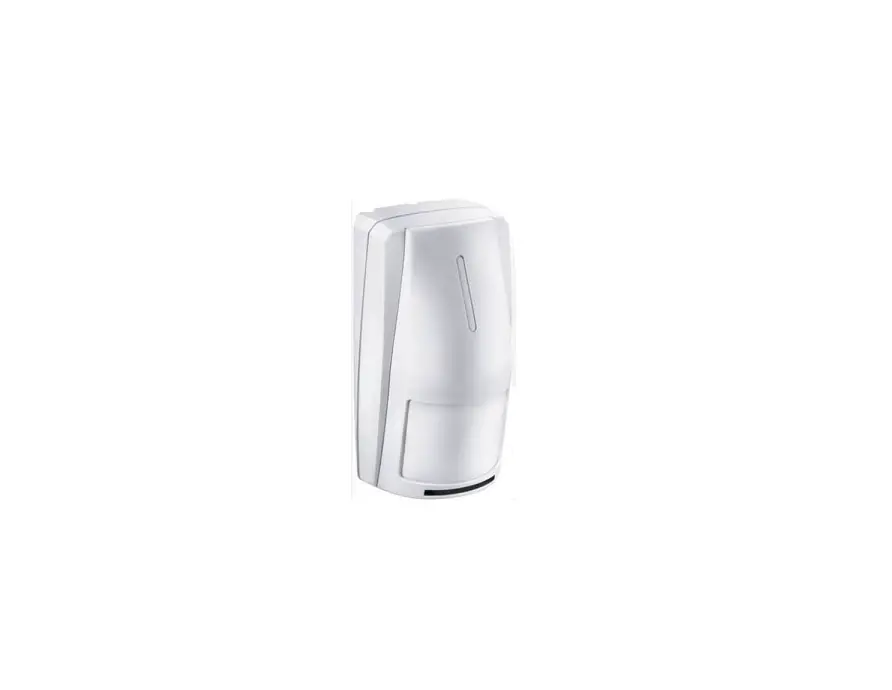
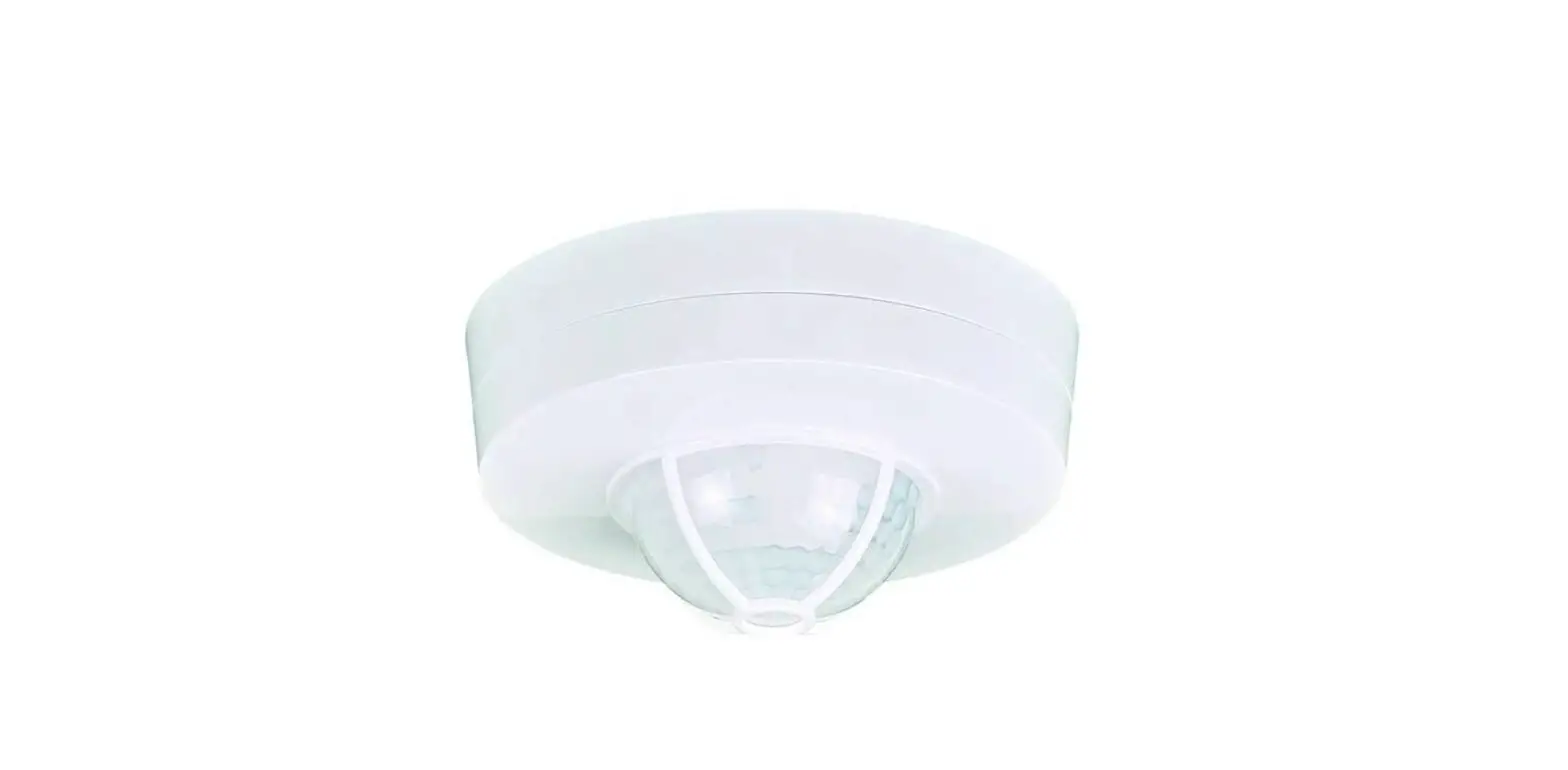
TRE500 Motion Detectors
Product Information:
- Product Name: TRE50., TRE52.
- Description: IP55 TP RF 230V~ Bus 30V V2.6.0
- Color Options: EE855 White, EE856 Anthracite
- Model Numbers: 52125 (White), 52126 (Anthracite)
- Adjustments: Delay (lighting time), Brightness Sensitivity
level, Wall fixing plate, Detection zone, Adjustment
potentiometers, Directional detection head, LED A, LED B,
Shutters - Optimal Installation Height: 2.5m
Product Usage Instructions:
- Warning: This device should only be installed by a professional
electrician fitter according to local applicable installation
standards. - Installing Batteries:
- Follow the instructions provided in the user manual to install
batteries, if applicable.
- Follow the instructions provided in the user manual to install
- Product Description and Working Principles:
- This detector allows remote control of one or more receivers
when a movement is detected in its detection zone. - The product can be used in two types of configurations:
- One detector controls one or several receivers.
- Several transmitters control the receiver(s).
- This detector allows remote control of one or more receivers
- Operation:
- To perform a factory return:
- Keep the J button depressed until LED cfg flashes for more than
10 seconds, and then release it. - The LED cfg will turn off when the factory return is
completed. - After the factory return, wait for 15 seconds before
starting.
- Keep the J button depressed until LED cfg flashes for more than
- Configuration (button J):
- Set the product in configuration mode by pressing the J button
once during the teaching session of TX100 or for addressing with
TR131 in ETS. - Note: Factory return is required to change the configuration
mode.
- Set the product in configuration mode by pressing the J button
- Test and Validation of Detection Zone:
- Set potentiometer 2 to Test mode.
- The Test mode is available for 3 minutes and does not take
brightness level into account. - Each detected movement turns LED A on for 2 seconds and
controls the associated receiver. - After 3 minutes without detection, the product is set back to
auto mode. - Limitation of Detection Zone: You can limit the detection zone
using the shutters supplied or by inclining the head.
- To perform a factory return:
- Mounting:
- Projection or Ceiling Mount:
- Fix the wall plate using the supplied screws.
- Clip the detector onto the wall plate.
- Tighten the screws to close.
- Angle Mounting:
- The wall fixing plate is fitted between the accessory and the
detector.
- The wall fixing plate is fitted between the accessory and the
- Projection or Ceiling Mount:
- Precautions for Installation:
- For optimum detection conditions, please follow these
recommendations:- Keep the detector protected from solar radiation and bad
weather, as it is sensitive to these conditions. - Maintain a 1m distance between the light source and the
detector and keep the detector out of the light source.
- Keep the detector protected from solar radiation and bad
- For optimum detection conditions, please follow these
- Action: Adjustments
- Use Auto (factory) settings to set automatic lighting turn-on
for a given time. - The settings are predefined: Lux = [value], delay = 3 minutes,
sensitivity = max. - Turn automatic lighting on for a given time using Installer
settings.
- Use Auto (factory) settings to set automatic lighting turn-on
- Test and Confirm Detection Zone:
- Move potentiometer 2 to auto test mode.
6LE003097C
¨ z Motion Detectors 220°
User instructions
TRE50., TRE52.
Description
IP55
TP
RF
230V~
Bus 30 V
V2.6.0
Vertical adjustment
220° DETECTORS TRE500 White TRE501 Anthracite TRE520 White TRE521 Anthracite
ACCESSORY FOR
ANGLE FIXING
EE855 White
EE856 Anthracite
52125
White
52126
Anthracite
Adjustments
Delay (lighting time)
Brightness Sensitivity
level
(change
of range)
+ 90°/- 30°
Wall fixing plate
Detection zone
+/-80°
Adjustment potentiometers Directional detection head
LED A
LED B
Shutters
m 16
m 4 m 2,5
m 0,5
m 8
m 16
Optimal installation height is 2.5m. The detection zone shall remain free of obstacle.
Installation
2 1
Angle fixing support
1
6LE003097C
Warning :
This device is to be installed only by a professional electrician fitter according to local applicable installation standards.
Installing batteries
Product Description and working principles
This detector allows remote control of one or more receivers for a given time when a movement is detected in its detection zone. This product can be used in two types of configuration: one detector controls one/several receiver(s); several transmitters control the receiver(s).
J Button
Button J
cfg
LED C
cfg
Operation
The receiver(s) is(are) under control as soon as the brightness level as set by potentiometer 2 is considered too low and a movement is detected. Upon detection, the time delay is restarted. If LED A flashes quickly during configuration, the position of potentiometer 1 is not compatible with the selected function. If LED B flashes quickly or nothing occurs when starting configuration, check that the batteries are correctly installed and replace them if necessary. Product factory reset is recommended before any new configuration.
Factory return
Keep push-button J depressed until LED cfg (flashes (>10s), and then release it. LED cfg is turned off when factory return is completed. This operation causes full delete of product configuration in any configuration mode. After factory return, wait 15s before starting.
Configuration (button J )
These detectors can be configured in 3 different ways : · quicklink : tool-free configuration (using product
pushbuttons and LEDs), see User’s Instructions 6T7952 supplied with the product. · TX100/B V2.5.0 or above : description of product functions available from the Manufacturer. · ETS3 or via TR131 : database and description of application software available from the Manufacturer.
Configuration by TX100 or ETS Set the product in configuration mode by pressing J button once during the teaching session of TX100 or for addressing with TR131 in ETS.
OProduct factory return is required to change the configuration mode.
Test and validation of detection zone Set potentiometer 2 to Test mode.
The Test mode is available for 3 minutes time and does not take brightness level into account. Each detected movement turns LED A on for 2 seconds. The associated receiver is controlled. After 3 minutes without detection, the product is set back to auto mode. Limitation of detection zone : You can limit the detection zone using the shutters supplied or by inclining the head.
Mounting
Projection or ceiling mount : – Fix the wall plate using the supplied screws. – Clip the detector onto the wall plate – Tighten the screws to close. For angle mounting, the wall fixing plate is fitted between the accessory and the detector.
Precautions for installation
For optimum detection conditions, please follow these recommendations : – Keep the detector protected from solar radia-
tion and bad weather, as it is sensitive to these conditions. – Maintain 1m distance between the light source and the detector and keep the detector out of the light source.
Action
Adjustments
Use Auto (factory) Auto Settings
settings to set
Put the Lux potentiometer on
automatic lighting “auto test”.
turn-on for a given time. Only available when a detector’s time
The settings are predefined : Lux = , (operating at night only)
delay is set.
time = 3 min,
sensitivity = max
Turn automatic
Installer settings
lighting on for
a given time.
Only available when
a detector’s time
delay is set.
Test and confirm detection zone.
Test mode Move the potentiometer 2 to “auto test”.
Potentiometer
Adjust sensitivity.
Allows setting the range to avoid disturbance.
2
Correct Disposal of This product
(Waste Electrical & Electronic Equipment).
(Applicable in the European Union and other European countries with separate collection systems).
This marking shown on the product or its literature indicates that it hould not be disposed with other household wasted at the end of its working life. To prevent possible harm to the environment or human health from uncontrolled waste disposal, please separate this from other types of wastes and recycle it responsibly to promote the sustainable reuse of material resources.
Household users should contact either the retailer where they purchased this product, or their local government office, for details of where and how they can take this item for environmentally safe recycling.
Business users should contact their supplier and check the terms and conditions of the purchase contract. This product should not be mixed with other commercial wastes of disposal.
å Usable throughout Europe
and in Switzerland
Hager Controls hereby declares that the TRE50., TRE52. device complies with the essential requirements and other relevant provisions of Directive 2014/53/EU.
The CE declaration is available on the: www.hager.com
6LE003097C
Kit Description TRE700 / 720
The detector and the receiver must be preset in order to operate together. These two products are pre-configured to operate together. Only delay, brightness level and detection zones are to be set by user.
When a product is factory reset, pre-configuration is removed. It should then be configured again.
(Please refer to Detector User’s Instructions). Other devices can be added to the kit. Various configuration options are available When a detector is associated with a receiver, only 2 functions are available, depending on potentiometer’s position :
– (Red/Green LED) or timer (Red flashing LED) according to the case
– Delete (LED is OFF) The receiver will offer only the function set by the potentiometer.
Setting detector’s delay
Setting receiver’s delay
Kit TRE700
1 detector TRE5.. +
1 receiver
Kit TRE700 +
1 or several other receivers
1 detector TRE5.. +
several receivers
Several detectors TRE700-TRE5…
+ 1 or several
receivers
Pre-configured (ON/OFF switch function)
Recommended configuration : 1. Set the potentiometer to a value different
from 2. Configure ON/OFF switch function (See the
Configuration Instructions)
1. Clear the previous pre-configured function if Kit TRE700 is used (See the Configuration Instructions)
2. Set the potentiometer to position 3. Configure the “timer”
(See the Configuration Instructions)
In order to have the same delay on each receiver : 1. Set the potentiometer to a value different
from 2. Configure the ON/OFF switch function (See the
Configuration Instructions) on other receivers
1. Set the potentiometer to a value different from
2. Configure the ON/OFF switch function (See the Configuration Instructions) on each receiver
In order to have a different delay on each receiver : 1. Clear the previous pre-configured function if
Kit TRE700 is used (See the Configuration Instructions) 2. Set the potentiometer to position 3. Configure the “timer” function (See the Configuration Instructions)
Not recommended (conflict of delays)
1. Clear the previous pre-configured function if Kit TRE700 is used (See the Configuration Instructions)
2. Set the potentiometer to position on both detectors.
3. Configure the “timer” function (See the Configuration Instructions) on each receiver
Kit TRE700/720 or
1 detector TRE5.. +
1 or several transmitters other than detectors
+ 1 or several
receivers
Timer function being not used on the other transmitter(s) : 1. Set the potentiometer to a value different
from 2. Configure the other transmitter(s)
(See the Configuration Instructions) with a function other than timer
Timer function used on the other transmitters : 1. Clear the previous pre-configured function if
Kit TRE700 is used (See the Configuration Instructions) 2. Set the potentiometer to position 3. Configure the “timer” function (See the Configuration Instructions) on each receiver for each transmitter involved
Note : During configuration of a detector, Step 2 of the Configuration Instructions shall be ignored.
TROUBLESHOOTING…
PROBLEM
Unwanted lamp switch on.
CAUSES
SOLUTIONS
– Permanent heat source is active in the detection area (trees, bushes shook by wind or presence of dogs, cats in the detection area).
– The detector is located on top a ventilation grill.
– Limit detector’s range by adjusting its inclination or by fitting shuttering blades to the lens, or by lowering sensitivity using the adjustment knob.
– Move the detector to another location.
The range of the detector is too narrow.
– Detector’s installation height is not suitable (too high or too low). – Modify installation height (2.5m is optimal).
– Sloppy ground.
– Adjust detector’s direction.
Moving vehicle or person is not detected.
– Vehicle’s motor is not enough yet (heat radiation is too weak). – People move forwards in front of detector. – Detector energy too low.
– Install the detector in such a way that objects move within the area in transverse direction.
– Replace power cells. – Place detector in a suitable location with solar cell directed towar-
ds the sun.
Technical specifications
Electrical specifications Power Supply : – TRE50., TRE52. 3 x 1,5V AAA
Operational characteristics Dimensions (L x w x h) : 153 x 91 x 130 mm Luminosity threshold : 5 –> 1000 Lux Fixed time : 30 s –> 15 min
3
Sensitivity : min. 20%, max. 100% Limiting the detection zone : Adjustable shutters supplied Transmission frequency : 868-868.6 MHz Receiver category : 2 Maximum emission power : 25mW RF KNX Communication Media RF knx : RF1.R Configuration mode RF KNX : Quicklink, Easy link Controller, ETS via media coupler Range : 100 m on open field
Fixing accessories : corner support (sold separately) EE855/52125, EE856/52126 Environment Operating temperature : -20 °C –> +55 °C Storage temperature : -20 °C –> +60 °C IK : 04 Protection class : IP55 Resistance to fire : 750°C
6LE003097C
6LE003097C
z ¨ Liiketunnistin lisätoiminnoilla 220°
Käyttöohje
TRE50., TRE52.
TP
RF
230V~
Bus 30 V
V2.6.0
TUNNISTIMET 220° TRE500 Valkoinen TRE501 Antrasiitti TRE520 Valkoinen TRE521 Antrasiitti
LISÄTARVIKKEET
KULMA-ASENNUKSEEN
EE855 Valkoinen
EE856 Antrasiitti
52125
Valkoinen
52126
Antrasiitti
Kuvaus
Asettelu
Kiinteä aika
Valoisuus Herkkyys
(valaistusajan
(alueen
IP55
pituus)
muutos)
Pystysuunnan säätö
+ 90°/- 30°
Asennuslevy seinäkiinnitykseen
Tunnistusalue
+/-80°
Säätöpotentiometrit Suunnattava tunnistuspää
LED A
LED B
Maskit
m 16
m 4 m 2,5
m 0,5
m 8
Optimaalinen asennuskorkeus on 2.5 m. Tunnistusalueen tulee olla esteetön.
Asennus
m 16
2 1
Lisätarvikkeet kulma-asennukseen
4
6LE003097C
Varoitus :
Tämä laite tulee olla sähköalan ammattihenkilön asentama voimassa olevien sähköturvallisuusmääräysten mukaisesti.
Paristojen asennus
Tuote-esittely ja toimintaperiaatteet
Tämä tunnistin mahdollistaa yhden tai useamman vastaanottimen etäohjauksen asetun ajan, kun liikettä tunnistetaan tunnistusalueella. Tätä tuotetta voidaan käyttää kahdentyyppisissä kokoonpanoissa: yksi tunnistin ohjaa yhtä/useaa vastaanotinta; useat lähettimet ohjaavat vastaanottimia.
J-painike
Painike J
cfg
LED C
cfg
Toiminta
Vastaanottimia ohjataan heti kun potentiometrillä 2 asetettu valaistustaso alitetaan ja liikettä tunnistetaan. Tunnistettaessa liikettä viive nollataan kuormaa sammuttamatta. Jos LED A vilkkuu nopeasti opetuksen aikana, potentiometrin 1 asento ei ole yhteensopiva valitun toiminnon kanssa. Jos LED B vilkkuu nopeasti tai mitään ei tapahdu aloitettaessa opetusta, tarkista että paristot on asennettu oikein ja vaihda ne tarvittaessa. Palautus tehdasasetuksiin suositellaan tehtäväksi ennen uuden opetuksen tekoa.
Palautus tehdasasetuksiin
Pidä painike J painettuna kunnes LED cfg vilkkuu (>10s), ja vapauta sen jälkeen. LED cfg sammutetaan kun palautus tehdasasetuksiin on tehty. Tämä toiminto poistaa kaikki eri ohjelmointitilojen asettelut tuotteelta. Tehdasasetusten palautuksen jälkeen, odota 15s ennen opetuksen aloitusta.
Opetus (painike J )
Nämä tunnistimet voidana ottaa käyttöön 3:lla eri tavalla : · quicklink : opetus ilman ohjelmointityökalua
(käyttämällä tuotteen painikkeita ja LEDiä), katso tuotteen mukana toimitettu käyttöohje 6T7952. · TX100/B V2.5.0 tai uudempi : tuotetoimintojen kuvaus saatavilla valmistajalta. · ETS3 tai TR131 kautta : tietokanta ja sovellusohje saatavissa valmistajalta.
Opetus TX100:llä tai ETS:llä Aseta tuote opetustilaan painamalla J-painiketta kerran TX100:n opetusvaiheen aikana tai ryhmäosoitteiden määrityksen aikana TR131:n kanssa ETS:llä.
OTuote tulee palauttaa tehdasasetuksiin mikäli opetustapaa halutaan vaihtaa.
Tunistusalueen testaus ja määritys Aseta potentiometri 2 “test”-tilaan. “test”-tila
on käytettävissä 3 minuutin ajan eikä ota valaistustasoa huomioon. Jokainen tunnistettu liike sytyttää LEDin A 2 sekunniksi. Yhdistettyä vastaanotinta ohjataanl. Tuote palautuu takaisin “auto”-tilaan mikäli tunnistusta ei tehdä 3 minuutin kuluessa. Tunnistusalueen rajoitus : Tunnistusaluetta voidaan rajoittaa mukana toimitetuilla maskeilla tai suuntaamalla tunnistuspäätä.
Asennus
Pinta- tai katto-asennus : – kiinnittä seinäkiinnityslevy mukana
toimitetuilla ruuveilla, – paina tunnistinosa kiinnityslevyä vasten, – sulje kiinnitysruuvilla. Kulma-asennuksessa, seinäkiinnityslevy kiinnitetään lisätarvikeen ja tunnistimen väliin.
Huomioitavaa käytettäessä
Optimi tunnistusolosuhteiden säilyttämiseksi, on suositeltavaa seurata seuraavia neuvoja : – tunnistin on herkkä auringonsäteille, tuulelle
ja sateelle, vältä tunnistimen altistamista suoralle auringonvalolle ja sateelle. – säilytä 1m etäisyys valonlähteen ja tunnistimen välillä sekä pidä tunnistin pois valonlähteen valokeilasta.
Toiminto
Asettelut
Käytä Auto-asettelua (tehdas) valaistuksen kytkemiseksi päälle automaattisesti annetuksi ajaksi. Käytettävissä ainoastaan kun tunnistimen kytkentäviive on asetettu. Valon kytkentä automaattisesti määrätyksi ajaksi. Käytettävissä ainoastaan kun tunnistimen kytkentäviive on asetettu.
Testaa ja määritä tunnistusalue.
Auto – asettelut Laita Lux-potentiometri “auto test” tilaan. Asettelut ovat esiaseteltu : Lux = , (käyttö vain yöllä) aika = 3 min, herkkyys = maks.
Asentajan asettelut
Testitila Liikuta potentiometri 2 asentoon “auto test”.
Potentiometri
Säädä herkkyys.
Mahdollistaa tunnistus alueen säädön häiriöiden välttämiseksi.
5
Tämän tuotteen oikea käsittely (Jäte sähköinen ja elektroniset laitteistot). (Sovellettavissa Euroopanunionissa ja muissa Euroopan maissa erillisillä keräysjärjestelmillä.)
Tämä tuotteessa tai sen dokumenteissa näytetty merkintä kertoo, että tuotetta ei tulisi hävittää muun kotitalousjätteen kanssa laitteen käyttöiän päätyttyä. Mahdollisen ympäristölle tai ihmisille aiheutuvan haitan
estämiseksi, erottele tämä muuntyyppisistä jätteistä ja
kierrätä se vastuullisesti
edistääksesi
materiaalivarantojen
jatkuvaa
uudelleenkäyttöä.
Kotitalouskäyttäjien tulisi ottaa yhteyttä joko laitteen
myyneeseen jälleenmyyjään tai paikallisiin viranomaisiin, saadakseen lisätietoja siitä minne ja miten tämä tuote voidaan toimittaa kierrätettäväksi
ympäristöystävällisesti.
Ammattikäyttäjien tulisi ottaa yhteyttä heidän
toimittajaan ja tarkistaa ostosopimukseen littyvät
säännöt ja ehdot. Tätä tuotetta ei pitäisi sekoittaa muiden talousjätteiden kanssa hävitettäessä.
å Voidaan käyttää EU-maissa
ja Sveitsissä
Hager Controls vakuuttaa, että TRE50., TRE52. on direktiivin 2014/53/EU mukainen.
EU-vaatimustenmukaisuusvakuutuksen täysimittainen teksti on saatavilla seuraavassa internetosoitteess : www.hager.com
6LE003097C
Pakkauksen kuvaus TRE700 / 720
Tunnistin ja vastaanotin pitää tulee asetella, jotta ne voivat toimia yhdessä. Käyttäjän tarvitsee asettaa ainoastaan poiskytkentäviive, valaistustaso ja tunnistusalue. (kts. tunnistimen käyttöohje).
Muita laitteita voidaan yhdistää pakkaukseen. Valittavissa on useita asetteluvaihtoehtoja Kun tunnistin on linkitetty vastaanottimen kanssa, käytettävissä on vain 2 toimintoa, riippuen potentiometrin asennosta :
Jos tuote on palautettu tehdasasetuksiin, esiasettelut on poistettu. Tämän jälkeen tuotteet pitää asetella uudelleen.
Tunnistimen viiveen asettelu
–
(punainen/vihreä LED) tai viive
(punainen vilkkuva LED) tapauksen mukaan
– Poista (LED pois päältä)
Vastaanotin tarjoaa vain toimintoa joka on valittu potentiometrillä.
Vastaanottimen viiveen asettelu
Pakkaus TRE700/720
1 tunnistin TRE5.. +
1 vastaanotin
Esi-aseteltu (PÄÄLLE/POIS-kytkentätoiminto)
Suositeltavat asettelut : 1. Aseta potentiometri arvoon joka on muu kuin 2. Määritä PÄÄLLE/POIS-kytkentätoiminto
(katso linkitysohje)
Pakkaus TRE700/720 +
1 tai useita muita vastaanottimia
Jotta kaikille vastaanottimille olisi sama viive :
1. Aseta potentiometri arvoon joka on muu kuin
2. Määritä PÄÄLLE/POIS-toiminto (katso linkitysohje) jokaiselle vastaanottimelle
1 tunnistin TRE5.. +
useita vastaanottimia
1. Aseta potentiometri arvoon joka on muu kuin 2. Määritä PÄÄLLE/POIS-kytkentätoiminto
(katso linkitysohje) jokaiselle vastaanottimelle
Useita tunnistimia TRE7.. – TRE5.. + 1 tai useita vastaanottimia
Ei suositella (ristiriita viiveiden kanssa)
1. Poista aikaisempi esiaseteltu toiminto jos käytetään pakkausta TRE700/720 (katso linkitysohje)
2. Aseta potentiometri asentoon 3. Asettele “viive” toiminto
(katso linkitysohje)
Jotta jokaisella vastaanottimella olisi eri viive : 1. Poista aikaisempi esiaseteltu toiminto jos käytetty
pakkausta TRE700/720 (katso linkitysohje) 2. Aseta potentiometri asentoon 3. Asettele “viive” toiminto
(katso linkitysohje)
1. Poista aikaisempi esiaseteltu toiminto jos käytetty pakkausta TRE700/720 (katso linkitysohje)
2. Aseta potentiometri asentoon molemmilla tunnistimilla
3. Aseta “viive” toiminto jokaisella vastaanottimella
Pakkaus TRE700/720 tai
1 tunnistin TRE5.. +
1 tai useita lähettimiä muita kuin tunnistimia
+ 1 tai useita vastaanottimia
Viivetoimintoa ei käytetä muilla lähettimillä :
Viivetoiminto käytössä muilla lähettimillä:
1. Aseta potentiometri arvoon joka on muu kuin
1. Poista aikaisempi esiaseteltu toiminto jos käytetty
2. Määritä muut lähettimet (katso linkitysohje) muulle pakkausta TRE700/720 (katso linkitysohje)
toiminnollle kuin viive
2. Aseta potentiometri asentoon
3. Aseta “viive” toiminto (katso linkitysohje) jokaiselle vastaanottimelle jokaiselle linkitettävälle lähettimelle
Huomio : Tunnistimen linkityksen aikana, linkitysohjeen vaihe 2 jätetään huomioimatta.
MITÄ TEET KUN…
ONGELMA
Valo kytkeytyy tahtomatta päälle.
SYY – Pysyvä lämmönlähde on aktiivinen tunnistusalueella (puu, pensaat
heiluvat tuulessa tai koirat, kissat tunnistusalueella). -Tunnistin on asennettu suoraan poistoilmasuuttimen yläpuolelle.
RATKAISU – Rajoita tunnistusaluetta säätämällä kallistusta tai linssin maskeilla
tai alentamalla herkkyyttä käyttämällä säädintä. – Siirrä tunnistin toiseen paikkaan.
Tunnistimen tunnis- – Detector’s installation height is not suitable (too high or too low).
tusalue
– Sloppy ground.
on liian kapea.
Liikkuvaa ajoneuvoa – Vehicle’s motor is not not enough yet (heat radiation is too weak).
tai henkilöä ei
– People move forwards in front of detector.
tunnisteta.
– Detector energy too low.
– Modify installation height (2.5m is optimal). – Adjust detector’s direction. – Install the detector in such a way that objects move within the area
in transverse direction. – Replace power cells. – Place detector in a suitable location with solar cell directed
towards the sun.
Tekniset tiedot
Sähköiset ominaisuudet Syöttöjännite :
– TRE50., TRE52. 3 x 1,5V AAA
Toiminnalliset ominaisuudet Mitat (P x L x S) : 153 x 91 x 130 mm Valaistustaso : 5 –> 1000 Lux
Aikaviive : 30 s –> 15 min Herkkyys : min. 20%, max. 100% Tunnistusalueen rajoitus : Säädettävät maskit mukana Lähetystaajuus : 868-868.6 MHz Vastaanotinluokka : 2 Suurin mahdollinen lähetysteho : 25mW RF KNX -tiedonsiirtomedia : RF1.R Konfigurointitila RF KNX : Quicklink, Easy link Controller, ETS via media coupler Kantama : 100 m avoimessa tilassa
Kiinnitystarvikkeet : kulmakannake (tilattava erikseen) EE855/52125, EE856/52126
Ympäristö Käyttölämpötila : -20 °C –> +55 °C Varastointilämpötila : -20 °C –> +60 °C IK : 04 Tiiveysluokka : IP55 Tulen kesto : 750°C
6 Hager Controls S.A.S., 33 rue Saint-Nicolas, B.P. 10140, 67703 SAVERNE CEDEX, France – www.hager.com
Hager 02.23 – 6LE003097C
 Hager worldwide