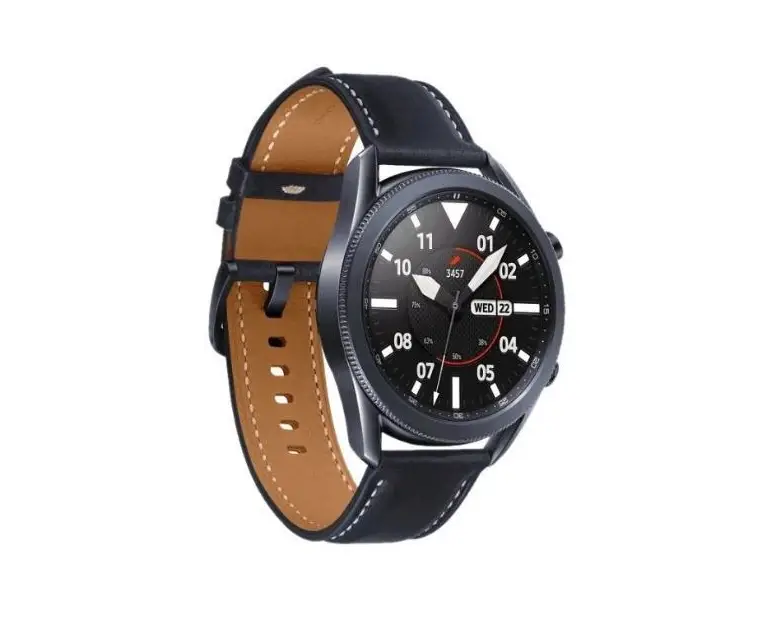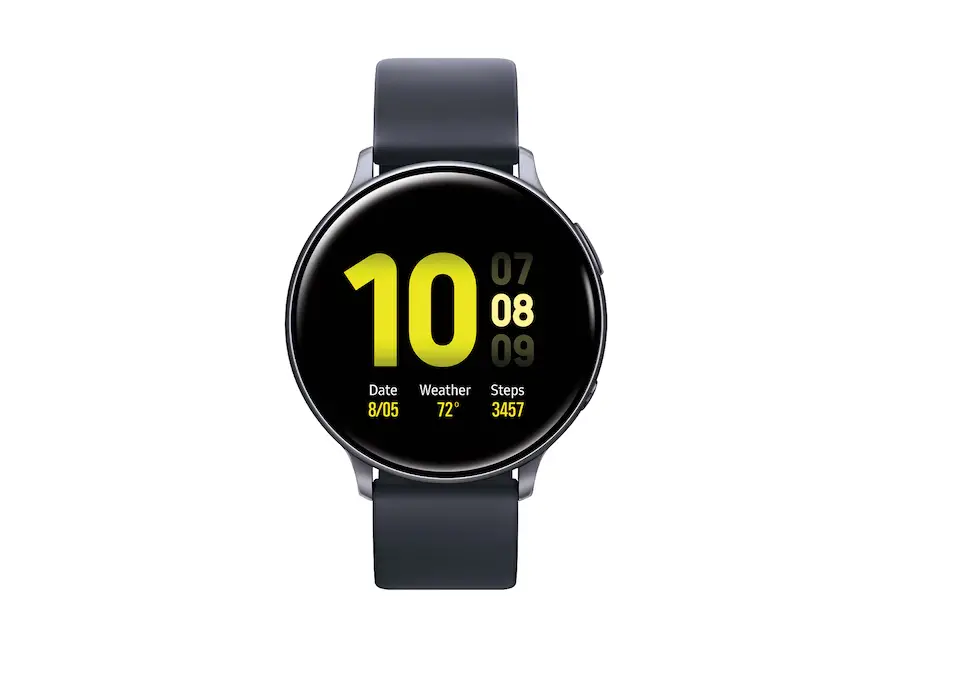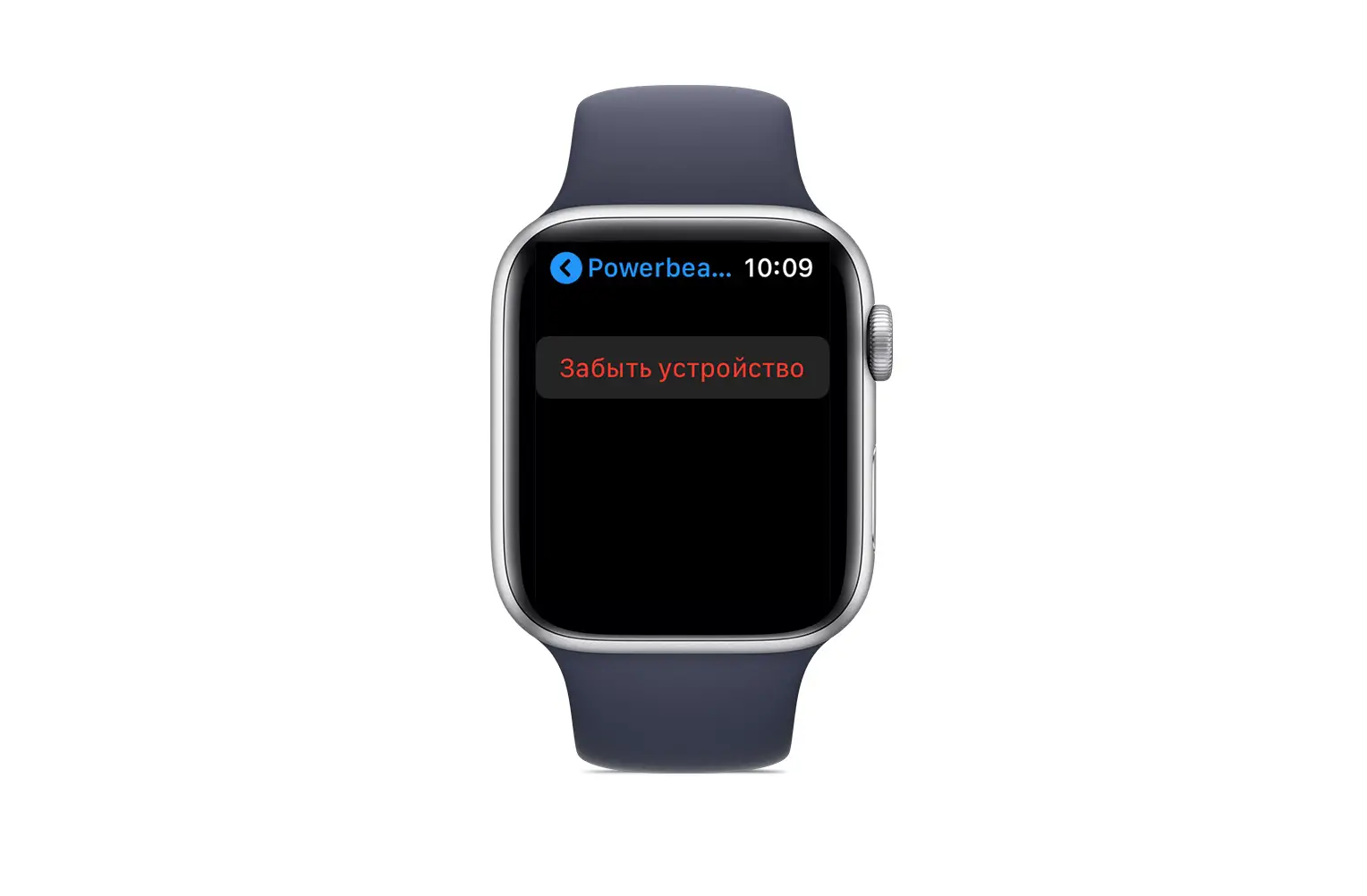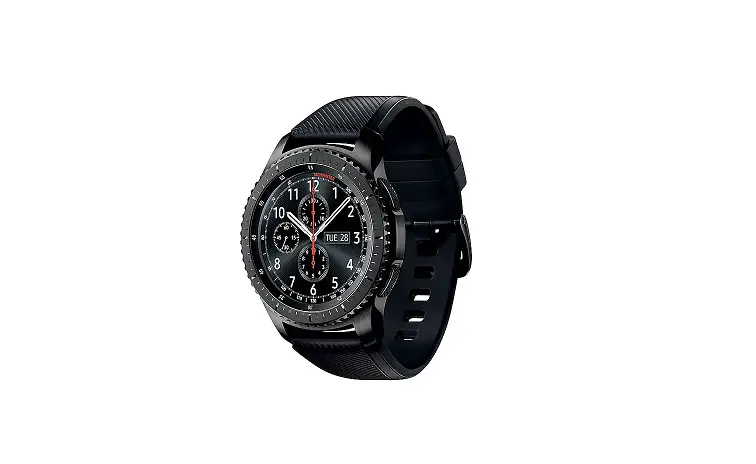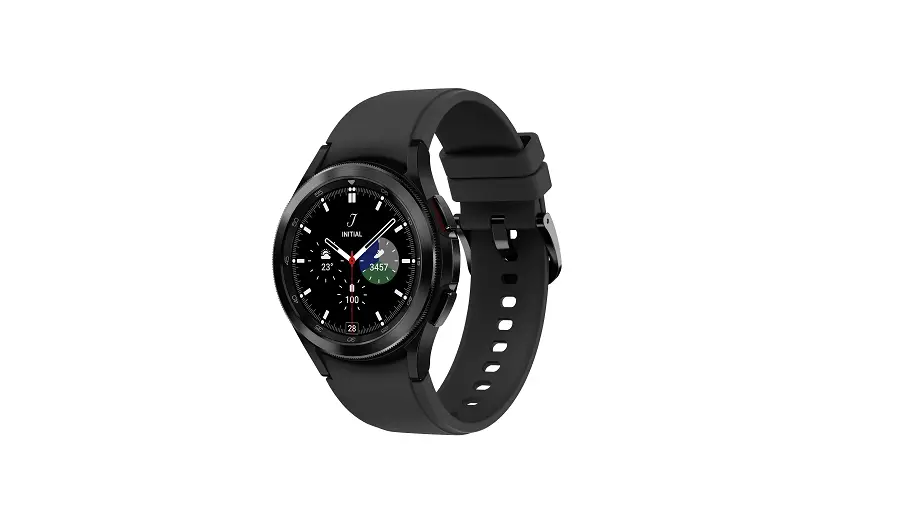
Samsung Galaxy Watch – Delete Paired Bluetooth® Connection
 From your Android™ smartphone or Apple® iPhone®, ensure your Galaxy Watch software is up to date as the steps below apply to the most recent version.
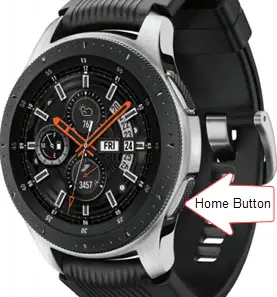
- From the watch screen, press the Home button to open the apps screen.

- Tap Settings
 .
. - Tap Connections.
- Tap Bluetooth.
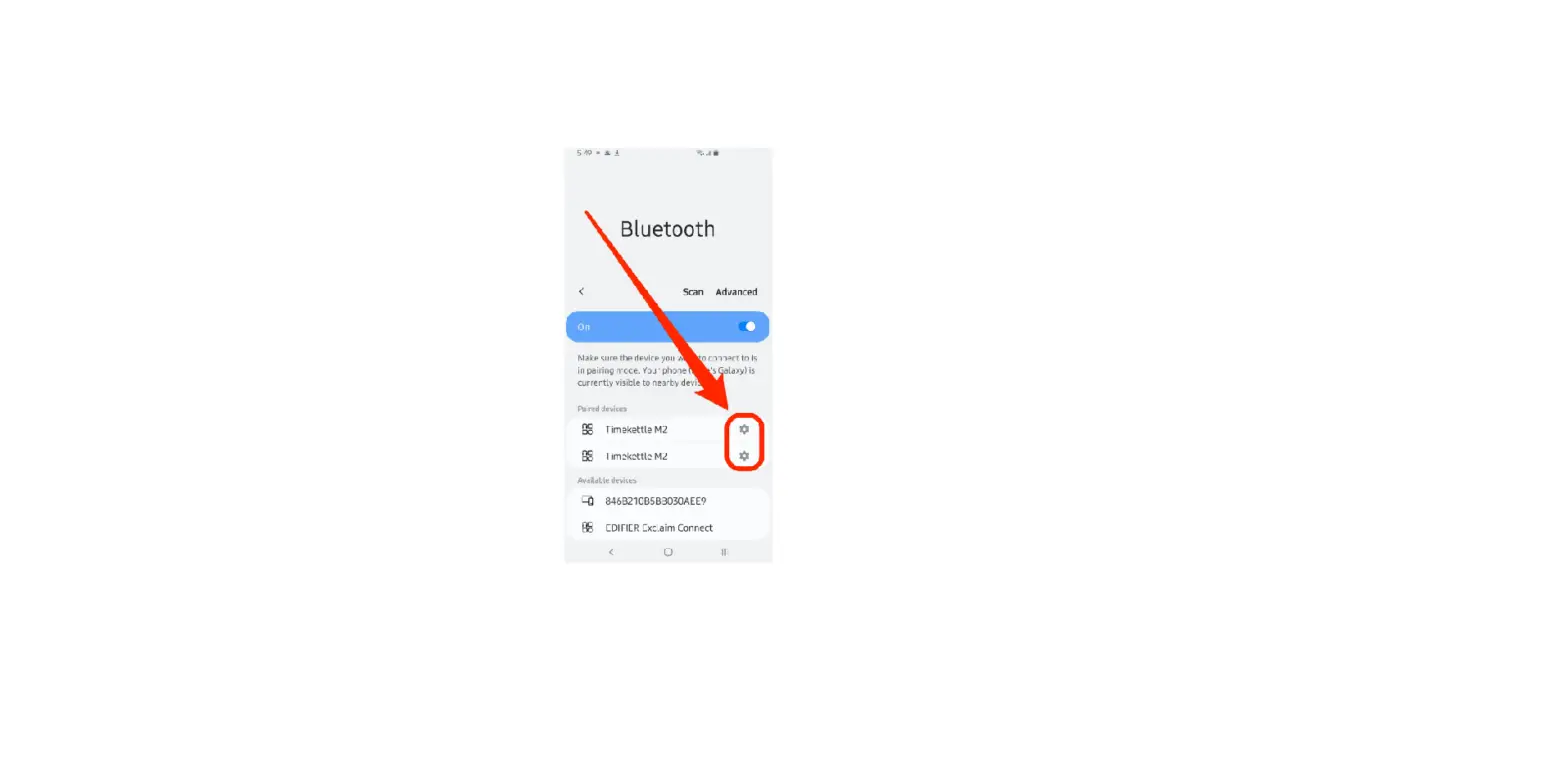
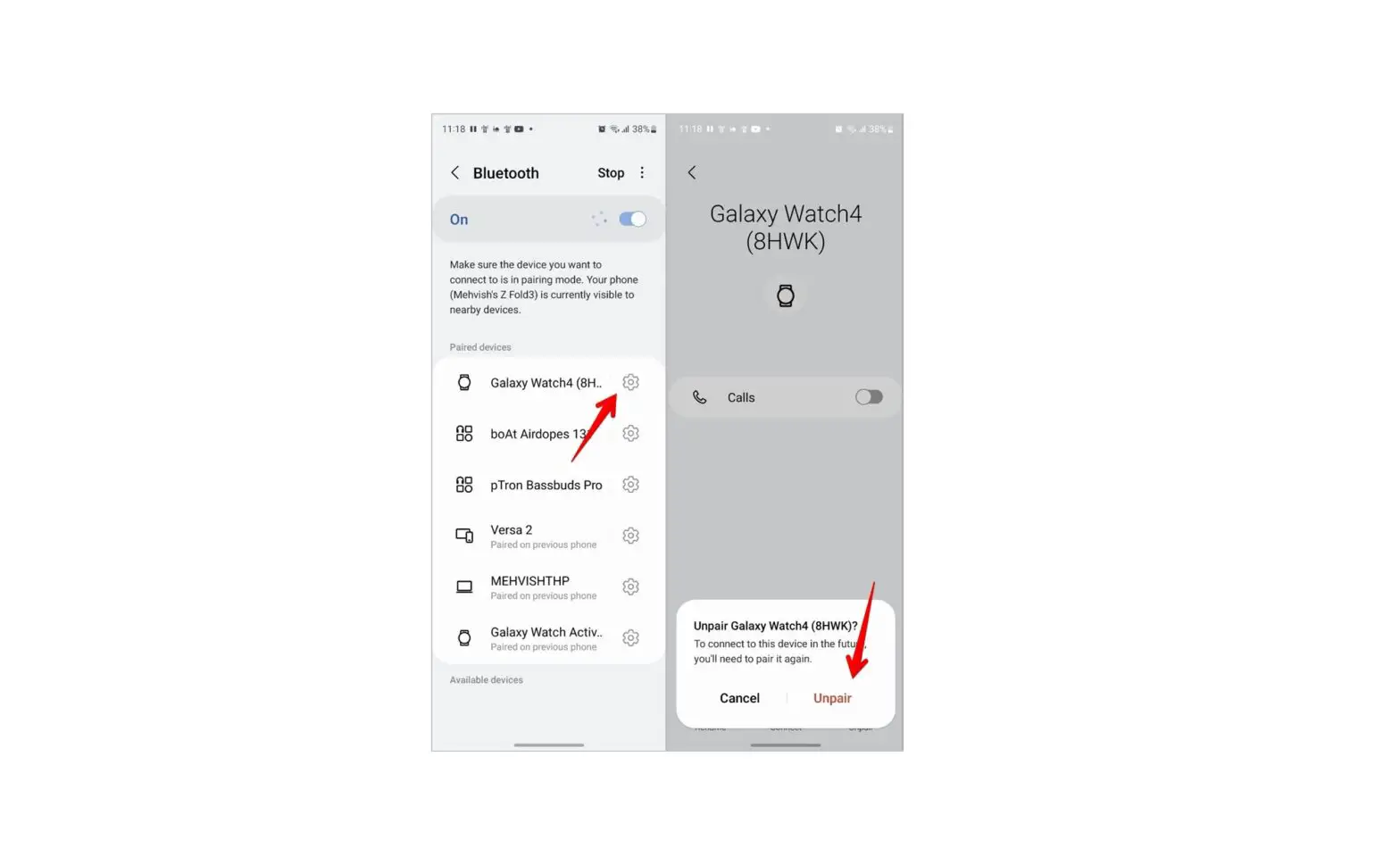
- Tap the applicable connection.
- Tap the Settings icon (on the right).
- Tap Unpair.
 .
. (on the right).