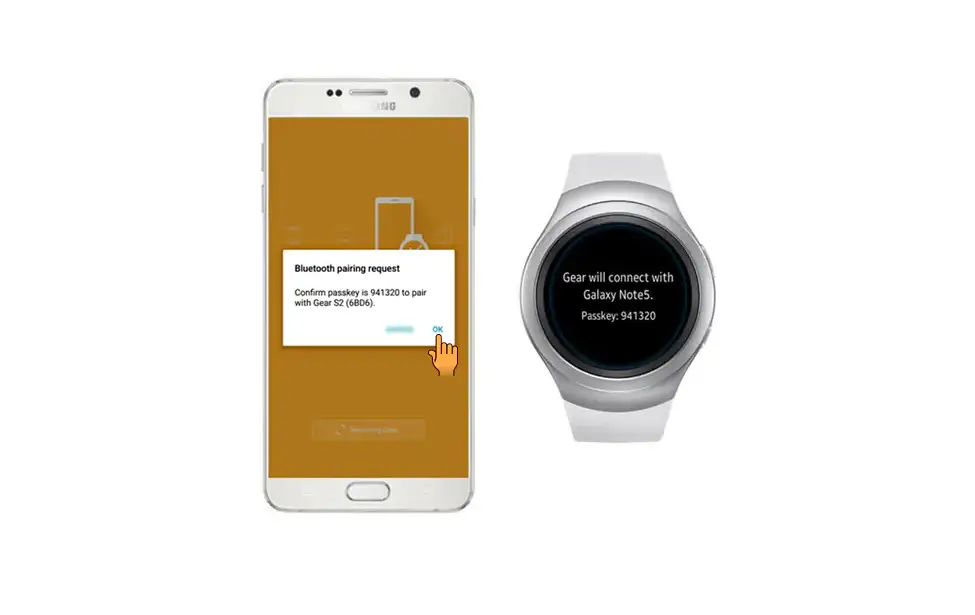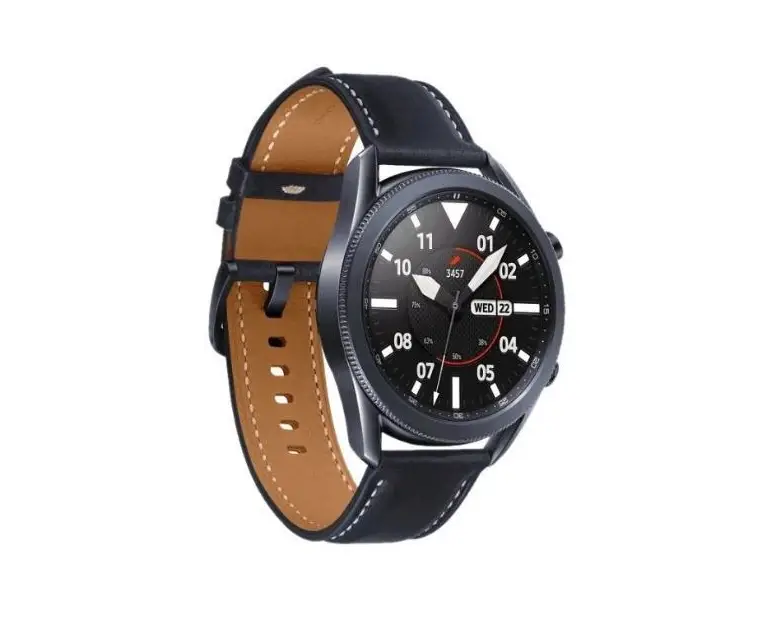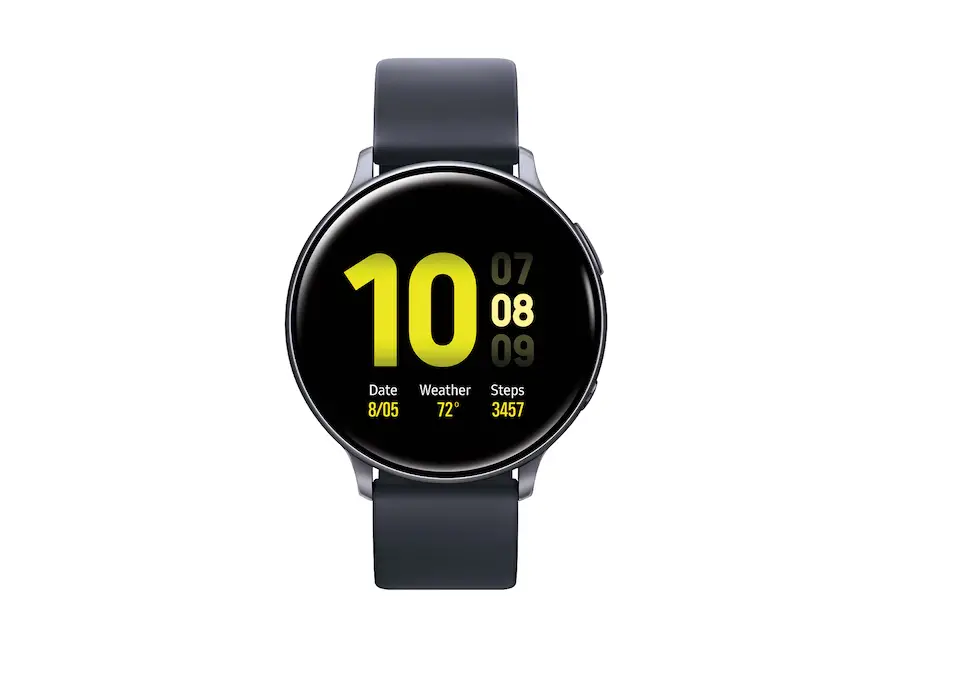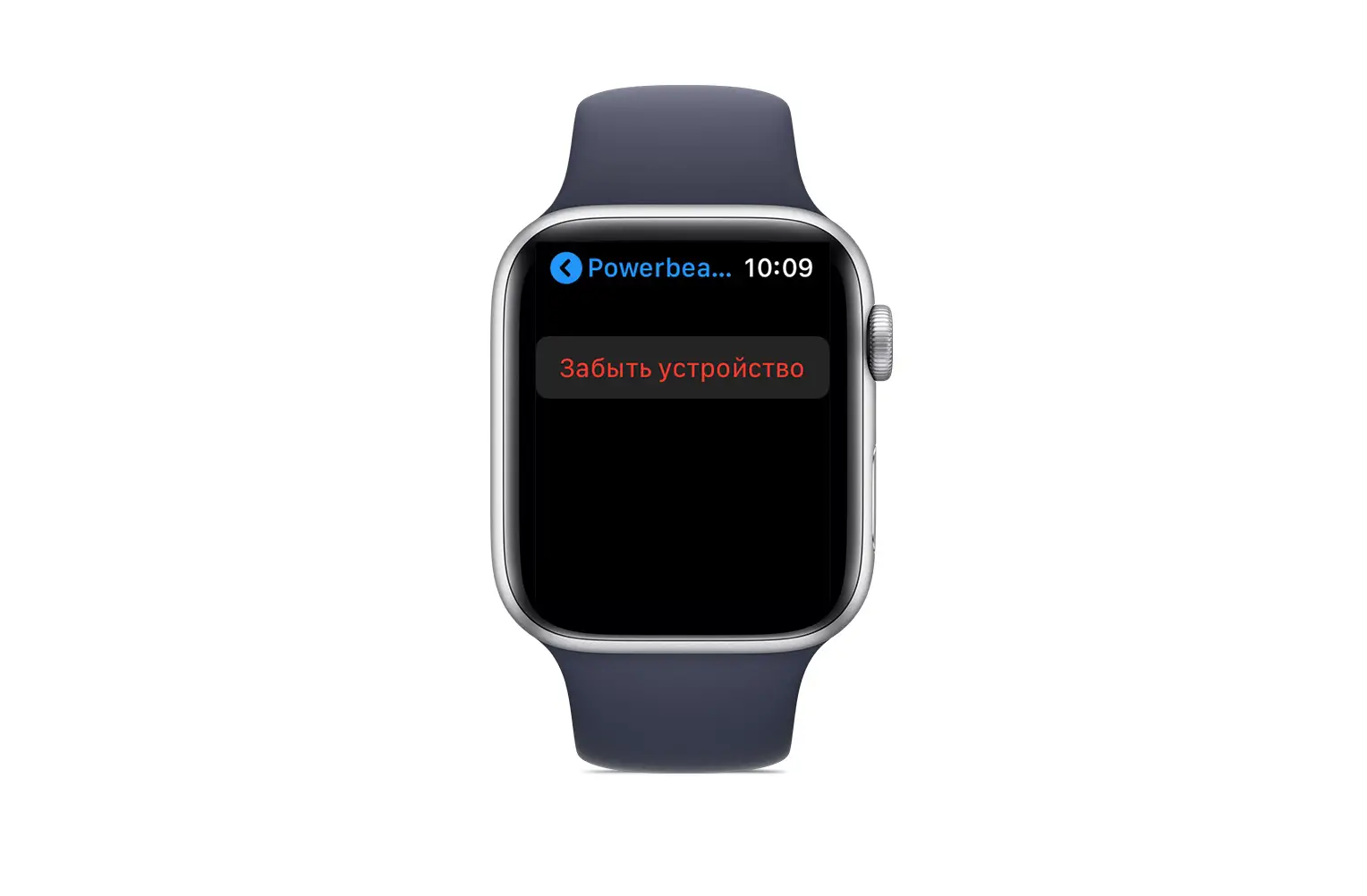
Delete Paired Bluetooth® Connection – Samsung Gear S
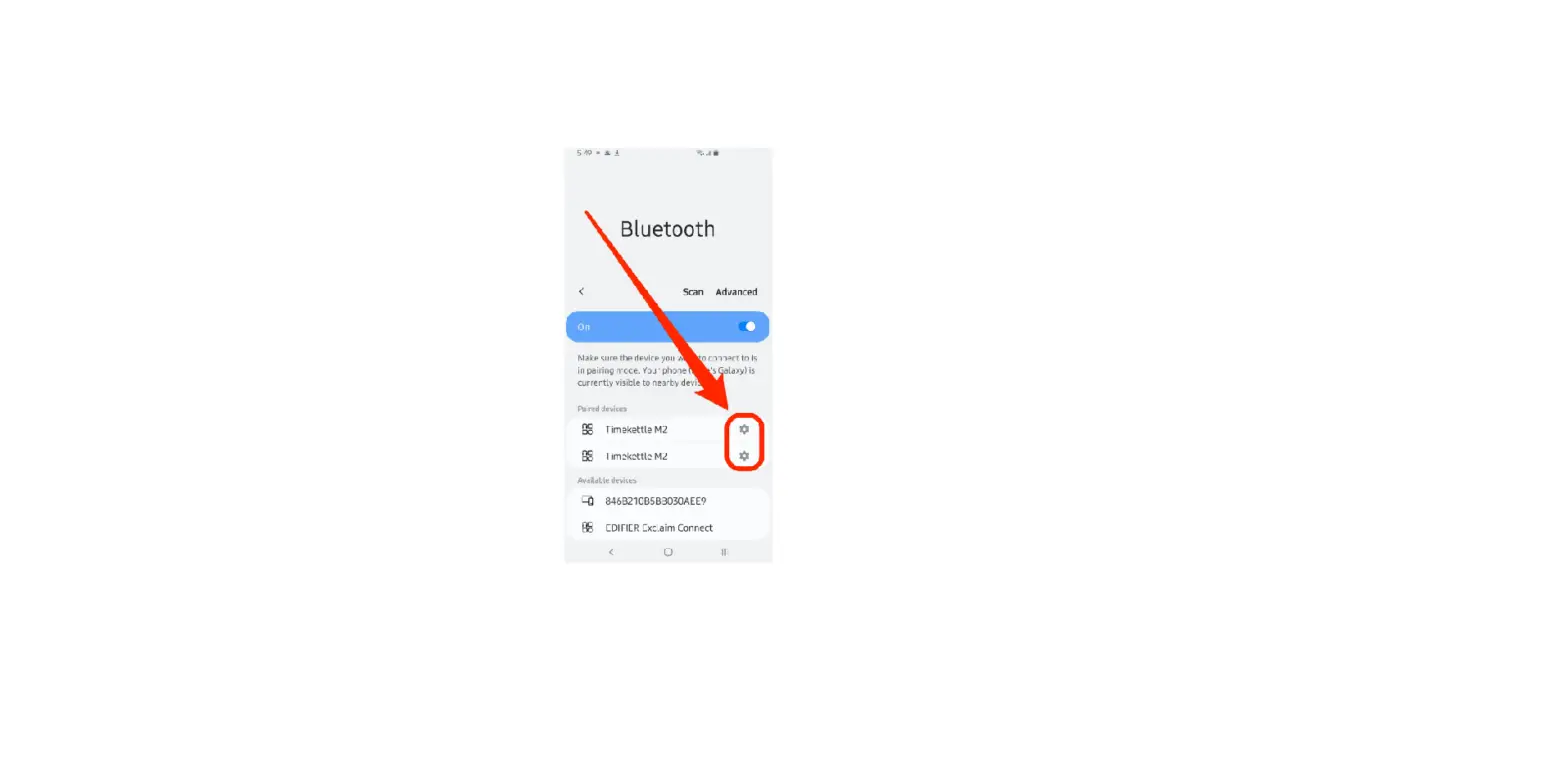
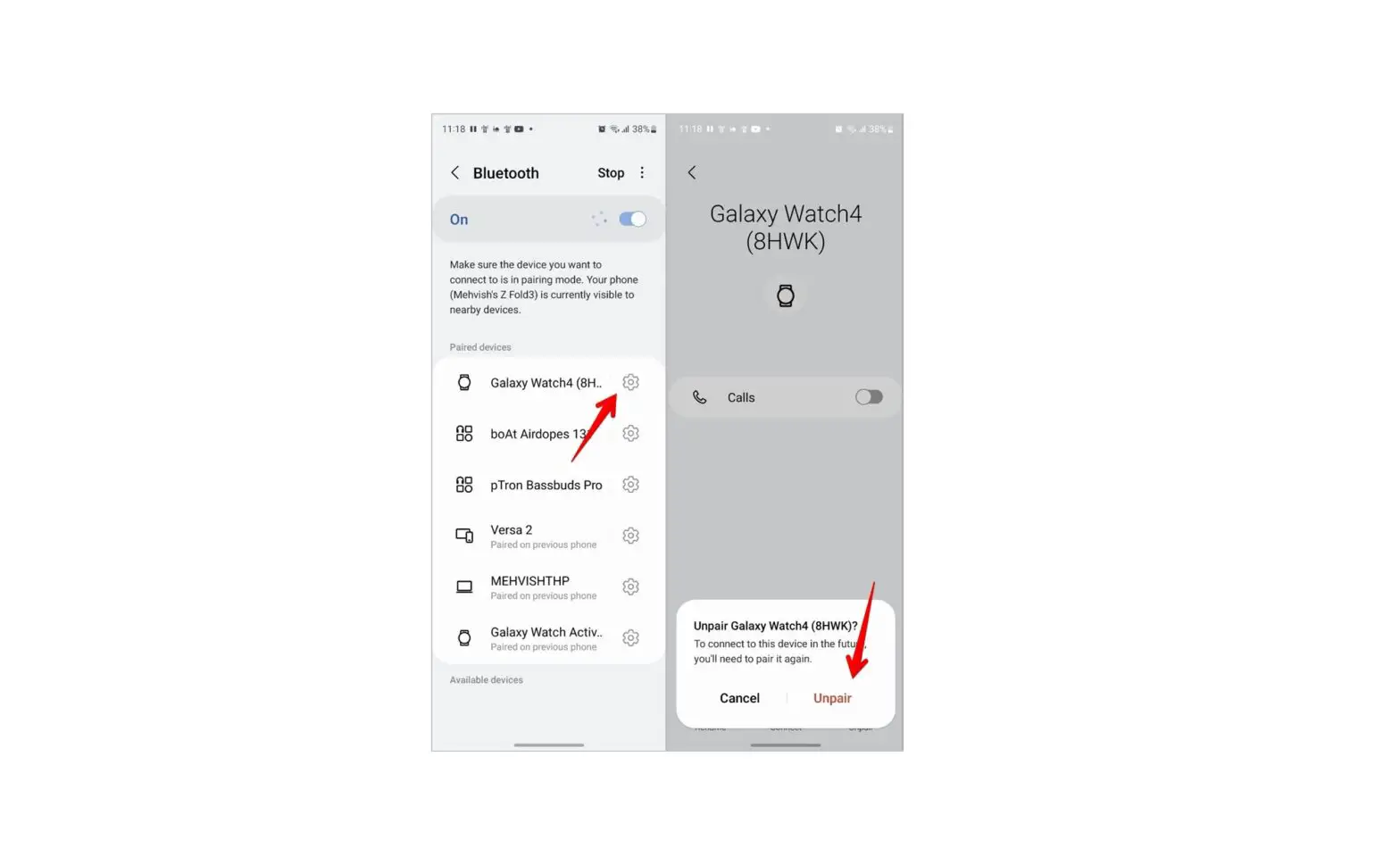
 This process also remove any downloaded apps from the watch. To prevent this, delete the Bluetooth connection from the phone settings instead.
- From an active Home screen, swipe left.
- Tap Settings.
- Tap Gear info.
- Tap Reset gear.
- Tap Light reset.
- At the Reset gear? prompt, read the warning concerning apps then press OK (checkmark located on the right).