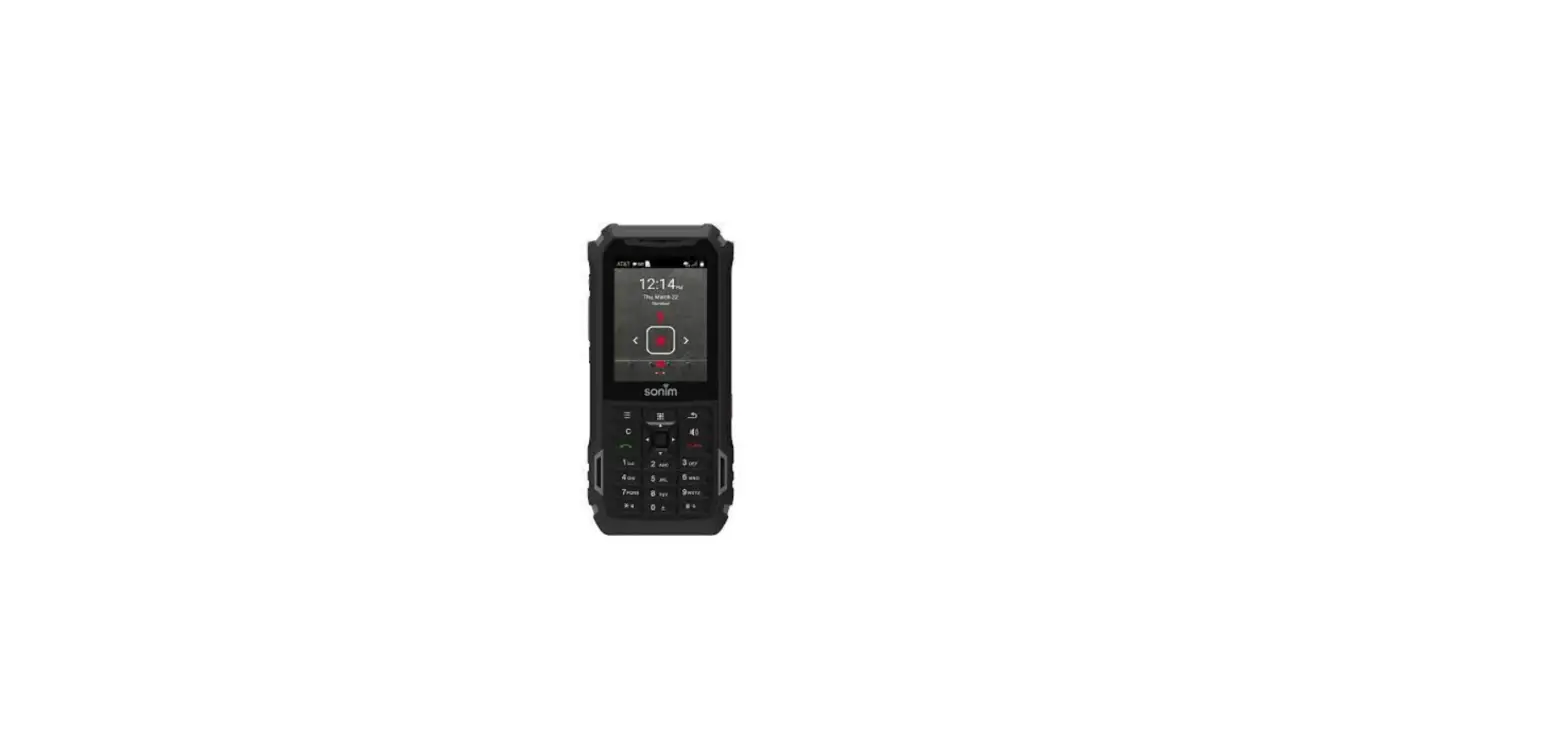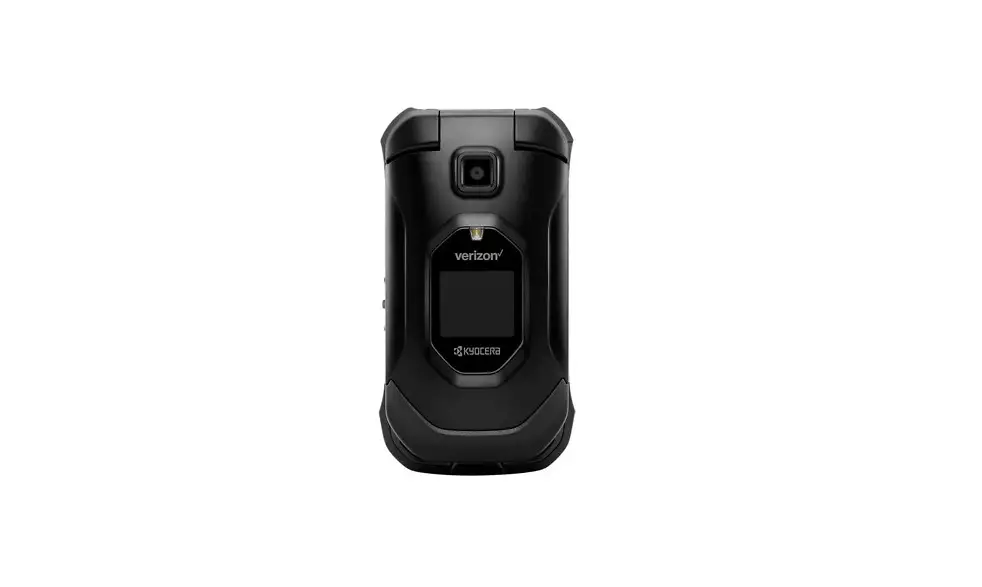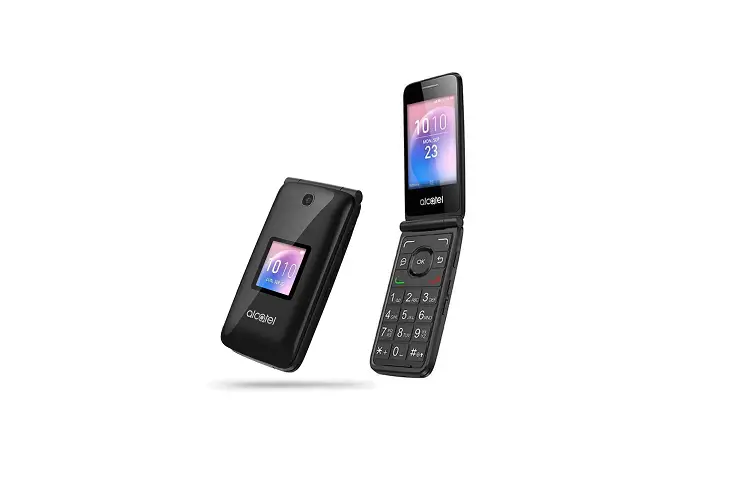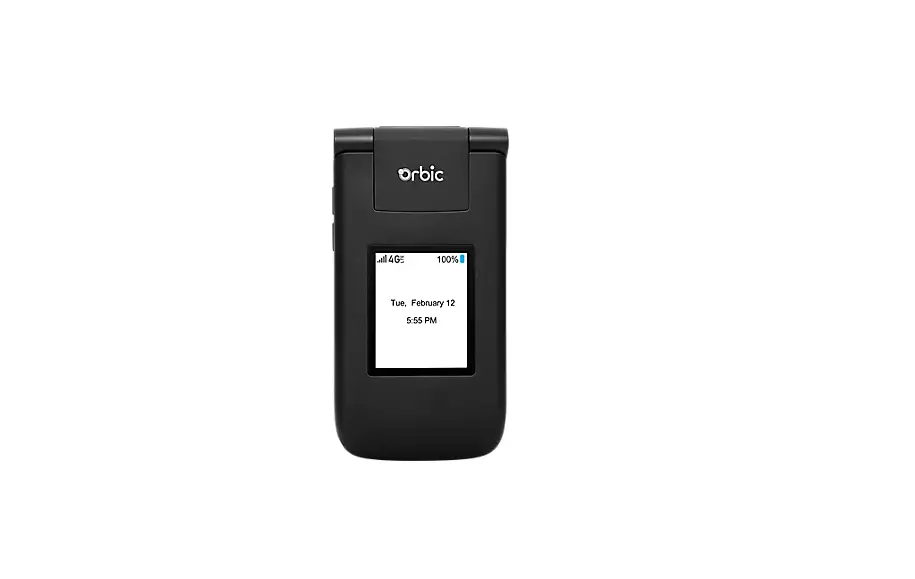
Delete Paired Bluetooth® Connection – Basic Phones
Non-Touch Screen
- From the main screen, select Menu.
- Select Settings and Tools (Settings).
- Select Bluetooth Menu (Bluetooth).
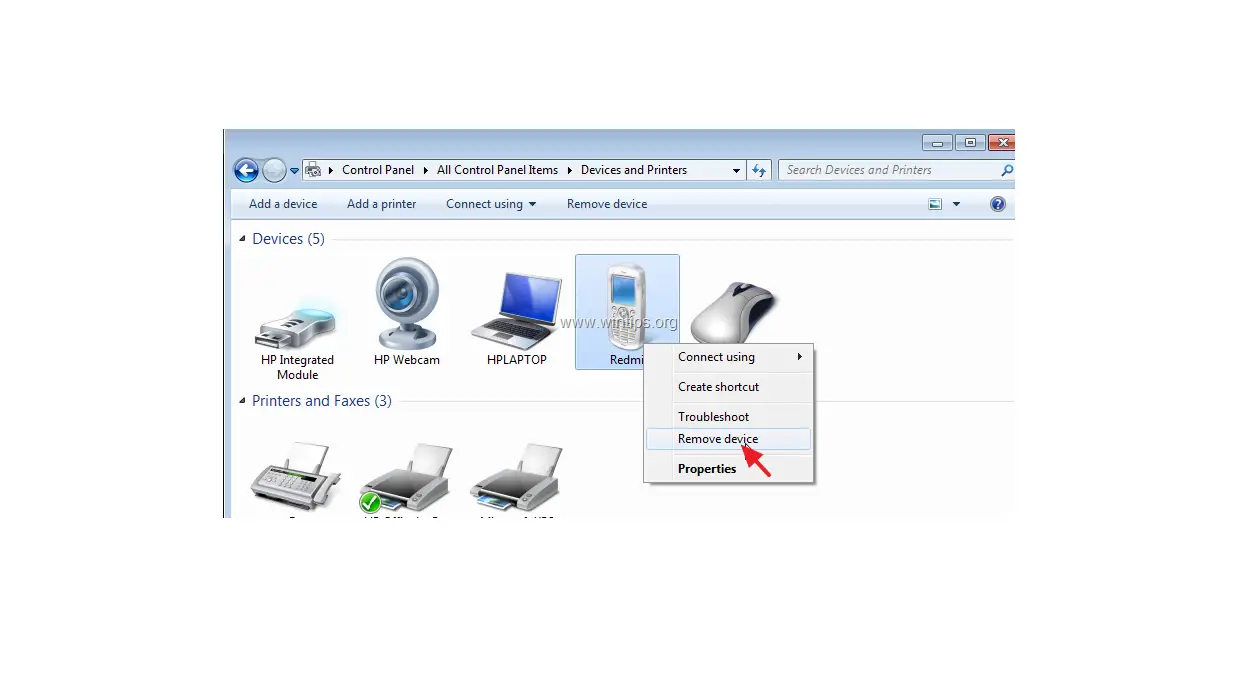
- Select a device then select Options.
- Select Remove Device.
- Select Yes.
Touch Screen
- From the main screen, when available, tap Menu.
- Tap Settings.
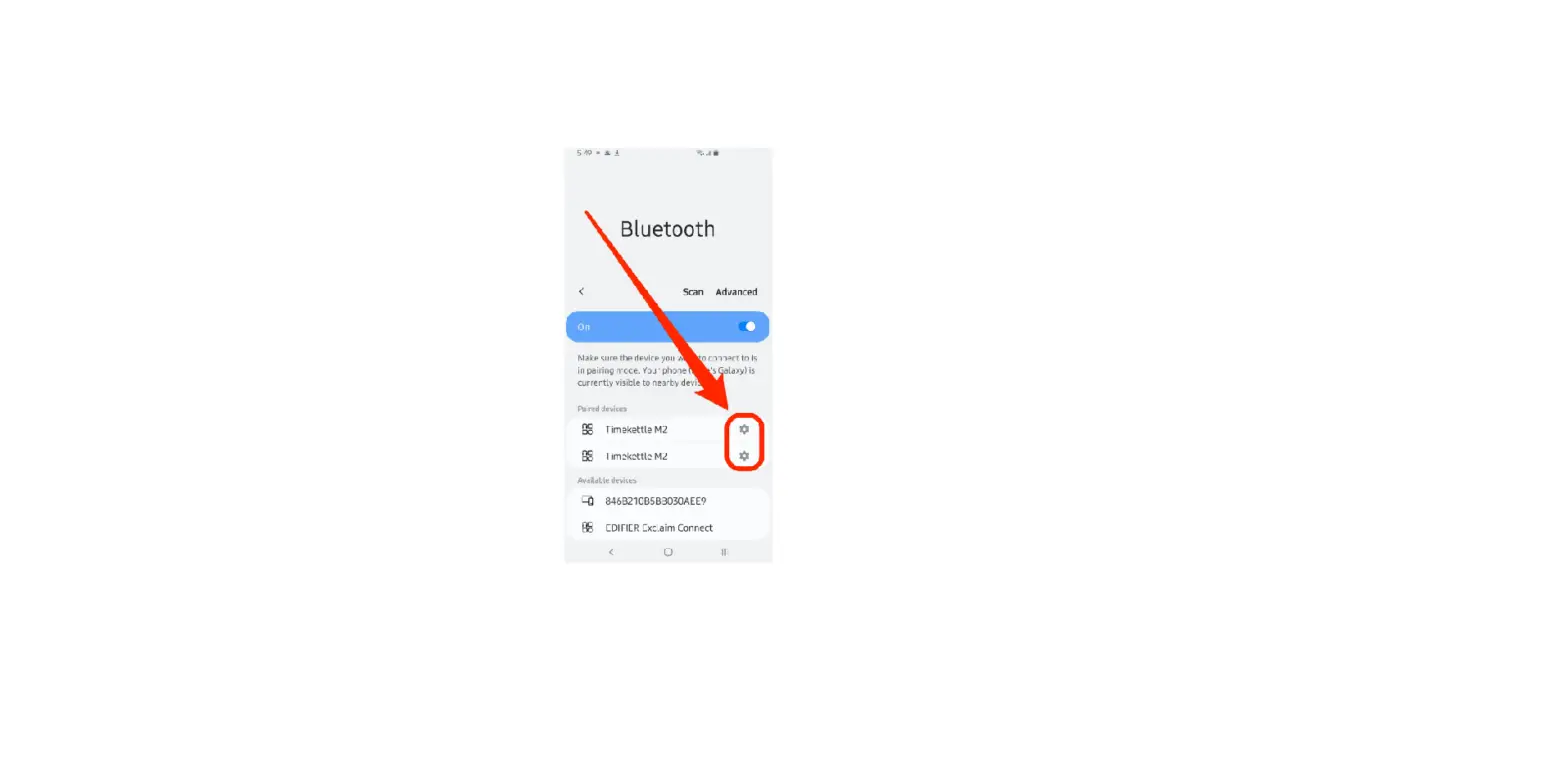
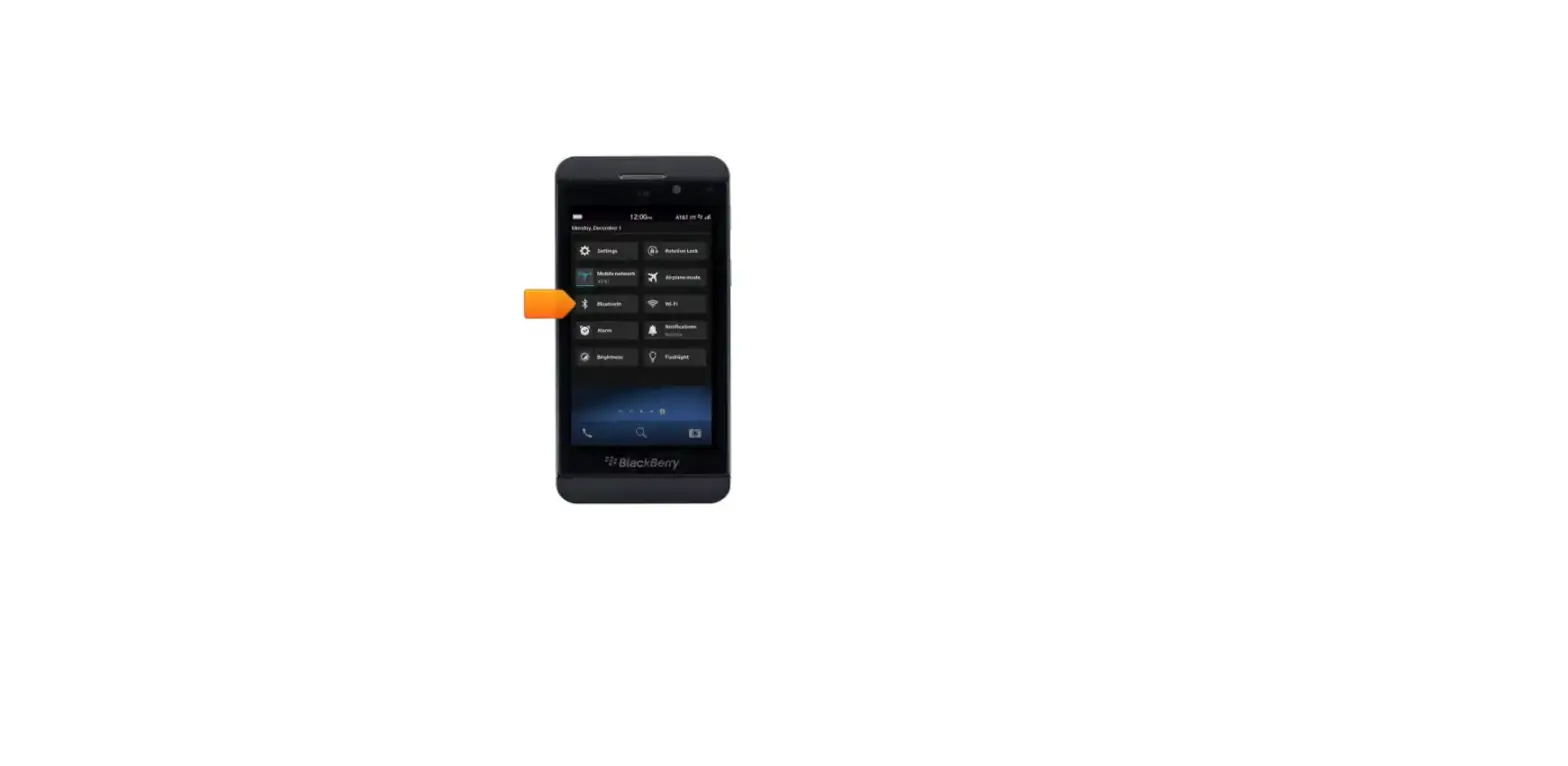
- Tap Bluetooth Menu (Bluetooth Settings).
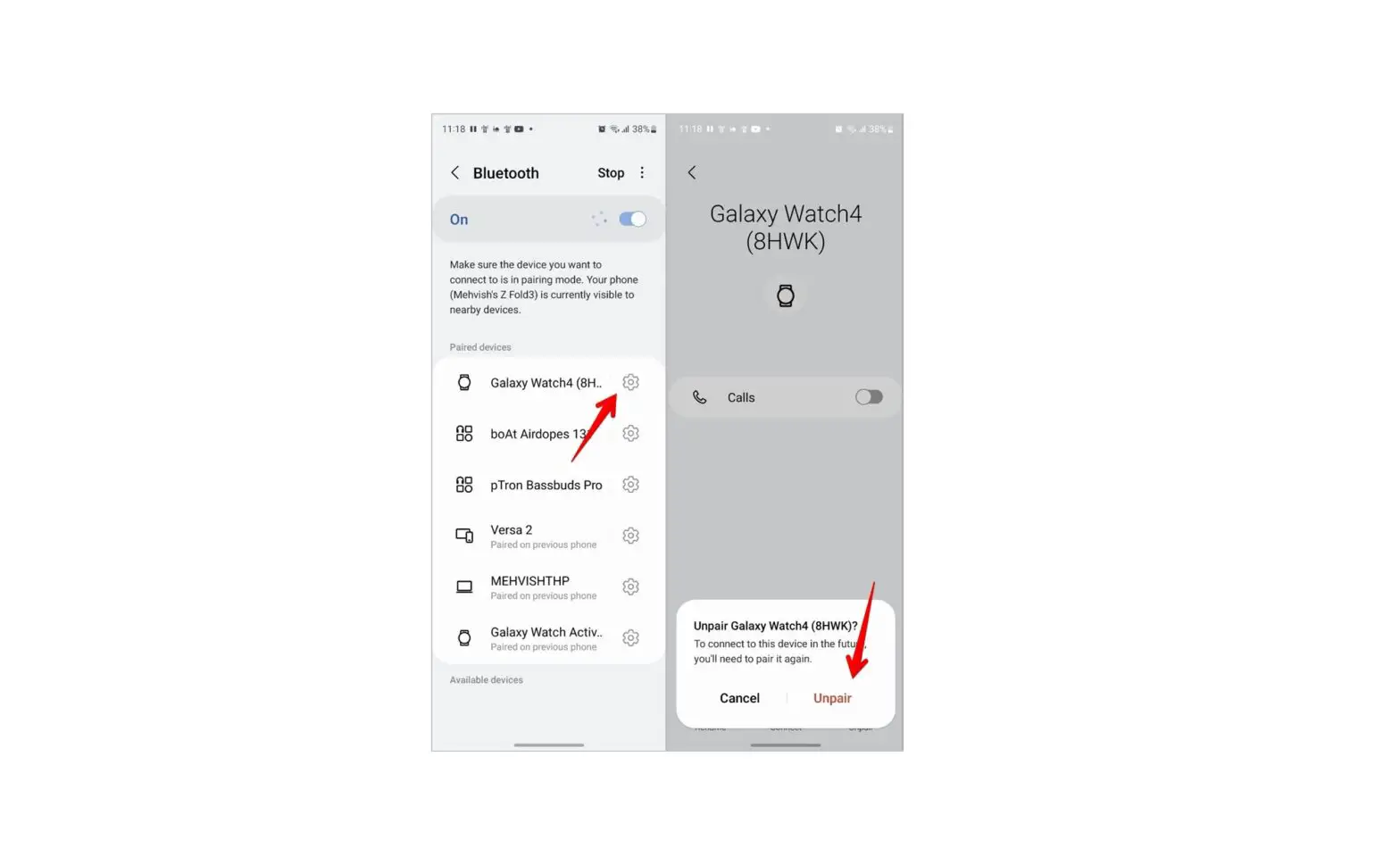
- Next to the device, tap the Settings icon.
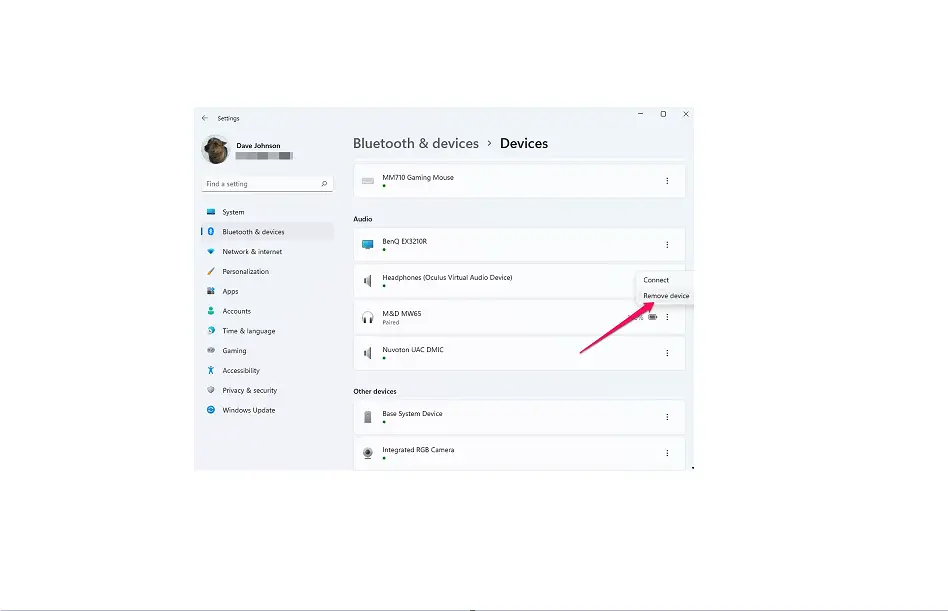
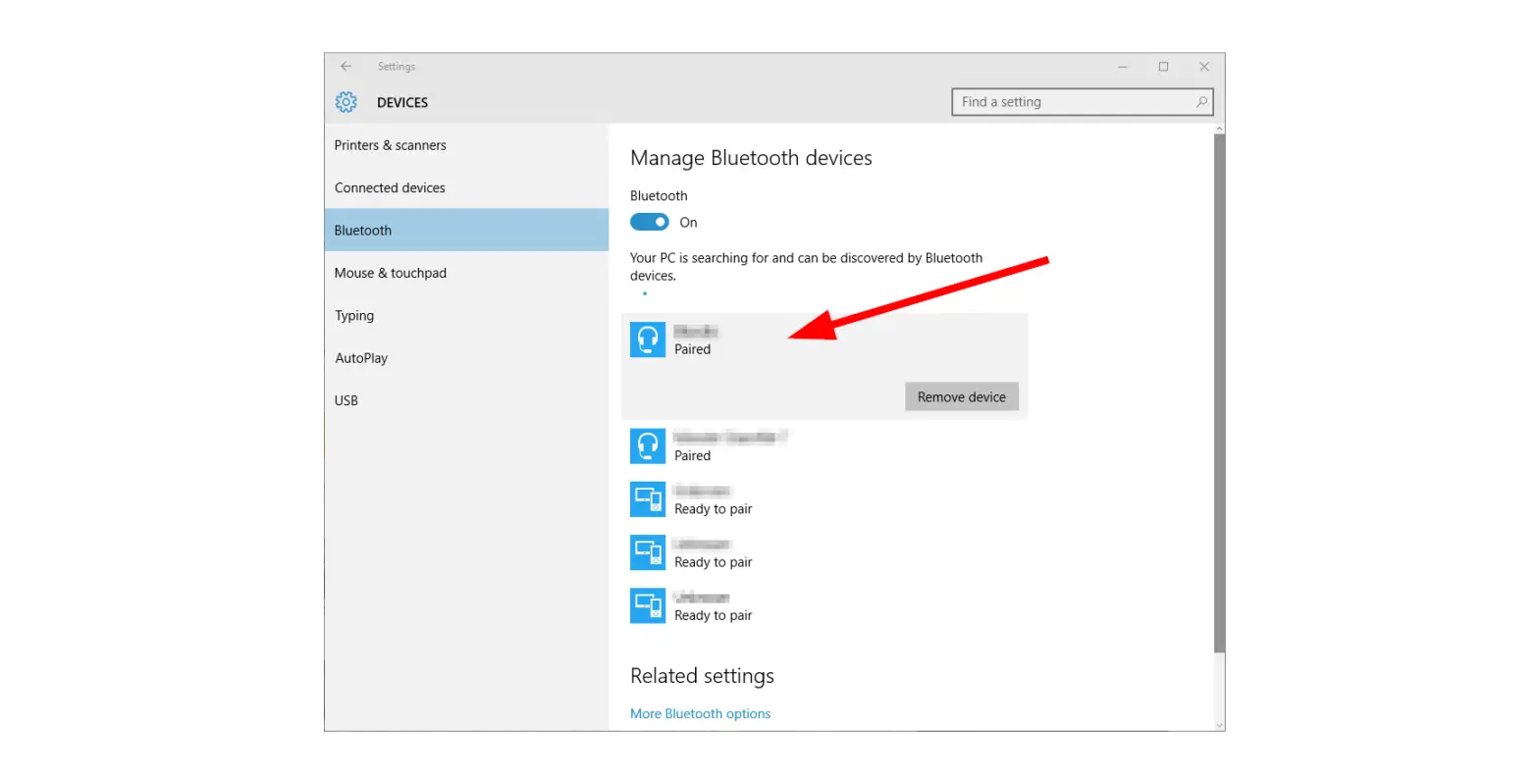
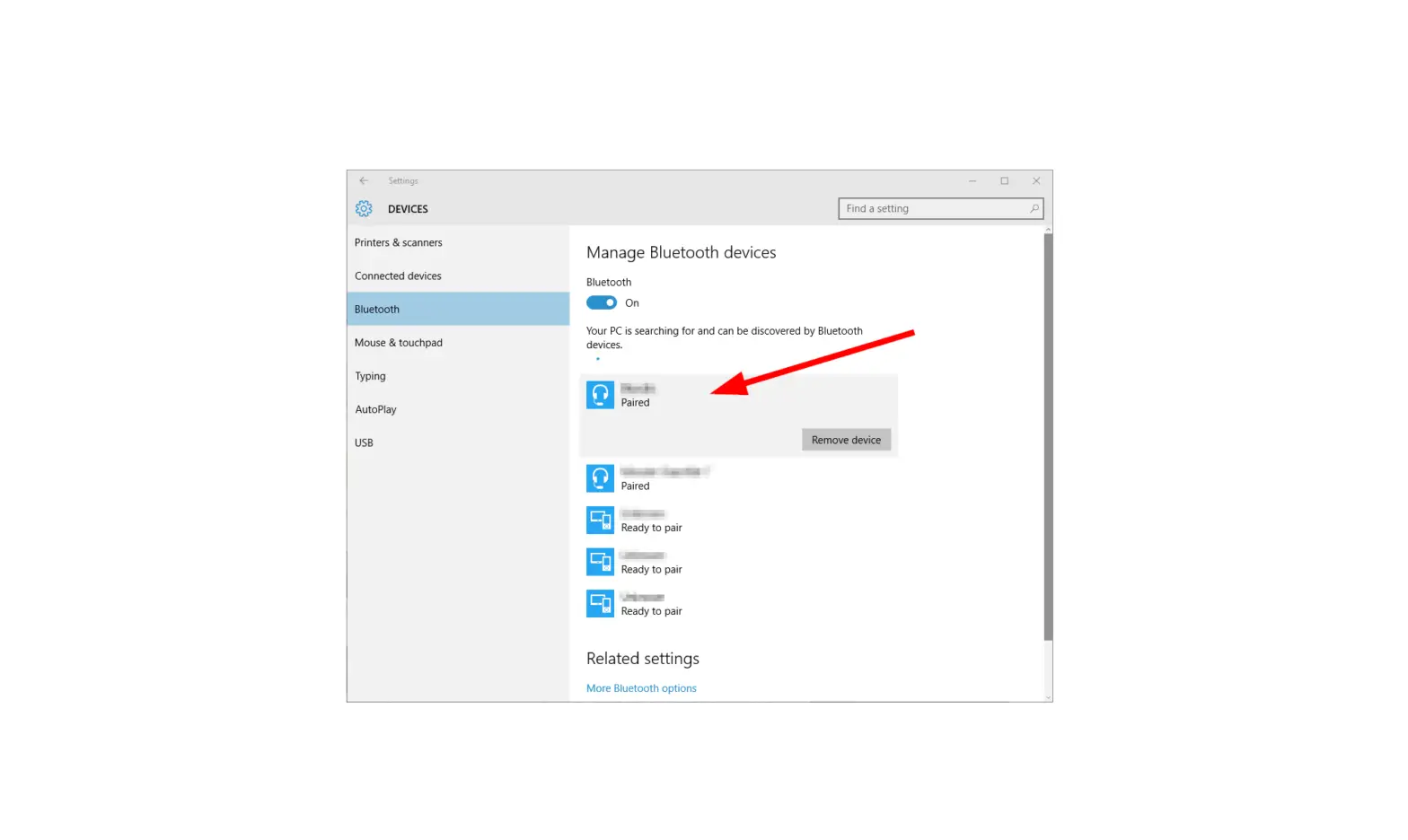
- Tap Remove Device.
- Tap Yes.