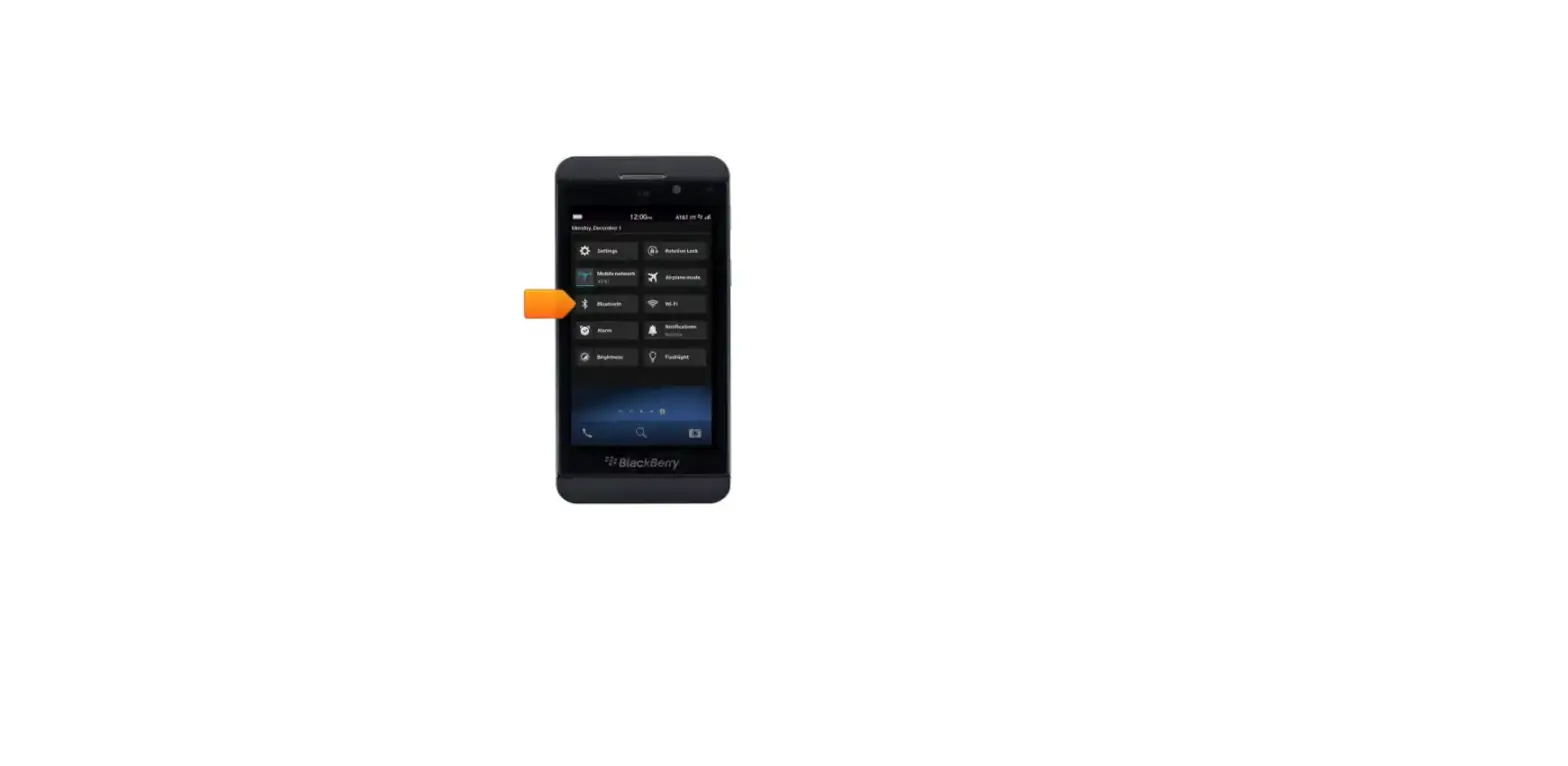
Delete a Paired Bluetooth® Device – BlackBerry®
- From the Home screen, select OPTIONS.
 If using the 7130e, select SETTINGS > OPTIONS. Utilize the trackwheel/trackball to highlight then press it to select.
 - Select BLUETOOTH.
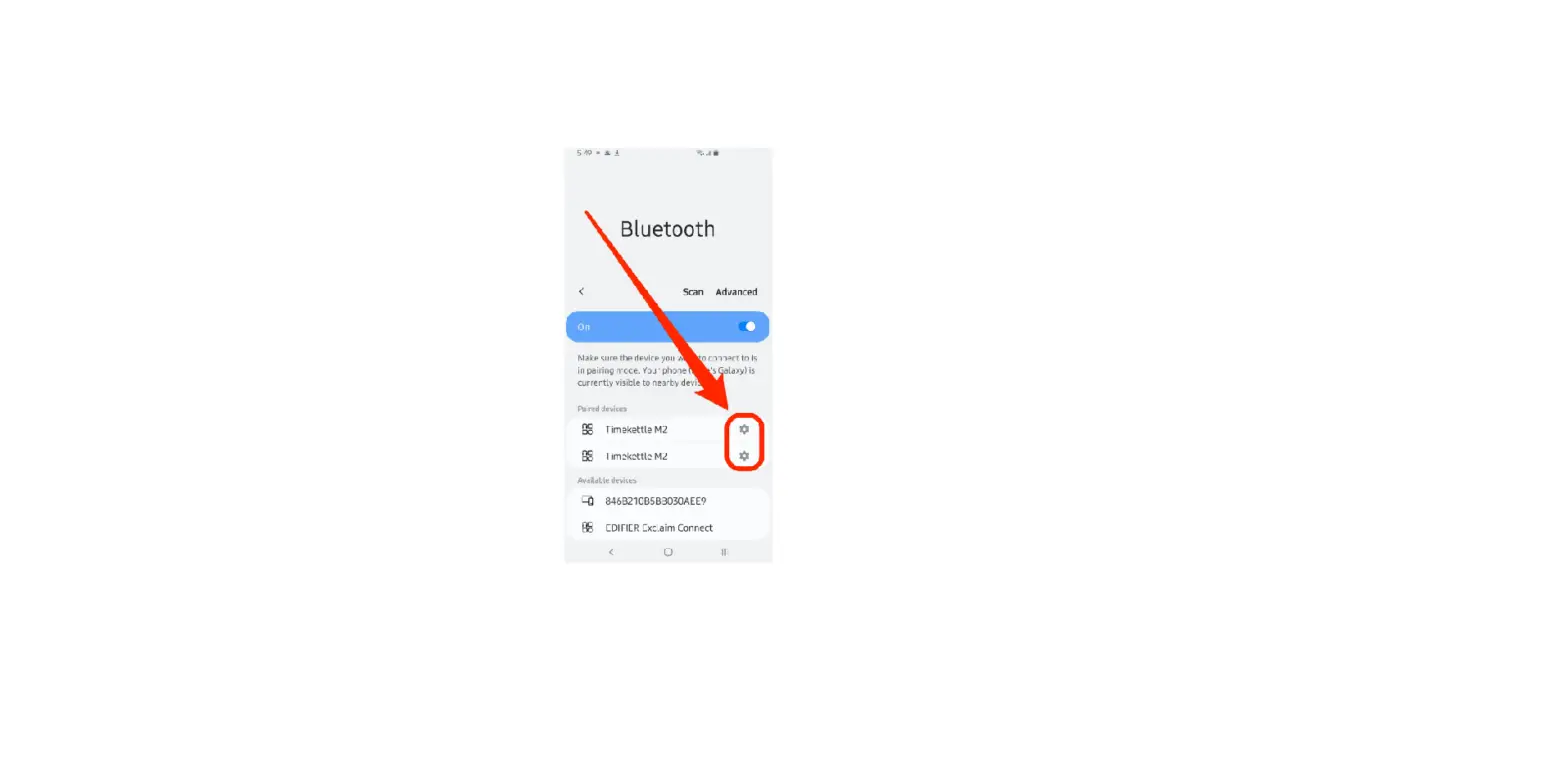
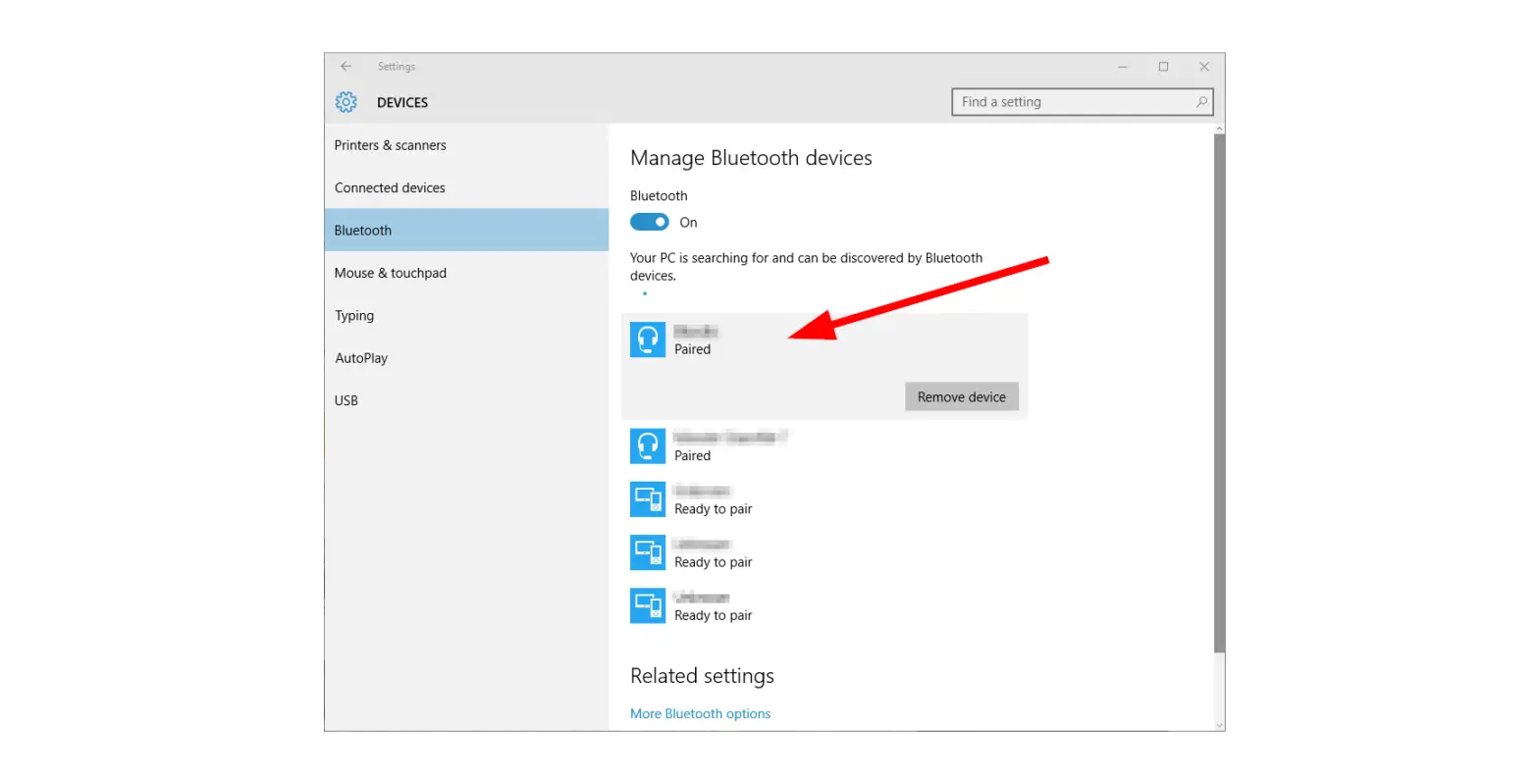
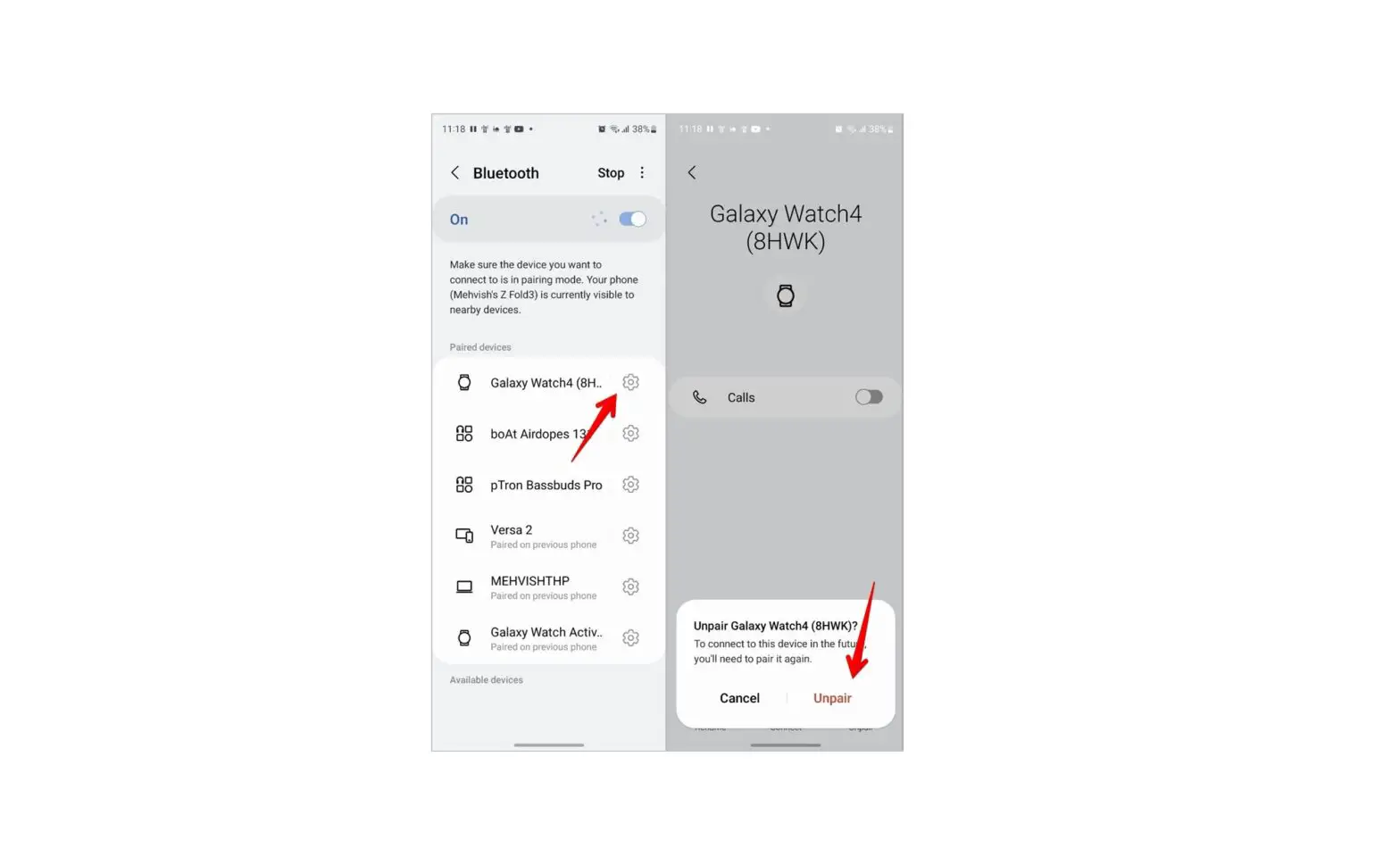
- Scroll to the desired Paired Device.
- Press in the trackwheel/trackball to open the menu list.
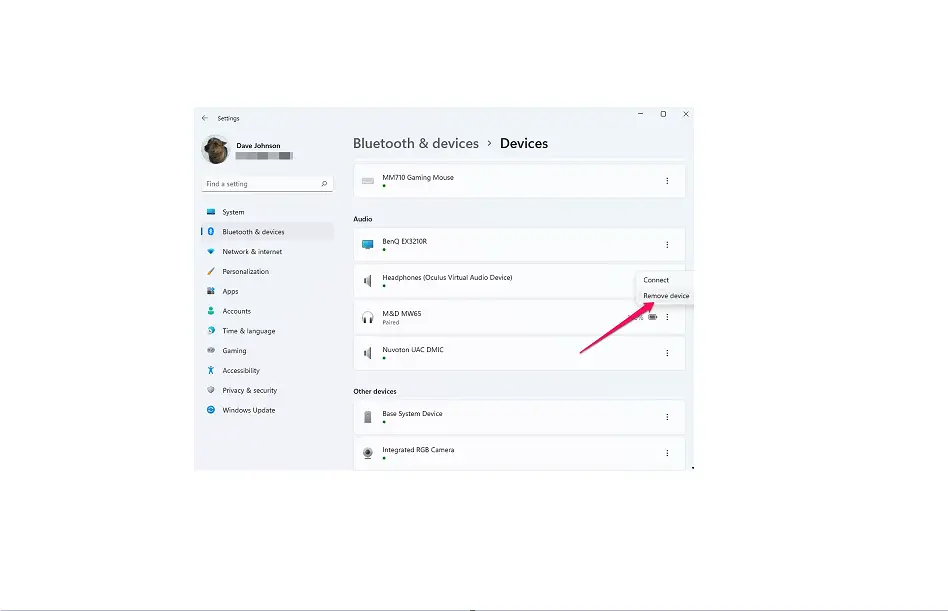
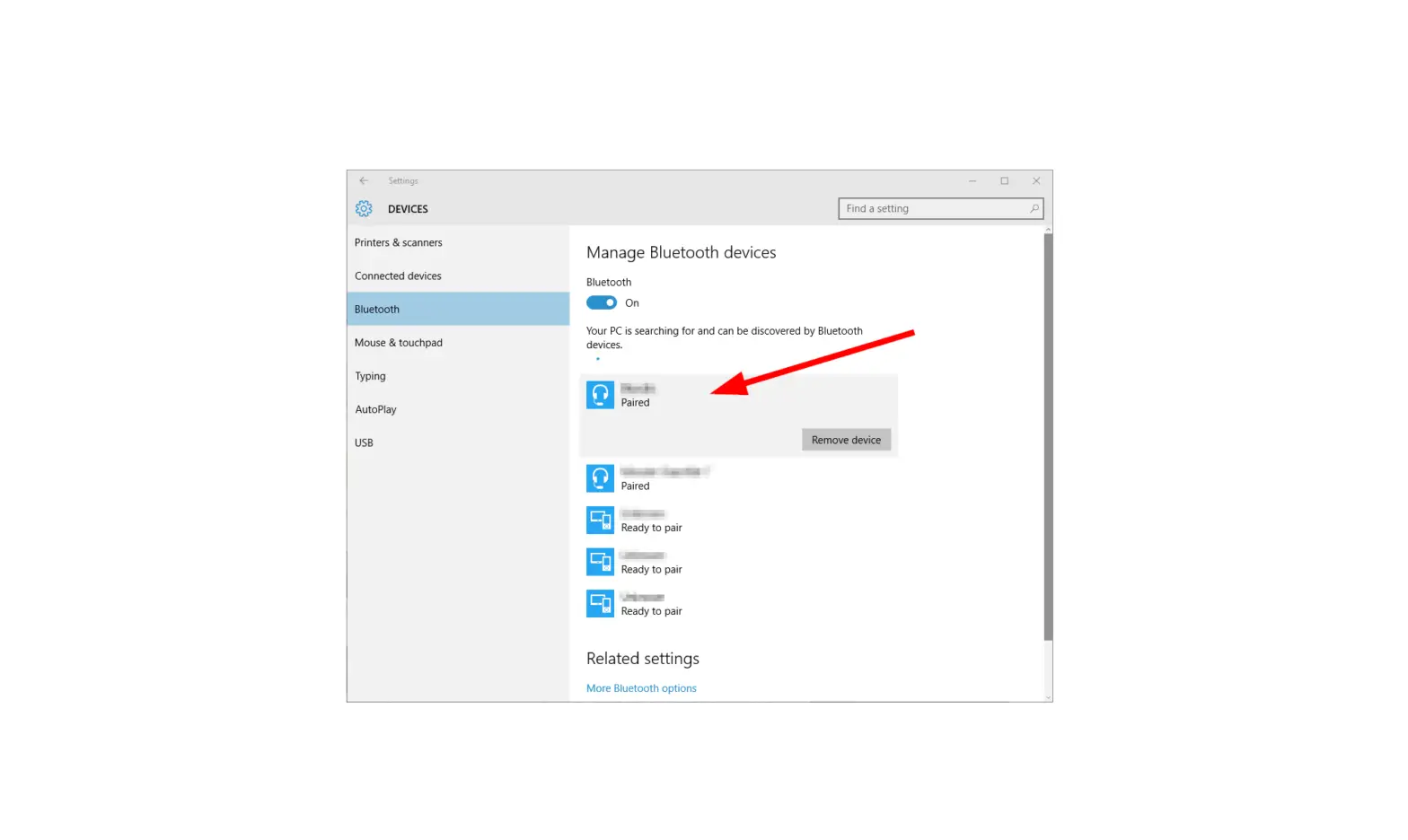
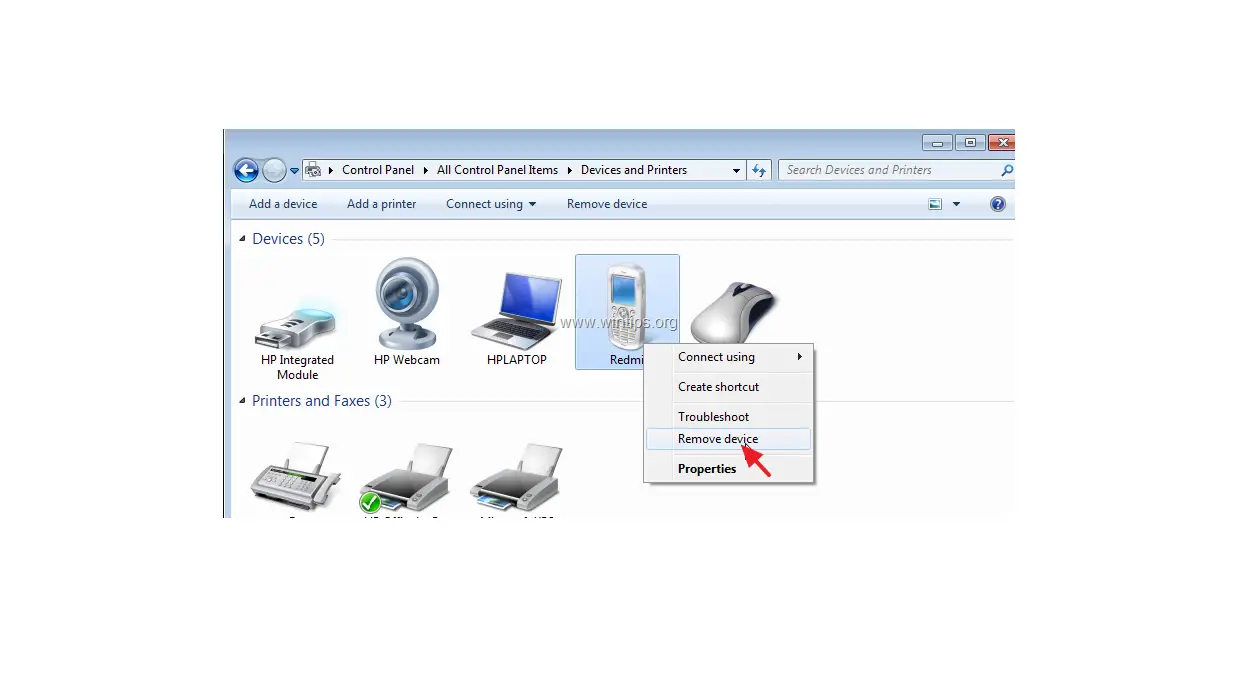
- Select Delete Device.
- Select Delete.
 If using the 7130e, select SETTINGS > OPTIONS.