Delete Paired Bluetooth® Connection – Android™
- From a Home screen, do one of the following:
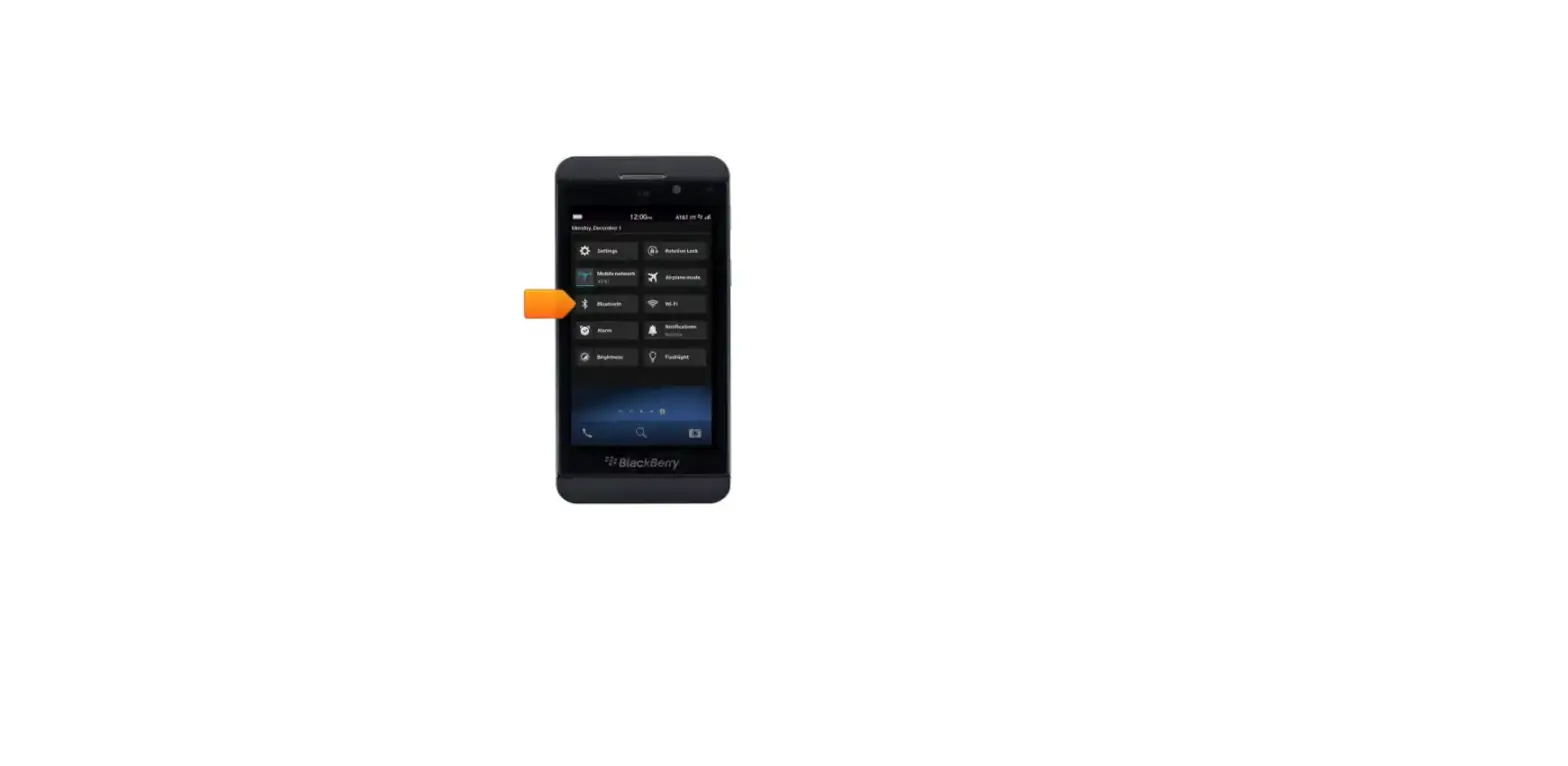
 Ensure Bluetooth is turned on.
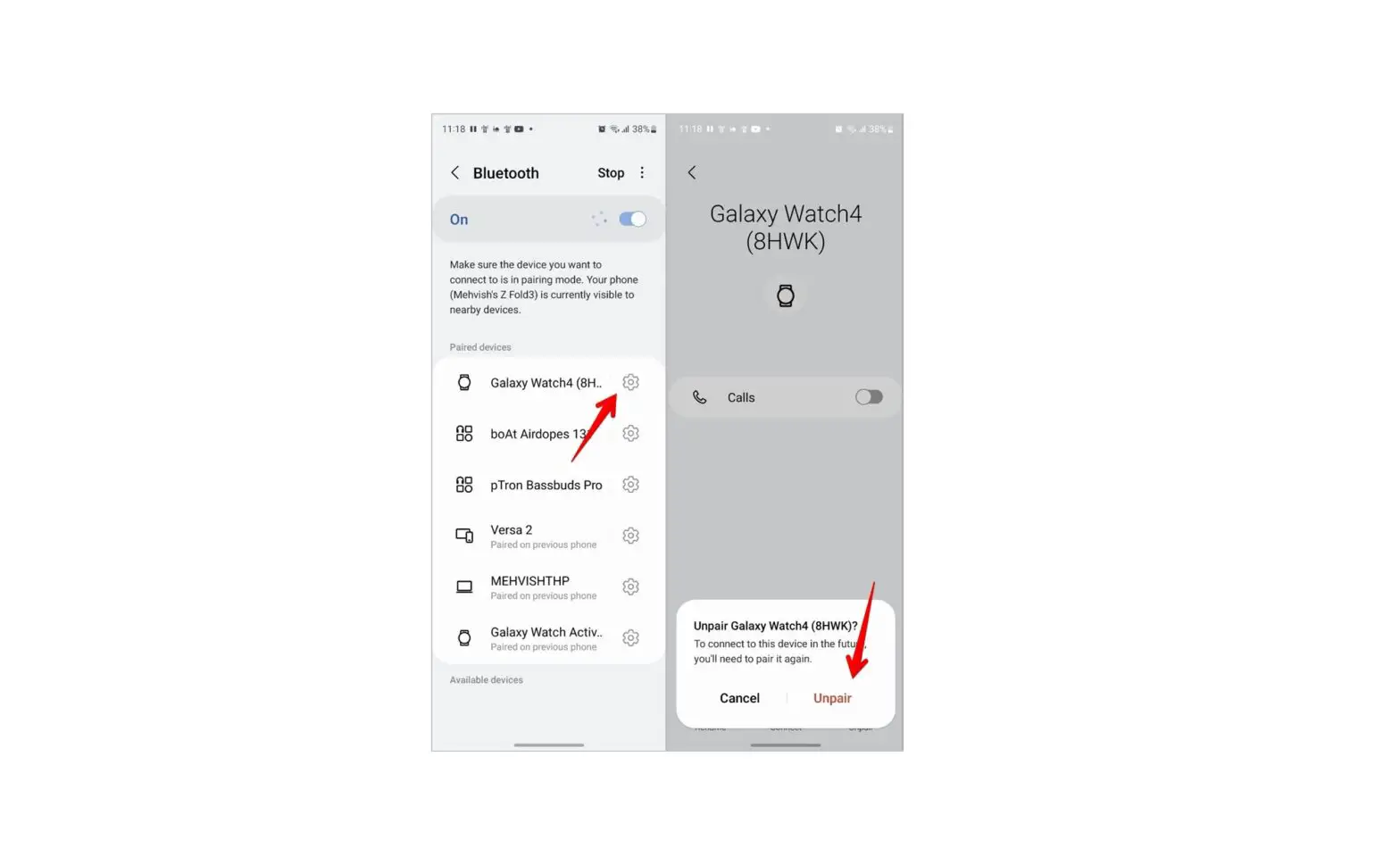
- Navigate: Settings > Connected devices > Connection preferences > Bluetooth.
- Navigate: Settings > Connected devices. If necessary, tap Bluetooth.
- Navigate: Settings > Bluetooth.
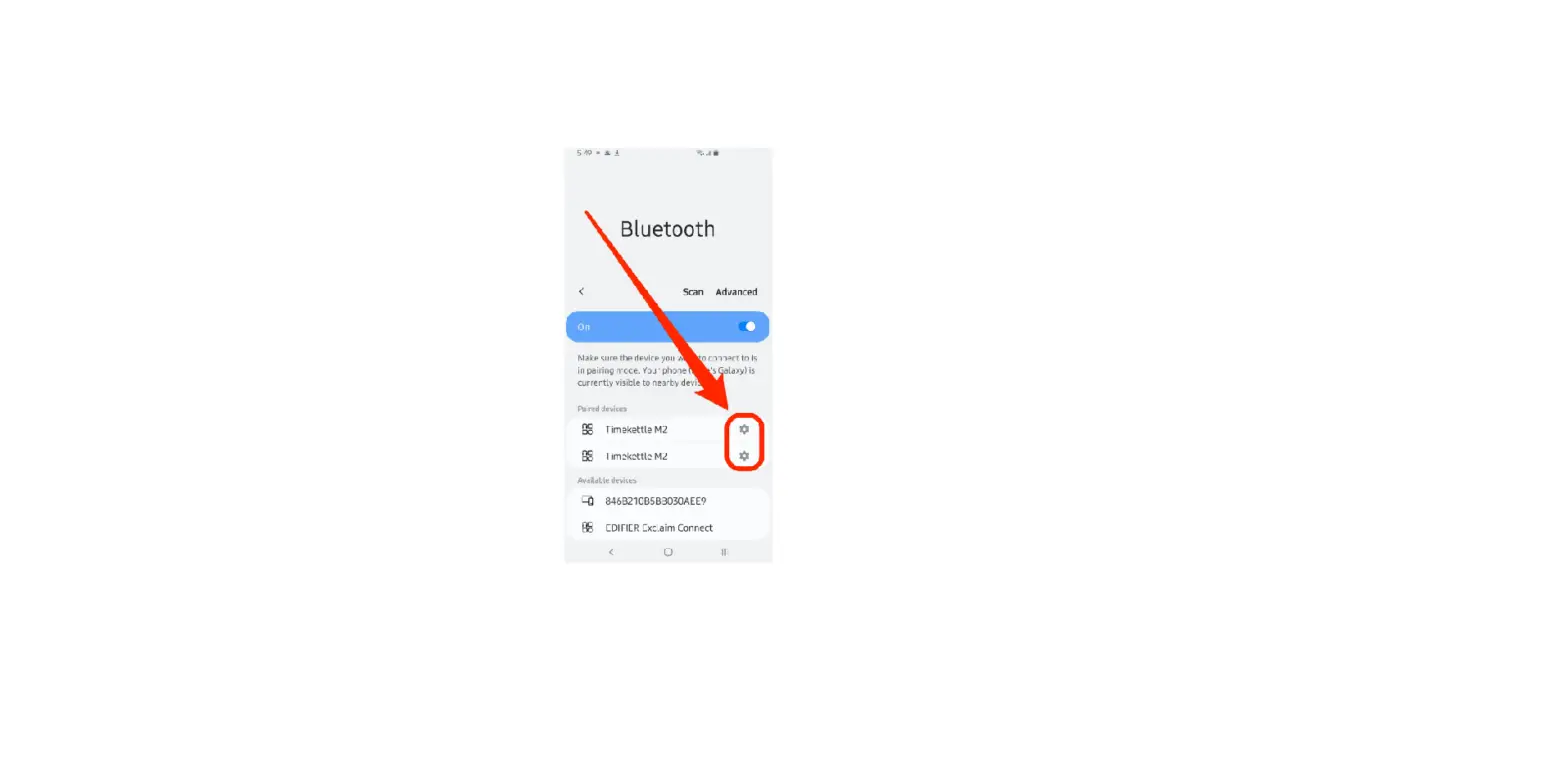
- Tap the appropriate device name or the Settings icon
 (right).
 - Tap ‘Forget’ or ‘Unpair’.
 Ensure Bluetooth is turned on.
 (right).