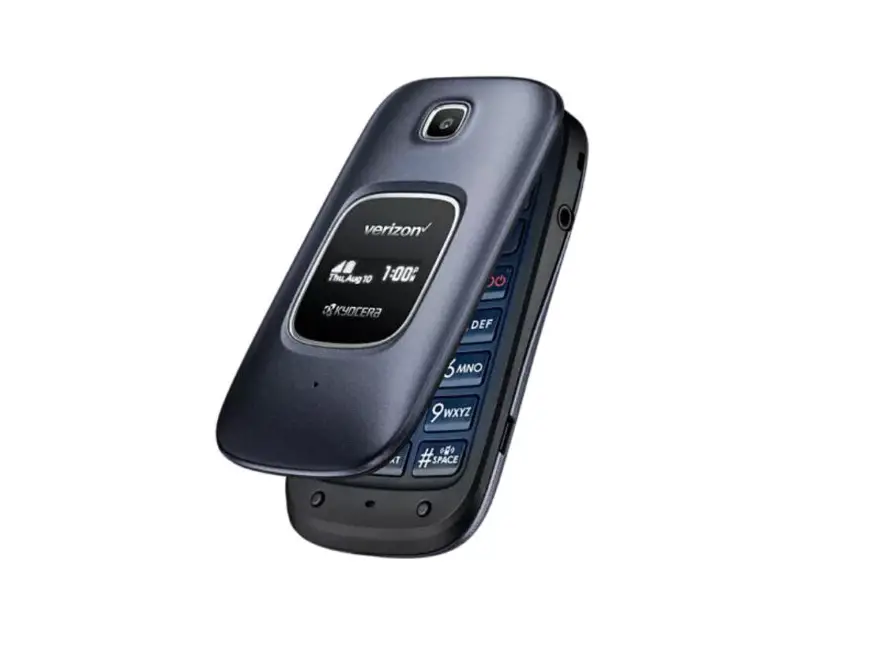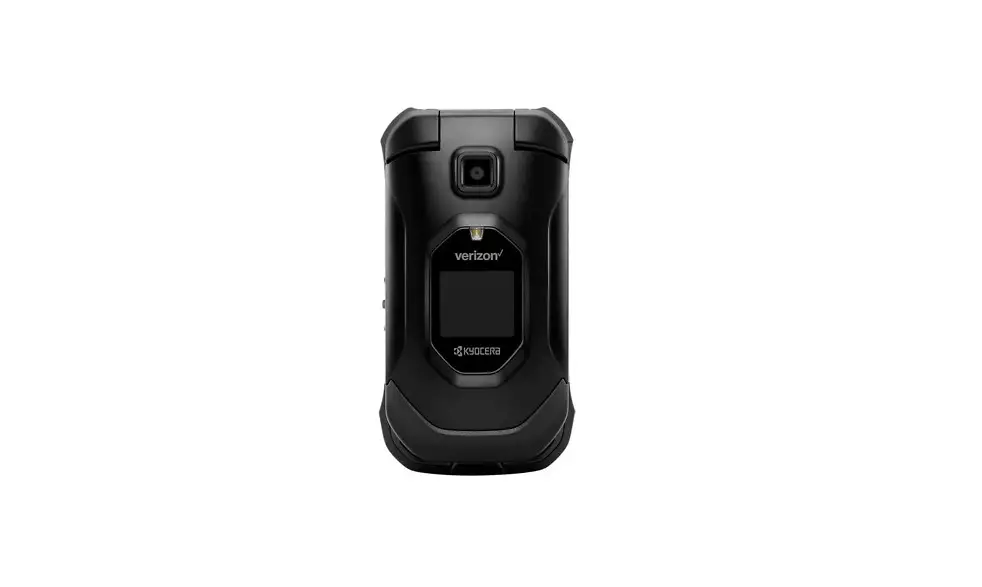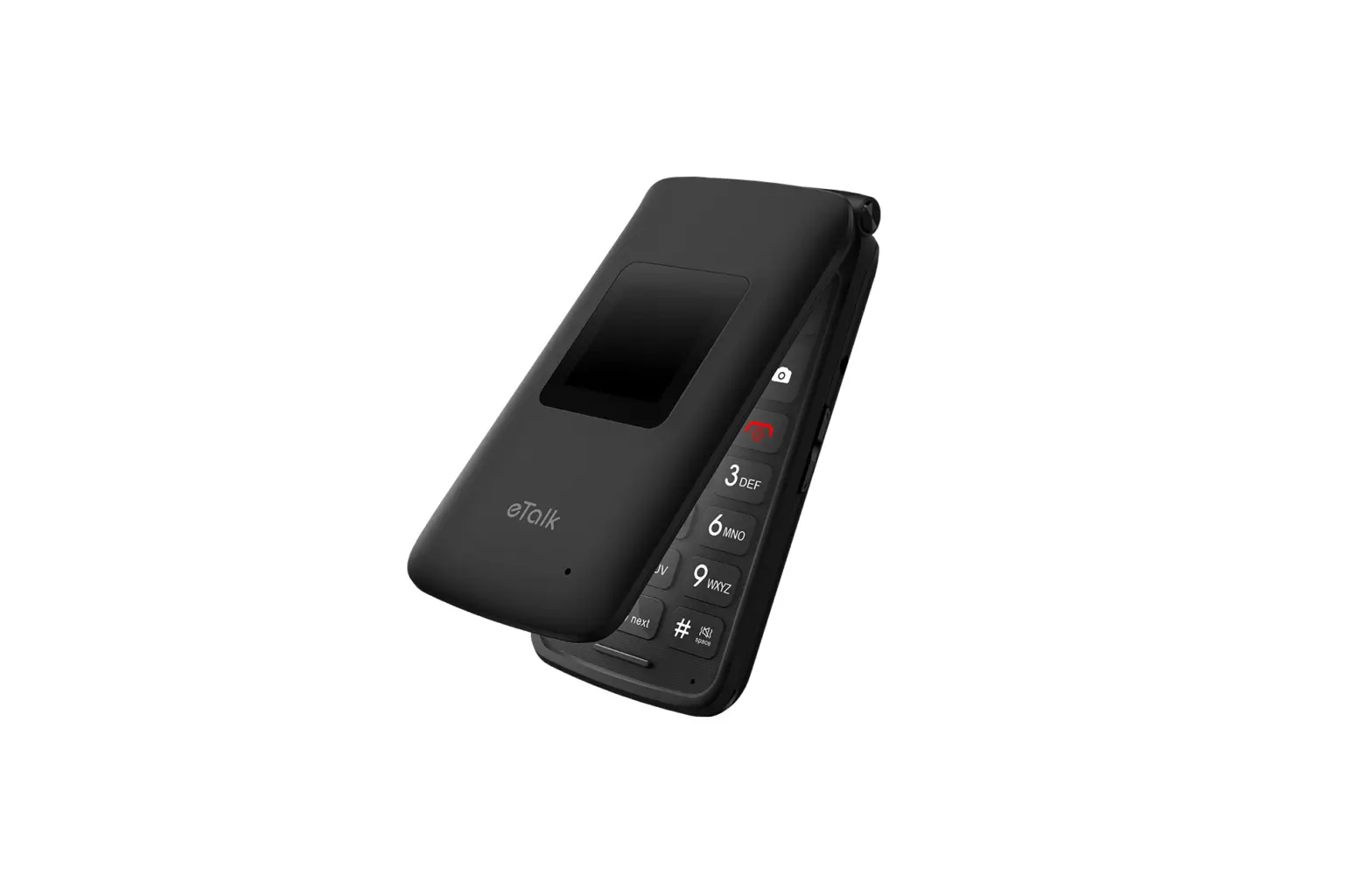
Kazuna eTalk™ – Delete Paired Bluetooth® Connection
- From the main screen, select Menu.
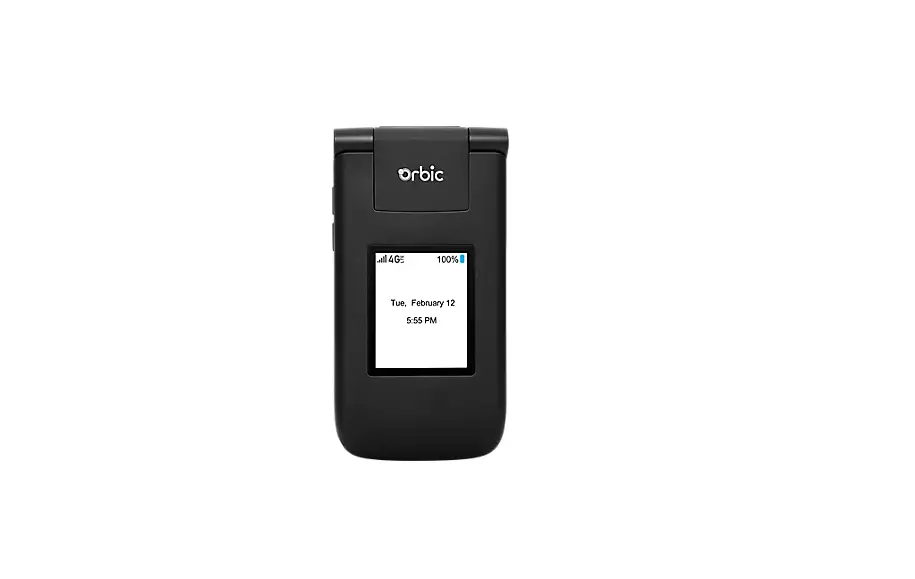
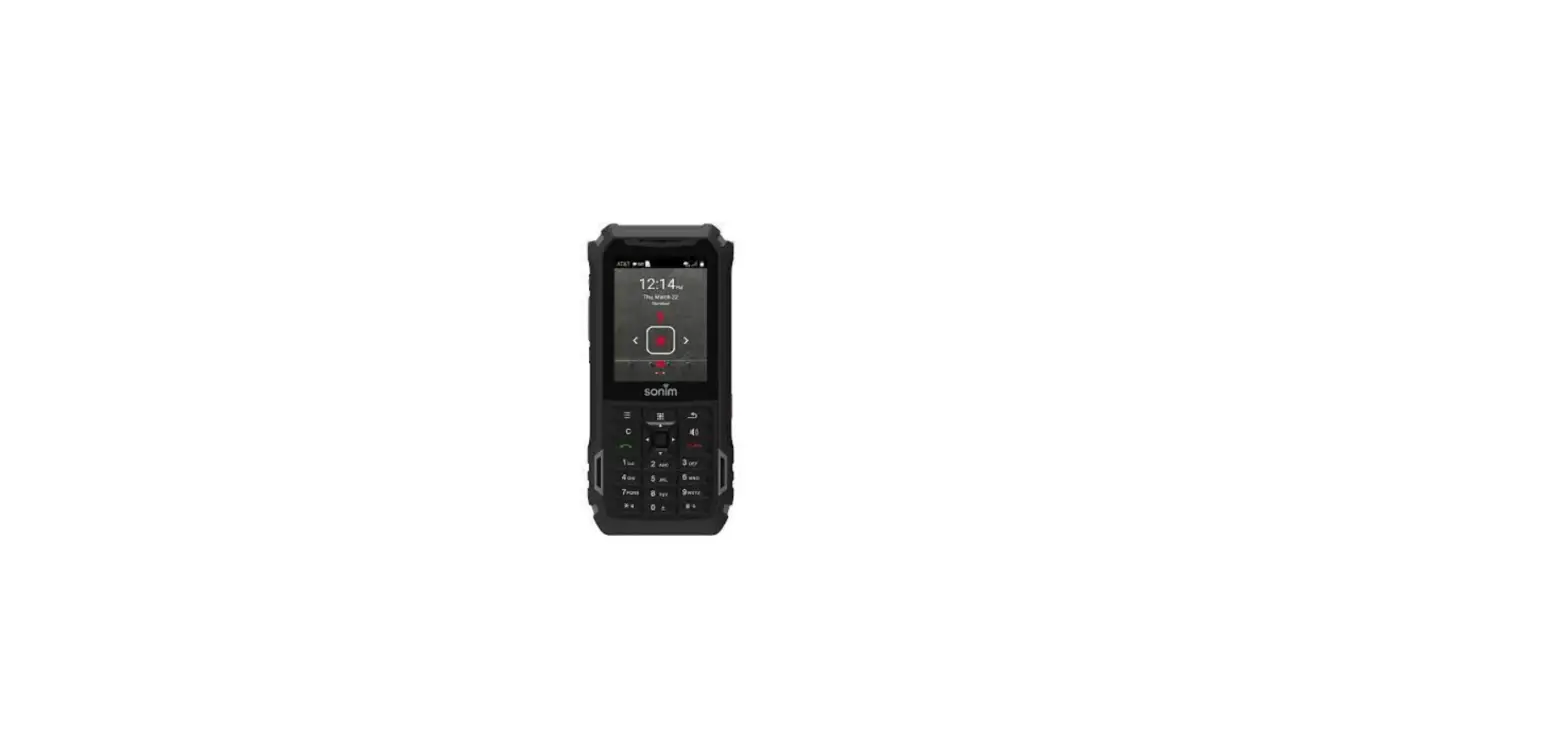
 Utilize the 5-way navigation pad to highlight and the center button to select.
- Select Tools & Settings.
- Select Wireless & networks.
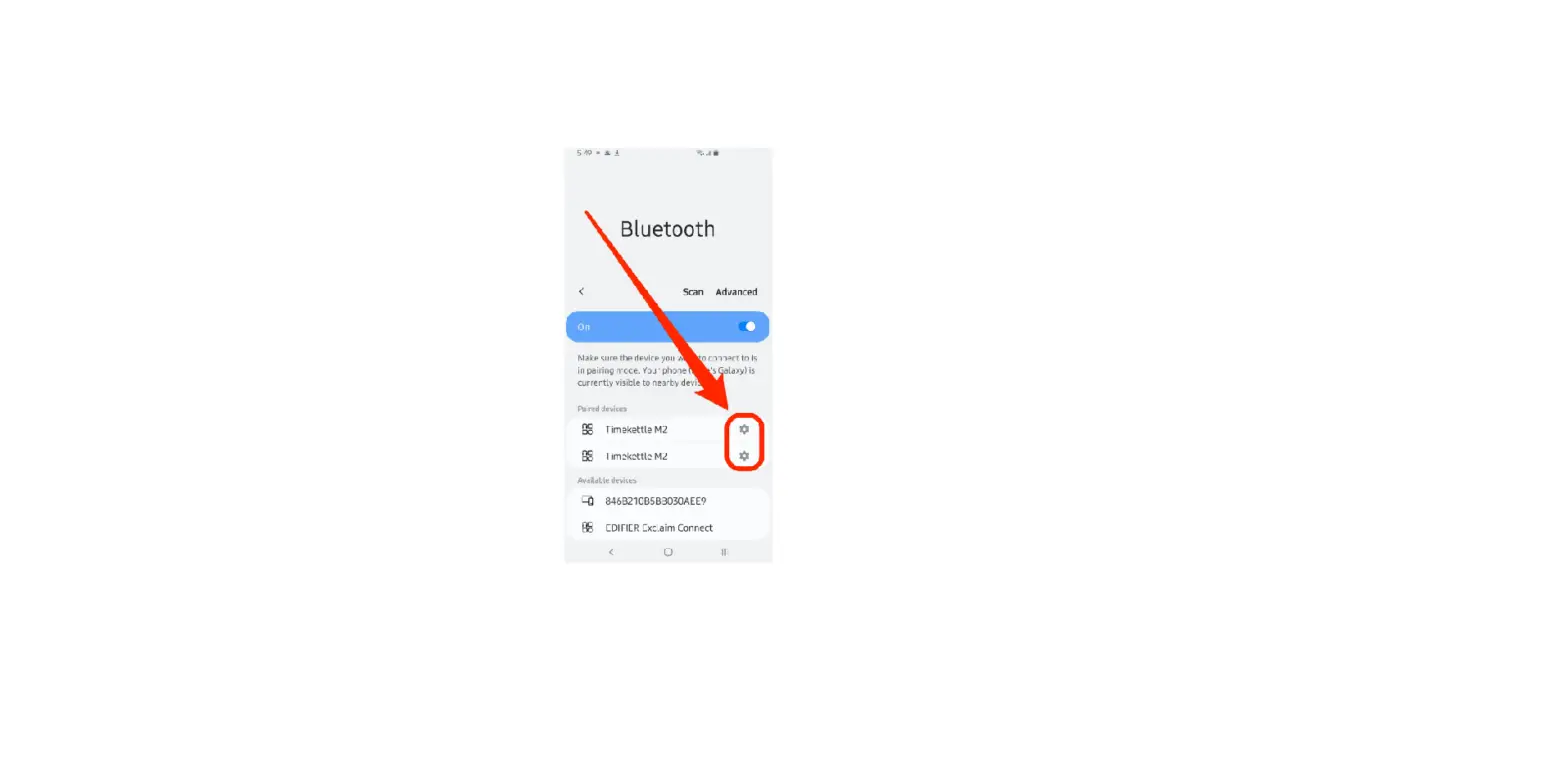
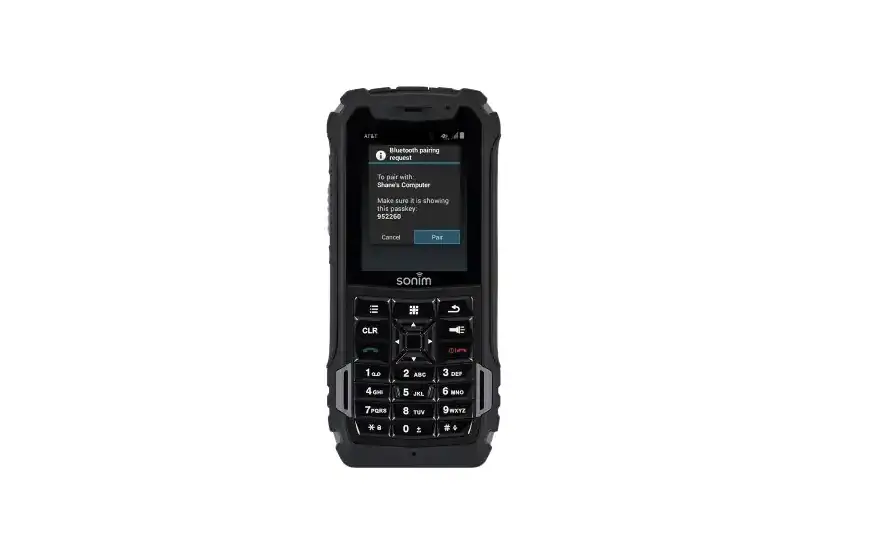
- Select Bluetooth. By default, the device is visible to nearby devices while the Bluetooth settings screen is open.
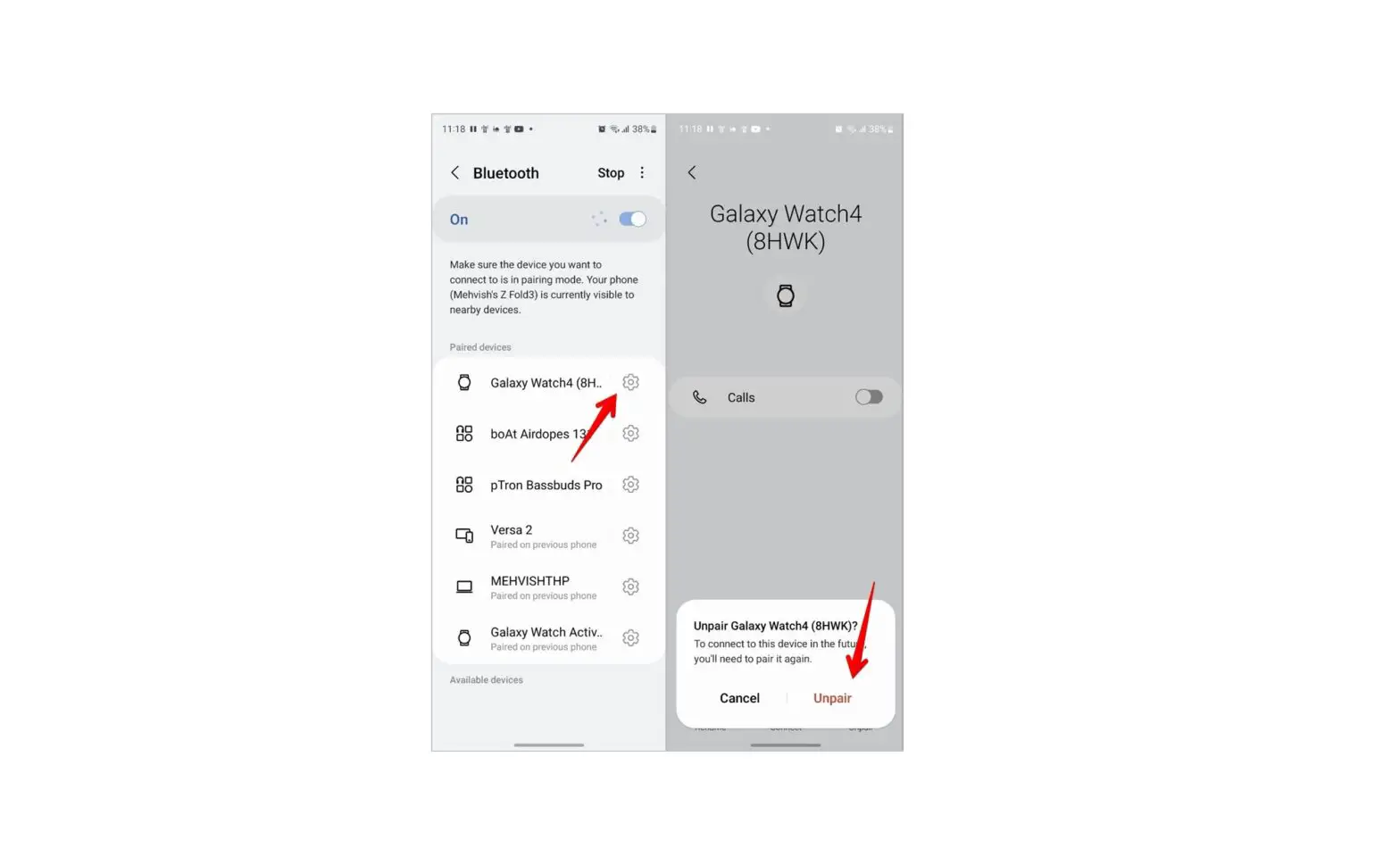
- Select the desired ‘paired device’ to remove.
- Press the right soft key
 to select Options.
 - Select Paired device settings.
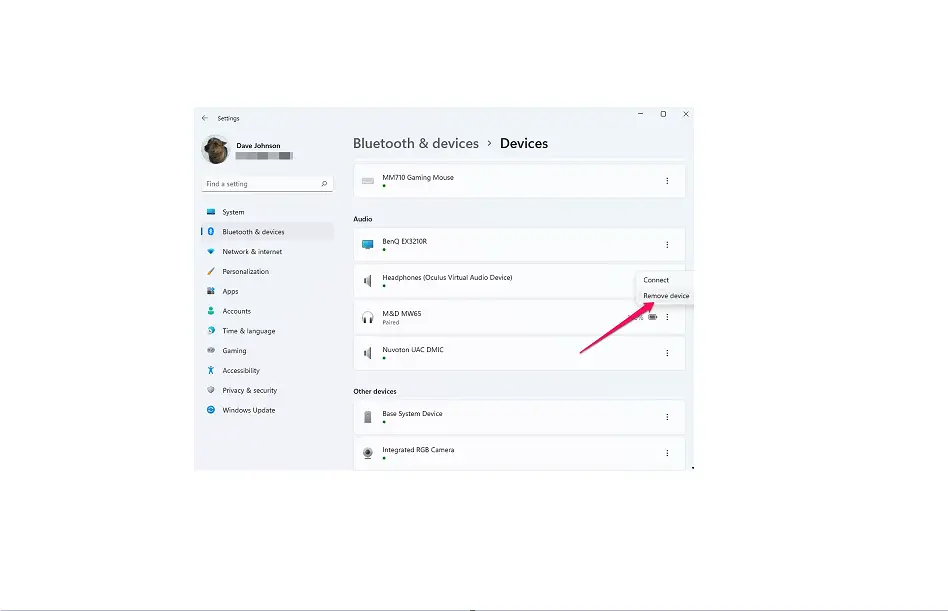
- Select Unpair.
 Utilize the 5-way navigation pad to highlight and the center button to select.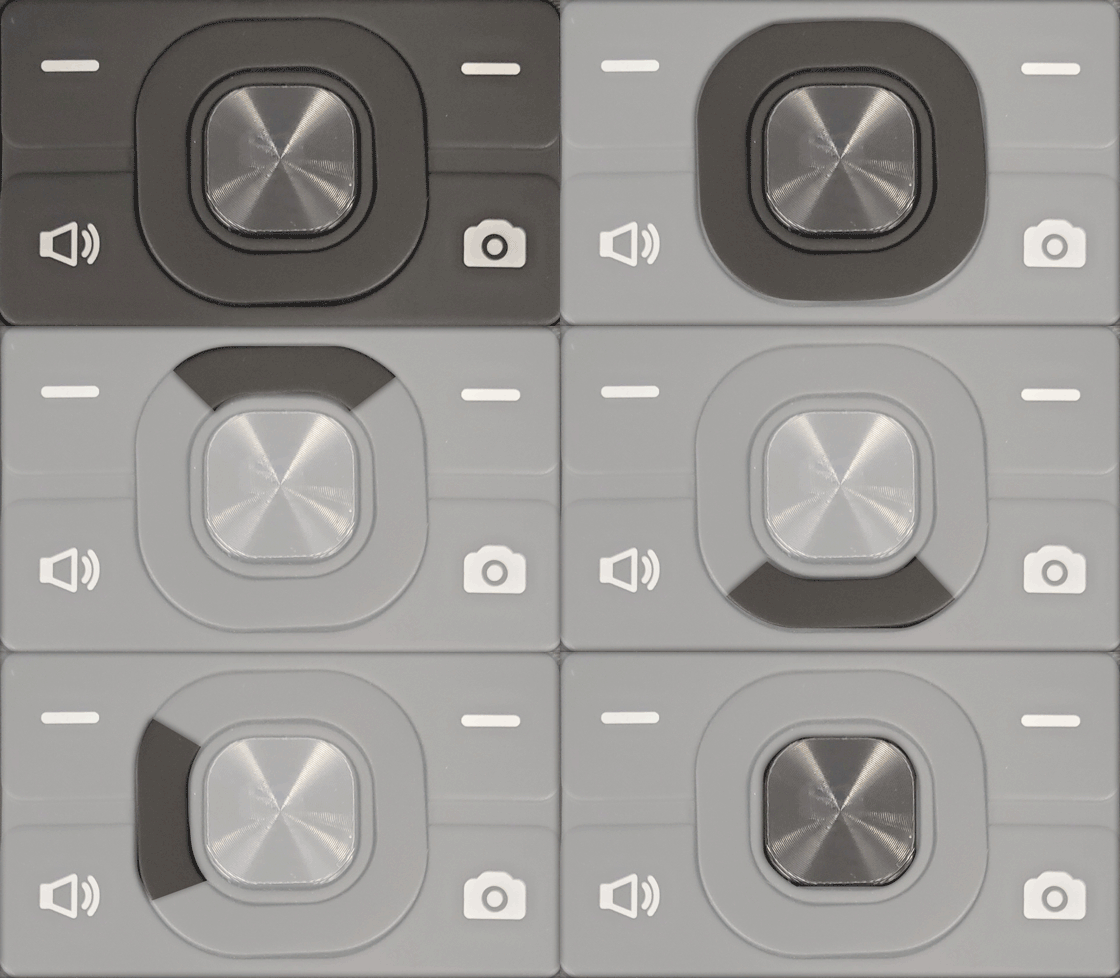
 to select Options.