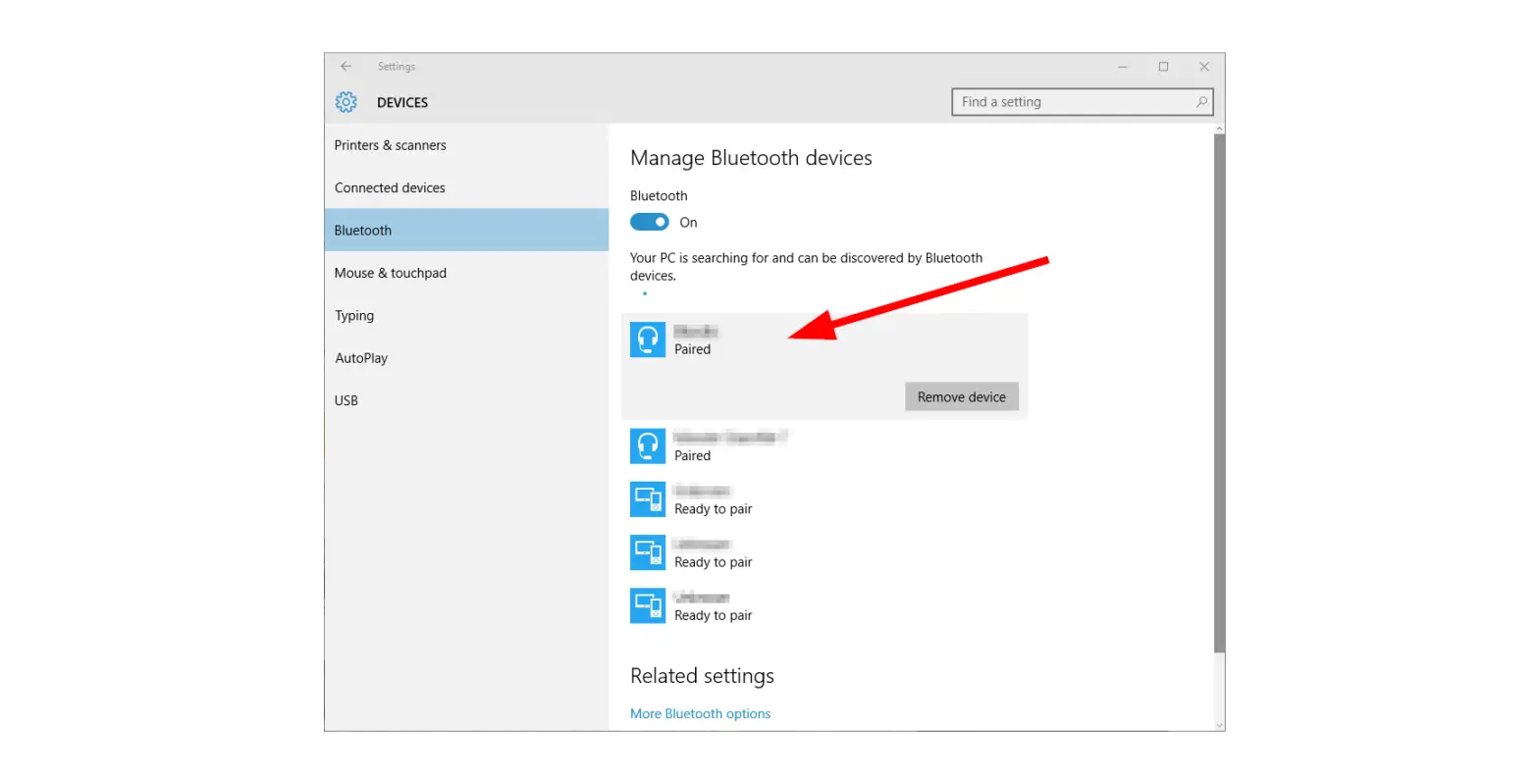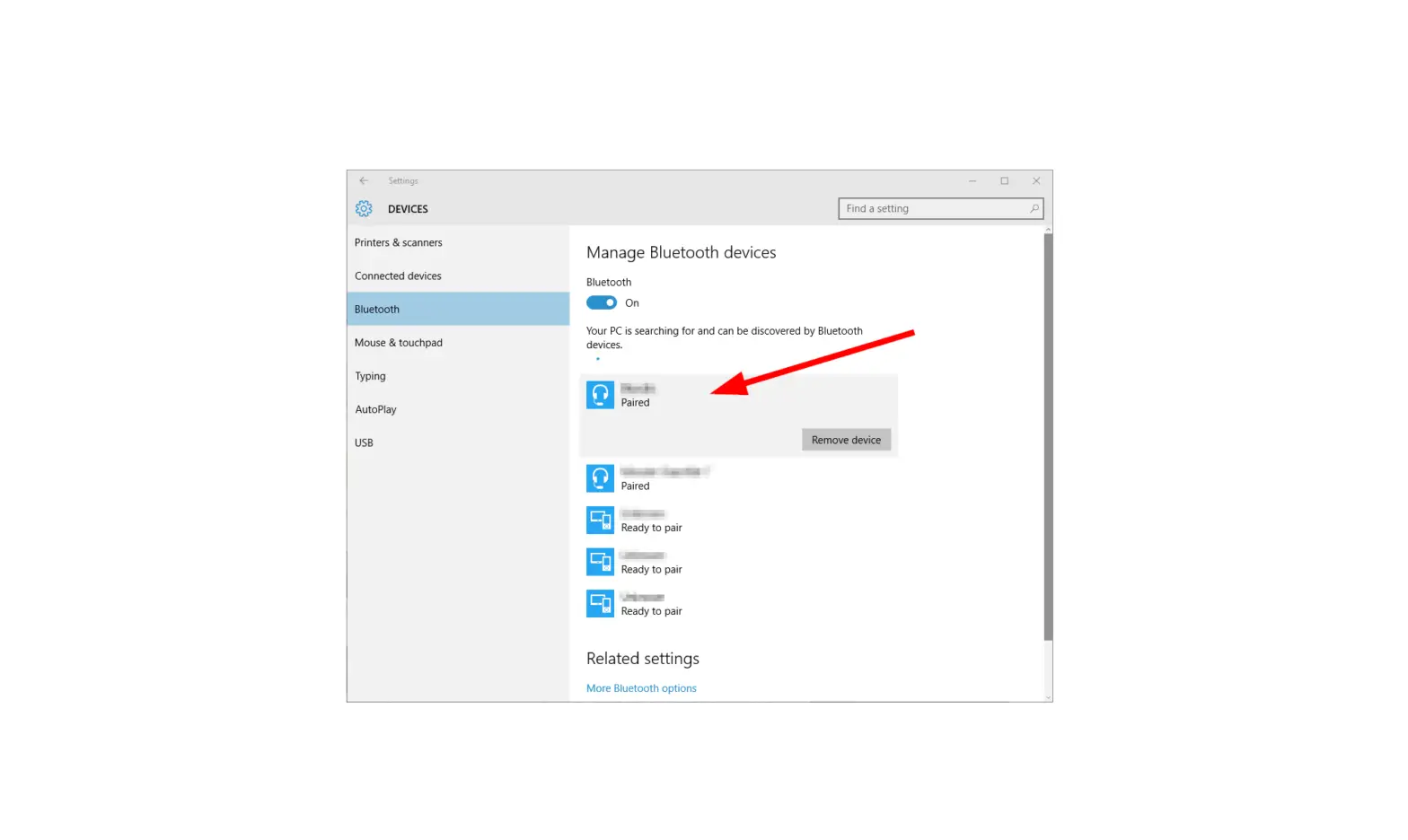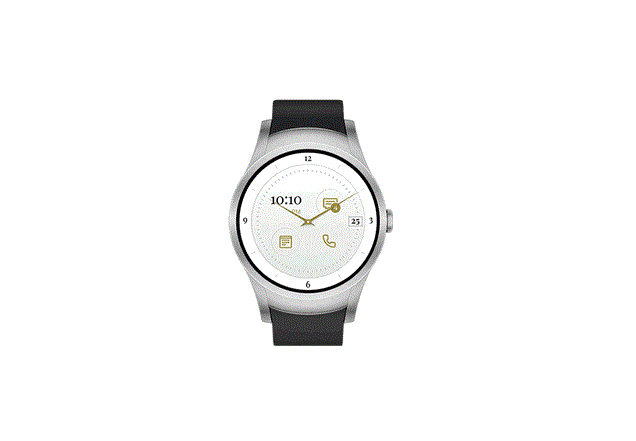
Wear24™ – Delete Paired Bluetooth® Connection
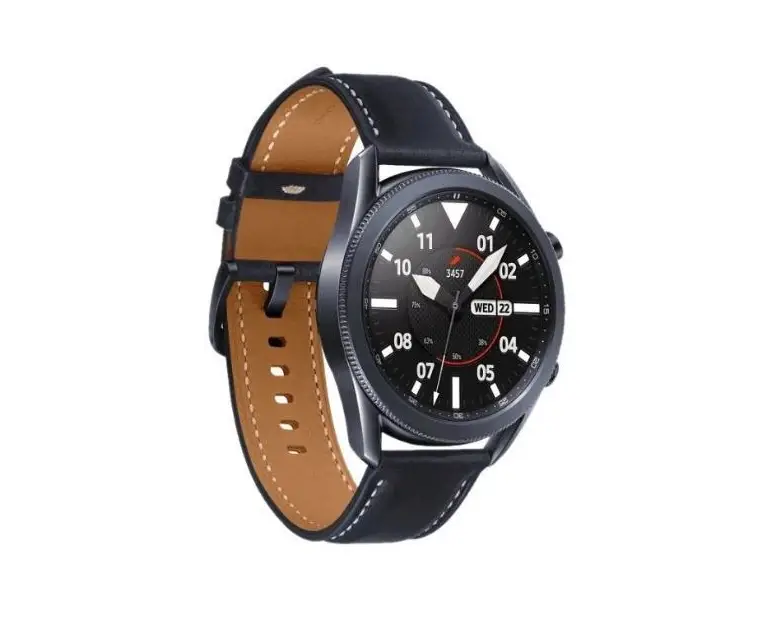
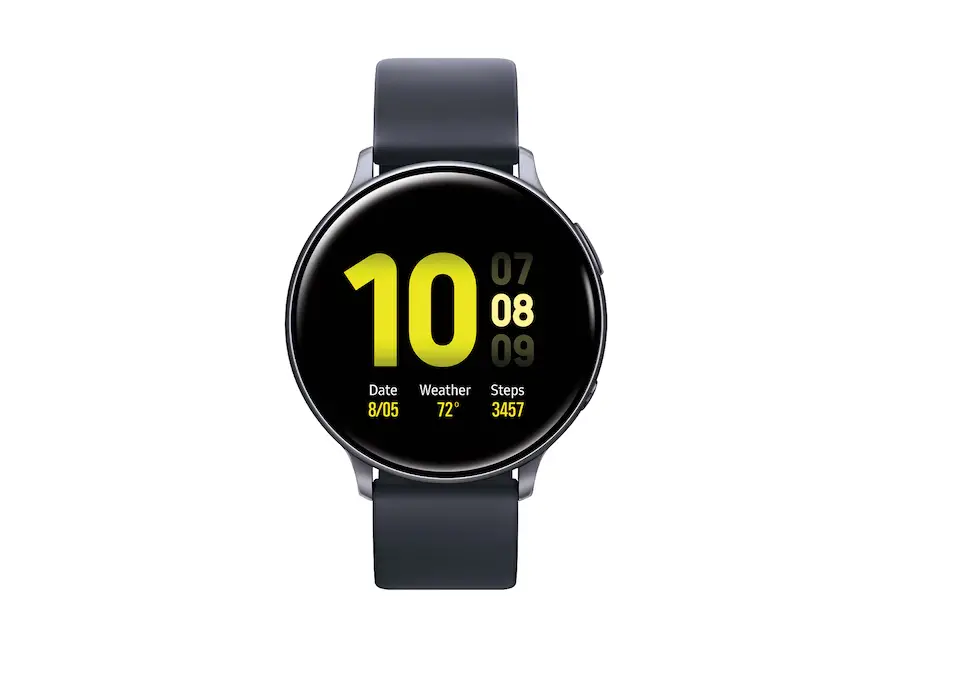
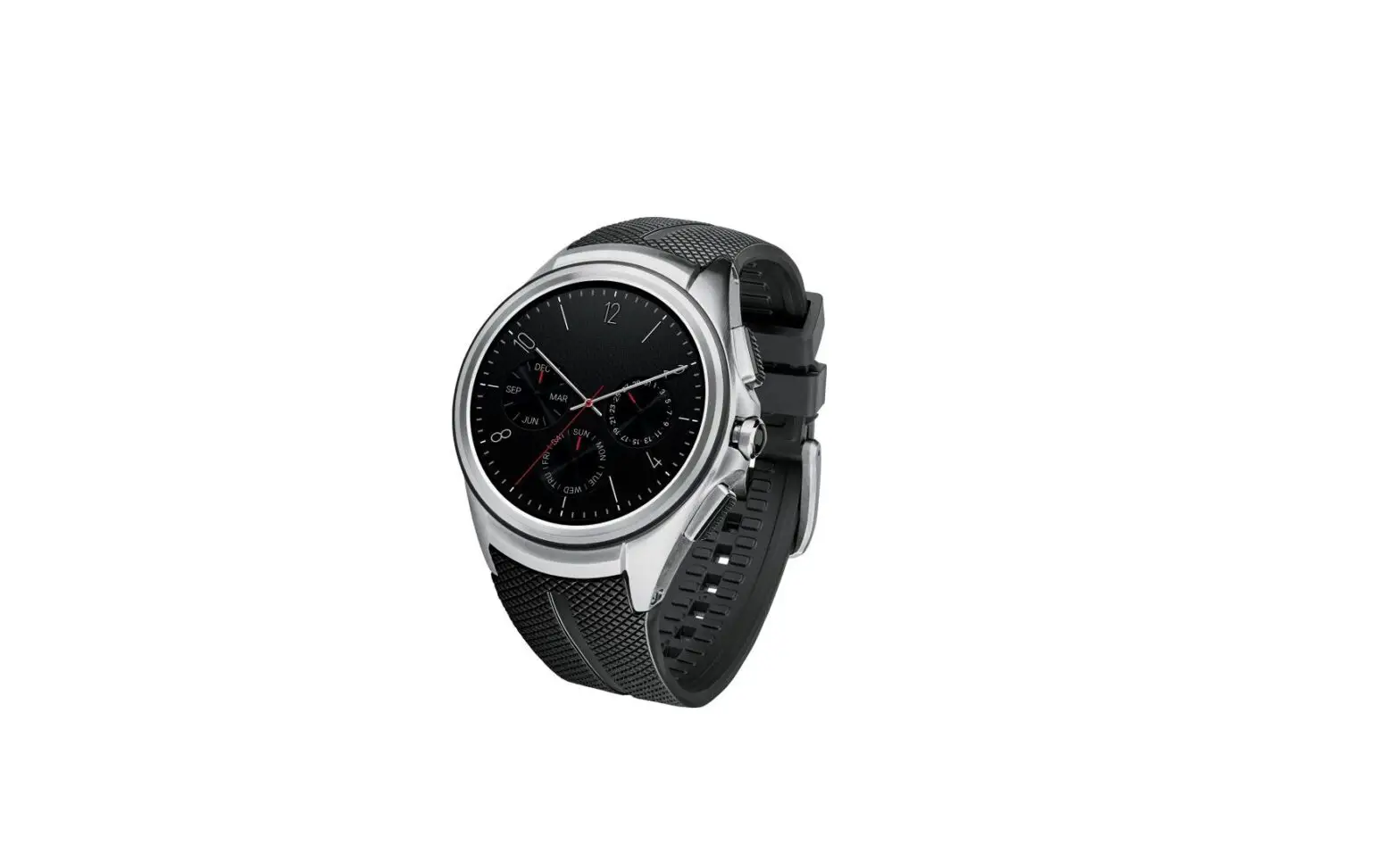
- From the Home screen, press the Power button to display the menu.
 The Power button is located on the right edge.
- Tap Settings
 .
. - Tap Connectivity
 .
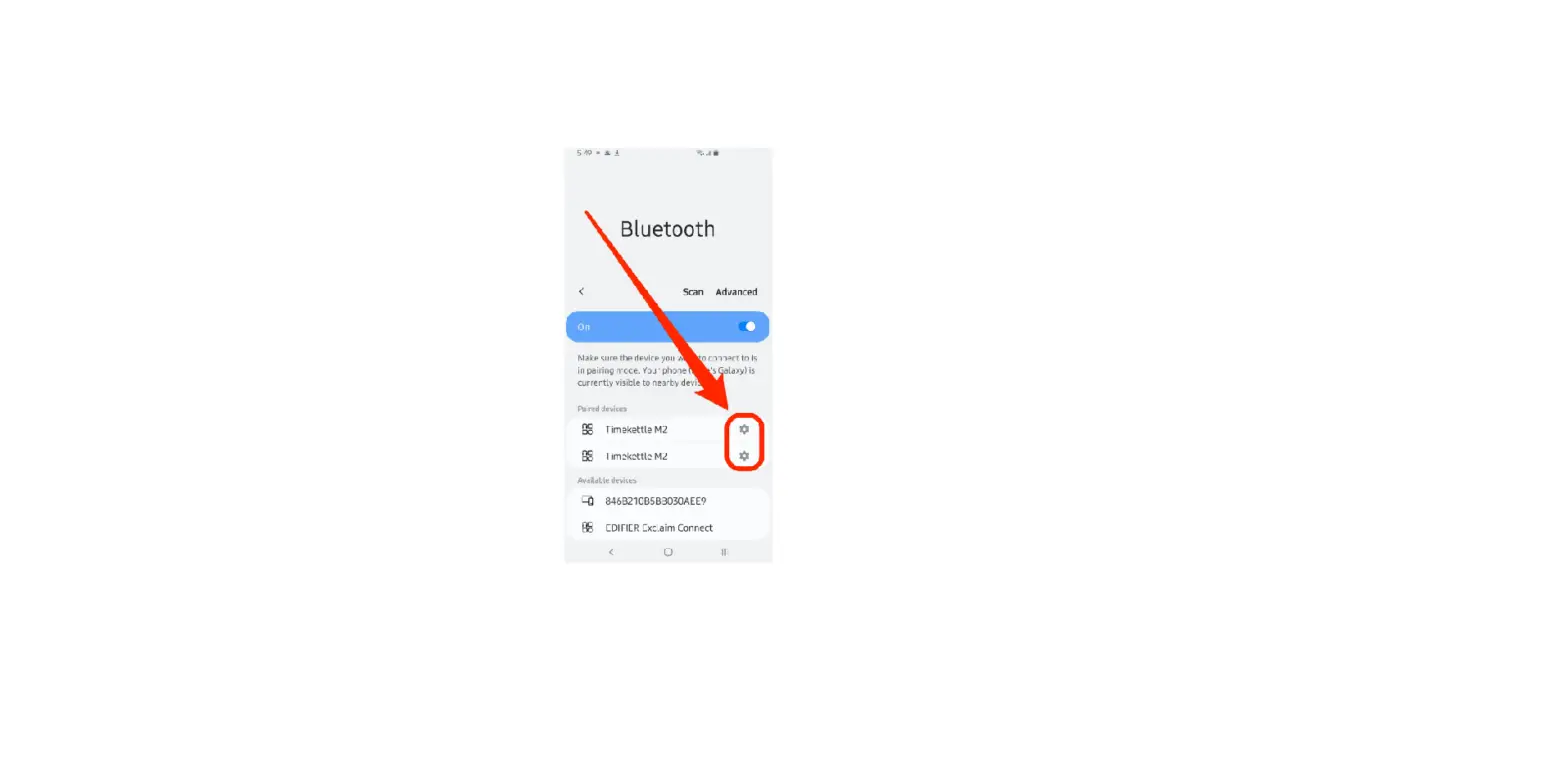
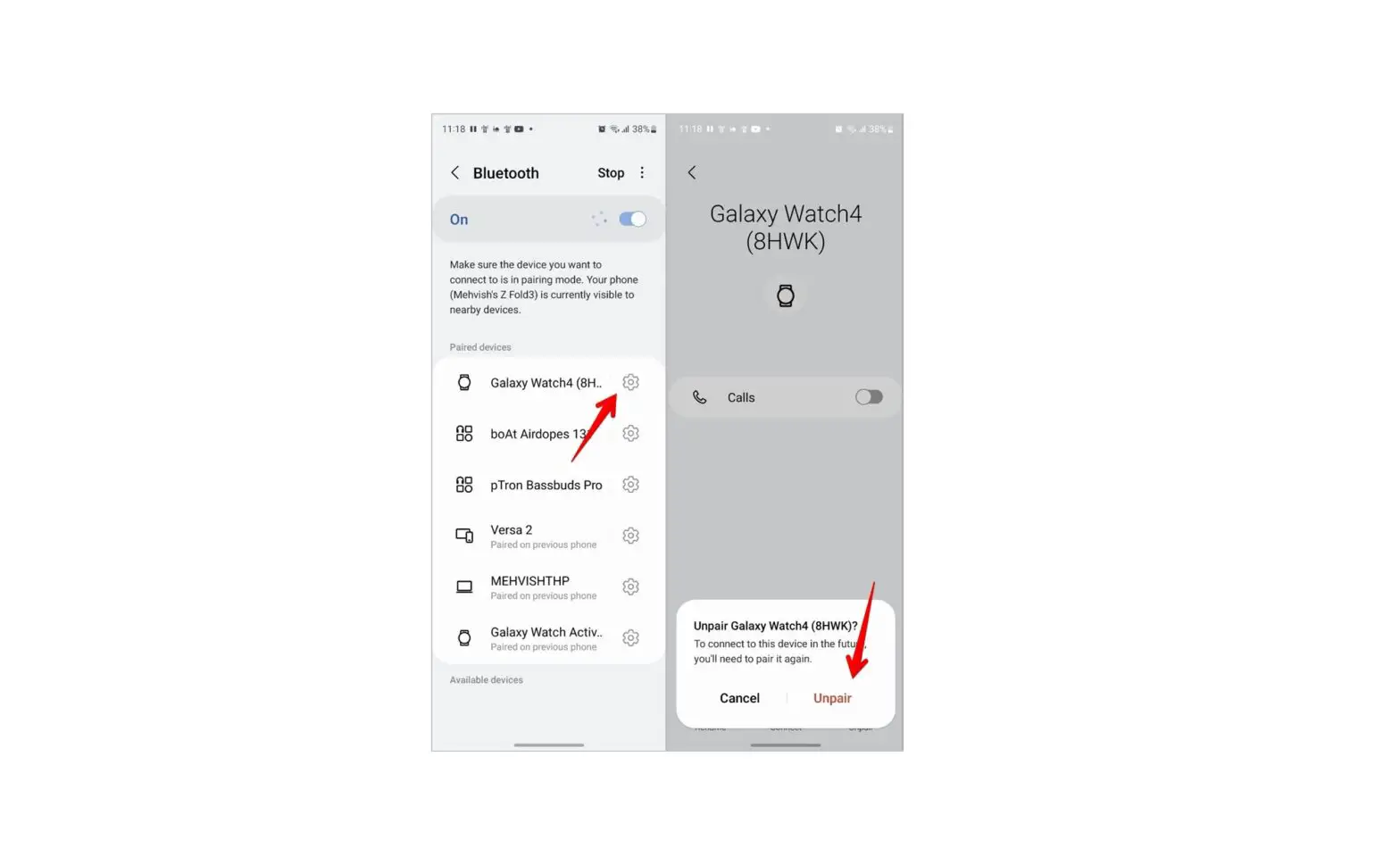
. - Tap Bluetooth
 .
. - Ensure the Bluetooth switch is on. On when a blue dot is present.
- Select the preferred device.
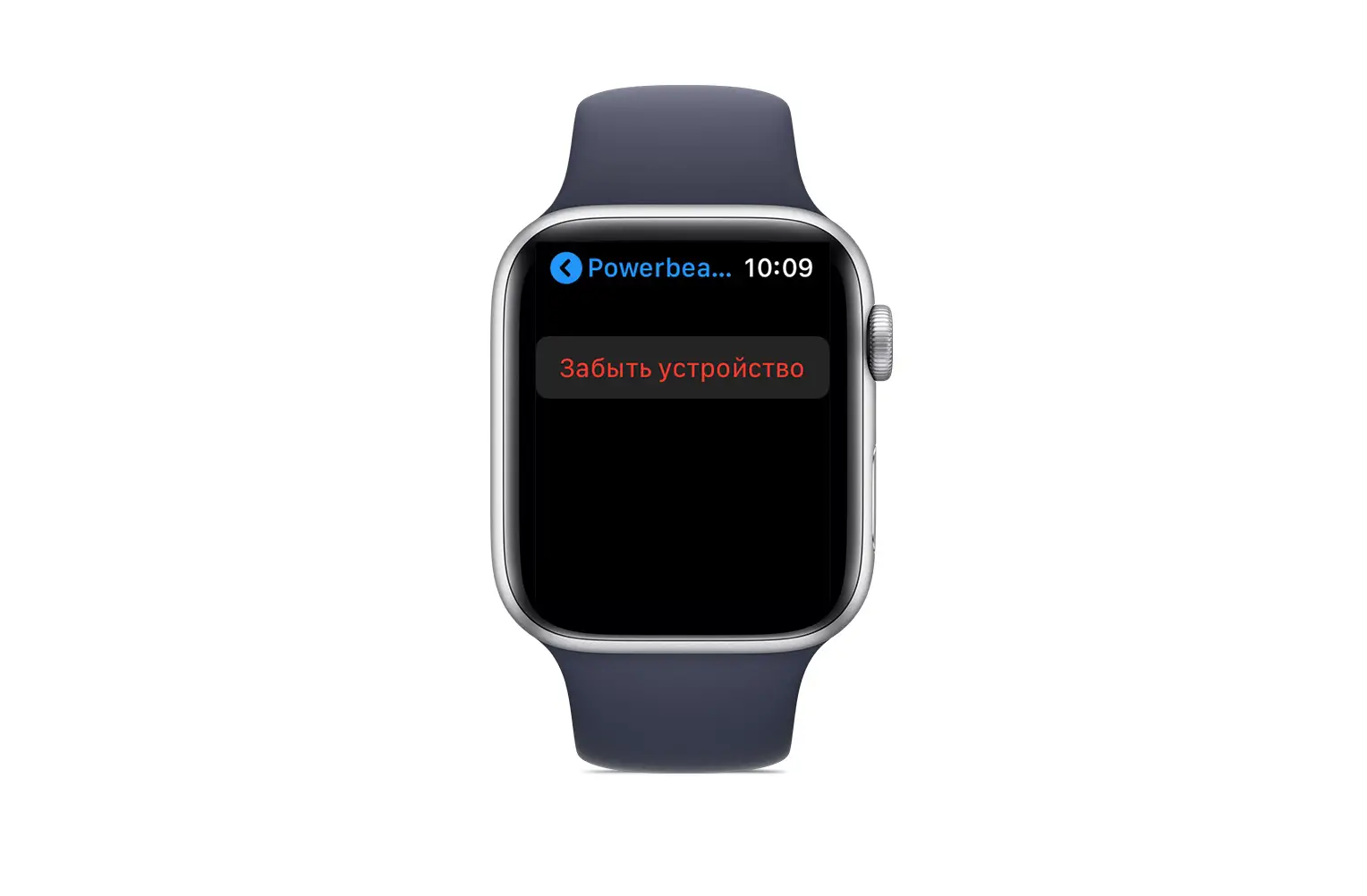
- Tap Forget.
 The Power button is located on the right edge.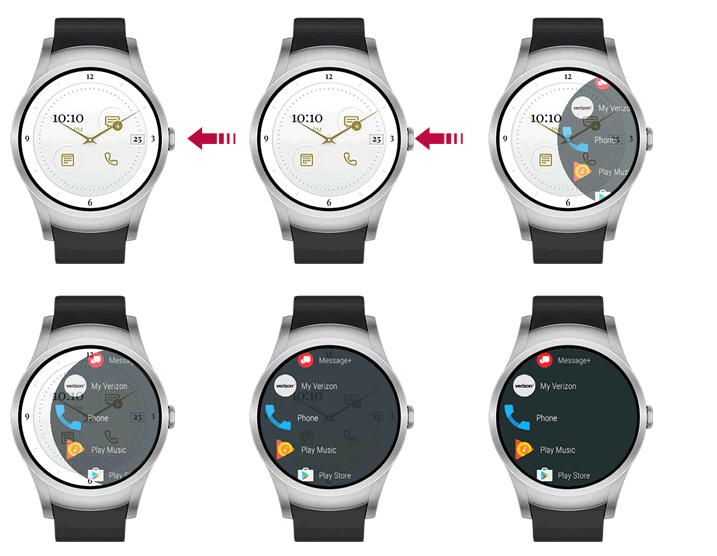
 .
. .
. .
.