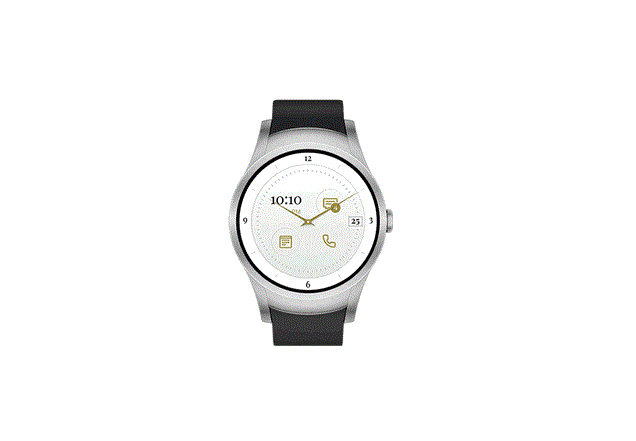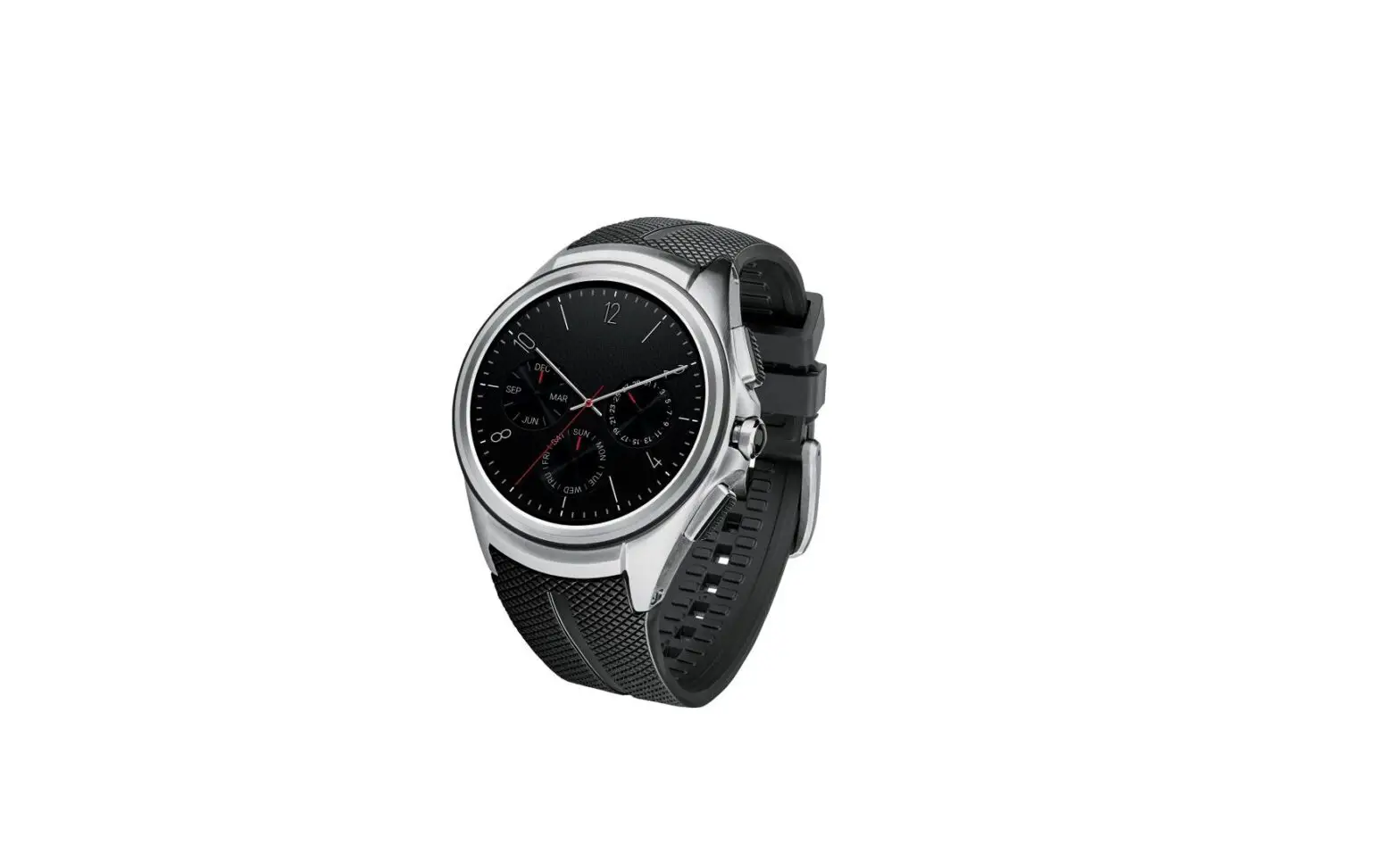
LG Watch Urbane™ 2nd Edition LTE – Delete Paired Bluetooth® Connection
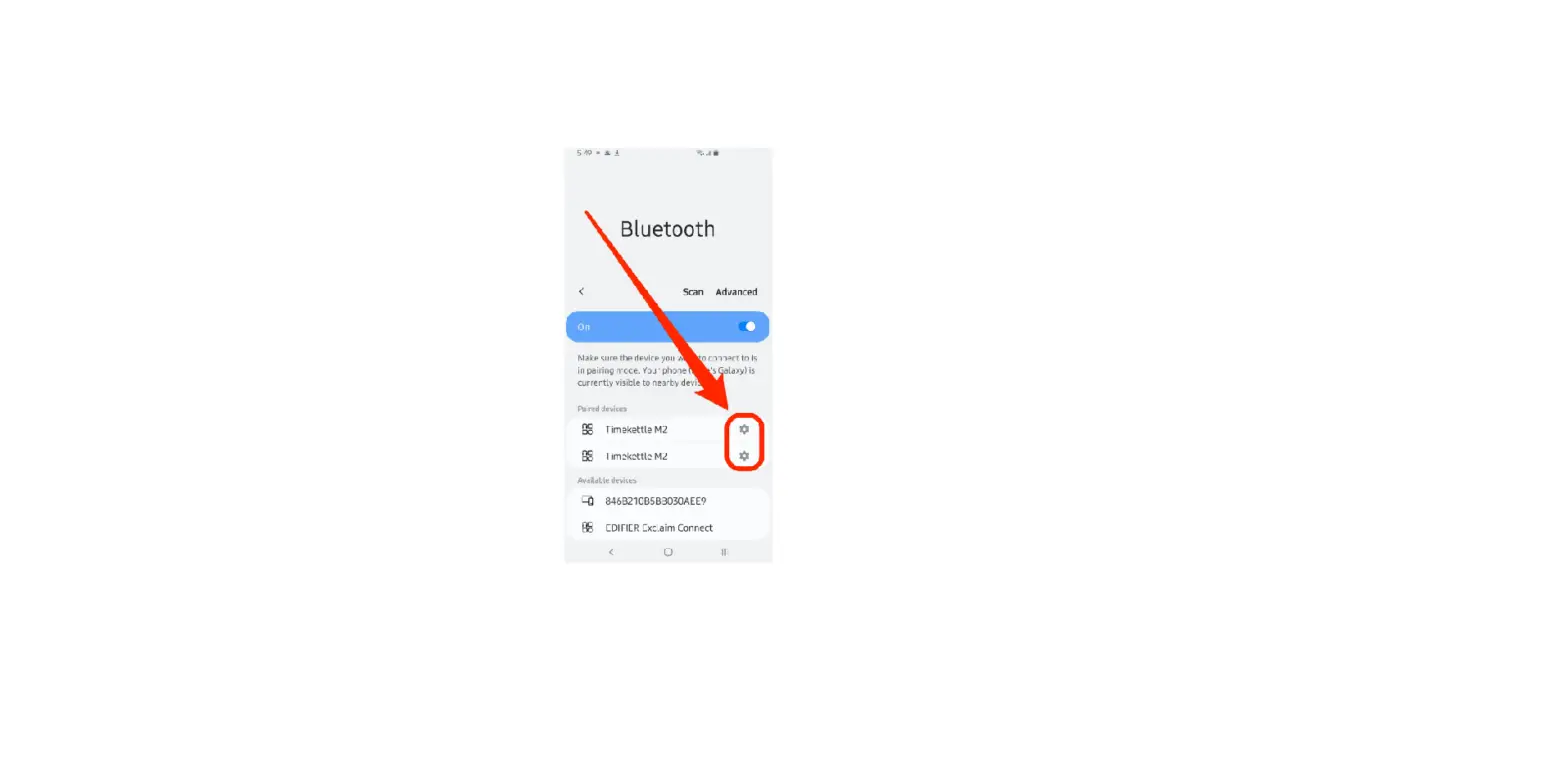
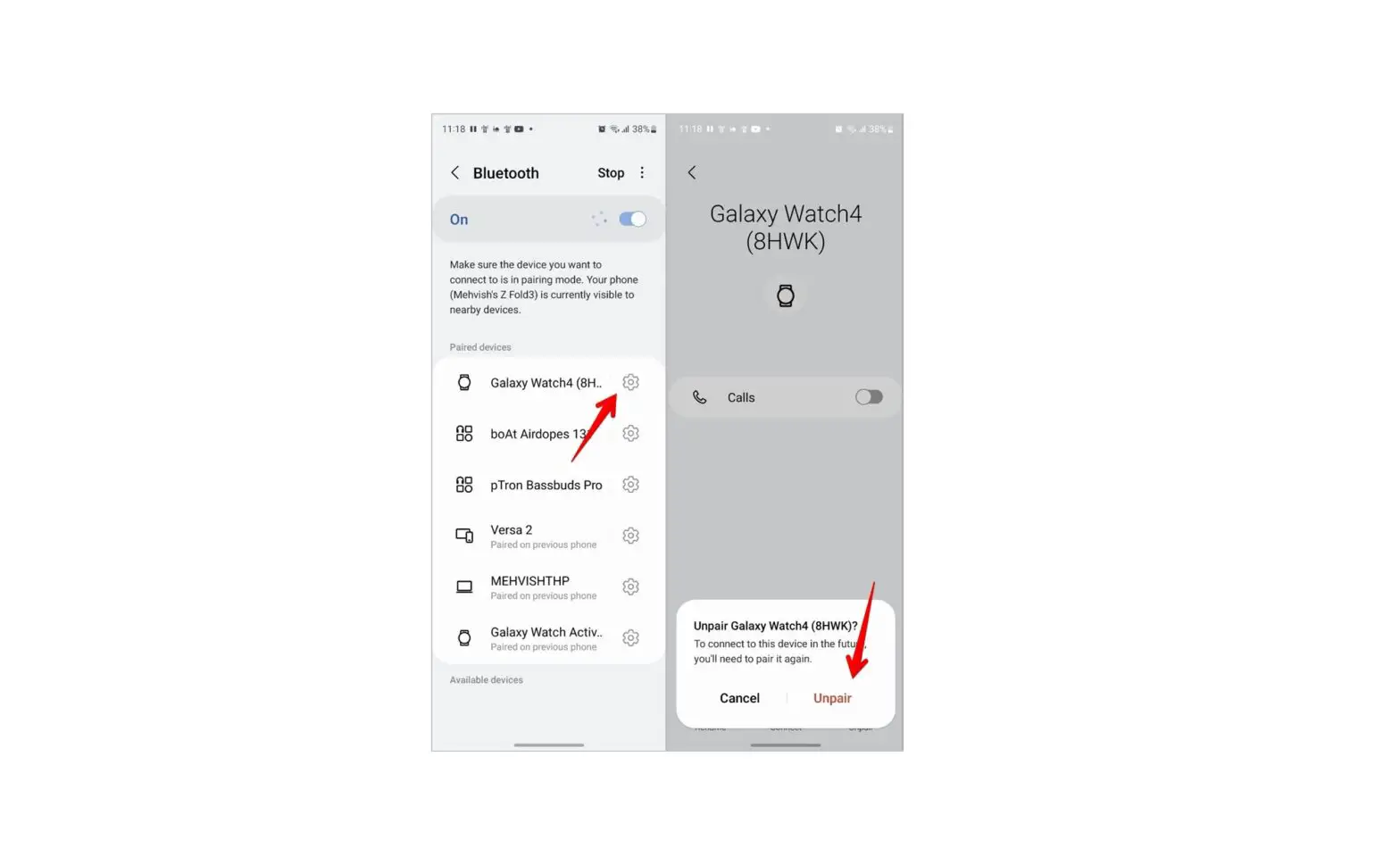
- From the Settings menu, swipe down and tap Bluetooth
 .
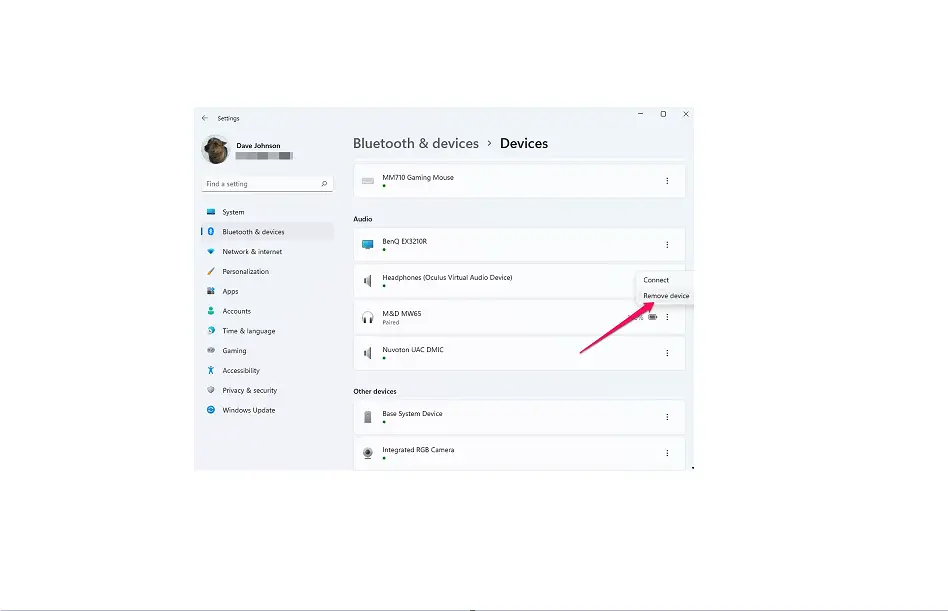
. - Tap Devices.
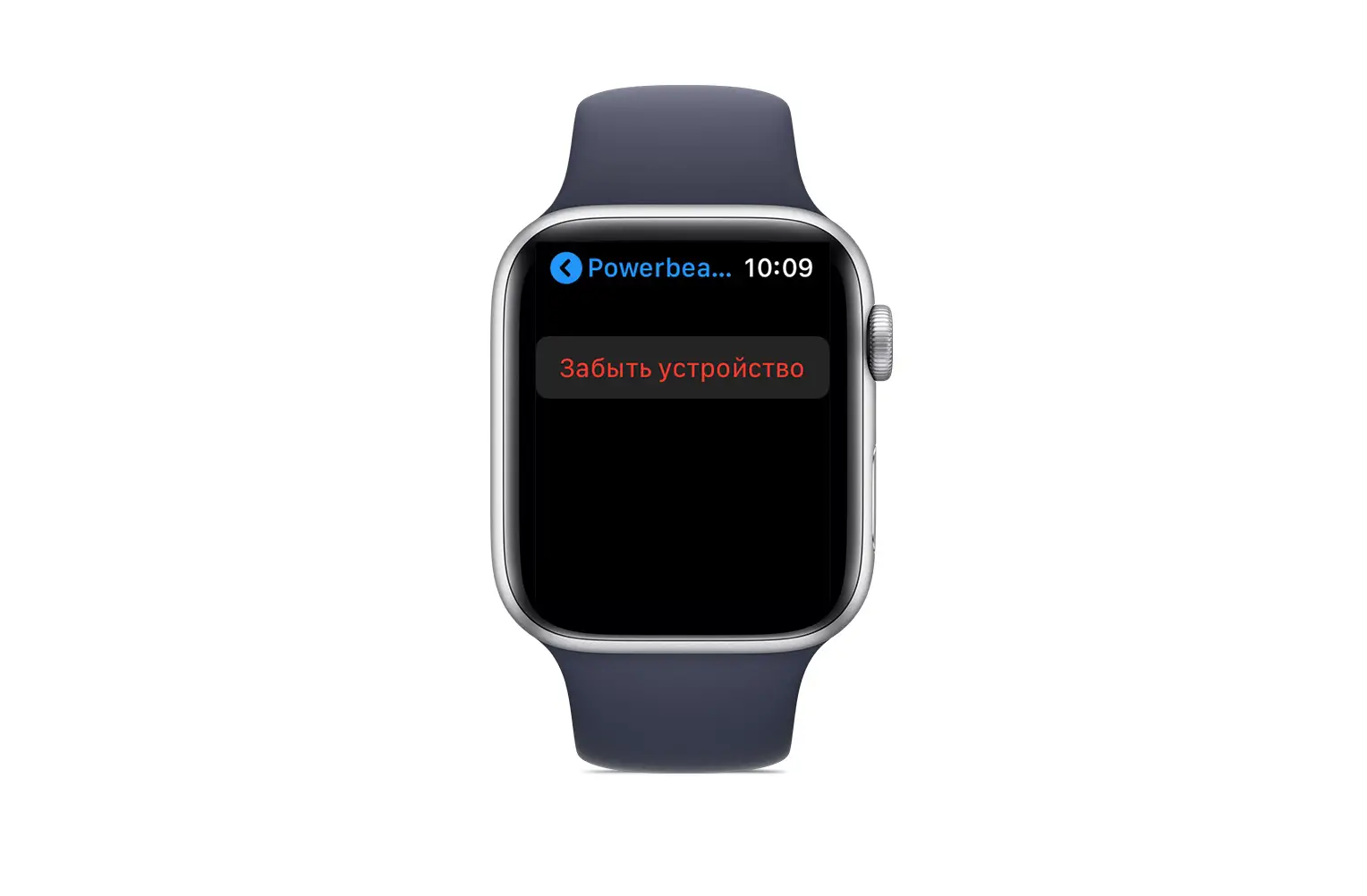
- Tap Unpair Devices.
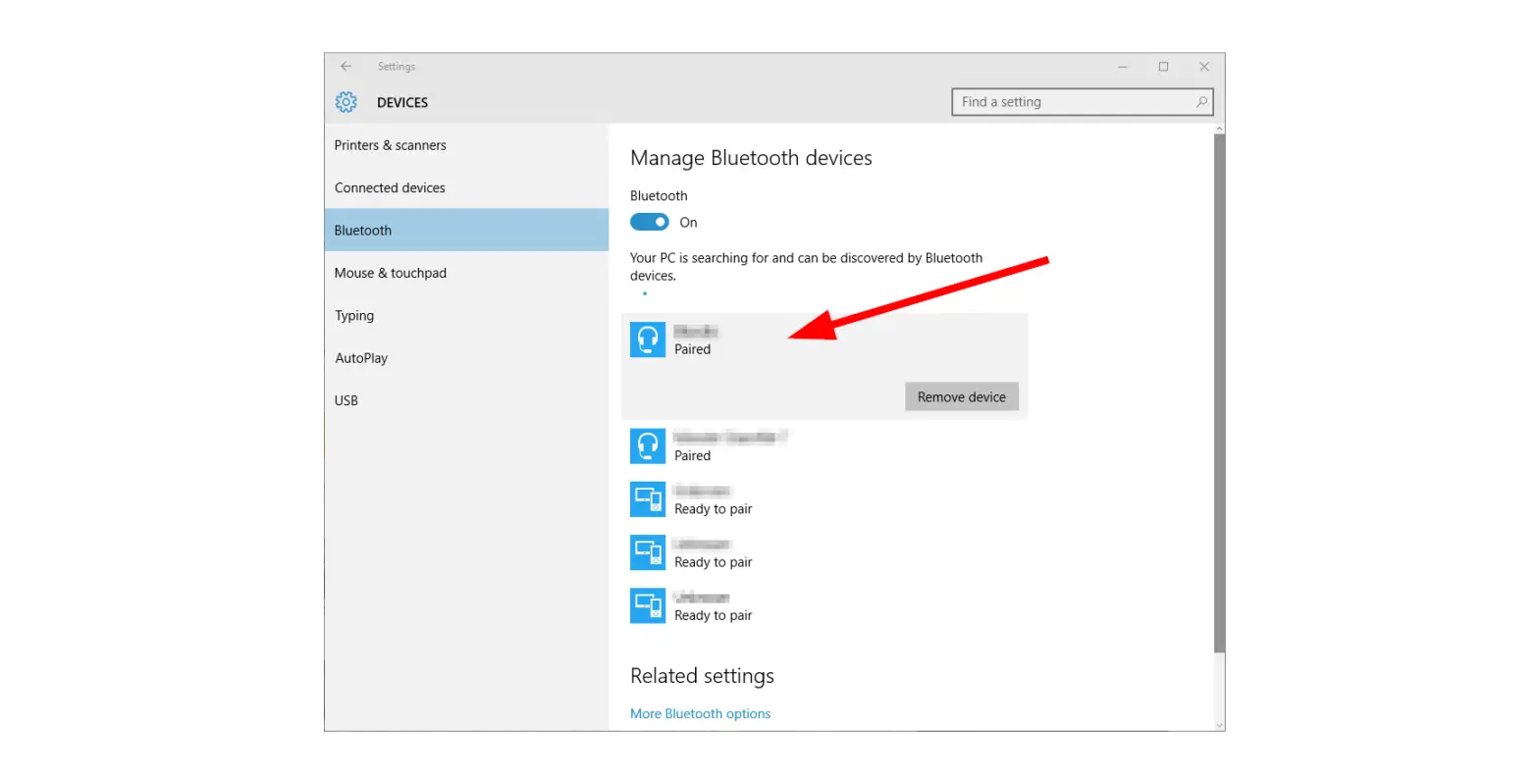
- Tap the device you wish to unpair (e.g., headset, etc.).
 Unpairing the watch from the phone initiates a factory reset of your watch settings and deletes all user data. Unpairing from a headset requires a Restart / Soft Reset of the watch to re-connect the watch to the phone.
 Unpairing the watch from the phone initiates a factory reset of your watch settings and deletes all user data.