Stream TV – Delete Paired Bluetooth Connection
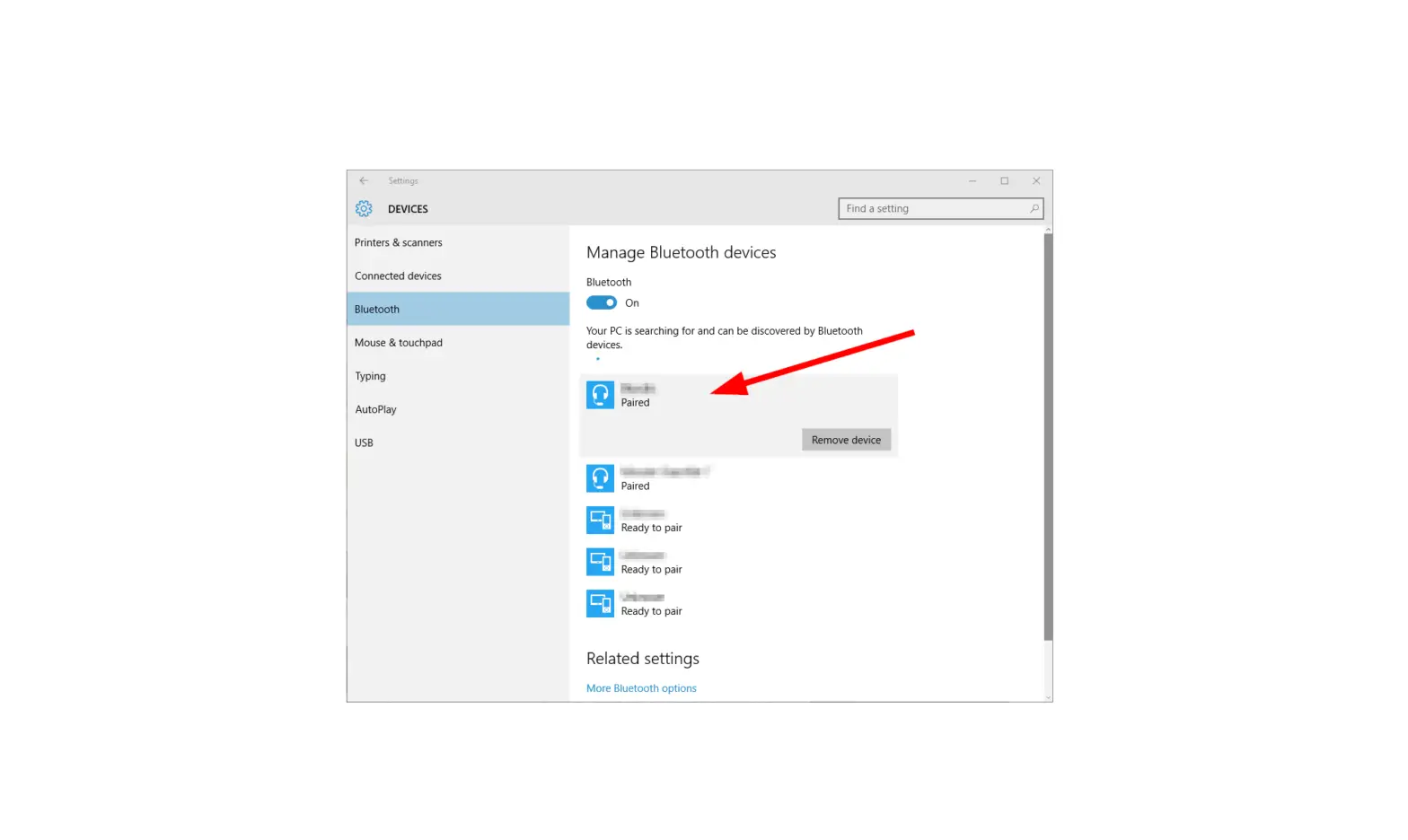
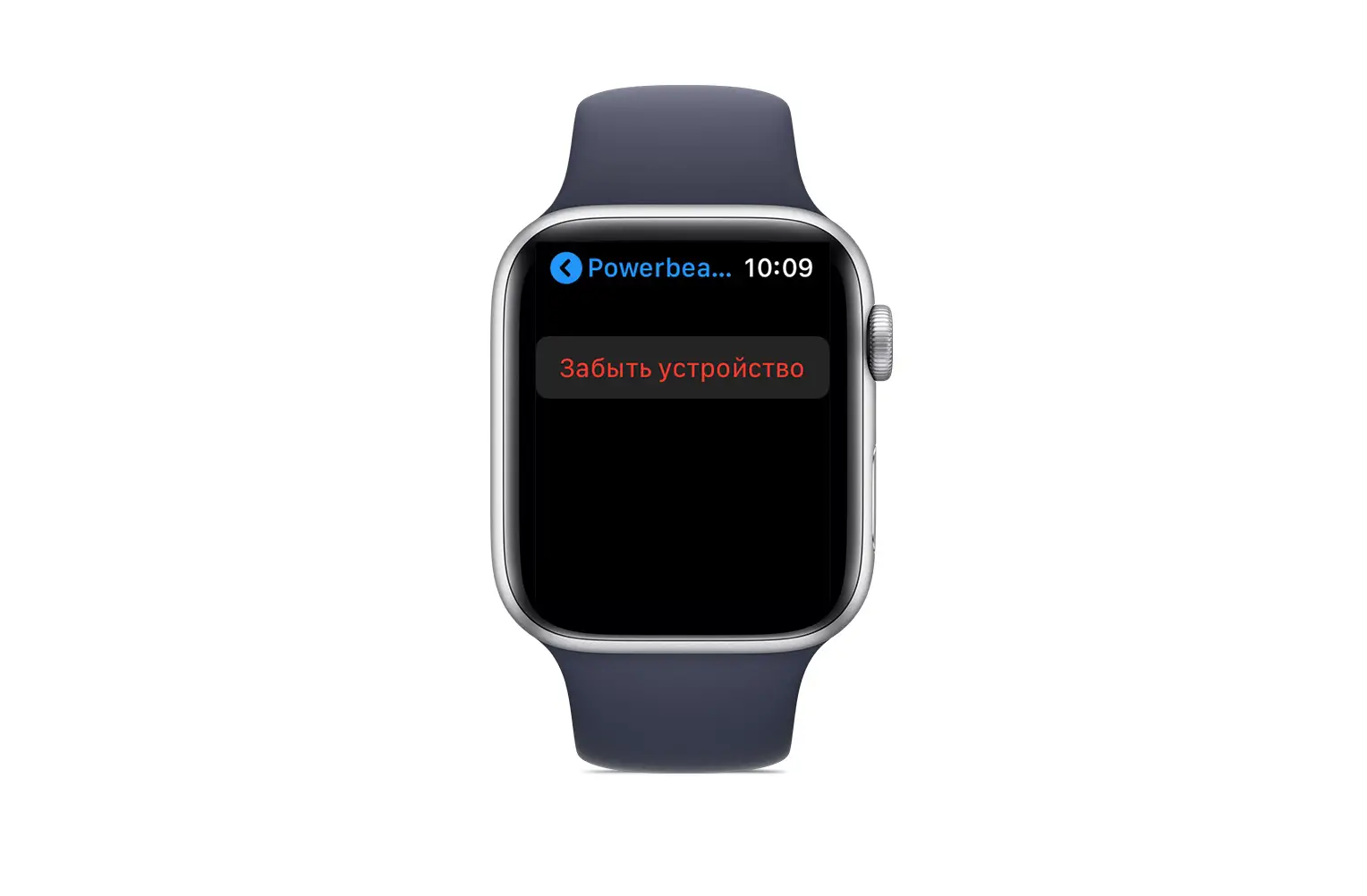
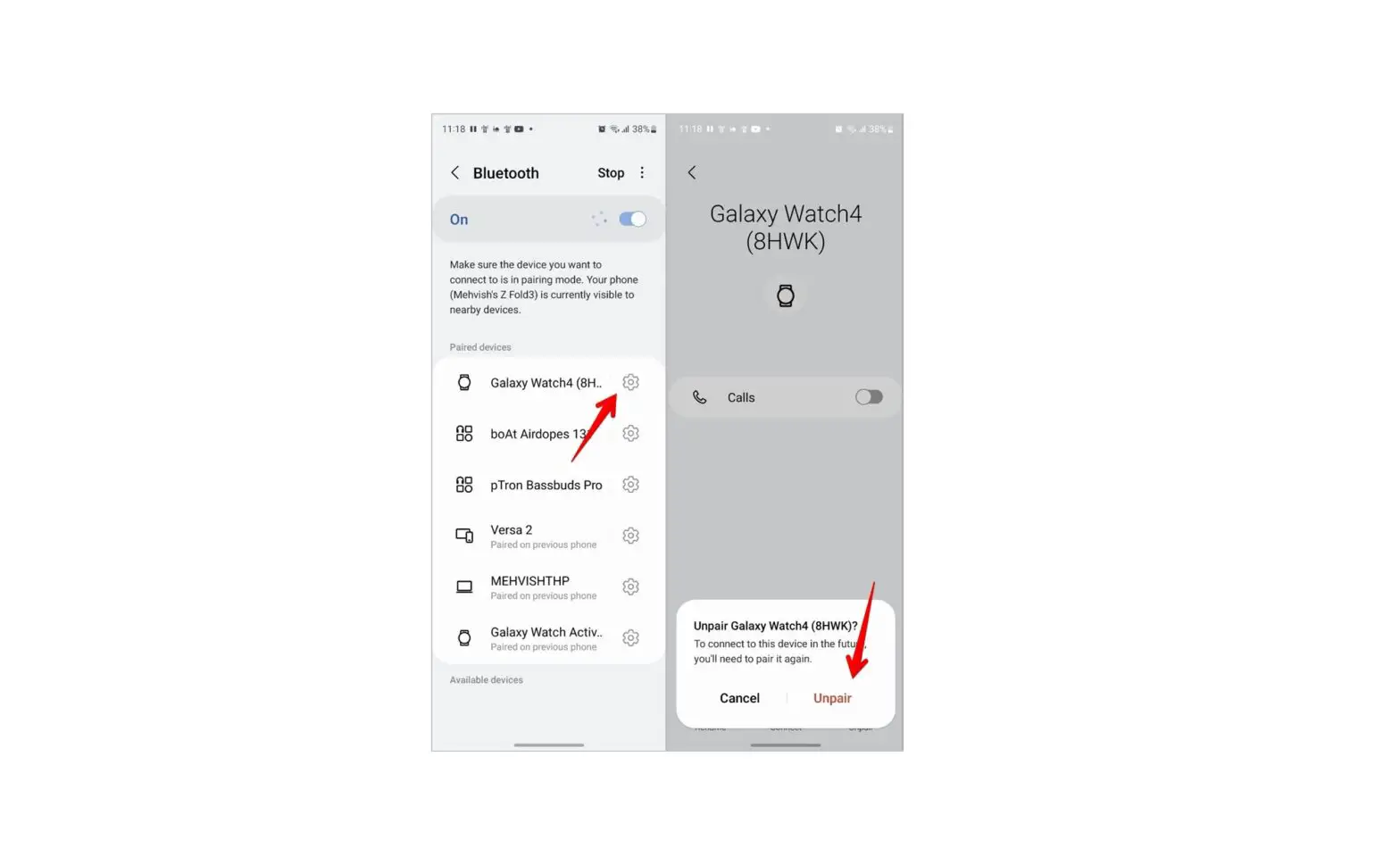
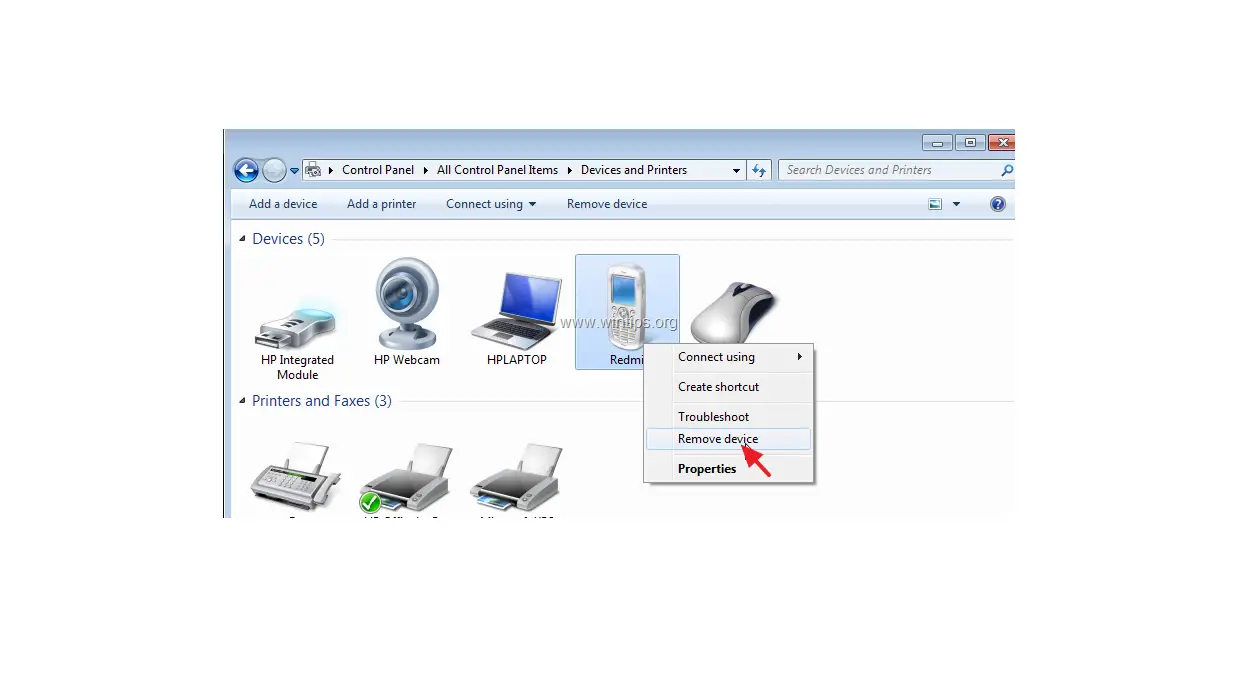
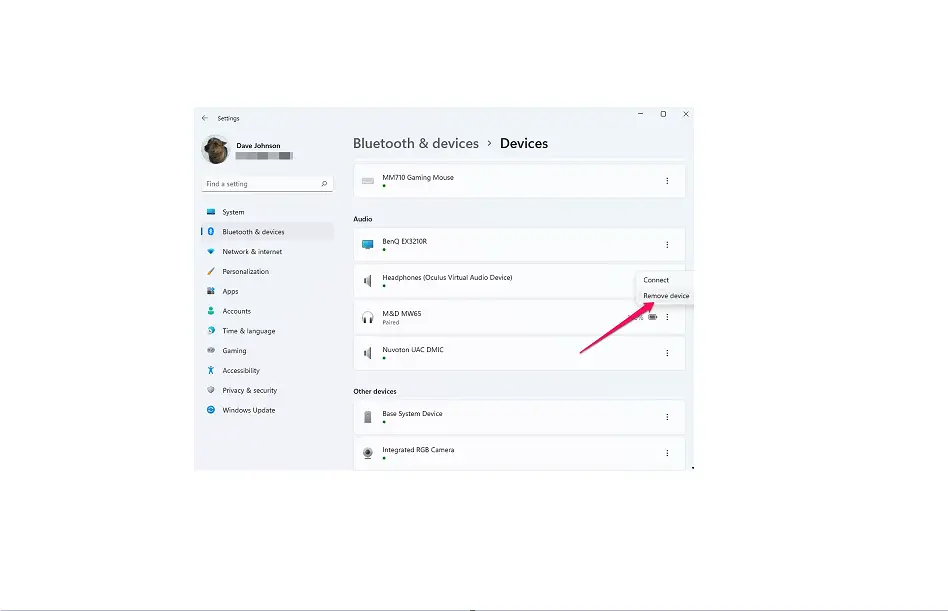
If you need to delete a previously paired Bluetooth® device from your 2nd-generation Stream TV, follow these step-by-step instructions.
 Notes:
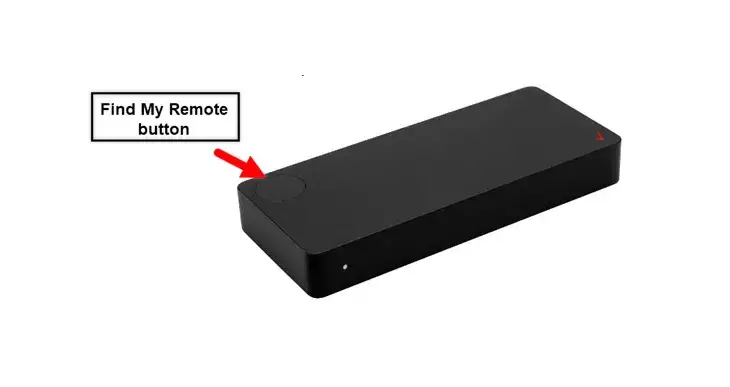
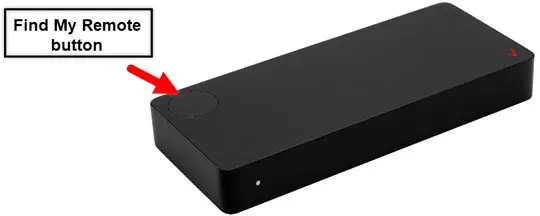
- The steps below apply to the 2nd-generation Stream TV which can be identified by the Find My Remote button.

- Ensure your Stream TV is up to date as the following steps apply to the most recent version.
- If necessary, press the Home button
 on your Stream TV remote to wake up your device.
 - From the Stream TV Home screen, select the Settings menu
 (lower-left).
 Utilize 5-way navigation pad on the remote to highlight and the center (OK) button to select.
 - Select View more then select Remotes & Accessories.
- Select the desired paired device to remove.
- Select Unpair.
- Select OK.
 on your Stream TV remote to wake up your device.
 (lower-left).
 Utilize 5-way navigation pad on the remote to highlight and the center (OK) button to select.