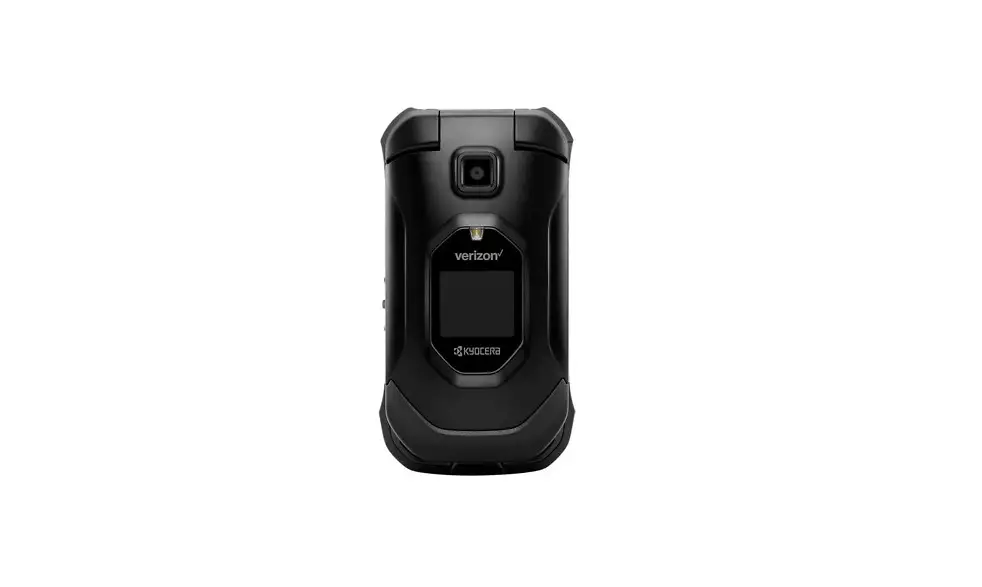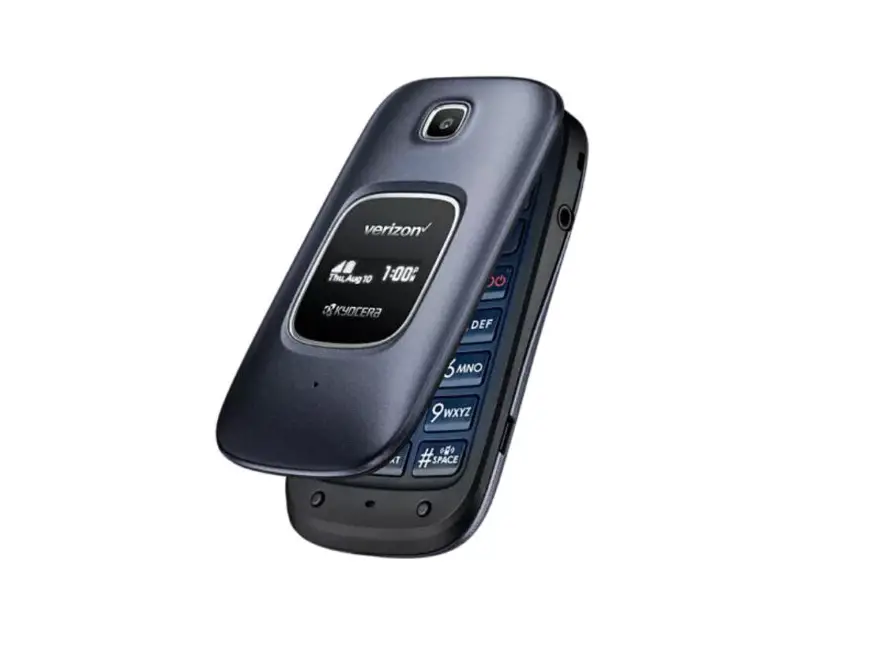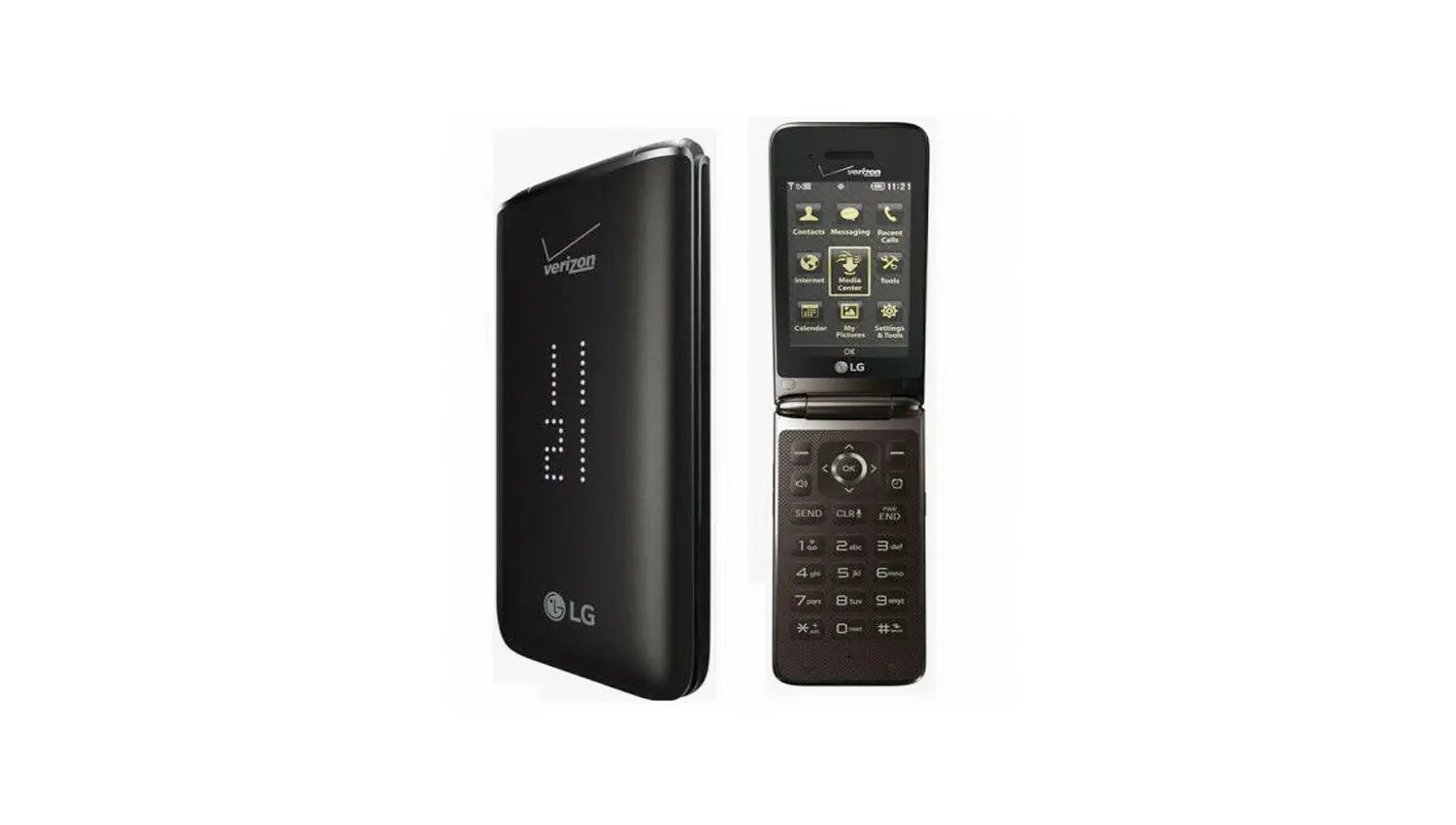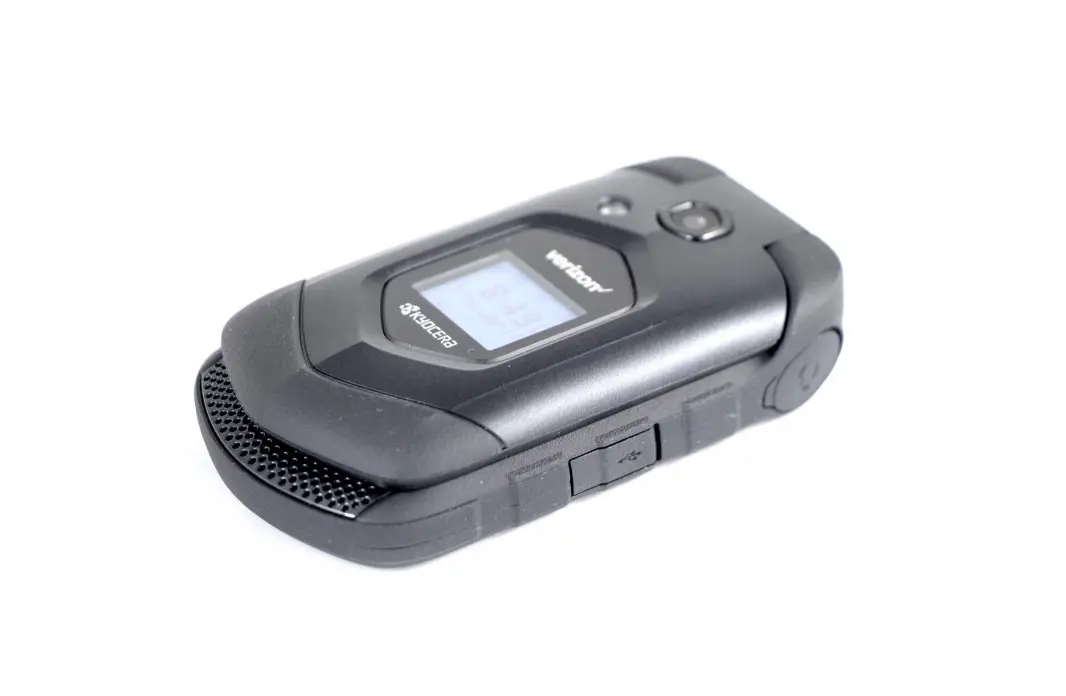
Kyocera DuraXV LTE – Delete Paired Bluetooth Connection
- From the main screen, select Menu.
 Utilize the 5-way navigation pad to highlight and the center button to select.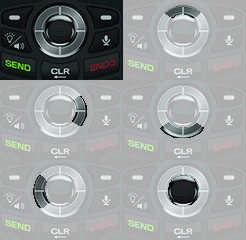
- Select Tools & Settings.
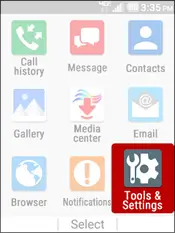
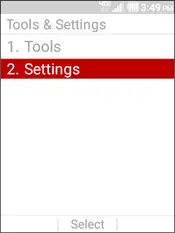
- Select Settings.
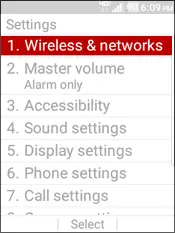
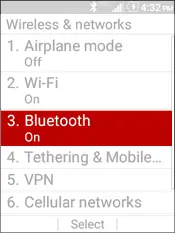
- Select Wireless & networks.
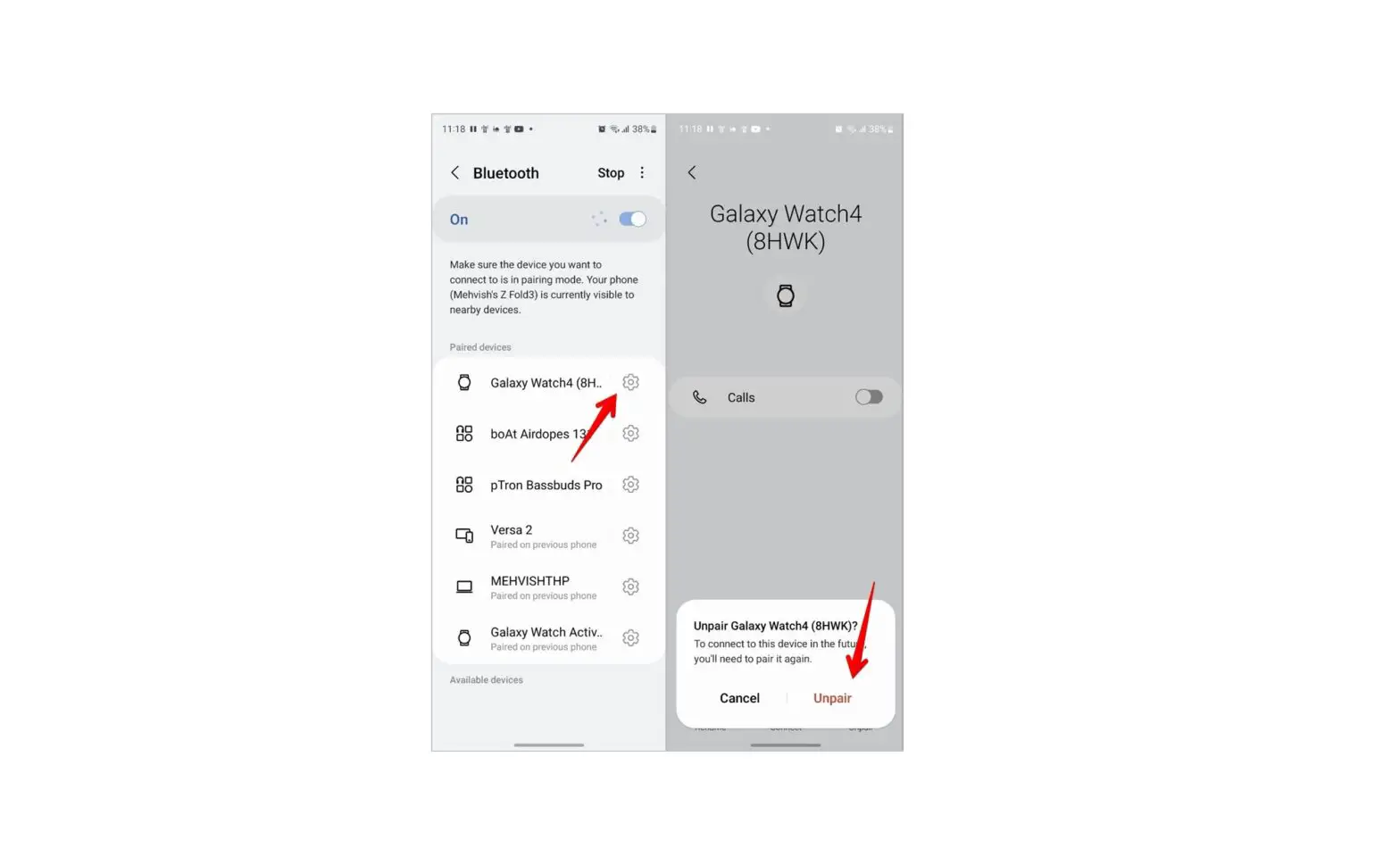
- Select Bluetooth. To see paired devices Bluetooth must be turned on.
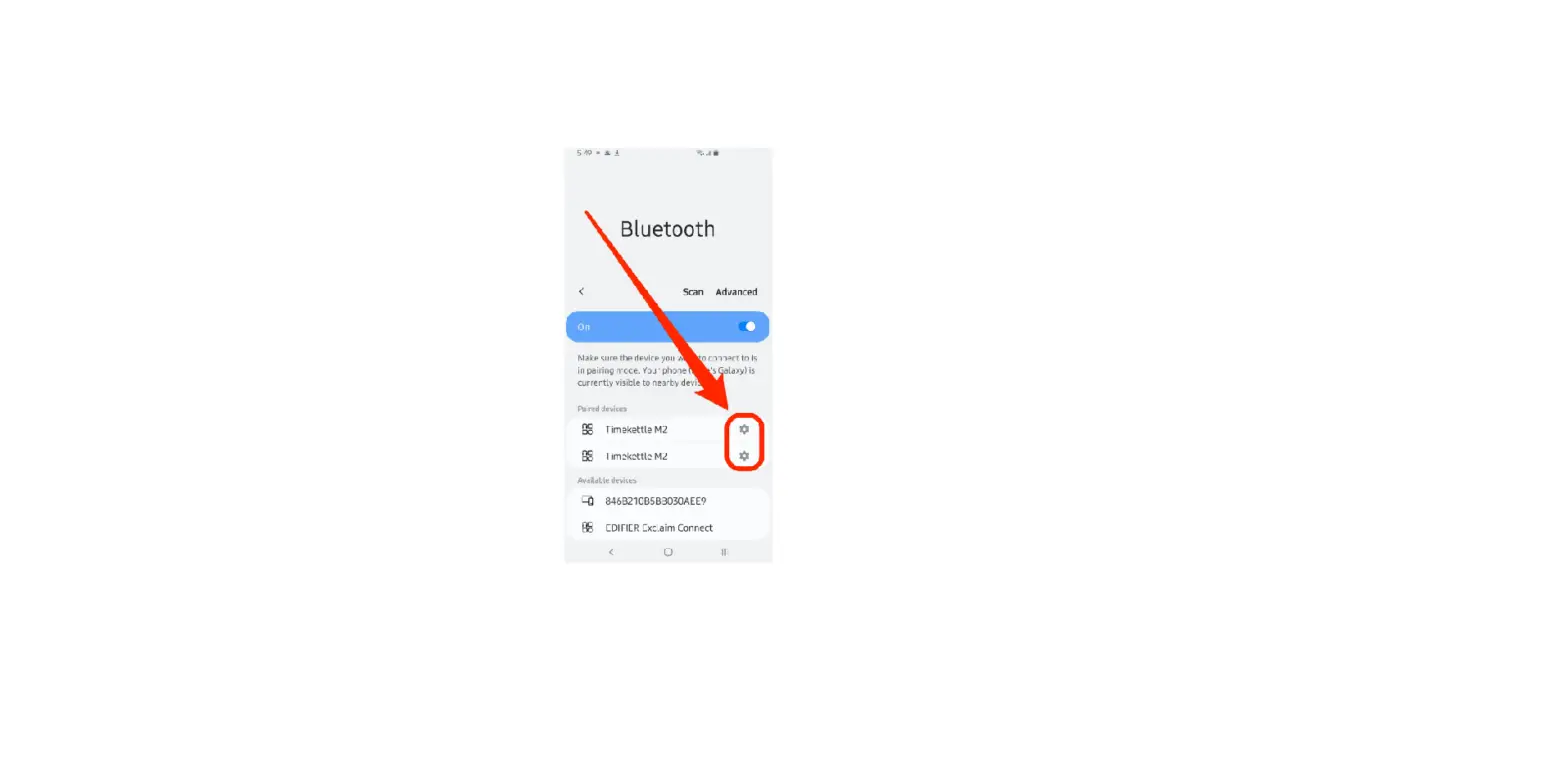
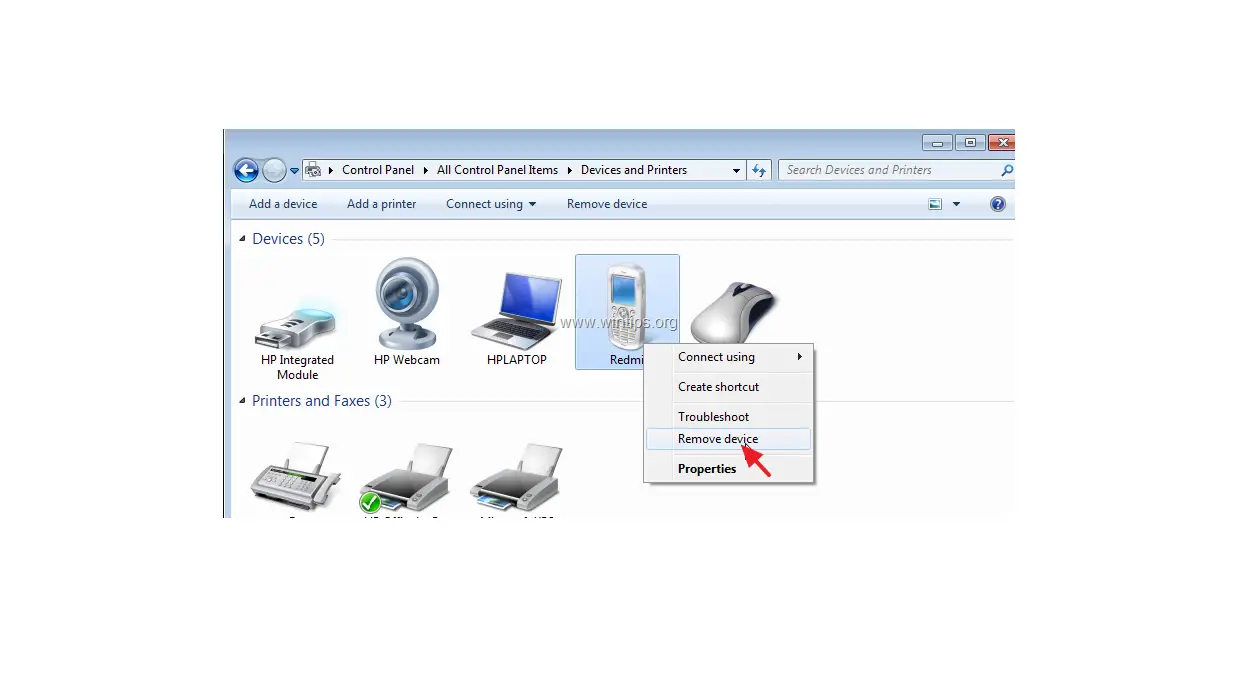
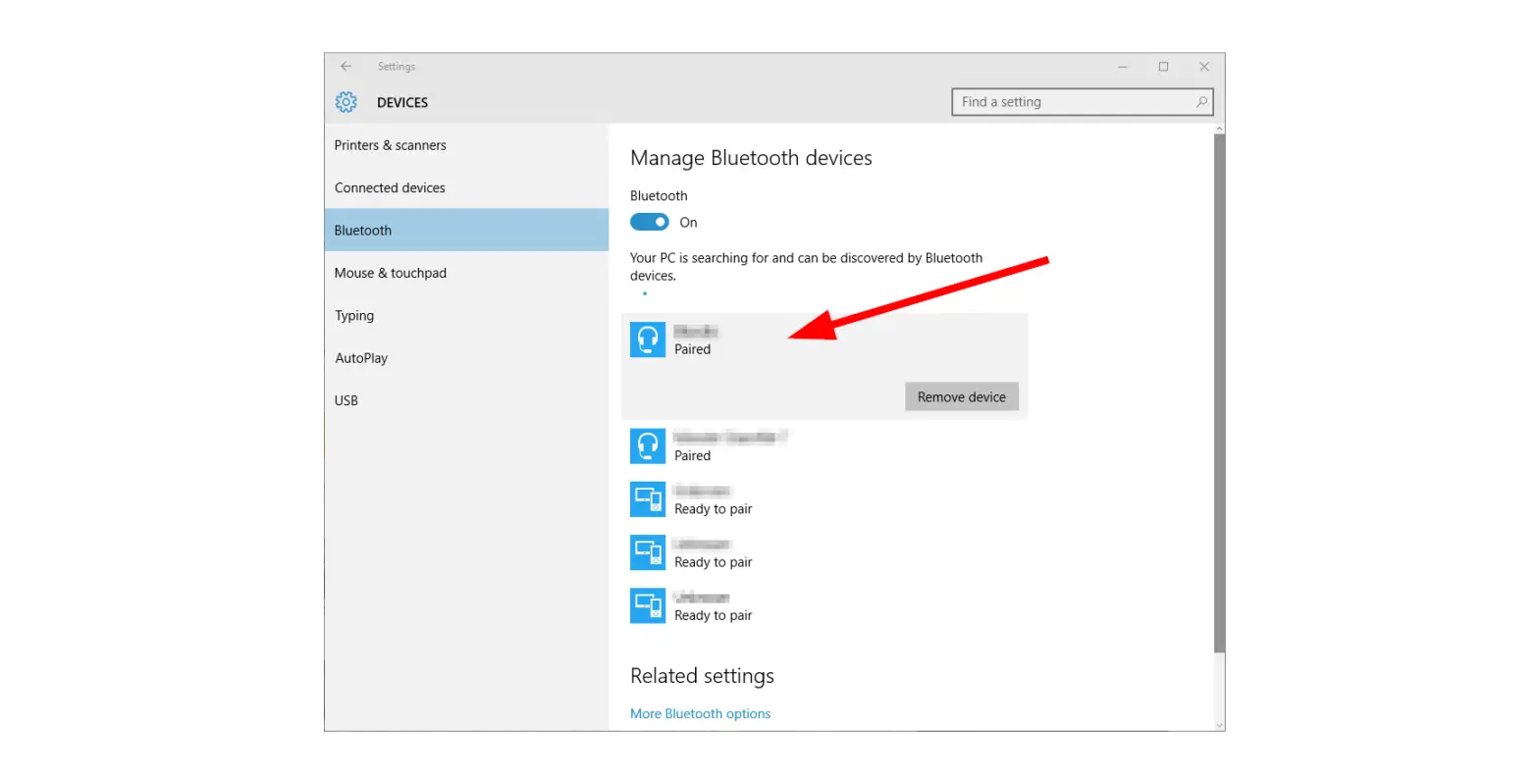
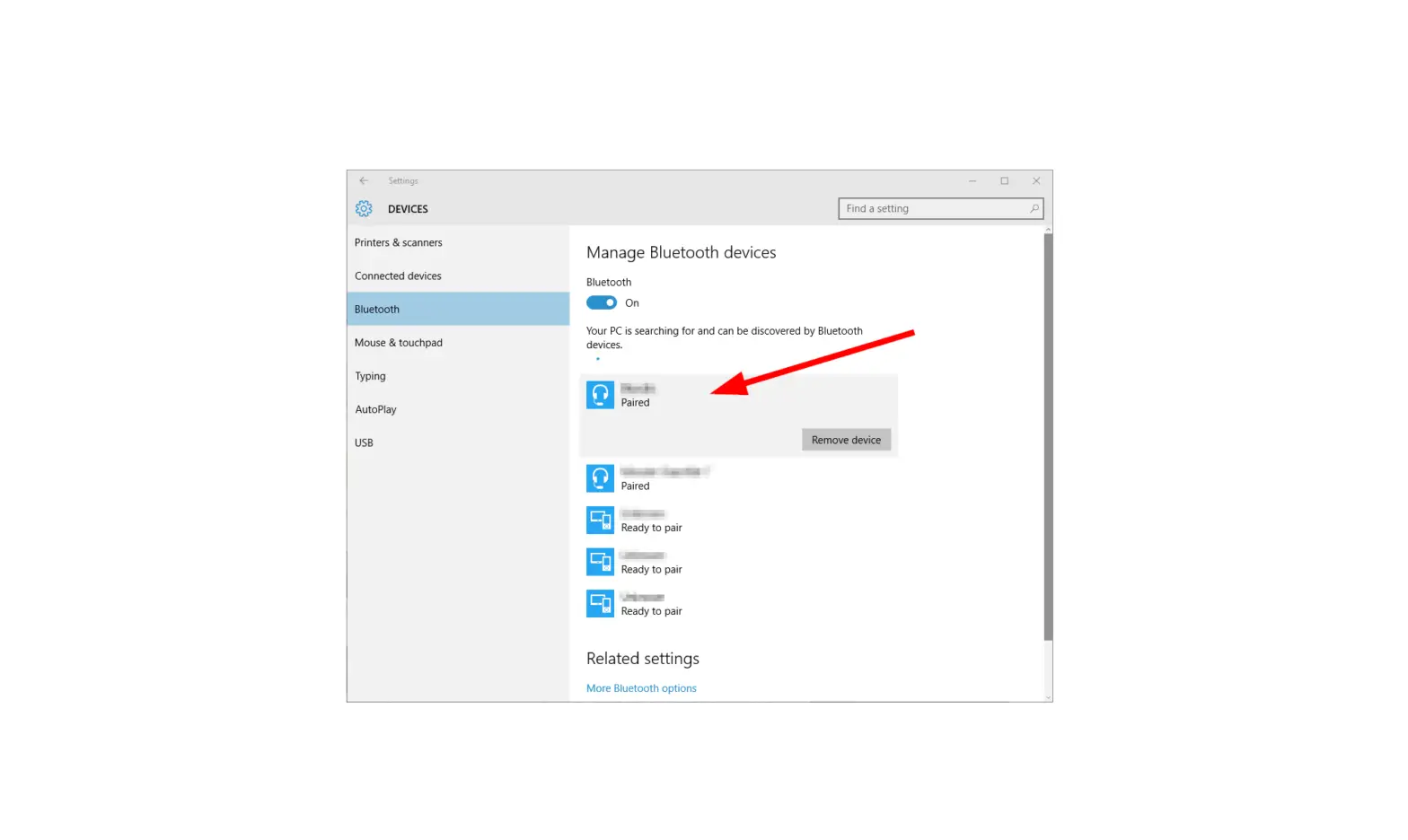
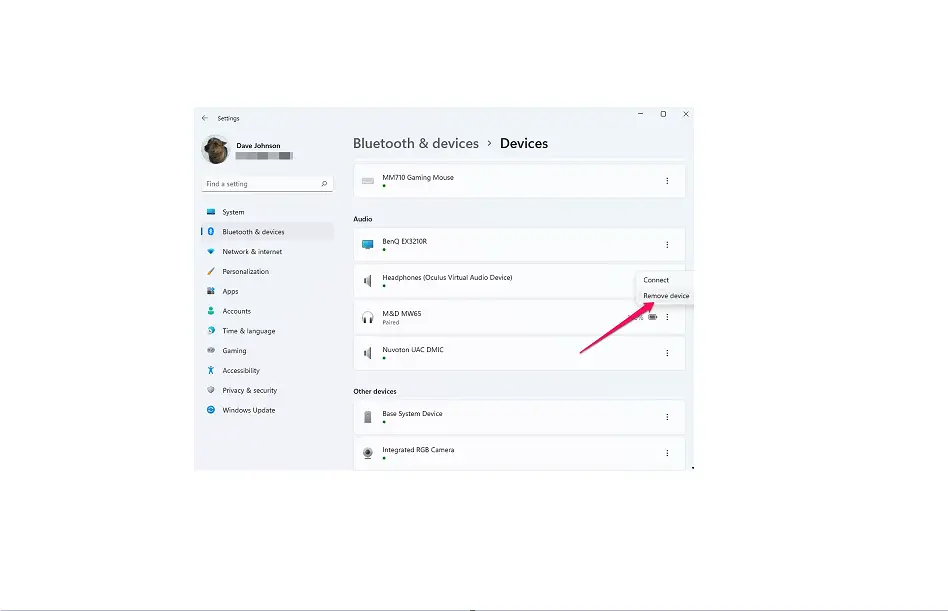
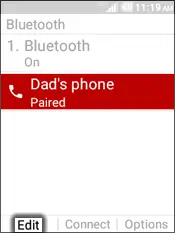
- Select the ‘paired device’ to remove then press the left soft key to choose Edit.
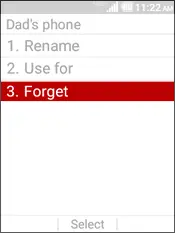
- Select Forget.
 Utilize the 5-way navigation pad to highlight and the center button to select.