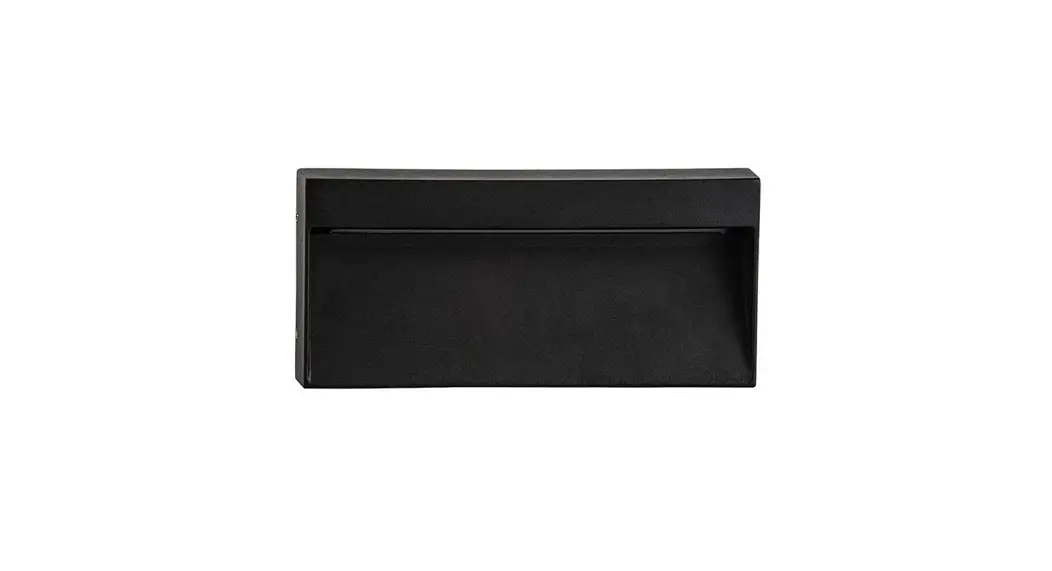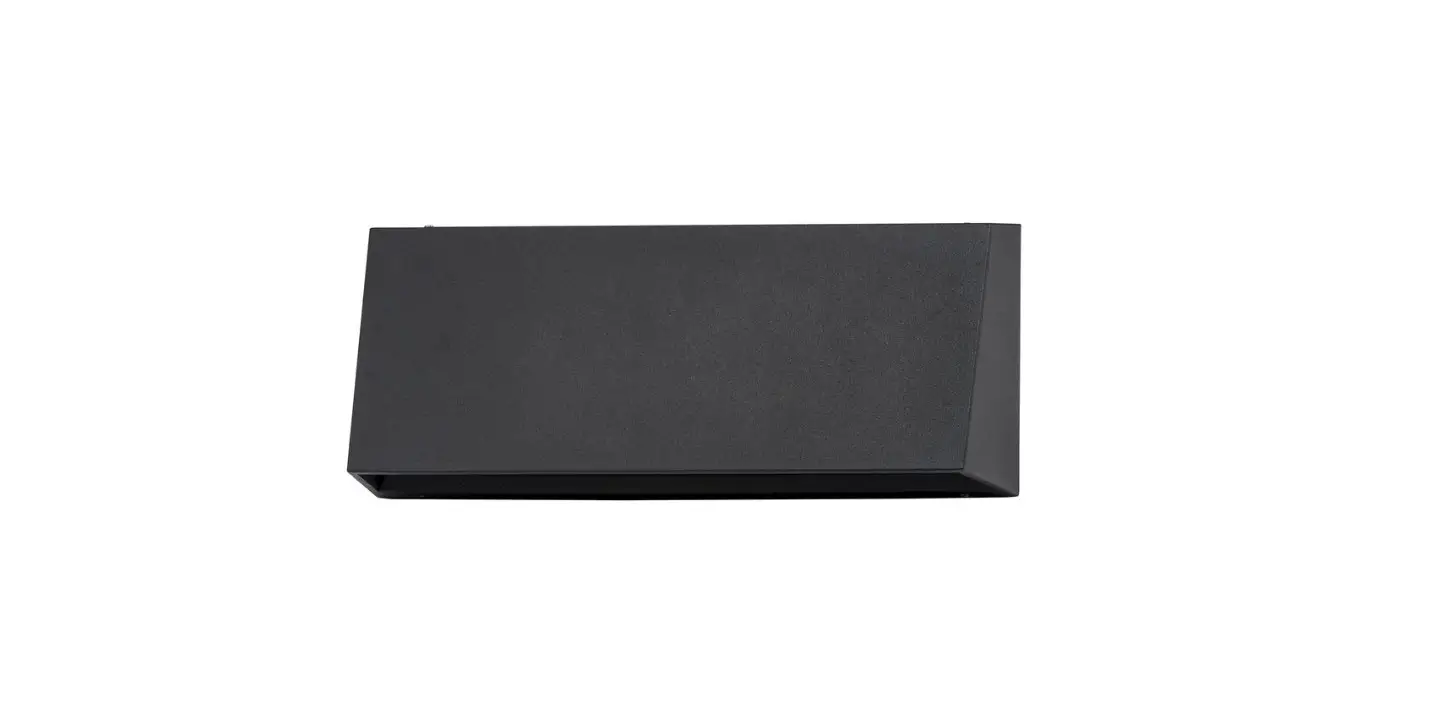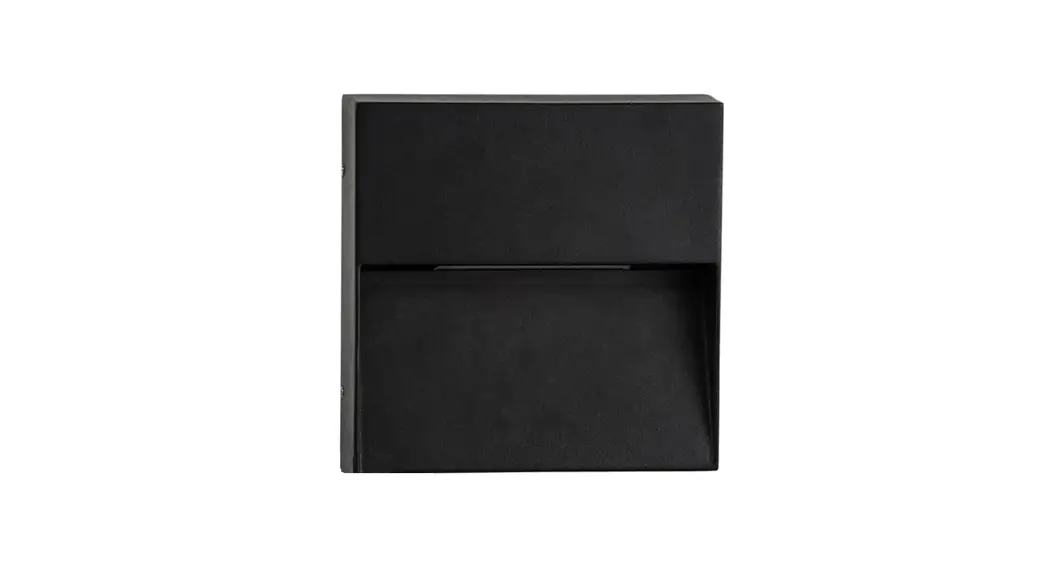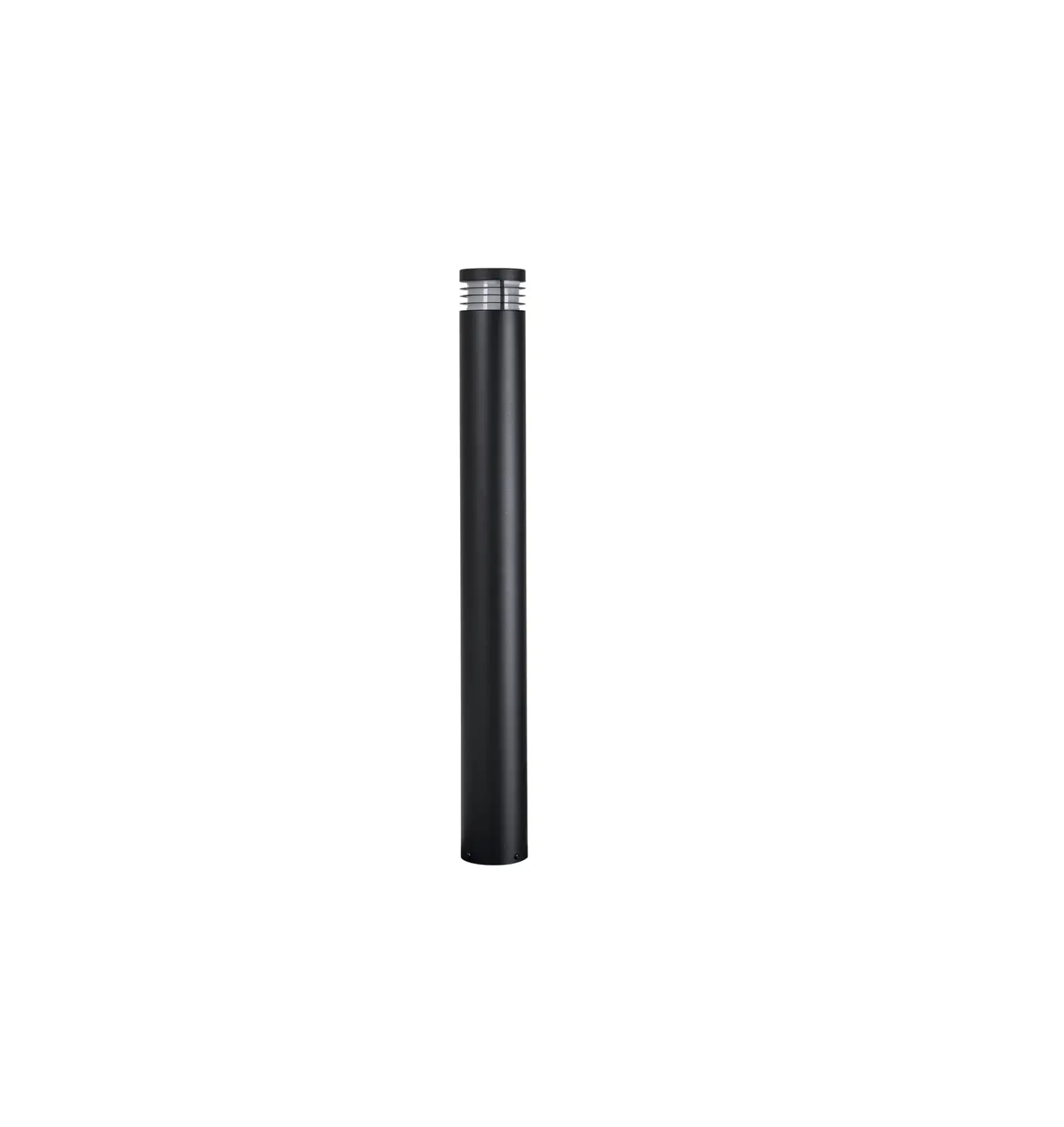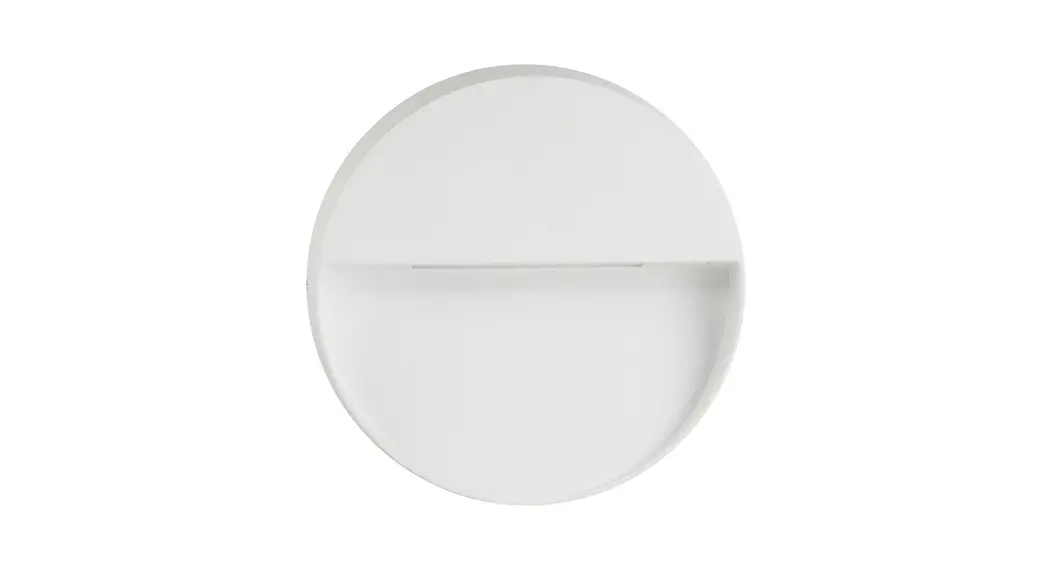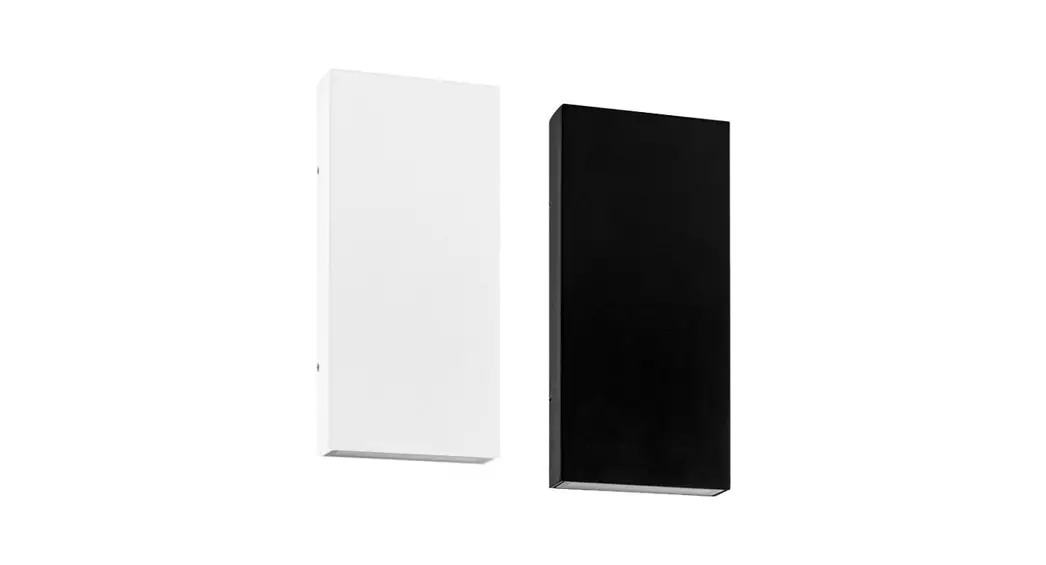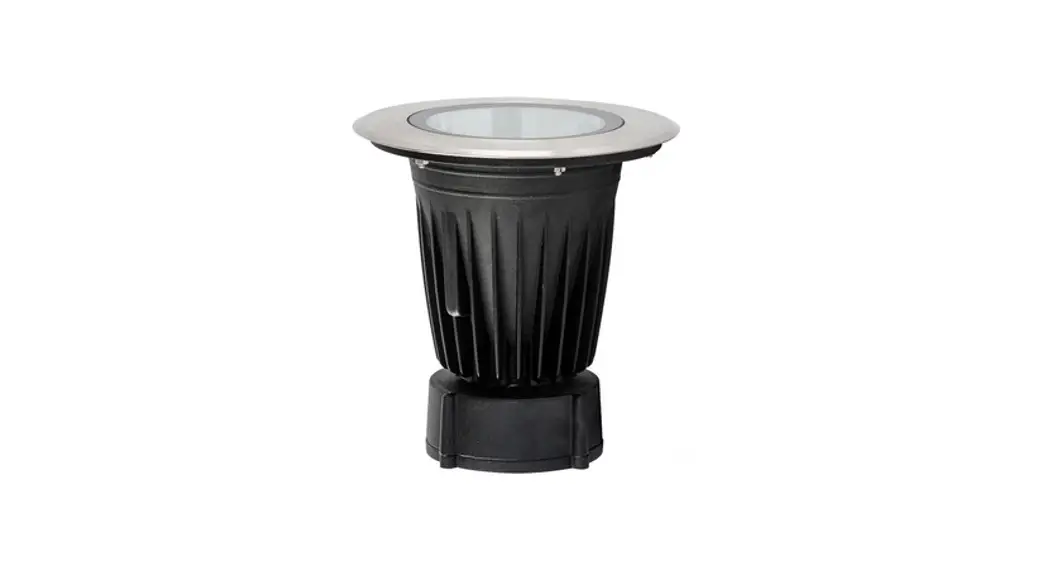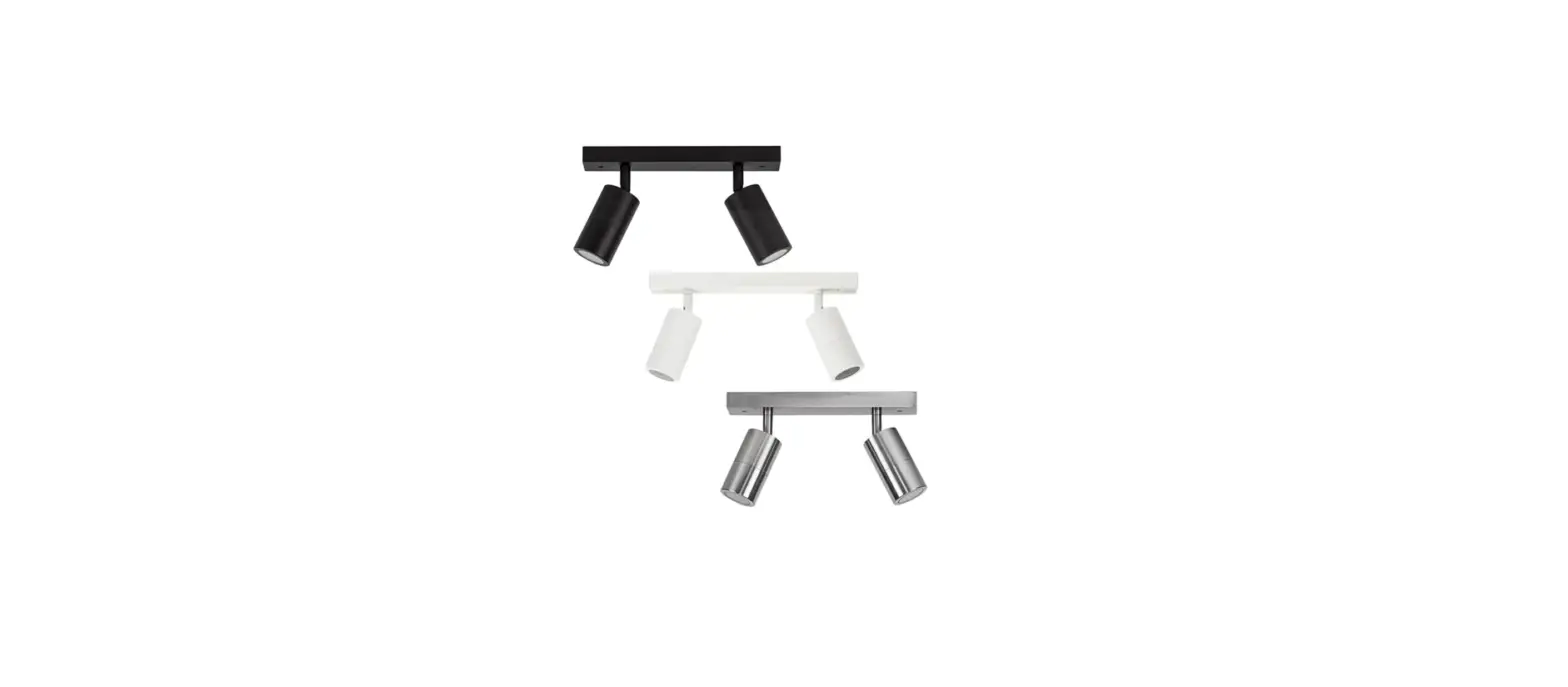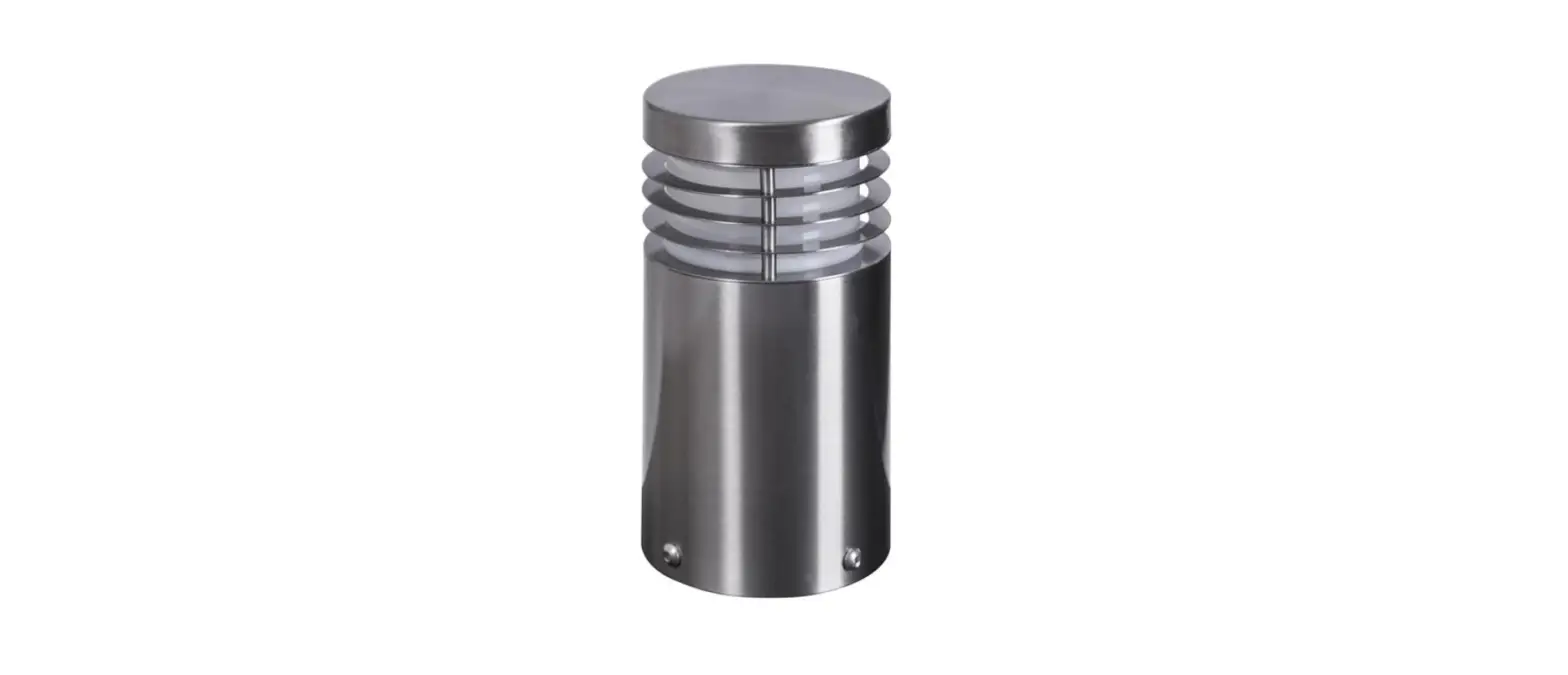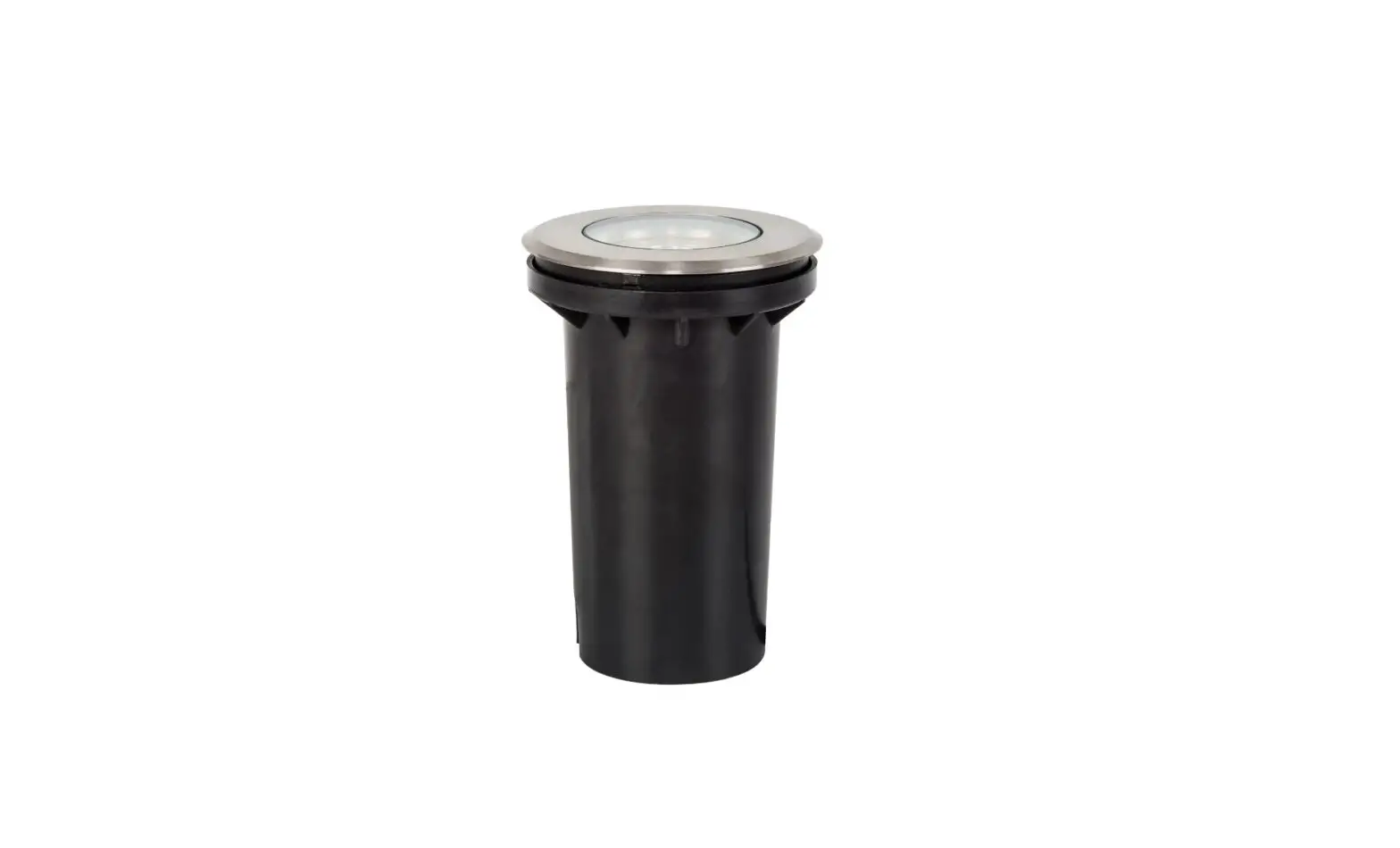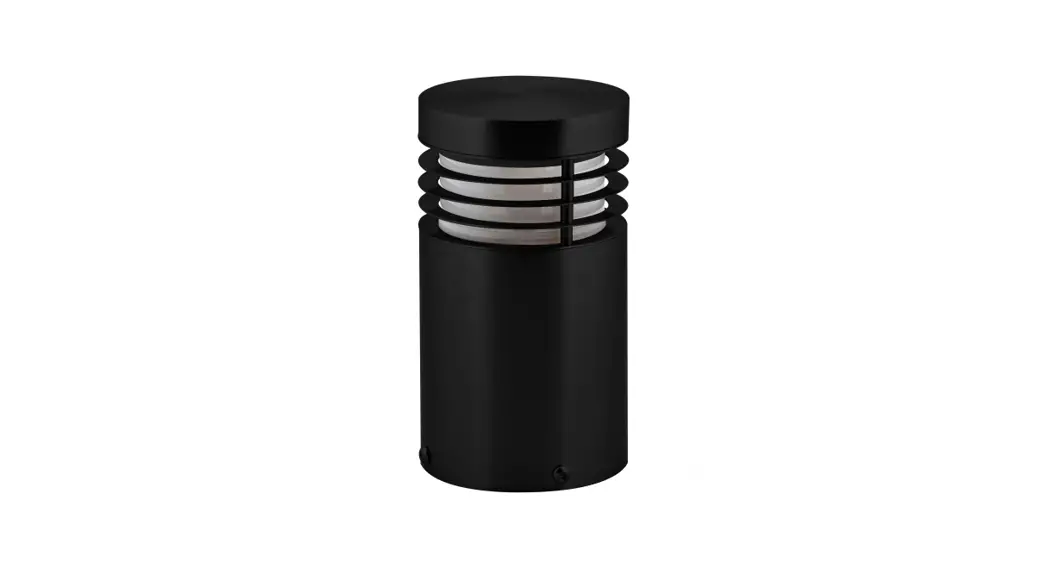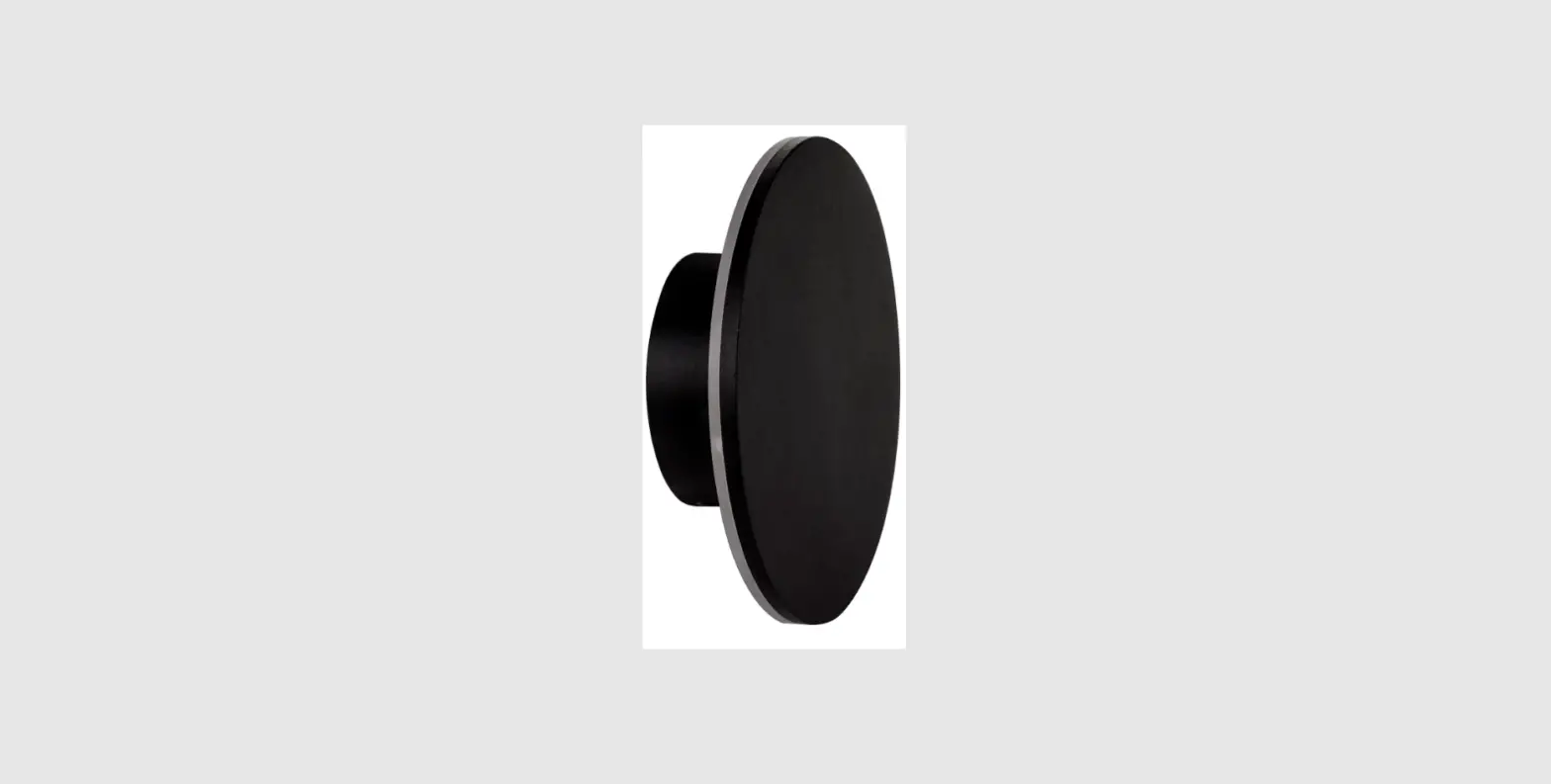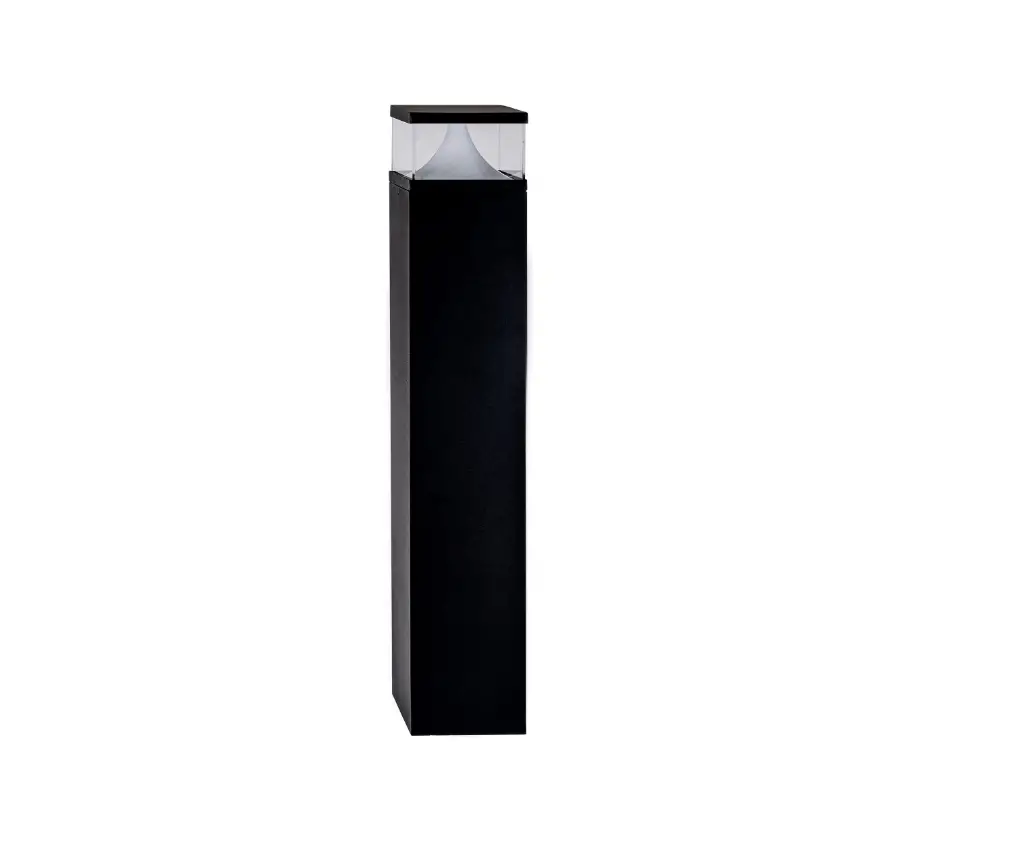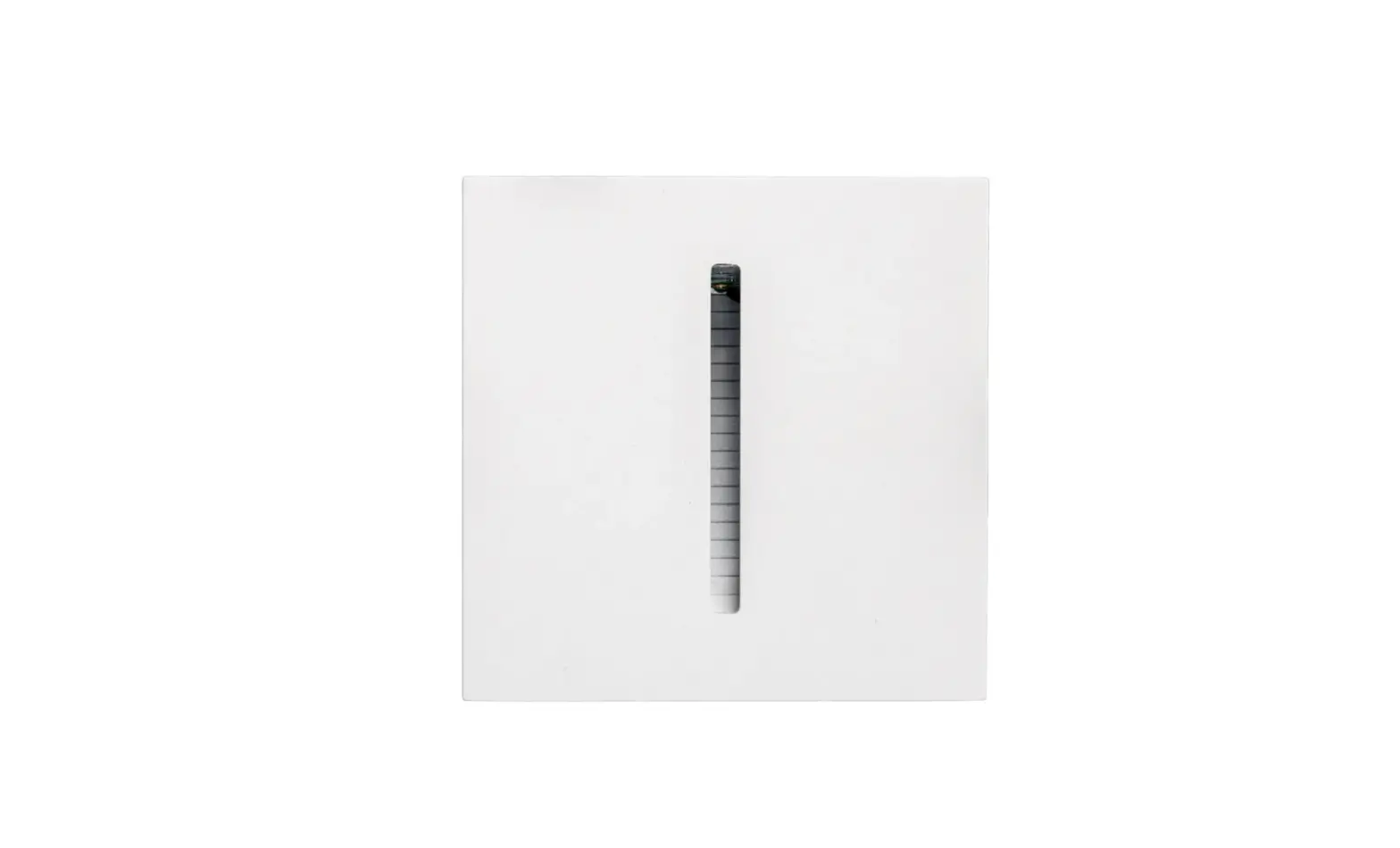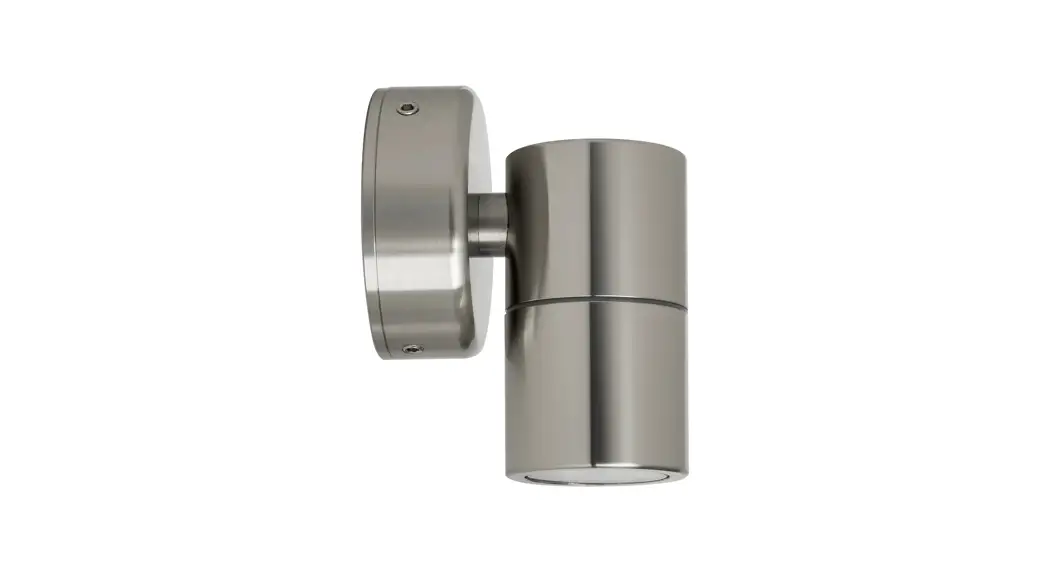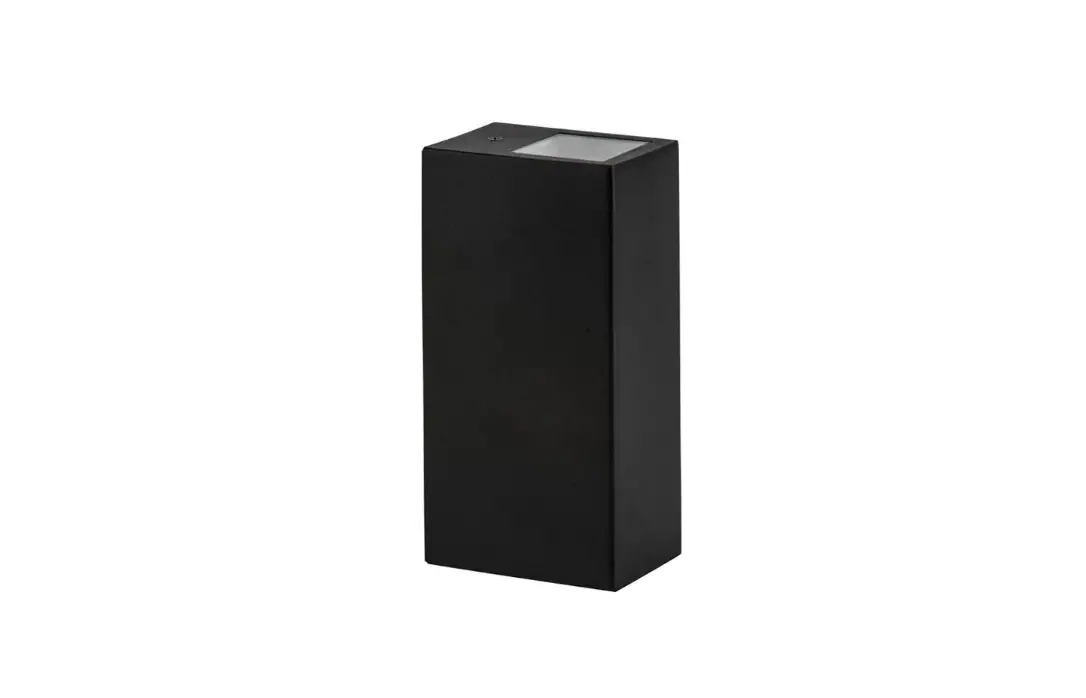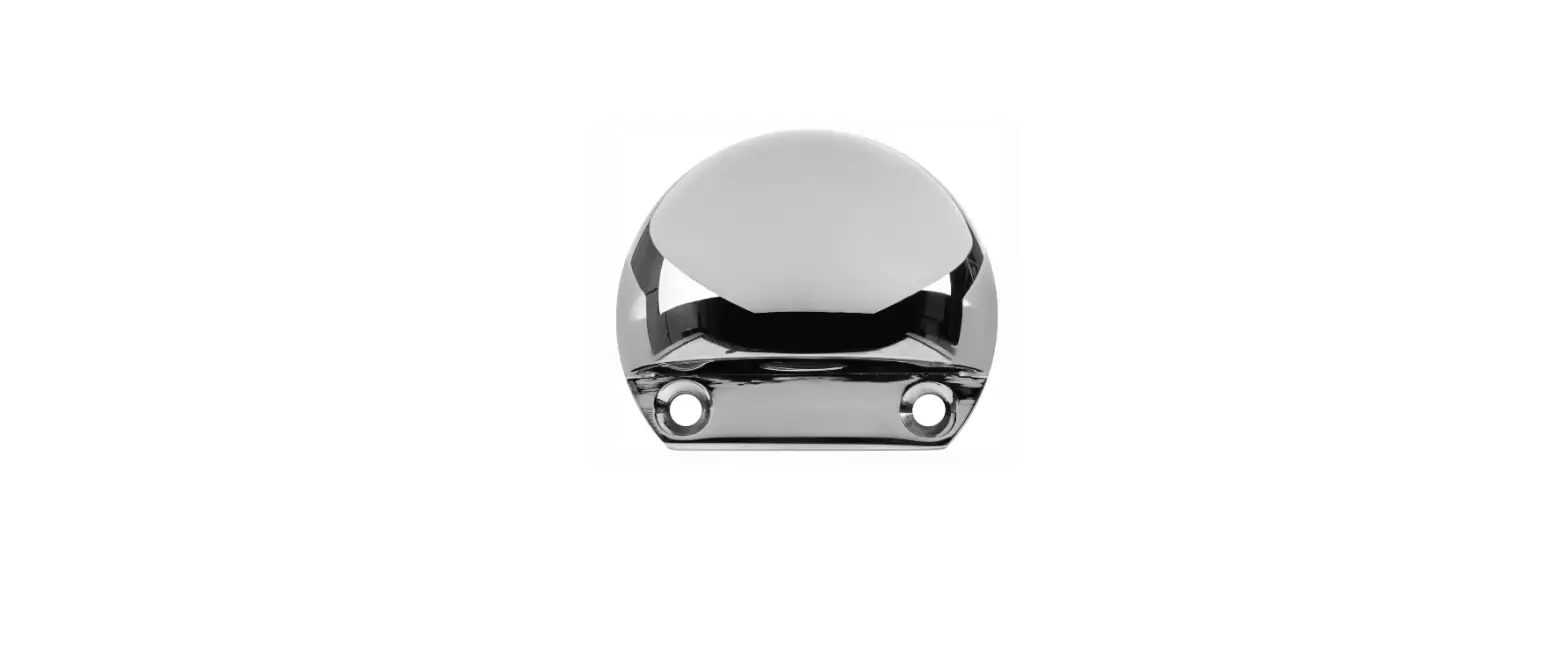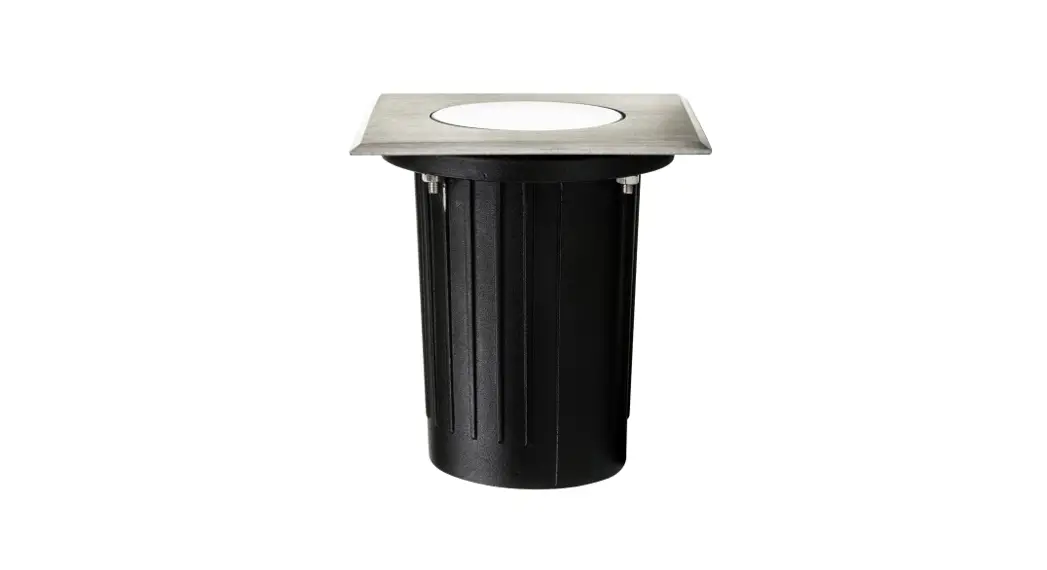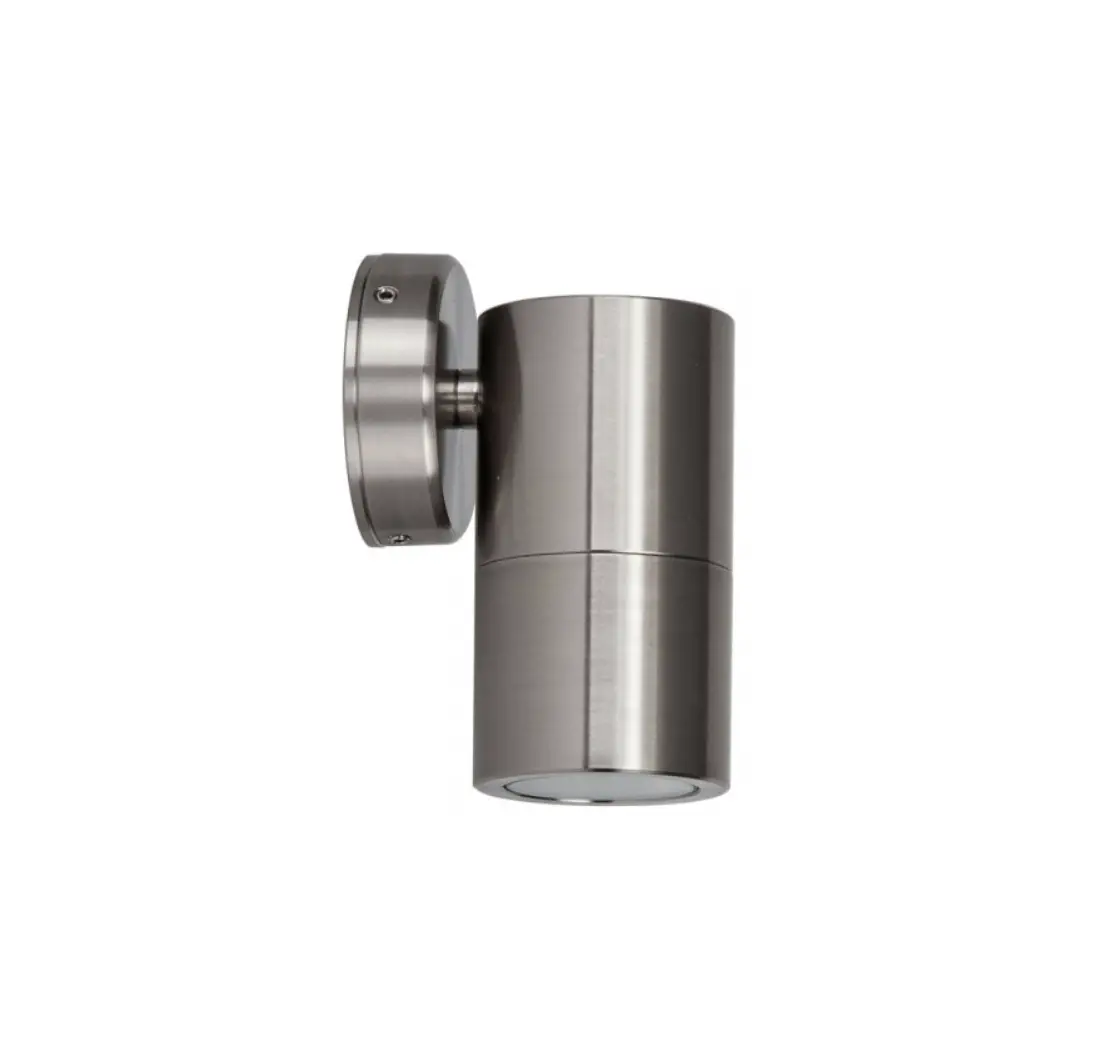
 havit HV3005T-BLK-12V Beta Brick Light
 havit HV3005T-BLK-12V Beta Brick Light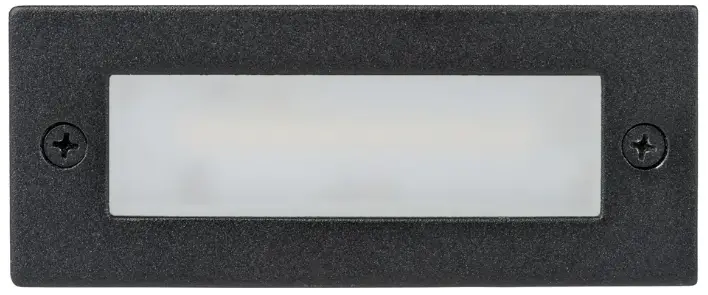
Product Specifications
| Product Specifications | ||||||||
| Model No. | HV3005T-BLK-12V | HV3005T-SS316-12V | HV3006T-BLK-12V | HV3006T-SS316-12V | HV3007T-BLK-12V | HV3007T-SS316-12V | HV3008T-BLK-12V | HV3008T-SS316-12V |
| Name | Bata | |||||||
| Material | 316 Stainless Steel Cover + Aluminium Body | |||||||
| Colour | Black | Stainless Steel | Black | Stainless Steel | Black | Stainless Steel | Black | Stainless Steel |
| IP Rating | IP54 | |||||||
| Input Voltage | 12v DC | |||||||
| Protection Class | (Low Voltage) | |||||||
| Lamp Base | Built in LED | |||||||
| Lamp Wattage | 1x 6w | 1x 3w | ||||||
| Colour Temp | TRI Colour – 3000k, 4000k, 5500k | TRI Colour – 3000k, 4000k, 5500k | ||||||
| Lumens | 480lm, 510lm, 540lm | 240lm, 255lm, 270lm | ||||||
| CRI | > 80 | |||||||
| Wiring | Parallel | |||||||
| Dimmable | No | |||||||
| Warranty | 3 Years Replacement* | |||||||
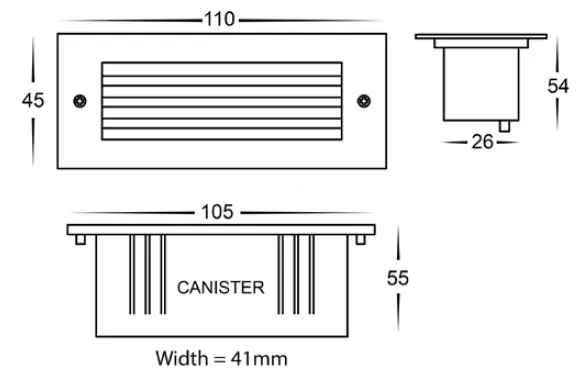
| HV3005 Dimensions | HV3006 Dimensions | HV3007 Dimensions | HV3008 Dimensions | |||
|
|
|
|
|
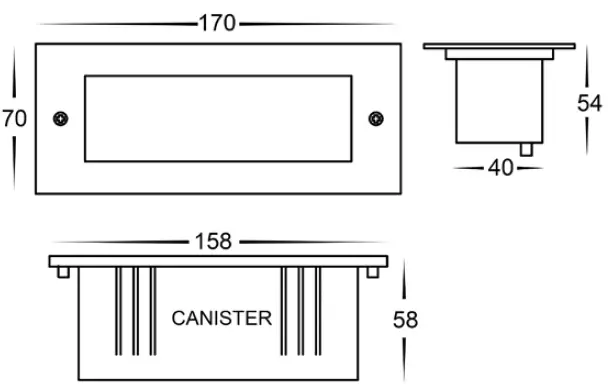
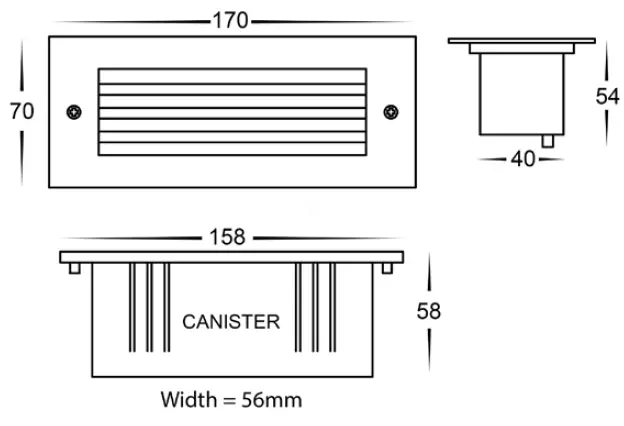
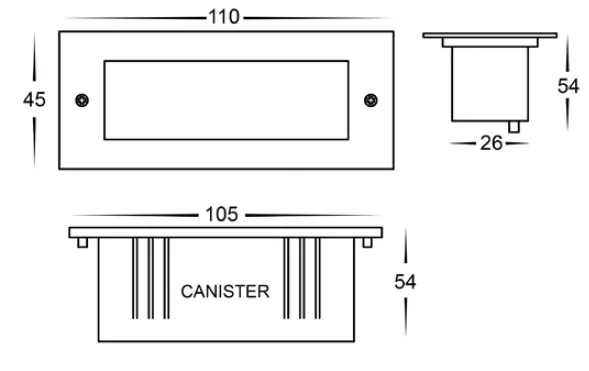
Important Safety Issues
- This product must be installed by a qualified electrician according to AS/NZS 3000.
- Ensure all electrical mains are disconnected before any installation.
- Modification of this product will void any warranty.
- Havit Lighting does not take responsibility for wrong installation, incorrect use, or use of installation material that does not belong to the system.
- When installing low voltage fittings, Voltage to fitting must be within +or- 5% of voltage required and cannot be installed more than 25m from LED Driver, if not within this allowance warranty will be voided.
- Aluminium and 304SS fittings must not be installed within 5km of any salt water environments.
- All o-rings and seals must be in place correctly to maintain warranty.
- These instructions may be updated at any time due to product improvements, Please visit website for most current installation instructions.
Steps for Installation
- Make sure that the electrical circuit is free of voltage (master switch off )
- Make a hole where fitting is to be placed using dimensions provided on line drawings
- Canister Installation – Insert canister, and ensure that the top is level with wall. Failure to do so will void warranty.
- Gyprock Installation – Attach clips to fitting using screws provided.
- Using an appropriate 12v DC LED Driver – DO NOT CONNECT LIGHT FITTING DIRECTLY TO 240V
- Connect the cable – If more than one fitting installed, wiring must be done in parallel.
- Strip back the cable on both fitting and cable run and twist the positive cables together. Then connect neutral cables together
- Solder all joins using solder and either a heat gun or butane gas torch.
- Cover connections using an adhesive lined heat shrink or gel cap to make connection watertight. Failure to do this will void warranty.
- Heat the heat shrink or crimp the gel cap making sure all connections are covered.
- Remove screws from face, remove face and glass and set aside.
- Remove PCB from fitting by unscrewing the 2 screws found in corner
- Canister Installation – Attach body of fitting to canister making sure body sits just behind canister edge.
- Reattach PCB to fitting by reattaching the 2 screws.
- Colour temperature is preset to 3000k, to change slide switch located on front of PCB to desired colour temperature.
- Reinsert glass and then reattached face making sure screws are tight to avoid any water penetration.
- Gyprock Installation – Insert fitting into hole by pushing down on clips and release once fitting is installed.
- If installed outside apply silicon around edge of fitting to prevent any water from getting inside to electrical connections.
- All connections must be carried out carefully, inspect all contacts before switching back on the electric circuit.
Contact Details
| Contact Details: | |
| 143 Beauchamp Road | Tel: 02 9381 8300 |
| Matraville NSW 2036 | Fax: 02 9666 8881 |
| Australia | Email: [email protected] |
| Web: www.havit.com.au | |
Warranty Terms & Conditions

Additional Information