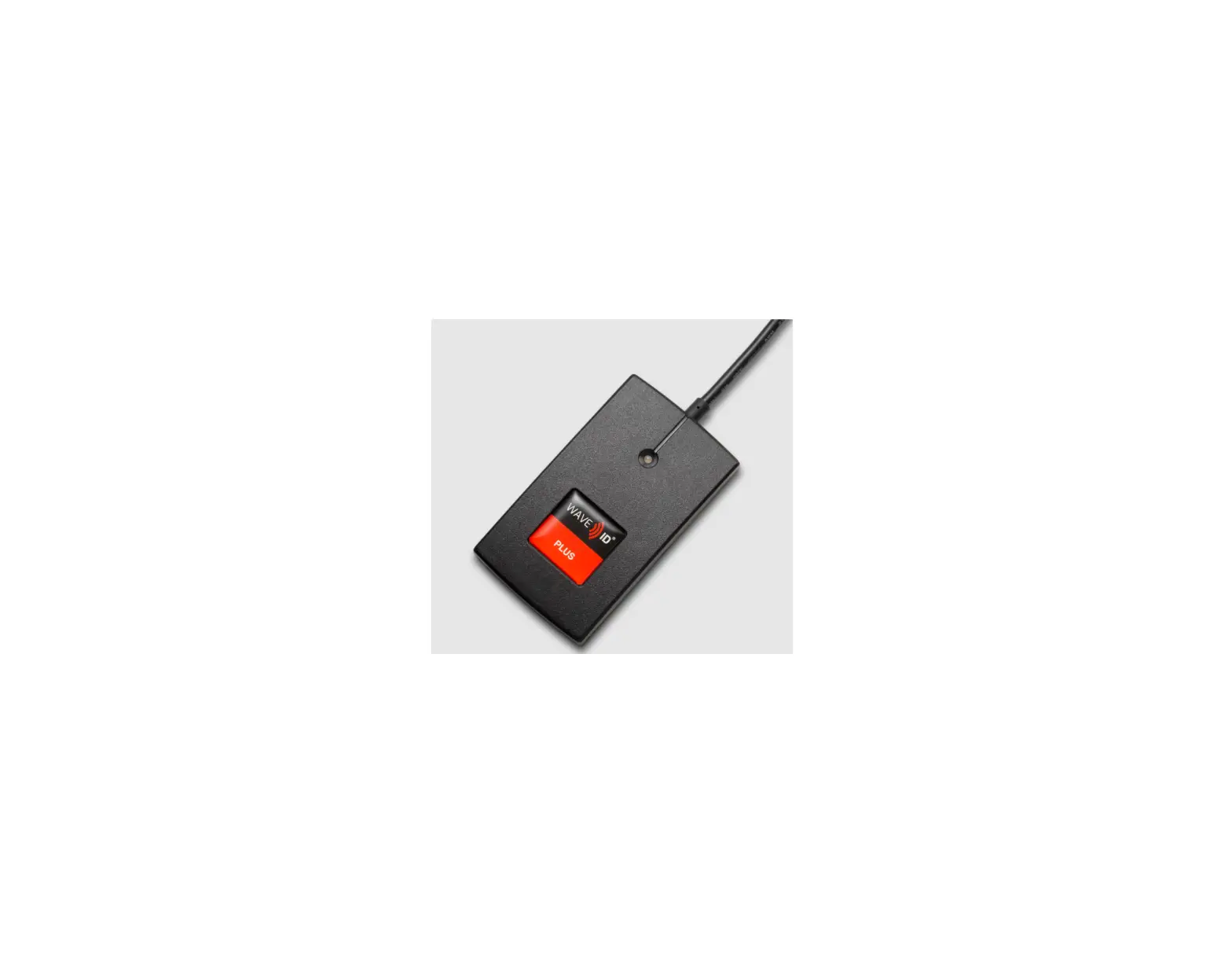
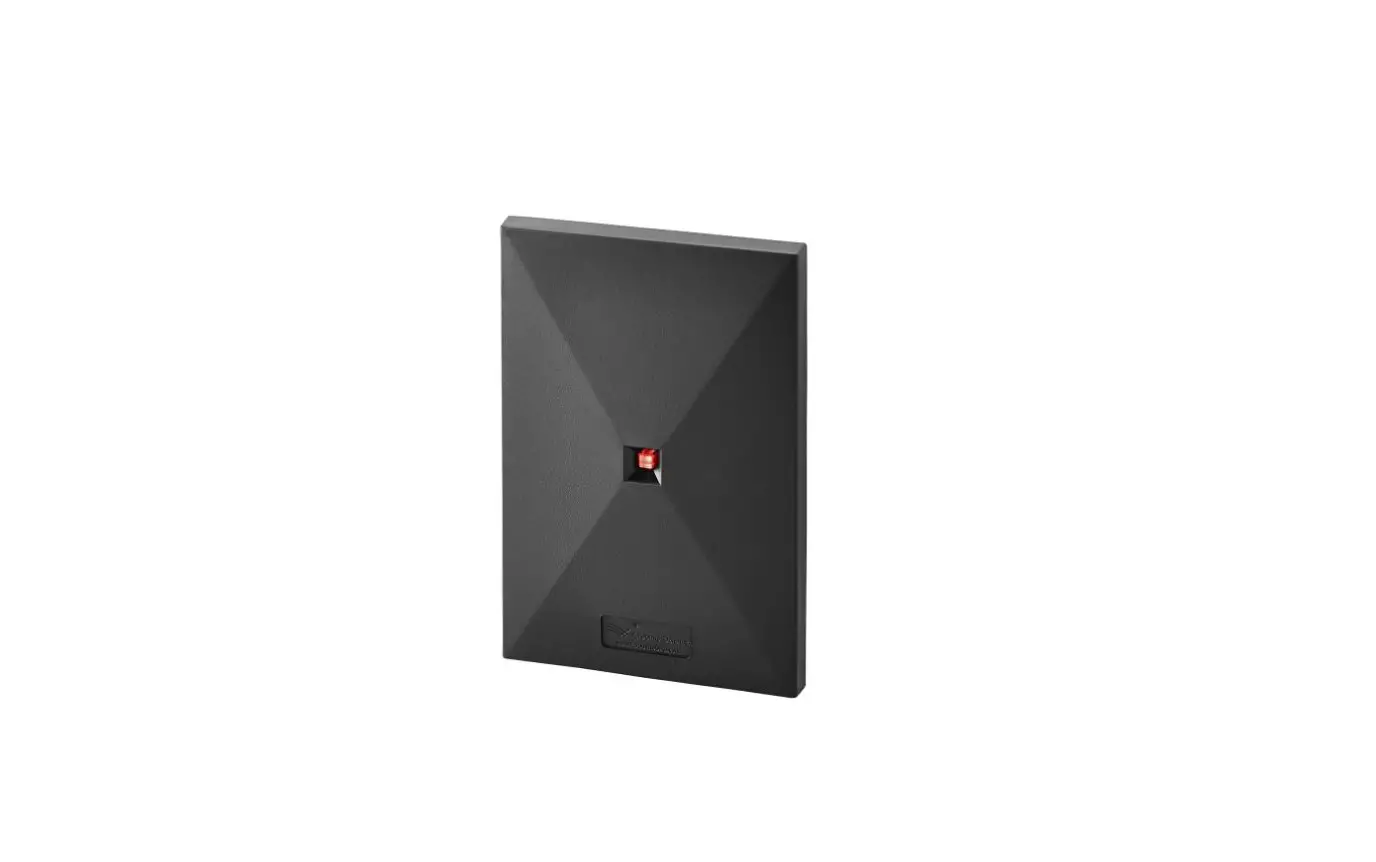
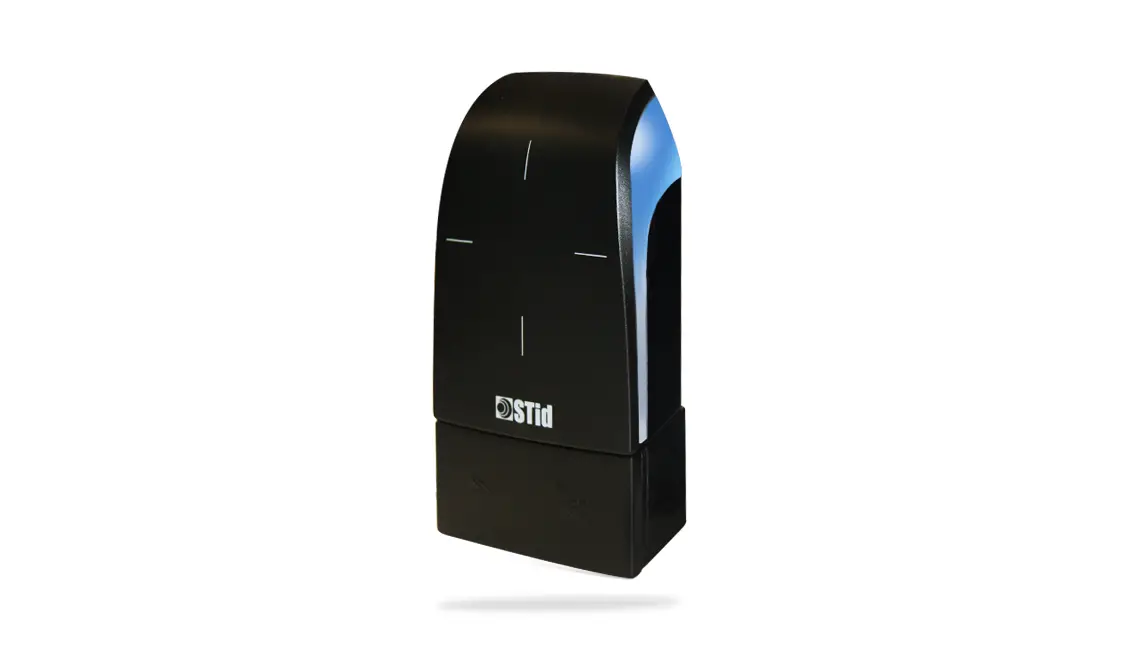
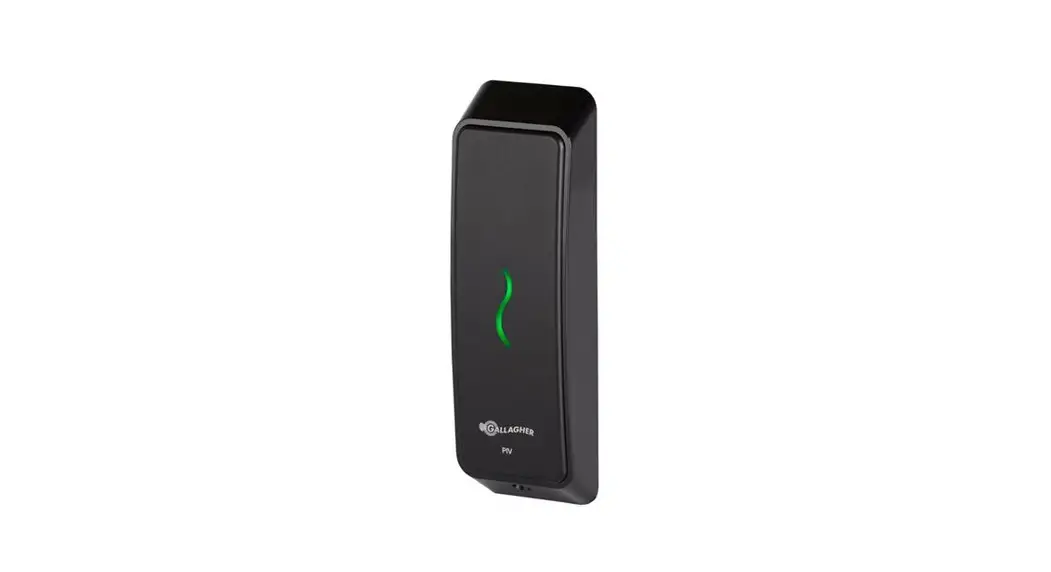
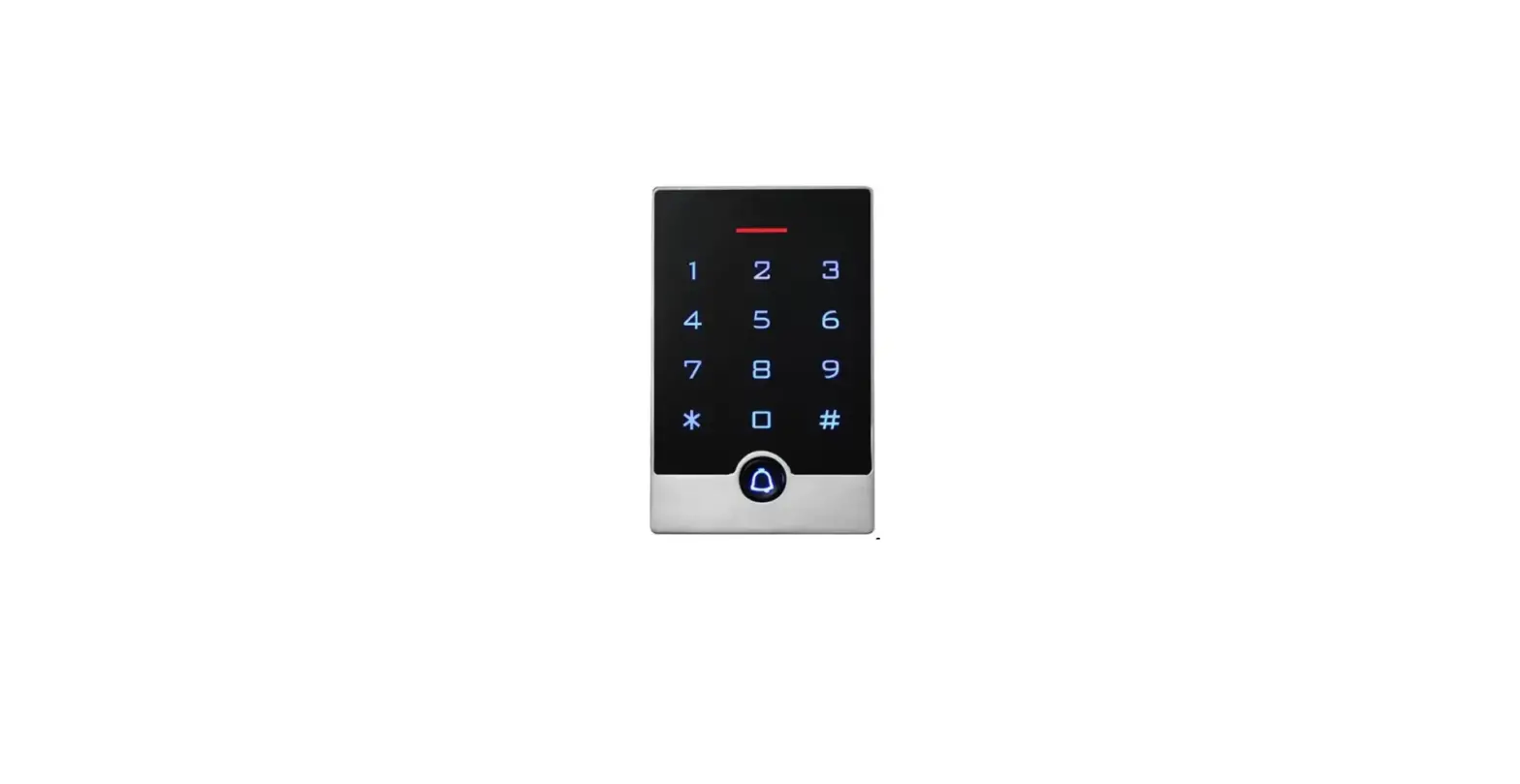
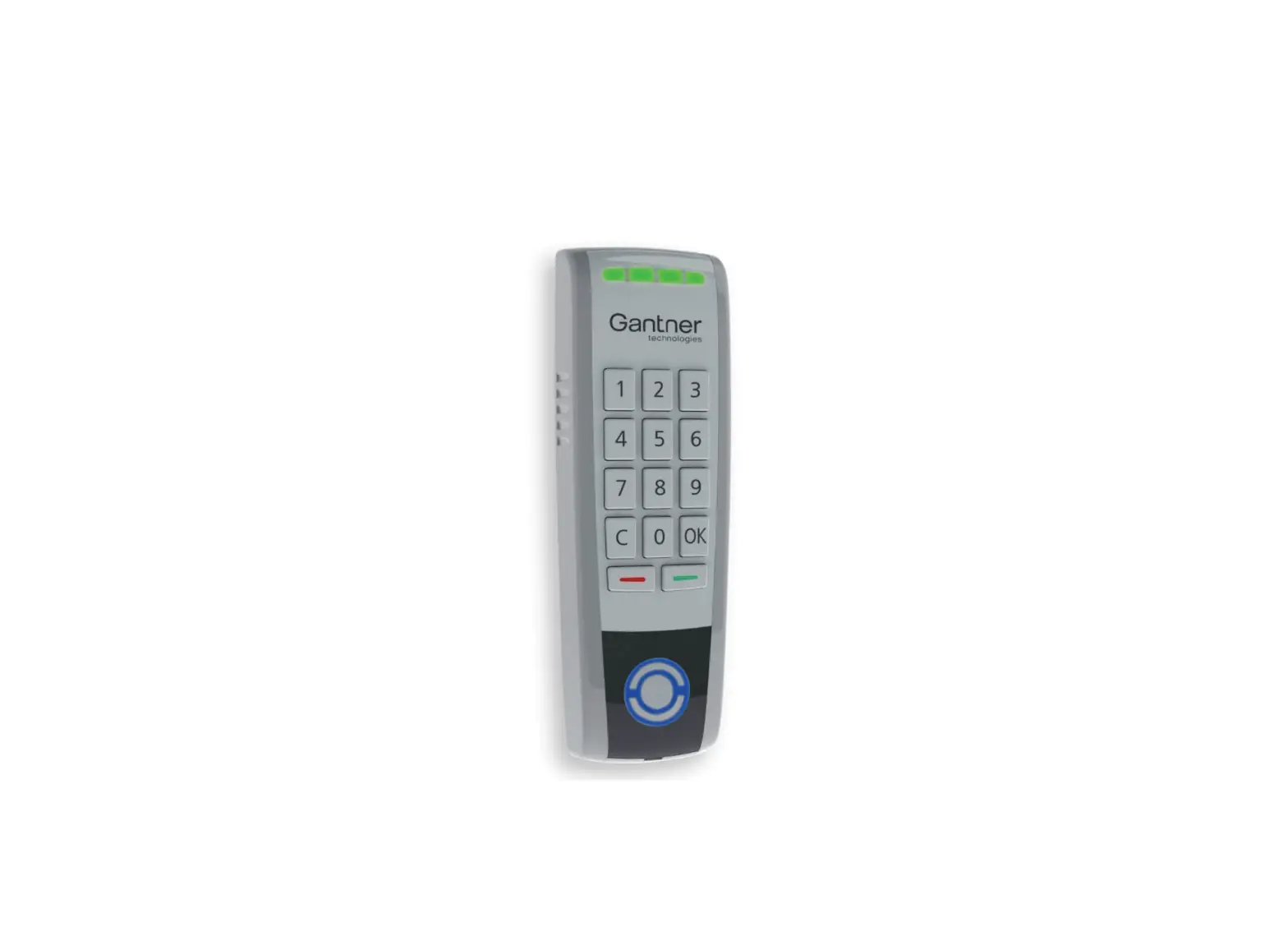
PRT62LT EM 125kHz Reader
Product Information – PRT62LT Proximity Reader
The PRT62LT is a proximity reader designed to be used as a slave
unit of an access control system. It is compatible with EM 125 Khz
proximity TAGs/cards (EM4100/4102 compatible) and has a reading
range of up to 10 cm. The reader can be installed both indoors and
outdoors, and supports Wiegand 26 / 32 / 32 reversed / 34 / 42 / 66
bit or Magstripe data format (ABA Track II emulation). The reader
also has tamper switch, LED control input, and buzzer control
input.
Operating Modes
The PRT62LT operates in slave mode when connected to an external
access controller. In this mode, the collected data (prox card ID)
is transmitted to the host for further processing. The most common
data formats transmitted by the unit are Wiegand 26 bit, Wiegand 32
bit (from MSB to LSB), Wiegand 32 bit reverse (from LSB to MSB),
Wiegand 34 bit, Wiegand 42 bit, Wiegand 66 bit, and Magstripe (ABA
track II emulation – Clock & Data).
Proximity Cards
The PRT62LT is designed for EM 125 Khz standard compatibility –
EM4100/4102 transponders. In slave mode (through the Wiegand link),
it returns the card number without check sum bits. The card number
is transmitted starting from the LSB to MSB and – if required – can
contain leading zeros or it can be reduced on the MSB
positions.
Programming
The PRT62LT reader can be programmed manually from the built-in
keypad or with the Programming Card. The reader can also be
programmed as the PIN & PROX terminal AKS120P using a proximity
card emulating keys. Please refer to the AKS120P User Guide for
further information.
Installation Guidelines
For installation guidelines, please refer to the Technical
Manual of the PRTxx terminal serie.
Technical Specifications
For technical specifications, please refer to section 5.1 of the
user manual.
Product Usage Instructions
- Connect the PRT62LT proximity reader to an external access
controller in slave mode. - Ensure that the reader is compatible with EM 125 Khz proximity
TAGs/cards (EM4100/4102 compatible). - Ensure that the reader is installed properly as per the
installation guidelines provided in the Technical Manual of the
PRTxx terminal serie. - The reader supports Wiegand 26 / 32 / 32 reversed / 34 / 42 /
66 bit or Magstripe data format (ABA Track II emulation). Ensure
that the correct data format is selected as per your
requirements. - The collected data (prox card ID) is transmitted to the host
for further processing. Ensure that the host is set up to receive
and process the data format transmitted by the reader. - The reader can be programmed manually from the built-in keypad
or with the Programming Card. Please refer to section 4 of the user
manual for programming instructions.
All manuals and user guides at all-guides.com
Quick User Guide PRT62LT
EM 125 kHz reader
FW Version 1.29, December 2011 © 2007 2011 DoingSecurity, all rights reserved
ING. GIANNI SABATO Via S. Stefano 74, I-40125 Bologna GSM +39 335 238046 Ph. +39 051 6211553 Fax +39 051 3370960 E-mail: [email protected] Web: www.doingsecurity.it
All manuals and user guides at all-guides.com
PRT62LT – © 2007 2011 DOINGSECURITY
2
DOINGSECURITY reserves the right to change the present manual in any part without written notice.
While every effort has been taken by DOINGSECURITY to ensure the accuracy of the information contained within this document, DOINGSECURITY assumes no responsibility for any errors or omissions. No liability is assumed for damages resulting from the use of information contained within this document.
Technical assistance : +39 329 2288344
: +39 335 238046 : [email protected]
All manuals and user guides at all-guides.com
PRT62LT – © 2007 2011 DOINGSECURITY
3
Content
Content
3
1 Foreword
4
2 Description
5
2.1 Features
5
2.2 Proximity cards
5
3 Operating Modes
6
3.1 Slave mode
6
3.1.1 Wiegand Formats
6
3.1.2 Magstripe (Clock & Data) output format
7
4 Programming
8
4.1 Memory reset
8
4.2 Programming PRT62LT reader without keypad
9
4.3 Operating Modes
10
5 Installation Guidelines
11
5.1 Technical specifications
12
All manuals and user guides at all-guides.com
PRT62LT – © 2007 2011 DOINGSECURITY
4
1 Foreword
The present user guide describes the installation and the use of the PRT62LT proximity reader, suitable as a slave unit of an access control system. Further information on advanced features of the reader are included in the Technical Manual of the PRTxx terminal serie.
The reader can be programmed in the following ways:
Manually from the built-in keypad or with the Programming Card (see below note)
Remotely from PC with optional hardware and software see Technical Manual
NOTE: the PRT62LT reader can be programmed as the PIN & PROX terminal AKS120P using a proximity card emulating keys. Therefore in the present document it is described how to use this card as the keys of a Pinpad so that some of the commands and instructions shown in the AKS120P User Guide can be used. Please refer to AKS120P User Guide for further info.
All manuals and user guides at all-guides.com
PRT62LT – © 2007 2011 DOINGSECURITY
5
2 Description
PRT62LT is a reader designed for the use into Access Control systems to identify the users using proximity EM 125 Khz TAGs / badges. The reader can be configured as a slave unit of an access control system (Online mode) connected to the host provided that compatible data interface formats are supported (wiegand or serial interfaces). PRT62LT configured as a slave reader, has the sole purpose of reading proximity cards/TAGs and then providing subsequent transmission of such collected data to host controllers for further processing. The unit offers several data transmission formats including popular Wiegand and Magstripe data protocols.
2.1 Features
EM 125 Khz proximity TAGs/cards reader (EM4100/4102 compatible) Up to 10 cm reading range Tamper switch Outdoor and indoor installations Wiegand 26 / 32 / 32 reversed / 34 / 42 / 66 bit or Magstripe data format (ABA Track II
emulation) LED control input Buzzer control input
2.2 Proximity cards
PRT62LT is designed for EM 125 Khz standard compatibility – EM4100/4102 transponders. In slave mode (through the Wiegand link), it returns the card number without check sum bits. The card number is transmitted starting from the LSB to MSB and – if required – can contain leading zeros or it can be reduced on the MSB positions.
All manuals and user guides at all-guides.com
PRT62LT – © 2007 2011 DOINGSECURITY
6
3 Operating Modes
3.1 Slave mode
In this mode, PRT62LT operates as a slave unit connected to the external access controller. PRT62LT transmits collected data (prox card ID) to the host for further processing. The most common data formats transmitted by the unit are:
Wiegand 26 bit Wiegand 32 bit (from MSB to LSB) Wiegand 32 bit reverse (from LSB to MSB) Wiegand 34 bit Wiegand 42 bit Wiegand 66 bit Magstripe (ABA track II emulation – Clock & Data)
3.1.1 Wiegand Formats
When employing Wiegand transmission format, data are sent to the host using sequences of short pulses transmitted over CLK and DTA lines. Depending on the selected version of the transmission format, the reader can send 26, 32, 34, 42 or 66 bits to the host. In Wiegand format, a dual color STATUS LED ( icon) lights steady in red, the OPEN LED ( icon) is controlled by IN1 input while buzzer is controlled by IN2 input. Both inputs (IN1 & IN2) are triggered by shorting them to negative supply pin. In addition, whenever card is read is read, the reader activates momentary SYSTEM LED ( icon) and buzzer.
All manuals and user guides at all-guides.com
PRT62LT – © 2007 2011 DOINGSECURITY
7
REM.: for cards having more bits than the numer of available bits in the selected data transmission format, the PRT62LT reader omits the most significant bits (MSBs) of the card code: as a result the transmitted code is not the whole code available on the proximity card.
3.1.2 Magstripe (Clock & Data) output format
When employing Magstripe transmission format, data are transferred to the host using electric signal waves over the CLK and DTA lines.
In Magstripe format the STATUS LED ( icon) lights steady in red, OPEN LED ( icon) is controlled by IN1 input while buzzer is controlled by IN2 input line. Both inputs (IN1 / IN2) are triggered by negative power supply.
In addition, whenever card is read or PIN is entered, the reader activates momentary SYSTEM LED ( icon) and the buzzer.
Card code is always transmitted as a whole number (no digits are lost).
All manuals and user guides at all-guides.com
PRT62LT – © 2007 2011 DOINGSECURITY
8
4 Programming
PRT62LT can be programmed in different ways, including the PC programming with optional hardware and software. In this document it is only described the programming using the prox card emulating the keys of a built-in keypad. The first step is the memory reset and then programming the desired working mode of the data output.
4.1 Memory reset
The memory reset is a procedure that erase the whole reader memory and enable for programming of the reader operating mode. In order to achieve the memory reset, follows these steps:
1. Power down the unit 2. Remove all connections from CLK and IN1 lines 3. Make electrical bridge between CLK and IN1 4. Restore power: PRT62LT will generate continuous beep 5. While OPEN LED (green) is flashing together with continuous sound, disconnect CLK
from IN1: after this step, the memory is erased and the reader is restored to default values and conditions 6. Wait till SYSTEM LED starts flashing 7. Enter three digits which will configure the reader (see paragraph 4.3) with every entered digit the reader emits two beeps. Since the reader is not equipped with a builtin keypad, the keys must be emulated with the method of multiple card reading (see section below).For example, 10x code is representative of a slave reader featuring Wiegand 26 output. 8. Once the previous steps are completed, the reader PRT62LT automatically ends the Memory Reset procedure and switches to normal operation mode.
REM.1: when in step n.7 of the above described procedure you will select a code which doesn’t fit any availale operating mode or you will stop entering any data for 20 seconds, the reader automatically exit from the Memory Reset procedure.
All manuals and user guides at all-guides.com
PRT62LT – © 2007 2011 DOINGSECURITY
9
4.2 Programming PRT62LT reader without keypad
Although PRT62LT reader is not equipped with keypad, it can be programmed manually according to the same programming procedures as readers of the PRTxxLT serie with keypad. The difference in programming is so that instead of pressing certain keys (like you normally do when programming readers with keypad) you must emulate key as by multiple readings of the Programming Card. This card can be any proximity card that can be used during entire cycle of programming or later in case changes of configuration are needed. The Programming Card is any card that it is used for the first time when requested at the step n.7 of the Memory Reset procedure.
For example in order to emulate key [9] you must read the designated Programming Card 9times (simply present it to the reader and take it back 9-times) and then wait approx 3 seconds for the reader to generate a confirmation signal (two beeps) which means that series of card readings were accepted as an equivalent of a single key press and the reader is waiting for the next step of the programming procedure.
Key [1] [2] [3] [4] [5] [6] [7] [8] [9] [0] [*] [#]
Emulation Method Read Programming Card 1-time Read Programming Card 2-times Read Programming Card 3-times Read Programming Card 4-times Read Programming Card 5-times Read Programming Card 6-times Read Programming Card 7-times Read Programming Card 8-times Read Programming Card 9-times Read Programming Card 10-times Read Programming Card 11-times Read Programming Card 12-times
WARNING: each time you complete the sequence of multiple readings of the Programming Card wait for the reader to generate confirmation signal (two beeps) which will confirm that reader has accepted series of card readings as the emulation of a single key press.
Example of programming Emulation of the programming sequence [*][1][0][ID][#] where ID = 113 do the following:
· [*]: read 11-times the Programming Card and then wait for two beeps · [1]: read 1-time the Programming Card and then wait for two beeps · [0]: read 10-times the Programming Card and then wait for two beeps · [1]: read 1-time the Programming Card and then wait for two beeps · [1]: read 1-time the Programming Card and then wait for two beeps · [3]: read 3-times the Programming Card and then wait for two beeps · [#]: read 12-times the Programming Card and then wait for two beeps
All manuals and user guides at all-guides.com
PRT62LT – © 2007 2011 DOINGSECURITY
10
4.3 Operating Modes
By default the PRT62LT reader is supplied with operating mode = 0. In order to change operating mode, at the step n.7 of the above described Memory Reset procedure, a different three digits code must be entered into the reader as per below table:
Operating modes
Code 000 001 002 003 020
Operating mode Modo RACS address = 0 Modo RACS address = 1 Modo RACS address = 2 Modo RACS address = 3 Magstripe mode (see Technical Manual)
021 Modo Magstripe UNITEK mode (see Technical Manual)
10x WIEGAND 26 bit 11x WIEGAND 34 bit 12x WIEGAND 42 bit 13x WIEGAND 66 bit 14x WIEGAND 32 bit (no parity) 15x WIEGAND 26 bit (reverse from LSB to
MSB no parity)
Description
PC on-line programming using dedicated hardware and software (optional).
The reader operates as a slave unit connected to the host controller which requires Magstripe data transmission format; keys are not transmitted. The reader operates as a slave unit connected to the host controller which requires Magstripe data transmission format; keys are transmitted as single digits. Format is compatible with specification of UNITEK controllers (with transmission of PINs).
The reader (slave) must be connected to an host requiring the specific Wiegand protocol compatibility.
REM.: for Wiegand data formats, the third digit of the operating mode code (marked by “x”) specifies the method used by the reader when transmitting PINs or keys (used only when PRTxxLT reader has a built-in keypad).
All manuals and user guides at all-guides.com
PRT62LT – © 2007 2011 DOINGSECURITY
11
5 Installation Guidelines
Please, refer to the following installation notes for a correct use of the PRT62LT reader.
· The reader should be installed in such a way to assure physical access to the connection cable; mounting surface should be flat and next to the controlled door
· Always use cards and TAGs of the EM series whose compatibility is granted
· Always disconned power supply before making any electrical connections
· Be aware that when installing the reader directly on a metal surface reduces card reading distance: if the reading range is not enough, it is possible to place a nonmetallic 10 mm thick spacer (like a plastic plate) between the reader and the supporting structure
· For installations with two readers to be mounted on the opposite sides of the same wall and aligned along the same geometrical axis, check first if reading ranges are acceptable on both readers (distance between two proximity readers should be 50 cm); if necessary, place a metal plate (shield) between them and make sure none of two readers has direct contact with it (allow min. 10 mm space). Nevertheless the reading distance will be reduced.
· Do not use switching power supply units (anyhow short all power supply negatives to ground); linear filtered power supply is preferable; avoid the vicinity with devices able to generate interferences (electric cables, monitors, radio emitting equipments, etc.)
Connection reader assignements
Wire color Green Brown Yellow
Pink
Red Blue Grey
Label CLK DTA IN1
IN2
+12V GND TAMP
Function DATA 0 line for Wiegand; CLOCK for Magstripe DATA 1 line for Wiegand; DATA for Magstrie Input line; in Wiegand and Magstripe formats this line controls
OPEN LED . Line is active when shorted to ground. Input line; in Wiegand and Magstripe formats this line controls internal buzzer. Line is active when shorted to ground. Supply input + Supply input Tamper switch contacts, normally closed, isolated, IP67, 24V/50mA. Contact became open when unit is detached from the place of installation or upper part of enclosure is open.
All manuals and user guides at all-guides.com
PRT62LT – © 2007 2011 DOINGSECURITY
12
5.1 Technical specifications
Technical specifications
Parameter Power supply Avg. current consumption Proximity reading range
Tamper Proximity cards and TAGs Comunication distance Environmental Class (EN 50131-1)
Dimensions Weight Certifications
Value 10 15 Vdc 45 mA Up to 10 cm with ISO proxmity cards and with reading from the front of the reader NC contact, 50 mA / 24V, IP67 EM 125 KHz (EM4100/4102 compatibility) The reader can be placed up to 150 m from the host controller Class IV Outdoor use, temperature range 25°C / +60° and relative humidity 10/95% (non-condensing) 100 (H) x 45 (L) x 25 (D) mm 100 g CE
 All-guides – Innovative Search Service of Online Manuals