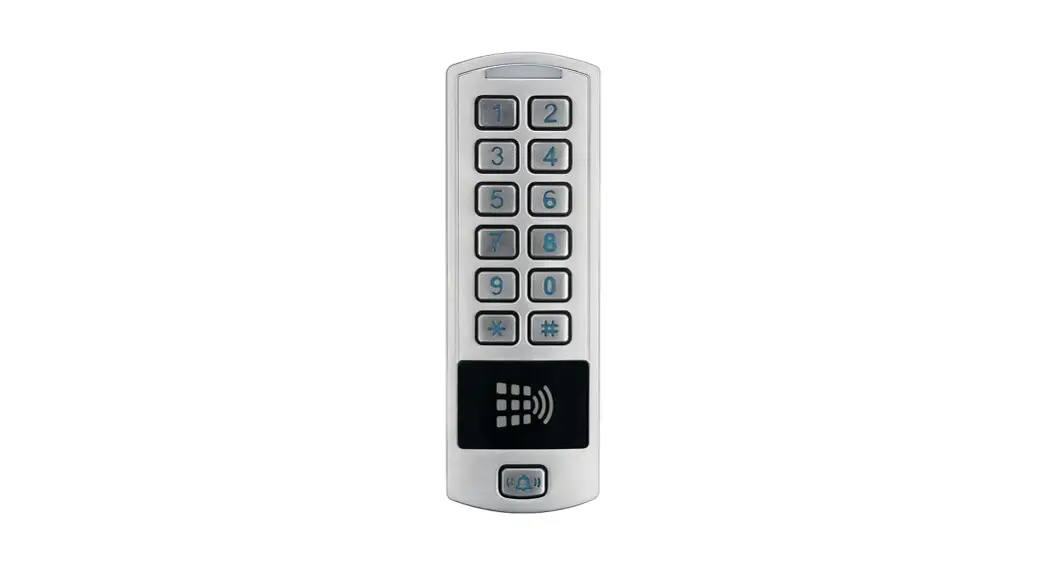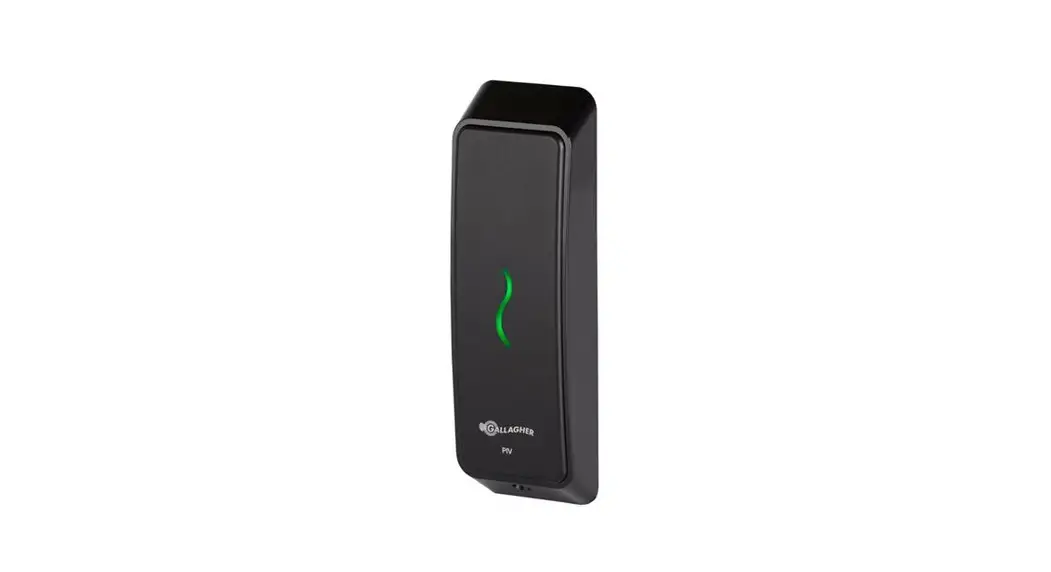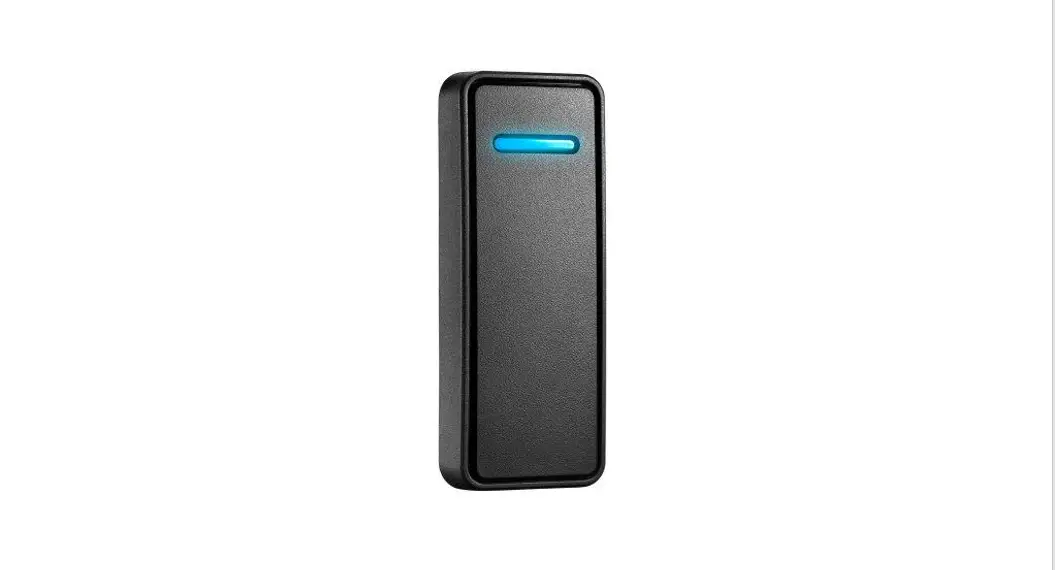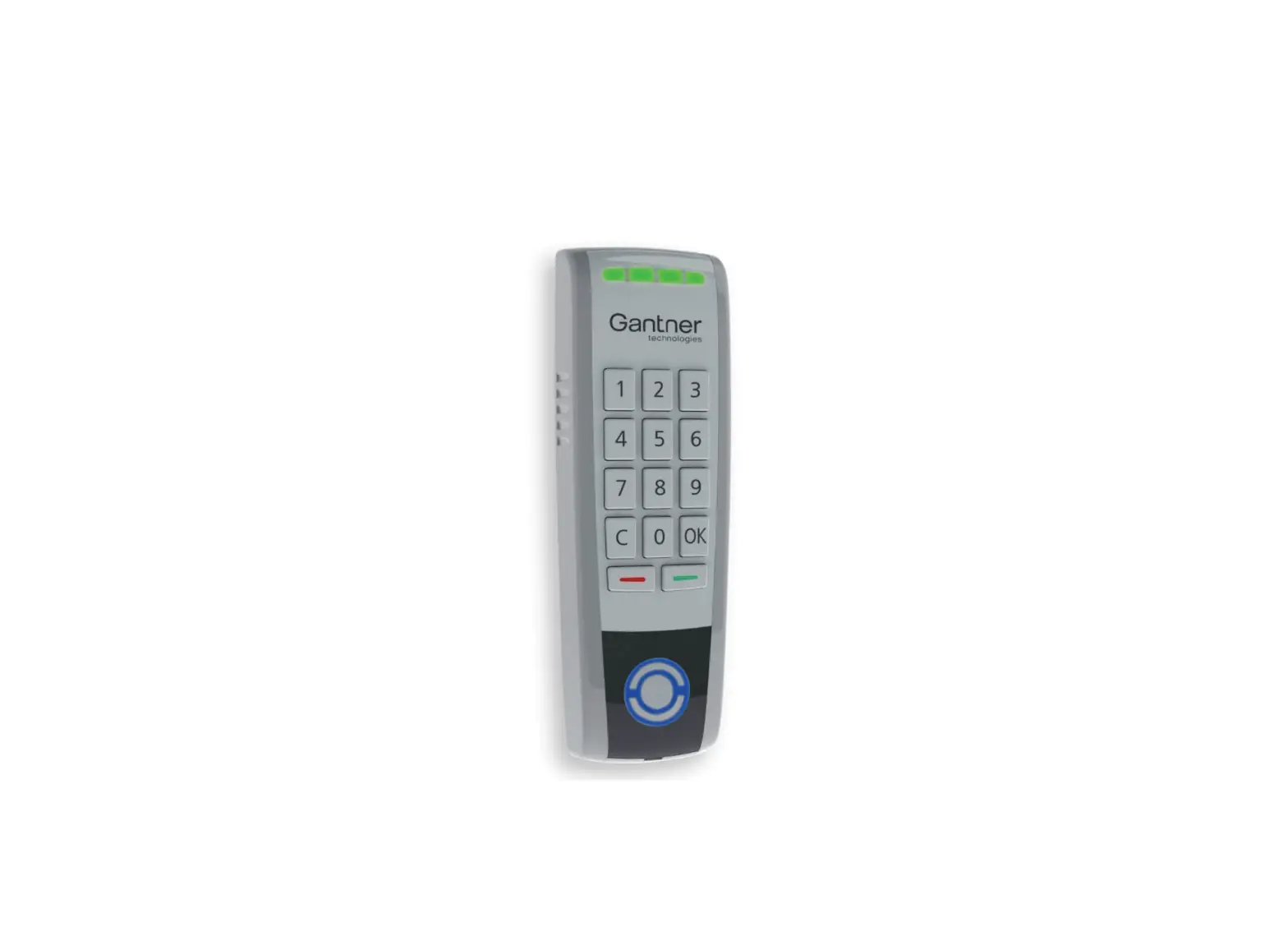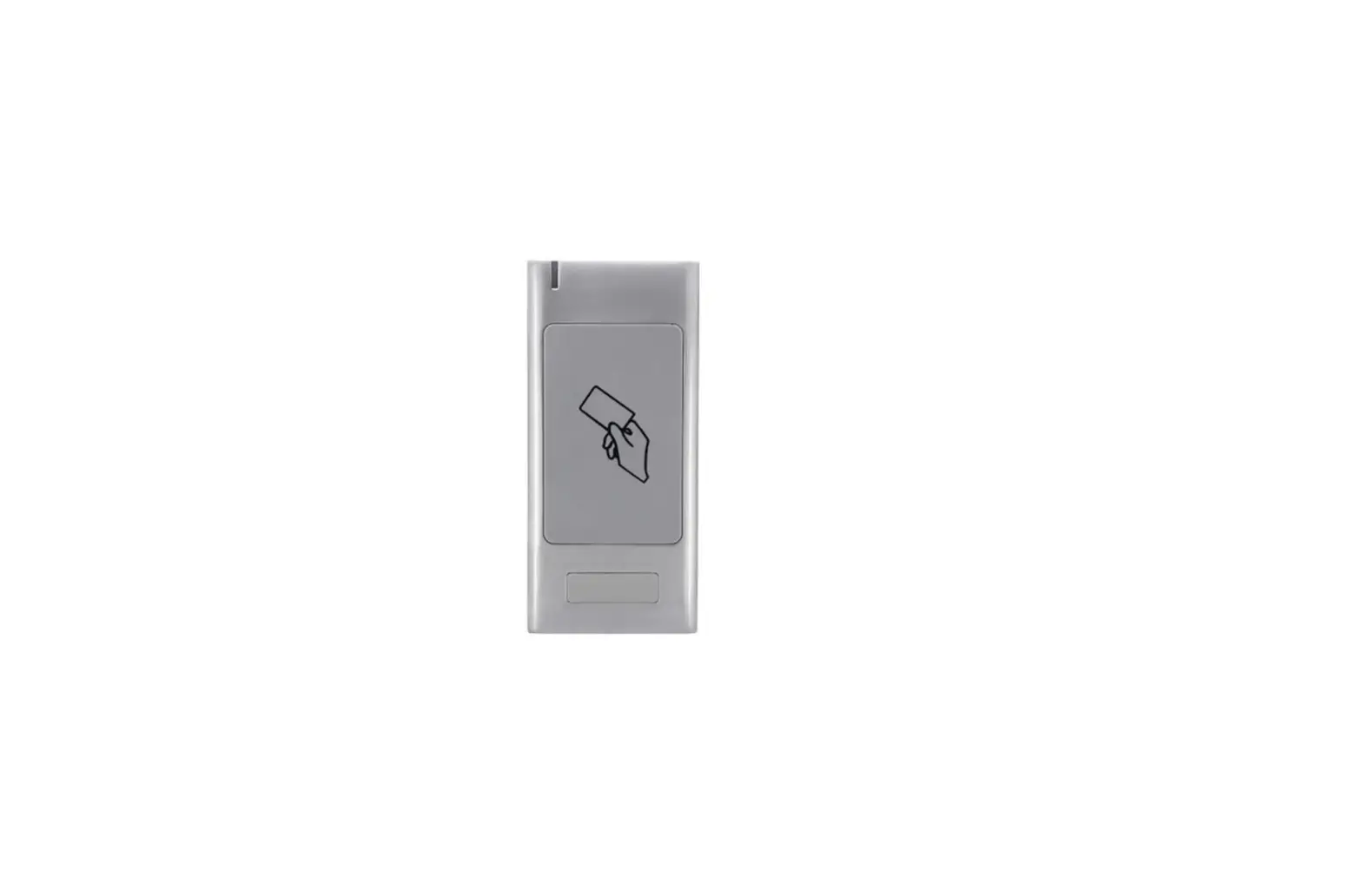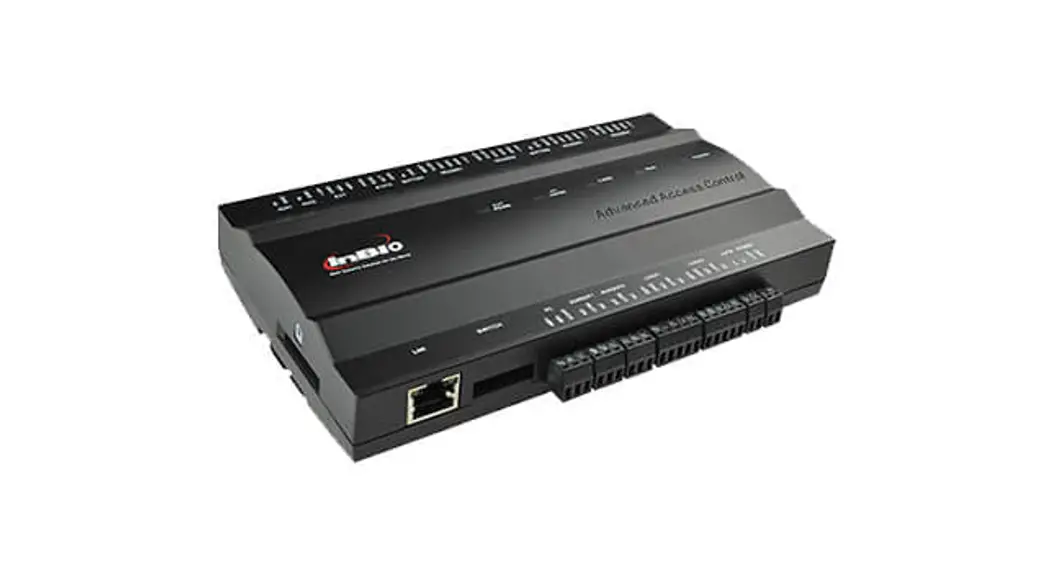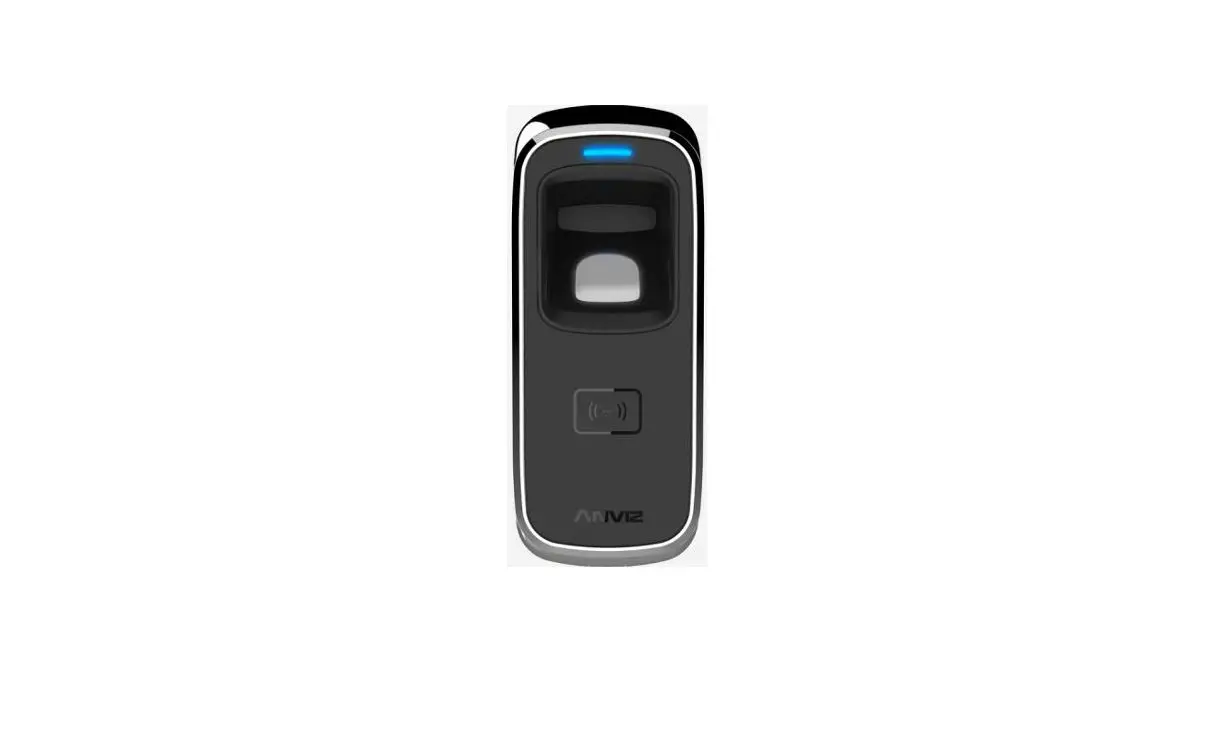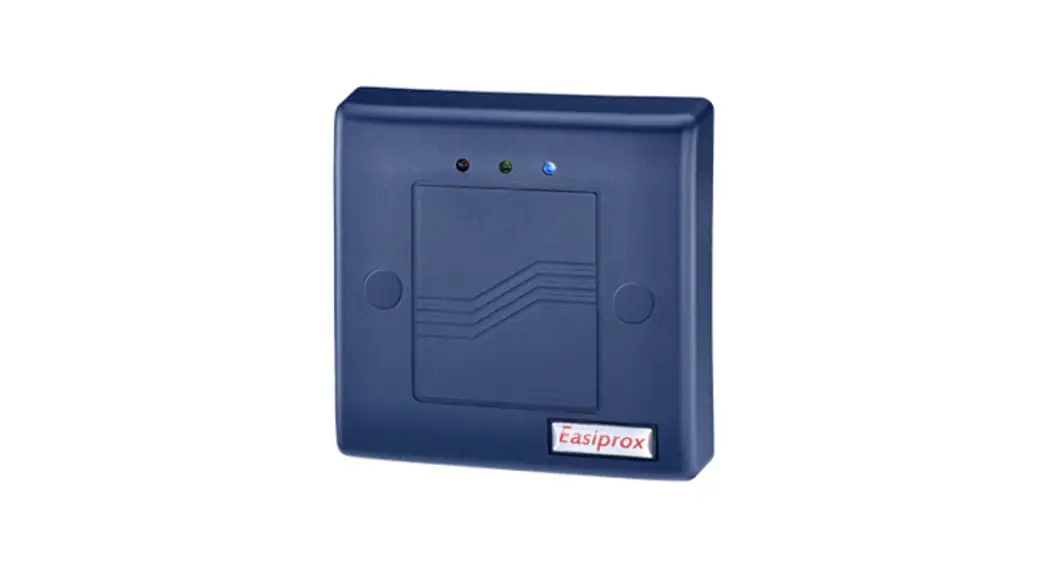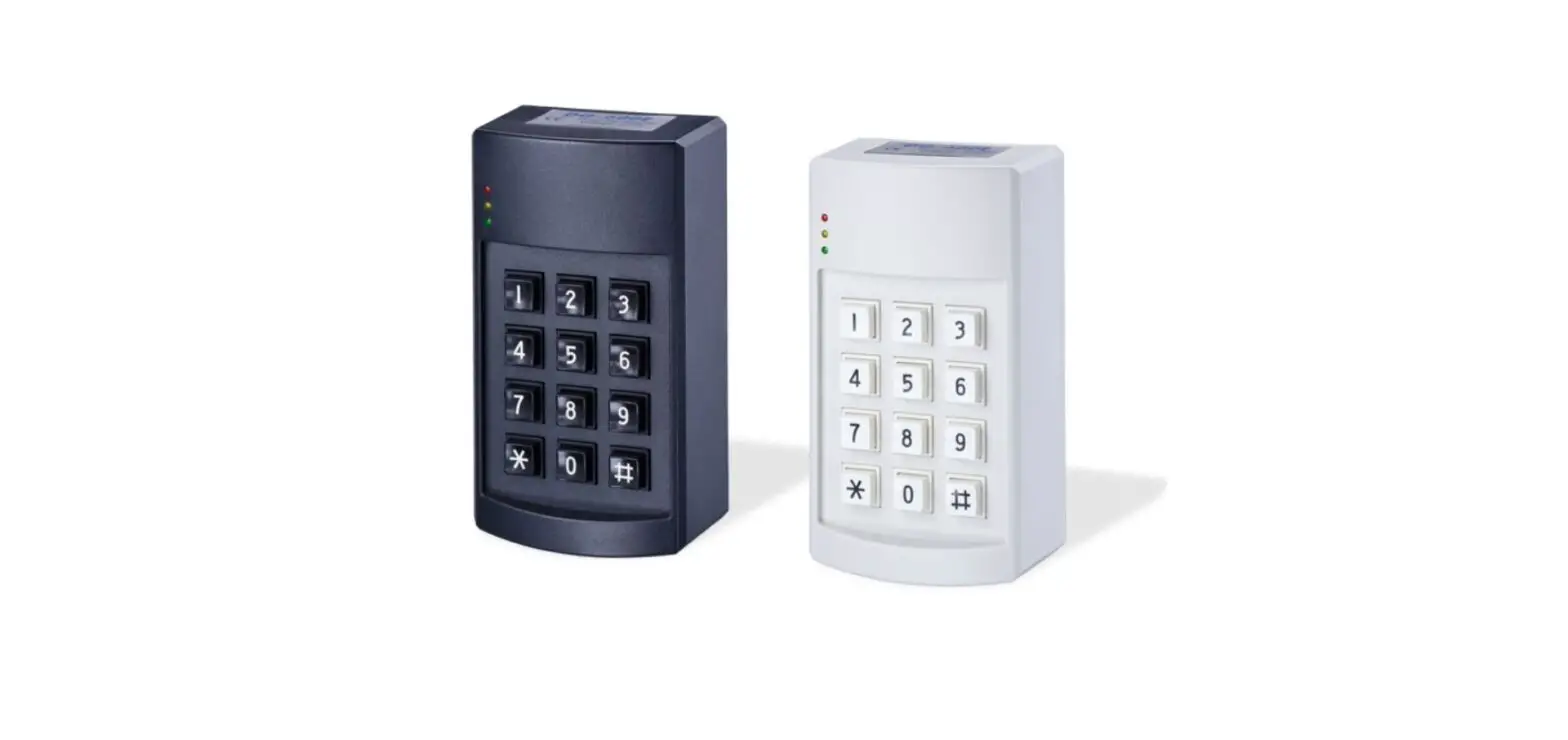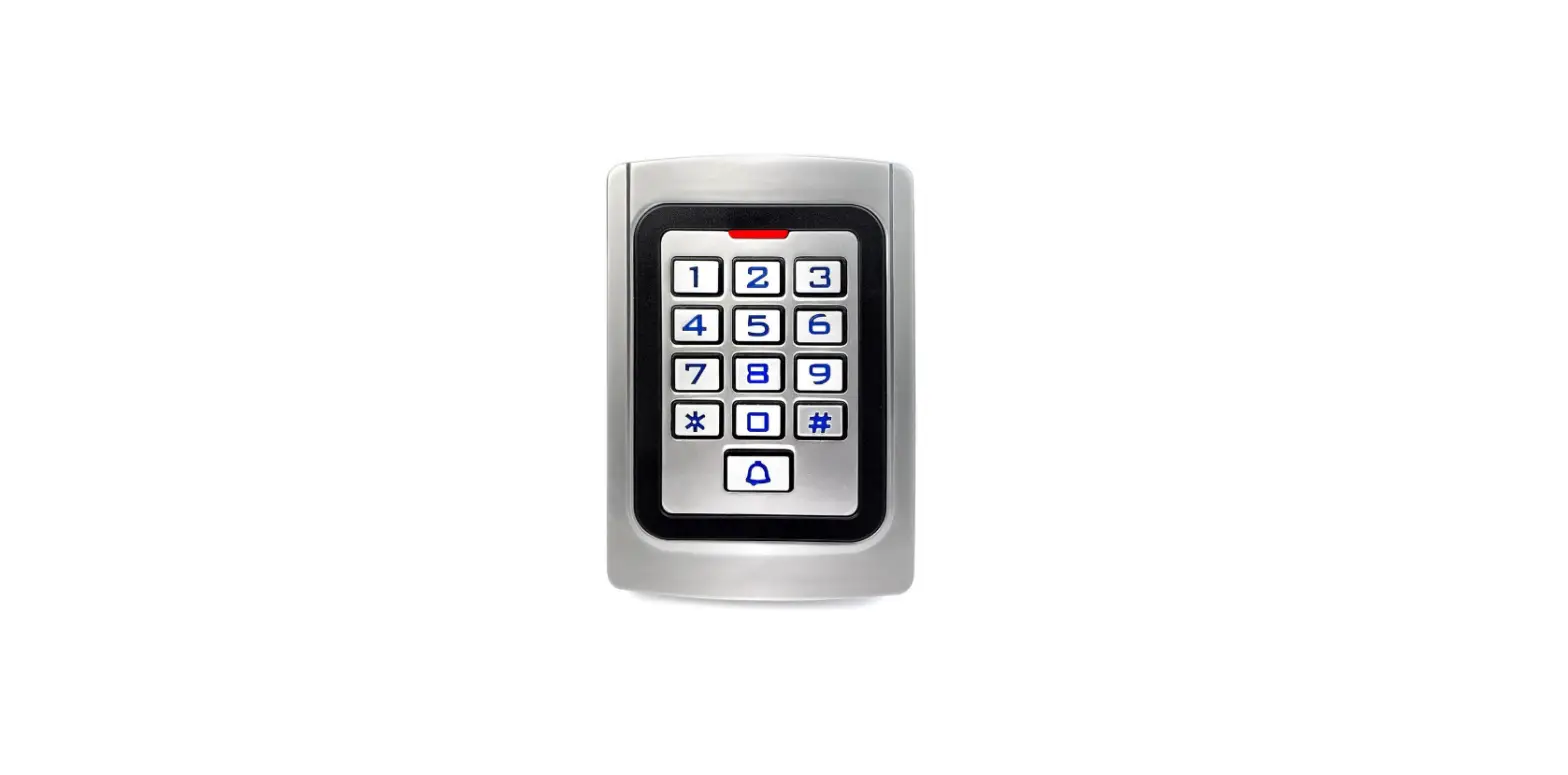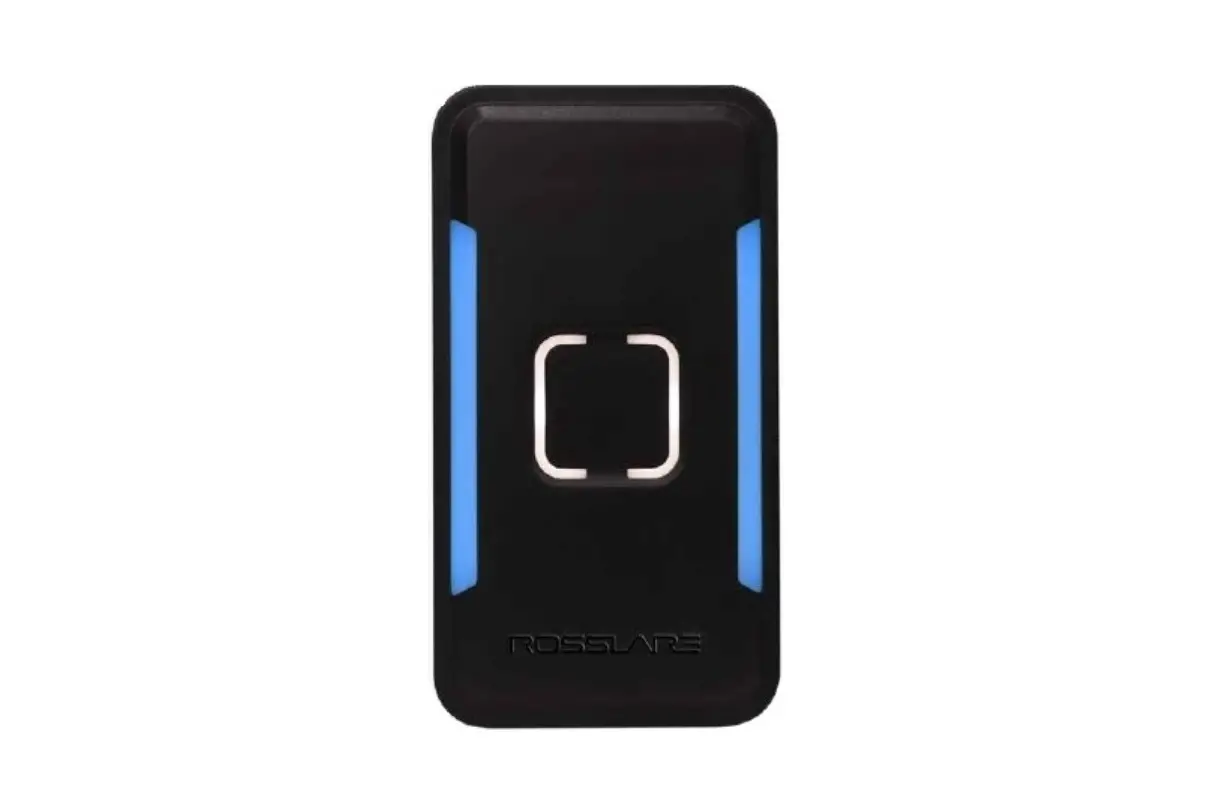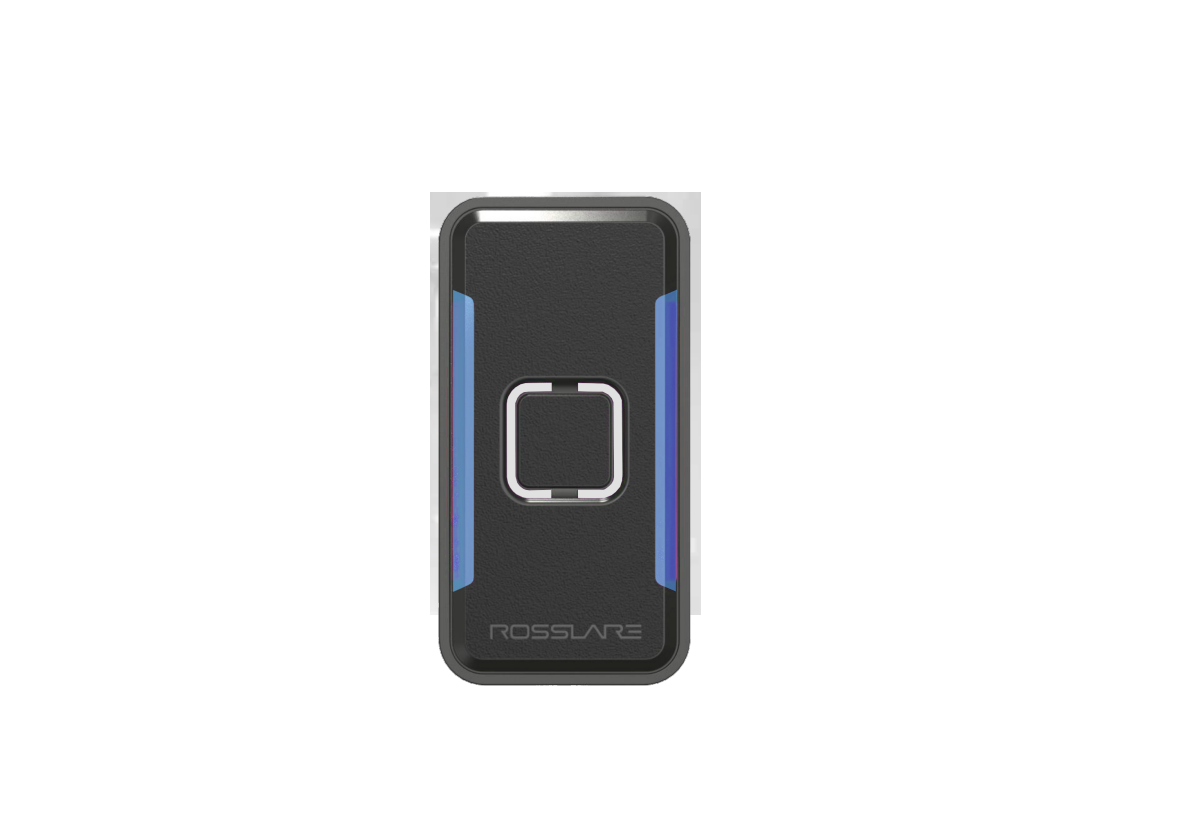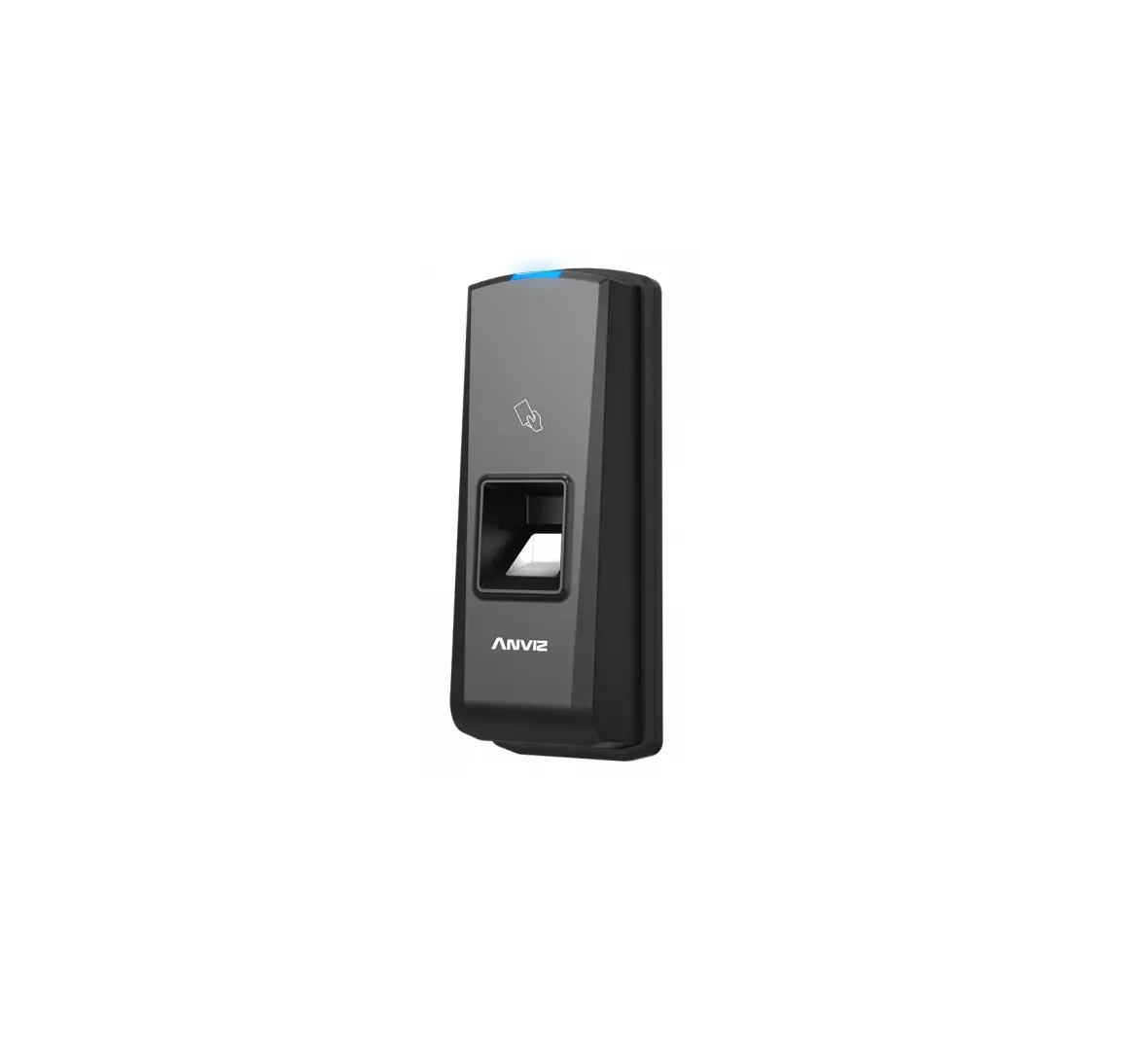
ANVIZ T5 Pro-T5 Professional Access Control Reader

Anviz brand and product are trademarked and protected under law of the United States.
Unauthorized use is prohibited.
For more information, please visit www.anviz.com, or send email [email protected] for more help.
©2018 Anviz Global Inc. All Rights Reserved.
Contents hide
Package list
|
|
|
|
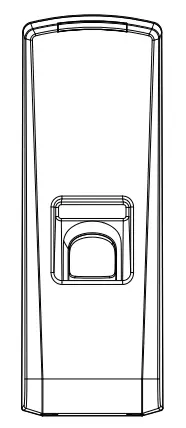 Reader
 Instruction Package
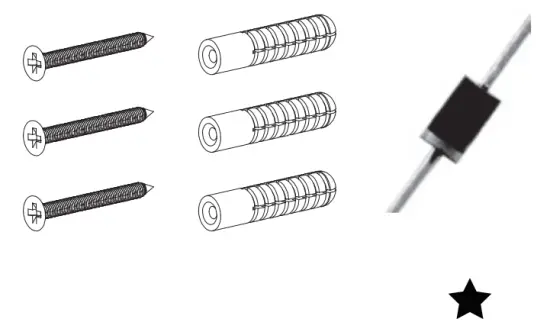 Accessory Package
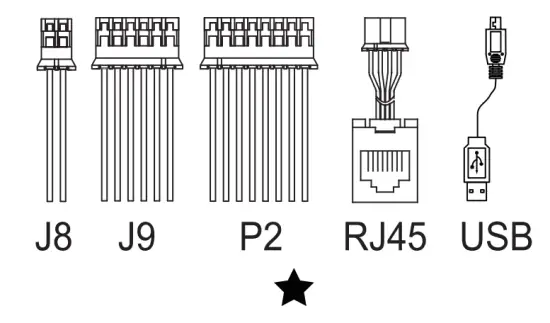 Connector Jack
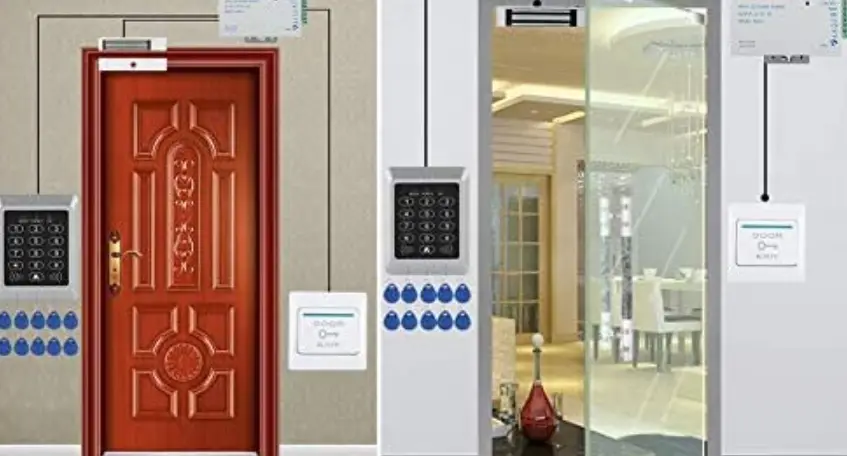
Installation Diagram
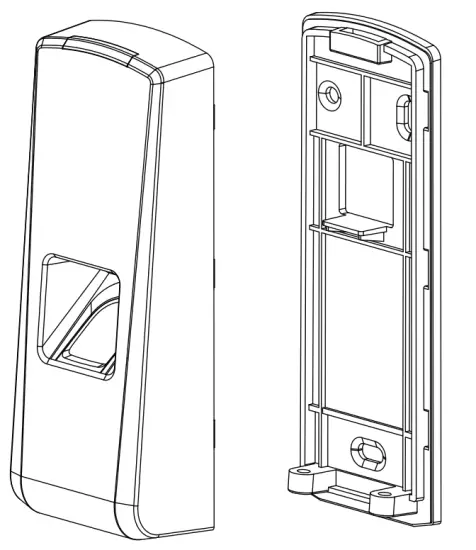
Installation Steps:
- Drill holes in the wall and follow the hole position on back panel.
- Install and fix back panel, connect related cables.
- Fix access control reader.
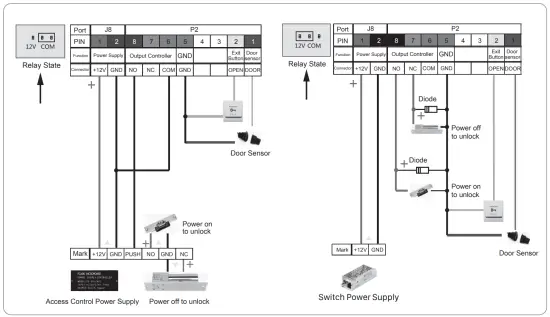
Wiring Instruction
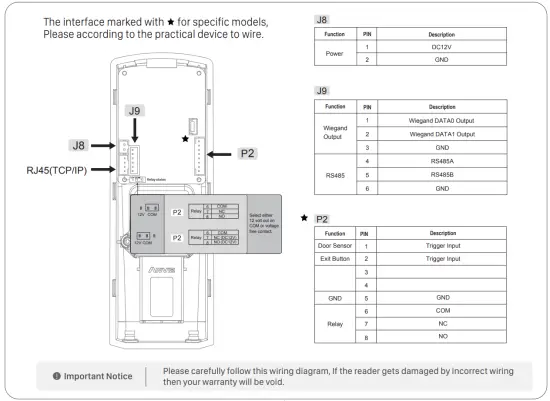
Access Control Reader & Power Supply
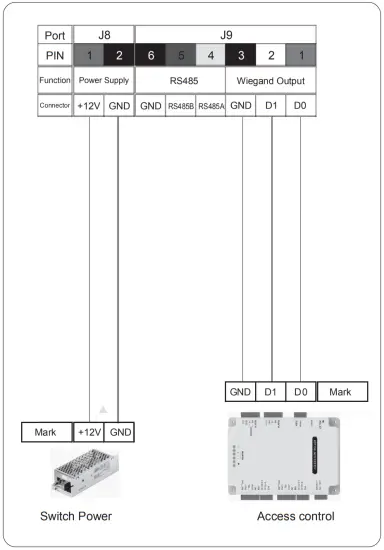
Access Control Reader & Controller
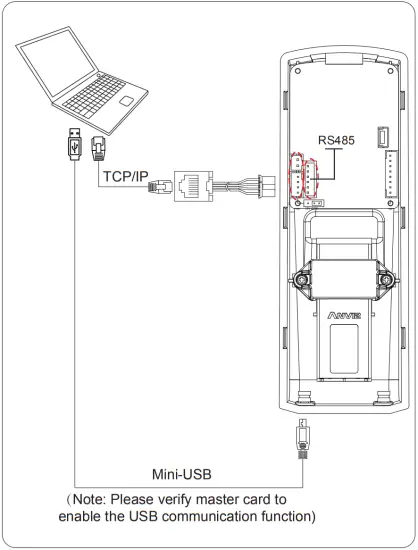
Communicate with PC
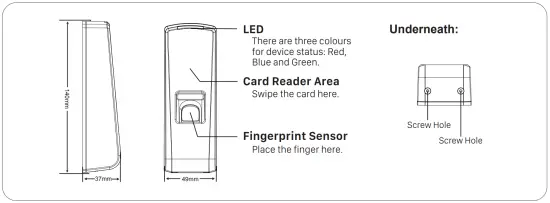
Reader Appearance
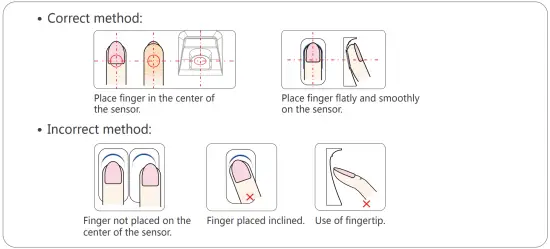
lllustration for placing finger
Operation Guide
- Power On:
Power the device by DC 12V and blue LED flashes fast and Fingerprint Sensor lights with beeps.
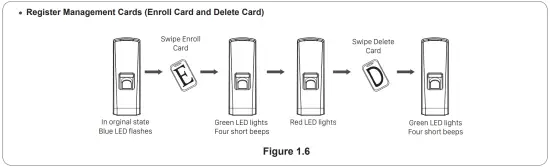
There are 4 cards in the package: Enroll Card Delete Card
  User Card * 2
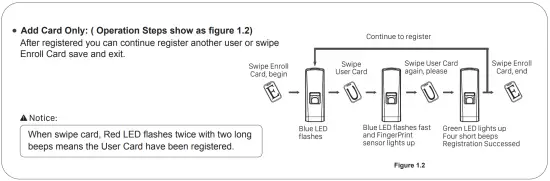
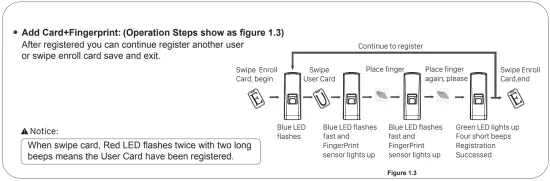
 - User registration:


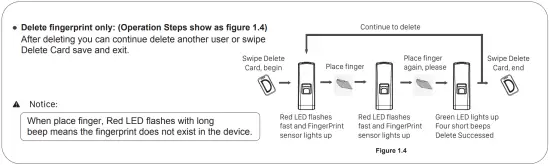
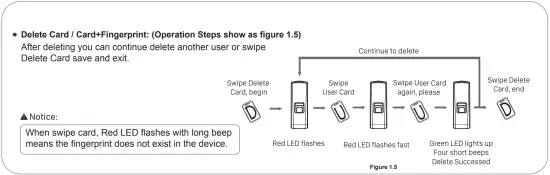
- Delete User:


 Delete Card
  User Card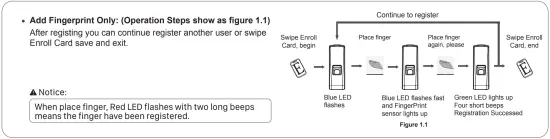
 Anviz Global | Powering a Smarter World